
- Altersfreigabe4+
- KategorieProduktivität
- EntwicklerFernando Putallaz
- SprachenEnglisch+ 1 weitere
- Größe4,5 MB
WhattaRAG ist bei App Store derzeit möglicherweise nicht verfügbar
Bei unserer letzten Prüfung war der Store-Eintrag nicht erreichbar. Der Link führt weiterhin zur offiziellen App Store-Seite.
Screenshots


Info
Der Entwickler hat diesen Text nicht in Ihrer Sprache bereitgestellt.
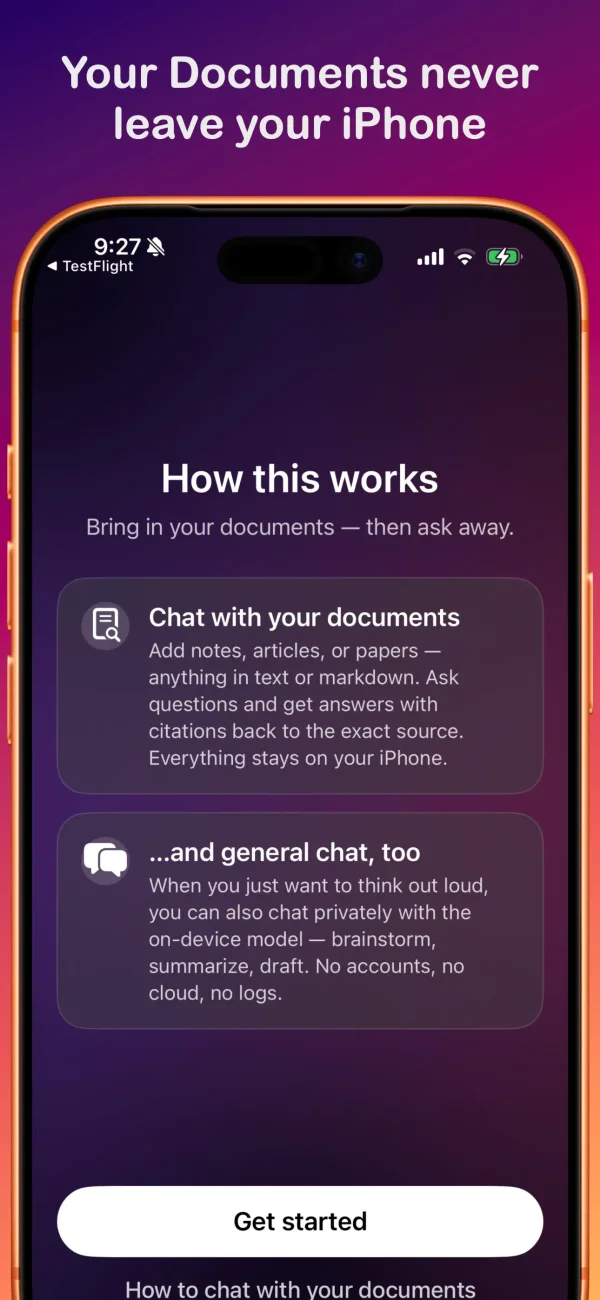
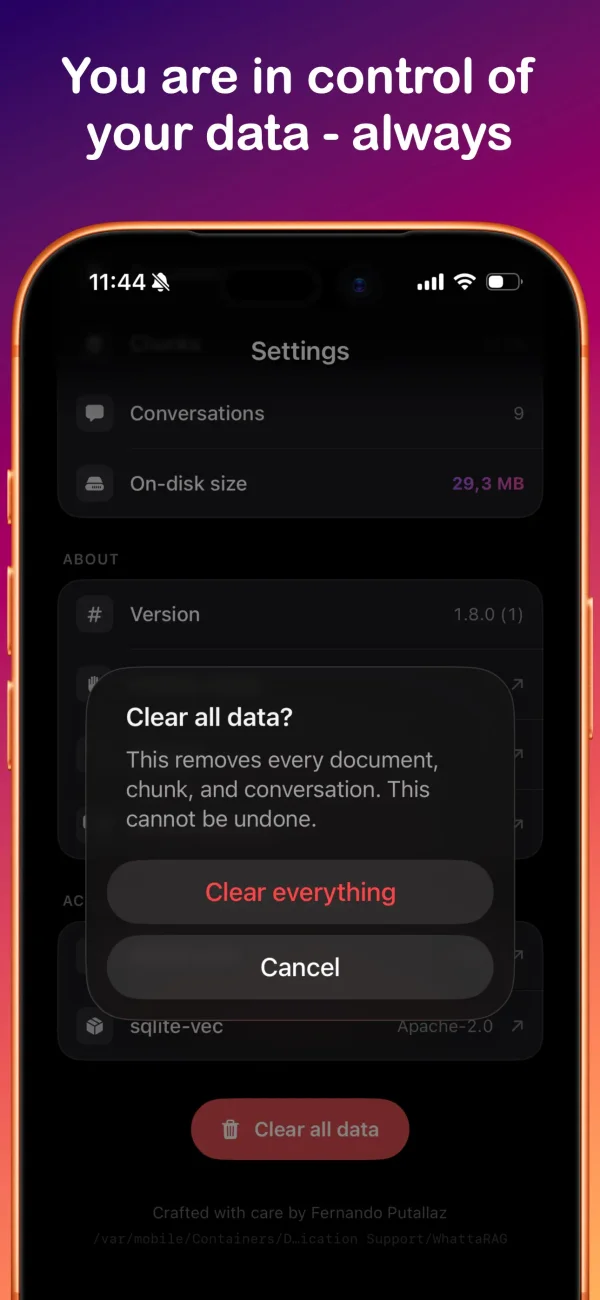
WhattaRAG answers questions about your own documents, entirely on your iPhone.
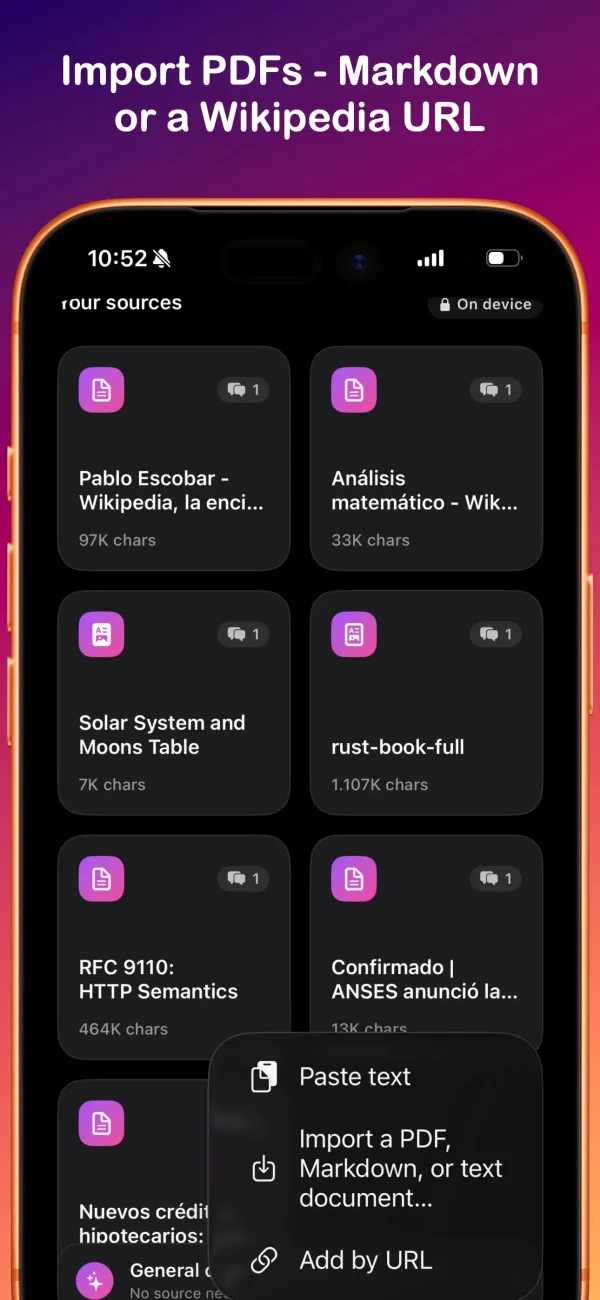
Add a document — a PDF, a Markdown or text file, a link to an article, or text you paste in — and ask about it in plain language. Answers come back with citations to the exact passages they came from, so you can check the source rather than trust the model.
Everything runs on the device
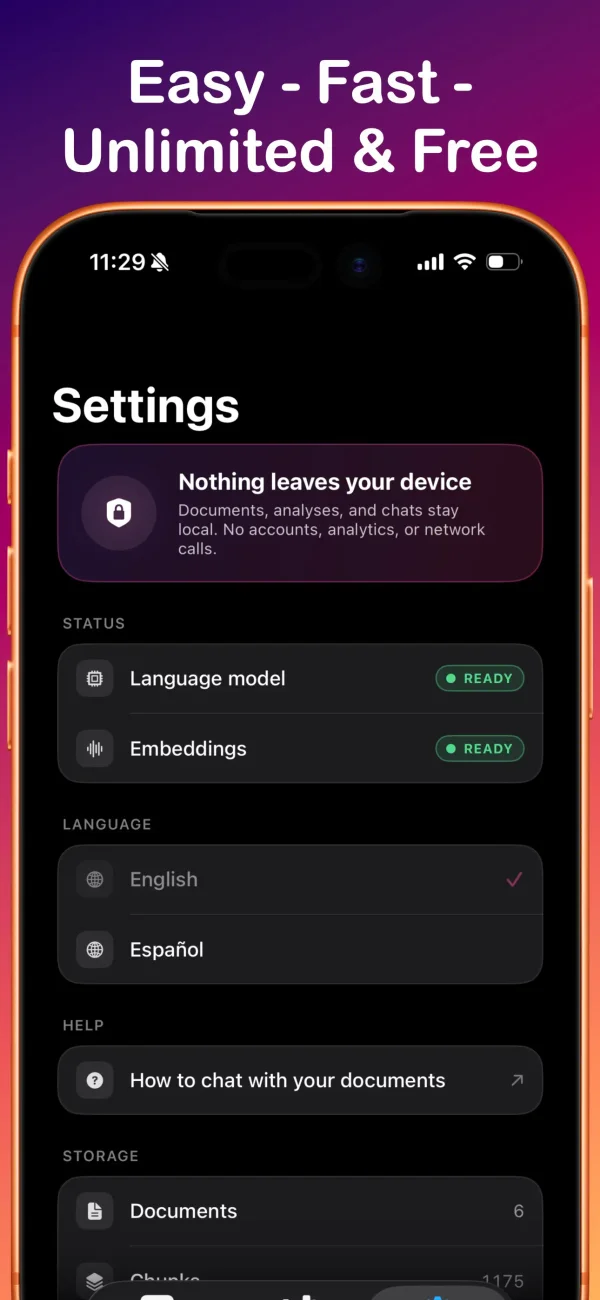
The model, the search, and the document database all live on your iPhone. There are no accounts, no sign-in, no analytics, no crash reporters, and no advertising SDKs. Your documents and conversations are never uploaded, and the app works in airplane mode.
The one exception is Add by URL: when you paste a link, the app fetches that page so it can read it. That is the app's only outbound network request, it happens only when you ask for it, and the fetched text is then stored on device like any other document.
What it's good at
• Finding a specific fact in a long document and citing where it came from
• Questions about one section, one clause, one table, one paragraph
• Reference material you return to — handbooks, papers, contracts, manuals, documentation
• Working offline, on a plane, or anywhere you would rather not send a document to a server
What it isn't
It isn't a general chatbot, and it won't answer from outside your documents. Broad questions across an entire document — "summarize everything", "which is best", "how many in total" — are the weakest case, because the app reads the most relevant passages rather than the whole text. It tells you when an answer may be incomplete rather than pretending otherwise.
Built native
100% native Swift and SwiftUI, around 4 MB. No web view, no bundled runtime, no JavaScript bridge. That's why it launches instantly and why it's small.
Now in English and Spanish.
Neue Funktionen
Version 1.8.0 · 15.09.2026
Three new ways to get things into WhattaRAG - and the whole app now speaks Spanish.
PDF import
Bring in a PDF from Files and ask questions about it. The text is extracted on your iPhone, and the file is never uploaded anywhere.
Add by URL
Paste a link and WhattaRAG pulls the article in as a document. Fetching the page is the app's first and only outbound request — it happens when you paste a link, and never at any other time. Once the text is stored, everything after that is on-device as before.
Español
The app is fully localized in Spanish — every screen, label, and error, not just the main flows. Switch language in Settings.
Also in this release
• One place to add a document: file import, URL, and pasted text now share a single picker.
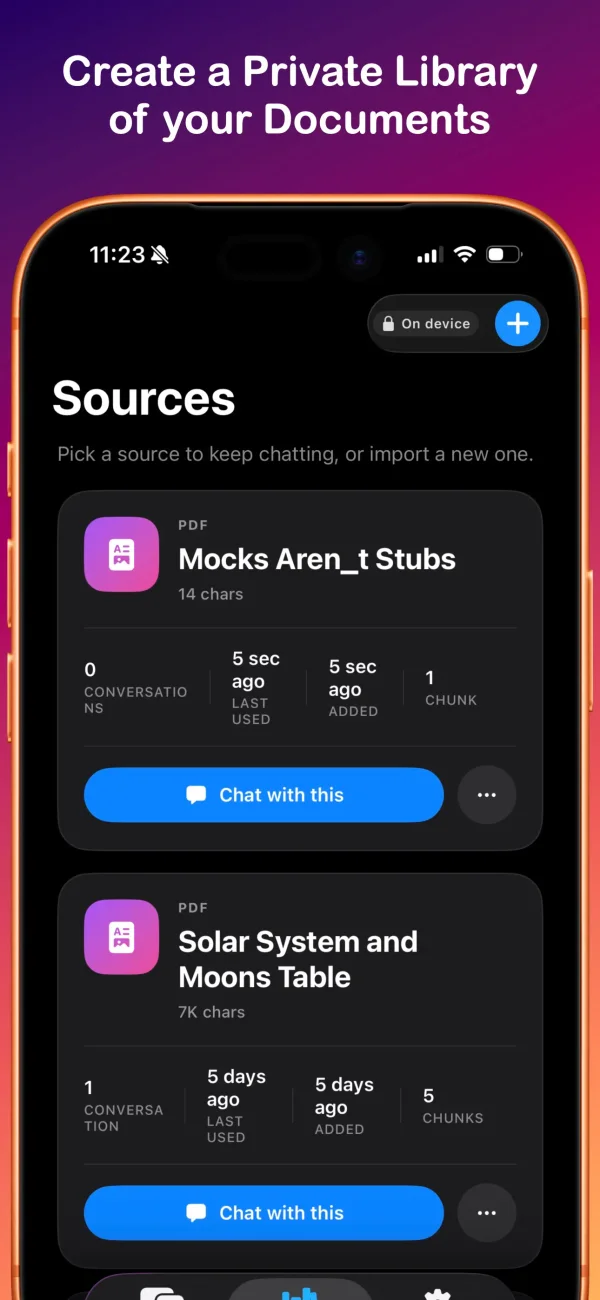
• Each document shows how many passages it was split into, so you can see what the app is actually working with.
• Tap the conversation count on a document to jump straight back into your most recent conversation about it.
• Long and dense documents no longer fail to answer — a document too large to read at once now falls back to passage retrieval instead of giving up.
• Better refusals: more of the cases where a document genuinely doesn't contain the answer now say so, instead of guessing.
Known limits, stated plainly: WhattaRAG reads the most relevant passages rather than the whole document, so "summarize everything" style questions can still come back incomplete — the app warns you when it thinks that happened. Answer quality on questions a document doesn't cover is still improving, and that work continues.
App-Datenschutz
Was Fernando Putallaz im App Store zum Umgang dieser App mit Daten angibt.
-
Keine Daten erfasst
Der Entwickler erfasst keine Daten von dieser App.
Die Datenschutzpraktiken können variieren, zum Beispiel je nach den von Ihnen verwendeten Funktionen oder Ihrem Alter.
Informationen
- Anbieter
- Fernando Putallaz
- Kategorie
- Produktivität
- Version
- 1.8.0
- Aktualisiert
- 15.09.2026
- Veröffentlicht
- 10.06.2026
- Größe
- 4,5 MB
- Erfordert
- iOS 26.0 oder neuer
- Altersfreigabe
- 4+
- Sprachen
- Englisch, Spanisch
- Copyright
- © 2026 Fernando Putallaz
Das könnte Ihnen auch gefallen
-
 MMVault — Provable AI MemoryProduktivität
-
 WakeUp AIProduktivität
-
 HouseHarmony: Chores & TasksSplit household chores fairly
-
 LumiBudProduktivität
-
 MindVault AIProduktivität
-
 Typtic Typst EditorProduktivität
-
 Ogma AI: Offline AI ChatProduktivität
-
 Vesela: AI Thought PartnerProduktivität
-
 OpenIntelligenceProduktivität
-
 i41CX+Produktivität