PassKeeper - Password Tool
Offline & Encrypted · Face ID
Entwickelt für iPhone, iPad, iPod touch
Kostenlos
- Altersfreigabe4+
- KategorieDienstprogramme
- Entwickler东申 王
- SprachenEnglisch+ 21 weitere
- Größe12,9 MB
Verlinkt auf die offizielle App Store-Seite
Download.org hostet keine Datei von PassKeeper - Password Tool. Die Schaltfläche öffnet die App-Seite bei App Store, wo 东申 王 die App veröffentlicht. Eintrag zuletzt geprüft am 13.11.2026.
Screenshots

Info
Der Entwickler hat diesen Text nicht in Ihrer Sprache bereitgestellt.
The more accounts you create, the messier your passwords get: plain text in Notes, forgotten browser logins, card numbers buried in chat history. One leak can cost far more than a single account.
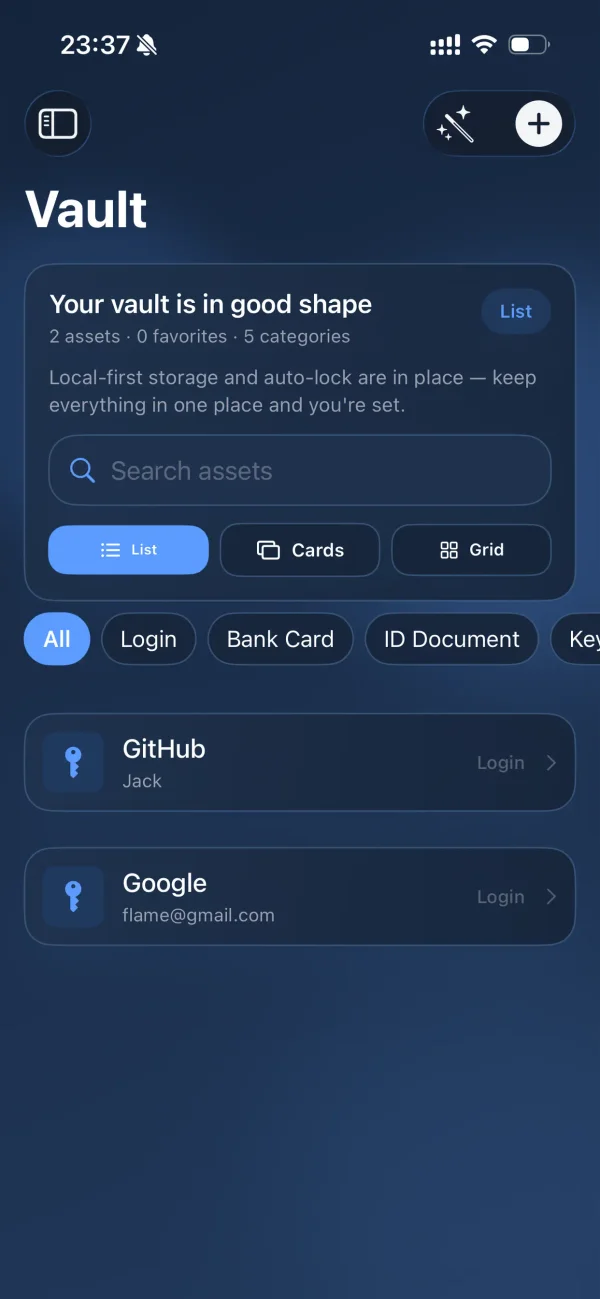
PassKeeper turns your phone into a personal vault for everything digital: logins, bank cards, IDs, two-factor codes and private notes, all encrypted and ready in a tap.
KEY FEATURES
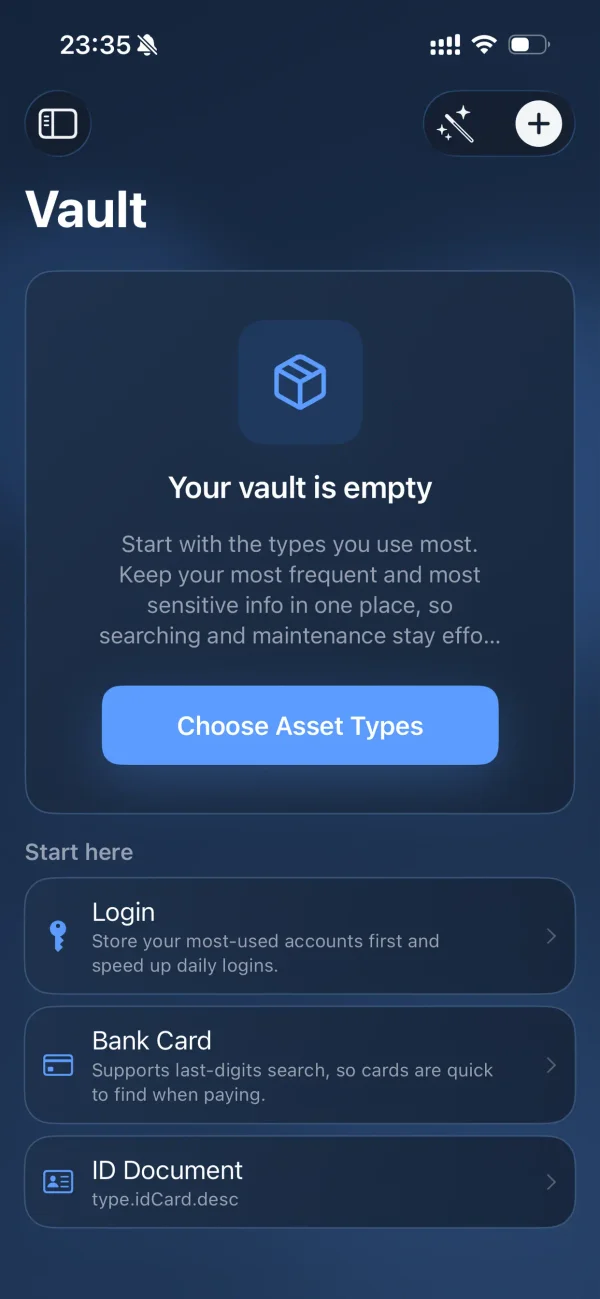
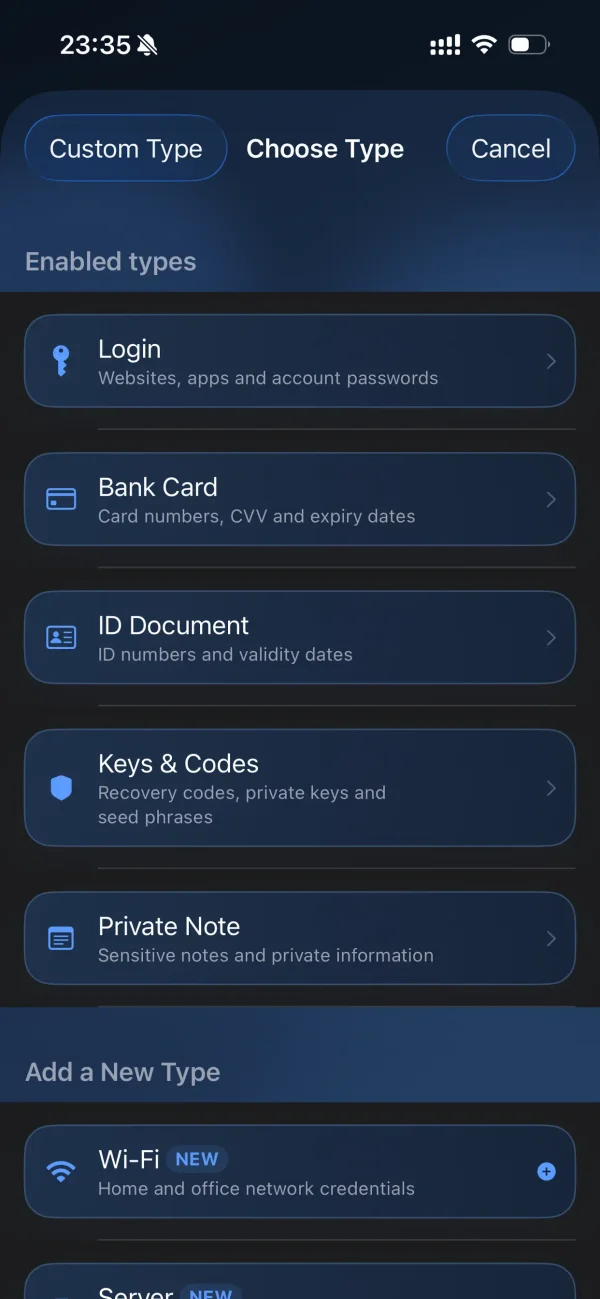
1. Every asset type: logins, bank cards, ID documents, keys and backup codes, private notes, Wi-Fi, servers, memberships, plus fully custom types and fields.
2. Built-in 2FA: one-time codes (TOTP) generated locally in real time, no separate authenticator needed.
3. Strong password generator: set length and character sets, get a strong random password, and spot weak or reused ones at a glance.
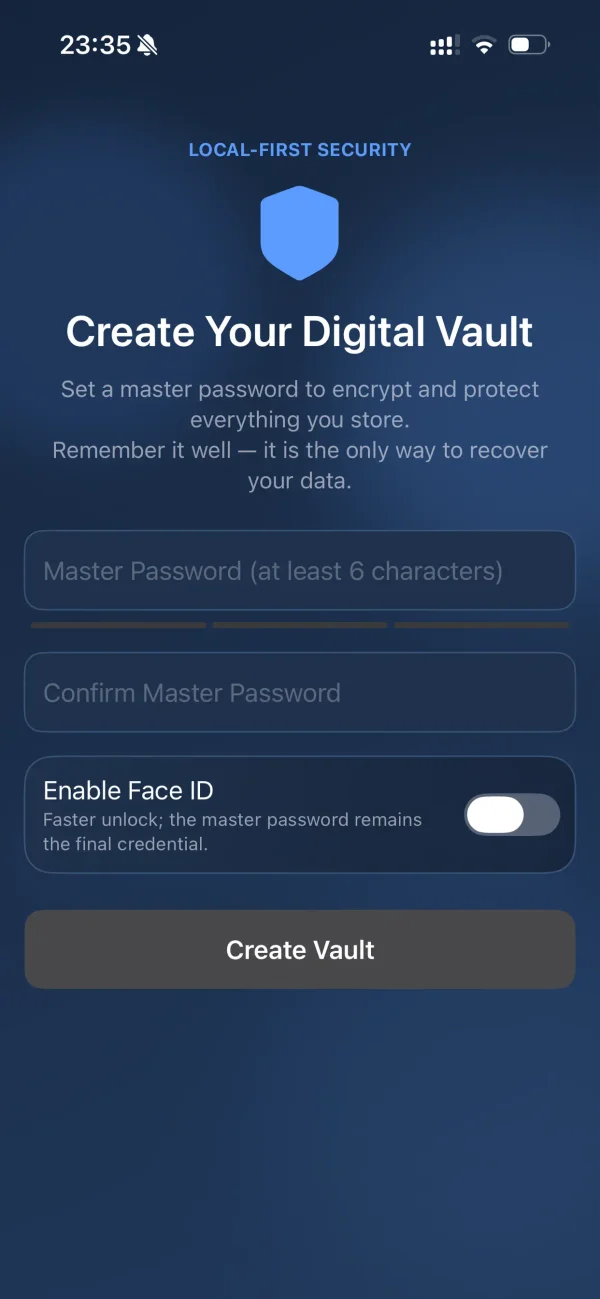
4. Multiple ways to unlock: master password, Face ID, Touch ID or a gesture pattern, with auto-lock you control.
5. Photo attachments: snap cards and receipts; they are encrypted together with each entry.
6. Backup and migration: encrypted backups and export keep your data safe across devices; optional iCloud sync uploads ciphertext only.
7. Thoughtful details: auto-clearing clipboard, privacy screen when you switch apps, and search by the last digits of a card or ID.
WHEN YOU NEED IT
Sign in to work email in the morning with one Face ID glance; pull up ID and card details at the counter; keep 2FA secrets handy and generate codes on the go; look up hotel Wi-Fi passwords instantly; hand your phone to someone else and lock everything in a second.
WHY PASSKEEPER
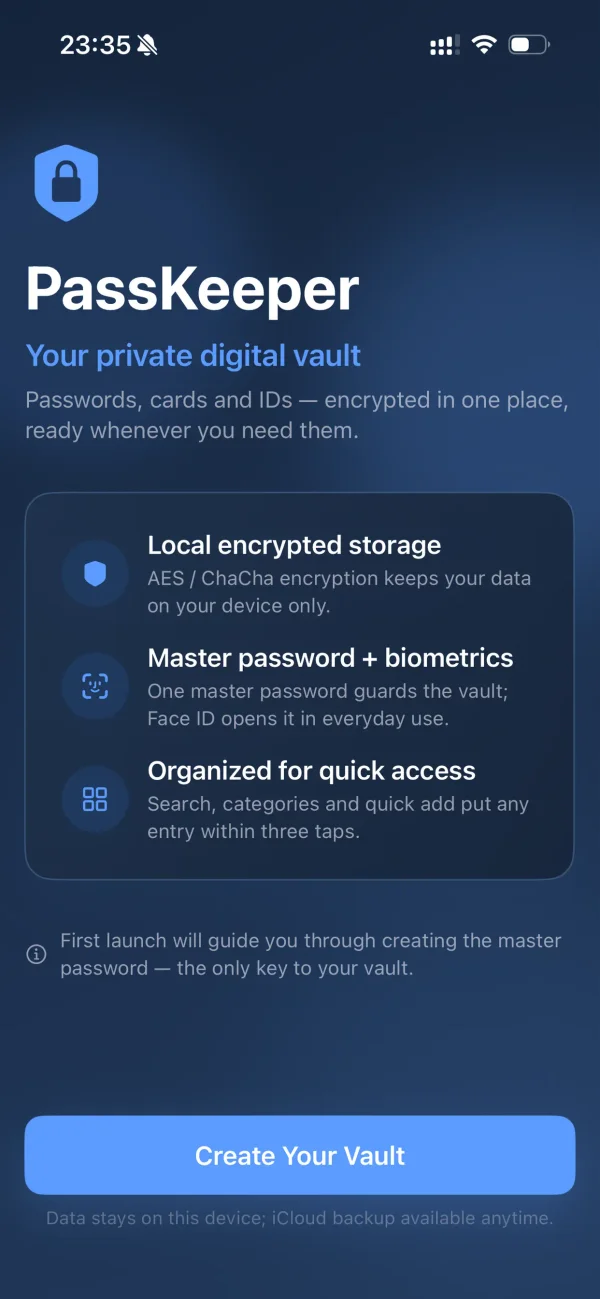
1. Local first: your data stays on your device by default. No servers involved.
2. Ciphertext-only sync: anything synced via iCloud is encrypted on your device first; the cloud never sees plain text.
3. No account, no ads, no tracking: open the app and start, no sign-up required.
4. Fully customizable: more than a password tool, a personal digital asset manager.
5. Transparent cryptography: AES-256-GCM and ChaCha20-Poly1305 authenticated encryption, keys derived from your master password on device and wiped when locked.
OUR PROMISE
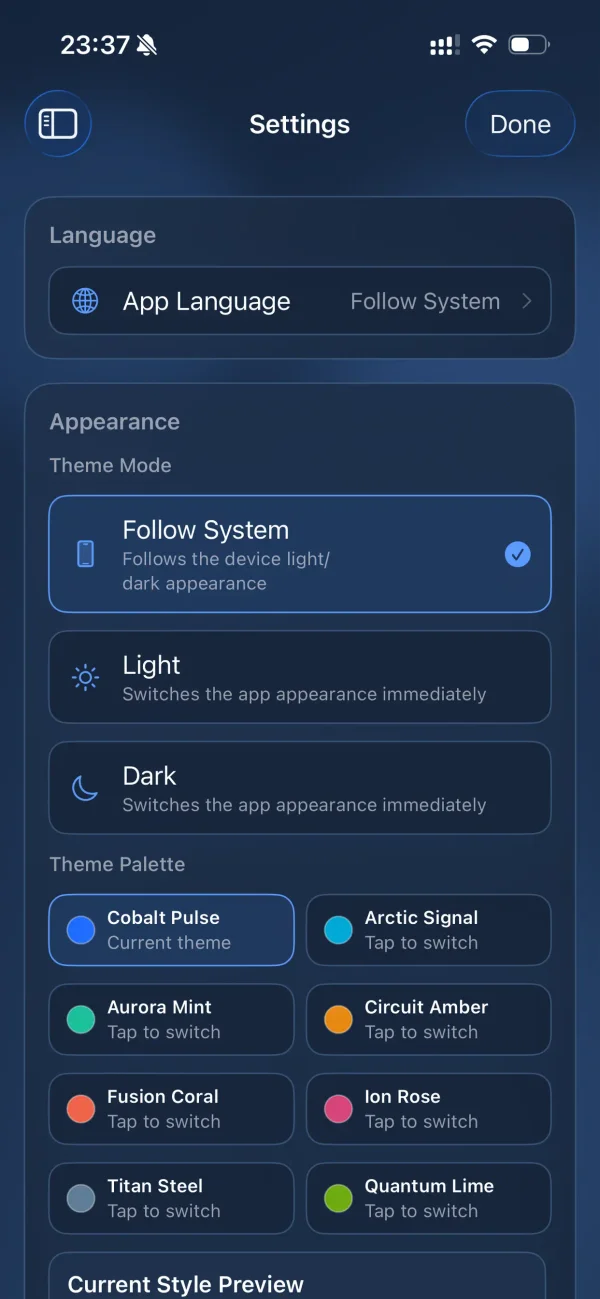
We cannot recover your master password, and that is exactly why nobody can peek at your data. Remember it well: it is the only key to your vault. The app speaks 23 languages including English, Chinese, Japanese, Korean, German, French, Spanish, Portuguese, Russian and Arabic.
Download PassKeeper now and put your digital life in a vault only you can open.
App-Datenschutz
Was 东申 王 im App Store zum Umgang dieser App mit Daten angibt.
-
Keine Daten erfasst
Der Entwickler erfasst keine Daten von dieser App.
Die Datenschutzpraktiken können variieren, zum Beispiel je nach den von Ihnen verwendeten Funktionen oder Ihrem Alter.
Informationen
- Anbieter
- 东申 王
- Kategorie
- Dienstprogramme
- Version
- 1.0
- Aktualisiert
- 23.09.2026
- Veröffentlicht
- 23.09.2026
- Größe
- 12,9 MB
- Erfordert
- iOS 13.0 oder neuer
- Altersfreigabe
- 4+
- Preis
- Kostenlos
- Sprachen
- Englisch, Arabisch, Dänisch, Niederländisch, Französisch, Deutsch, Hindi, Indonesisch, Italienisch, Japanisch, Koreanisch, Norwegisch (Bokmål) + 10 weitere
- Copyright
- © 2026@Wang Dongshen
Das könnte Ihnen auch gefallen
-
 密枢 Passkey - 密码安全管家Dienstprogramme
-
 兰台秘典 - 密码管理器Dienstprogramme
-
 My Passwords: Password ManagerDienstprogramme
-
 keyPlex – Passwort-ManagerPasswörter sicher verwalten
-
 密码柜 - 密码记录工具Dienstprogramme
-
 PassGuard: Password VaultDienstprogramme
-
 Password Tool HelpDienstprogramme
-
 Time Vault: Memory CapsuleSave moments to unlock later
-
 TimeLocked: SelbstkontrollePasswort vor dir wegschließen
-
 KeyMe Pass - Password ManagerDienstprogramme