PassKeeper - Password Tool
Offline & Encrypted · Face ID
iPhone, iPad, iPod touch向けに設計
無料
- 対象年齢4+
- カテゴリユーティリティ
- 開発元东申 王
- 言語英語ほか21言語
- サイズ12.9 MB
App Storeの公式ページにリンクしています
Download.orgはPassKeeper - Password Toolのファイルを一切ホストしていません。ボタンを押すと、东申 王が公開しているApp Storeのアプリページが開きます。ページの最終確認:2026/11/13。
スクリーンショット

概要
開発元はこのテキストをお使いの言語で提供していません。
The more accounts you create, the messier your passwords get: plain text in Notes, forgotten browser logins, card numbers buried in chat history. One leak can cost far more than a single account.
PassKeeper turns your phone into a personal vault for everything digital: logins, bank cards, IDs, two-factor codes and private notes, all encrypted and ready in a tap.
KEY FEATURES
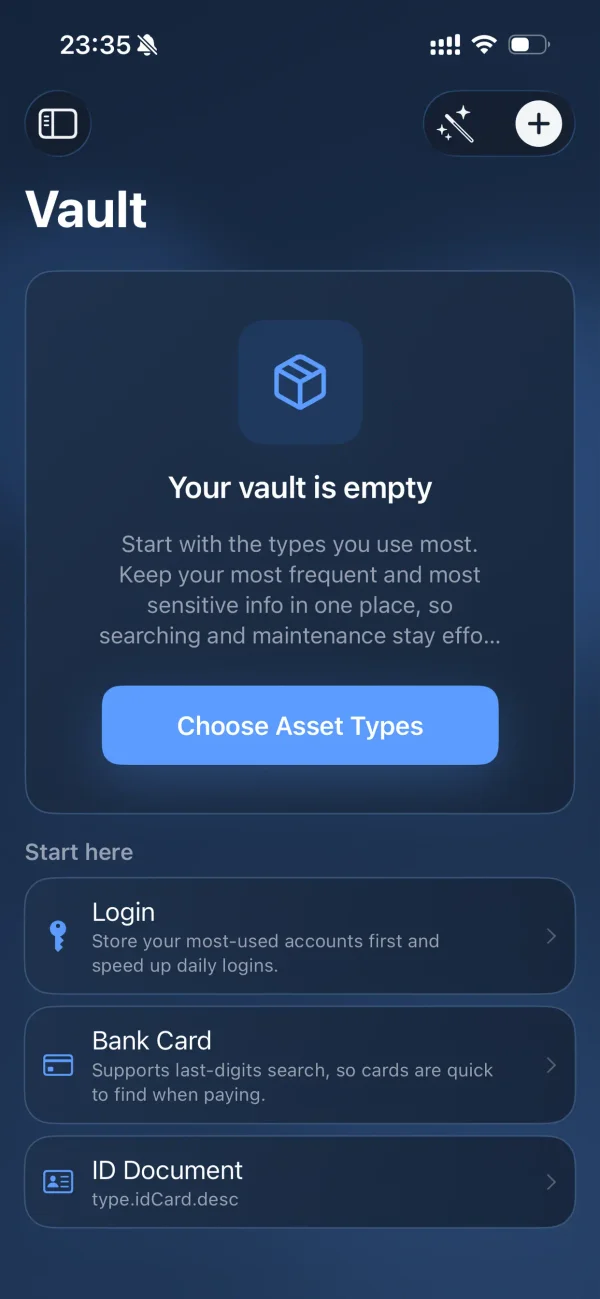
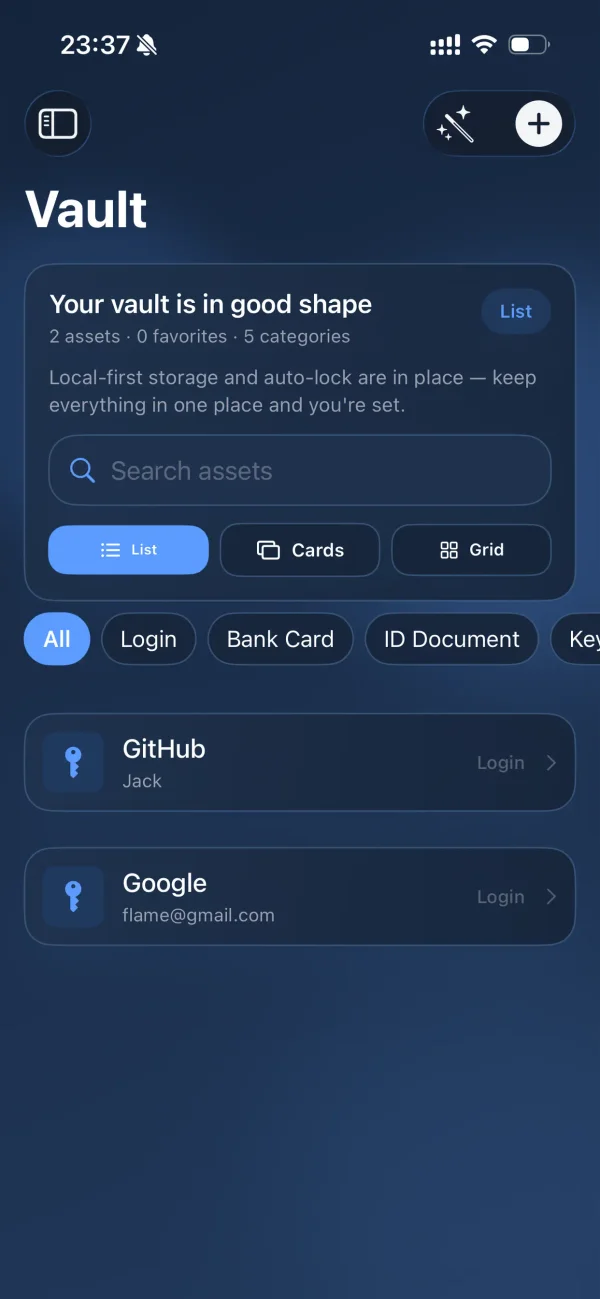
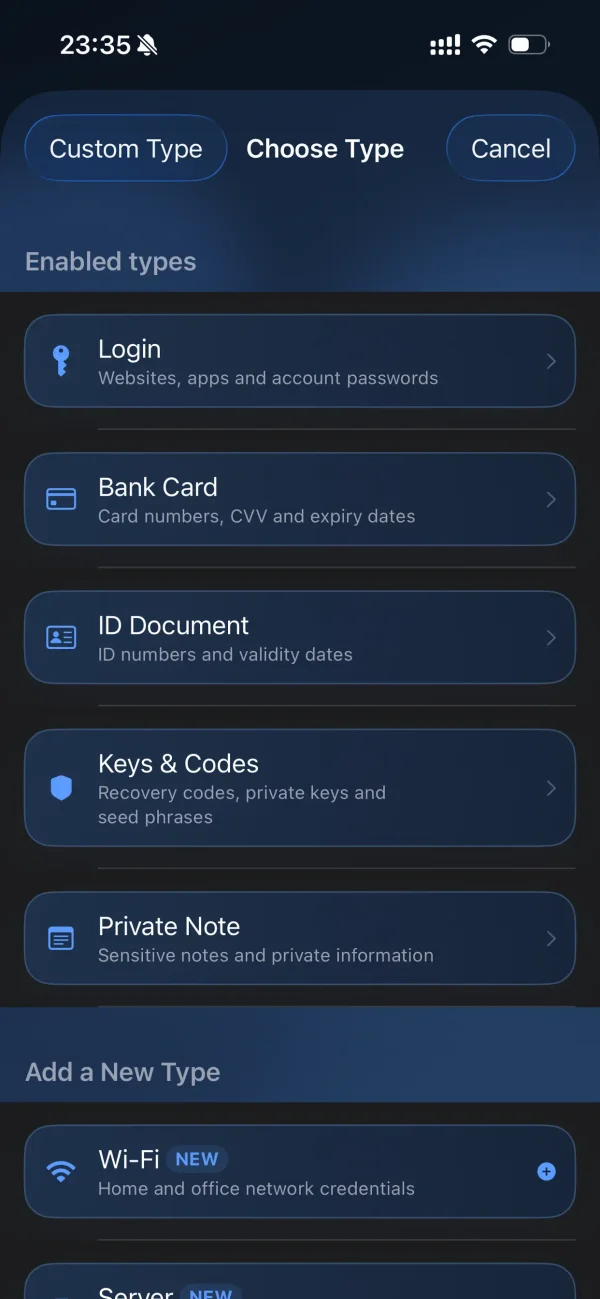
1. Every asset type: logins, bank cards, ID documents, keys and backup codes, private notes, Wi-Fi, servers, memberships, plus fully custom types and fields.
2. Built-in 2FA: one-time codes (TOTP) generated locally in real time, no separate authenticator needed.
3. Strong password generator: set length and character sets, get a strong random password, and spot weak or reused ones at a glance.
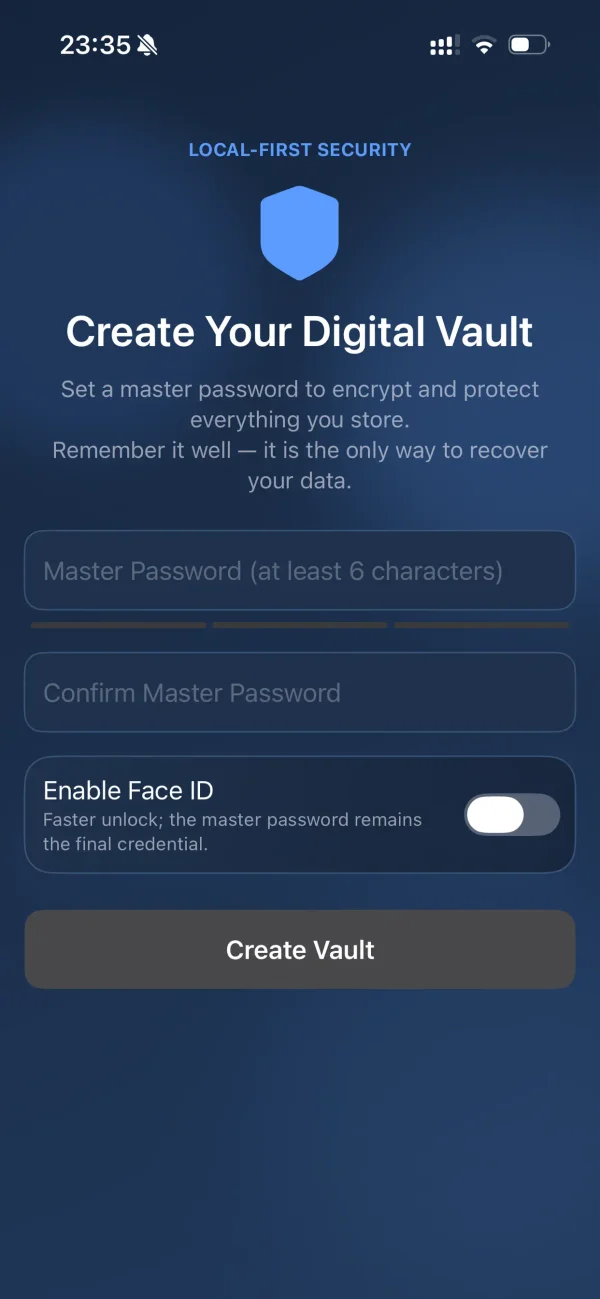
4. Multiple ways to unlock: master password, Face ID, Touch ID or a gesture pattern, with auto-lock you control.
5. Photo attachments: snap cards and receipts; they are encrypted together with each entry.
6. Backup and migration: encrypted backups and export keep your data safe across devices; optional iCloud sync uploads ciphertext only.
7. Thoughtful details: auto-clearing clipboard, privacy screen when you switch apps, and search by the last digits of a card or ID.
WHEN YOU NEED IT
Sign in to work email in the morning with one Face ID glance; pull up ID and card details at the counter; keep 2FA secrets handy and generate codes on the go; look up hotel Wi-Fi passwords instantly; hand your phone to someone else and lock everything in a second.
WHY PASSKEEPER
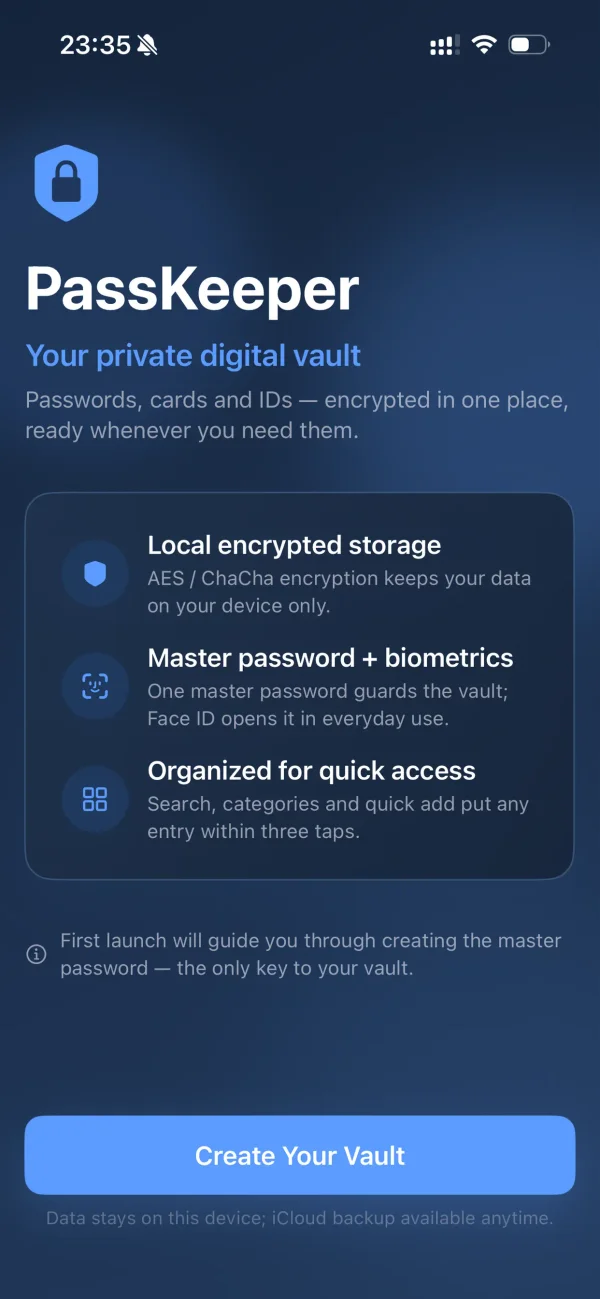
1. Local first: your data stays on your device by default. No servers involved.
2. Ciphertext-only sync: anything synced via iCloud is encrypted on your device first; the cloud never sees plain text.
3. No account, no ads, no tracking: open the app and start, no sign-up required.
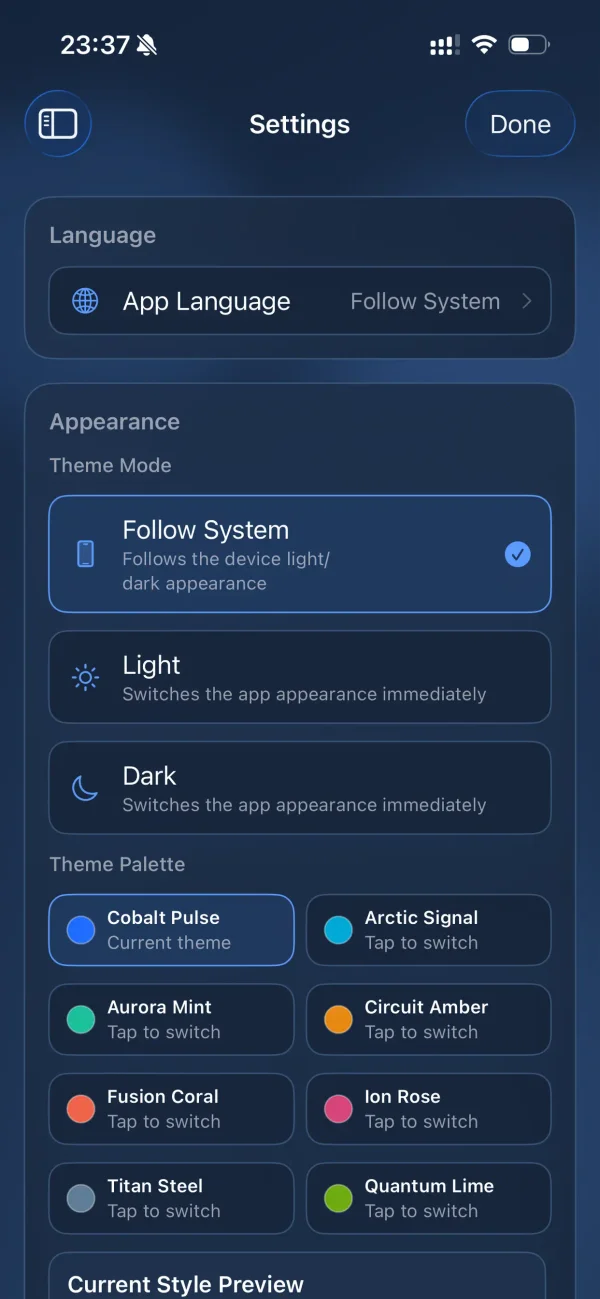
4. Fully customizable: more than a password tool, a personal digital asset manager.
5. Transparent cryptography: AES-256-GCM and ChaCha20-Poly1305 authenticated encryption, keys derived from your master password on device and wiped when locked.
OUR PROMISE
We cannot recover your master password, and that is exactly why nobody can peek at your data. Remember it well: it is the only key to your vault. The app speaks 23 languages including English, Chinese, Japanese, Korean, German, French, Spanish, Portuguese, Russian and Arabic.
Download PassKeeper now and put your digital life in a vault only you can open.
アプリのプライバシー
このアプリのデータの取り扱いについて、东申 王がApp Storeで申告している内容です。
-
データの収集なし
開発元はこのアプリからデータを収集しません。
プライバシーの取り扱いは、ご利用の機能やお客様の年齢などに応じて異なる場合があります。
情報
- 販売元
- 东申 王
- カテゴリ
- ユーティリティ
- バージョン
- 1.0
- 更新日
- 2026/9/23
- リリース
- 2026/9/23
- サイズ
- 12.9 MB
- 必要条件
- iOS 13.0以降
- 対象年齢
- 4+
- 価格
- 無料
- 言語
- 英語, アラビア語, デンマーク語, オランダ語, フランス語, ドイツ語, ヒンディー語, インドネシア語, イタリア語, 日本語, 韓国語, ノルウェー語 (ブークモール) ほか10言語
- 著作権
- © 2026@Wang Dongshen
こちらもおすすめ
-
 密枢 Passkey - 密码安全管家ユーティリティ
-
 兰台秘典 - 密码管理器ユーティリティ
-
 My Passwords: Password Managerユーティリティ
-
 keyPlex – Passwort-Managerユーティリティ
-
 密码柜 - 密码记录工具ユーティリティ
-
 PassGuard: Password Vaultユーティリティ
-
 Password Tool Helpユーティリティ
-
 Time Vault: Memory CapsuleSave moments to unlock later
-
 TimeLocked: 自分にかけるタイムロックパスワードを、すぐには開けない場所へ
-
 KeyMe Pass - Password Managerユーティリティ