- Altersfreigabe4+
- KategorieProduktivität
- EntwicklerPrashant Kyada
- SprachenEnglisch+ 2 weitere
- Größe10,1 MB
Verlinkt auf die offizielle App Store-Seite
Download.org hostet keine Datei von PDF Scan - Doc Scanner. Die Schaltfläche öffnet die App-Seite bei App Store, wo Prashant Kyada die App veröffentlicht. Eintrag zuletzt geprüft am 14.11.2026.
Screenshots
Info
Der Entwickler hat diesen Text nicht in Ihrer Sprache bereitgestellt.
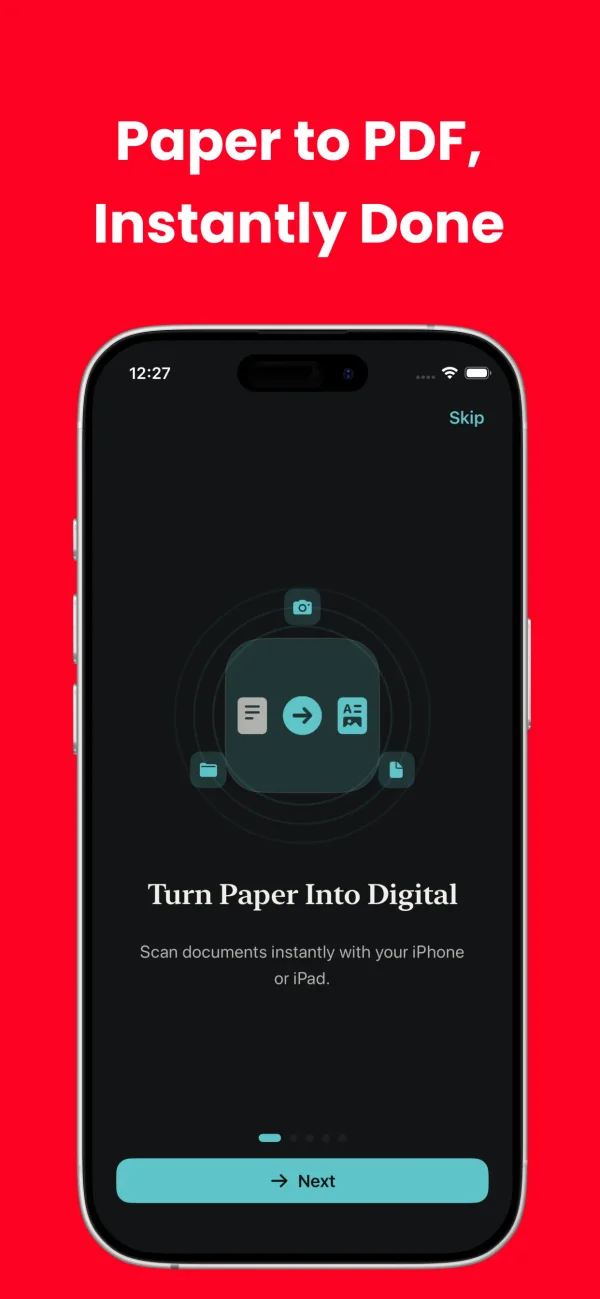
PDF Scan-Doc Scanner is a private document scanner for iPhone and iPad. Capture pages with the camera, import a PDF or photos, and save a clean PDF on this device.
SCAN
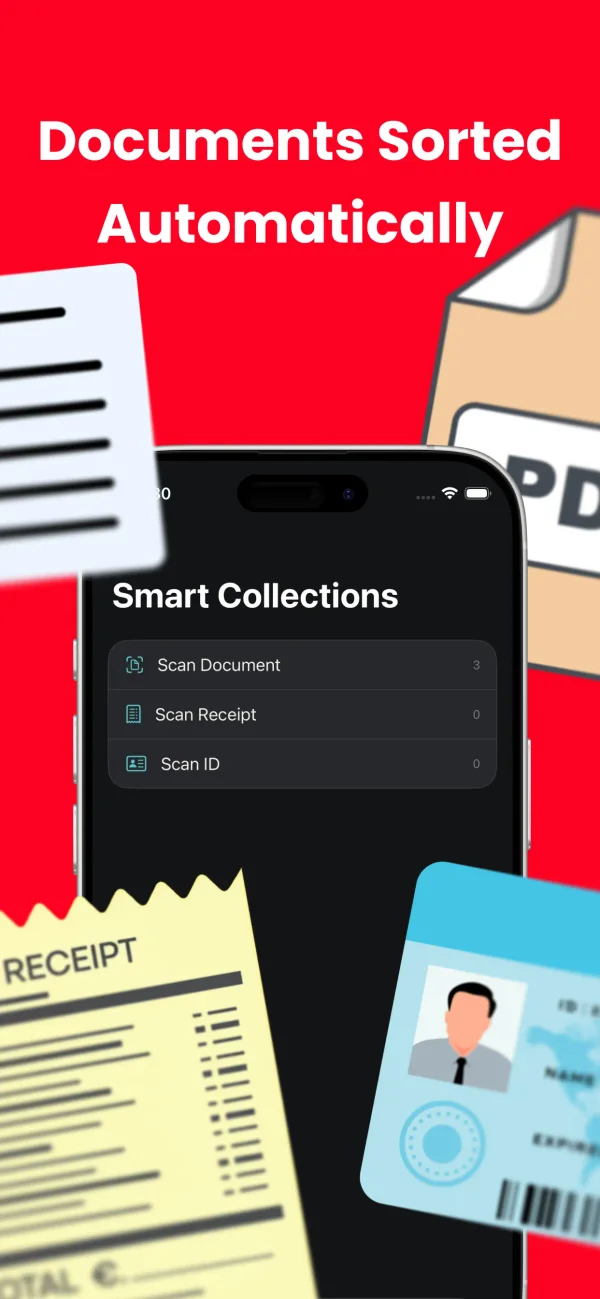
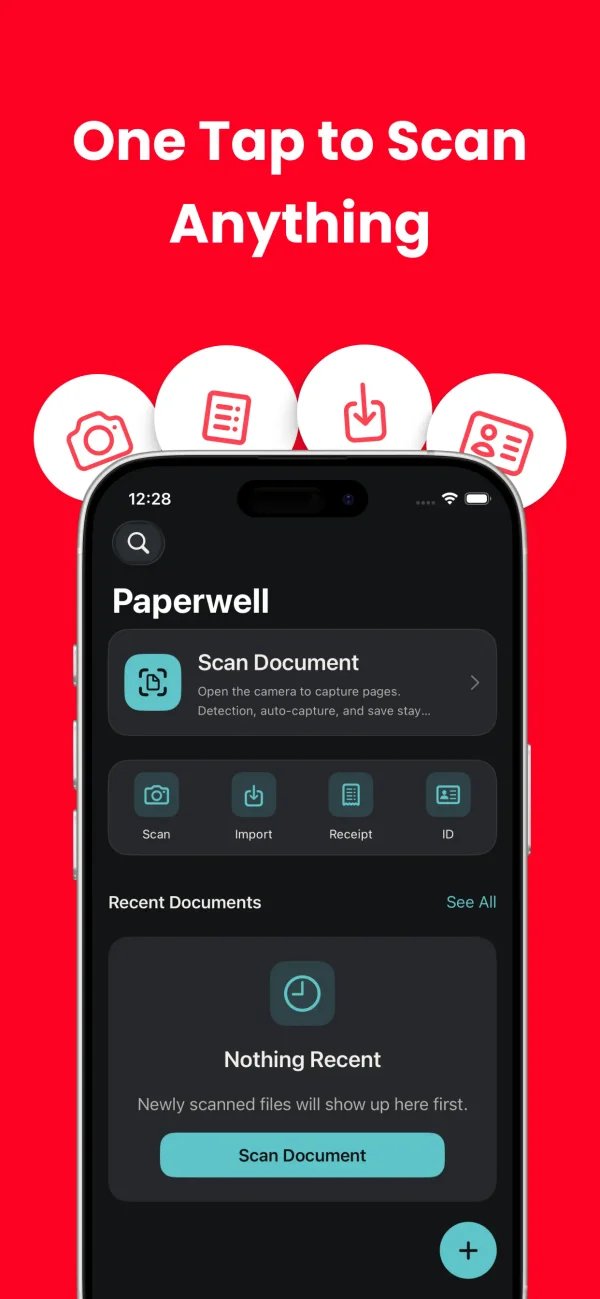
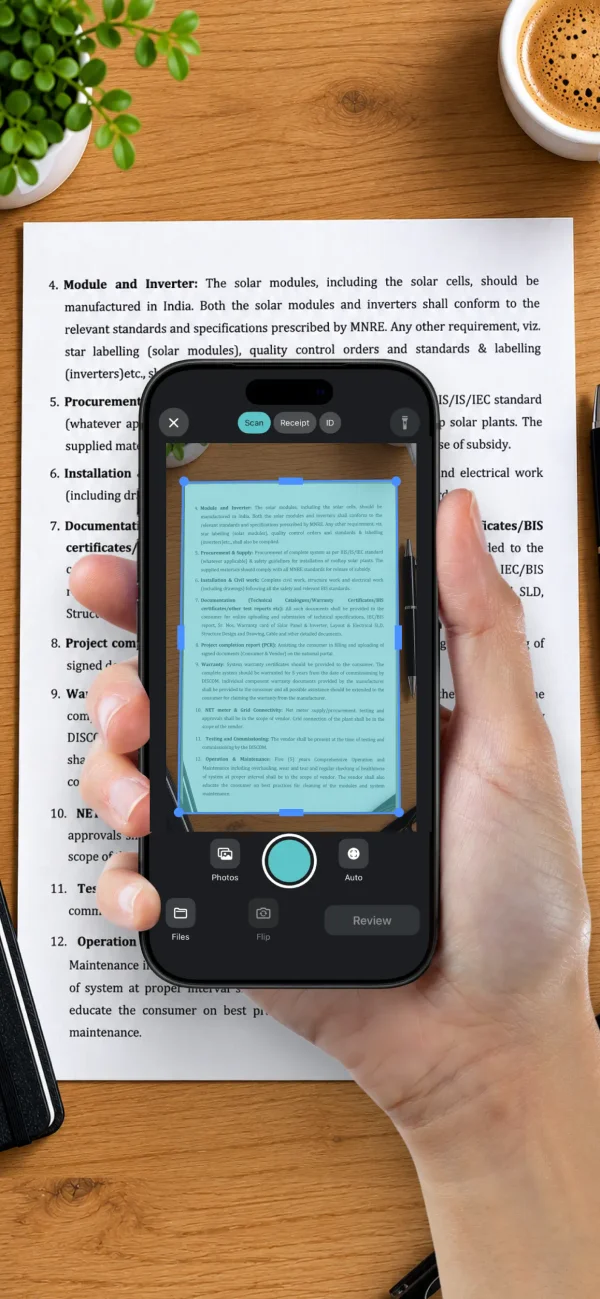
• Document, receipt, and ID scan modes
• Auto-capture when the page is in view, or tap to capture
• Auto edge detection, crop, and perspective correction
• Torch, camera flip, retake, and add more pages
• Apple Scanner for a system capture flow
• Import photos from the camera roll
• Import PDFs and images from Files
• Scan quality score with advice on blur, lighting, glare, and skew
EDIT
• Crop and rotate pages
• Filters: Auto, Color, Grayscale, Black & White, Document, Whiteboard, Photo, Enhanced
• Adjust brightness, contrast, exposure, saturation, sharpness, highlights, shadows, noise, and background whitening
• On-device cleanup for stains, shadows, noise, creases, and whitening
• Clear a dark page to brighten and sharpen text
PDF AND TEXT
• Save multi-page PDFs on this device
• A4, Letter, or fit-to-page size
• Rename, favorite, share, and reopen any PDF
• English OCR on this device — search, view, copy, and retry recognition
• Hindi and Gujarati script is not recognized
• Interface in English, Hindi, and Gujarati
LIBRARY
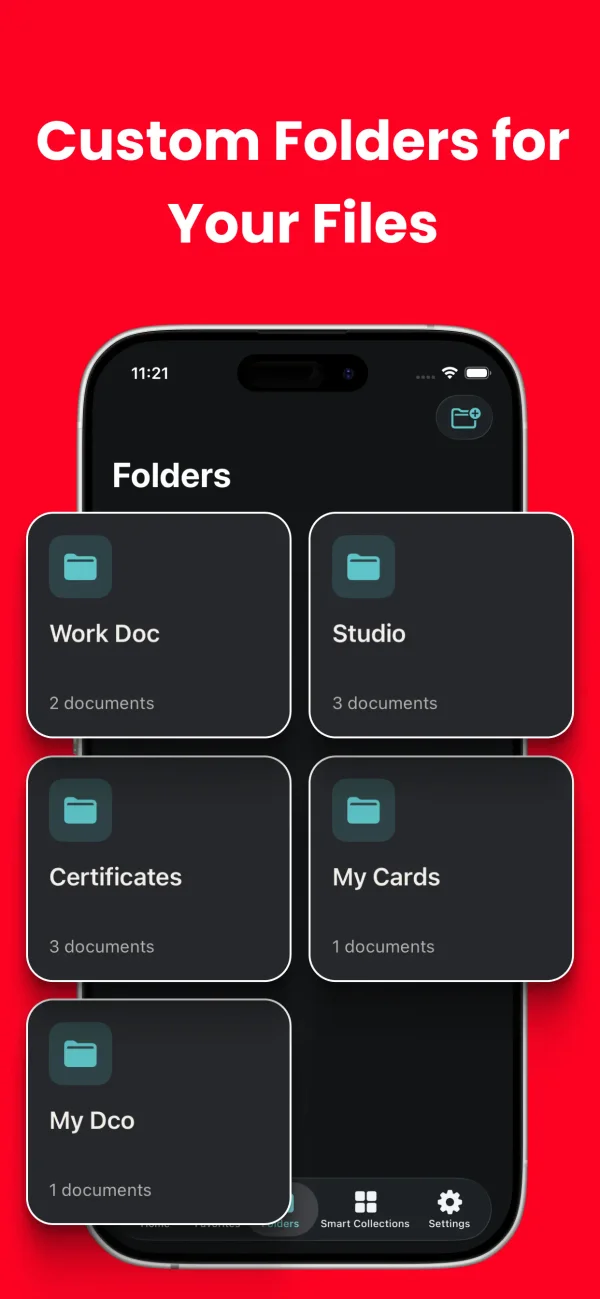
• Home, recents, favorites, folders, and smart collections
• Tags and full-text search by name, tag, or English words
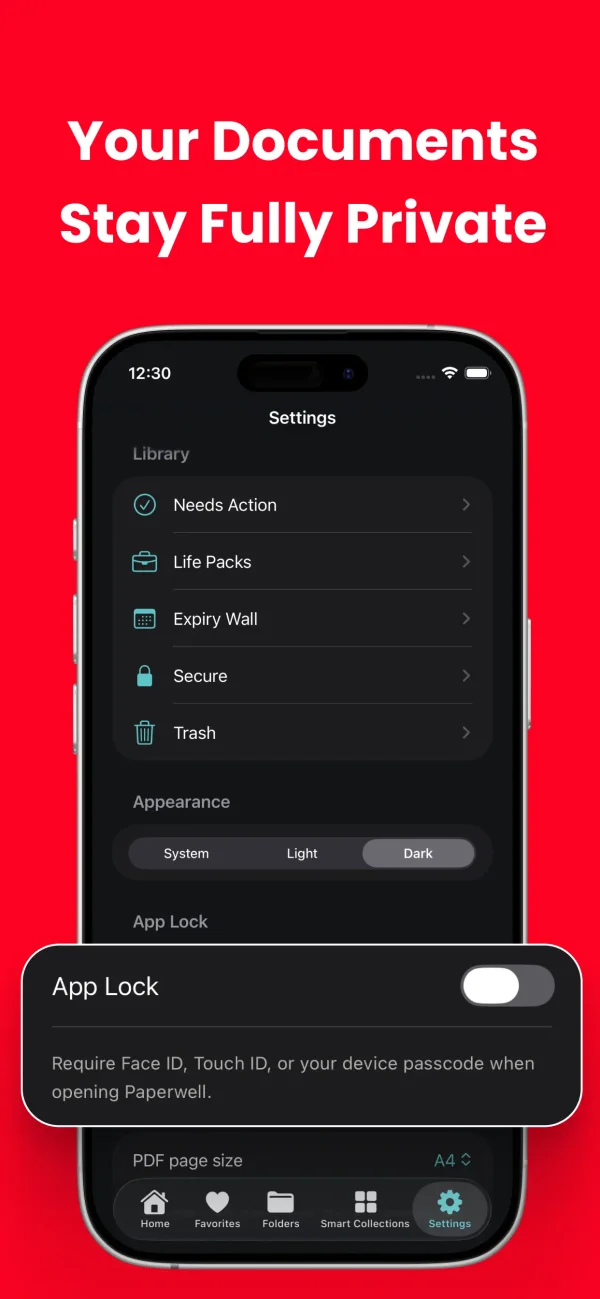
• Needs Action list
• Trash with restore or delete forever
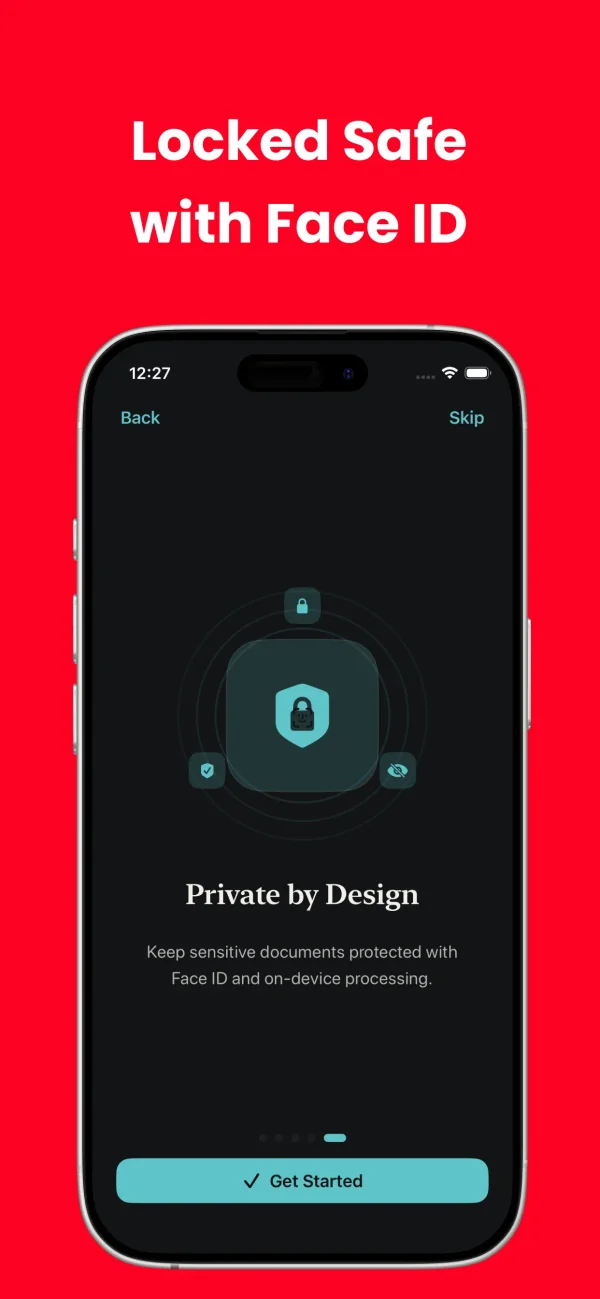
• App Lock with Face ID, Touch ID, or device passcode
• Dark, light, or system appearance
• iPad two-column layout
• Spotlight search on this device
• Widgets for Life Packs and expiry dates
• Live Activity while a scan is saving
• Siri shortcuts to scan or search
• Save to Paperwell from the iOS share sheet
PRO (optional)
Scanning, OCR, folders, and PDF export stay available without a purchase. Pro removes ads and unlocks:
• Share Shield — mask Aadhaar, PAN, GSTIN, and mobile numbers found in English text before you share
• Secure folder — move scans behind Face ID; they stay out of Recents and Search until you unlock
• Life Packs — KYC, travel, school, vehicle, and tax document sets
• Expiry Wall — track passport, insurance, PUC, license, rent, warranty, visa, and other dates with reminders
• Ask this scan — questions about English text recognized on this device
• On-device summaries use Apple Intelligence when it is available; otherwise an excerpt of the English text. Informational only — not legal, tax, or medical advice.
PRIVATE BY DESIGN
Documents stay on this device unless you share them. Purchases go through Apple. Optional ads for free users can be turned off with Pro.
Privacy Policy: https://www.pkapps.tech/privacy-policy.html
Terms of Use: https://www.apple.com/legal/internet-services/itunes/dev/stdeula/
Neue Funktionen
Version 1.7 · 20.09.2026
PDF Scan-Doc Scanner is rebuilt for iPhone and iPad.
NEW IN THIS VERSION
• Scan, crop, and save PDFs on this device
• Import PDFs and images
• English OCR and search on this device
• Folders, favorites, recents, and App Lock with Face ID
• Pro: remove ads and unlock Share Shield, Secure folder, Life Packs, Expiry Wall, and Ask this scan
• Monthly $4.99, yearly $9.99, or lifetime $14.99
• Interface in English, Hindi, and Gujarati
Text recognition is English and Latin script only. Hindi and Gujarati are interface languages, not OCR languages. Documents stay on this device unless you share them. Purchases go through Apple. Restore Purchases is available in Settings.
App-Datenschutz
Was Prashant Kyada im App Store zum Umgang dieser App mit Daten angibt.
-
Daten, die zum Tracking Ihrer Person verwendet werden
Können verwendet werden, um Sie über Apps und Websites anderer Unternehmen hinweg zu verfolgen.
- Kennungen
- Nutzungsdaten
-
Nicht mit Ihnen verknüpfte Daten
Können erfasst werden, sind aber nicht mit Ihrer Identität verknüpft.
- Kennungen
- Nutzungsdaten
Die Datenschutzpraktiken können variieren, zum Beispiel je nach den von Ihnen verwendeten Funktionen oder Ihrem Alter.
Informationen
- Anbieter
- Prashant Kyada
- Kategorie
- Produktivität
- Version
- 1.7
- Aktualisiert
- 20.09.2026
- Veröffentlicht
- 03.02.2022
- Größe
- 10,1 MB
- Erfordert
- iOS 17.6 oder neuer
- Altersfreigabe
- 4+
- Preis
- Kostenlos
- In-App-Käufe
- Ja
- Sprachen
- Englisch, Gujarati, Hindi
- Copyright
- © Copyright @ PDF Scan - Doc Scanner
Das könnte Ihnen auch gefallen
-
 Voice Dump: AI TranscriptionProduktivität
-
 Scan & PDF by PaperlyProduktivität
-
 Winziger Scanner für DokumentePDF Expert Scanner & Editor
-
 PDF Document Scanner +Easy & Fast PDF document Scan
-
 Scanner App: PDF Reader ProProduktivität
-
 Document Scanner & ExtractorProduktivität
-
 Docu Scan ItProduktivität
-
 Tim ScannerProduktivität
-
 Paperlogix - Document ScannerProduktivität
-
 PDF Reader - Edit & ScanProduktivität