PDF Scanner - Editor & Convert
PDF Scanner
Entwickelt für iPhone, iPad, iPod touch
- Altersfreigabe4+
- KategorieDienstprogramme
- EntwicklerJignesh Akbari
- SprachenEnglisch
- Größe138,2 MB
PDF Scanner - Editor & Convert ist bei App Store derzeit möglicherweise nicht verfügbar
Bei unserer letzten Prüfung war der Store-Eintrag nicht erreichbar. Der Link führt weiterhin zur offiziellen App Store-Seite.
Screenshots
Info
Der Entwickler hat diesen Text nicht in Ihrer Sprache bereitgestellt.
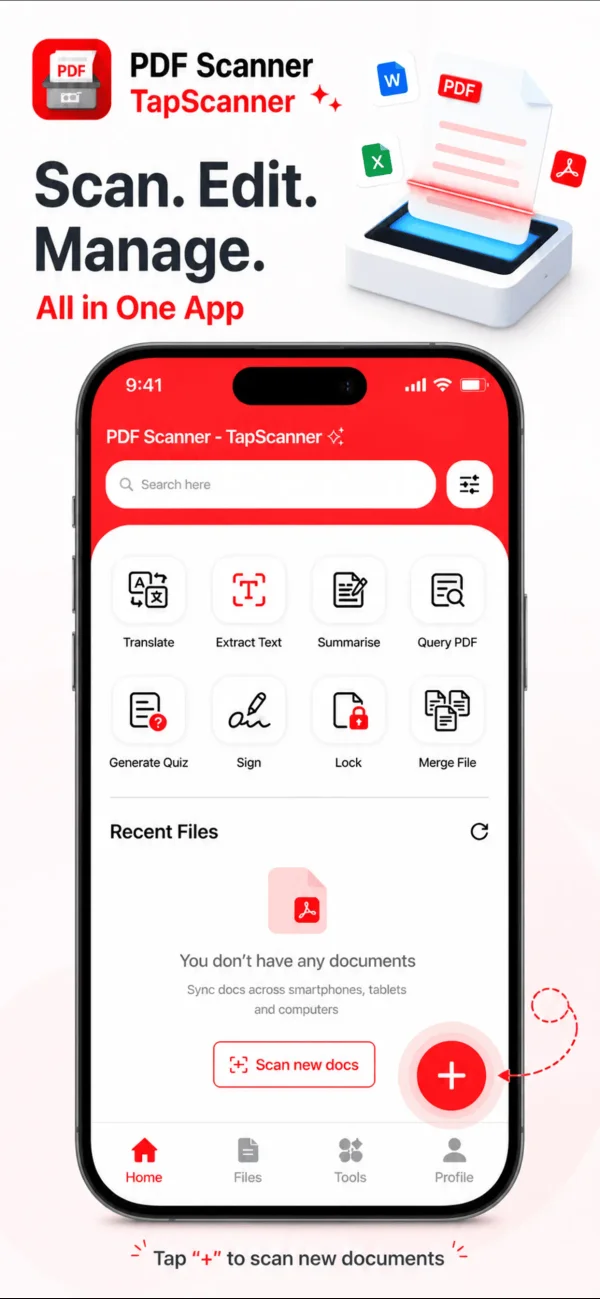
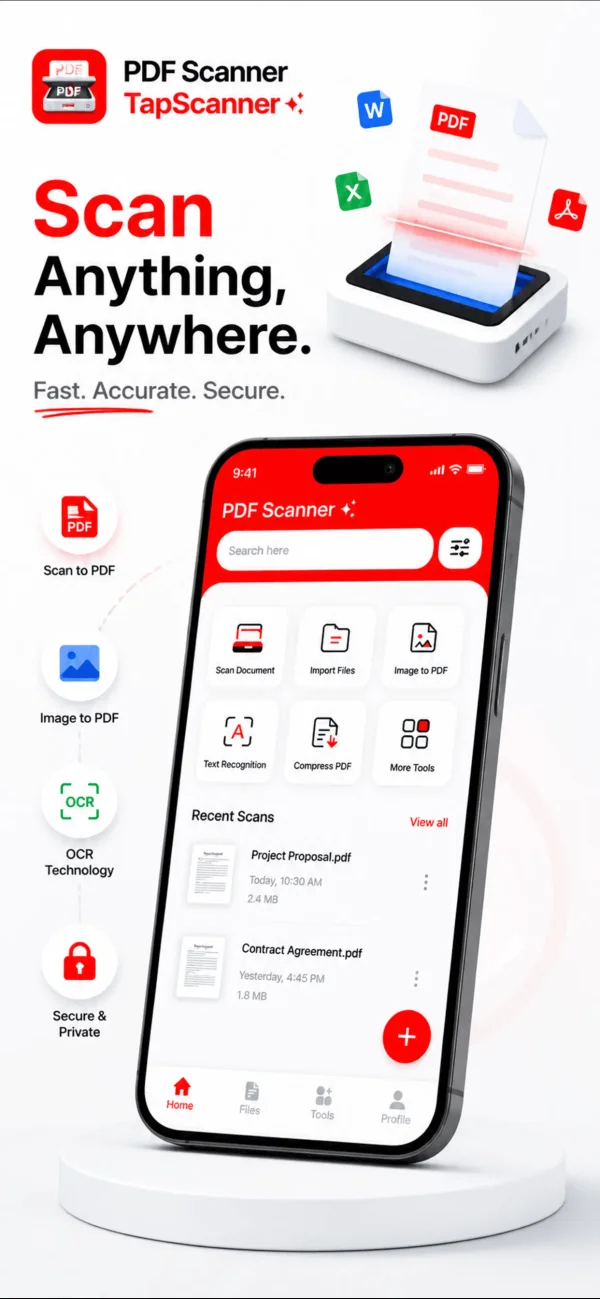
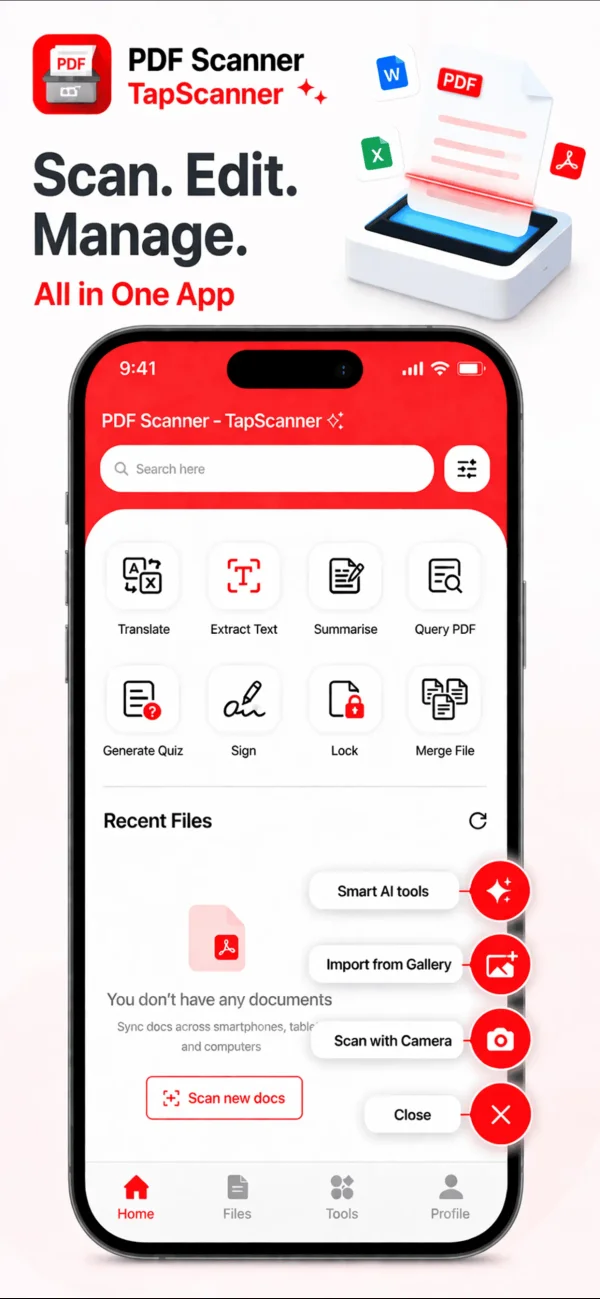
Make document handling simple with a powerful PDF scanner built for speed, accuracy, and convenience. This all-in-one document scanner app lets you scan documents, convert to PDF, edit files, and organize everything in one place. Whether you need a scanner app, PDF creator, OCR scanner, or document manager, this app is designed for everyday productivity.
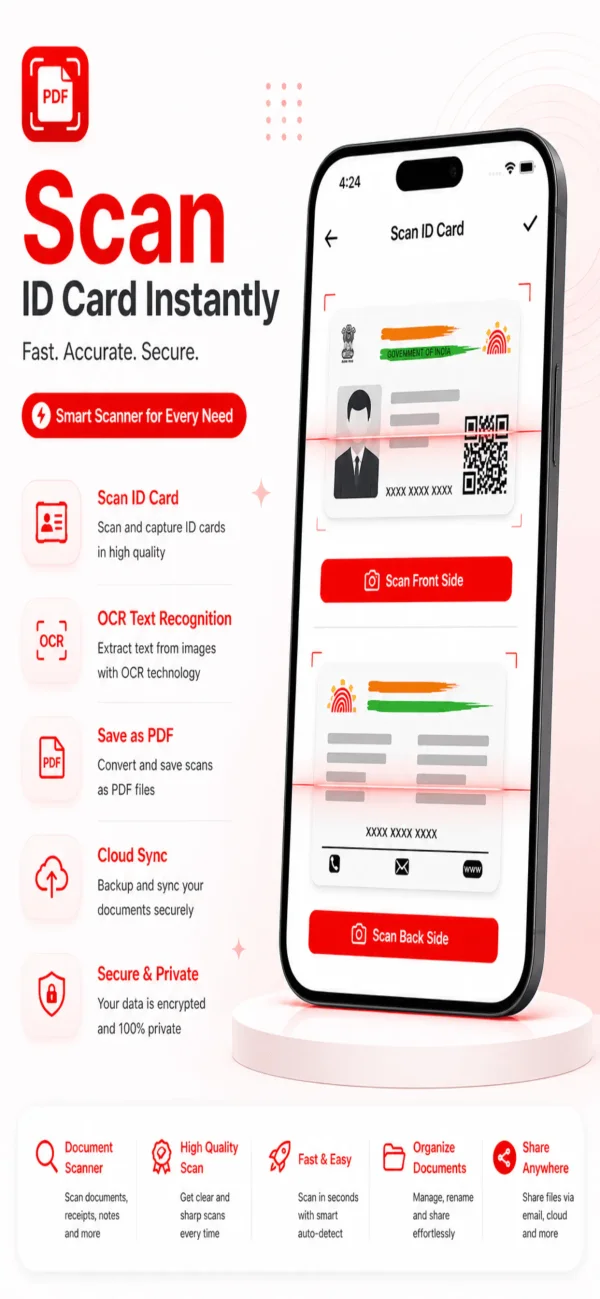
Turn your device into a smart mobile scanner to capture receipts, notes, ID cards, books, and images. With advanced processing, you get clean and clear PDF files instantly.
Smart Document Scanner & PDF Creator
Scan and create professional-quality documents with ease.
• Fast scan documents with auto edge detection
• Convert image to PDF and photo to PDF
• High-quality PDF scanner and document capture
• Scan receipts, invoices, business cards, and notes
• Smooth file scanner and mobile document scanner
Perfect for anyone needing a reliable scanner app, PDF maker, or document scan tool.
AI Tools for Productivity & Efficiency
Enhance your files with powerful smart tools.
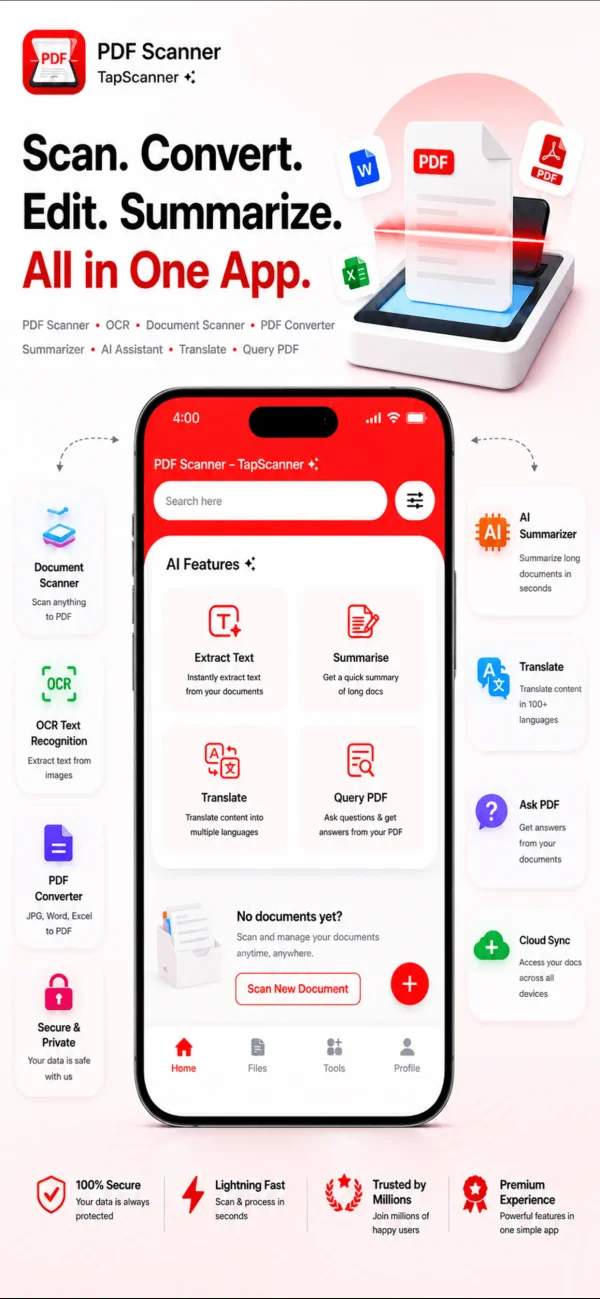
• OCR text scanner to extract text from images
• Text recognition and image to text conversion
• Document summarizer for long files
• Language translator for documents
• Smart PDF reader tools and quick actions
A complete smart scanner app with features for daily workflow.
Edit, Convert & Manage Files
Handle documents with advanced tools.
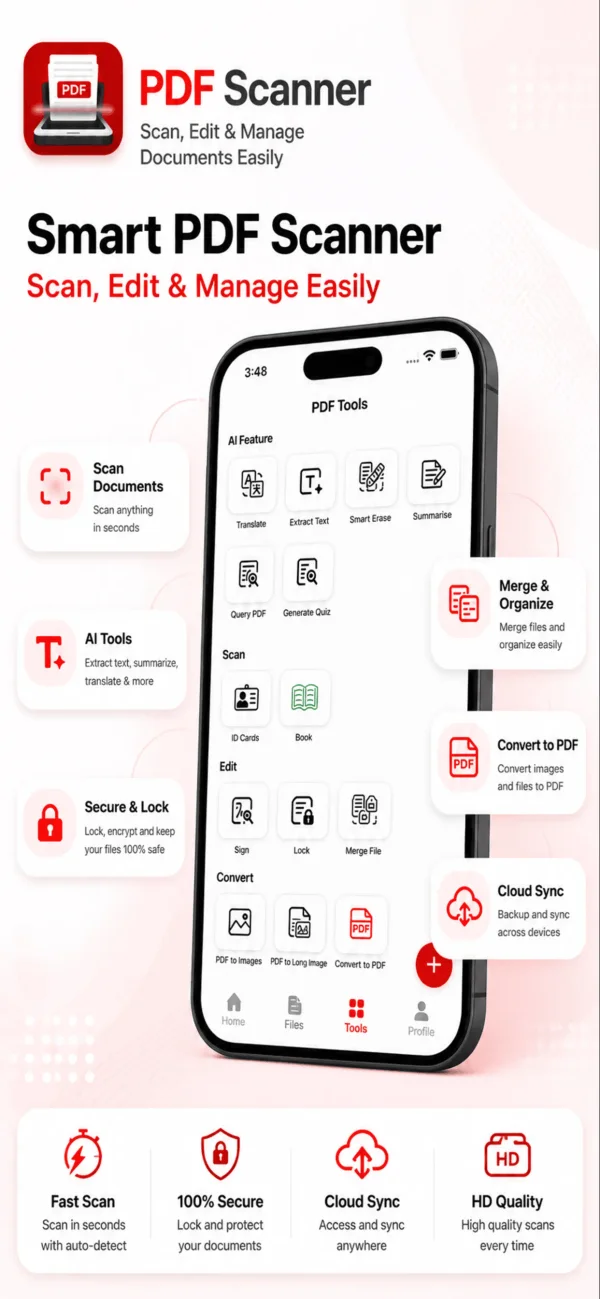
• Merge PDF and split PDF files
• Compress PDF and reduce file size
• Convert JPG to PDF and PNG to PDF
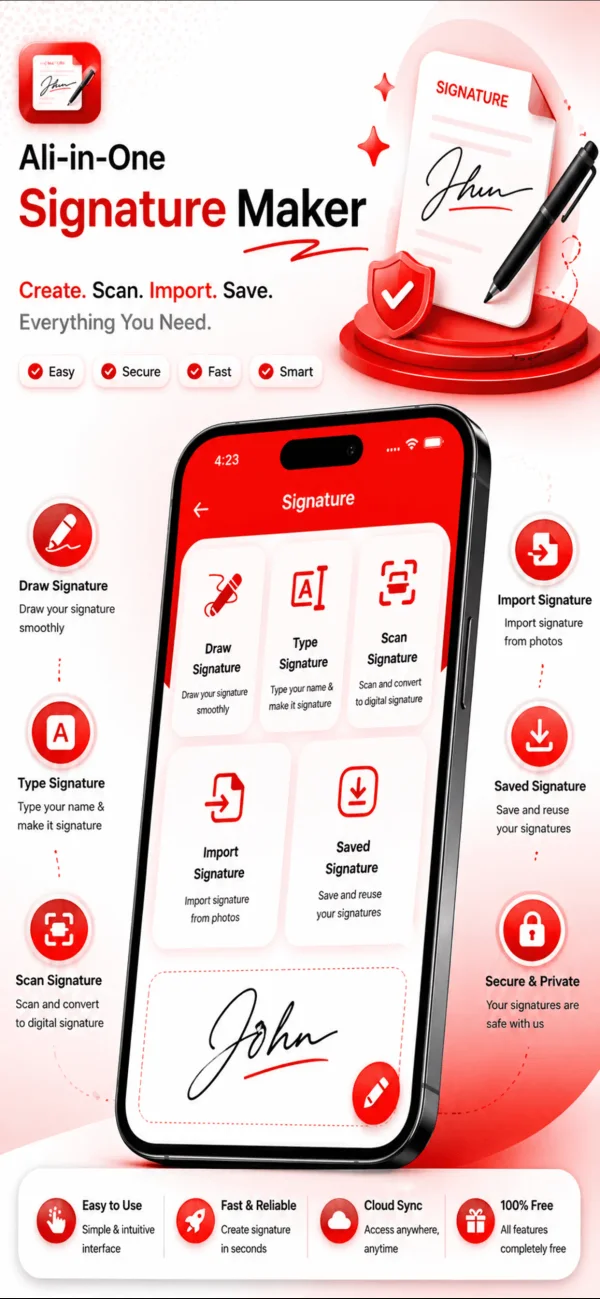
• Add signature with signature creator
• Organize files with document manager
Enjoy a full-featured PDF editor, file converter, and document tools app.
Secure & Private Document Storage
Your files stay protected and easy to manage.
• Lock PDF and protect files
• Private document vault system
• Safe storage for important files
• Secure document organizer
Reliable document storage for personal and professional use.
Easy Access & File Sharing
Keep your documents available anytime.
• Sync and backup files
• Share PDF files easily
• Access files across devices
• Quick file transfer and export
Stay connected with your documents using a modern file manager and PDF organizer.
Key Features at a Glance
• Easy-to-use scanner app
• Fast PDF scanner and editor
• Smart OCR scanner
• Lightweight document scanner
• Smooth PDF viewer and reader
Perfect For
• Students scanning notes and books
• Professionals managing documents
• Office and business use
• Everyday personal document needs
Transform the way you handle documents with this all-in-one PDF scanner, editor, and document manager. Scan, convert, and manage your files effortlessly with a modern and reliable solution.
App-Datenschutz
Was Jignesh Akbari im App Store zum Umgang dieser App mit Daten angibt.
-
Keine Daten erfasst
Der Entwickler erfasst keine Daten von dieser App.
Die Datenschutzpraktiken können variieren, zum Beispiel je nach den von Ihnen verwendeten Funktionen oder Ihrem Alter.
Informationen
- Anbieter
- Jignesh Akbari
- Kategorie
- Dienstprogramme
- Version
- 1.0.0
- Aktualisiert
- 05.05.2026
- Veröffentlicht
- 05.05.2026
- Größe
- 138,2 MB
- Erfordert
- iOS 13.0 oder neuer
- Altersfreigabe
- 4+
- Sprachen
- Englisch
- Copyright
- © Diversity Infotech
Das könnte Ihnen auch gefallen
-
 DealUpDienstprogramme
-
 IIJSDienstprogramme
-
 Copy My Data – Smart SwitchDienstprogramme
-
 Pol-App(Kerala Police)Dienstprogramme
-
 Dynamic Island Pets: MeowPixelfreunde und Inselspiele
-
 Bluetooth BLE Scanner: DeviceMonitor Finder & Tracker: Find
-
 Airpods & Airtag Finder:Wo IstBluetooth Wlan Tracker&Folgen
-
 EINath FitDienstprogramme
-
 Backup&Recover Deleted PhotosDienstprogramme
-
 SwiftScan AI DokumentenscannerBearbeiten & Unterschreiben