PDF Scanner・OCR & Sign
Scan, Edit & Sign PDFs
Entwickelt für iPhone, iPad
Kostenlos · In-App-Käufe
- Altersfreigabe9+
- KategorieProduktivität
- EntwicklerVishal Kalkani
- SprachenEnglisch
- Größe6,2 MB
Verlinkt auf die offizielle App Store-Seite
Download.org hostet keine Datei von PDF Scanner・OCR & Sign. Die Schaltfläche öffnet die App-Seite bei App Store, wo Vishal Kalkani die App veröffentlicht. Eintrag zuletzt geprüft am 13.11.2026.
Screenshots
Info
Der Entwickler hat diesen Text nicht in Ihrer Sprache bereitgestellt.
Turn your iPhone into a powerful document scanner.
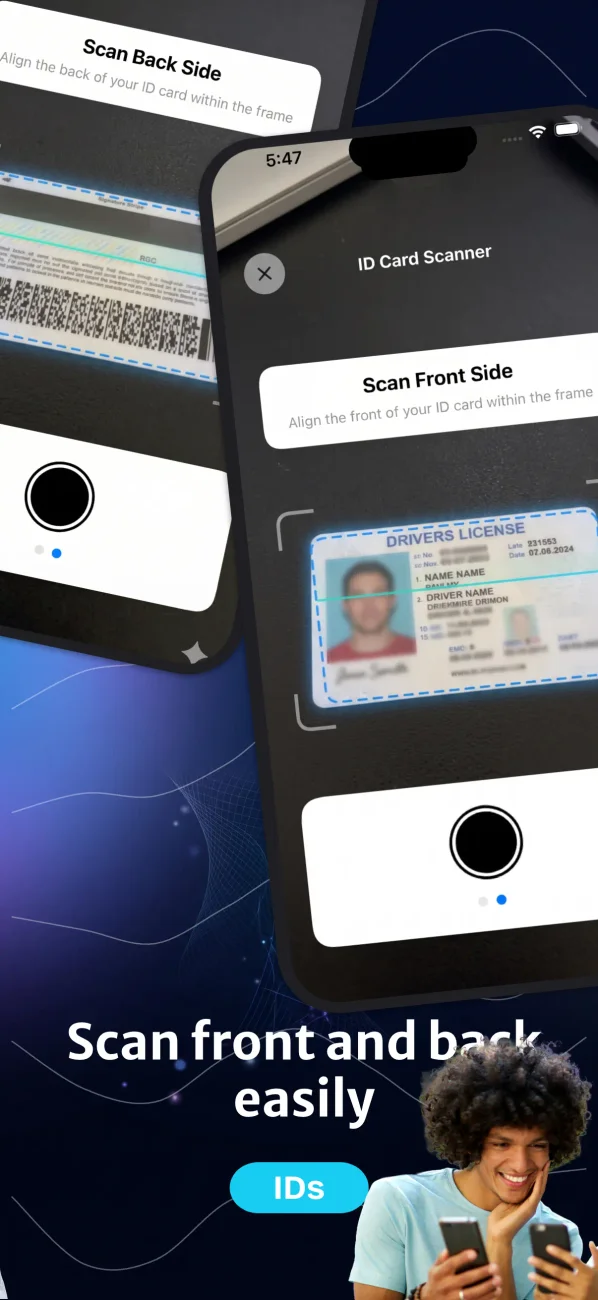
Scan documents, receipts, ID cards, passports, invoices, contracts, notes, and photos in seconds. Convert images into high-quality PDF files, extract text with advanced OCR technology, sign documents electronically, and share files instantly—all from one fast, secure, and easy-to-use app.
Whether you're a student, professional, freelancer, teacher, or business owner, this app helps you digitize, organize, edit, and manage your documents anytime, anywhere.
Key Features
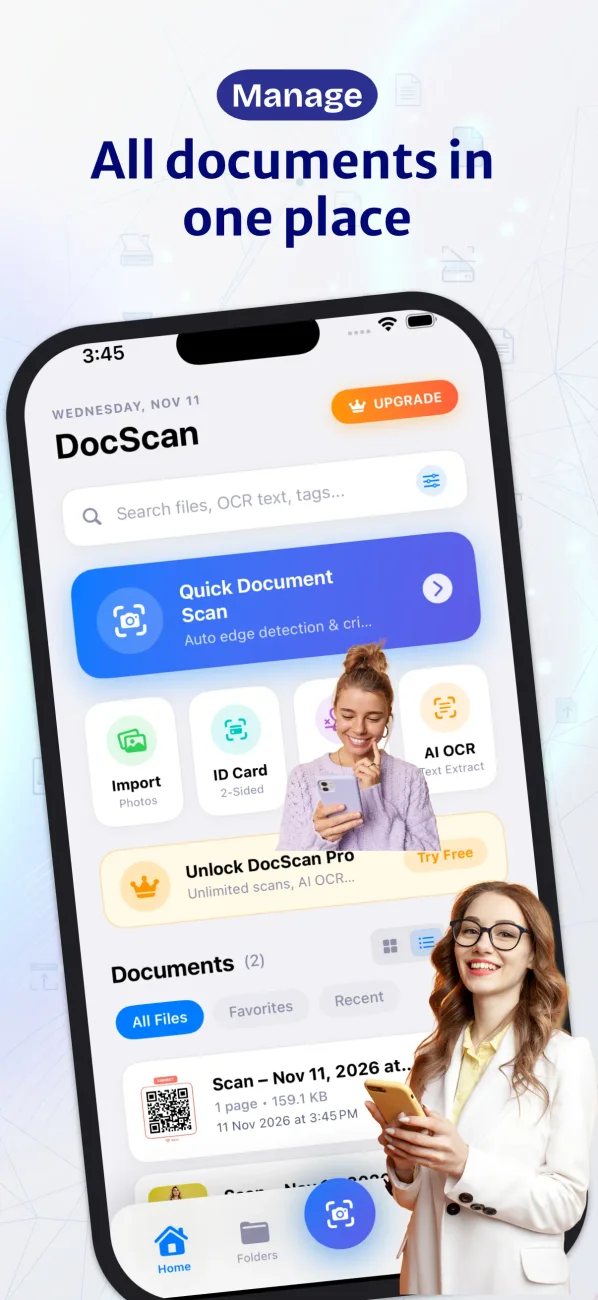
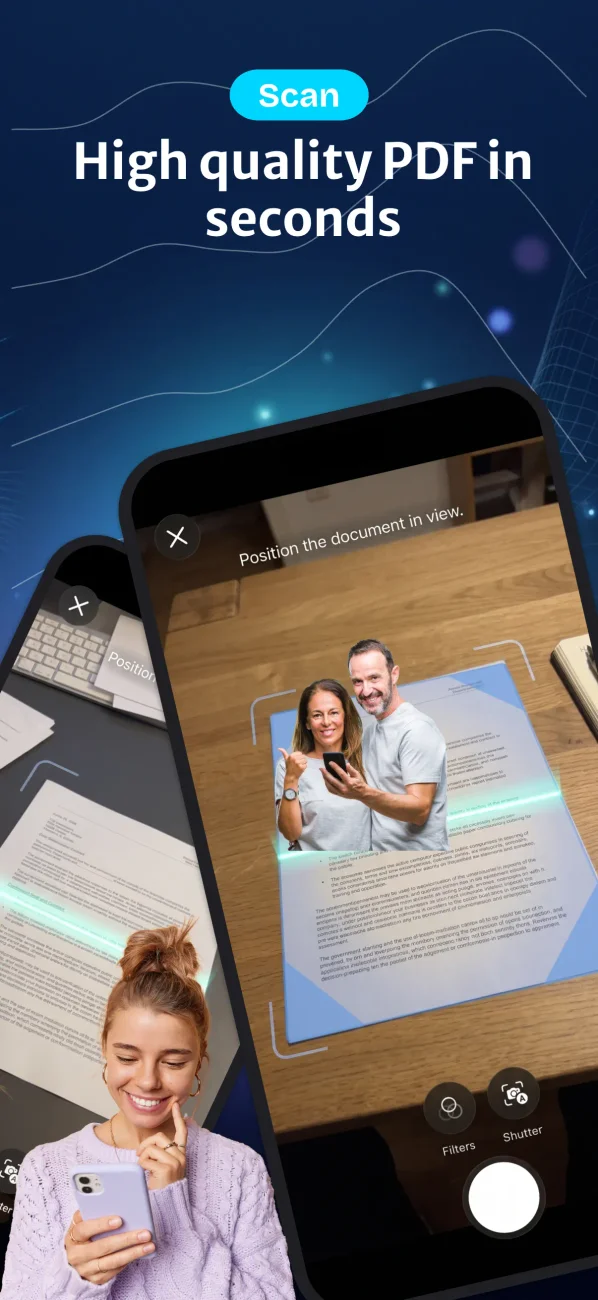
• High-quality document scanner with automatic edge detection
• Scan receipts, invoices, contracts, books, notes, and business documents
• Scan ID cards, passports, licenses, and other identity documents
• Convert photos and images into professional PDF files
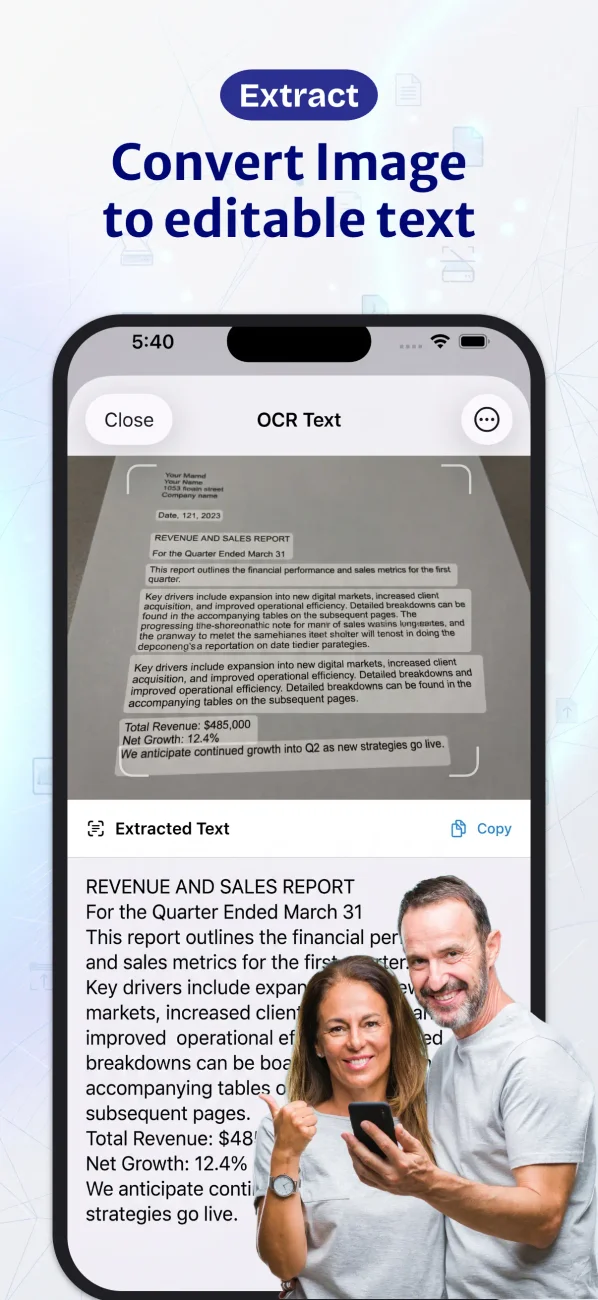
• OCR text recognition to extract editable text from scanned documents
• Create multi-page PDF documents
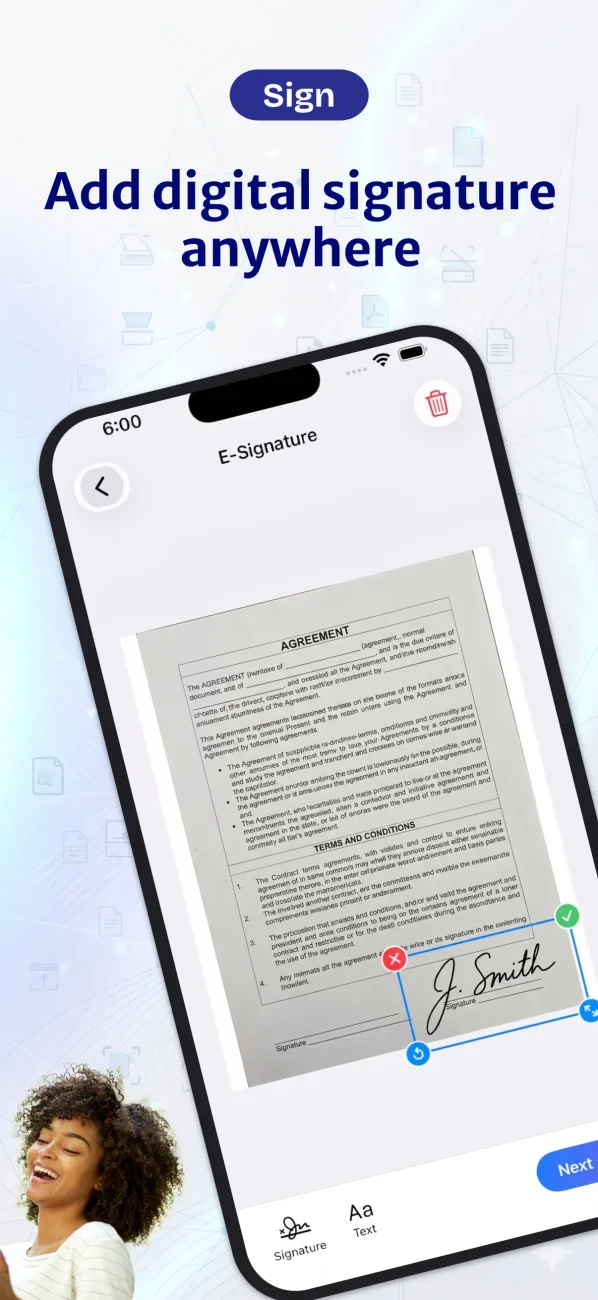
• Sign PDF documents with your digital signature
• Organize and manage scanned documents with ease
• Share documents via email, messaging apps, AirDrop, or cloud storage
• Fast scanning with high-resolution output
• Clean, modern, and user-friendly interface
Perfect For
Students
Professionals
Business Owners
Freelancers
Teachers
Office Work
Personal Document Management
Travel Documents
Expense Tracking
Homework and Study Notes
Why Choose Our Scanner?
Our scanner is designed to deliver fast performance, accurate scanning, and professional-quality PDF documents while keeping the experience simple and intuitive. Whether you're scanning a single receipt or a multi-page contract, you can complete the job in just a few taps.
Download today and experience a faster, smarter way to scan, edit, sign, and manage your documents on iPhone.
Privacy Policy: https://sites.google.com/view/kalkani-privacy-policy/home
Terms of Use (EULA): https://www.apple.com/legal/internet-services/itunes/dev/stdeula/
Neue Funktionen
Version v5 · 12.11.2026
Thank you for using Doc Scanner!
This update brings improvements to make scanning, saving, and managing your documents easier and more reliable.
- Improved document scanning performance
- Enhanced app stability and reliability
- Fixed minor bugs and crashes
- Optimized overall app performance for a smoother experience
Update now to enjoy a faster and more reliable document scanning experience!
App-Datenschutz
Was Vishal Kalkani im App Store zum Umgang dieser App mit Daten angibt.
-
Keine Daten erfasst
Der Entwickler erfasst keine Daten von dieser App.
Die Datenschutzpraktiken können variieren, zum Beispiel je nach den von Ihnen verwendeten Funktionen oder Ihrem Alter.
Informationen
- Anbieter
- Vishal Kalkani
- Kategorie
- Produktivität
- Version
- v5
- Aktualisiert
- 12.11.2026
- Veröffentlicht
- 13.05.2026
- Größe
- 6,2 MB
- Erfordert
- iOS 17.0 oder neuer
- Altersfreigabe
- 9+
- Preis
- Kostenlos
- In-App-Käufe
- Ja
- Sprachen
- Englisch
- Copyright
- © 2026 Vishal Kalkani
Das könnte Ihnen auch gefallen
-
 PDF Scanner: Scan Docs - LumiProduktivität
-
 LumenScan: PDF-ScannerScannen, OCR & Signieren
-
 Aspire: Stay.Live.GrowProduktivität
-
 Doci: PDF Scanner & EditorProduktivität
-
 GreenchecklistProduktivität
-
 Doc Scanner - ScanGenius AIProduktivität
-
 Smart Link ManagerProduktivität
-
 Video Note – NotedeoProduktivität
-
 Dmyst - Clipboard ManagerProduktivität
-
 Picture to PDF offlineProduktivität