- 対象年齢9+
- カテゴリ仕事効率化
- 開発元Vishal Kalkani
- 言語英語
- サイズ6.2 MB
App Storeの公式ページにリンクしています
Download.orgはPDF Scanner・OCR & Signのファイルを一切ホストしていません。ボタンを押すと、Vishal Kalkaniが公開しているApp Storeのアプリページが開きます。ページの最終確認:2026/11/13。
スクリーンショット
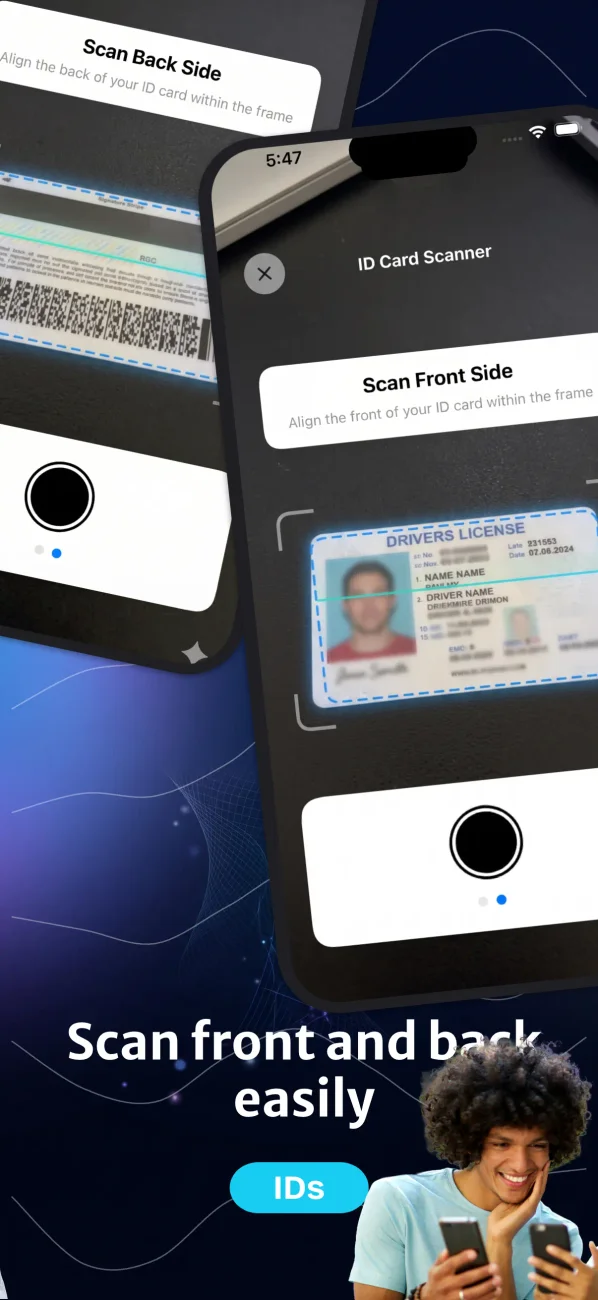
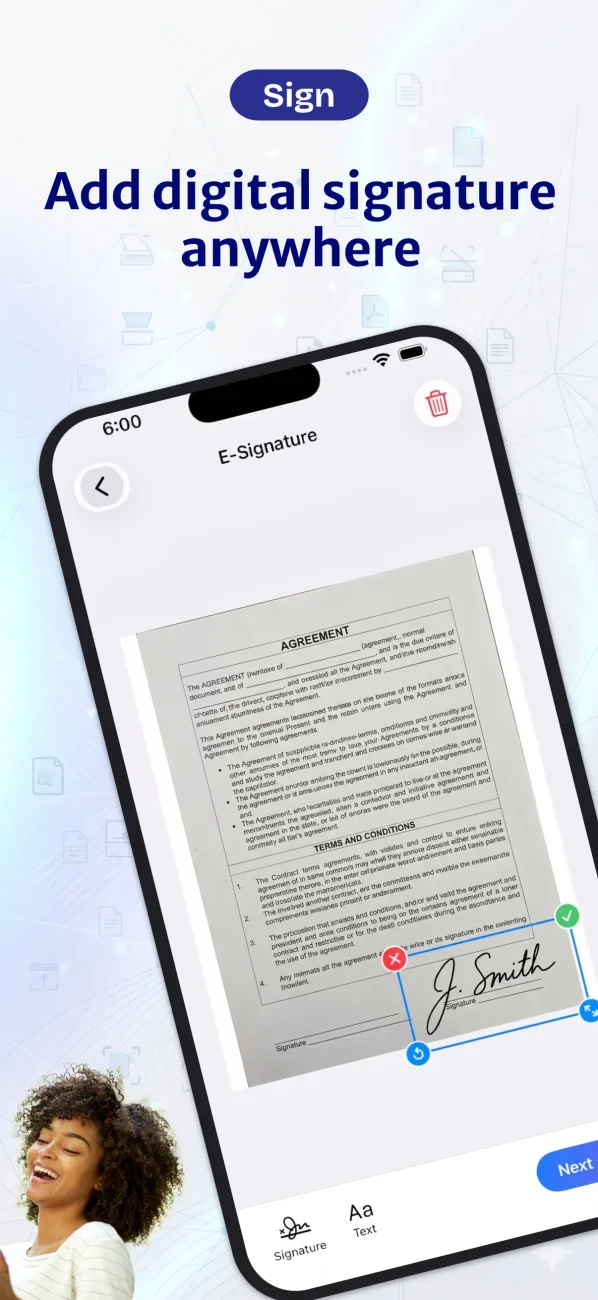
概要
開発元はこのテキストをお使いの言語で提供していません。
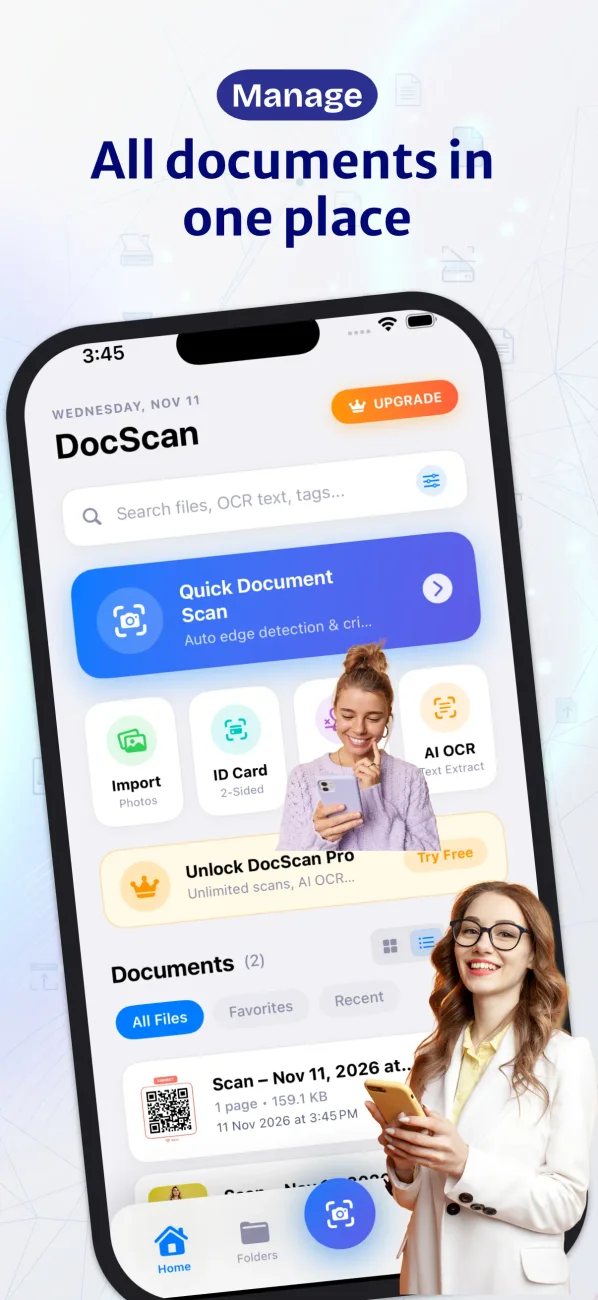
Turn your iPhone into a powerful document scanner.
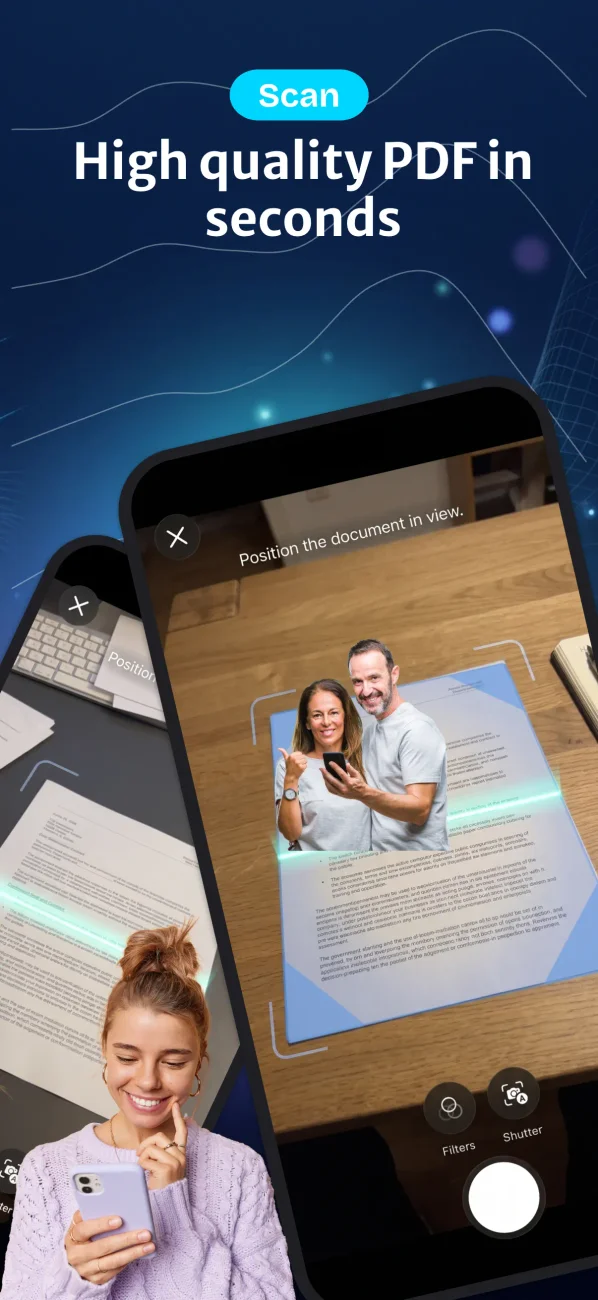
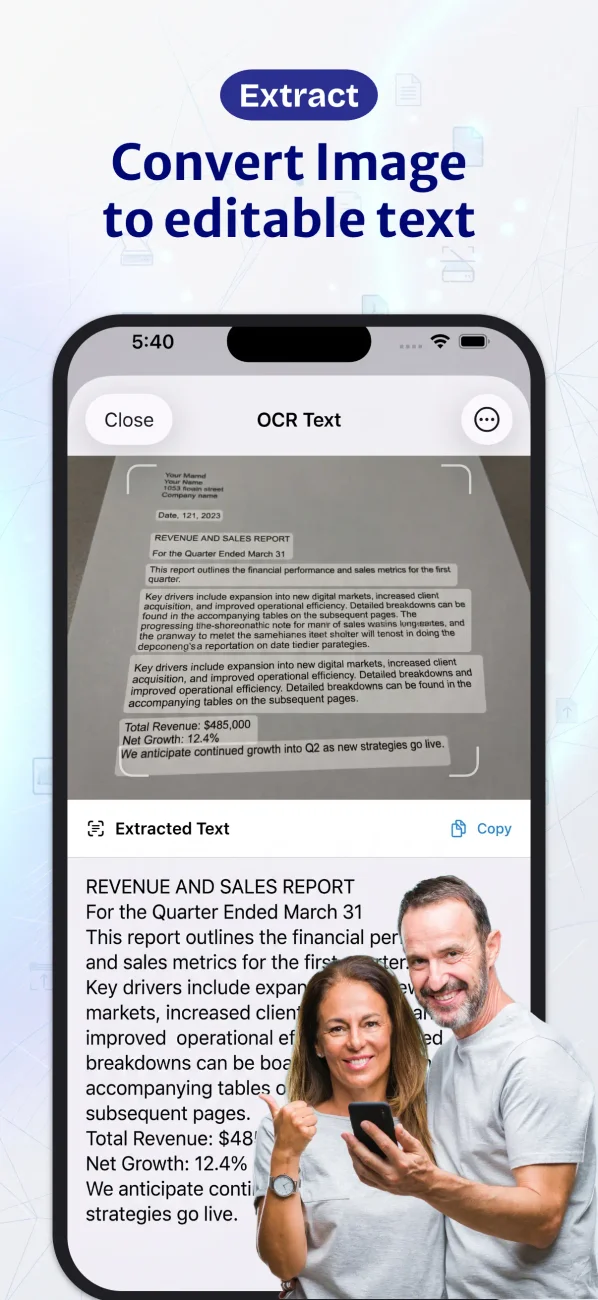
Scan documents, receipts, ID cards, passports, invoices, contracts, notes, and photos in seconds. Convert images into high-quality PDF files, extract text with advanced OCR technology, sign documents electronically, and share files instantly—all from one fast, secure, and easy-to-use app.
Whether you're a student, professional, freelancer, teacher, or business owner, this app helps you digitize, organize, edit, and manage your documents anytime, anywhere.
Key Features
• High-quality document scanner with automatic edge detection
• Scan receipts, invoices, contracts, books, notes, and business documents
• Scan ID cards, passports, licenses, and other identity documents
• Convert photos and images into professional PDF files
• OCR text recognition to extract editable text from scanned documents
• Create multi-page PDF documents
• Sign PDF documents with your digital signature
• Organize and manage scanned documents with ease
• Share documents via email, messaging apps, AirDrop, or cloud storage
• Fast scanning with high-resolution output
• Clean, modern, and user-friendly interface
Perfect For
Students
Professionals
Business Owners
Freelancers
Teachers
Office Work
Personal Document Management
Travel Documents
Expense Tracking
Homework and Study Notes
Why Choose Our Scanner?
Our scanner is designed to deliver fast performance, accurate scanning, and professional-quality PDF documents while keeping the experience simple and intuitive. Whether you're scanning a single receipt or a multi-page contract, you can complete the job in just a few taps.
Download today and experience a faster, smarter way to scan, edit, sign, and manage your documents on iPhone.
Privacy Policy: https://sites.google.com/view/kalkani-privacy-policy/home
Terms of Use (EULA): https://www.apple.com/legal/internet-services/itunes/dev/stdeula/
新機能
バージョン v5 · 2026/11/12
Thank you for using Doc Scanner!
This update brings improvements to make scanning, saving, and managing your documents easier and more reliable.
- Improved document scanning performance
- Enhanced app stability and reliability
- Fixed minor bugs and crashes
- Optimized overall app performance for a smoother experience
Update now to enjoy a faster and more reliable document scanning experience!
アプリのプライバシー
このアプリのデータの取り扱いについて、Vishal KalkaniがApp Storeで申告している内容です。
-
データの収集なし
開発元はこのアプリからデータを収集しません。
プライバシーの取り扱いは、ご利用の機能やお客様の年齢などに応じて異なる場合があります。
情報
- 販売元
- Vishal Kalkani
- カテゴリ
- 仕事効率化
- バージョン
- v5
- 更新日
- 2026/11/12
- リリース
- 2026/5/13
- サイズ
- 6.2 MB
- 必要条件
- iOS 17.0以降
- 対象年齢
- 9+
- 価格
- 無料
- アプリ内課金
- あり
- 言語
- 英語
- 著作権
- © 2026 Vishal Kalkani
こちらもおすすめ
-
 PDF Scanner: Scan Docs - Lumi仕事効率化
-
 LumenScan: PDF Scanner Offline仕事効率化
-
 Aspire: Stay.Live.Grow仕事効率化
-
 Doci: PDF Scanner & Editor仕事効率化
-
 Greenchecklist仕事効率化
-
 Doc Scanner - ScanGenius AI仕事効率化
-
 Smart Link Manager仕事効率化
-
 動画メモ – Notedeo動画を見ながらメモ、ワンタップでスクショ&再生
-
 Dmyst - Clipboard Manager仕事効率化
-
 Picture to PDF offline仕事効率化