PDF Sign: eSign & Export
Signature Maker for Documents
Entwickelt für iPhone, iPad, iPod touch
Kostenlos · In-App-Käufe
- Altersfreigabe4+
- KategorieDienstprogramme
- EntwicklerMuhammad Arslan Asghar
- SprachenEnglisch
- Größe99,3 MB
Verlinkt auf die offizielle App Store-Seite
Download.org hostet keine Datei von PDF Sign: eSign & Export. Die Schaltfläche öffnet die App-Seite bei App Store, wo Muhammad Arslan Asghar die App veröffentlicht. Eintrag zuletzt geprüft am 13.11.2026.
Screenshots

Info
Der Entwickler hat diesen Text nicht in Ihrer Sprache bereitgestellt.
Sign PDFs in seconds — right on your iPhone, fully offline.
PDF Sign is the fast, private way to sign and fill any PDF document. Draw your signature once, drop it on the page, fill out form fields, and share the finished file — no account, no subscription, no watermark. This is it.
Your files never leave your device. Everything happens on your iPhone, so your contracts, agreements, and personal documents stay 100% private.
WHY YOU'LL LOVE IT
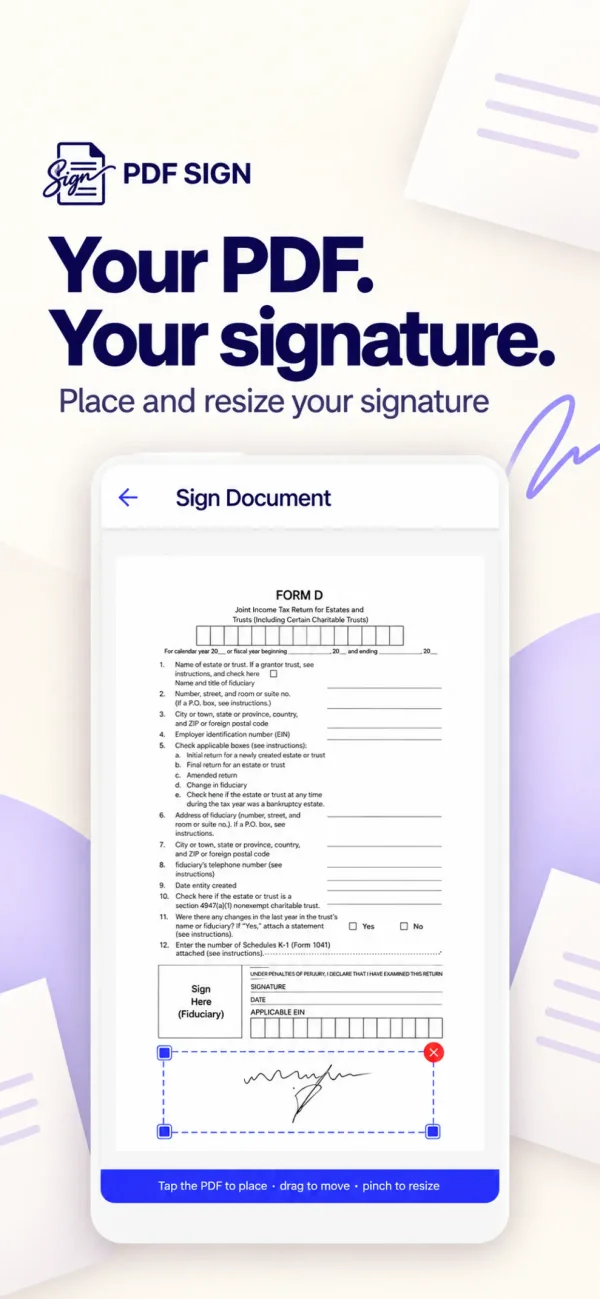
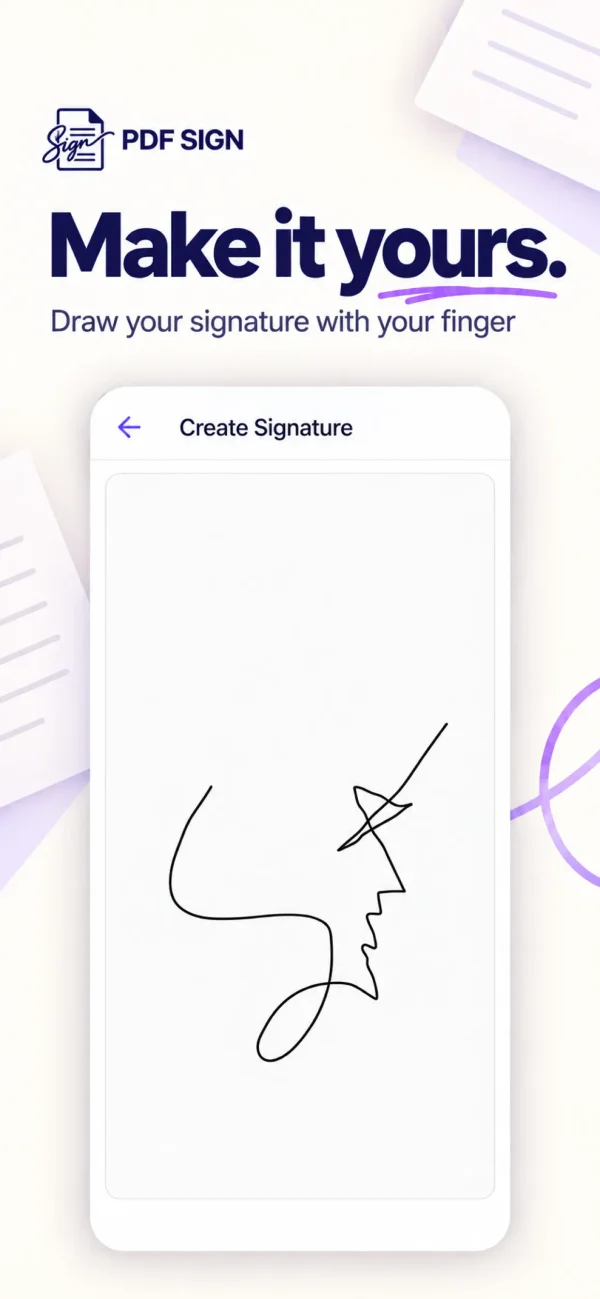
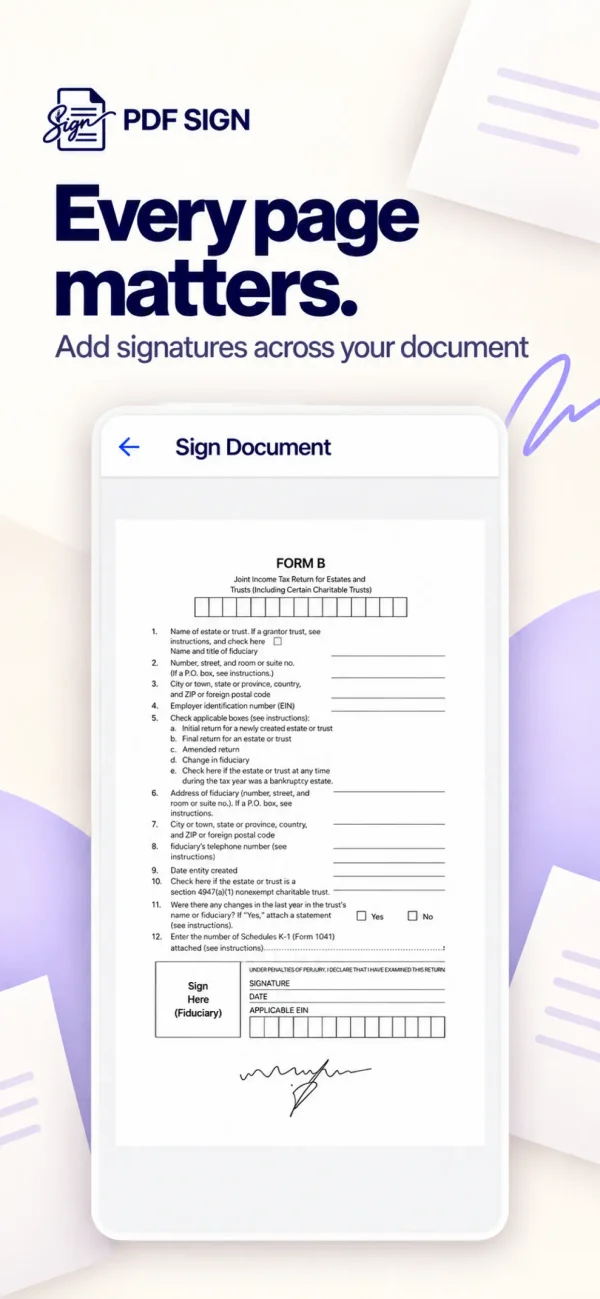
• Sign anything — draw a signature with your finger and place it anywhere on the PDF
• Fill out forms — add text, dates, and checkmarks to any document
• Works fully offline — no internet, no login, no cloud required
• No watermarks — ever
• Private by design — documents are processed only on your device
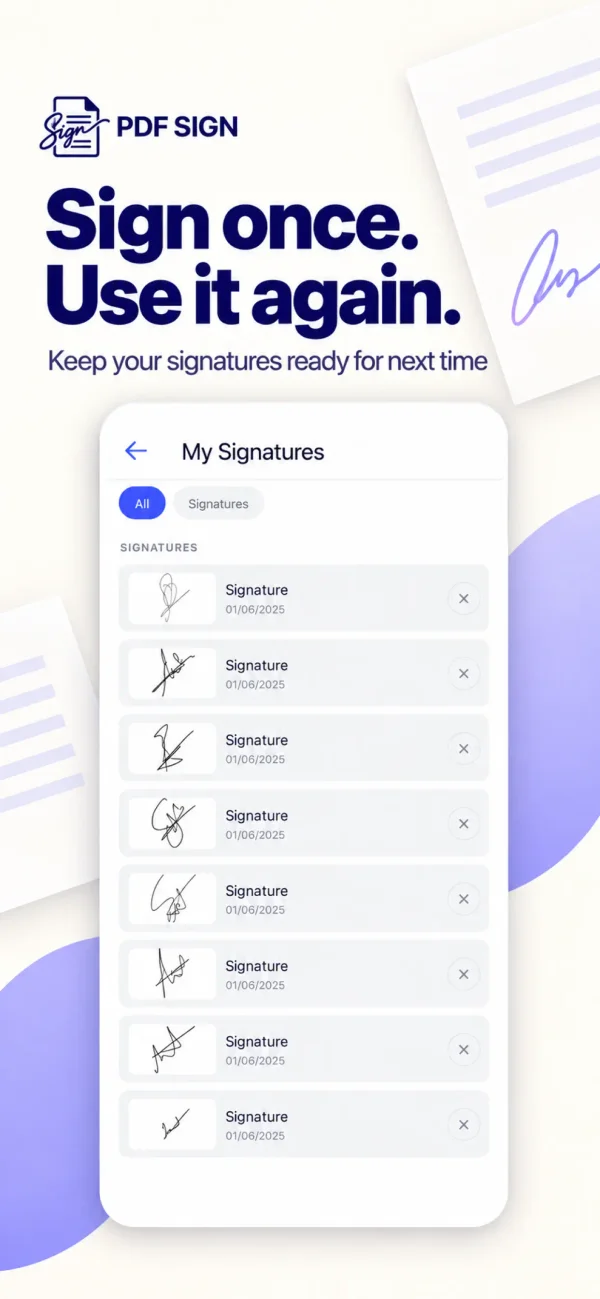
• Save your signature — reuse it instantly on future documents
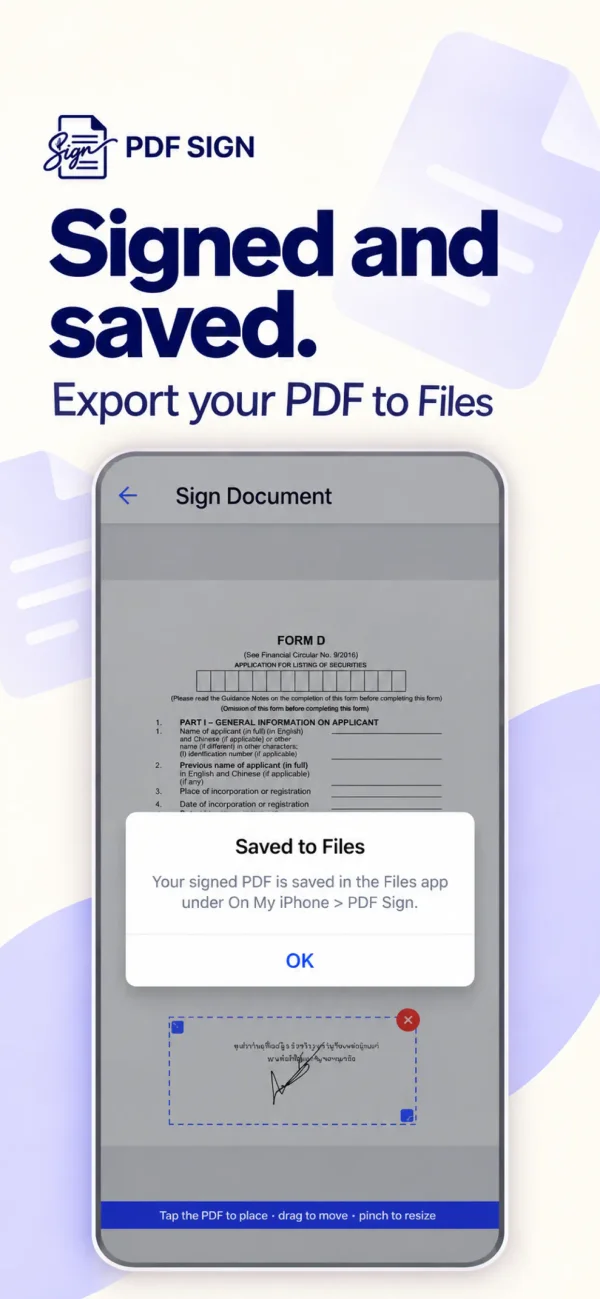
• Share instantly — export the signed PDF to email, Files, Messages, and more
• Clean, simple design — sign a document in under a minute
PERFECT FOR
• Contracts and agreements
• Consent and permission forms
• Tax and government paperwork
• Rental and lease documents
• NDAs, waivers, and applications
• Anyone who needs to sign a document on the go
HOW IT WORKS
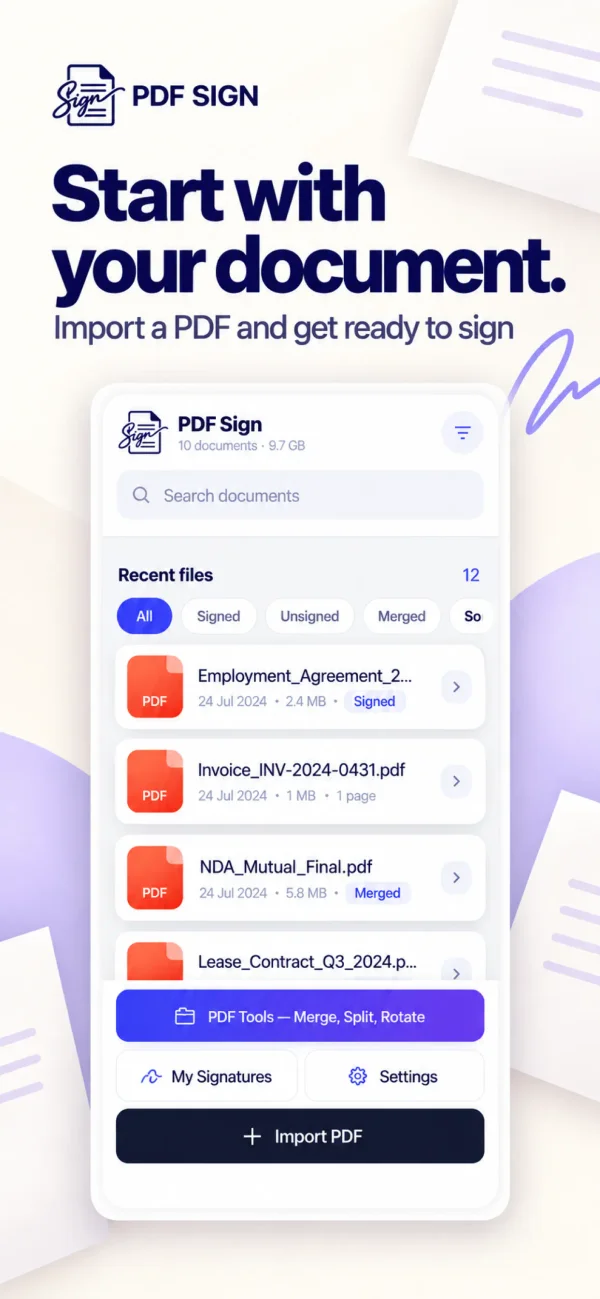
1. Import a PDF from Files, email, or any app
2. Draw your signature (or reuse a saved one)
3. Tap to place it, then fill in any text fields
4. Save and share your signed PDF
No printing. No scanning. No desktop needed.
Download PDF Sign today and turn your iPhone into the simplest e-signature tool you own , offline, and completely private.
Neue Funktionen
Version 1.6 · 12.10.2026
Updated our App Store name and subtitle to make PDF signing and signature creation easier to find.
Improved ad display reliability and native ad layouts. Fixed cases where failed ads could interrupt the document workflow.
App-Datenschutz
Was Muhammad Arslan Asghar im App Store zum Umgang dieser App mit Daten angibt.
-
Daten, die zum Tracking Ihrer Person verwendet werden
Können verwendet werden, um Sie über Apps und Websites anderer Unternehmen hinweg zu verfolgen.
- Kennungen
- Nutzungsdaten
- Diagnose
-
Mit Ihnen verknüpfte Daten
Können erfasst und mit Ihrer Identität verknüpft werden.
- Kennungen
- Nutzungsdaten
- Diagnose
Die Datenschutzpraktiken können variieren, zum Beispiel je nach den von Ihnen verwendeten Funktionen oder Ihrem Alter.
Informationen
- Anbieter
- Muhammad Arslan Asghar
- Kategorie
- Dienstprogramme
- Version
- 1.6
- Aktualisiert
- 12.10.2026
- Veröffentlicht
- 22.07.2026
- Größe
- 99,3 MB
- Erfordert
- iOS 15.5 oder neuer
- Altersfreigabe
- 4+
- Preis
- Kostenlos
- In-App-Käufe
- Ja
- Sprachen
- Englisch
- Copyright
- © 2026 Muhammad Arslan Asghar
Das könnte Ihnen auch gefallen
-
 Document Signer: eSign PDFDienstprogramme
-
 PinIt - Parking Spot TrackerDienstprogramme
-
 PDF Page Remover | DeleteDienstprogramme
-
 Signature Maker - eSignDienstprogramme
-
 Time - Minimalist Clock WidgetDienstprogramme
-
 Timestamp Camera: GPS DateDienstprogramme
-
 Audio Tools - Video zu MP3Audio-Kompressor & Konverter
-
 Anmelden PDFScanner und Editor
-
 WaterOut - eject waterDienstprogramme
-
 E-Signature Pad ProDienstprogramme