PDF Sign: eSign & Export
Signature Maker for Documents
Designed for iPhone, iPad, iPod touch
Free · In-app purchases
- Age rating4+
- CategoryUtilities
- DeveloperMuhammad Arslan Asghar
- LanguagesEnglish
- Size99.3 MB
Links to the official App Store page
Download.org hosts no file of PDF Sign: eSign & Export. The button opens its official App Store page, published by Muhammad Arslan Asghar. Listing last checked on Nov 13, 2026.
Screenshots

About
Sign PDFs in seconds — right on your iPhone, fully offline.
PDF Sign is the fast, private way to sign and fill any PDF document. Draw your signature once, drop it on the page, fill out form fields, and share the finished file — no account, no subscription, no watermark. This is it.
Your files never leave your device. Everything happens on your iPhone, so your contracts, agreements, and personal documents stay 100% private.
WHY YOU'LL LOVE IT
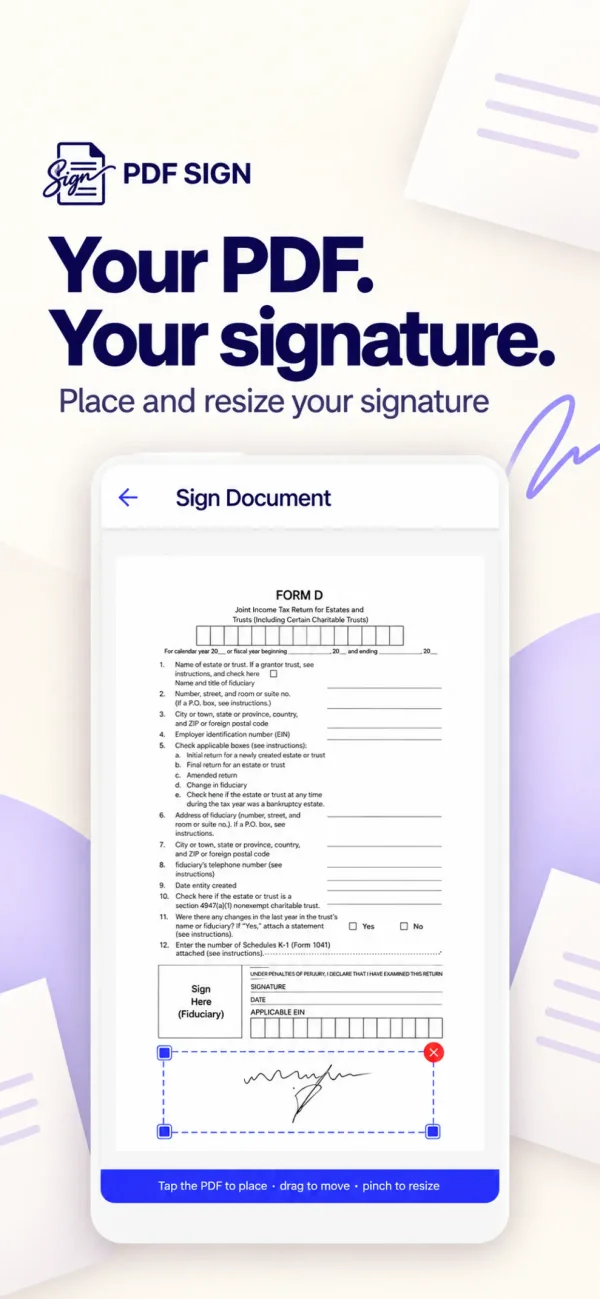
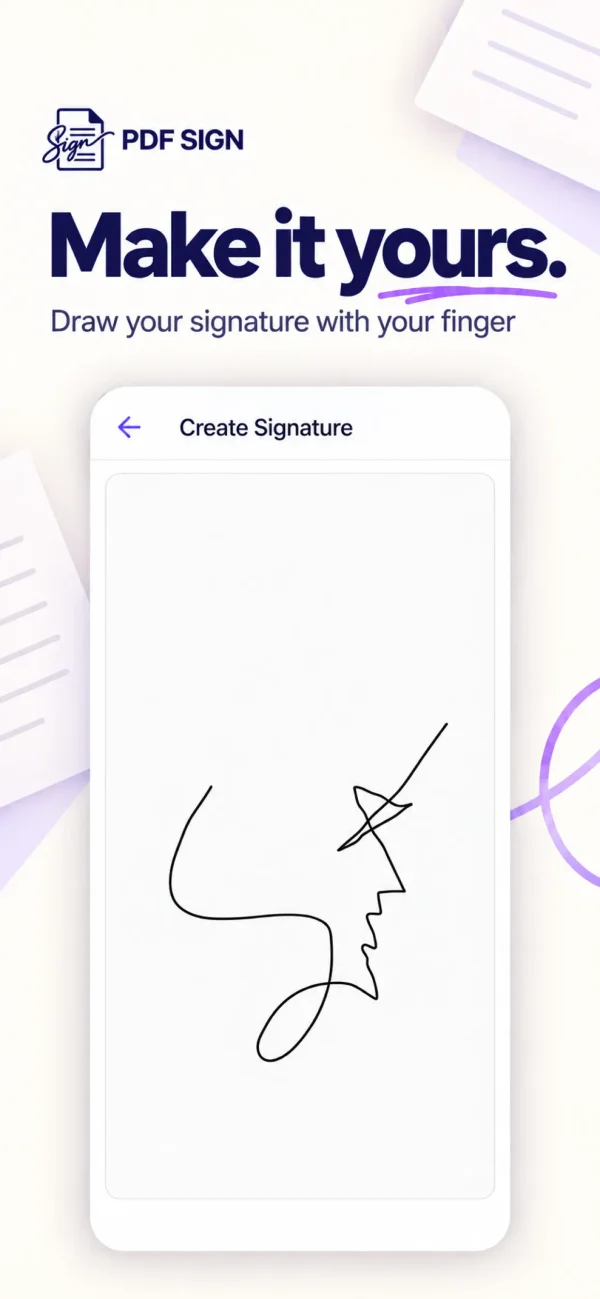
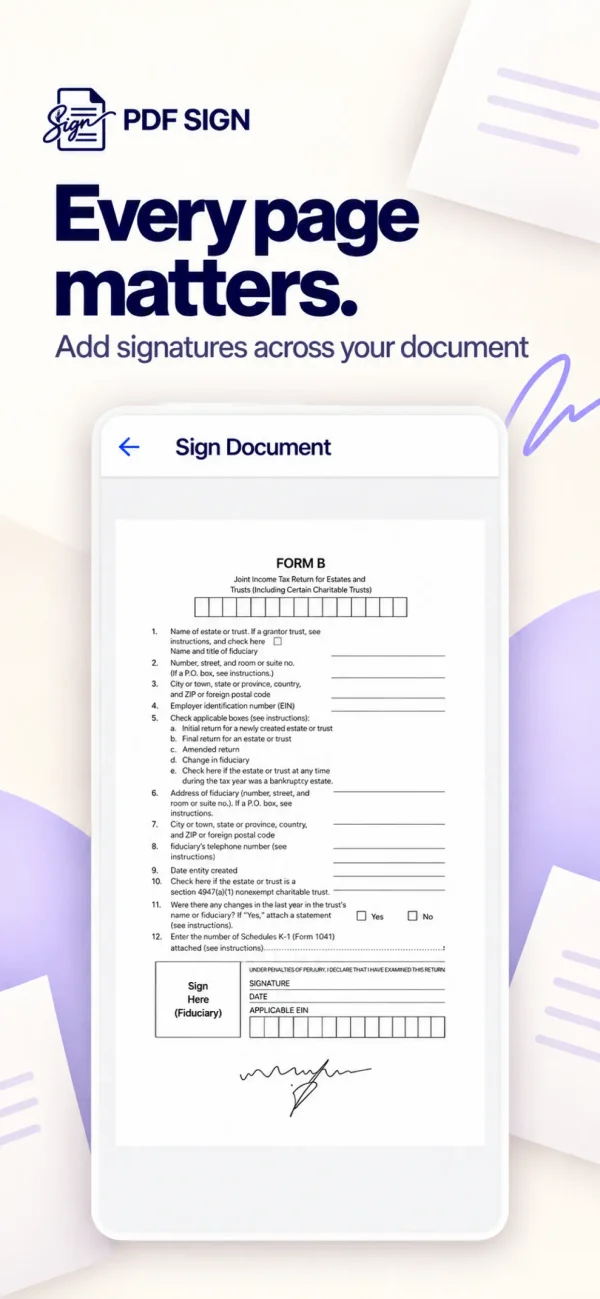
• Sign anything — draw a signature with your finger and place it anywhere on the PDF
• Fill out forms — add text, dates, and checkmarks to any document
• Works fully offline — no internet, no login, no cloud required
• No watermarks — ever
• Private by design — documents are processed only on your device
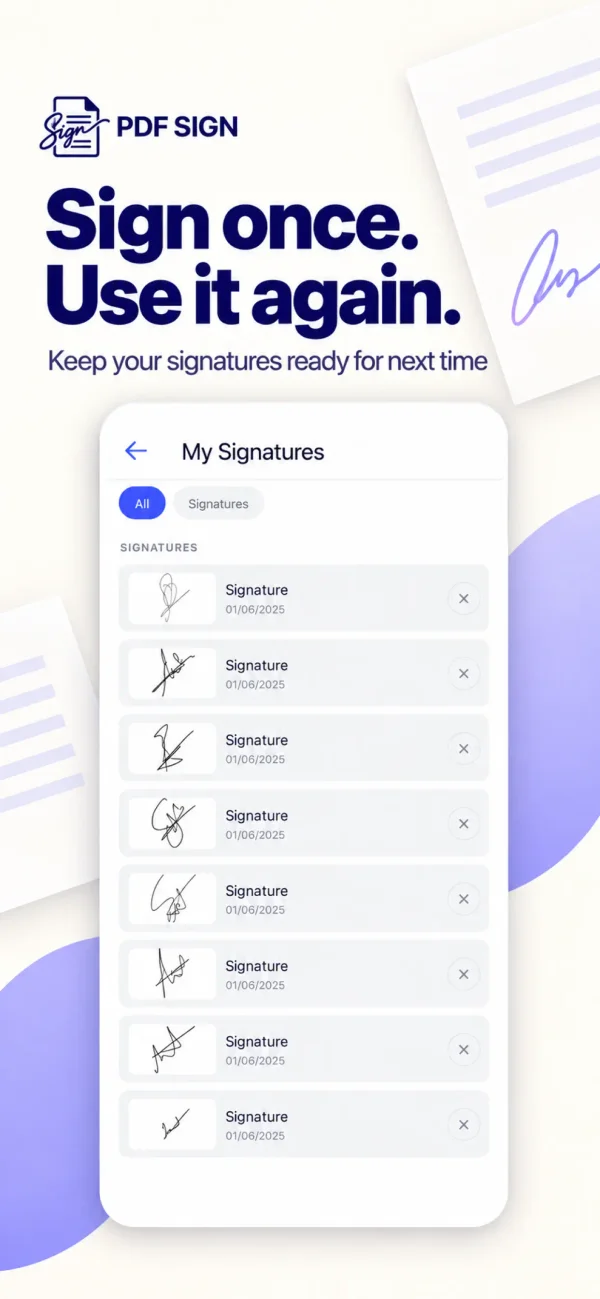
• Save your signature — reuse it instantly on future documents
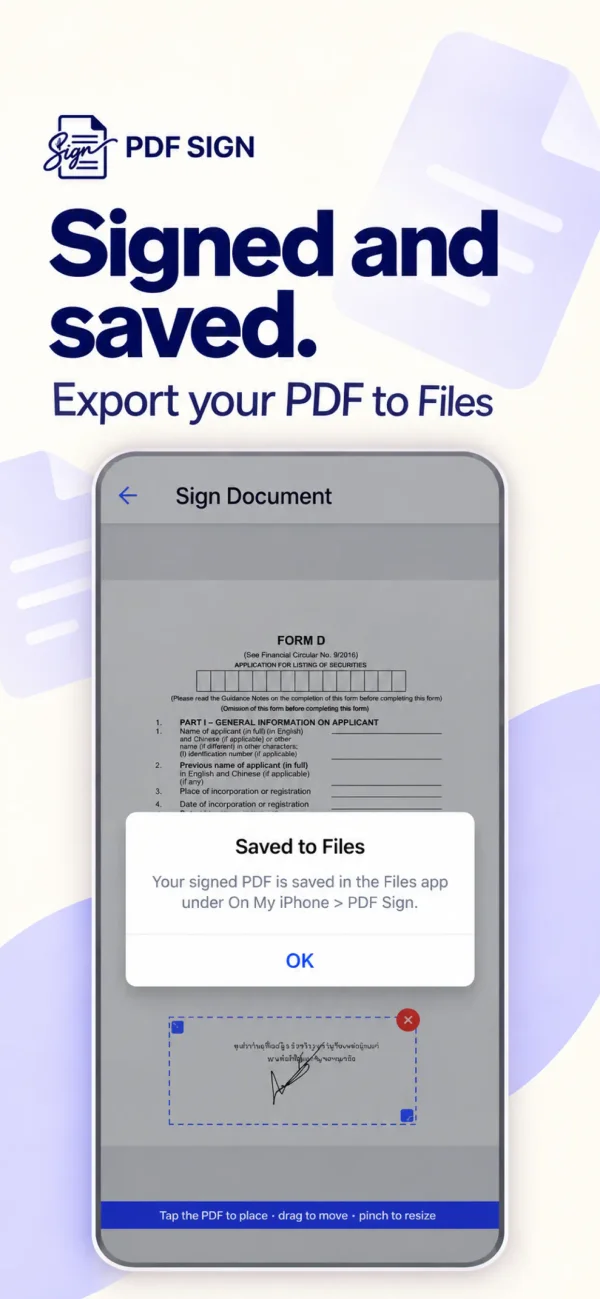
• Share instantly — export the signed PDF to email, Files, Messages, and more
• Clean, simple design — sign a document in under a minute
PERFECT FOR
• Contracts and agreements
• Consent and permission forms
• Tax and government paperwork
• Rental and lease documents
• NDAs, waivers, and applications
• Anyone who needs to sign a document on the go
HOW IT WORKS
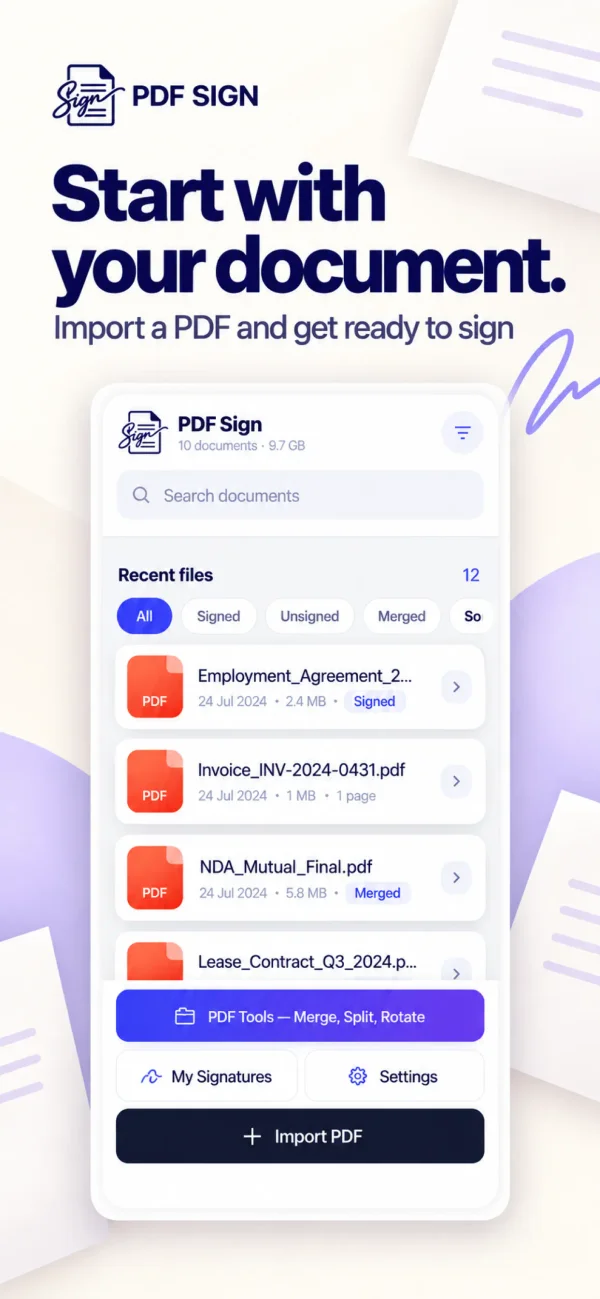
1. Import a PDF from Files, email, or any app
2. Draw your signature (or reuse a saved one)
3. Tap to place it, then fill in any text fields
4. Save and share your signed PDF
No printing. No scanning. No desktop needed.
Download PDF Sign today and turn your iPhone into the simplest e-signature tool you own , offline, and completely private.
What’s new
Version 1.6 · Oct 12, 2026
Updated our App Store name and subtitle to make PDF signing and signature creation easier to find.
Improved ad display reliability and native ad layouts. Fixed cases where failed ads could interrupt the document workflow.
App privacy
What Muhammad Arslan Asghar declares on the App Store about how this app handles data.
-
Data used to track you
May be used to track you across apps and websites owned by other companies.
- Identifiers
- Usage data
- Diagnostics
-
Data linked to you
May be collected and linked to your identity.
- Identifiers
- Usage data
- Diagnostics
Privacy practices may vary, for example with the features you use or your age.
Information
- Seller
- Muhammad Arslan Asghar
- Category
- Utilities
- Version
- 1.6
- Updated
- Oct 12, 2026
- Released
- Jul 22, 2026
- Size
- 99.3 MB
- Requires
- iOS 15.5 or later
- Age rating
- 4+
- Price
- Free
- In-app purchases
- Yes
- Languages
- English
- Copyright
- © 2026 Muhammad Arslan Asghar
You might also like
-
 Document Signer: eSign PDFUtilities
-
 PinIt - Parking Spot TrackerFind My Car & Save Location
-
 PDF Page Remover | DeleteDelete PDF Pages Fast and Easy
-
 Signature Maker - eSignStart signing smarter today.
-
 Time - Minimalist Clock WidgetAdd a unique timepiece to home
-
 Timestamp Camera: GPS DateAdd Date, Time, GPS & Address
-
 Audio Tools - Video to Mp3Audio compressor and converter
-
 Sign PDF: Fill Forms & ScanDocument signature & editor
-
 WaterOut - eject waterUtilities
-
 E-Signature Pad ProCreate and Use E-Signatures