- Altersfreigabe4+
- KategorieProduktivität
- EntwicklerOleg Grinevich
- SprachenEnglisch+ 2 weitere
- Größe5,8 MB
PDF Toolkit — Offline ist bei App Store derzeit möglicherweise nicht verfügbar
Bei unserer letzten Prüfung war der Store-Eintrag nicht erreichbar. Der Link führt weiterhin zur offiziellen App Store-Seite.
Screenshots
Info
Der Entwickler hat diesen Text nicht in Ihrer Sprache bereitgestellt.
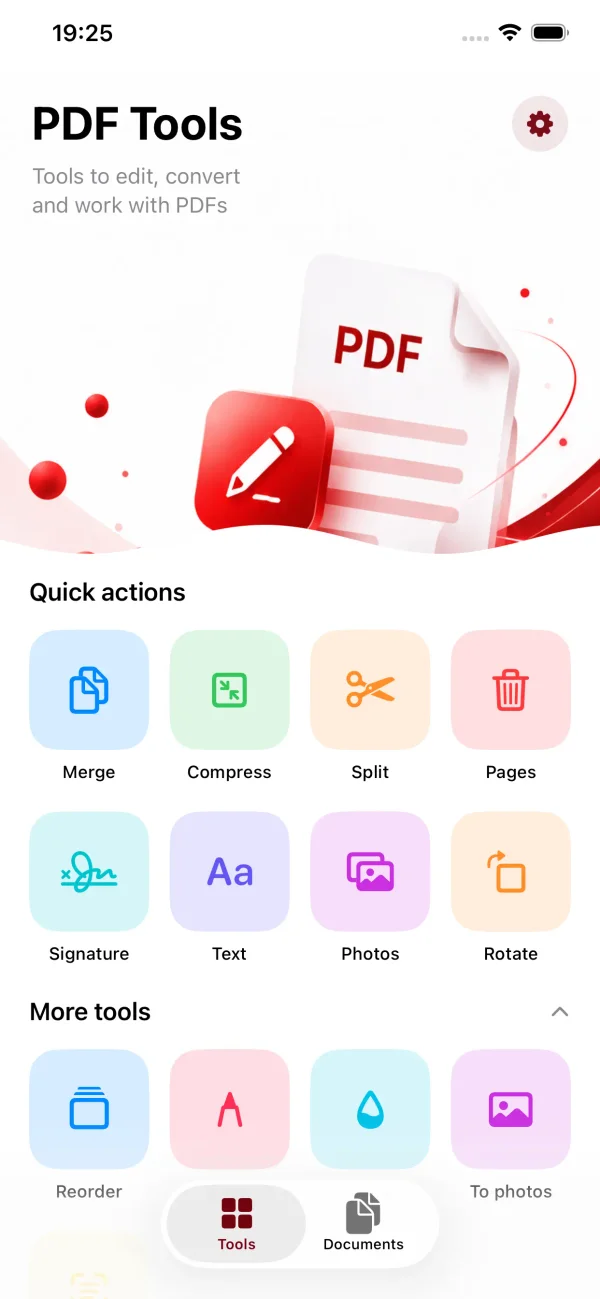
PDF Tools is a set of 13 features for working with PDF documents right on your iPhone. Everything happens on-device: no internet required, no cloud uploads, no tracking of your files.
WHAT IT DOES
Merging and organizing:
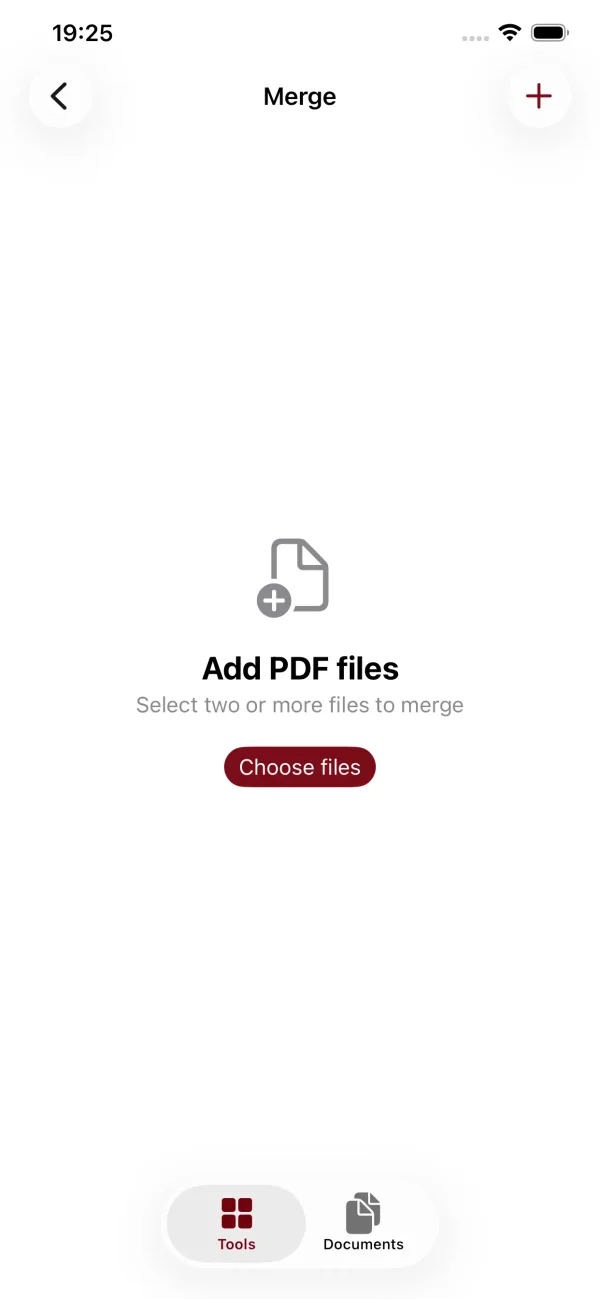
• Merge multiple PDFs into one file
• Split PDF into parts
• Reorder pages by dragging
• Delete or duplicate pages
• Rotate pages (single or all at once)
Compression and optimization:
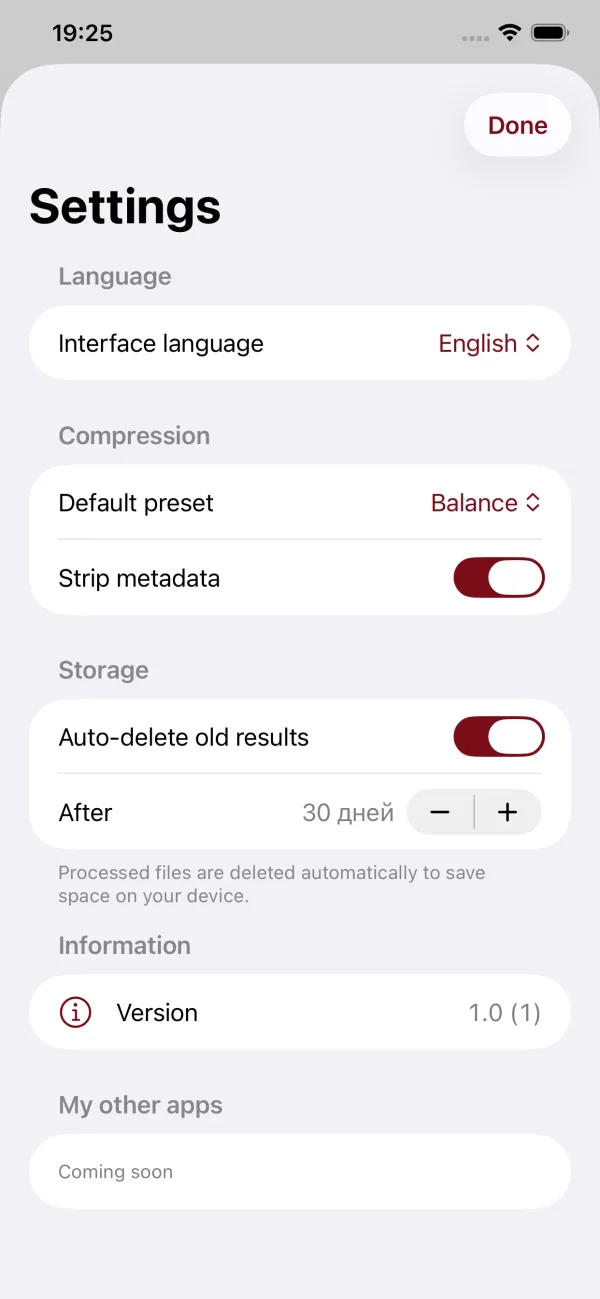
• Three compression levels — Max quality, Balance, Max compression
• Live size estimate before applying
• Remove metadata, convert to black & white
Annotations and signing:
• Insert signature or stamp image with drag and pinch-to-resize
• Add text over any page
• Draw with finger or Apple Pencil (PencilKit)
• Apply watermark to all pages at once
Conversion:
• Photos → PDF: build a document from photos (A4, Letter, or fit-to-photo)
• PDF → Photos: extract pages as images to your library
Text recognition (OCR):
• Extract text from scans and regular PDFs
• Russian and English language recognition
• Copy to clipboard, export as .txt
Password-protected files:
• Open password-locked PDFs via the built-in unlock
PRIVACY
Your documents never leave the device. No servers, no content analytics, no cloud uploads. Every tool works without internet — even on a plane.
NO SUBSCRIPTION
The app is completely free. No operation limits, no trial period, no "PRO" tier. Download once — use forever.
INTERFACE
• Russian, English, Spanish
• Choose language independent of system
• Automatic dark mode
• Haptic feedback on actions
• Search and sort in the Documents tab
• QuickLook preview
• Multi-select and bulk share
INTEGRATIONS
• App Intents for Siri and Shortcuts — "Compress PDF", "Merge PDFs", "Split PDF"
• Universal access via the system Share menu
The app does one thing and does it well: a full offline PDF toolkit without compromises, subscriptions, or tracking.
```
## What's New in This Version (Release Notes)
*(max 4000 chars, version 1.0)*
```
First release of PDF Tools. We packed 13 features into one app: merging, compression, splitting, page editing, annotations (signature, text, drawing, watermark), Photos↔PDF conversion, OCR text recognition and password-protected file support. Everything works offline and without a subscription.
App-Datenschutz
Was Oleg Grinevich im App Store zum Umgang dieser App mit Daten angibt.
-
Keine Daten erfasst
Der Entwickler erfasst keine Daten von dieser App.
Die Datenschutzpraktiken können variieren, zum Beispiel je nach den von Ihnen verwendeten Funktionen oder Ihrem Alter.
Informationen
- Anbieter
- Oleg Grinevich
- Kategorie
- Produktivität
- Version
- 1.0
- Aktualisiert
- 15.09.2026
- Veröffentlicht
- 15.09.2026
- Größe
- 5,8 MB
- Erfordert
- iOS 18.6 oder neuer
- Altersfreigabe
- 4+
- Sprachen
- Englisch, Russisch, Spanisch
- Copyright
- © Moonlight Studio
Das könnte Ihnen auch gefallen
-
 PDFWorldEditor: PDF EditorProduktivität
-
 PDFEditor: PDF Text bearbeitenText im PDF direkt korrigieren
-
 Po Planu: Daily TasksProduktivität
-
 Alle Dokumentenleser: KIPDF un Office Dateien anzeigen
-
 PDF Scanner: Bearbeiten & OCRKonverter, Unterschrift, Lesen
-
 KI-Schreiben: Texte & BriefeHumanizer & Brief-Assistent
-
 Strive: управление проектамиProduktivität
-
 Soulver 4Notizblock trifft Rechner
-
 PDF Reader & Datei-KonverterDokumente lesen, Bilder in PDF
-
 TROUVERProduktivität