- Age rating4+
- CategoryProductivity
- DeveloperOleg Grinevich
- LanguagesEnglish+ 2 more
- Size5.8 MB
Links to the official App Store page
Download.org hosts no file of PDF Toolkit — Offline. The button opens its official App Store page, published by Oleg Grinevich. Listing last checked on Nov 18, 2026.
Screenshots
About
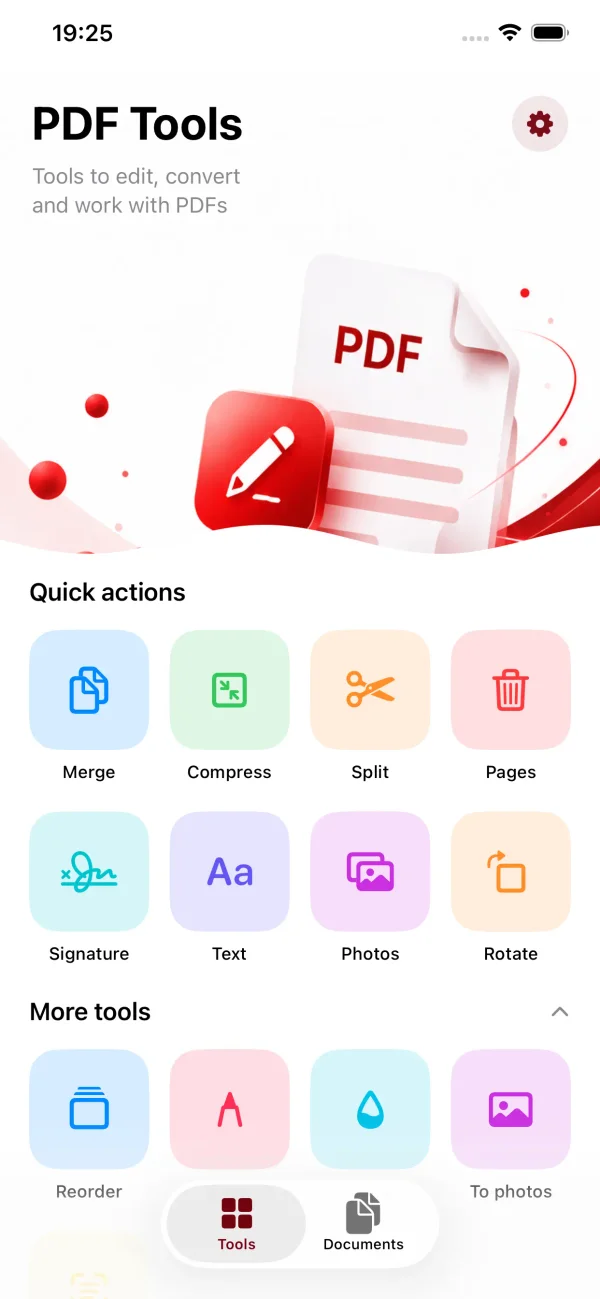
PDF Tools is a set of 13 features for working with PDF documents right on your iPhone. Everything happens on-device: no internet required, no cloud uploads, no tracking of your files.
WHAT IT DOES
Merging and organizing:
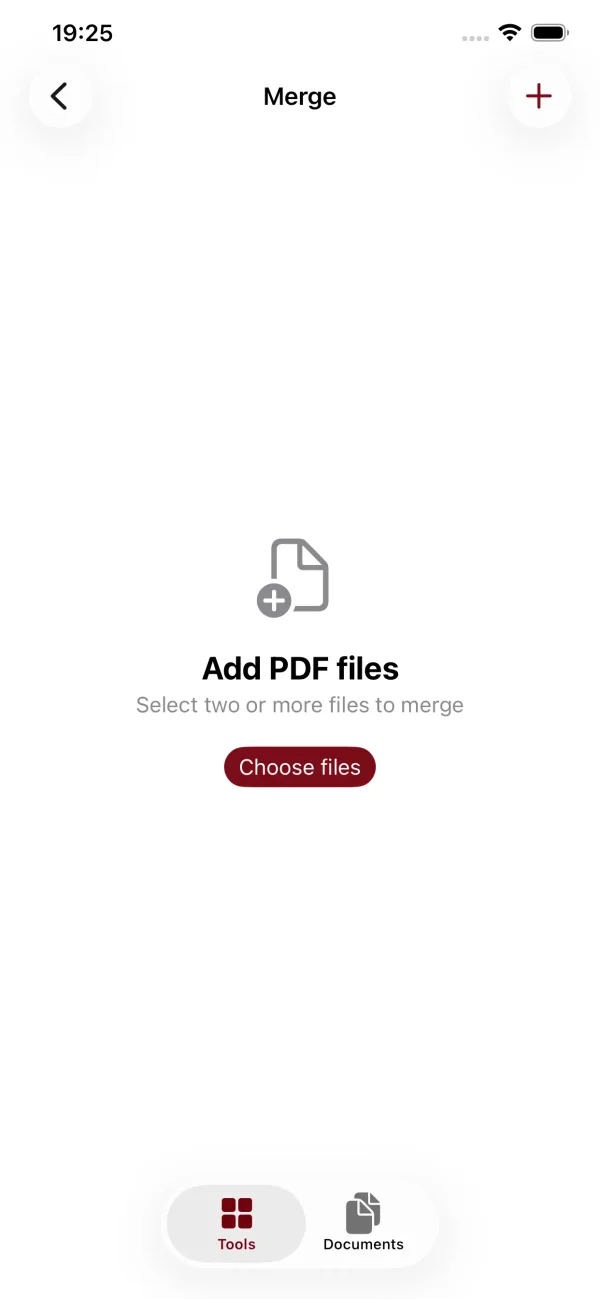
• Merge multiple PDFs into one file
• Split PDF into parts
• Reorder pages by dragging
• Delete or duplicate pages
• Rotate pages (single or all at once)
Compression and optimization:
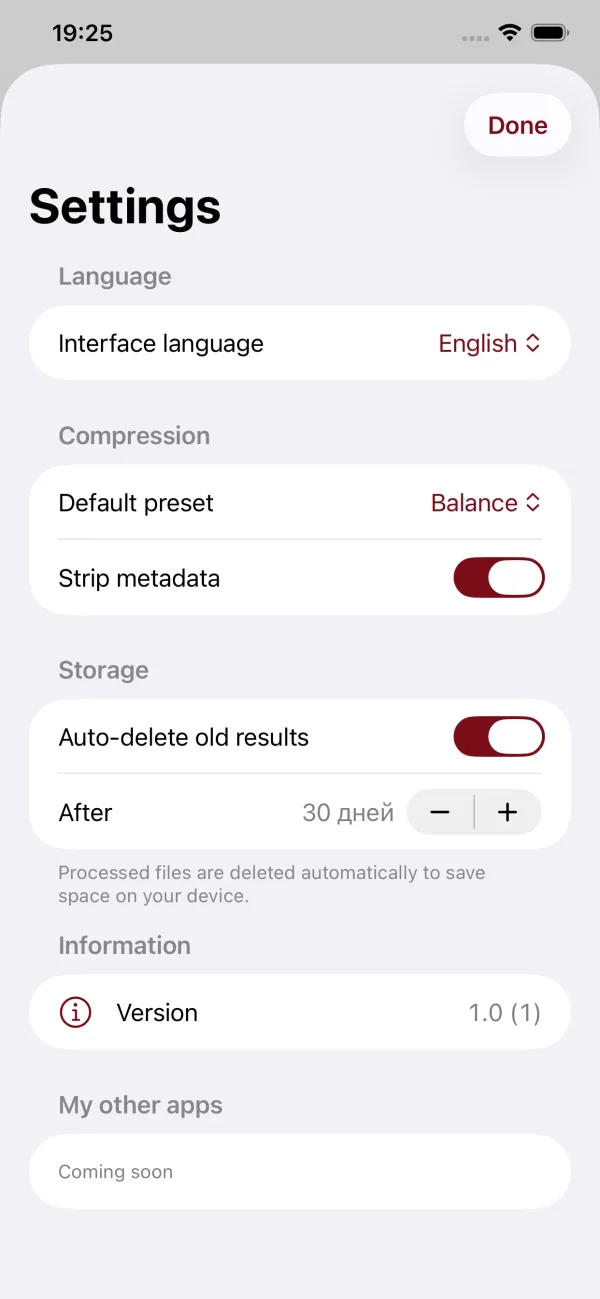
• Three compression levels — Max quality, Balance, Max compression
• Live size estimate before applying
• Remove metadata, convert to black & white
Annotations and signing:
• Insert signature or stamp image with drag and pinch-to-resize
• Add text over any page
• Draw with finger or Apple Pencil (PencilKit)
• Apply watermark to all pages at once
Conversion:
• Photos → PDF: build a document from photos (A4, Letter, or fit-to-photo)
• PDF → Photos: extract pages as images to your library
Text recognition (OCR):
• Extract text from scans and regular PDFs
• Russian and English language recognition
• Copy to clipboard, export as .txt
Password-protected files:
• Open password-locked PDFs via the built-in unlock
PRIVACY
Your documents never leave the device. No servers, no content analytics, no cloud uploads. Every tool works without internet — even on a plane.
NO SUBSCRIPTION
The app is completely free. No operation limits, no trial period, no "PRO" tier. Download once — use forever.
INTERFACE
• Russian, English, Spanish
• Choose language independent of system
• Automatic dark mode
• Haptic feedback on actions
• Search and sort in the Documents tab
• QuickLook preview
• Multi-select and bulk share
INTEGRATIONS
• App Intents for Siri and Shortcuts — "Compress PDF", "Merge PDFs", "Split PDF"
• Universal access via the system Share menu
The app does one thing and does it well: a full offline PDF toolkit without compromises, subscriptions, or tracking.
```
## What's New in This Version (Release Notes)
*(max 4000 chars, version 1.0)*
```
First release of PDF Tools. We packed 13 features into one app: merging, compression, splitting, page editing, annotations (signature, text, drawing, watermark), Photos↔PDF conversion, OCR text recognition and password-protected file support. Everything works offline and without a subscription.
App privacy
What Oleg Grinevich declares on the App Store about how this app handles data.
-
Data not collected
The developer does not collect any data from this app.
Privacy practices may vary, for example with the features you use or your age.
Information
- Seller
- Oleg Grinevich
- Category
- Productivity
- Version
- 1.0
- Updated
- Sep 15, 2026
- Released
- Sep 15, 2026
- Size
- 5.8 MB
- Requires
- iOS 18.6 or later
- Age rating
- 4+
- Price
- Free
- Languages
- English, Russian, Spanish
- Copyright
- © Moonlight Studio
You might also like
-
 PDFWorldEditor: PDF EditorSign, edit, merge & scan PDFs
-
 PDF Text Editor ‑ Edit PDFChange & rewrite existing text
-
 Po Planu: Daily TasksPlan the day, reach your goals
-
 All Document Reader: AI & DocsView PDF, XLS, Office Files
-
 PDF Manager: Editor & ScannerReader, Converter, Sign & OCR
-
 Daily AI Writer: Email LetterHumanizer, Writing, Rewrite
-
 Strive: управление проектамиProductivity
-
 Soulver 4Notepad, meet calculator.
-
 All Doc Reader & PDF ConverterAll-in-one reader & Converter
-
 TROUVERProductivity