PDF Tools: Read & Edit
Edit, Merge, and Sign PDFs
Entwickelt für iPhone, iPod touch
Kostenlos · In-App-Käufe
- Altersfreigabe4+
- KategorieDienstprogramme
- EntwicklerShilong Lu
- SprachenEnglisch+ 10 weitere
- Größe95,9 MB
Verlinkt auf die offizielle App Store-Seite
Download.org hostet keine Datei von PDF Tools: Read & Edit. Die Schaltfläche öffnet die App-Seite bei App Store, wo Shilong Lu die App veröffentlicht. Eintrag zuletzt geprüft am 17.11.2026.
Screenshots


Info
Der Entwickler hat diesen Text nicht in Ihrer Sprache bereitgestellt.
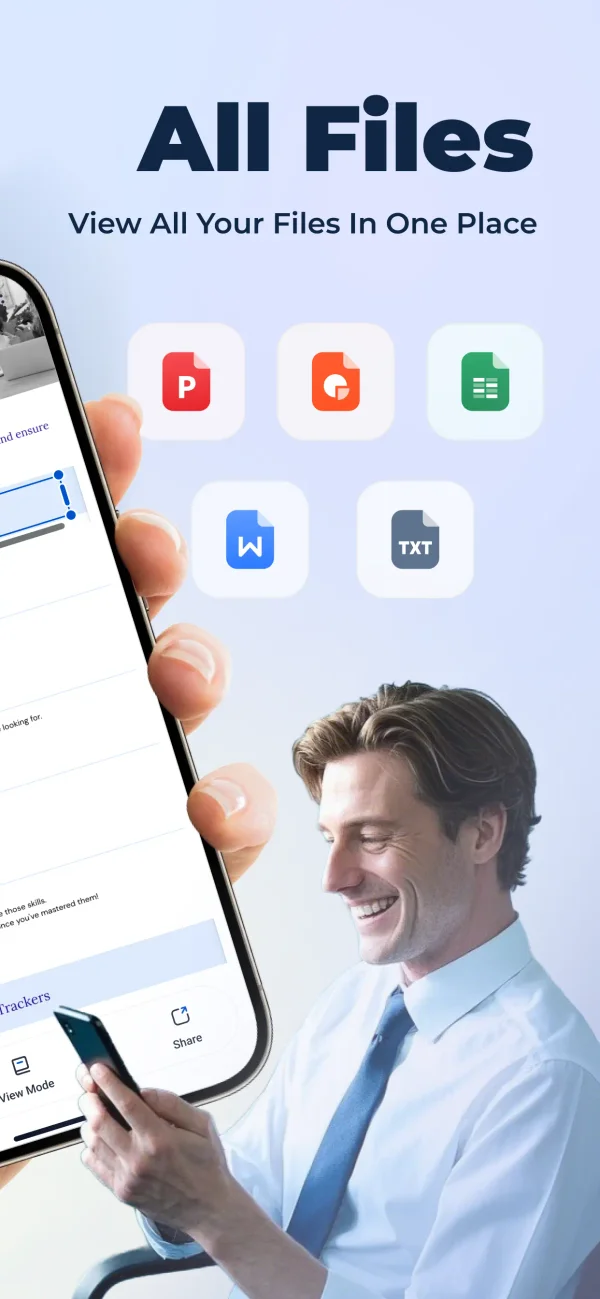
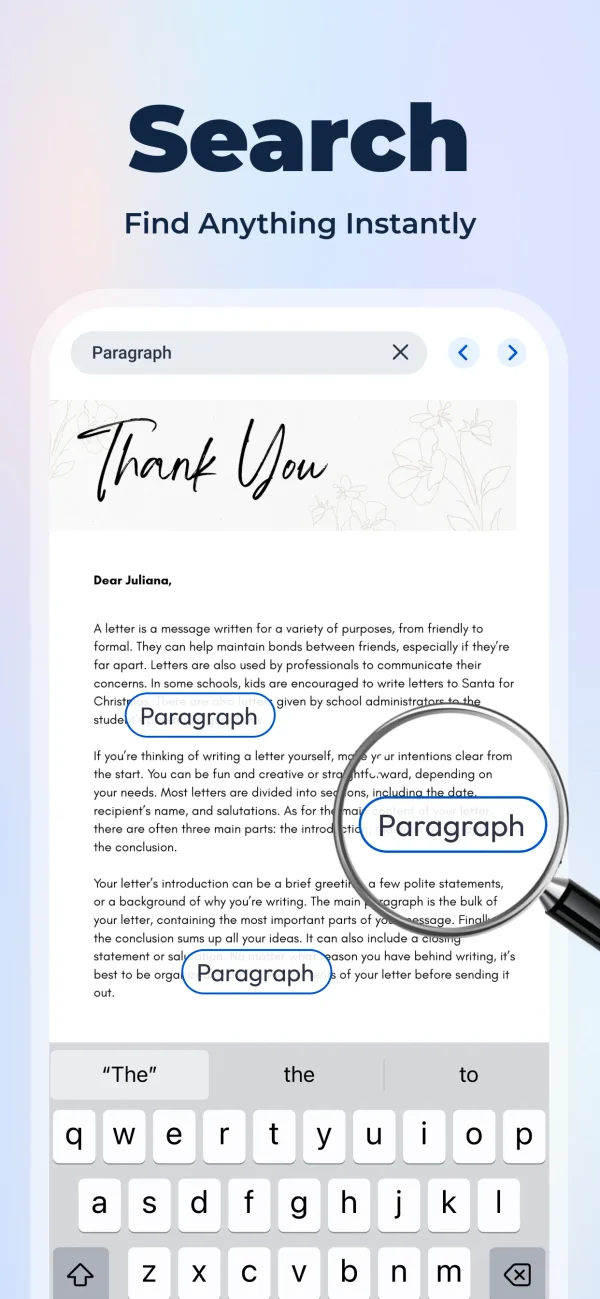
One-click conversion of PDF↔Word/Excel/TXT, no watermark! Supports OCR scanning, electronic signature, merge and split, file encryption, and turns your phone into an office tool in seconds!
Core functions:
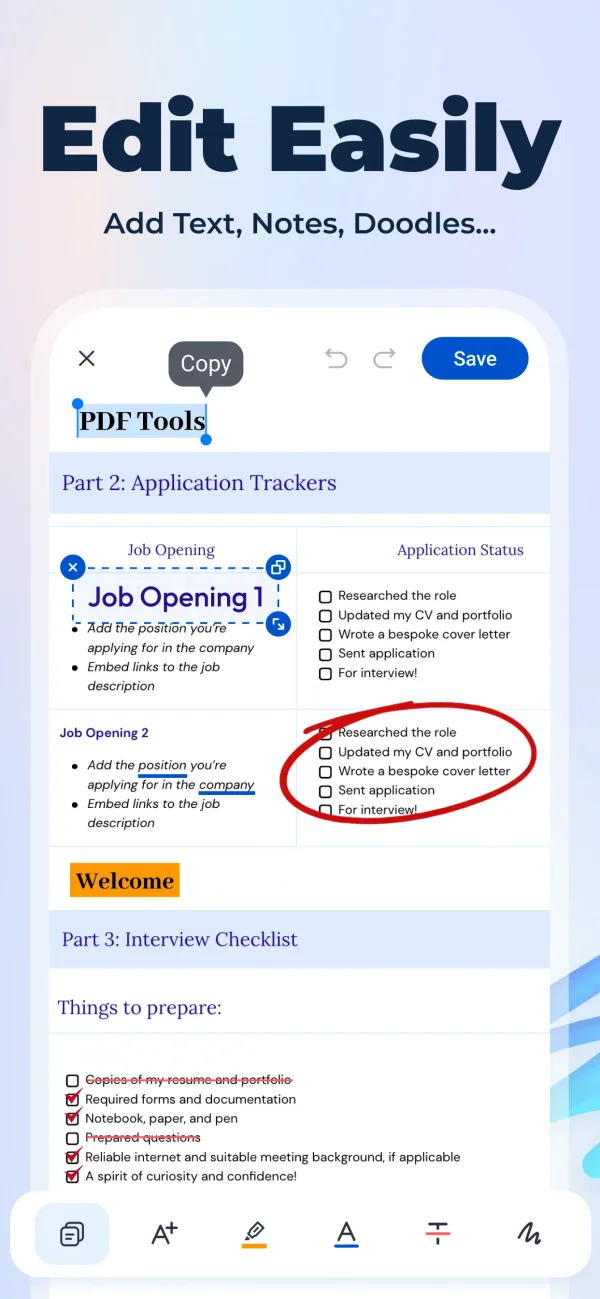
All-round editing - highlight/doodle/add text, modify PDF like editing Word
Format conversion - convert PDF to Word/Excel/PPT/picture, 100% retain the original format
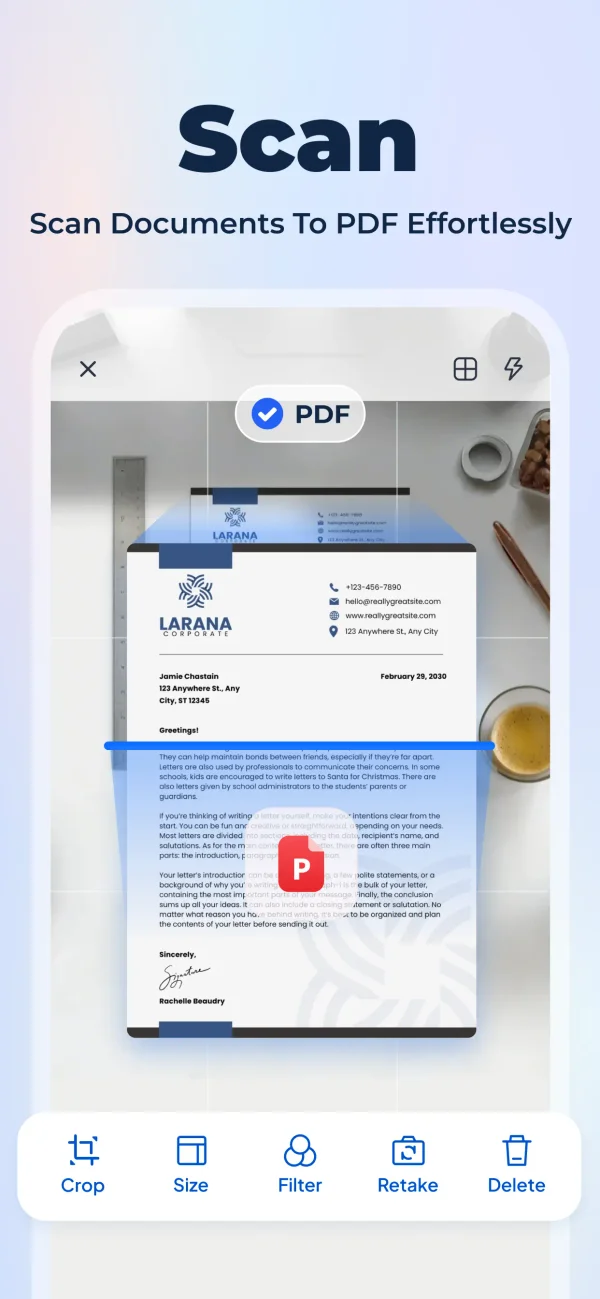
OCR recognition - scan paper documents → searchable PDF/text
File management - merge/split/compress/encrypt PDF, delete blank pages in one click
Electronic signature - handwritten signature or upload signature image, business contract is done in seconds
Why choose us?
No login required - open and use, no privacy concerns
Local processing - sensitive files are not uploaded to the cloud, safer
High performance - large files open in seconds, hundreds of pages of documents edited smoothly
Applicable scenarios
Students: Scan textbooks/notes to text, review more efficiently
Workers: Sign contracts and change plans at any time, worry-free mobile office
Home users: Merge travel guides, compress document scans
Download now to experience professional-level PDF processing!
Subscription Terms:
1. Payment will be charged to your iThunes account at confirmation of purchase.
2. You can manage your subscription and turn off auto-renewal in your account settings after purchase.
3. Subscription will automatically renew if auto-renew is disabled at least 24 hours before the end of the current period.
Privacy Policy: https://h5.pdfpro.xyz/privacy_policy.html
Terms of Service: https://h5.pdfpro.xyz/user-agreement.html
Neue Funktionen
Version 1.0.13 · 22.09.2025
Fix known bugs
App-Datenschutz
Was Shilong Lu im App Store zum Umgang dieser App mit Daten angibt.
-
Nicht mit Ihnen verknüpfte Daten
Können erfasst werden, sind aber nicht mit Ihrer Identität verknüpft.
- Käufe
- Kennungen
- Nutzungsdaten
- Diagnose
Die Datenschutzpraktiken können variieren, zum Beispiel je nach den von Ihnen verwendeten Funktionen oder Ihrem Alter.
Informationen
- Anbieter
- Shilong Lu
- Kategorie
- Dienstprogramme
- Version
- 1.0.13
- Aktualisiert
- 22.09.2025
- Veröffentlicht
- 22.05.2025
- Größe
- 95,9 MB
- Erfordert
- iOS 14.0 oder neuer
- Altersfreigabe
- 4+
- Preis
- Kostenlos
- In-App-Käufe
- Ja
- Sprachen
- Englisch, Arabisch, Französisch, Deutsch, Hindi, Italienisch, Japanisch, Koreanisch, Portugiesisch, Spanisch, Tradit. Chinesisch
- Copyright
- © 2025 Shilong Lu Inc.
Das könnte Ihnen auch gefallen
-
 Storm Cleaner-Clean up storageDienstprogramme
-
 AI Cleaner MasterDienstprogramme
-
 CleanSweep - Photo Cleaner AIDienstprogramme
-
 Cleanzy: AI Phone CleanerDienstprogramme
-
 Cleano: Smart CleaningPhone Storage Optimisation
-
 AI Album Cleaner ProDienstprogramme
-
 SpaceUp: Storage Cleaner AppDienstprogramme
-
 CleanupMe - Clean & PrivateDienstprogramme
-
 Cleaner PRO-Storang AI CleanerDienstprogramme
-
 PDF Reader-EditingDienstprogramme