PDF Tools: Read & Edit
Edit, Merge, and Sign PDFs
Conçue pour iPhone, iPod touch
Gratuit · Achats intégrés
- Classification d’âge4+
- CatégorieUtilitaires
- DéveloppeurShilong Lu
- LanguesAnglais+ 10 de plus
- Taille95,9 Mo
Renvoie vers la page App Store officielle
Download.org n’héberge aucun fichier de PDF Tools: Read & Edit. Le bouton ouvre la page de l’application sur App Store, où Shilong Lu la publie. Fiche vérifiée pour la dernière fois le 17/11/2026.
Captures d’écran
À propos
Le développeur n’a pas fourni ce texte dans votre langue.
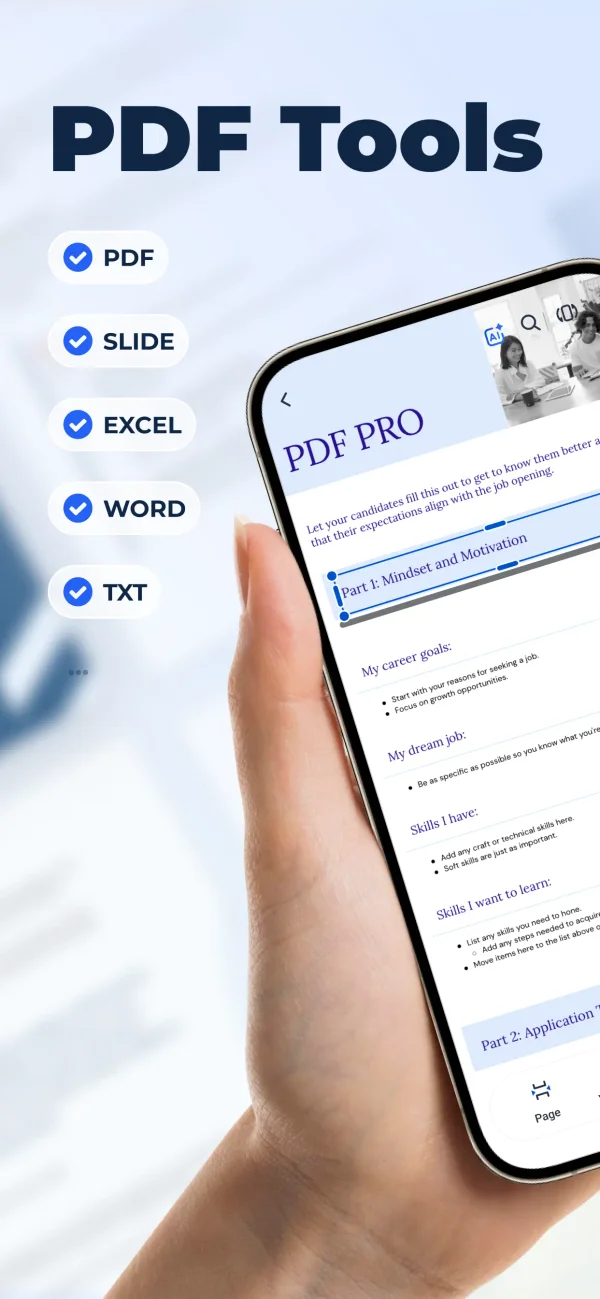
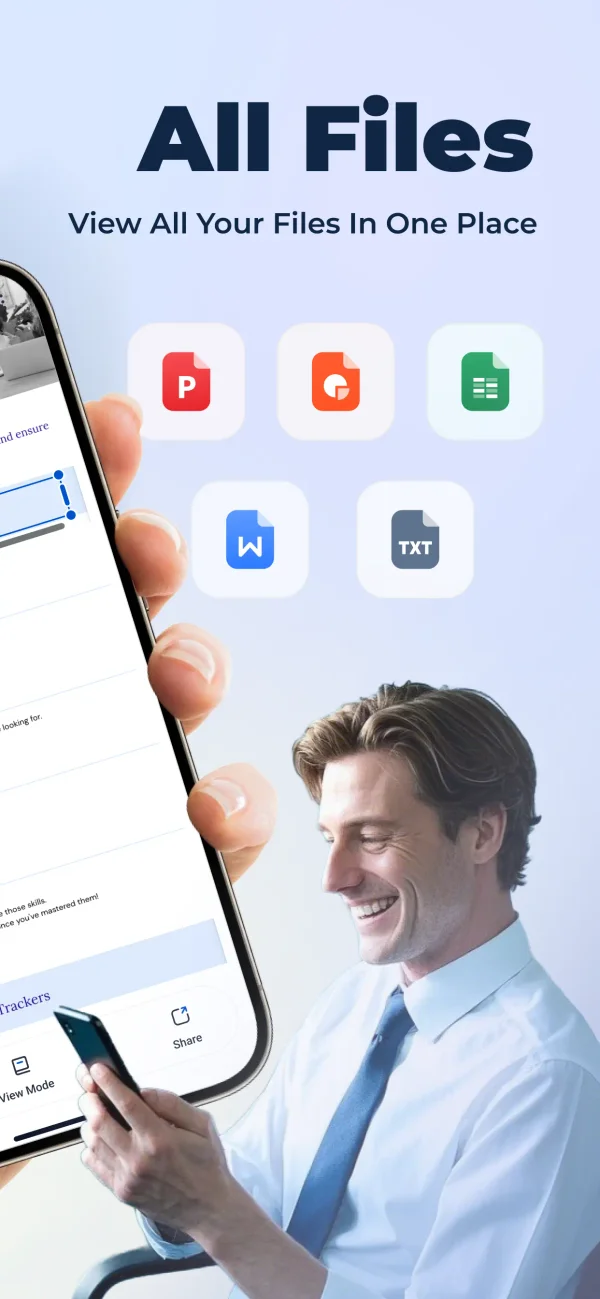
One-click conversion of PDF↔Word/Excel/TXT, no watermark! Supports OCR scanning, electronic signature, merge and split, file encryption, and turns your phone into an office tool in seconds!
Core functions:
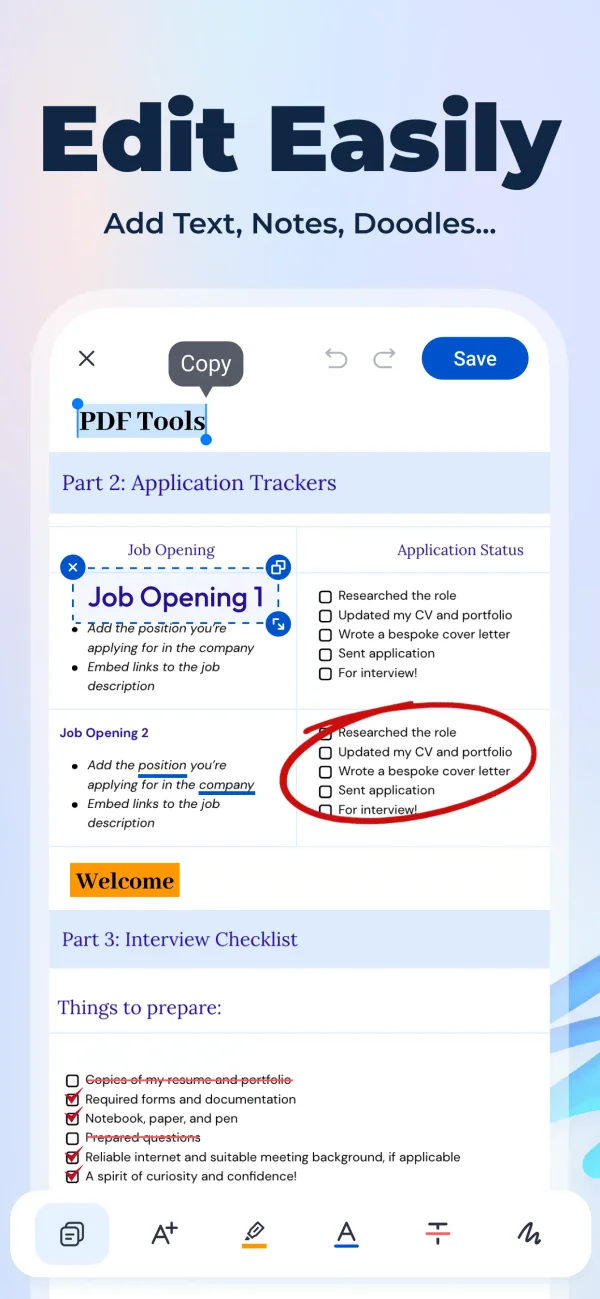
All-round editing - highlight/doodle/add text, modify PDF like editing Word
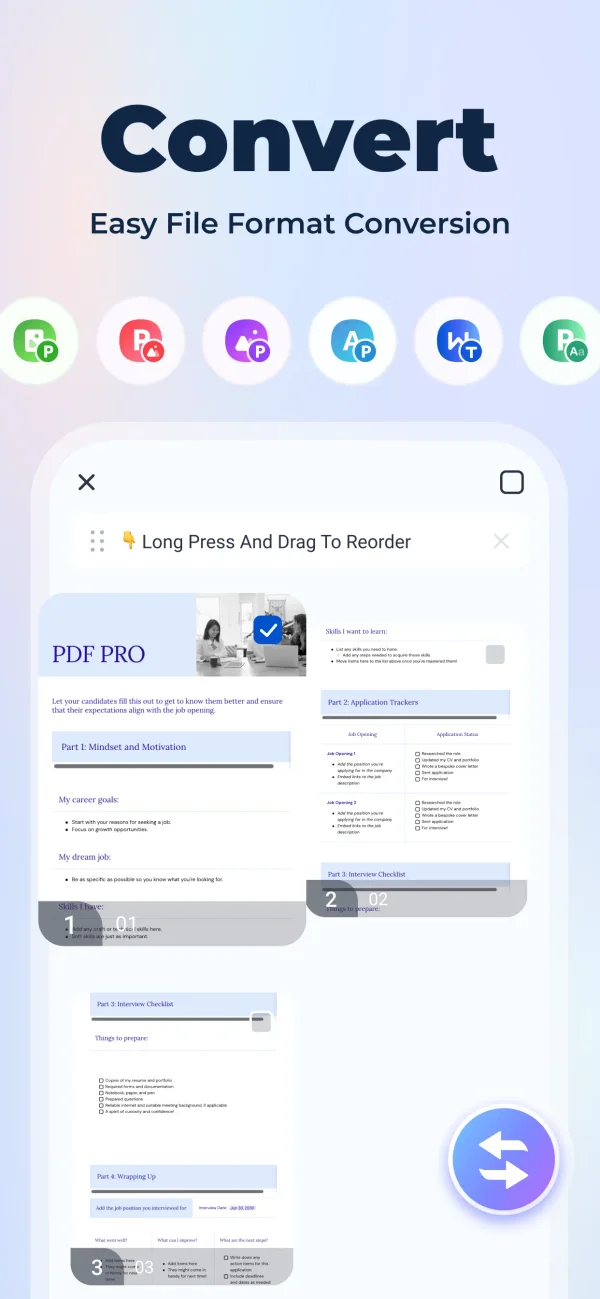
Format conversion - convert PDF to Word/Excel/PPT/picture, 100% retain the original format
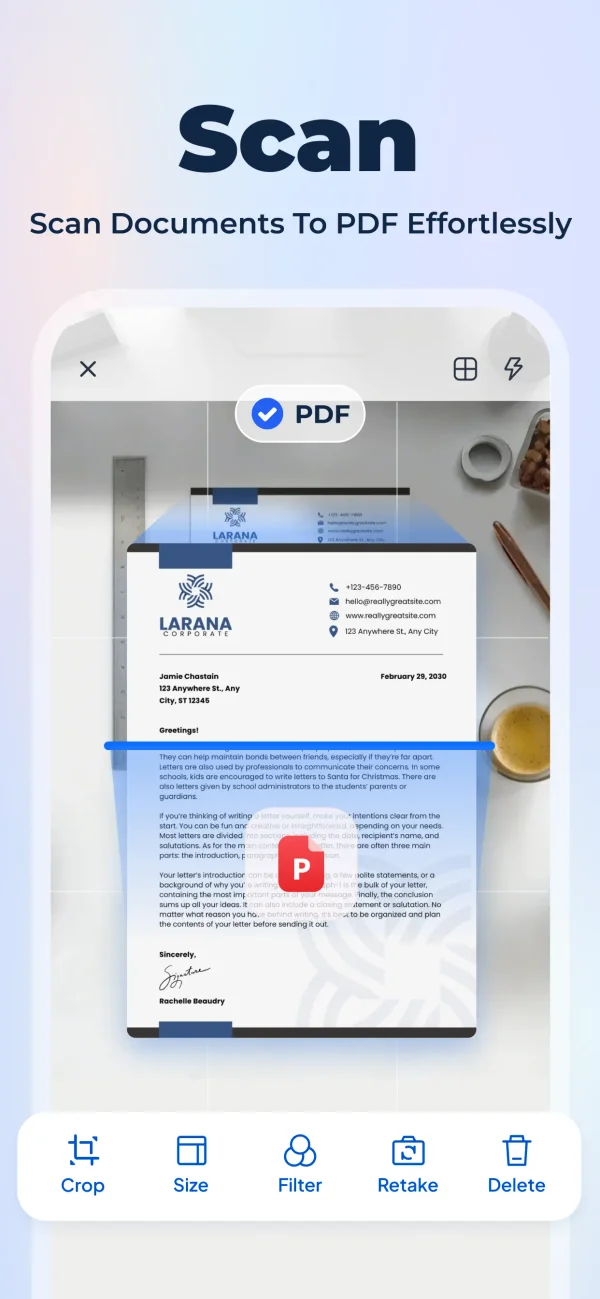
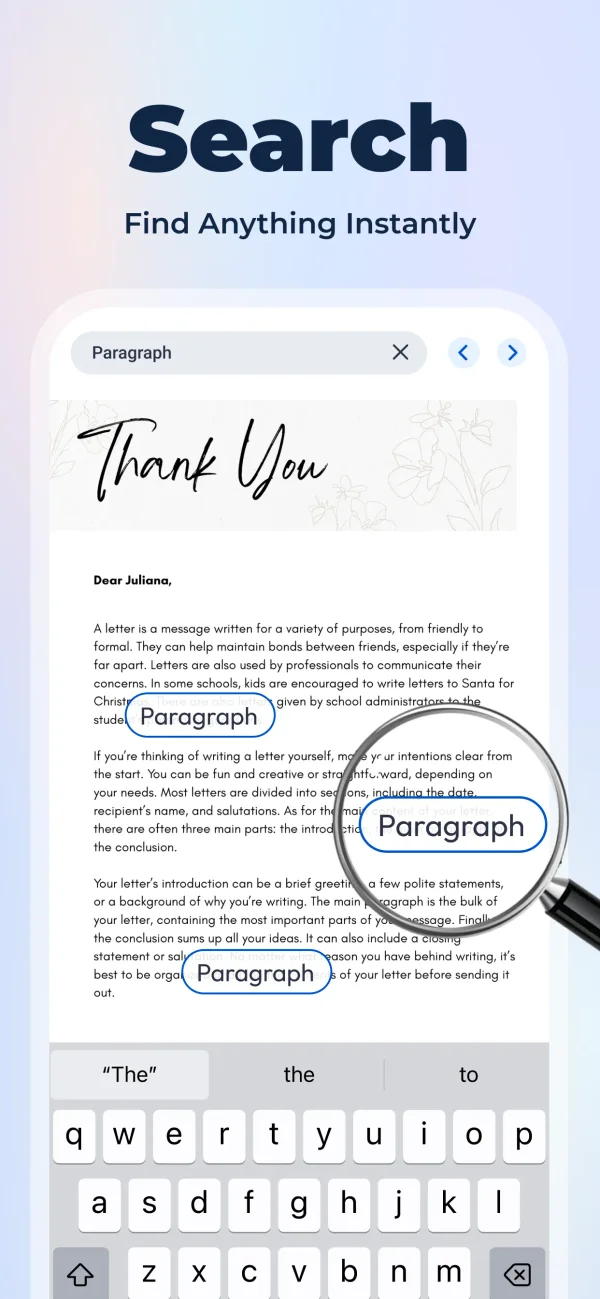
OCR recognition - scan paper documents → searchable PDF/text
File management - merge/split/compress/encrypt PDF, delete blank pages in one click
Electronic signature - handwritten signature or upload signature image, business contract is done in seconds
Why choose us?
No login required - open and use, no privacy concerns
Local processing - sensitive files are not uploaded to the cloud, safer
High performance - large files open in seconds, hundreds of pages of documents edited smoothly
Applicable scenarios
Students: Scan textbooks/notes to text, review more efficiently
Workers: Sign contracts and change plans at any time, worry-free mobile office
Home users: Merge travel guides, compress document scans
Download now to experience professional-level PDF processing!
Subscription Terms:
1. Payment will be charged to your iThunes account at confirmation of purchase.
2. You can manage your subscription and turn off auto-renewal in your account settings after purchase.
3. Subscription will automatically renew if auto-renew is disabled at least 24 hours before the end of the current period.
Privacy Policy: https://h5.pdfpro.xyz/privacy_policy.html
Terms of Service: https://h5.pdfpro.xyz/user-agreement.html
Nouveautés
Version 1.0.13 · 22/09/2025
Fix known bugs
Confidentialité de l’application
Ce que Shilong Lu déclare sur l’App Store au sujet du traitement des données par cette application.
-
Données n’établissant aucun lien avec vous
Peuvent être collectées, mais ne sont pas liées à votre identité.
- Achats
- Identifiants
- Données d’utilisation
- Diagnostic
Les pratiques en matière de confidentialité peuvent varier, notamment en fonction des fonctionnalités que vous utilisez ou de votre âge.
Informations
- Vendeur
- Shilong Lu
- Catégorie
- Utilitaires
- Version
- 1.0.13
- Mis à jour
- 22/09/2025
- Publié
- 22/05/2025
- Taille
- 95,9 Mo
- Nécessite
- iOS 14.0 ou version ultérieure
- Classification d’âge
- 4+
- Prix
- Gratuit
- Achats intégrés
- Oui
- Langues
- Anglais, Arabe, Français, Allemand, Hindi, Italien, Japonais, Coréen, Portugais, Espagnol, Chinois traditionnel
- Copyright
- © 2025 Shilong Lu Inc.
Vous aimerez peut-être aussi
-
 Storm Cleaner-Clean up storageUtilitaires
-
 AI Cleaner MasterUtilitaires
-
 CleanSweep - Photo Cleaner AIUtilitaires
-
 Cleanzy: AI Phone CleanerUtilitaires
-
 Cleano: Smart CleaningPhone Storage Optimisation
-
 AI Album Cleaner ProUtilitaires
-
 SpaceUp: Storage Cleaner AppUtilitaires
-
 CleanupMe - Clean & PrivateUtilitaires
-
 Cleaner PRO-Storang AI CleanerUtilitaires
-
 PDF Reader-EditingUtilitaires