
PhotoBorder+
No Crop Social Media Posts
Entwickelt für iPhone, iPad, Mac
Kostenlos
- Altersfreigabe4+
- KategorieFoto und Video
- EntwicklerCraig Stubing
- SprachenEnglisch
- Größe1,1 MB
Verlinkt auf die offizielle App Store-Seite
Download.org hostet keine Datei von PhotoBorder+. Die Schaltfläche öffnet die App-Seite bei App Store, wo Craig Stubing die App veröffentlicht. Eintrag zuletzt geprüft am 13.11.2026.
Screenshots



Info
Der Entwickler hat diesen Text nicht in Ihrer Sprache bereitgestellt.
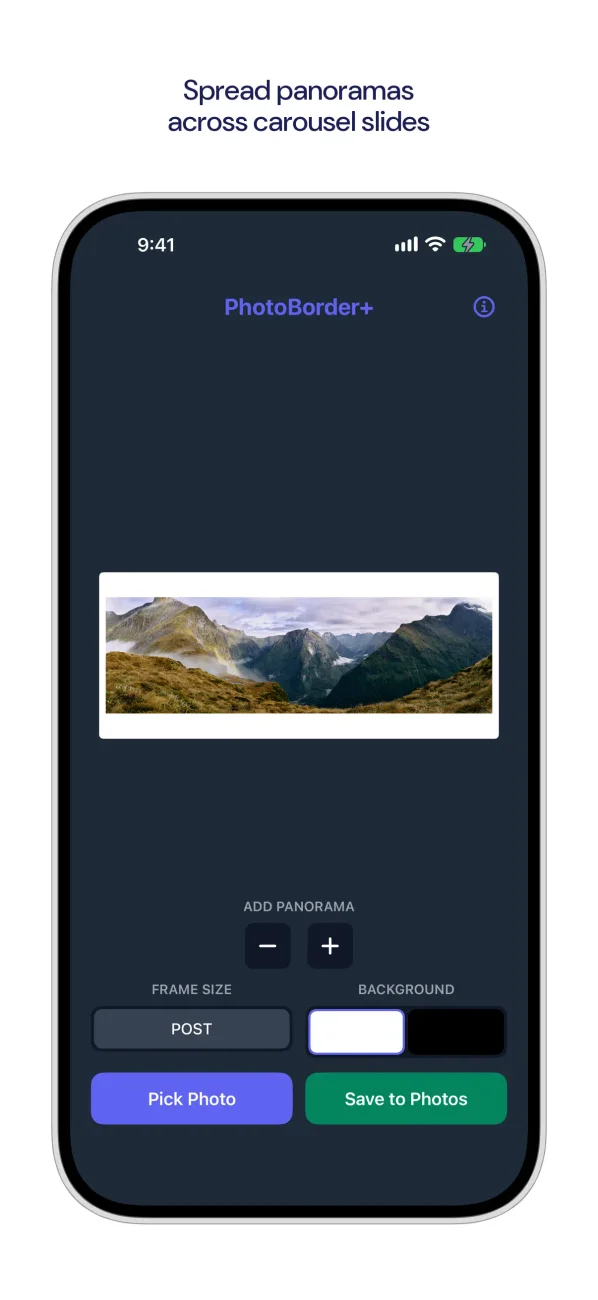
PhotoBorder+ is fast, focused, and private. Frame your photos for Instagram posts or stories, or spread a panoramic shot across a swipeable carousel. Just open, frame, and save.
Two frame sizes. Two backgrounds. Done.
Choose POST (4:5) or STORY (9:16), pick white or black, and save. Your bordered photo exports at full 1080px width with original EXIF metadata preserved for social media.
Panorama Carousels
Spread a panoramic photo across up to 10 Instagram carousel slides. Each slide exports at 1080 x 1350 — perfectly aligned so your photo flows seamlessly as viewers swipe. Photos save in order, ready to upload.
Add borders right from the Photos app
Select a photo, tap Share, choose PhotoBorder+. Pick your frame and background, then save — all without leaving the Photos app. No app switching needed.
Tiny app. Big results.
PhotoBorder+ is under 1 MB. It loads instantly, does its job, and gets out of the way.
Built for photographers
No bloated feature lists. No color wheels, stickers, or text tools. Just clean, consistent borders for photographers who want their work presented simply.
100% private. No exceptions.
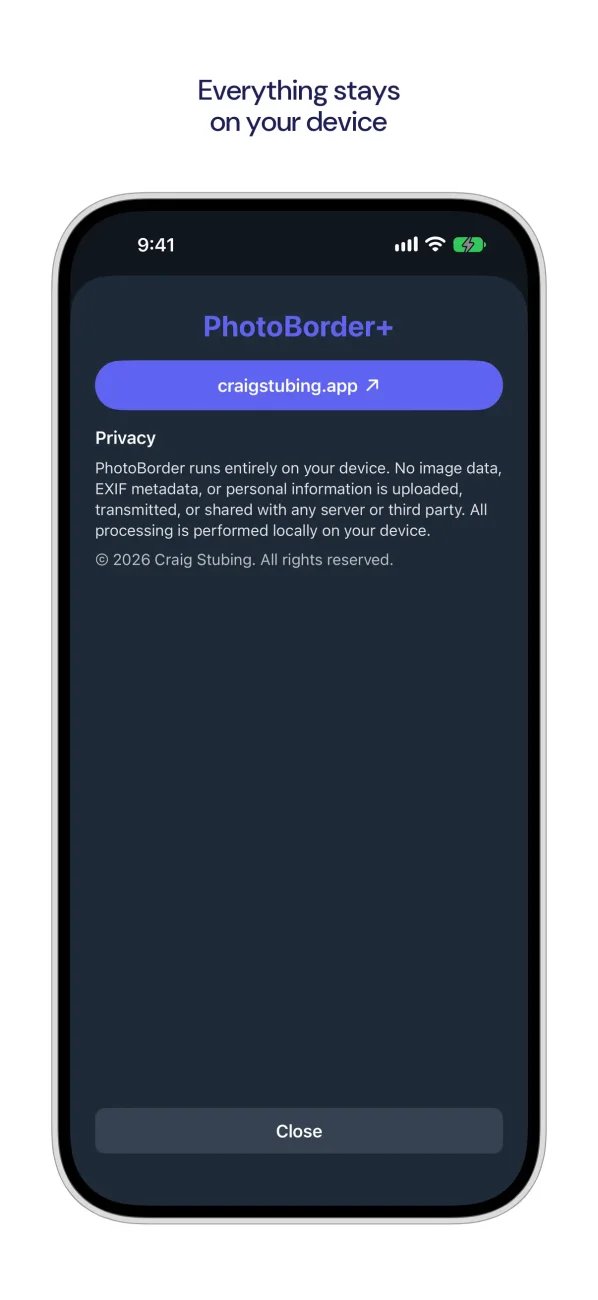
PhotoBorder+ runs entirely on your device. No cloud, no uploads, no accounts, no analytics, no tracking. Your photos never leave your phone.
Buy once. Own forever.
No subscriptions. No ads. No in-app purchases. One payment, every feature, every update.
Universal app
One purchase works on iPhone, iPad, and Mac. The interface adapts to each screen — thumb-friendly on iPhone, spacious on iPad and Mac.
Neue Funktionen
Version 3.1 · 08.11.2026
• Menu commands and keyboard shortcuts: Open Photo (⌘O), Save (⌘S), About PhotoBorder+, and Help, which opens craigstubing.app.
• Refreshed design with hover highlights, clearer selected states, and a sidebar that scrolls when the window is small.
• Better accessibility: improved VoiceOver labels, larger text support, and better contrast.
• Under-the-hood improvements for faster, more reliable saving.
App-Datenschutz
Was Craig Stubing im App Store zum Umgang dieser App mit Daten angibt.
-
Keine Daten erfasst
Der Entwickler erfasst keine Daten von dieser App.
Die Datenschutzpraktiken können variieren, zum Beispiel je nach den von Ihnen verwendeten Funktionen oder Ihrem Alter.
Informationen
- Anbieter
- Craig Stubing
- Kategorie
- Foto und Video
- Version
- 3.1
- Aktualisiert
- 08.11.2026
- Veröffentlicht
- 08.04.2026
- Größe
- 1,1 MB
- Erfordert
- iOS 16.0 oder neuer
- Altersfreigabe
- 4+
- Preis
- Kostenlos
- Sprachen
- Englisch
- Copyright
- © 2026 Craig Stubing
Das könnte Ihnen auch gefallen
-
 PixmoFoto und Video
-
 Lumen - DualShot RecordFoto und Video
-
 Double Cam: Front&Back in OneFoto und Video
-
 LumyraFoto und Video
-
 ShareClean-Photo Privacy ToolFoto und Video
-
 FaceLock: Selfies mit KameraHaptisches Framing für Video
-
 Twiice : Split CameraFoto und Video
-
 Framera - Frame CaptureFoto und Video
-
 Clip Cradle: Shot List PlannerFoto und Video
-
 Lensgrade: Photo CullingFoto und Video