
Pi SSH – Raspberry Pi Control
SSH Terminal for Raspberry Pi
Entwickelt für iPhone, iPad
Kostenlos
- Altersfreigabe4+
- KategorieDienstprogramme
- EntwicklerPankaj Gaikar
- SprachenEnglisch+ 3 weitere
- Größe21,3 MB
Verlinkt auf die offizielle App Store-Seite
Download.org hostet keine Datei von Pi SSH – Raspberry Pi Control. Die Schaltfläche öffnet die App-Seite bei App Store, wo Pankaj Gaikar die App veröffentlicht. Eintrag zuletzt geprüft am 21.11.2026.
Screenshots
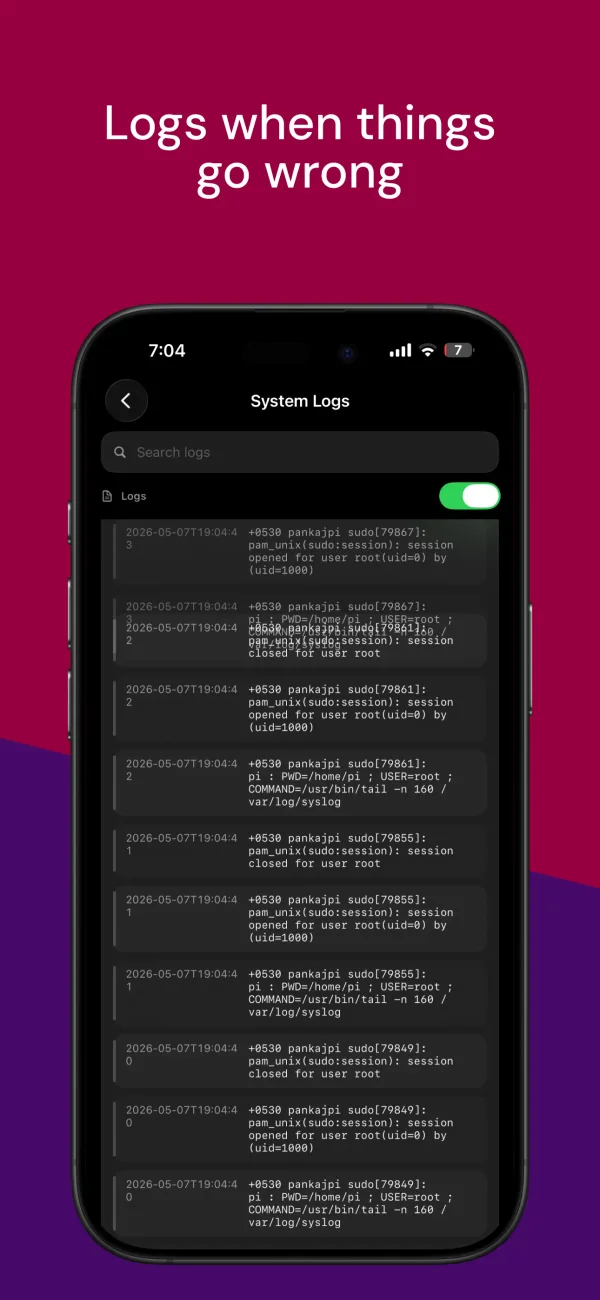
Info
Der Entwickler hat diesen Text nicht in Ihrer Sprache bereitgestellt.
Pi SSH is the Raspberry Pi control app with a real interactive SSH terminal — plus SFTP files, live monitoring, GPIO, Docker, and systemd. Connect over direct LAN SSH (no cloud relay) from iPhone or iPad.
SSH TERMINAL (NEW IN 2.0)
Open a full VT100/xterm SSH terminal to your Raspberry Pi or Linux box. Colors, interactive tools (htop, nano, vim), password or Ed25519 keys, optional jump/bastion host, on-screen shortcuts (Tab, Ctrl+C, arrows), and reconnect when the shell ends. The terminal uses its own session so live metrics keep updating.
CONNECT WITH CONFIDENCE
Clearer connection help when SSH fails, plus Scan network from the error screen. Bonjour discovery and Wi‑Fi subnet scanning find Pis on your local network.
SFTP FILE MANAGER
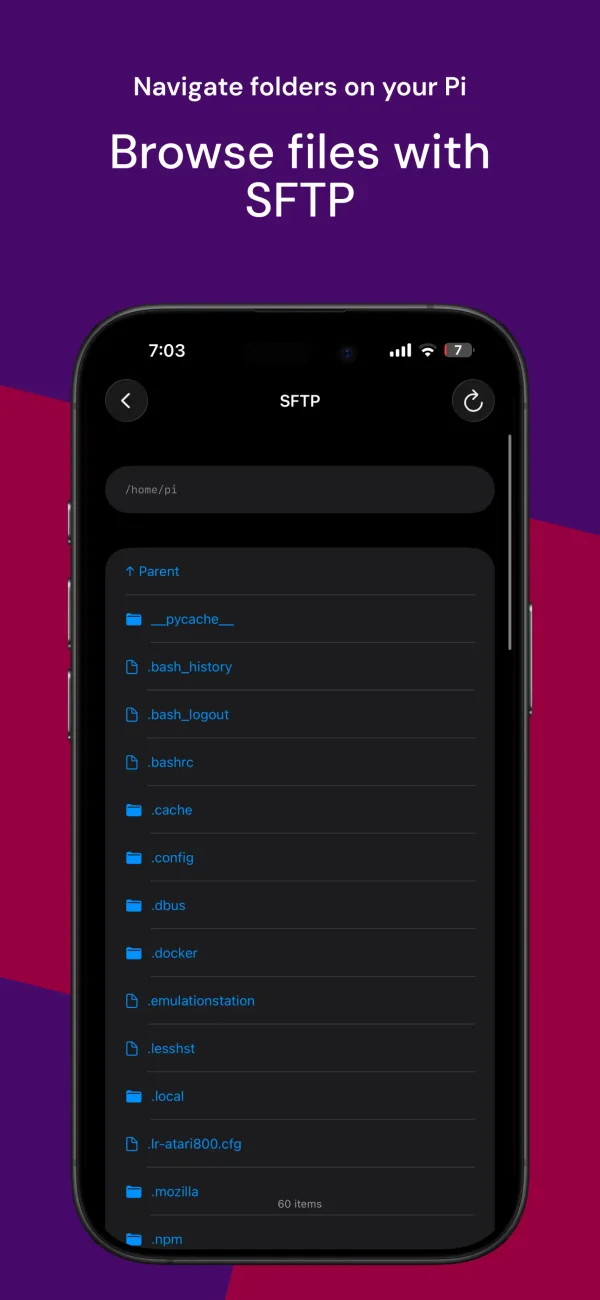
Browse folders, upload and download files, edit text configs, rename, copy, move, and delete — plus upload from the iOS share sheet.
DOCKER & SYSTEMD
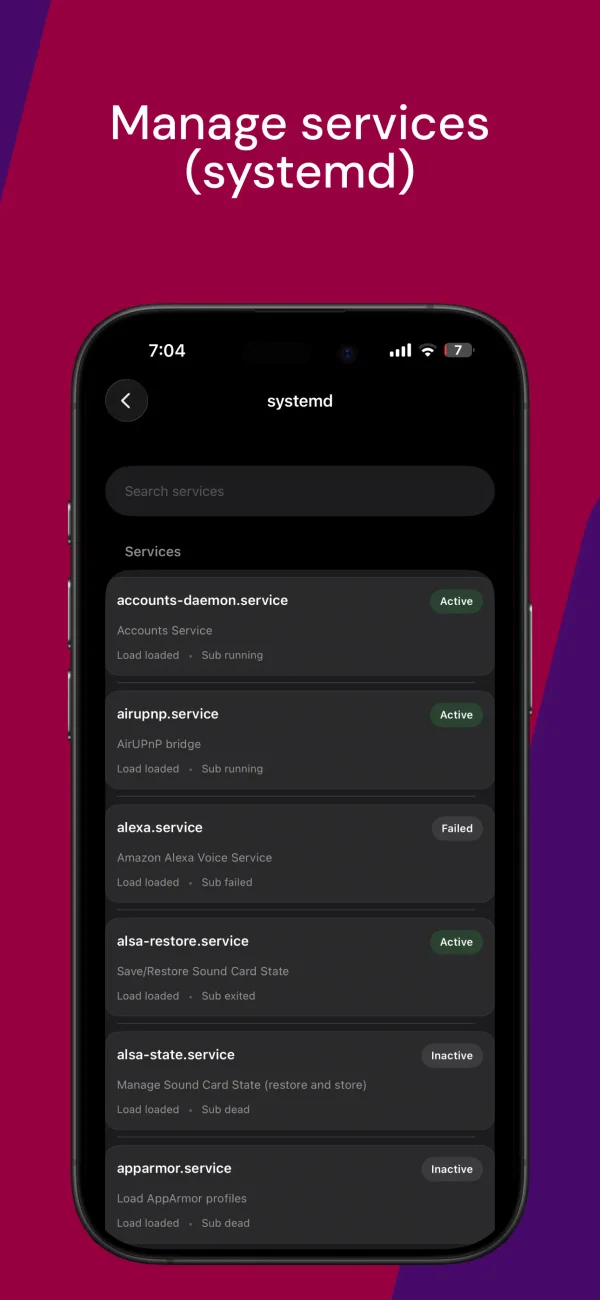
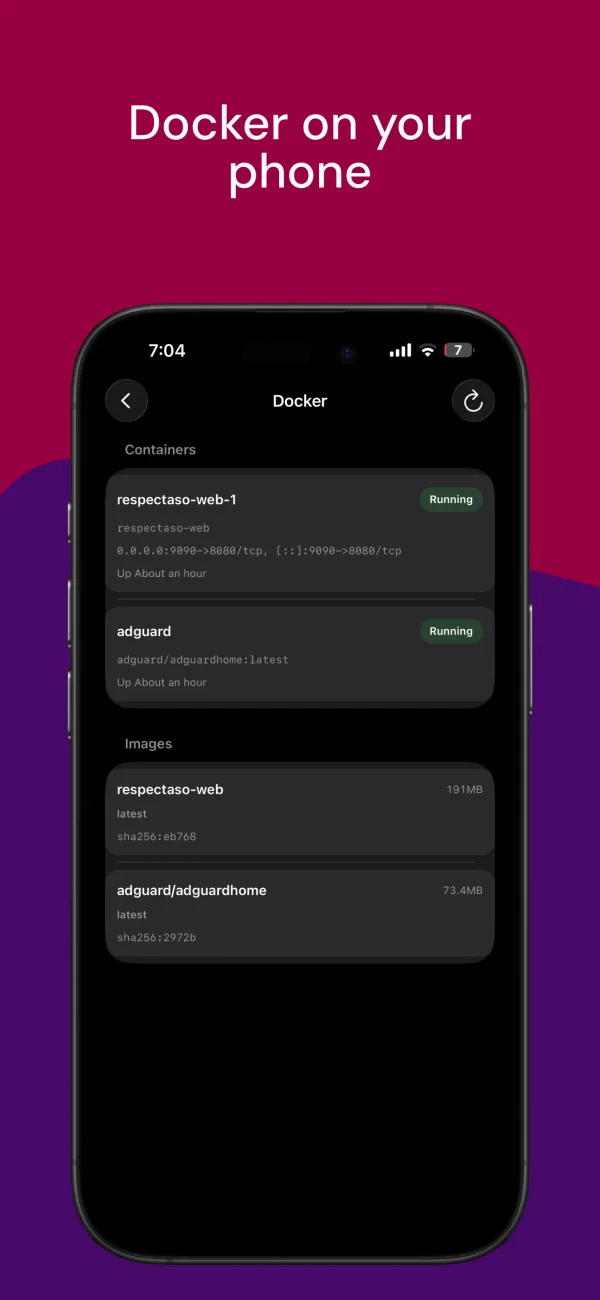
Start, stop, and restart containers and services. View Docker and journal logs with live follow.
GPIO CONTROL
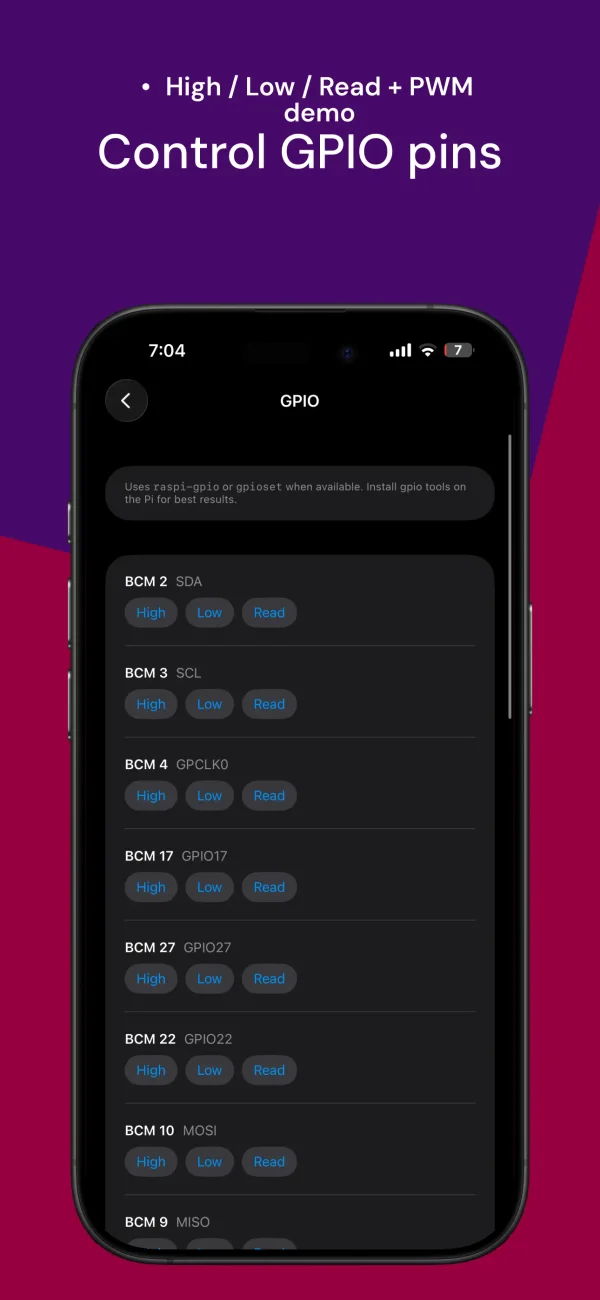
40-pin pinout grid with per-pin input/output, PWM, custom labels, and bus-pin safety prompts.
SYSTEM MONITORING
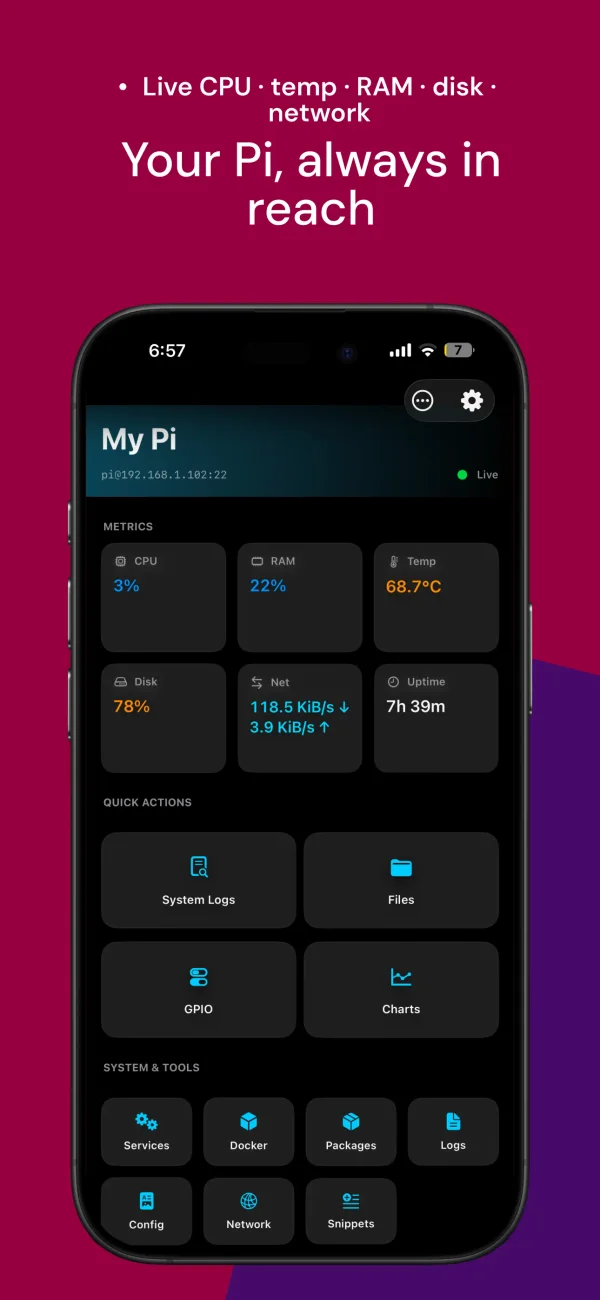
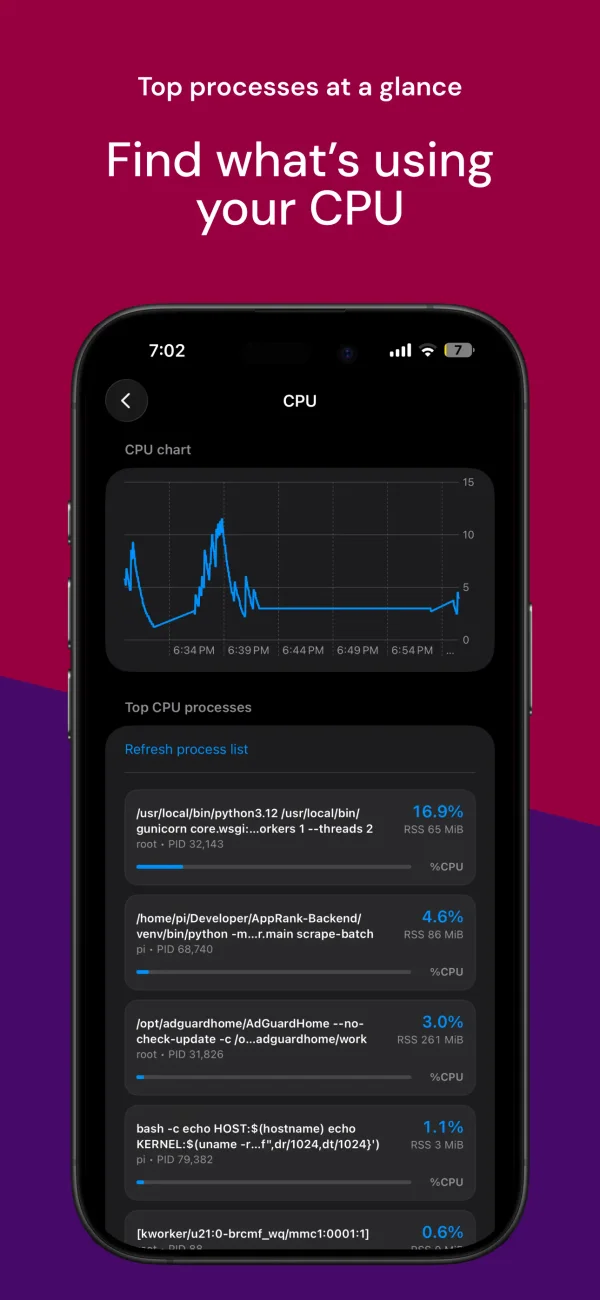
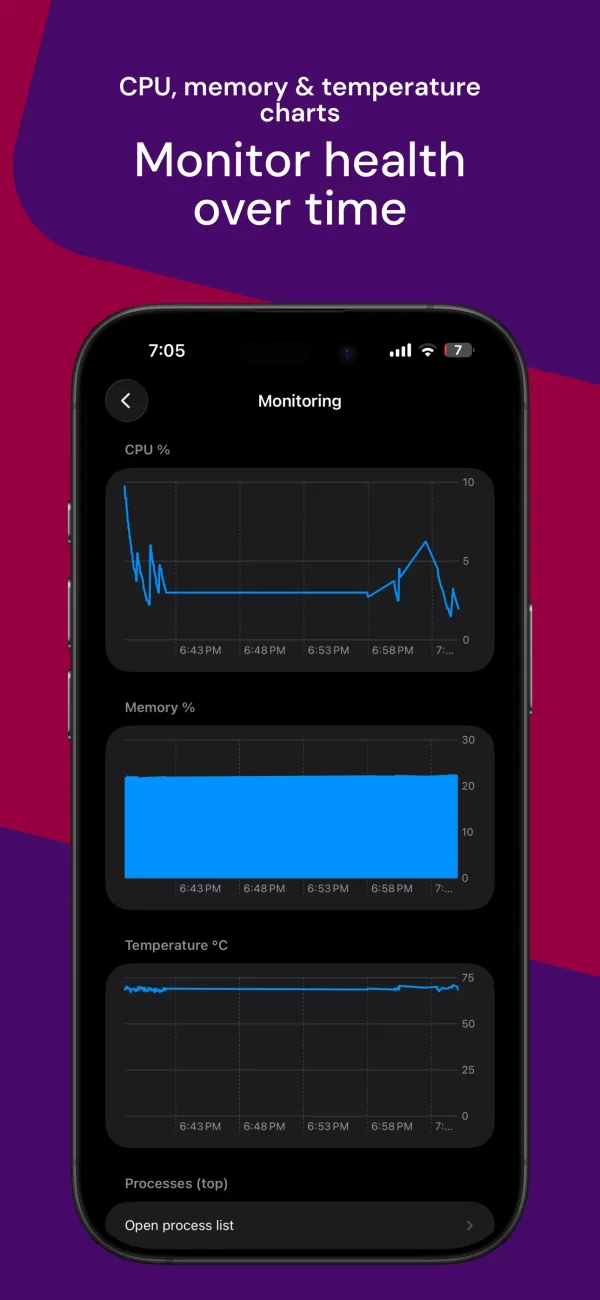
CPU, memory, temperature, disk, and network — with charts and history. Home Screen widgets show the latest metrics after you capture them in the app.
SYSTEM ADMINISTRATION
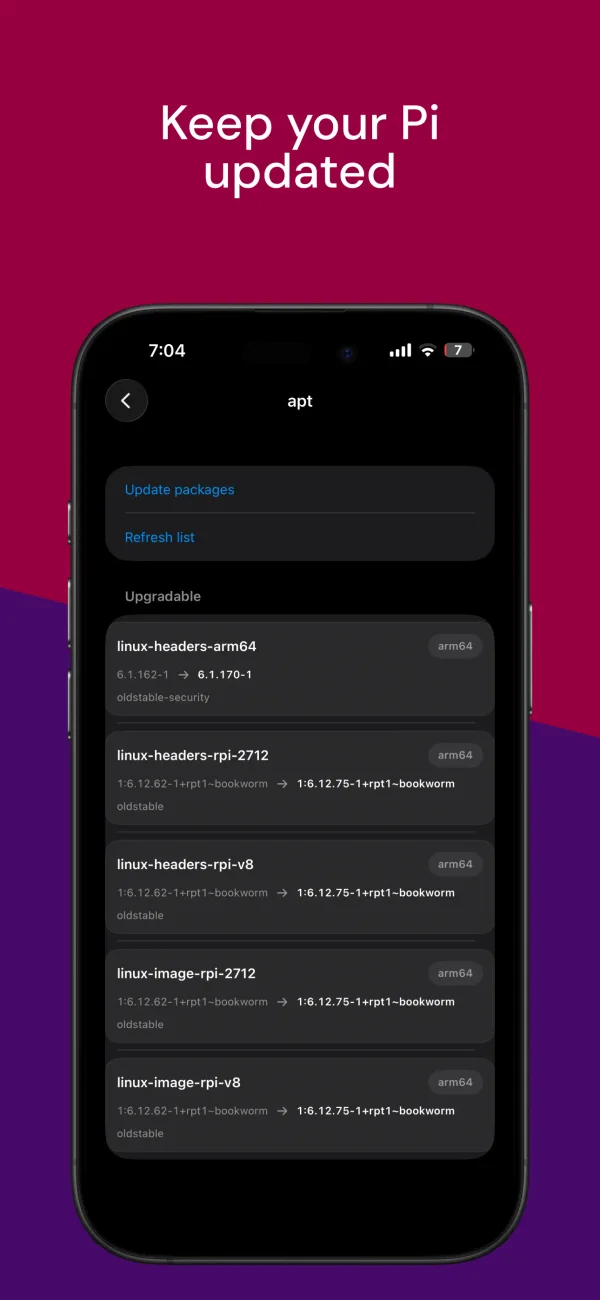
Docker containers & images • systemd units • apt upgradable packages • journal/syslog viewer • edit boot or SSH config files.
NETWORK TOOLS
Local-network SSH discovery (Bonjour + subnet scan), Wake-on-LAN, TCP port checks, plus ping/traceroute run on the Pi.
SNIPPETS & MACROS
Save commands and run them with one tap; chain steps into macros.
PRIVACY-FIRST
Secrets stay in Keychain. Works over LAN/VPN — your credentials never pass through our servers.
Supports Raspberry Pi OS and other Debian/Ubuntu-style Linux installs.
Neue Funktionen
Version 2.0.0 · 31.07.2026
Meet the full interactive SSH terminal — run htop, nano, and vim on your Raspberry Pi from your iPhone.
New
• Real VT100/xterm terminal with colors and interactive apps
• On-screen shortcuts (Tab, Ctrl, Esc, arrows) and reconnect when the shell ends
• Dedicated terminal session so live metrics keep running
• Terminal in Quick actions
Improved
• Clearer connection help when SSH fails, with Scan network on the error screen
• Bonjour and Wi‑Fi subnet discovery run together to find Pis faster
App-Datenschutz
Was Pankaj Gaikar im App Store zum Umgang dieser App mit Daten angibt.
-
Nicht mit Ihnen verknüpfte Daten
Können erfasst werden, sind aber nicht mit Ihrer Identität verknüpft.
- Nutzungsdaten
- Diagnose
Die Datenschutzpraktiken können variieren, zum Beispiel je nach den von Ihnen verwendeten Funktionen oder Ihrem Alter.
Informationen
- Anbieter
- Pankaj Gaikar
- Kategorie
- Dienstprogramme
- Version
- 2.0.0
- Aktualisiert
- 31.07.2026
- Veröffentlicht
- 11.05.2026
- Größe
- 21,3 MB
- Erfordert
- iOS 17.0 oder neuer
- Altersfreigabe
- 4+
- Preis
- Kostenlos
- Sprachen
- Englisch, Französisch, Portugiesisch, Spanisch
- Copyright
- © 2026 Pankaj Gaikar
Das könnte Ihnen auch gefallen
-
 Open Pi - Raspberry Pi ManagerDienstprogramme
-
 LocalDrop: Dateien per WLANLokal übertragen, ohne Cloud
-
 PiFi - Router for Raspberry PiDienstprogramme
-
 PING: Send notificationsDienstprogramme
-
 My RPI SSH - for Raspberry PIDienstprogramme
-
 RPI SSH Pro - for Linux/DebianDienstprogramme
-
 ZelmuxDienstprogramme
-
 My ConsoleDienstprogramme
-
 Simple ViewerDienstprogramme
-
 Yonder: Text DisplayDienstprogramme