
Pi SSH – Raspberry Pi Control
SSH Terminal for Raspberry Pi
Designed for iPhone, iPad
Free
- Age rating4+
- CategoryUtilities
- DeveloperPankaj Gaikar
- LanguagesEnglish+ 3 more
- Size21.3 MB
Links to the official App Store page
Download.org hosts no file of Pi SSH – Raspberry Pi Control. The button opens its official App Store page, published by Pankaj Gaikar. Listing last checked on Nov 21, 2026.
Screenshots
About
Pi SSH is the Raspberry Pi control app with a real interactive SSH terminal — plus SFTP files, live monitoring, GPIO, Docker, and systemd. Connect over direct LAN SSH (no cloud relay) from iPhone or iPad.
SSH TERMINAL (NEW IN 2.0)
Open a full VT100/xterm SSH terminal to your Raspberry Pi or Linux box. Colors, interactive tools (htop, nano, vim), password or Ed25519 keys, optional jump/bastion host, on-screen shortcuts (Tab, Ctrl+C, arrows), and reconnect when the shell ends. The terminal uses its own session so live metrics keep updating.
CONNECT WITH CONFIDENCE
Clearer connection help when SSH fails, plus Scan network from the error screen. Bonjour discovery and Wi‑Fi subnet scanning find Pis on your local network.
SFTP FILE MANAGER
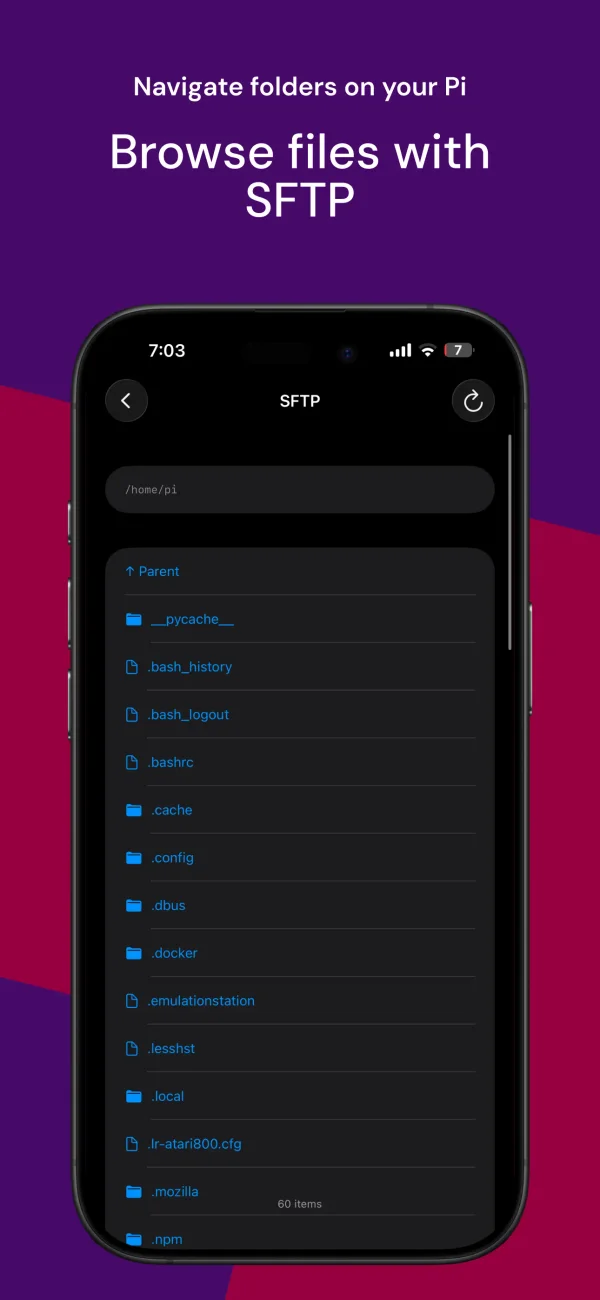
Browse folders, upload and download files, edit text configs, rename, copy, move, and delete — plus upload from the iOS share sheet.
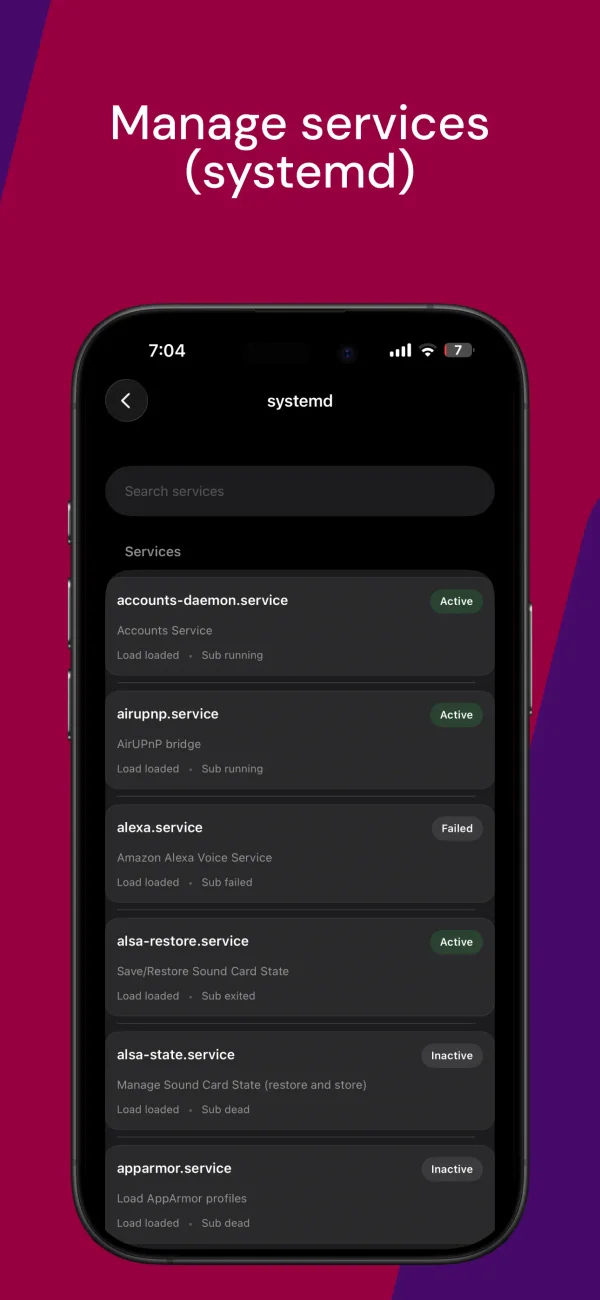
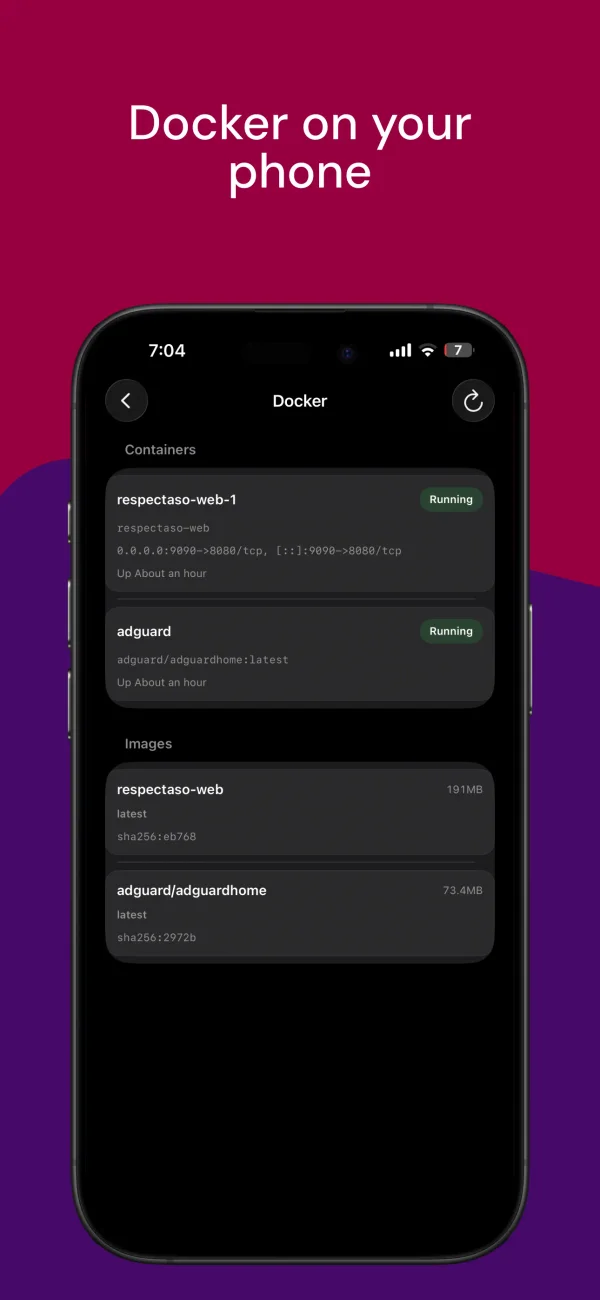
DOCKER & SYSTEMD
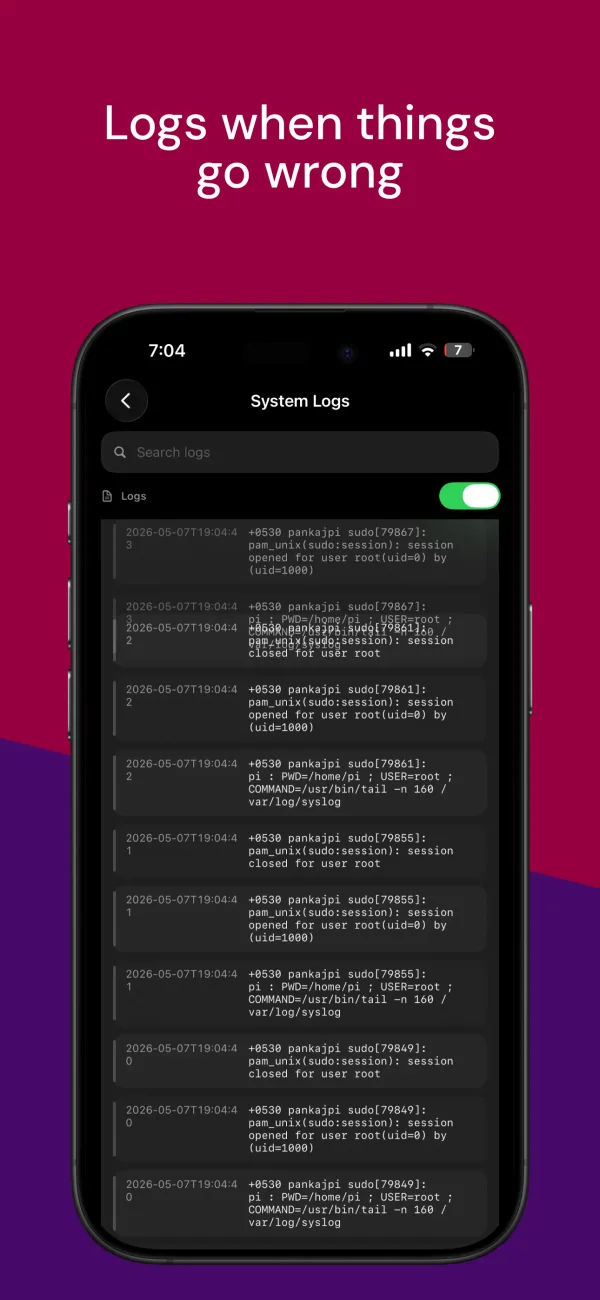
Start, stop, and restart containers and services. View Docker and journal logs with live follow.
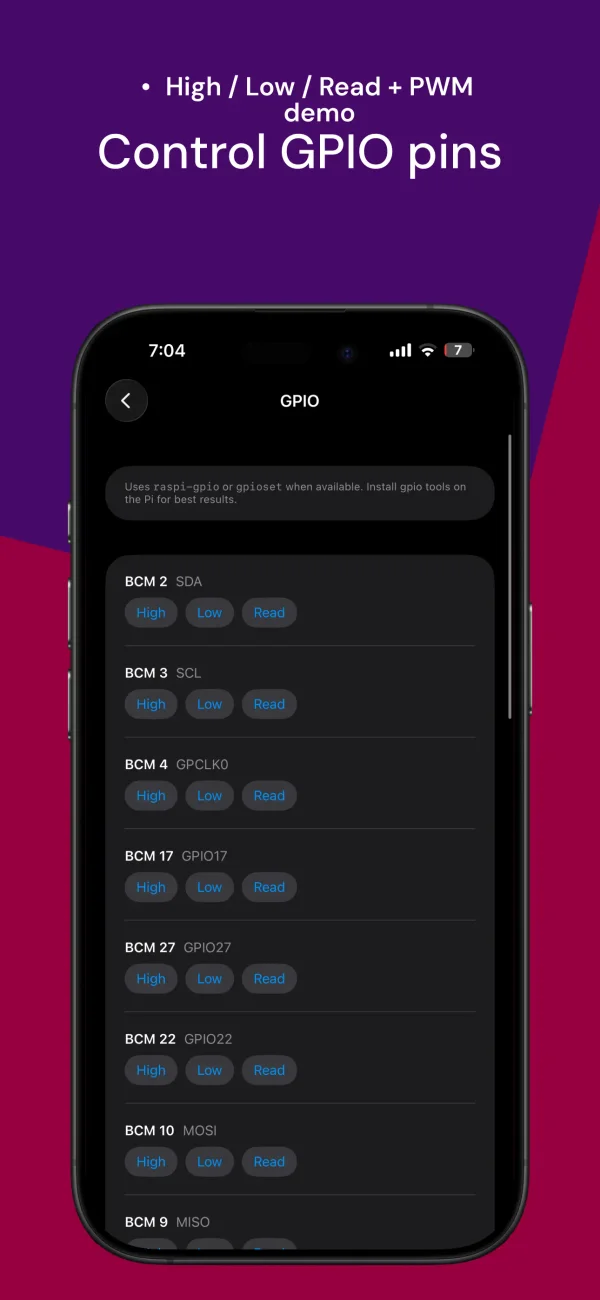
GPIO CONTROL
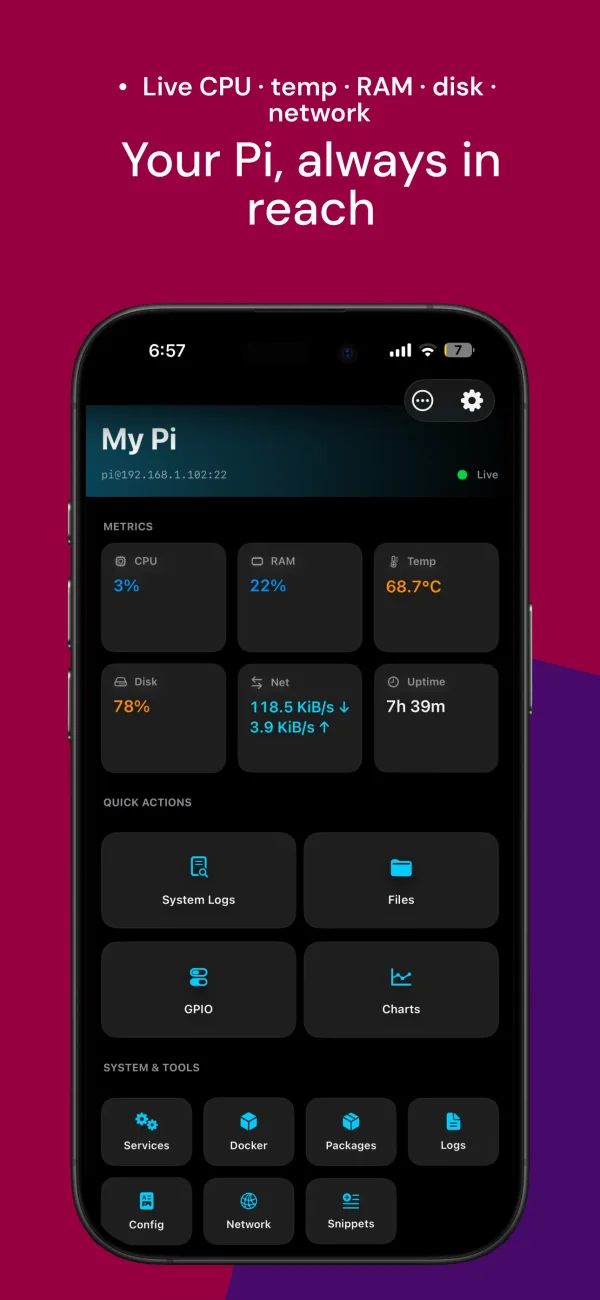
40-pin pinout grid with per-pin input/output, PWM, custom labels, and bus-pin safety prompts.
SYSTEM MONITORING
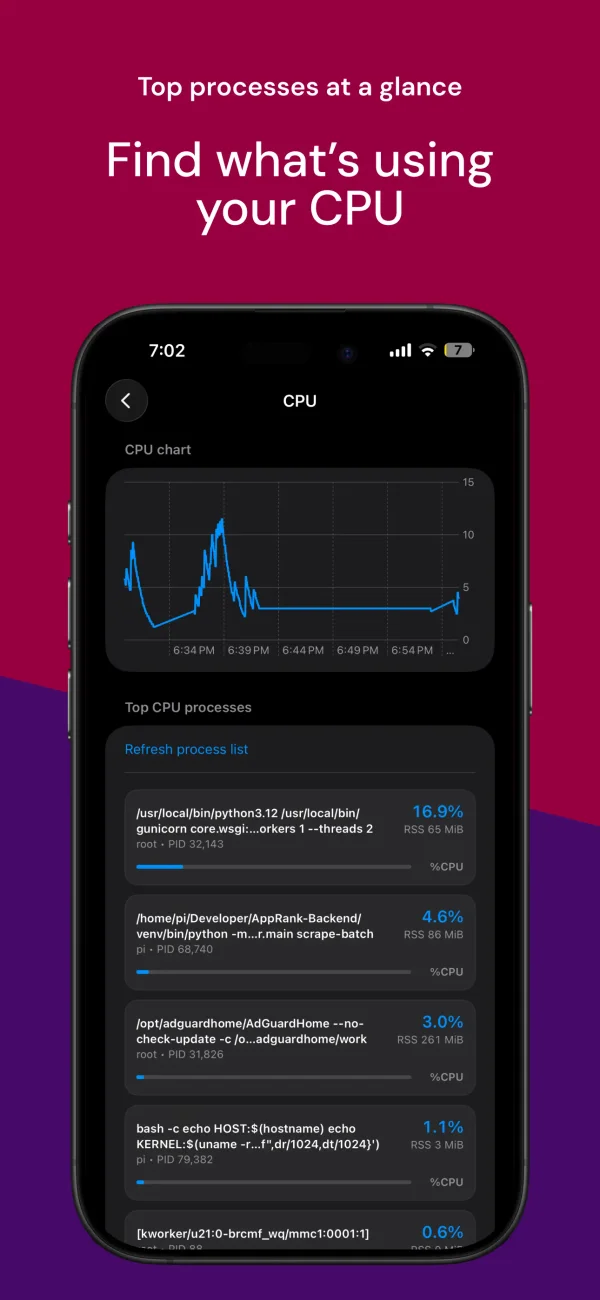
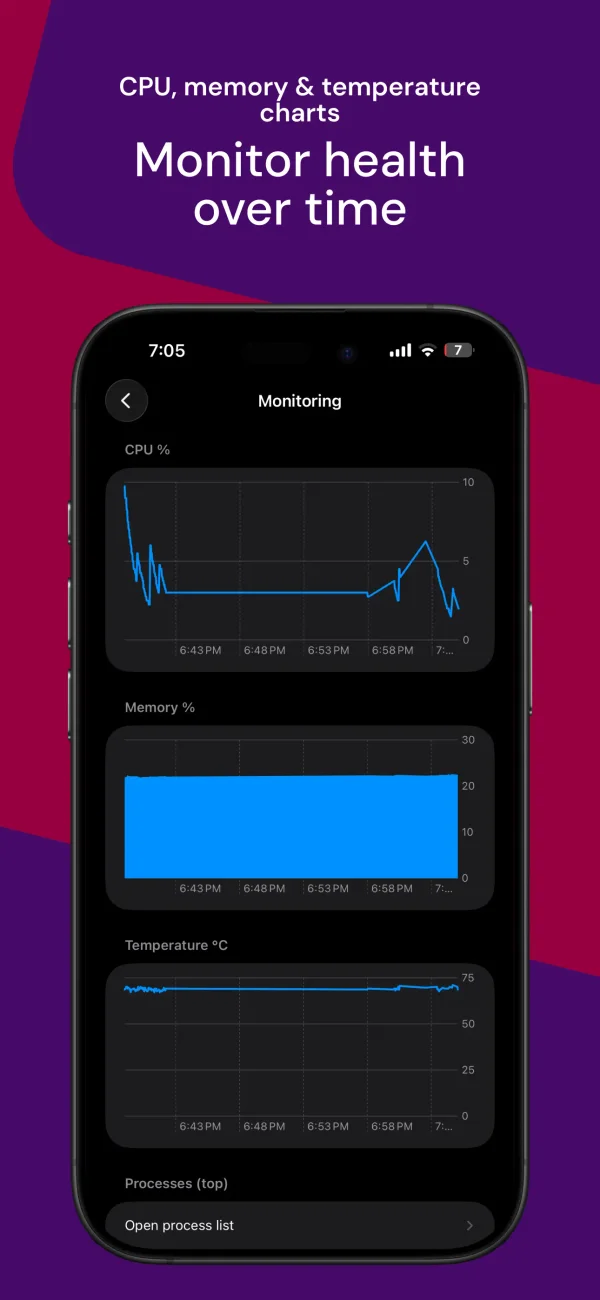
CPU, memory, temperature, disk, and network — with charts and history. Home Screen widgets show the latest metrics after you capture them in the app.
SYSTEM ADMINISTRATION
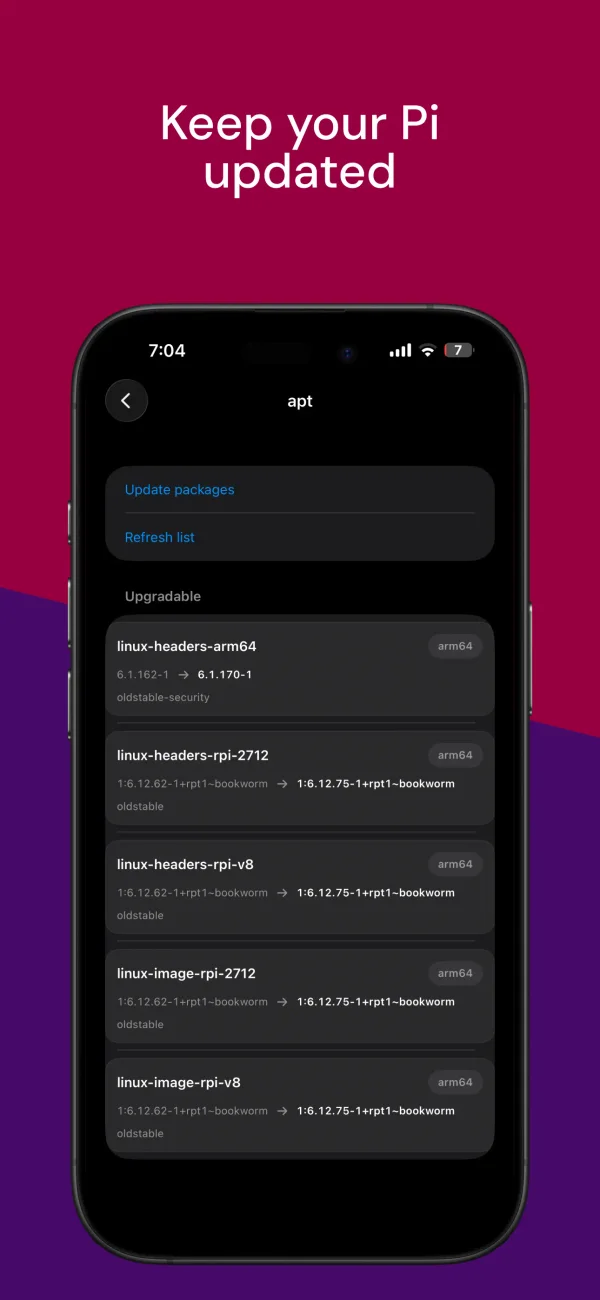
Docker containers & images • systemd units • apt upgradable packages • journal/syslog viewer • edit boot or SSH config files.
NETWORK TOOLS
Local-network SSH discovery (Bonjour + subnet scan), Wake-on-LAN, TCP port checks, plus ping/traceroute run on the Pi.
SNIPPETS & MACROS
Save commands and run them with one tap; chain steps into macros.
PRIVACY-FIRST
Secrets stay in Keychain. Works over LAN/VPN — your credentials never pass through our servers.
Supports Raspberry Pi OS and other Debian/Ubuntu-style Linux installs.
What’s new
Version 2.0.0 · Jul 31, 2026
Meet the full interactive SSH terminal — run htop, nano, and vim on your Raspberry Pi from your iPhone.
New
• Real VT100/xterm terminal with colors and interactive apps
• On-screen shortcuts (Tab, Ctrl, Esc, arrows) and reconnect when the shell ends
• Dedicated terminal session so live metrics keep running
• Terminal in Quick actions
Improved
• Clearer connection help when SSH fails, with Scan network on the error screen
• Bonjour and Wi‑Fi subnet discovery run together to find Pis faster
App privacy
What Pankaj Gaikar declares on the App Store about how this app handles data.
-
Data not linked to you
May be collected but is not linked to your identity.
- Usage data
- Diagnostics
Privacy practices may vary, for example with the features you use or your age.
Information
- Seller
- Pankaj Gaikar
- Category
- Utilities
- Version
- 2.0.0
- Updated
- Jul 31, 2026
- Released
- May 11, 2026
- Size
- 21.3 MB
- Requires
- iOS 17.0 or later
- Age rating
- 4+
- Price
- Free
- Languages
- English, French, Portuguese, Spanish
- Copyright
- © 2026 Pankaj Gaikar
You might also like
-
 Open Pi - Raspberry Pi ManagerMonitor & Control Raspberry Pi
-
 LocalDrop: Wi-Fi File TransferLocal file sharing, no cloud
-
 PiFi - Router for Raspberry PiPro networking. Easy as Pi.
-
 PING: Send notificationsPush notifications made easy
-
 My RPI SSH - for Raspberry PIUtilities
-
 RPI SSH Pro - for Linux/DebianRun SSH commands faster
-
 ZelmuxZellij terminal on the go
-
 My ConsoleRemote Terminal Client
-
 Simple ViewerThe quiet file viewer
-
 Yonder: Text DisplaySigns & Cue Cards