Pic Collage Maker - Editor
Collage Maker, Photo Editor
Entwickelt für iPhone, iPad, iPod touch
Kostenlos · In-App-Käufe
- Altersfreigabe4+
- KategorieProduktivität
- EntwicklerSOFIT Consultancy (Private) Limited
- SprachenEnglisch
- Größe55,6 MB
Verlinkt auf die offizielle App Store-Seite
Download.org hostet keine Datei von Pic Collage Maker - Editor. Die Schaltfläche öffnet die App-Seite bei App Store, wo SOFIT Consultancy (Private) Limited die App veröffentlicht. Eintrag zuletzt geprüft am 14.11.2026.
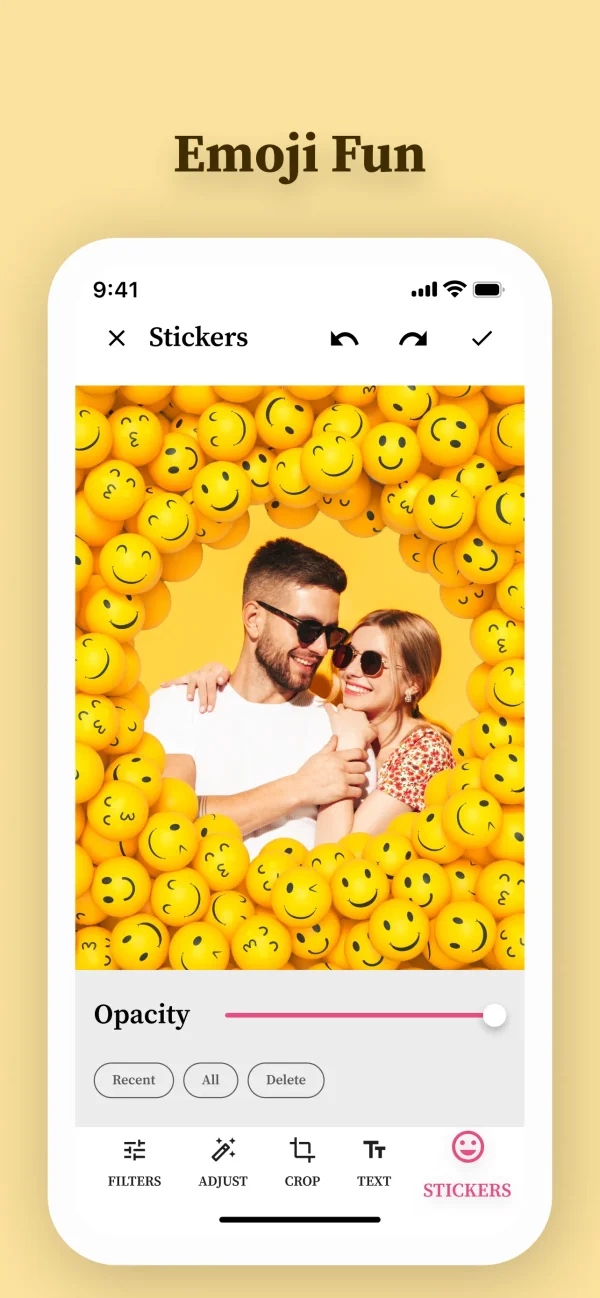
Screenshots

Info
Der Entwickler hat diesen Text nicht in Ihrer Sprache bereitgestellt.
Photo Editor – Pic Collage
An amazing photo editor and pic collage maker to that allows you to combine your best photos together. Create a pic collage and share with friends. Pick the best photos and combine them together. You can also edit the photos using the photo editor.
Features of Picture Editor and Pic Collage Maker
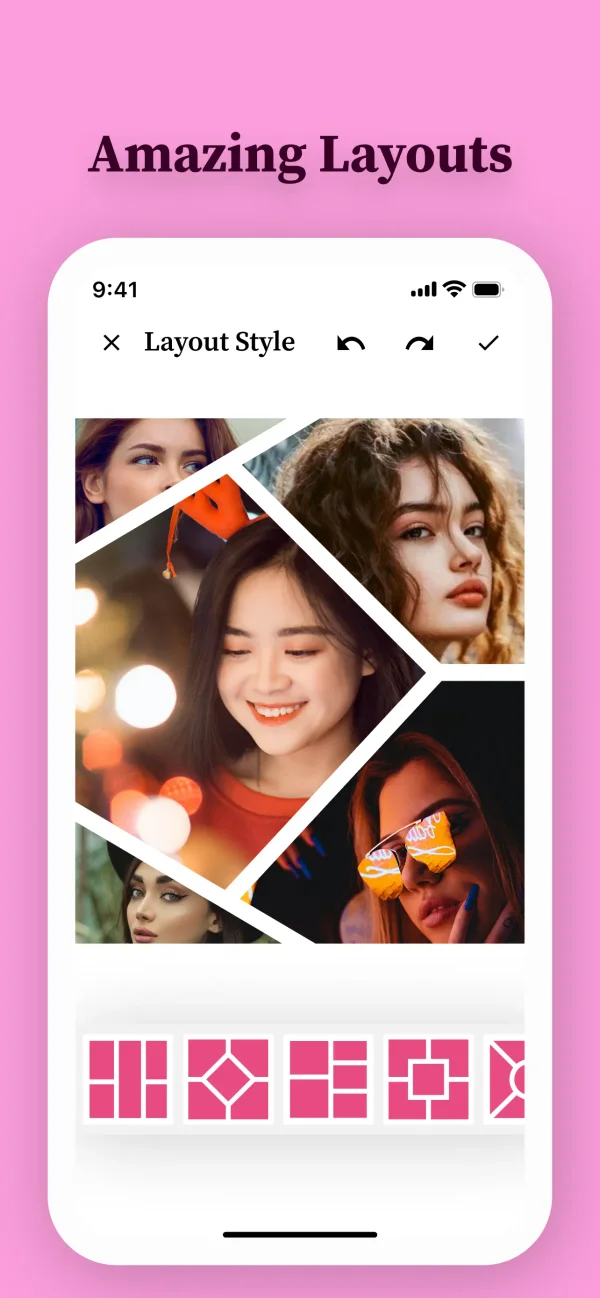
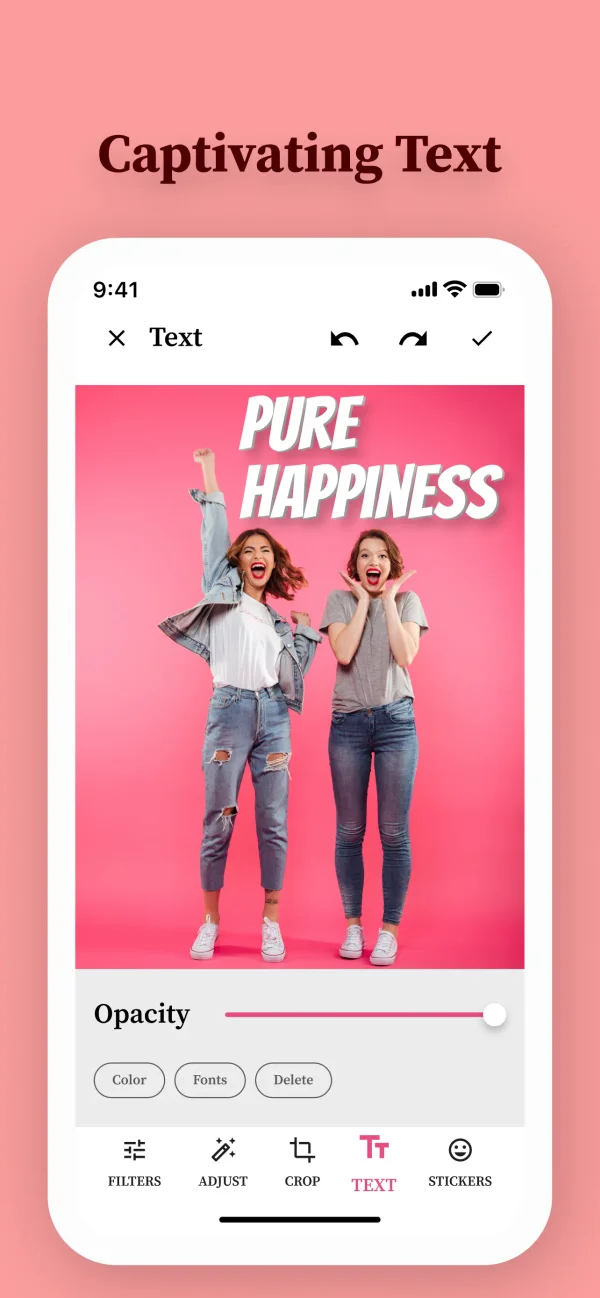
Customization options: You can customize the layout and border of your collage to match your preferences. Additionally, you can add text, stickers, and other graphics to enhance the look of your collage.
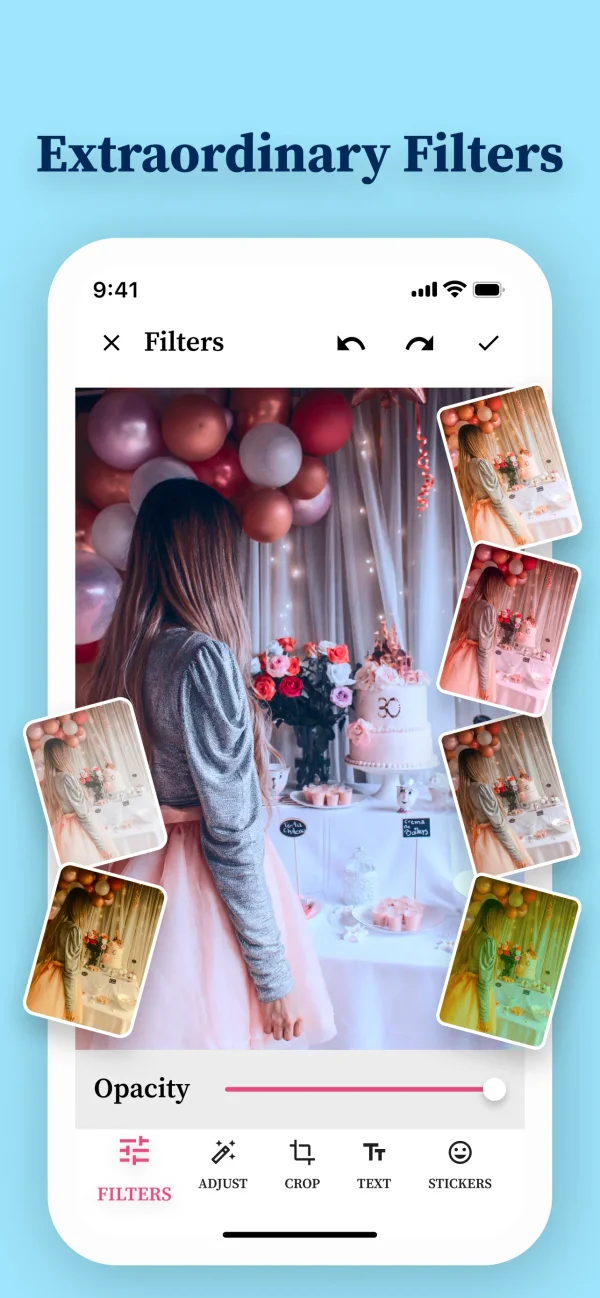
Editing tools: The photo editor offers a range of editing tools that allows you to adjust the brightness, contrast, saturation, and other parameters of your photos. You can also apply filters, crop, and rotate your images, and remove detect and unwanted objects from your photos.
Collage maker: Combine your best photos and create stunning collages easily.
How to Use Collage Maker Photo Editor
1. Download the photo editor & collage maker app.
2. Select photos to edit.
3. Add filters, text, and stickers.
4. Create a collage if you want.
5. You are all set!
Picture Editor – Collage Maker Free
A Picture editor is an essential tool to edit pictures. You can add filters, adjust brightness, contrast, and saturation. The picture editor also allows you to crop a photo, add text and stickers. Use the collage maker free and combine multiple photos into a single picture. With the picture editor, you can edit photos and make them look beautiful.
Collage Maker – Photo Grid
Easily create collage of photos and share with friends. Make memories with friends and share the collage with each other. The collage maker allows you to add filters and effects. Make photos look amazing using the collage maker. Arrange different photos into a grid. A photo grid consists of a grid of equally sized squares, with each square containing a different image. A photo grid is a fun way to combine different photos together.
Pic Collage Maker – Photo Editor Free
Making a collage is easy with pic collage maker. Select your favorite photos and combine them in a grid form using the photo editor app. Use the photo editor and make your photos beautiful by adding filters and effects. Use pic collage maker and add different photos in each square. With the pic collage maker, you can quickly and easily create a collection of photos.
Photo Collage Free
You can create a photo collage for free. No need to pay for the app. Just get the photo collage free app from the Appstore and start creating stunning collages. The photo collage maker is worth using.
Pic Editor – Photo Editor App
Edit your pics as you want using the pic editor. Add borders, filters, and text to your pics and make them look amazing. With pic editor, you can edit pics and make them look new. Make pictures beautiful with the pic editor. Whether you're looking to showcase your favorite memories, highlight your artistic skills, or create a professional-looking portfolio, a photo collage editor is the perfect tool for the job.
Photo Filters – Photo Collage Maker
There are a variety of photo filters in the photo collage maker. Add the filter you like and make your collage stunning. Add different filters on different photos.
Neue Funktionen
Version 1.7 · 29.12.2023
Bug fixes
App-Datenschutz
Was SOFIT Consultancy (Private) Limited im App Store zum Umgang dieser App mit Daten angibt.
-
Daten, die zum Tracking Ihrer Person verwendet werden
Können verwendet werden, um Sie über Apps und Websites anderer Unternehmen hinweg zu verfolgen.
- Nutzungsdaten
-
Nicht mit Ihnen verknüpfte Daten
Können erfasst werden, sind aber nicht mit Ihrer Identität verknüpft.
- Nutzungsdaten
- Diagnose
Die Datenschutzpraktiken können variieren, zum Beispiel je nach den von Ihnen verwendeten Funktionen oder Ihrem Alter.
Informationen
- Anbieter
- SOFIT Consultancy Pvt Ltd
- Kategorie
- Produktivität
- Version
- 1.7
- Aktualisiert
- 29.12.2023
- Veröffentlicht
- 09.07.2023
- Größe
- 55,6 MB
- Erfordert
- iOS 15.5 oder neuer
- Altersfreigabe
- 4+
- Preis
- Kostenlos
- In-App-Käufe
- Ja
- Sprachen
- Englisch
- Copyright
- © Sofit | 2023
Das könnte Ihnen auch gefallen
-
 Vidribe: Video to TextProduktivität
-
 Smart KarigarProduktivität
-
 Image to PDF read & convertProduktivität
-
 AudioQuill TranscriberAudio und Video in Text
-
 Data Transfer: Share FileProduktivität
-
 Transcribe: Video zu TextAudio zu Text, Live-Übersetzer
-
 2FA Authenticator - MFA AuthProduktivität
-
 CloudZ: AI Image & VideoProduktivität
-
 PasswordsKit-Password ManagerProduktivität
-
 Sprachnachricht TranskriptionAudio in Text umwandeln - KI