Pic Collage Maker - Editor
Collage Maker, Photo Editor
Dirancang untuk iPhone, iPad, iPod touch
Gratis · Pembelian dalam aplikasi
- Batasan usia4+
- KategoriProduktivitas
- PengembangSOFIT Consultancy (Private) Limited
- BahasaInggris
- Ukuran55,6 MB
Tertaut ke halaman resmi App Store
Download.org tidak menyimpan file Pic Collage Maker - Editor apa pun. Tombol ini membuka halaman aplikasi di App Store, tempat SOFIT Consultancy (Private) Limited menerbitkannya. Halaman terakhir diperiksa pada 14/11/2026.
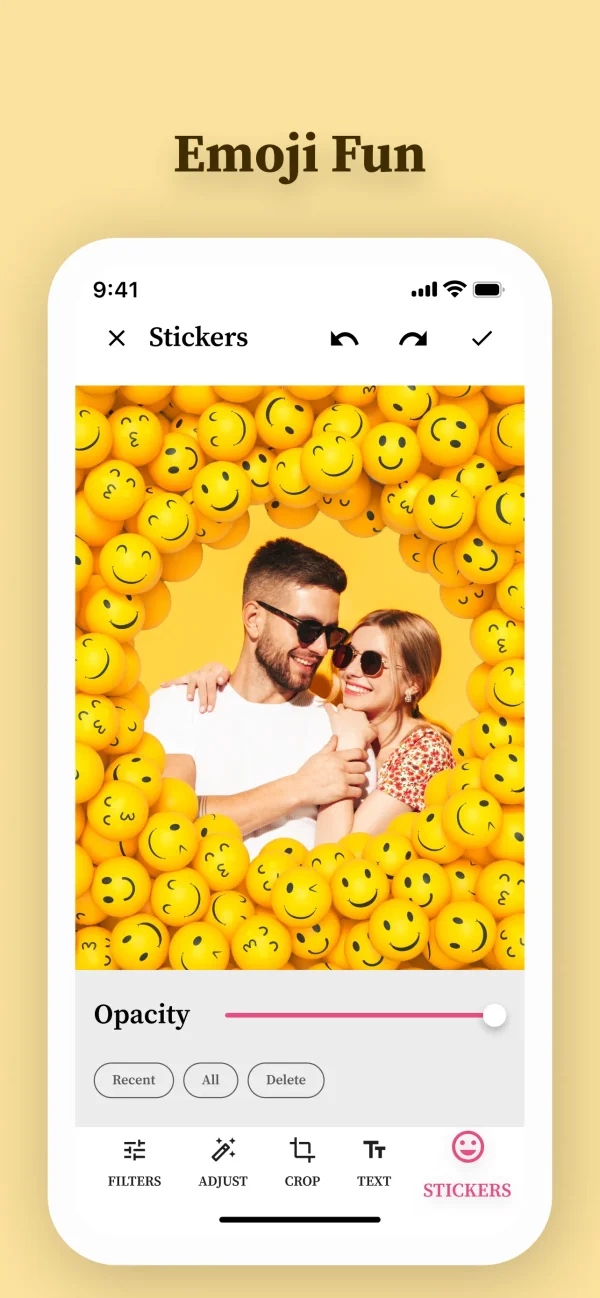
Tangkapan layar

Tentang
Pengembang belum menyediakan teks ini dalam bahasa Anda.
Photo Editor – Pic Collage
An amazing photo editor and pic collage maker to that allows you to combine your best photos together. Create a pic collage and share with friends. Pick the best photos and combine them together. You can also edit the photos using the photo editor.
Features of Picture Editor and Pic Collage Maker
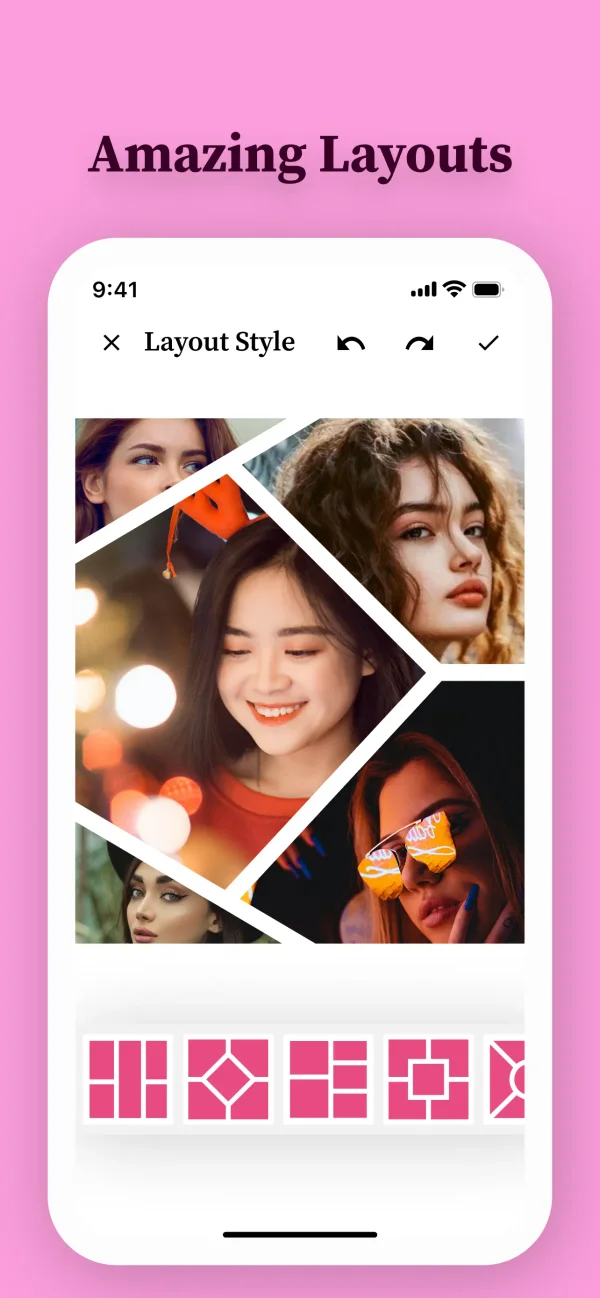
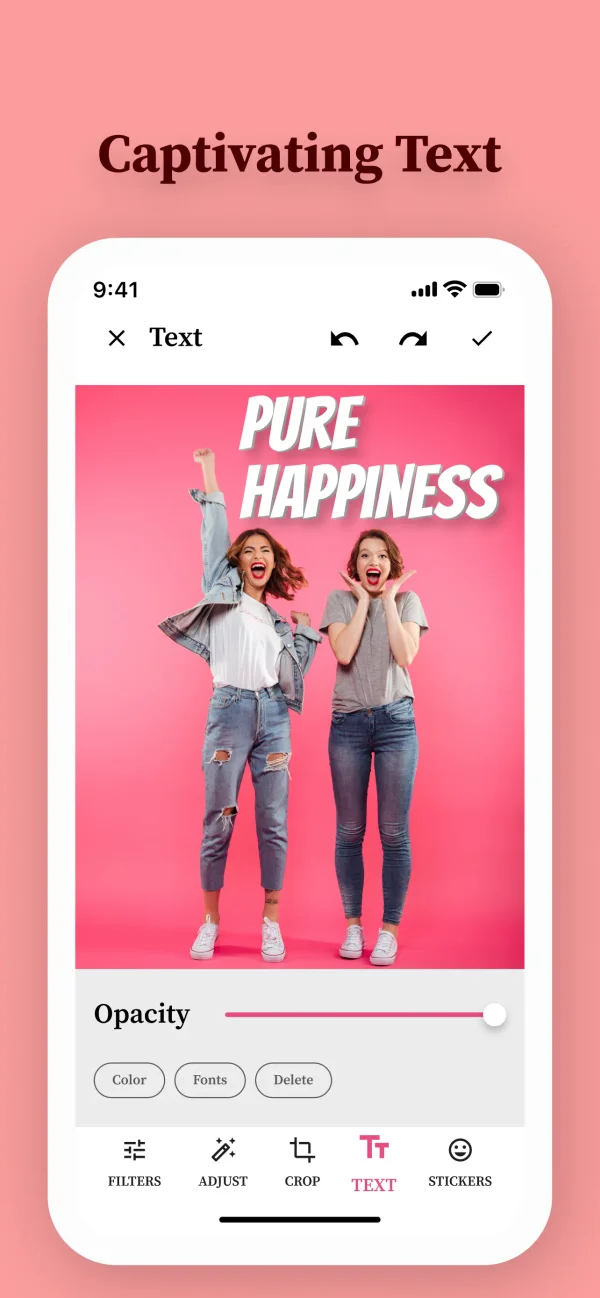
Customization options: You can customize the layout and border of your collage to match your preferences. Additionally, you can add text, stickers, and other graphics to enhance the look of your collage.
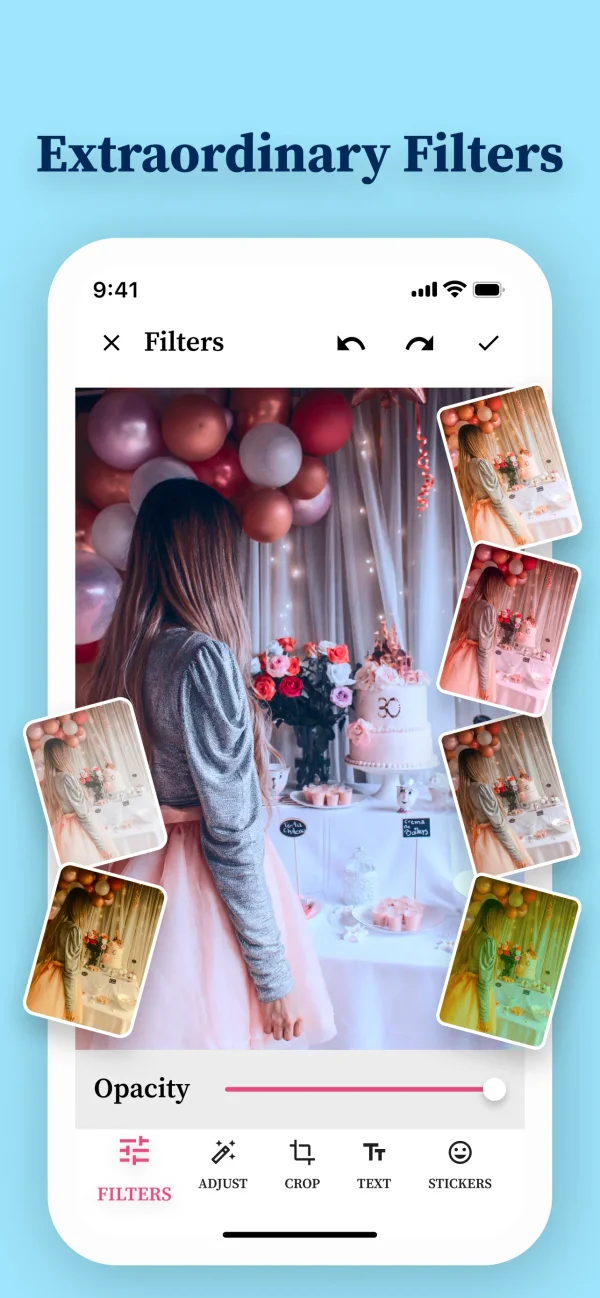
Editing tools: The photo editor offers a range of editing tools that allows you to adjust the brightness, contrast, saturation, and other parameters of your photos. You can also apply filters, crop, and rotate your images, and remove detect and unwanted objects from your photos.
Collage maker: Combine your best photos and create stunning collages easily.
How to Use Collage Maker Photo Editor
1. Download the photo editor & collage maker app.
2. Select photos to edit.
3. Add filters, text, and stickers.
4. Create a collage if you want.
5. You are all set!
Picture Editor – Collage Maker Free
A Picture editor is an essential tool to edit pictures. You can add filters, adjust brightness, contrast, and saturation. The picture editor also allows you to crop a photo, add text and stickers. Use the collage maker free and combine multiple photos into a single picture. With the picture editor, you can edit photos and make them look beautiful.
Collage Maker – Photo Grid
Easily create collage of photos and share with friends. Make memories with friends and share the collage with each other. The collage maker allows you to add filters and effects. Make photos look amazing using the collage maker. Arrange different photos into a grid. A photo grid consists of a grid of equally sized squares, with each square containing a different image. A photo grid is a fun way to combine different photos together.
Pic Collage Maker – Photo Editor Free
Making a collage is easy with pic collage maker. Select your favorite photos and combine them in a grid form using the photo editor app. Use the photo editor and make your photos beautiful by adding filters and effects. Use pic collage maker and add different photos in each square. With the pic collage maker, you can quickly and easily create a collection of photos.
Photo Collage Free
You can create a photo collage for free. No need to pay for the app. Just get the photo collage free app from the Appstore and start creating stunning collages. The photo collage maker is worth using.
Pic Editor – Photo Editor App
Edit your pics as you want using the pic editor. Add borders, filters, and text to your pics and make them look amazing. With pic editor, you can edit pics and make them look new. Make pictures beautiful with the pic editor. Whether you're looking to showcase your favorite memories, highlight your artistic skills, or create a professional-looking portfolio, a photo collage editor is the perfect tool for the job.
Photo Filters – Photo Collage Maker
There are a variety of photo filters in the photo collage maker. Add the filter you like and make your collage stunning. Add different filters on different photos.
Yang baru
Versi 1.7 · 29/12/2023
Bug fixes
Privasi aplikasi
Yang dinyatakan SOFIT Consultancy (Private) Limited di App Store tentang cara aplikasi ini menangani data.
-
Data yang digunakan untuk melacak Anda
Dapat digunakan untuk melacak Anda di aplikasi dan situs web milik perusahaan lain.
- Data penggunaan
-
Data yang tidak ditautkan dengan Anda
Dapat dikumpulkan, tetapi tidak ditautkan dengan identitas Anda.
- Data penggunaan
- Diagnostik
Praktik privasi dapat bervariasi, misalnya berdasarkan fitur yang Anda gunakan atau usia Anda.
Informasi
- Penjual
- SOFIT Consultancy Pvt Ltd
- Kategori
- Produktivitas
- Versi
- 1.7
- Diperbarui
- 29/12/2023
- Dirilis
- 9/7/2023
- Ukuran
- 55,6 MB
- Memerlukan
- iOS 15.5 atau yang lebih baru
- Batasan usia
- 4+
- Harga
- Gratis
- Pembelian dalam aplikasi
- Ya
- Bahasa
- Inggris
- Hak cipta
- © Sofit | 2023
Mungkin Anda juga suka
-
 Vidribe: Video to TextProduktivitas
-
 Smart KarigarProduktivitas
-
 Image to PDF read & convertProduktivitas
-
 AudioQuill TranscriberProduktivitas
-
 Data Transfer: Share FileProduktivitas
-
 Transcribe: Video ke TeksAudio jadi teks & penerjemah
-
 2FA Authenticator - MFA AuthProduktivitas
-
 CloudZ: AI Image & VideoProduktivitas
-
 PasswordsKit-Password ManagerProduktivitas
-
 Transkrip Pesan Suara ke TeksUbah audio jadi tulisan AI