PinNote – Lock Screen Notes
Daily notes on Lock Screen
Entwickelt für iPhone
Kostenlos · In-App-Käufe
- Altersfreigabe4+
- KategorieProduktivität
- EntwicklerQuentin Hocde
- SprachenEnglisch
- Größe2,0 MB
Verlinkt auf die offizielle App Store-Seite
Download.org hostet keine Datei von PinNote – Lock Screen Notes. Die Schaltfläche öffnet die App-Seite bei App Store, wo Quentin Hocde die App veröffentlicht. Eintrag zuletzt geprüft am 14.11.2026.
Screenshots
Info
Der Entwickler hat diesen Text nicht in Ihrer Sprache bereitgestellt.
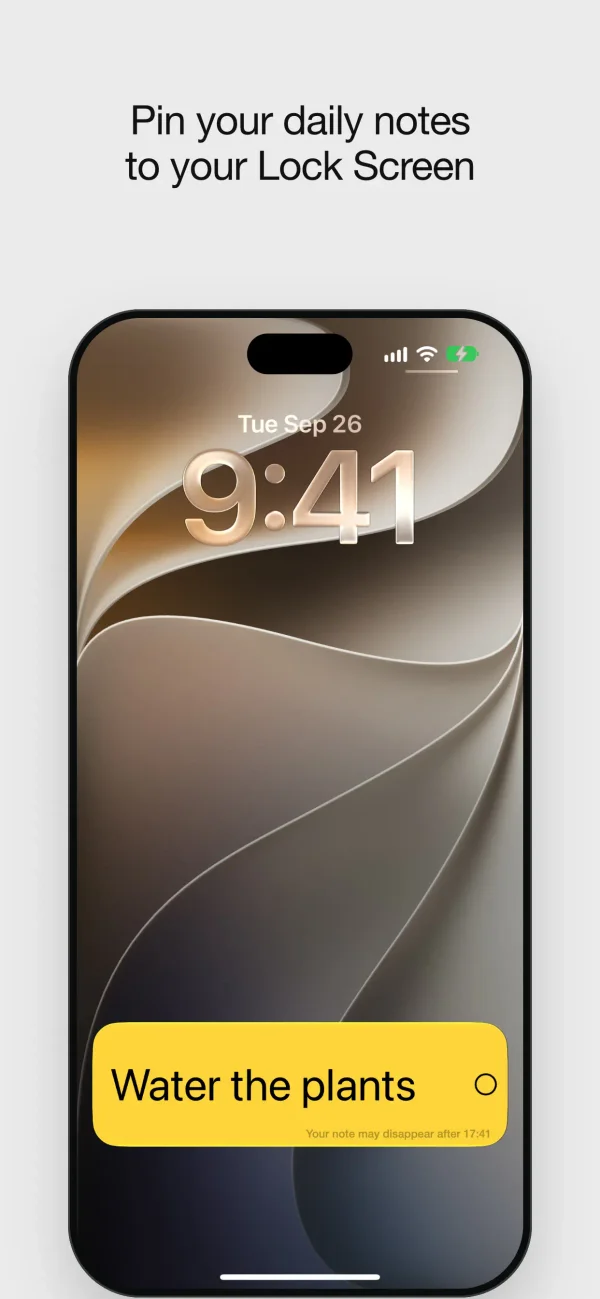
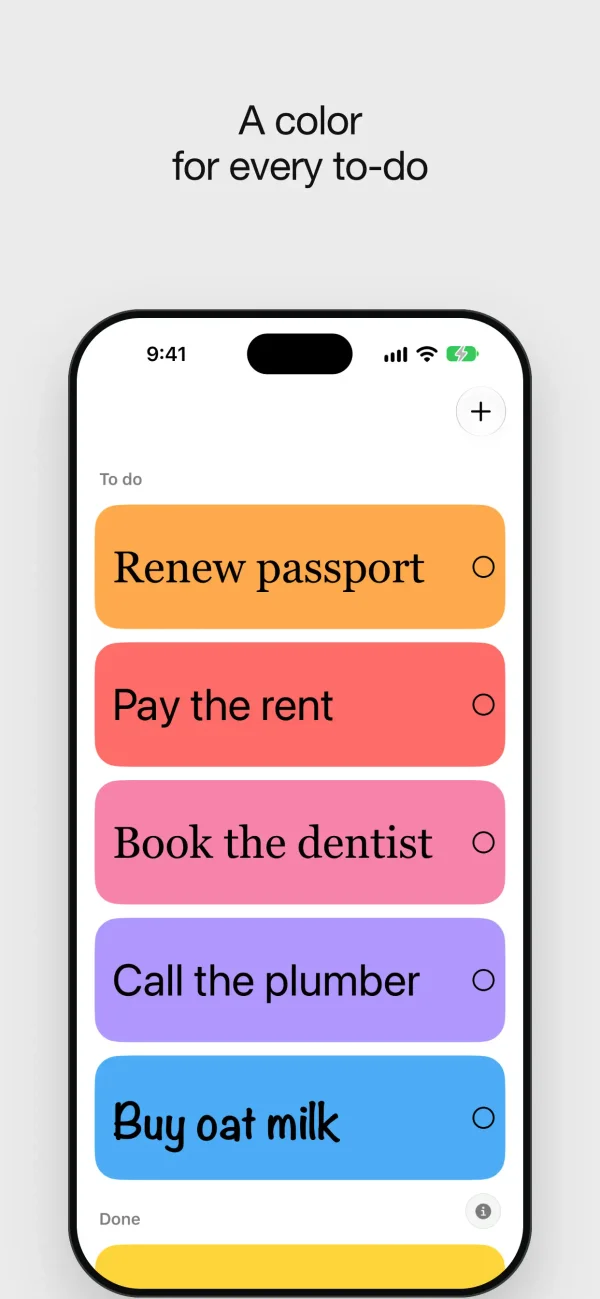
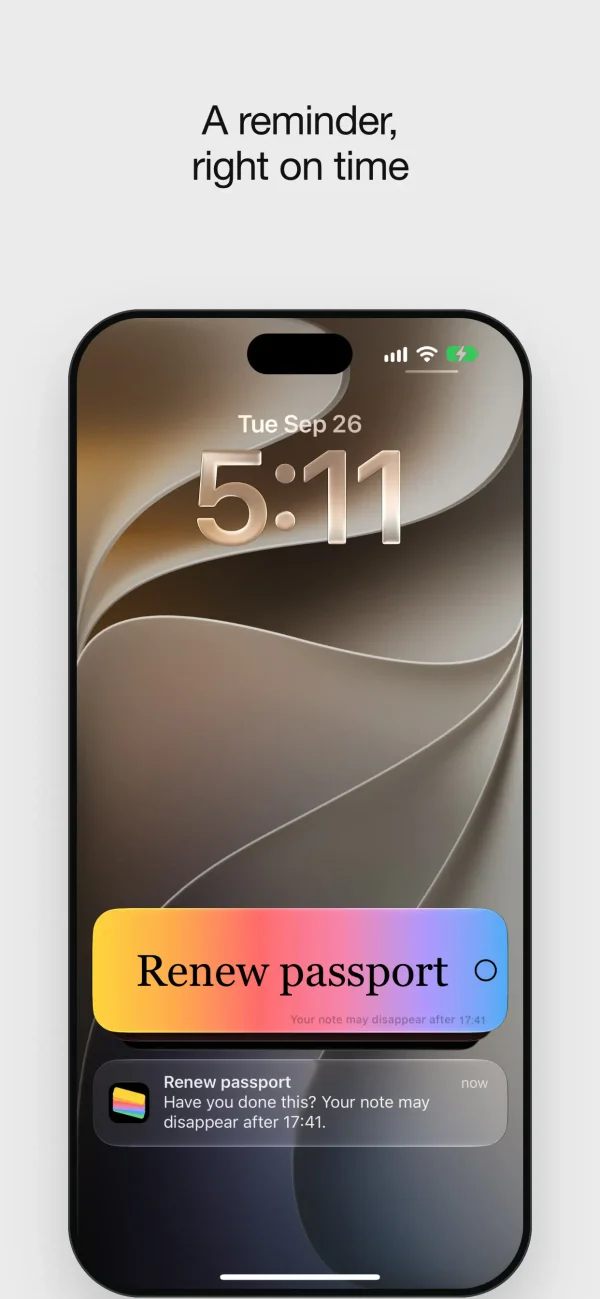
PinNote turns your daily notes into Live Activities, right there on your Lock Screen, without unlocking your phone.
Create a daily note in seconds. It appears instantly on your Lock Screen.
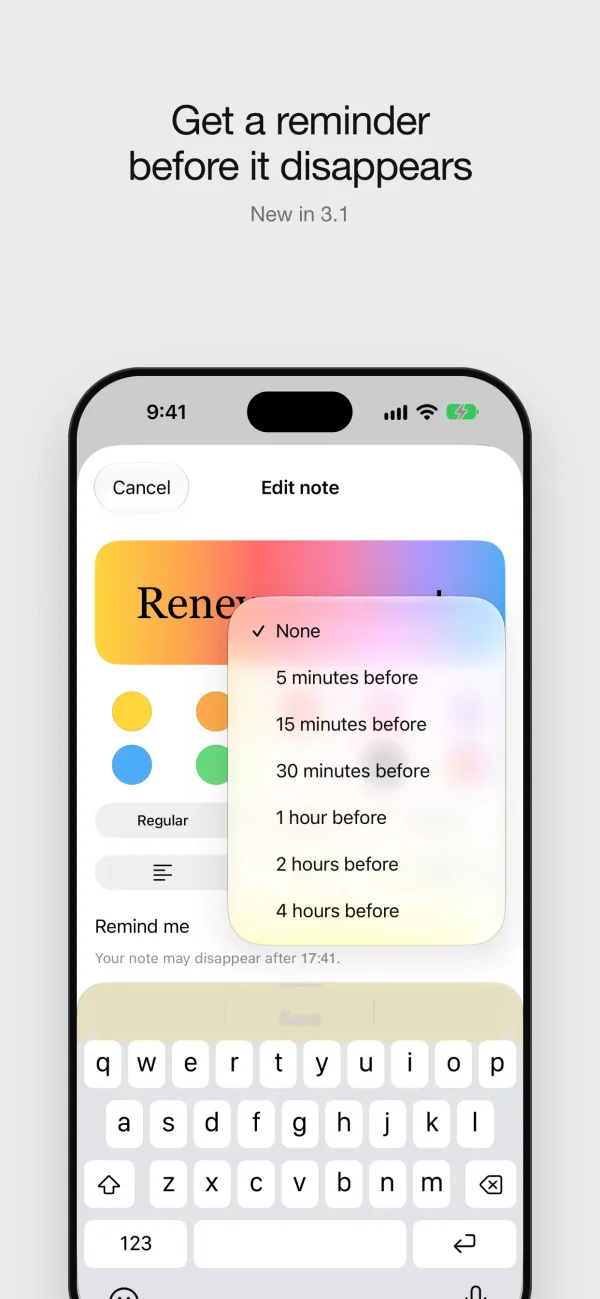
Note: iPhone clears Lock Screen live activities after up to 8 hours. As long as you open PinNote at least every 8 hours, your notes refresh on their own and stay pinned for good. Nothing is ever lost.
FEATURES
— Inline editing directly in the list
— Gesture-based: swipe to edit or delete, drag to reorder, pull to create
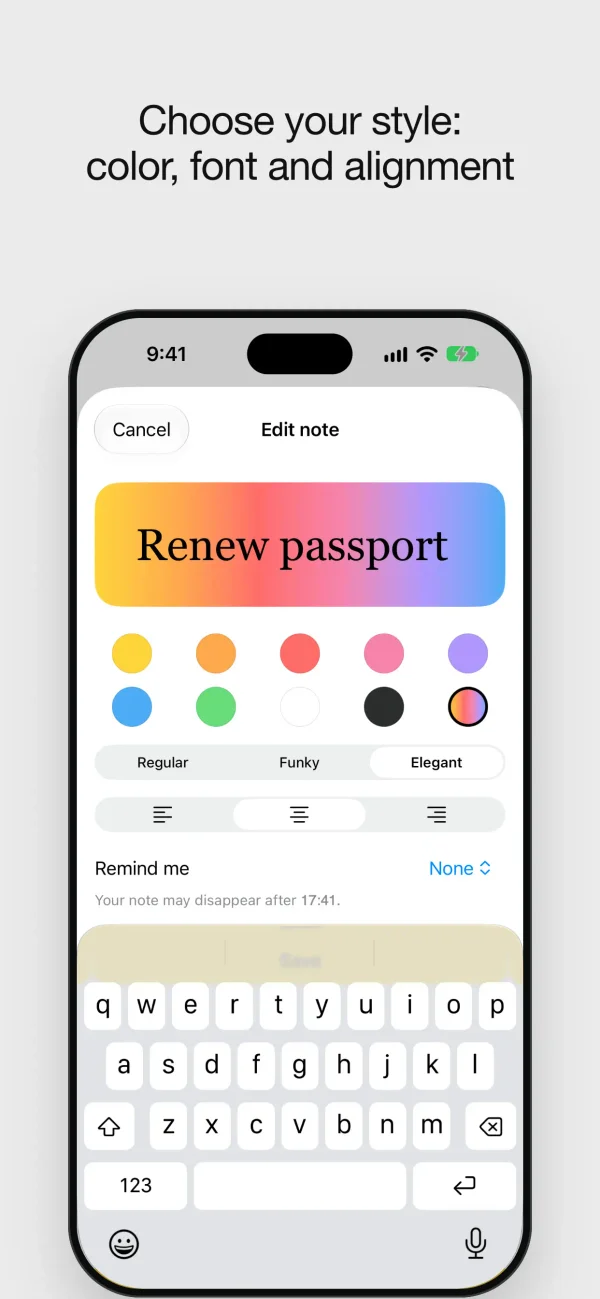
— Custom colors, fonts, and text alignment
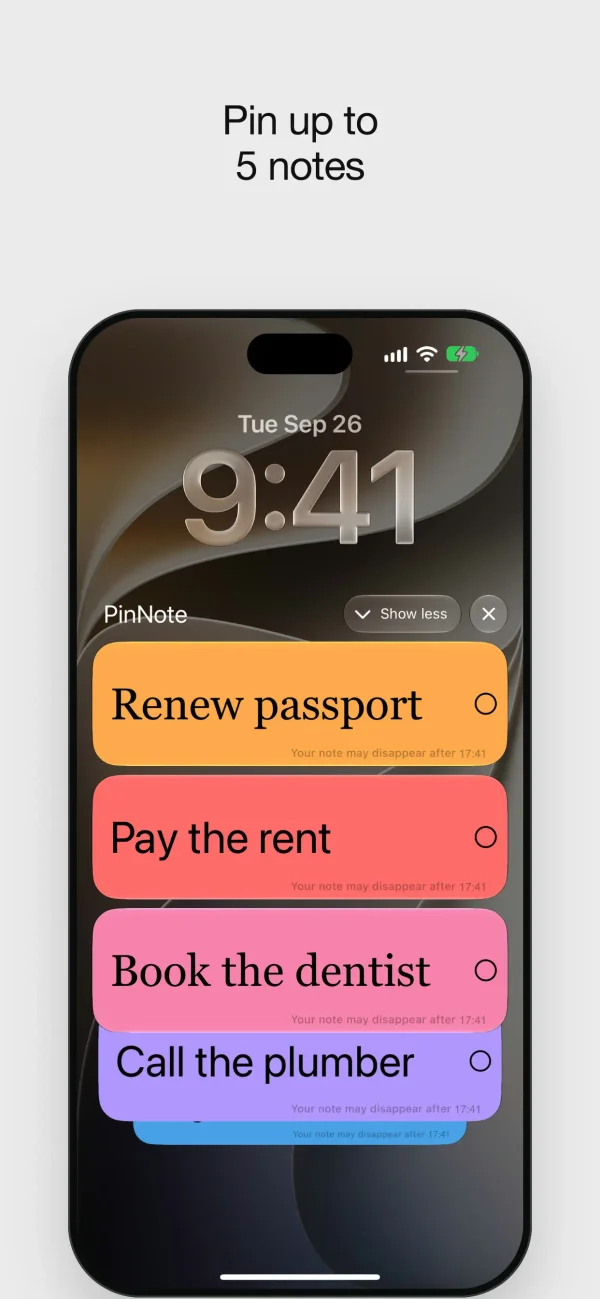
— Up to 5 notes on your Lock Screen at once
— Add a note directly from Control Center — one tap, anywhere
HOW IT WORKS
PinNote is for your daily notes, the quick things you want in sight all day.
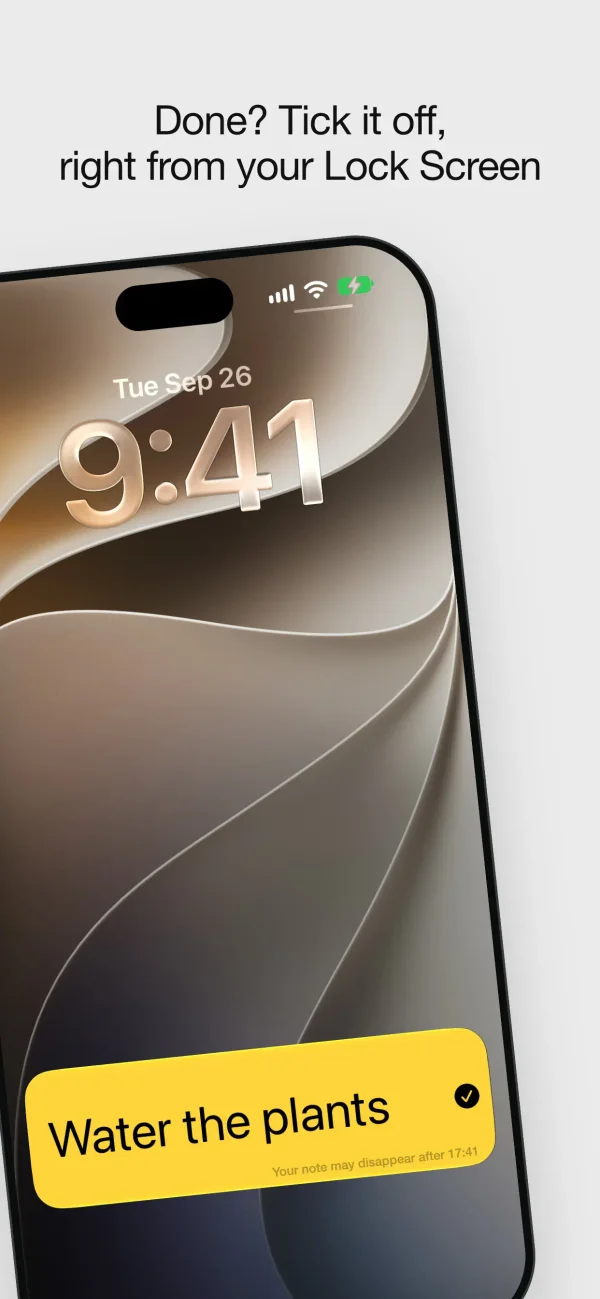
Each note is a Live Activity. Add a note → it pins to your Lock Screen. Done with it → swipe it away and it will appear as "done".
Tick a note to switch it between to do and done. Only to dos show on your Lock Screen. Clear one from your Lock Screen and it's marked done automatically.
FREE TRIAL
Try every feature free for 7 days. After that, choose your plan:
— One-time purchase: unlock forever, no recurring fees.
— Monthly plan: low monthly subscription, cancel anytime.
Made with love in Brussels, by Quentin Hocdé.
Terms of Use (EULA): https://www.apple.com/legal/internet-services/itunes/dev/stdeula/
Neue Funktionen
Version 3.3 · 04.11.2026
• Quick add: pin a note without opening PinNote. Type it in a pop-up and it goes straight to your Lock Screen.
• Use it from Control Center: add the Shortcut control and pick "New Note" from PinNote. It also works with the Action button, Siri ("New note in PinNote") and Spotlight.
App-Datenschutz
Was Quentin Hocde im App Store zum Umgang dieser App mit Daten angibt.
-
Keine Daten erfasst
Der Entwickler erfasst keine Daten von dieser App.
Die Datenschutzpraktiken können variieren, zum Beispiel je nach den von Ihnen verwendeten Funktionen oder Ihrem Alter.
Informationen
- Anbieter
- Quentin Hocde
- Kategorie
- Produktivität
- Version
- 3.3
- Aktualisiert
- 04.11.2026
- Veröffentlicht
- 22.06.2026
- Größe
- 2,0 MB
- Erfordert
- iOS 18.6 oder neuer
- Altersfreigabe
- 4+
- Preis
- Kostenlos
- In-App-Käufe
- Ja
- Sprachen
- Englisch
- Copyright
- © Quentin Hocdé
Das könnte Ihnen auch gefallen
-
 Lock Screen Notes - PinNoteProduktivität
-
 Note1: Lock Screen NoteNotiz auf dem Sperrbildschirm
-
 Recall: Lock Screen NotesProduktivität
-
 Lock Screen Notes: LockCardsProduktivität
-
 Lock Screen Notes: StickyNotizen am Sperrbildschirm
-
 LockNote: Note on Lock ScreenProduktivität
-
 LockScreenNotes & WidgetProduktivität
-
 Dabbly: Daily Notes & ListsProduktivität
-
 Chits - Chat Notes & BoardsProduktivität
-
 Grocery List ShareProduktivität