PinNote – Lock Screen Notes
Daily notes on Lock Screen
Diseñada para iPhone
Gratis · Compras en la aplicación
- Clasificación por edad4+
- CategoríaProductividad
- DesarrolladorQuentin Hocde
- IdiomasInglés
- Tamaño2,0 MB
Enlaza a la página oficial de App Store
Download.org no aloja ningún archivo de PinNote – Lock Screen Notes. El botón abre la página de la aplicación en App Store, donde la publica Quentin Hocde. Ficha comprobada por última vez el 14/11/2026.
Capturas de pantalla
Acerca de
El desarrollador no ha proporcionado este texto en tu idioma.
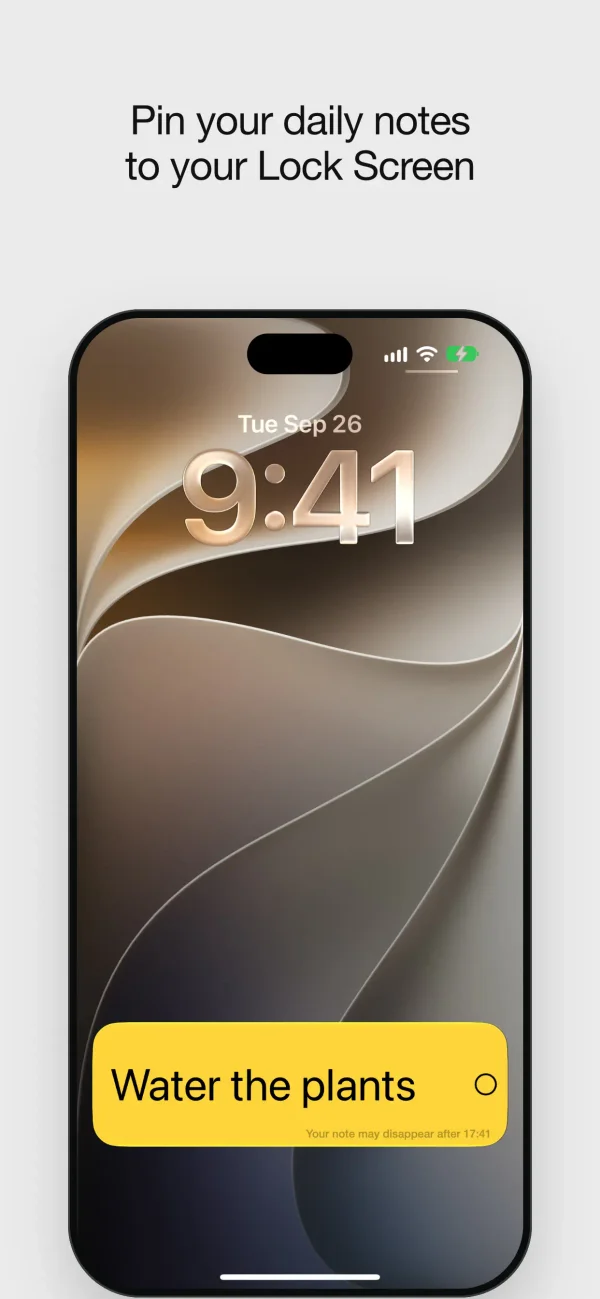
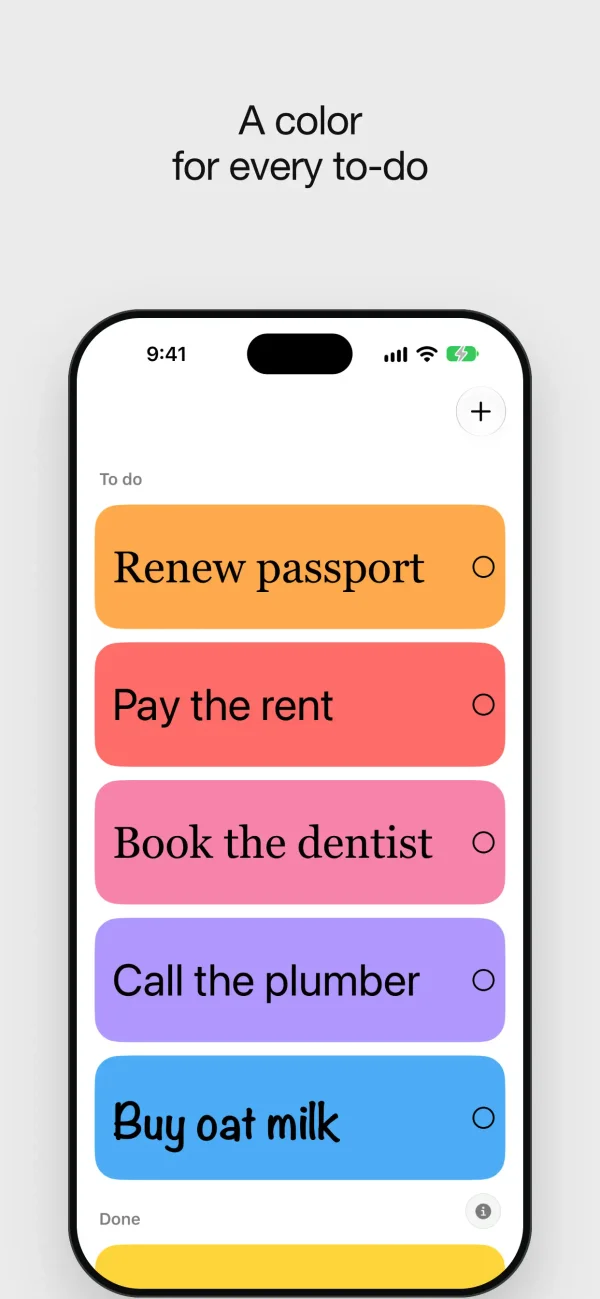
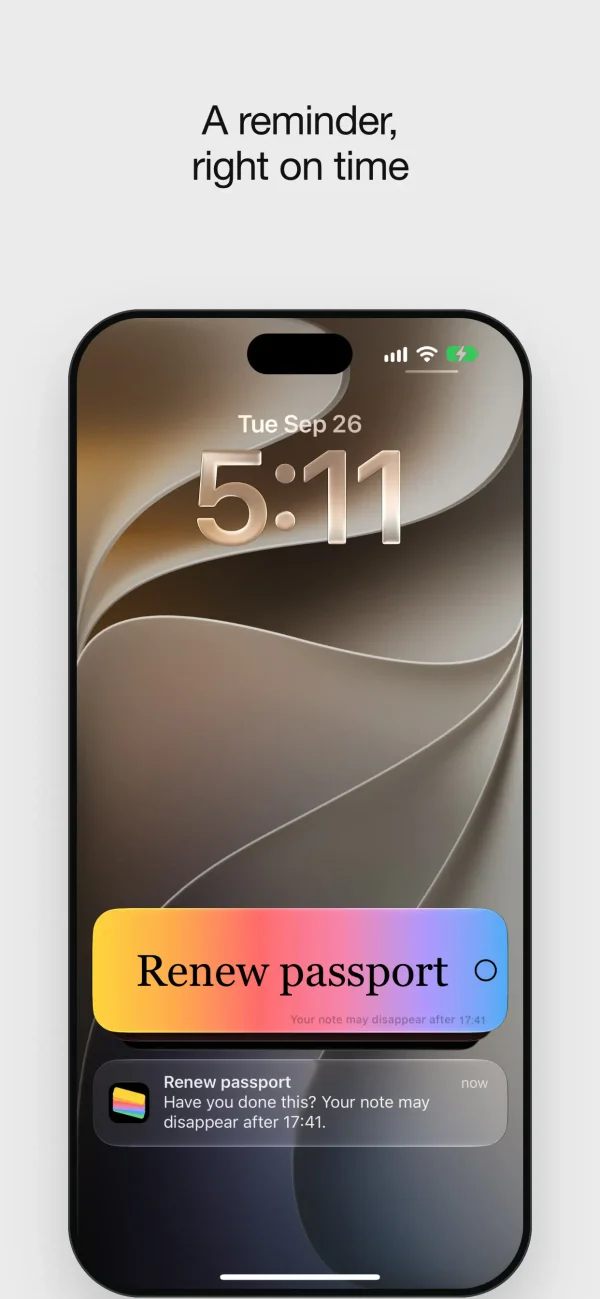
PinNote turns your daily notes into Live Activities, right there on your Lock Screen, without unlocking your phone.
Create a daily note in seconds. It appears instantly on your Lock Screen.
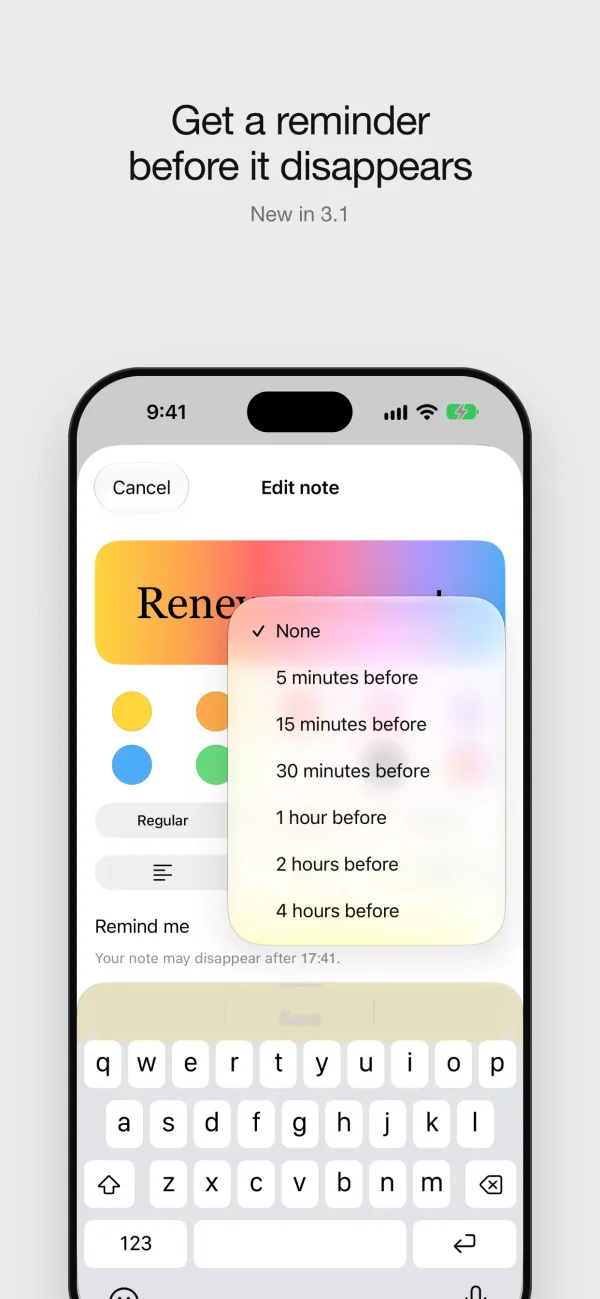
Note: iPhone clears Lock Screen live activities after up to 8 hours. As long as you open PinNote at least every 8 hours, your notes refresh on their own and stay pinned for good. Nothing is ever lost.
FEATURES
— Inline editing directly in the list
— Gesture-based: swipe to edit or delete, drag to reorder, pull to create
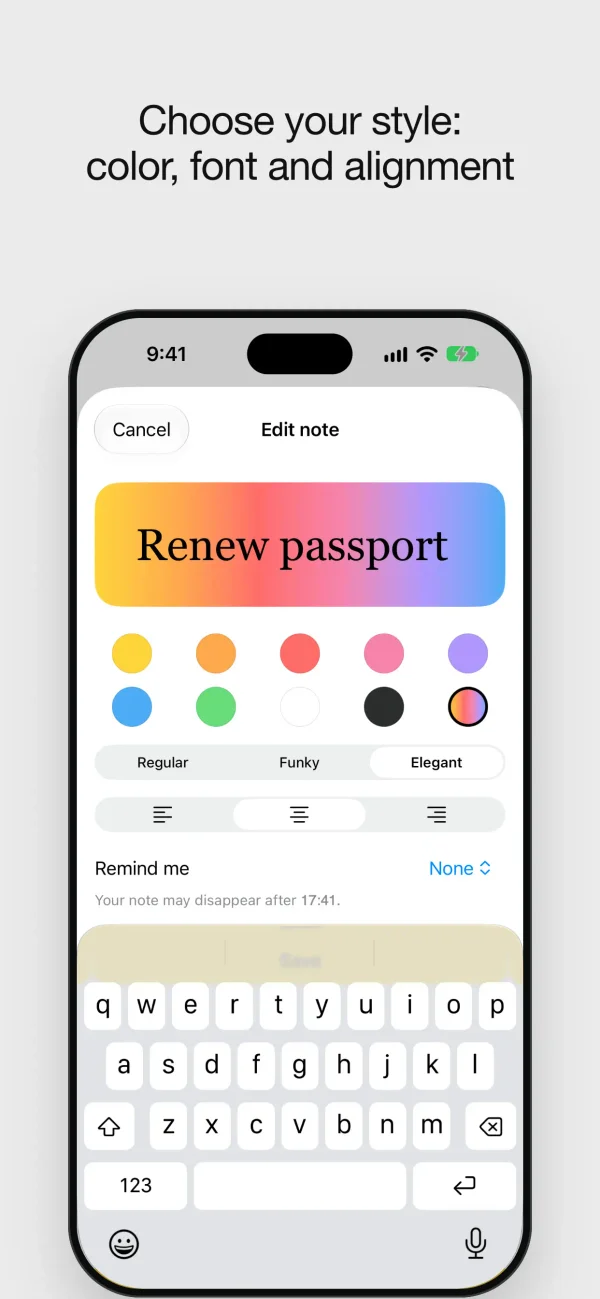
— Custom colors, fonts, and text alignment
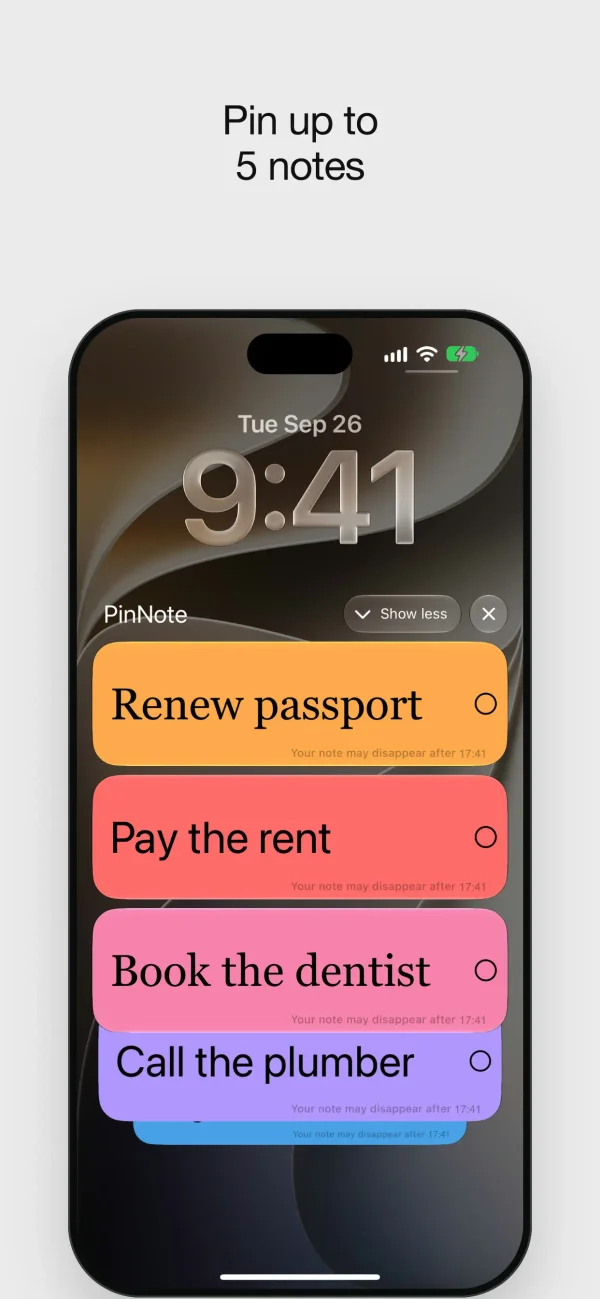
— Up to 5 notes on your Lock Screen at once
— Add a note directly from Control Center — one tap, anywhere
HOW IT WORKS
PinNote is for your daily notes, the quick things you want in sight all day.
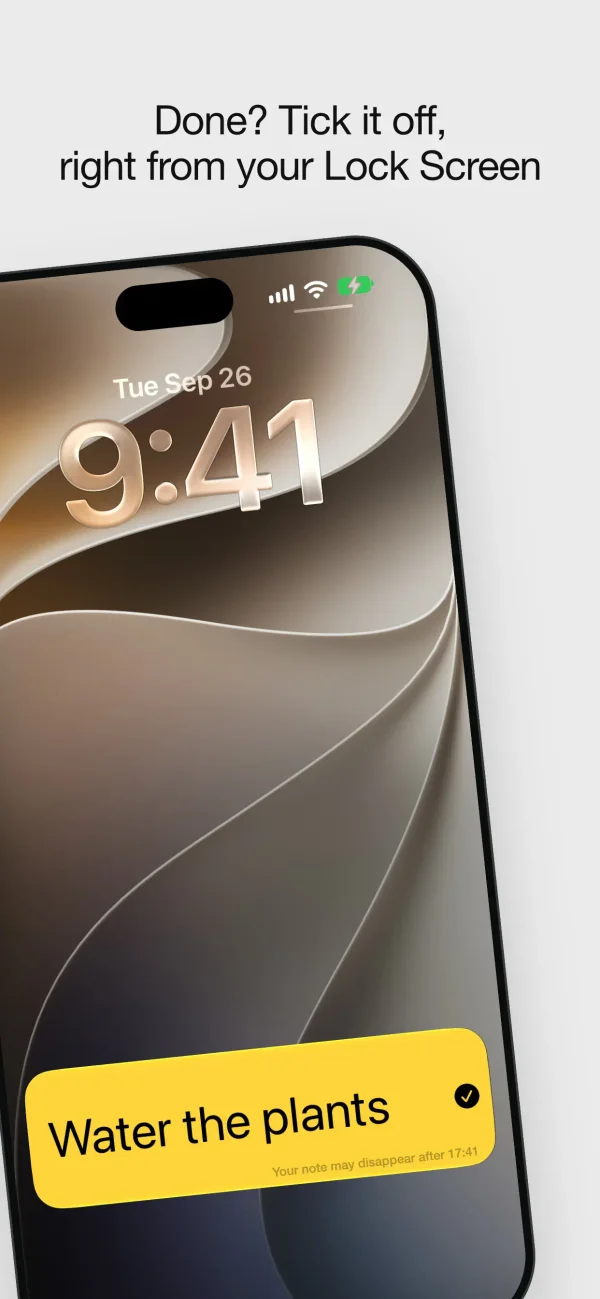
Each note is a Live Activity. Add a note → it pins to your Lock Screen. Done with it → swipe it away and it will appear as "done".
Tick a note to switch it between to do and done. Only to dos show on your Lock Screen. Clear one from your Lock Screen and it's marked done automatically.
FREE TRIAL
Try every feature free for 7 days. After that, choose your plan:
— One-time purchase: unlock forever, no recurring fees.
— Monthly plan: low monthly subscription, cancel anytime.
Made with love in Brussels, by Quentin Hocdé.
Terms of Use (EULA): https://www.apple.com/legal/internet-services/itunes/dev/stdeula/
Novedades
Versión 3.3 · 4/11/2026
• Quick add: pin a note without opening PinNote. Type it in a pop-up and it goes straight to your Lock Screen.
• Use it from Control Center: add the Shortcut control and pick "New Note" from PinNote. It also works with the Action button, Siri ("New note in PinNote") and Spotlight.
Privacidad de la aplicación
Lo que Quentin Hocde declara en App Store sobre cómo esta aplicación gestiona los datos.
-
No se recopilan datos
El desarrollador no recopila ningún dato de esta aplicación.
Las prácticas de privacidad pueden variar, por ejemplo, según las funciones que uses o tu edad.
Información
- Vendedor
- Quentin Hocde
- Categoría
- Productividad
- Versión
- 3.3
- Actualizado
- 4/11/2026
- Publicado
- 22/6/2026
- Tamaño
- 2,0 MB
- Requiere
- iOS 18.6 o posterior
- Clasificación por edad
- 4+
- Precio
- Gratis
- Compras en la aplicación
- Sí
- Idiomas
- Inglés
- Copyright
- © Quentin Hocdé
Quizá también te guste
-
 Sticky Widgets y RecordatoriosNotas en Pantalla Bloqueo
-
 Note1: Lock Screen NoteFija una nota en la pantalla
-
 Recall: Lock Screen NotesProductividad
-
 Lock Screen Notes: LockCardsProductividad
-
 Lock Screen Notes: StickyNotas en pantalla bloqueada
-
 Wallpaper & Productivity ToolsTrack goals, focus & organize
-
 LockScreenNotes & WidgetProductividad
-
 Dabbly: Daily Notes & ListsProductividad
-
 Chits - Chat Notes & BoardsProductividad
-
 Grocery List ShareProductividad