
PixelKit: Design & Dev Tools
Pixel Converter, PPI & CSS
Entwickelt für iPhone, iPad, iPod touch
Kostenlos · In-App-Käufe
- Altersfreigabe4+
- KategorieEntwickler-Tools
- EntwicklerHWY Enigma LLC
- SprachenEnglisch
- Größe4,8 MB
Verlinkt auf die offizielle App Store-Seite
Download.org hostet keine Datei von PixelKit: Design & Dev Tools. Die Schaltfläche öffnet die App-Seite bei App Store, wo HWY Enigma LLC die App veröffentlicht. Eintrag zuletzt geprüft am 17.11.2026.
Screenshots


Info
Der Entwickler hat diesen Text nicht in Ihrer Sprache bereitgestellt.
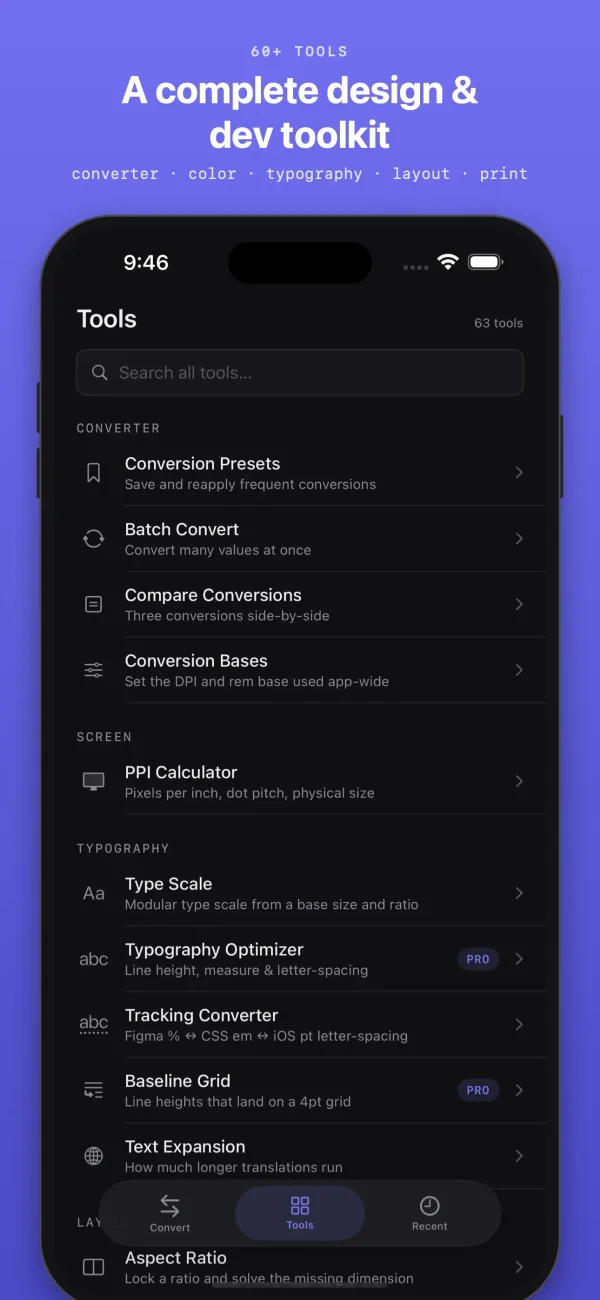
PixelKit is the all-in-one toolbox for designers and developers — a precise unit converter plus a full suite of design, print, and dev calculators in one fast, offline app. No account, no ads, no subscription.
It started as the ONLY true pixel converter on the App Store — the only app that correctly converts inches to pixels at 1in = 96px. That precision is still the heart of PixelKit, now surrounded by the tools you reach for every day.
THE CONVERTER:
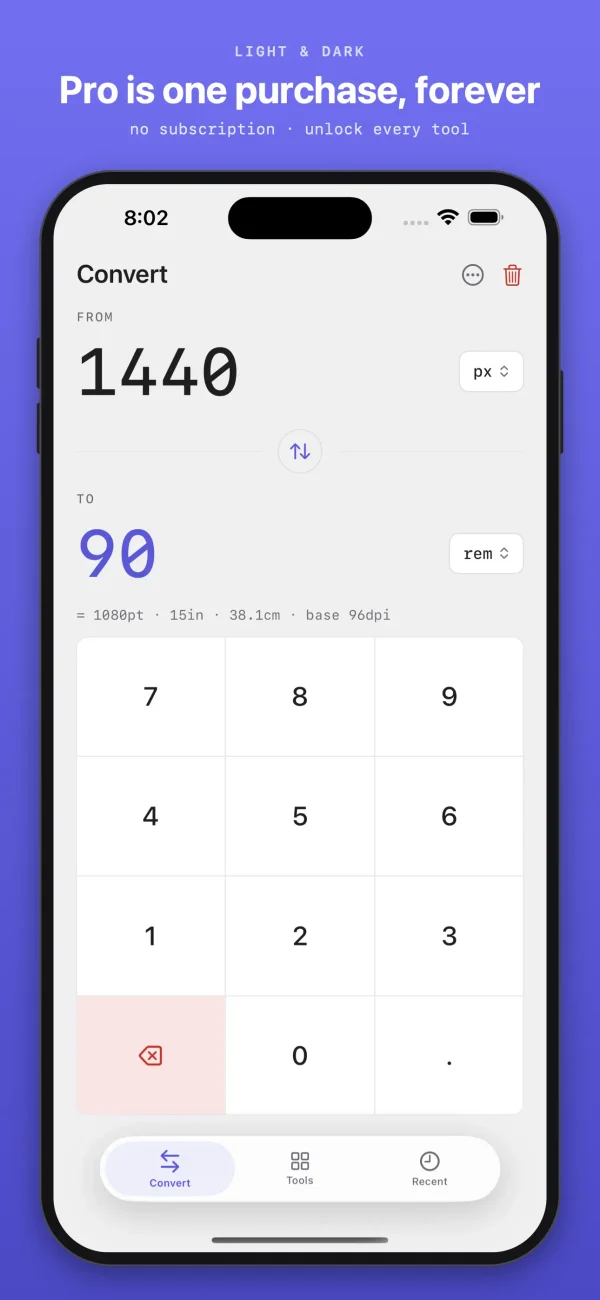
• Convert across 11 units: pixels, inches, cm, mm, picas, points, em, rem, viewport (vw), DPI, PPI
• Real-time, pixel-perfect accuracy with a custom keypad
• Conversion history, custom presets, batch convert, compare up to 3, CSV export
• Copy all formats at once
DESIGN & LAYOUT TOOLS:
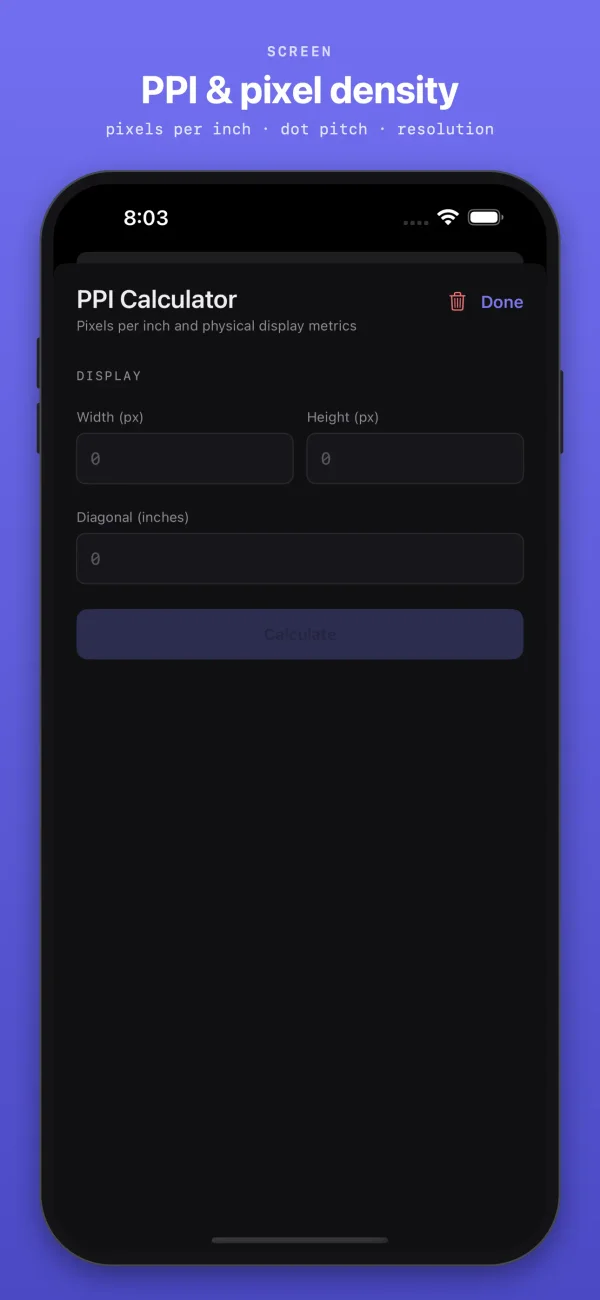
• Screen Calculator — PPI, retina class, megapixels, dot pitch, aspect ratio from width/height/diagonal
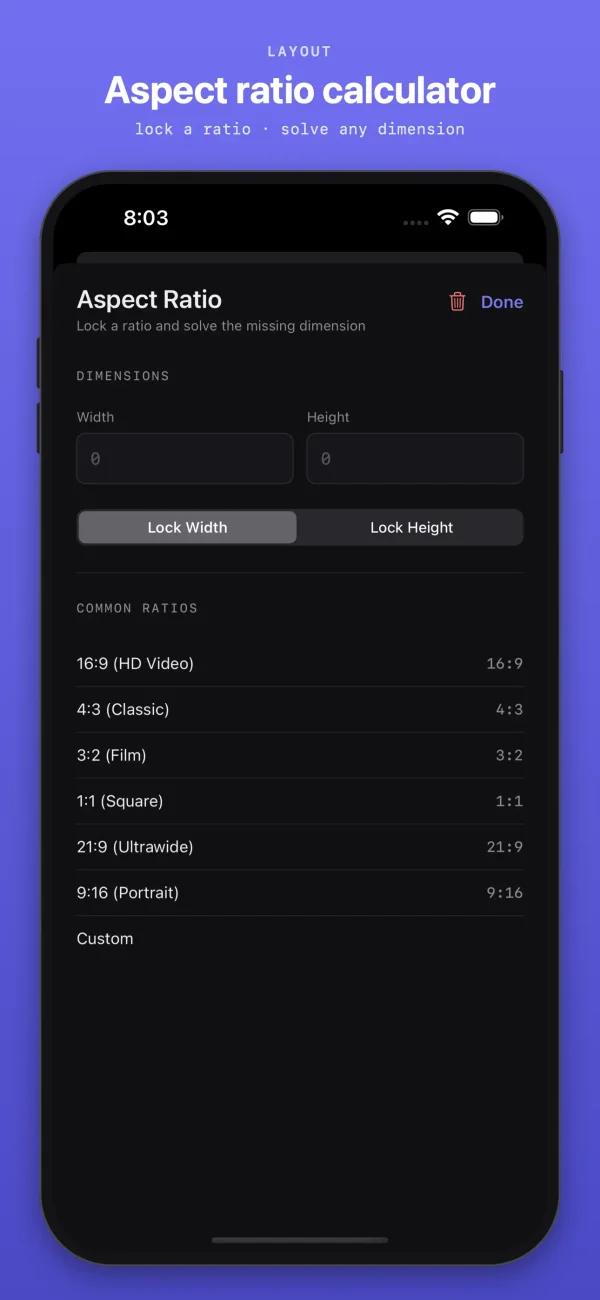
• Aspect Ratio Calculator — lock dimensions, common and custom ratios, simplified GCD
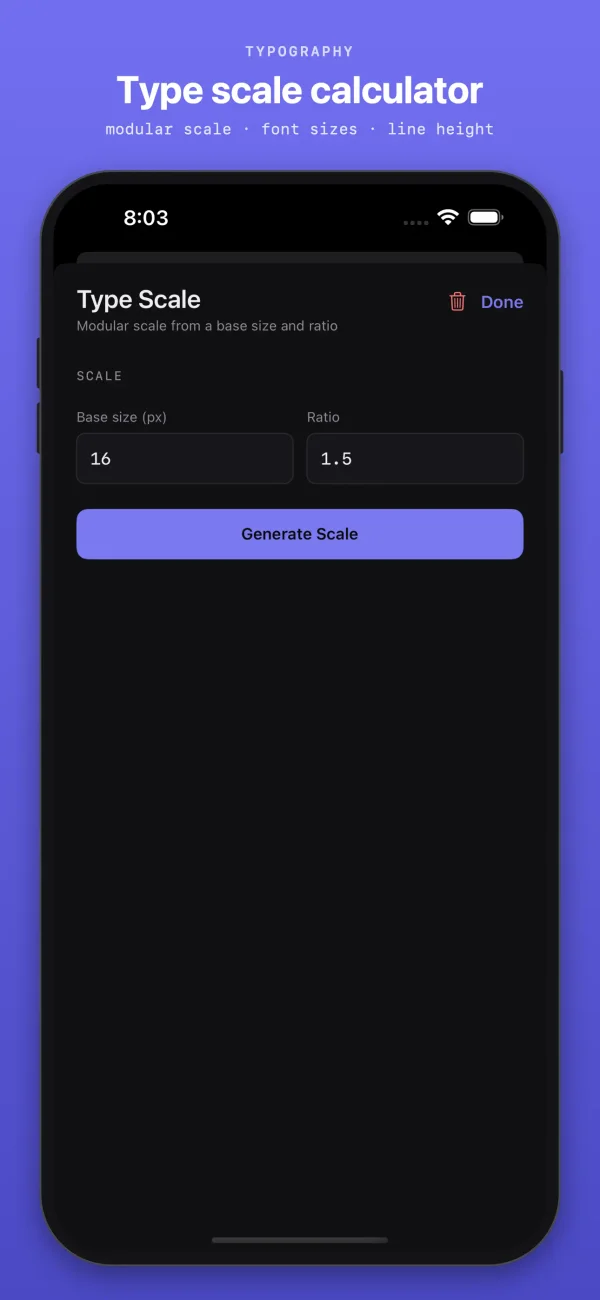
• Typography Scale Generator — modular type scale with per-step values
• Coordinate tools — distance, area, golden ratio, grid alignment, center point
PRO TOOLS (one-time unlock):
• Print Production — bleed, paper GSM, binding, fold, stack thickness, die-cut
• Image Assets — file-size estimation, print DPI, retina @1x/2x/3x, compression, color space (sRGB / Adobe RGB / CMYK)
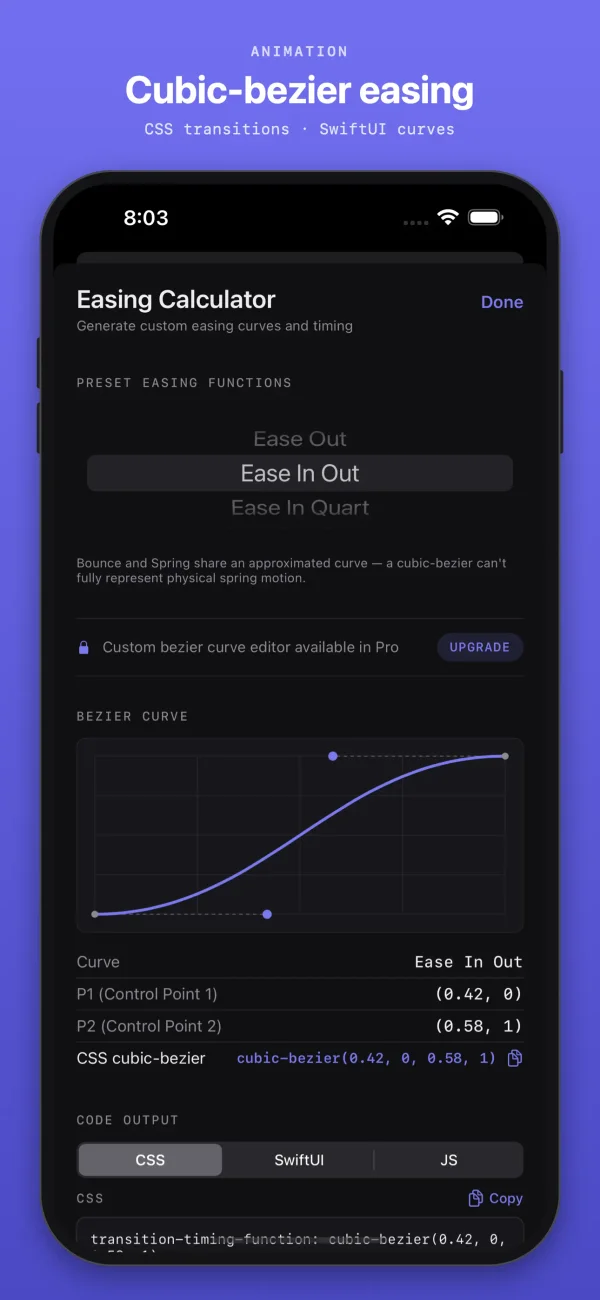
• Animation — frame rate, easing and bezier with code output, motion blur, duration, keyframes
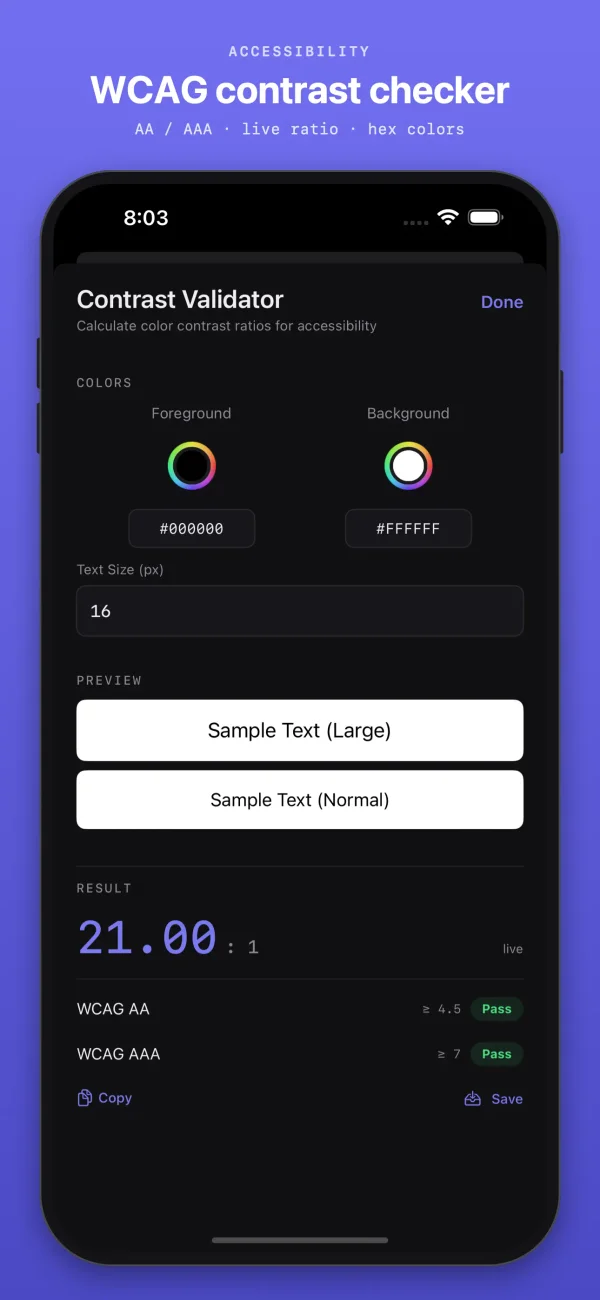
• Validation — WCAG AA/AAA contrast, pixel-perfect, platform compliance, print quality
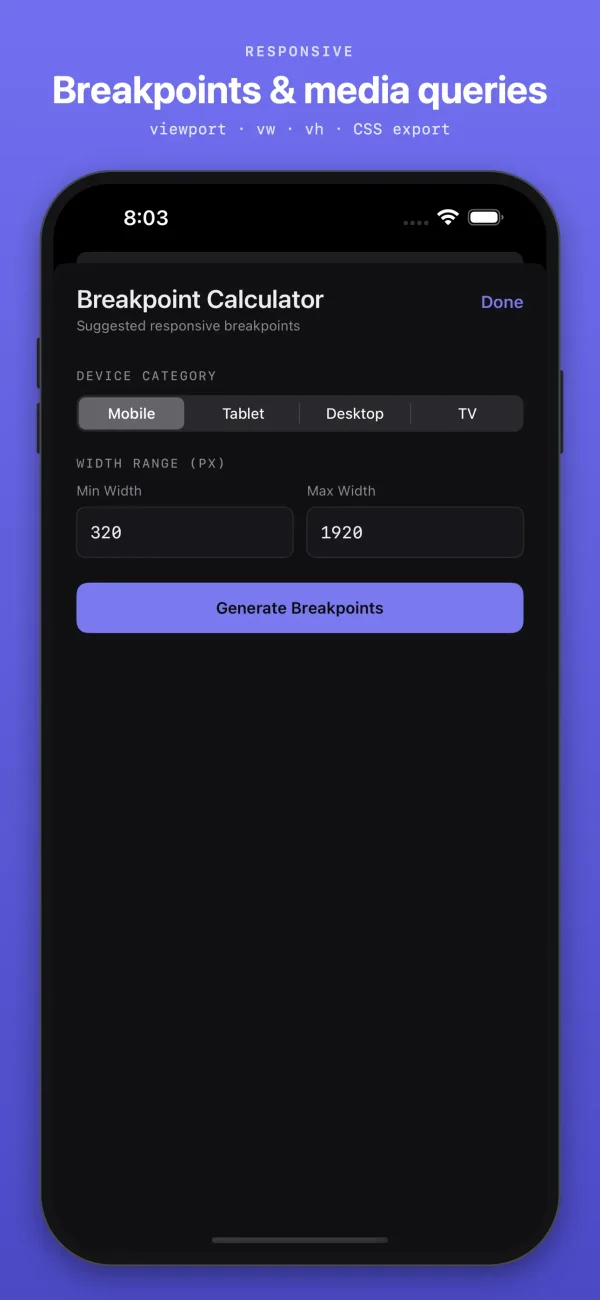
• Cross-platform — breakpoints, touch targets, viewport units, responsive typography
EXPORT-READY CODE:
• Most tools output ready-to-paste CSS and SwiftUI — easing to cubic-bezier(), breakpoints to @media queries, type scales, aspect ratios, and more
BUILT TO KEEP:
• Unified Recent — every calculation across every tool saved in one list, with favorites
• Copy on every result, one tap
• System, Light, and Dark mode
• Fully offline — no account, no network, no ads
ONE-TIME UNLOCK:
• $6.99 once unlocks every Pro tool — and all future Pro tools, forever. No subscription.
• Restore Purchases supported
PERFECT FOR:
• UI/UX designers
• Web and app developers
• Digital and print designers
• Design students
• Anyone who works in pixels, points, and ratios
PixelKit turns the converter you needed into the toolbox you keep. Download it today.
LICENSE AND USAGE
This application is licensed, not sold, to you by HWY Enigma LLC. Your use of this application is governed by HWY Enigma's Terms of Service: https://hwyenigma.com/terms-of-service
PRIVACY POLICY
This application does not collect any personal data. Please review our Privacy Policy at https://hwyenigma.com/pixel-policy
Neue Funktionen
Version 4.1 · 31.08.2026
NEW: THE COLOR SUITE
• Contrast Grid — a WCAG matrix for your whole palette, every pairing graded at a glance
• Tint & Shade Ramp — a 50–900 scale from one base color, with CSS, Tailwind and SwiftUI export
• Scrim Solver — the minimum overlay that makes text readable on any image
• Dark Mode Counterpart, Alpha Flattening, Colorblindness Check, Color Difference (ΔE2000), Gradient Repair and System Colors
NEW: LAYOUT & TYPOGRAPHY
• Column Grid — container, columns, gutters and margins in, column width and spans out
• Spacing Scale, Baseline Grid, Tracking Converter and Text Expansion
NEW: REFERENCE & HANDOFF
• Device Database, Social Media Sizes, Icon Sizes and a live Dynamic Type table
• Shadow & Blur Translators — Figma values to CSS to SwiftUI
• Special Characters, Viewing Distance and a QR Generator
ALSO IN 4.1
• The contrast checker now suggests the nearest passing color, adds APCA (draft WCAG 3) and a UI-component mode
• OKLCH and Display P3 in the color space converter
• A real iPad app: tools fill the screen, stacked tall in portrait and side-by-side in landscape
• Find any tool from iOS search, press ⌘K on a hardware keyboard, or tap the paste chip when your clipboard holds a number
App-Datenschutz
Was HWY Enigma LLC im App Store zum Umgang dieser App mit Daten angibt.
-
Keine Daten erfasst
Der Entwickler erfasst keine Daten von dieser App.
Die Datenschutzpraktiken können variieren, zum Beispiel je nach den von Ihnen verwendeten Funktionen oder Ihrem Alter.
Informationen
- Anbieter
- HWY Enigma LLC
- Kategorie
- Entwickler-Tools
- Version
- 4.1
- Aktualisiert
- 31.08.2026
- Veröffentlicht
- 27.09.2024
- Größe
- 4,8 MB
- Erfordert
- iOS 15.5 oder neuer
- Altersfreigabe
- 4+
- Preis
- Kostenlos
- In-App-Käufe
- Ja
- Sprachen
- Englisch
- Copyright
- © 2026 HWY Enigma LLC
Das könnte Ihnen auch gefallen
-
 Screen Specs: Größen & DPIGeräteauflösung & Safe Area
-
 PixelsMeasureMessen auf den Pixel genau
-
 ScriptWidgetEntwickler-Tools
-
 Device Monitor Z: Geräte InfoSystemstatus:Batterie,Speicher
-
 ResolutionerEntwickler-Tools
-
 Docker Server AdminEntwickler-Tools
-
 DetailsProEntwickler-Tools
-
 PLIST Editor MobileEntwickler-Tools
-
 HTTPBot: API & HTTP ClientEntwickler-Tools
-
 Device Info ToolEntwickler-Tools