PixelKit: Design & Dev Tools
Pixel Converter, PPI & CSS
iPhone, iPad, iPod touch向けに設計
無料 · アプリ内課金
- 対象年齢4+
- カテゴリ開発ツール
- 開発元HWY Enigma LLC
- 言語英語
- サイズ4.8 MB
App Storeの公式ページにリンクしています
Download.orgはPixelKit: Design & Dev Toolsのファイルを一切ホストしていません。ボタンを押すと、HWY Enigma LLCが公開しているApp Storeのアプリページが開きます。ページの最終確認:2026/11/17。
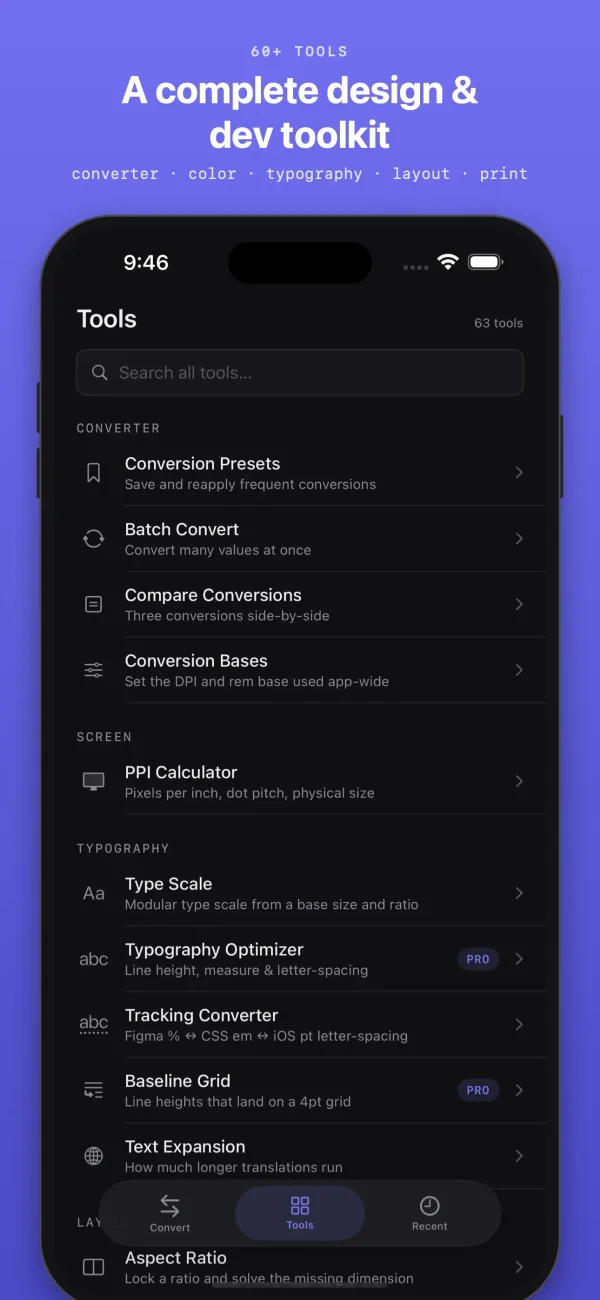
スクリーンショット


概要
開発元はこのテキストをお使いの言語で提供していません。
PixelKit is the all-in-one toolbox for designers and developers — a precise unit converter plus a full suite of design, print, and dev calculators in one fast, offline app. No account, no ads, no subscription.
It started as the ONLY true pixel converter on the App Store — the only app that correctly converts inches to pixels at 1in = 96px. That precision is still the heart of PixelKit, now surrounded by the tools you reach for every day.
THE CONVERTER:
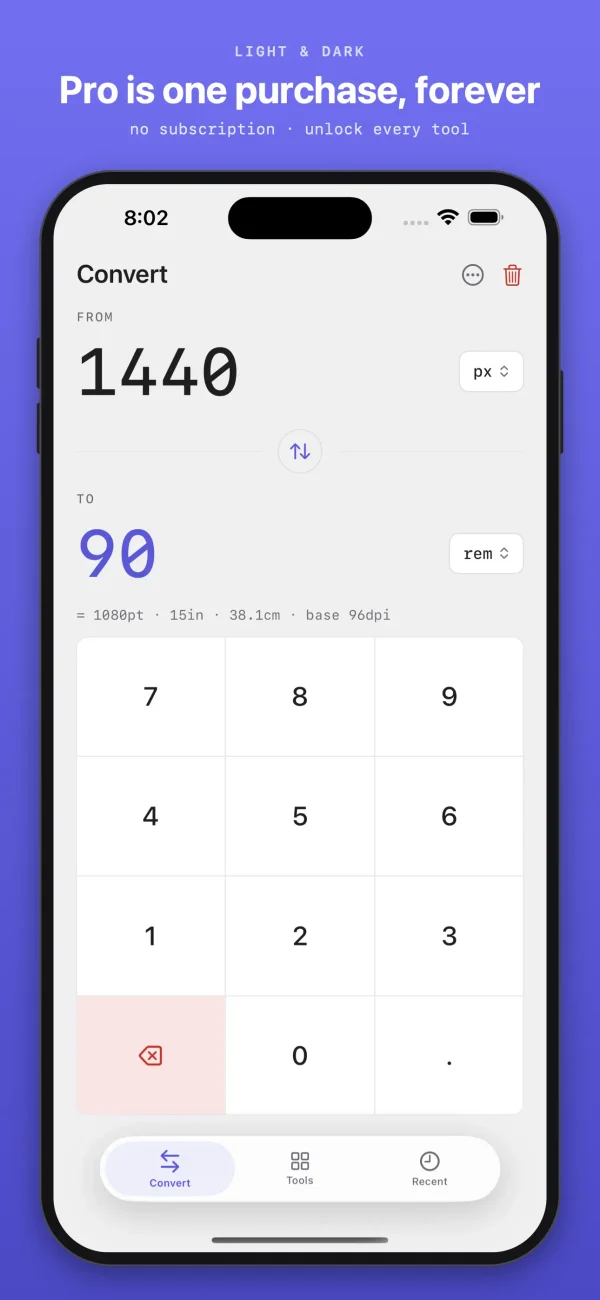
• Convert across 11 units: pixels, inches, cm, mm, picas, points, em, rem, viewport (vw), DPI, PPI
• Real-time, pixel-perfect accuracy with a custom keypad
• Conversion history, custom presets, batch convert, compare up to 3, CSV export
• Copy all formats at once
DESIGN & LAYOUT TOOLS:
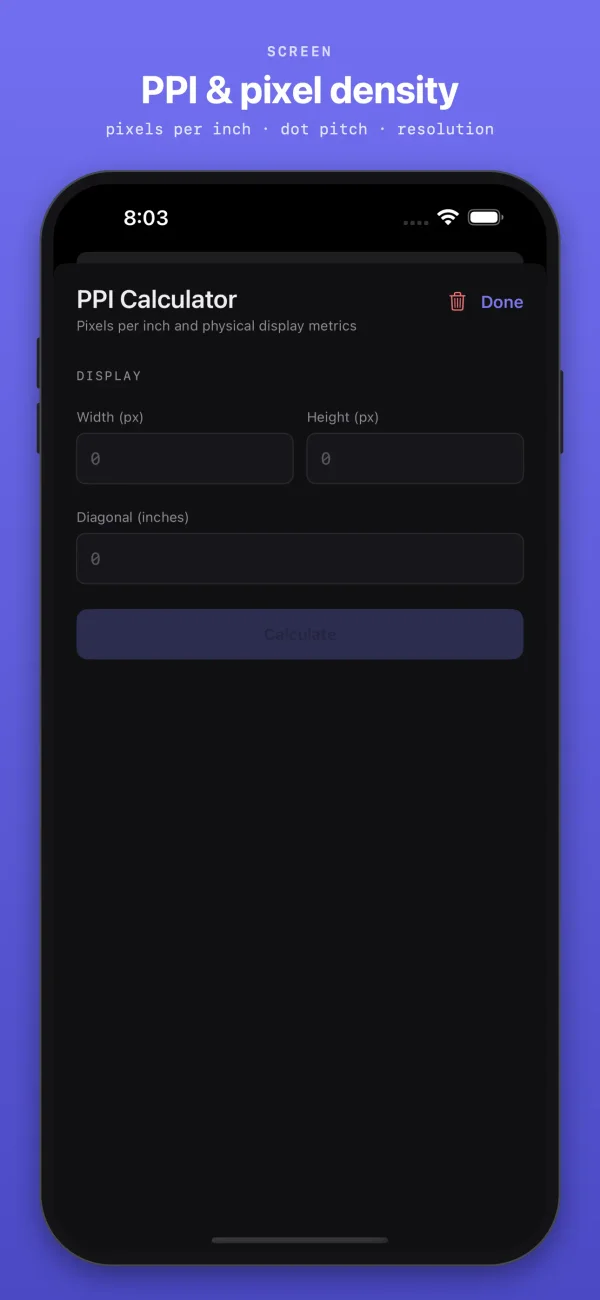
• Screen Calculator — PPI, retina class, megapixels, dot pitch, aspect ratio from width/height/diagonal
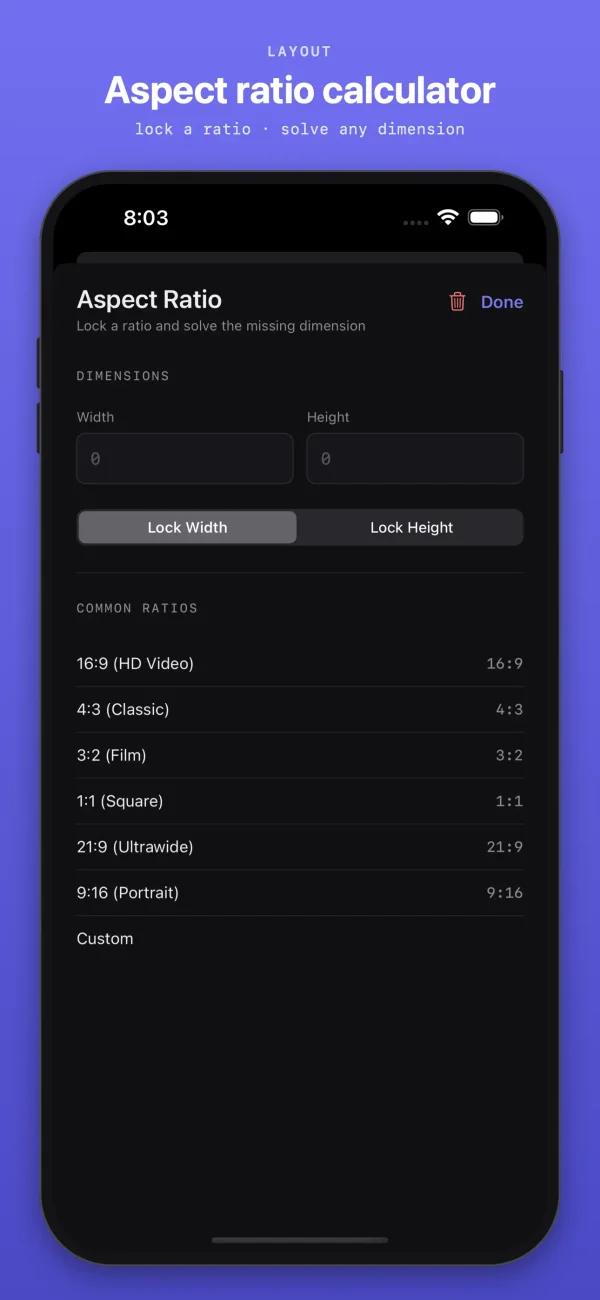
• Aspect Ratio Calculator — lock dimensions, common and custom ratios, simplified GCD
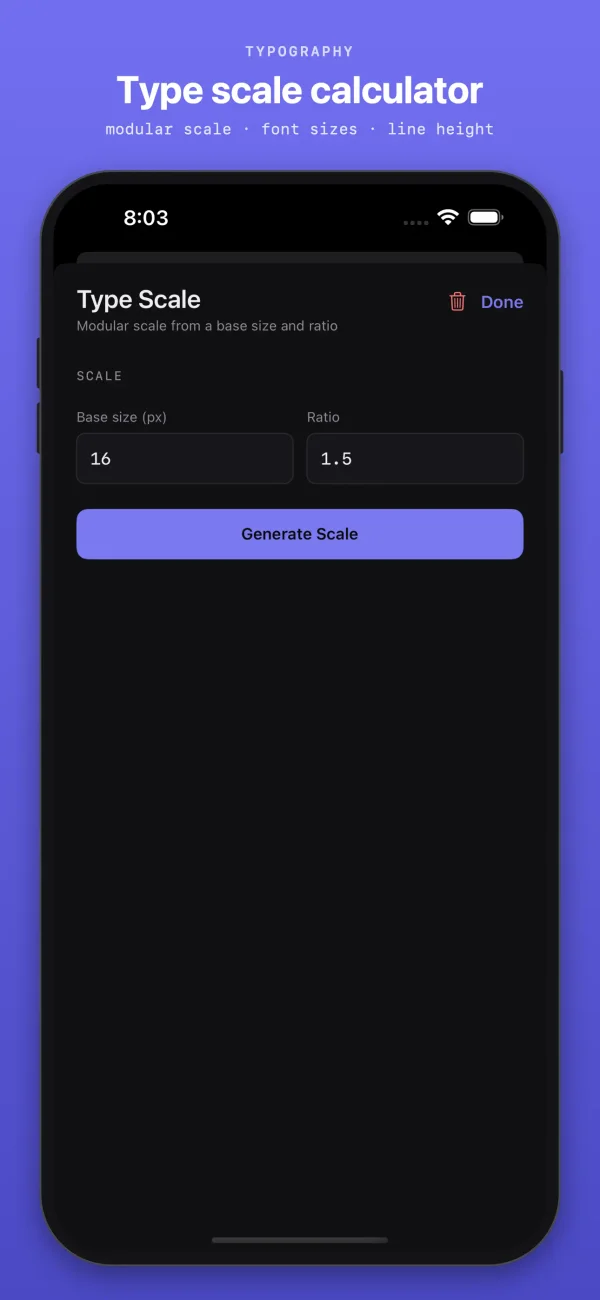
• Typography Scale Generator — modular type scale with per-step values
• Coordinate tools — distance, area, golden ratio, grid alignment, center point
PRO TOOLS (one-time unlock):
• Print Production — bleed, paper GSM, binding, fold, stack thickness, die-cut
• Image Assets — file-size estimation, print DPI, retina @1x/2x/3x, compression, color space (sRGB / Adobe RGB / CMYK)
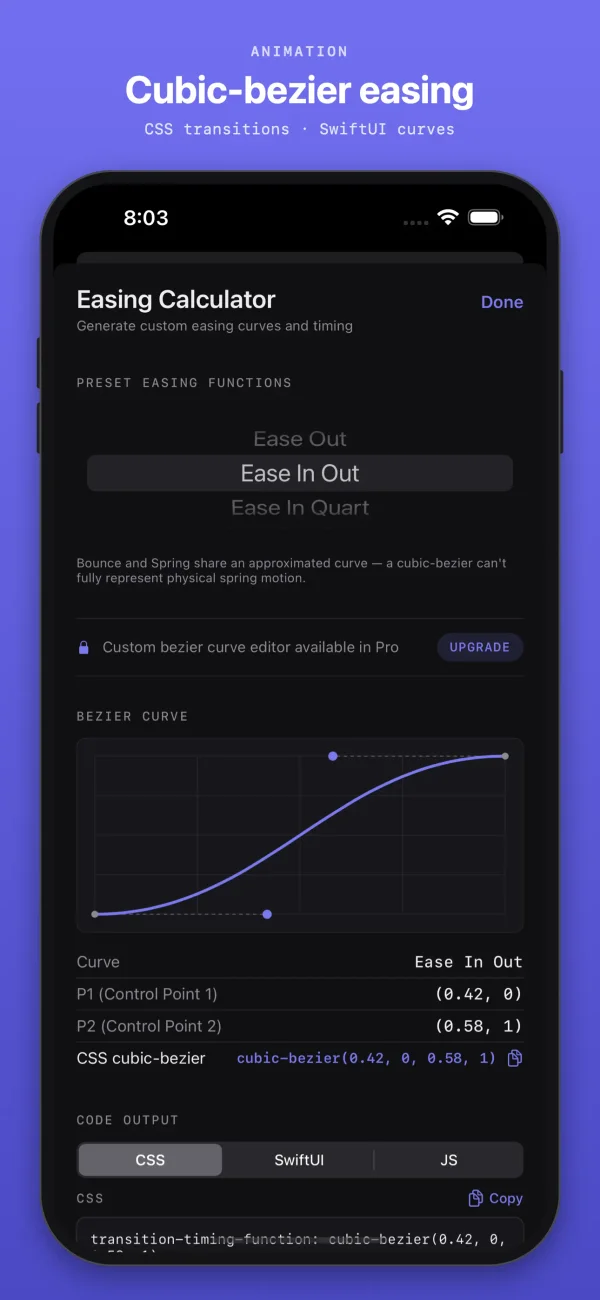
• Animation — frame rate, easing and bezier with code output, motion blur, duration, keyframes
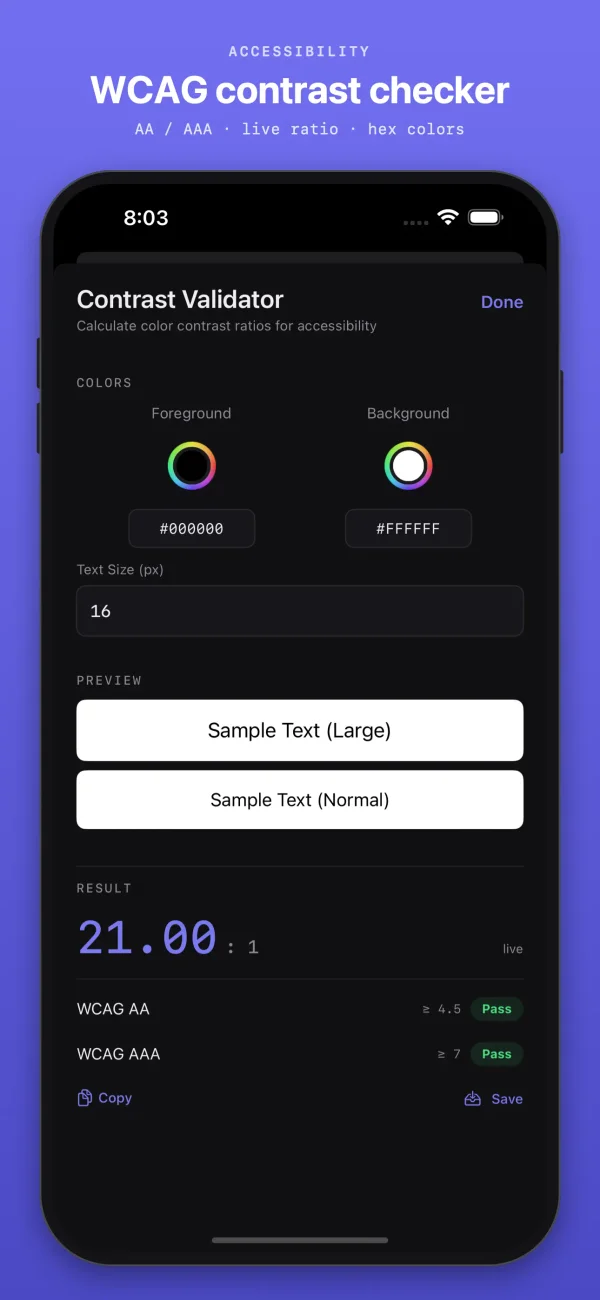
• Validation — WCAG AA/AAA contrast, pixel-perfect, platform compliance, print quality
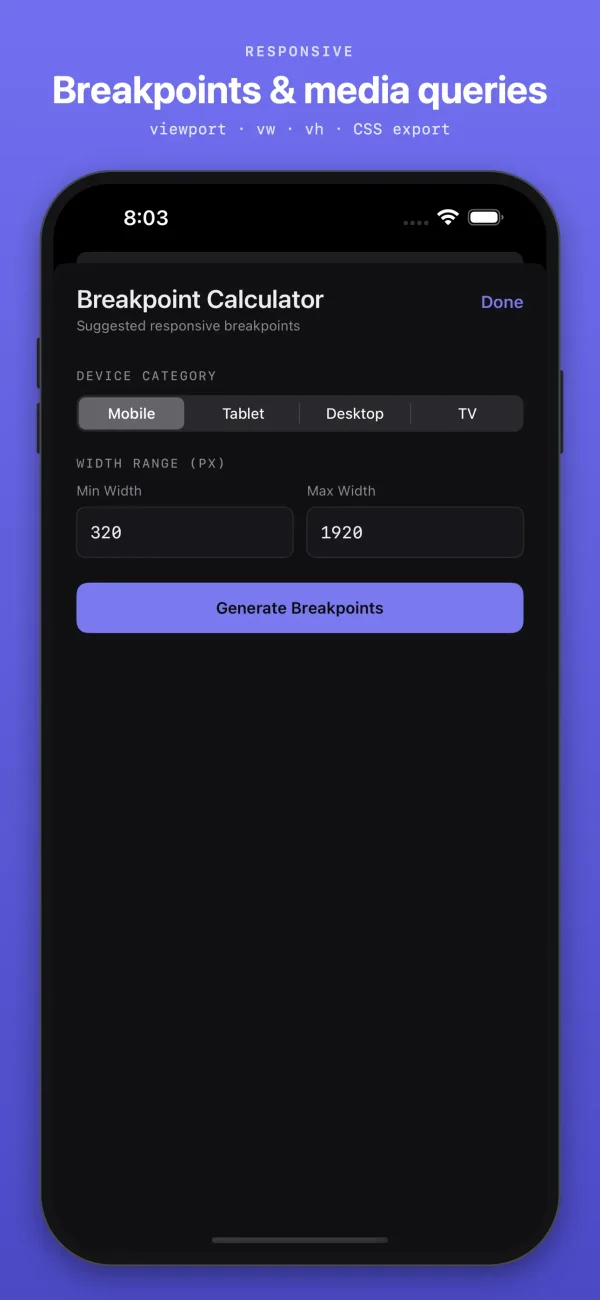
• Cross-platform — breakpoints, touch targets, viewport units, responsive typography
EXPORT-READY CODE:
• Most tools output ready-to-paste CSS and SwiftUI — easing to cubic-bezier(), breakpoints to @media queries, type scales, aspect ratios, and more
BUILT TO KEEP:
• Unified Recent — every calculation across every tool saved in one list, with favorites
• Copy on every result, one tap
• System, Light, and Dark mode
• Fully offline — no account, no network, no ads
ONE-TIME UNLOCK:
• $6.99 once unlocks every Pro tool — and all future Pro tools, forever. No subscription.
• Restore Purchases supported
PERFECT FOR:
• UI/UX designers
• Web and app developers
• Digital and print designers
• Design students
• Anyone who works in pixels, points, and ratios
PixelKit turns the converter you needed into the toolbox you keep. Download it today.
LICENSE AND USAGE
This application is licensed, not sold, to you by HWY Enigma LLC. Your use of this application is governed by HWY Enigma's Terms of Service: https://hwyenigma.com/terms-of-service
PRIVACY POLICY
This application does not collect any personal data. Please review our Privacy Policy at https://hwyenigma.com/pixel-policy
新機能
バージョン 4.1 · 2026/8/31
NEW: THE COLOR SUITE
• Contrast Grid — a WCAG matrix for your whole palette, every pairing graded at a glance
• Tint & Shade Ramp — a 50–900 scale from one base color, with CSS, Tailwind and SwiftUI export
• Scrim Solver — the minimum overlay that makes text readable on any image
• Dark Mode Counterpart, Alpha Flattening, Colorblindness Check, Color Difference (ΔE2000), Gradient Repair and System Colors
NEW: LAYOUT & TYPOGRAPHY
• Column Grid — container, columns, gutters and margins in, column width and spans out
• Spacing Scale, Baseline Grid, Tracking Converter and Text Expansion
NEW: REFERENCE & HANDOFF
• Device Database, Social Media Sizes, Icon Sizes and a live Dynamic Type table
• Shadow & Blur Translators — Figma values to CSS to SwiftUI
• Special Characters, Viewing Distance and a QR Generator
ALSO IN 4.1
• The contrast checker now suggests the nearest passing color, adds APCA (draft WCAG 3) and a UI-component mode
• OKLCH and Display P3 in the color space converter
• A real iPad app: tools fill the screen, stacked tall in portrait and side-by-side in landscape
• Find any tool from iOS search, press ⌘K on a hardware keyboard, or tap the paste chip when your clipboard holds a number
アプリのプライバシー
このアプリのデータの取り扱いについて、HWY Enigma LLCがApp Storeで申告している内容です。
-
データの収集なし
開発元はこのアプリからデータを収集しません。
プライバシーの取り扱いは、ご利用の機能やお客様の年齢などに応じて異なる場合があります。
情報
- 販売元
- HWY Enigma LLC
- カテゴリ
- 開発ツール
- バージョン
- 4.1
- 更新日
- 2026/8/31
- リリース
- 2024/9/27
- サイズ
- 4.8 MB
- 必要条件
- iOS 15.5以降
- 対象年齢
- 4+
- 価格
- 無料
- アプリ内課金
- あり
- 言語
- 英語
- 著作権
- © 2026 HWY Enigma LLC