ProdoClock: Visual Planner
Calendar, Tasks & Time Blocks
Entwickelt für iPhone, iPod touch
Kostenlos · In-App-Käufe
- Altersfreigabe4+
- KategorieProduktivität
- EntwicklerDanish Shaikh
- SprachenEnglisch
- Größe51,9 MB
Verlinkt auf die offizielle App Store-Seite
Download.org hostet keine Datei von ProdoClock: Visual Planner. Die Schaltfläche öffnet die App-Seite bei App Store, wo Danish Shaikh die App veröffentlicht. Eintrag zuletzt geprüft am 16.11.2026.
Screenshots
Info
Der Entwickler hat diesen Text nicht in Ihrer Sprache bereitgestellt.
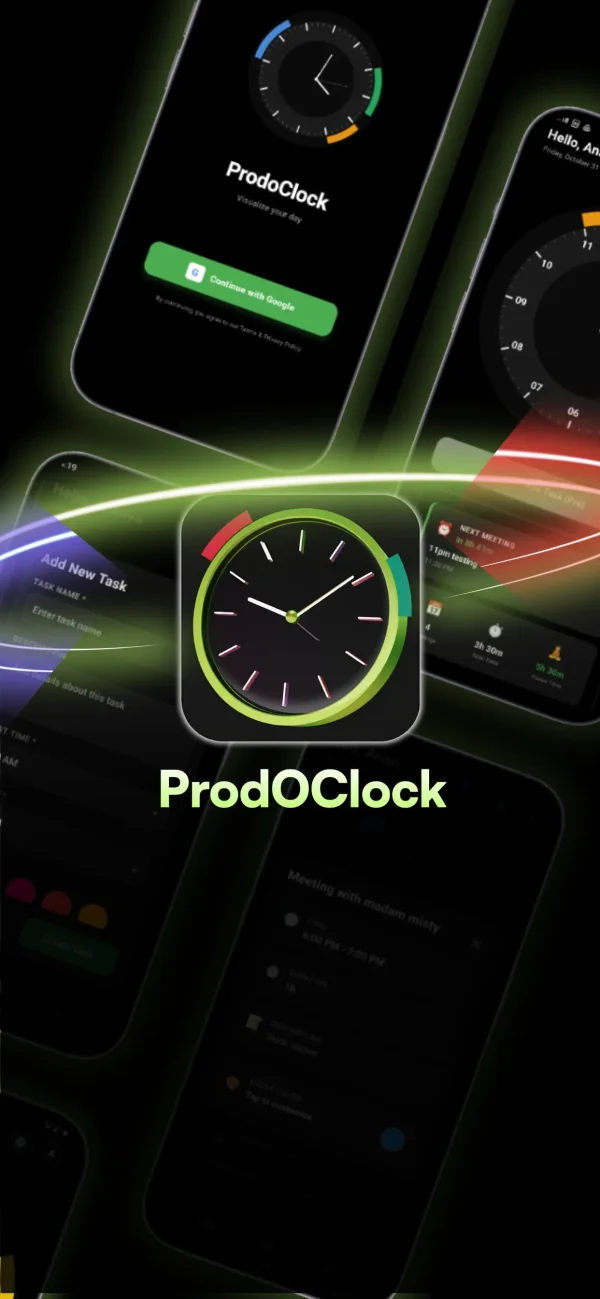
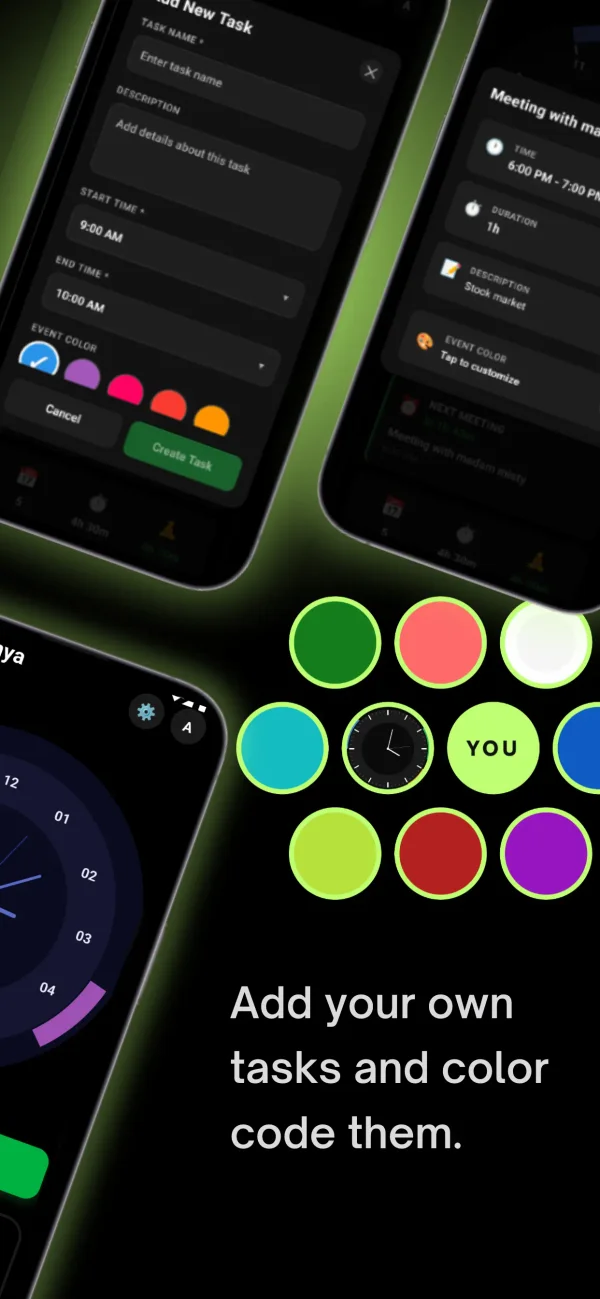
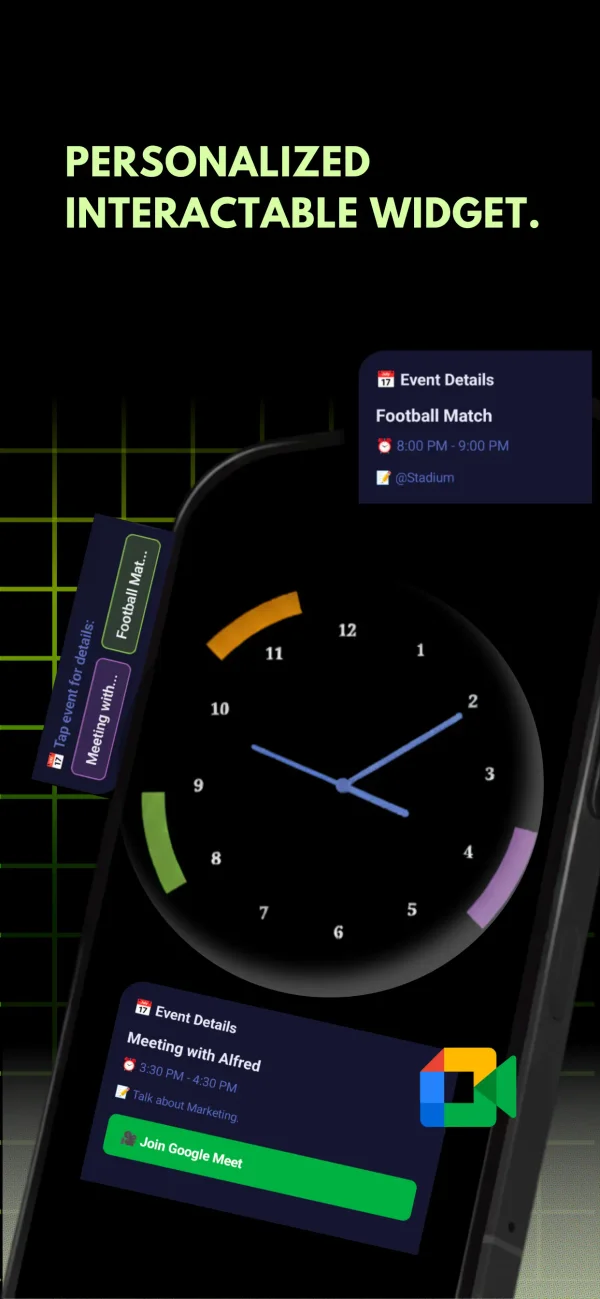
See your day as a visual clock.
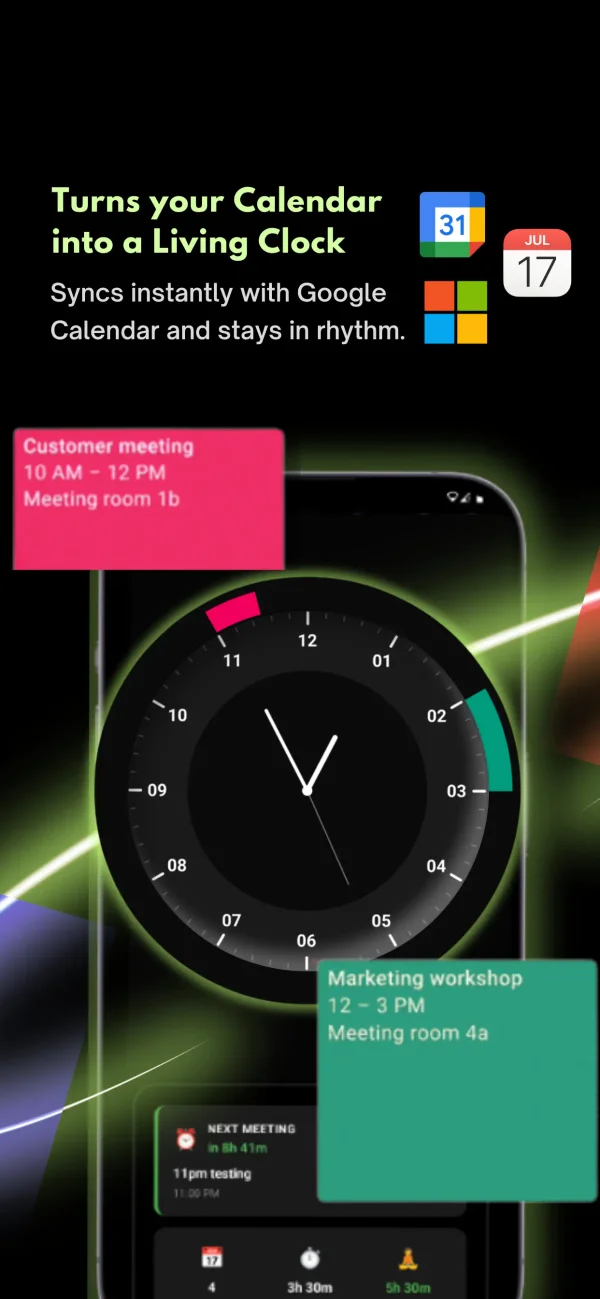
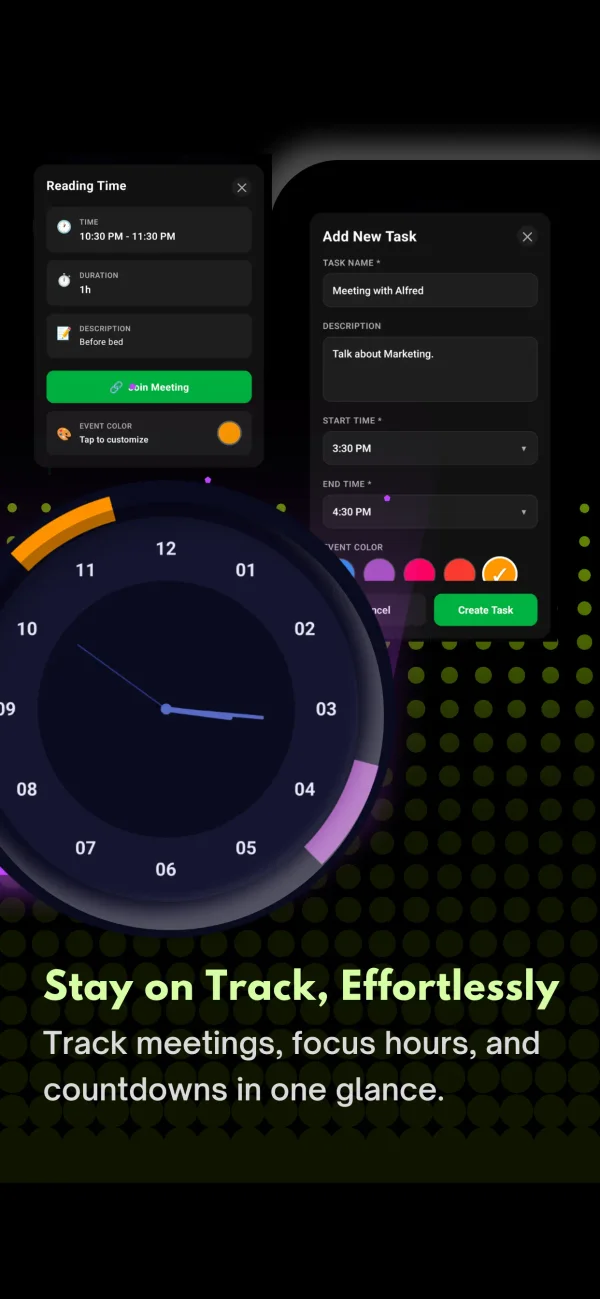
ProdoClock turns calendars, tasks, and reminders into a glanceable clock face so you can instantly see meetings,
focus time, breaks, and free space without scanning long lists.
Bring everything into one visual timeline:
- Sync Google Calendar, Apple Calendar, and Microsoft/Outlook
- Connect multiple accounts and see everything in one place
- Create, edit, and delete events for supported providers
- Join meetings in one tap
- Import Google Tasks and Apple Reminders and turn them into focus sessions
Make the clock yours:
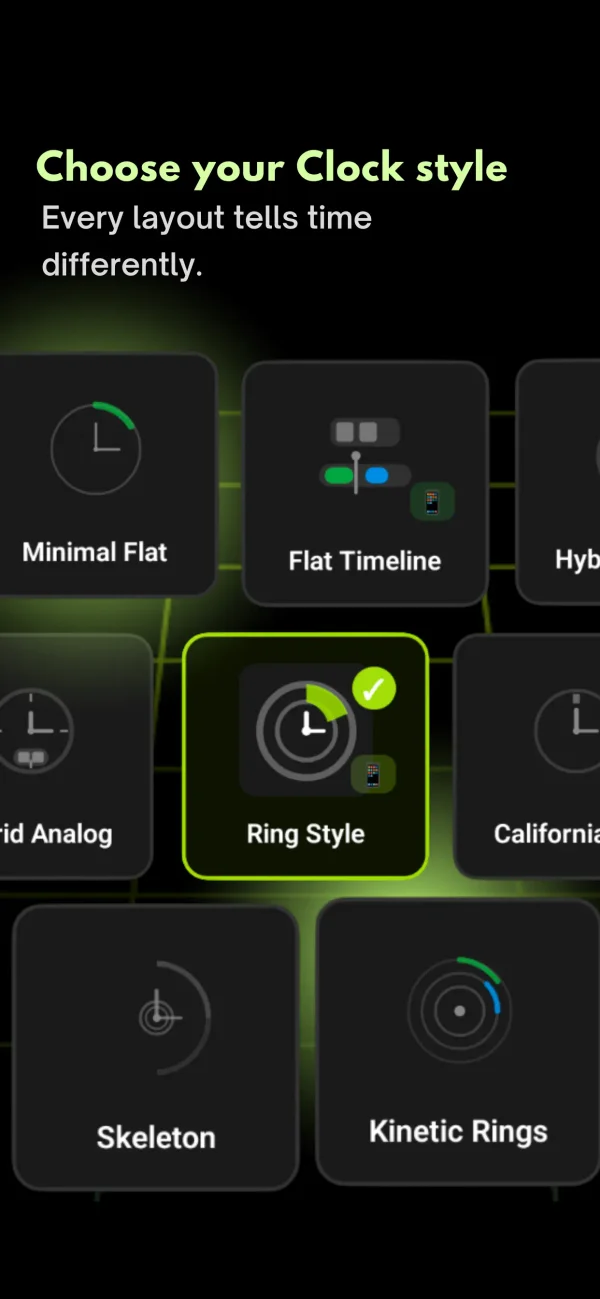
- Choose from layouts like Ring, Flat, Minimal, California Dial, Hybrid, Skeleton, Kinetic, and more
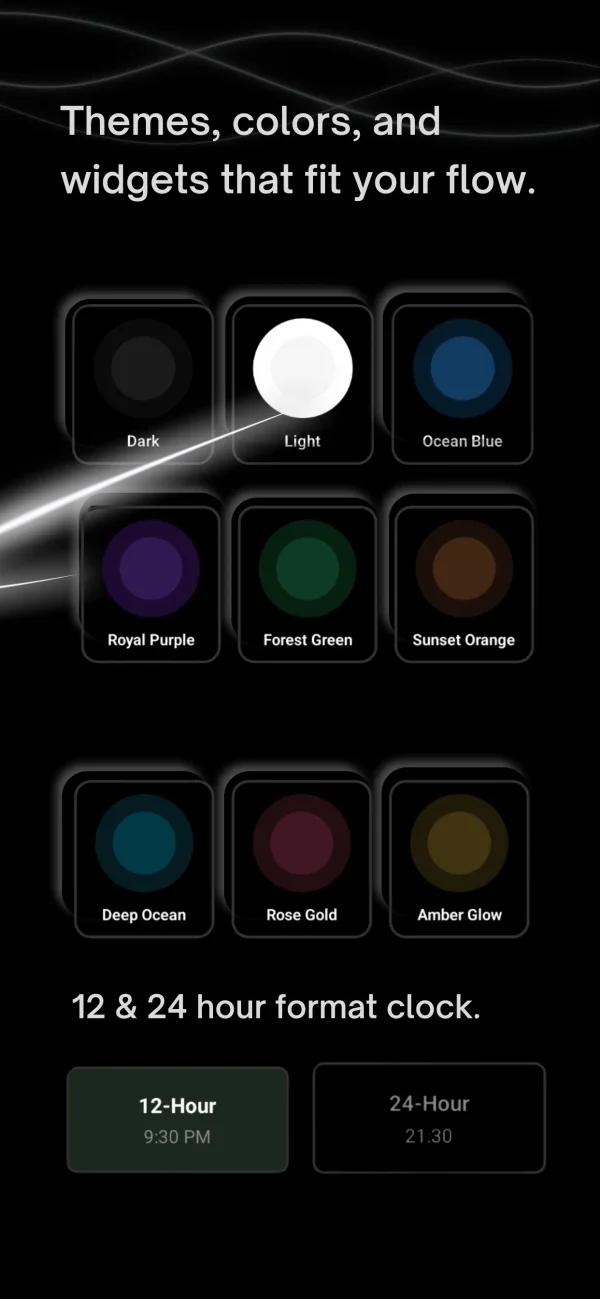
- Customize labels, ticks, size, 12/24-hour time, and themes
- Add interactive widgets and personalize colors, backgrounds, images, opacity, and glass effects
Stay clear and in control:
- Review your time by day, week, month, or year with Pro analytics
- Compare meetings and focus time over time
- Use world time zones to plan across cities
Built with accessibility in mind, with adjustable text size, high-contrast and dark themes,
color-vision-friendly appearance modes, a dyslexia mode with calmer text spacing,
and a simplified cognitive mode for a clearer, lower-clutter Home view.
For professionals, students, hybrid teams, and visual thinkers who want a calmer way to plan the day.
Neue Funktionen
Version 1.0.5 · 20.04.2026
What’s New
See your day more clearly and plan faster.
New clock labels (app + widgets) → quickly scan your schedule at a glance
Improved Clock Zoom → smoother, more focused view to plan your day with clarity
Better onboarding → get set up faster and reach value quicker
Faster, more stable experience → improved performance across key flows
If ProdoClock is helping you stay on top of your day, a quick rating really helps :)
App-Datenschutz
Was Danish Shaikh im App Store zum Umgang dieser App mit Daten angibt.
-
Mit Ihnen verknüpfte Daten
Können erfasst und mit Ihrer Identität verknüpft werden.
- Kontaktinformationen
- Kennungen
- Nutzungsdaten
Die Datenschutzpraktiken können variieren, zum Beispiel je nach den von Ihnen verwendeten Funktionen oder Ihrem Alter.
Informationen
- Anbieter
- Danish Shaikh
- Kategorie
- Produktivität
- Version
- 1.0.5
- Aktualisiert
- 20.04.2026
- Veröffentlicht
- 26.02.2026
- Größe
- 51,9 MB
- Erfordert
- iOS 15.1 oder neuer
- Altersfreigabe
- 4+
- Preis
- Kostenlos
- In-App-Käufe
- Ja
- Sprachen
- Englisch
- Copyright
- © 2026 midni8 labs
Das könnte Ihnen auch gefallen
-
 TimeGuide - Daily PlannerProduktivität
-
 Dialed: Radial Day PlannerProduktivität
-
 Spanarc - Kalender & AufgabenApple Kalender, visualisiert.
-
 Pala: ADHS Planer & KalenderKI Tagesroutine & Fokus Timer
-
 Planote - Täglicher PlanerKalender. Zeitplan. Aufgaben
-
 Prism NotesProduktivität
-
 CalUnityProduktivität
-
 Frames: Photo CalendarProduktivität
-
 TapCal: Kalender & WidgetsMonatsansicht & Erinnerungen
-
 DayZen: Visueller ZeitplanerADHS-Planer & Aufgabenmanager