ProdoClock: Visual Planner
Calendar, Tasks & Time Blocks
Conçue pour iPhone, iPod touch
Gratuit · Achats intégrés
- Classification d’âge4+
- CatégorieProductivité
- DéveloppeurDanish Shaikh
- LanguesAnglais
- Taille51,9 Mo
Renvoie vers la page App Store officielle
Download.org n’héberge aucun fichier de ProdoClock: Visual Planner. Le bouton ouvre la page de l’application sur App Store, où Danish Shaikh la publie. Fiche vérifiée pour la dernière fois le 16/11/2026.
Captures d’écran
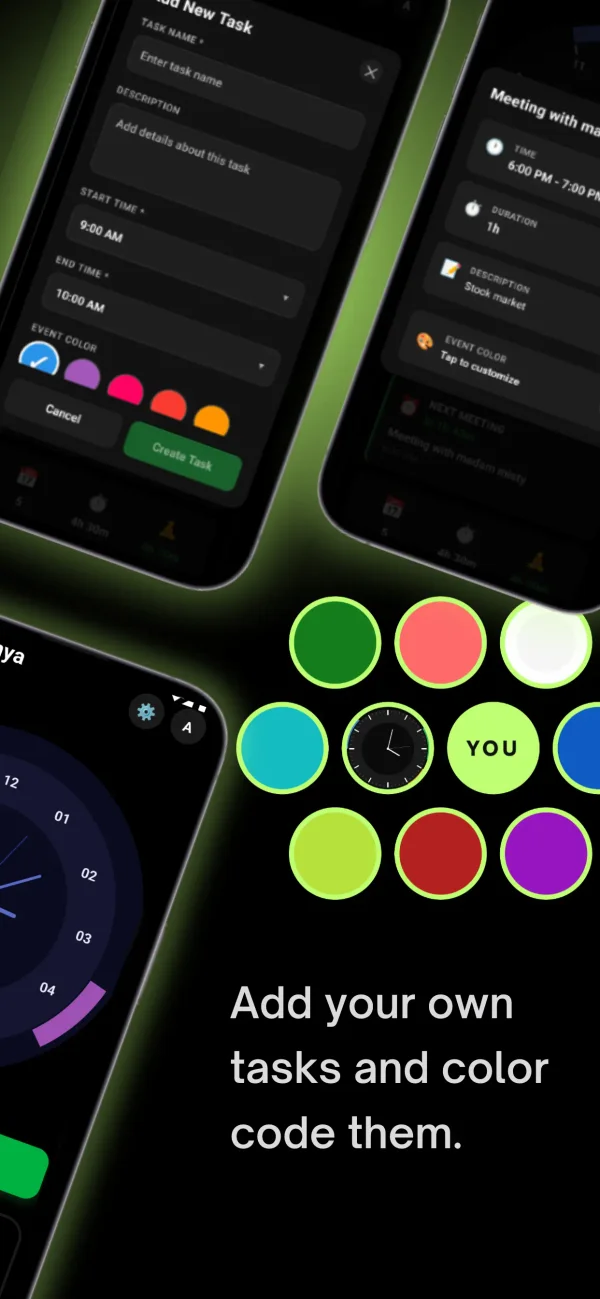
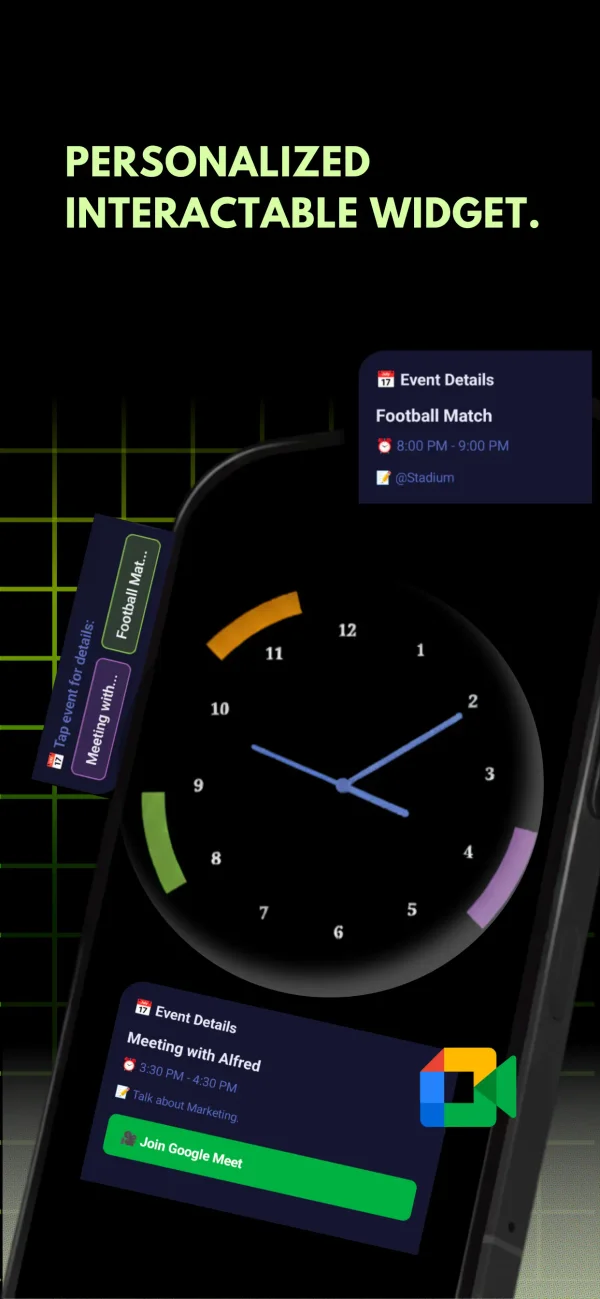
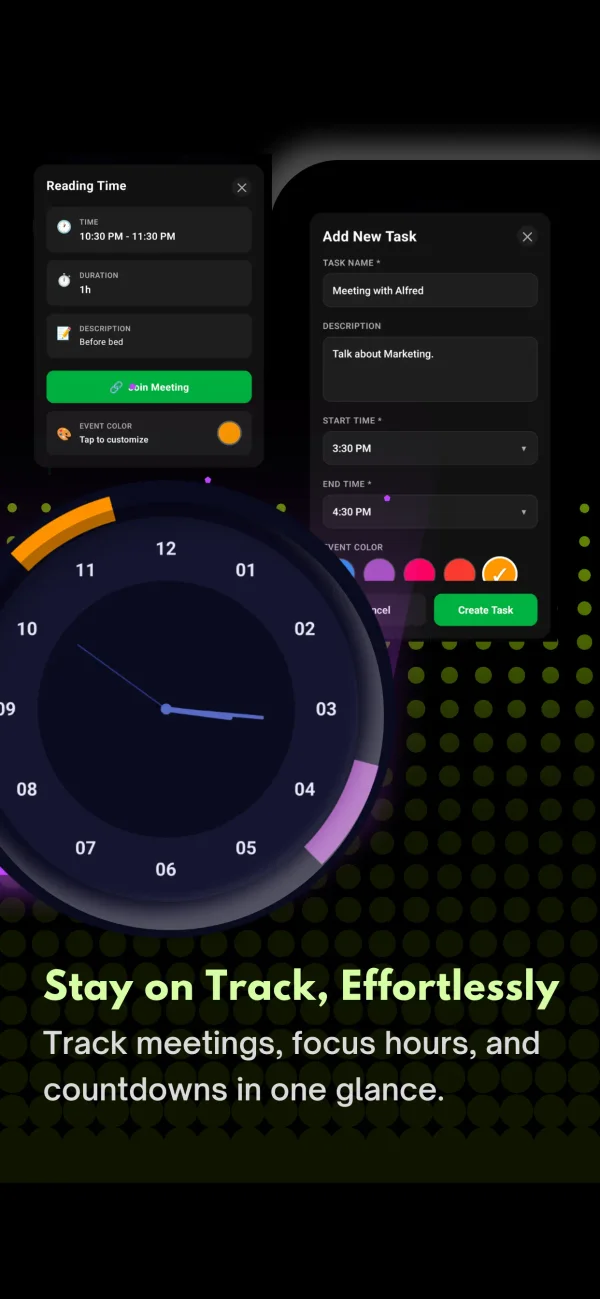
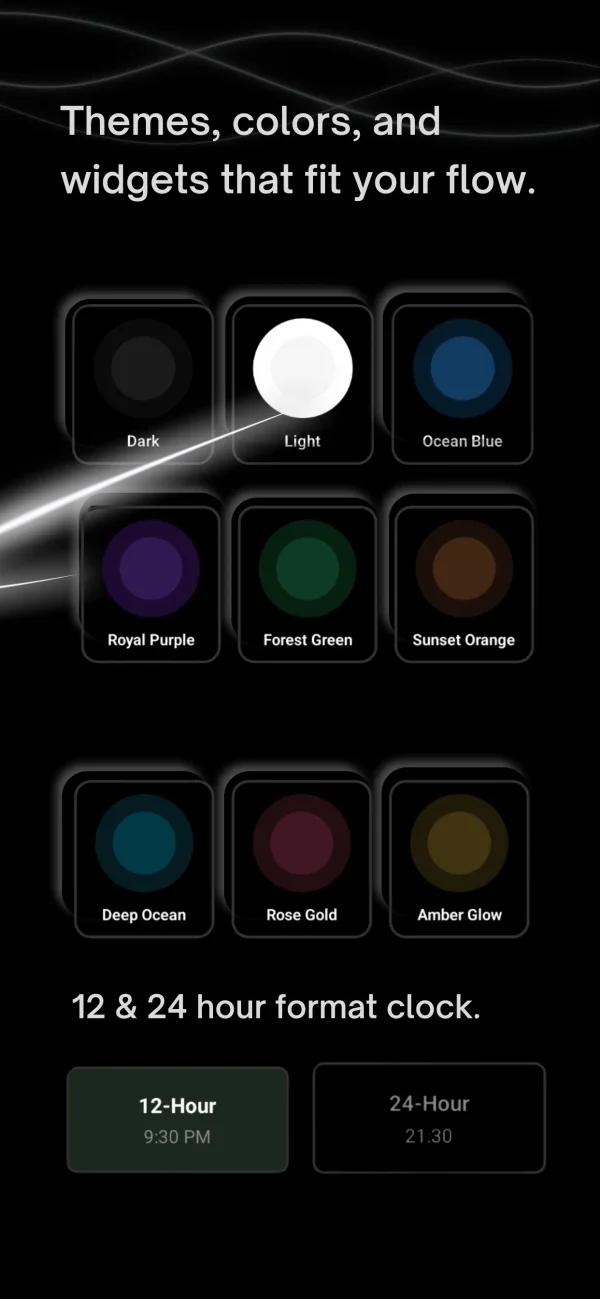
À propos
Le développeur n’a pas fourni ce texte dans votre langue.
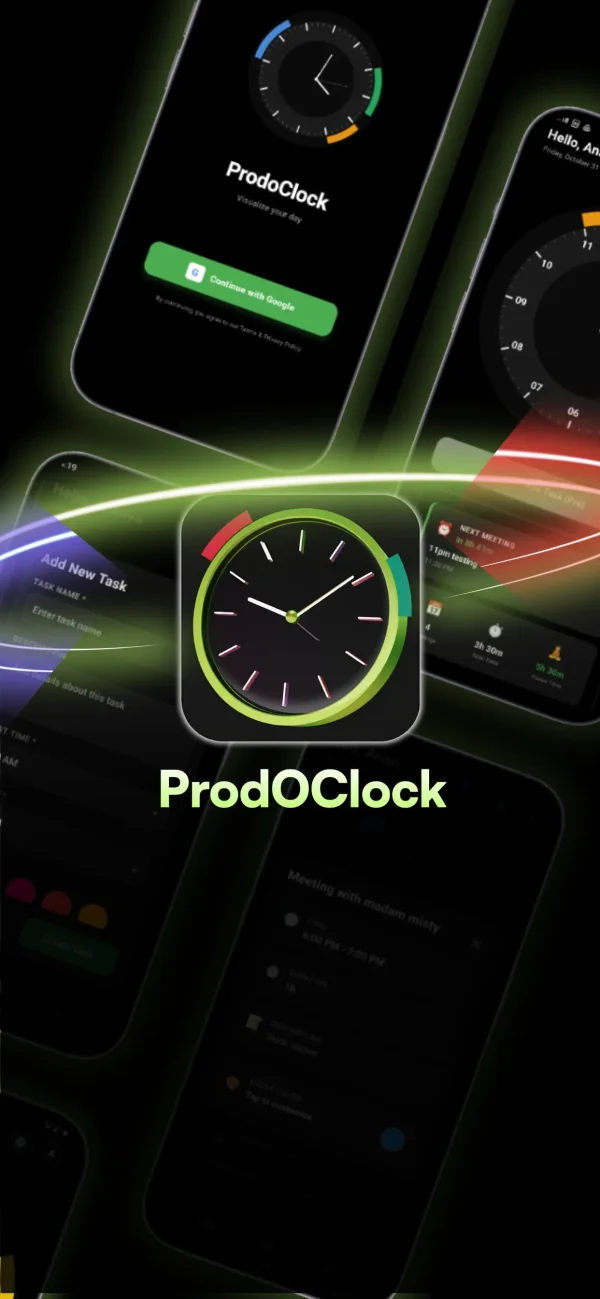
See your day as a visual clock.
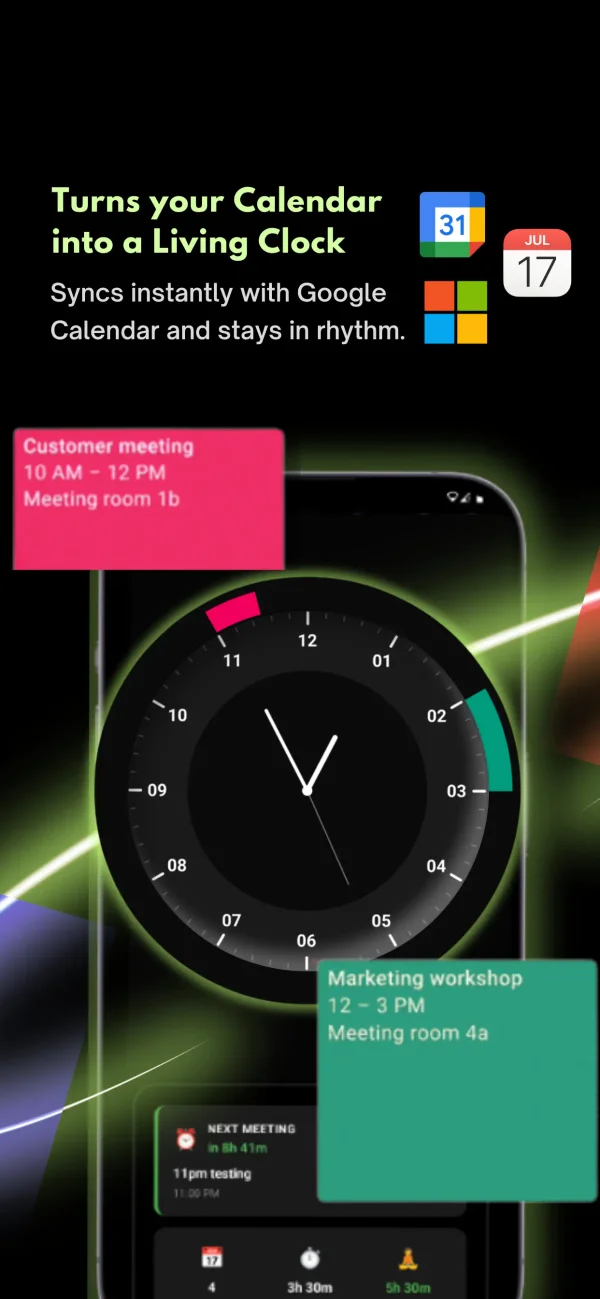
ProdoClock turns calendars, tasks, and reminders into a glanceable clock face so you can instantly see meetings,
focus time, breaks, and free space without scanning long lists.
Bring everything into one visual timeline:
- Sync Google Calendar, Apple Calendar, and Microsoft/Outlook
- Connect multiple accounts and see everything in one place
- Create, edit, and delete events for supported providers
- Join meetings in one tap
- Import Google Tasks and Apple Reminders and turn them into focus sessions
Make the clock yours:
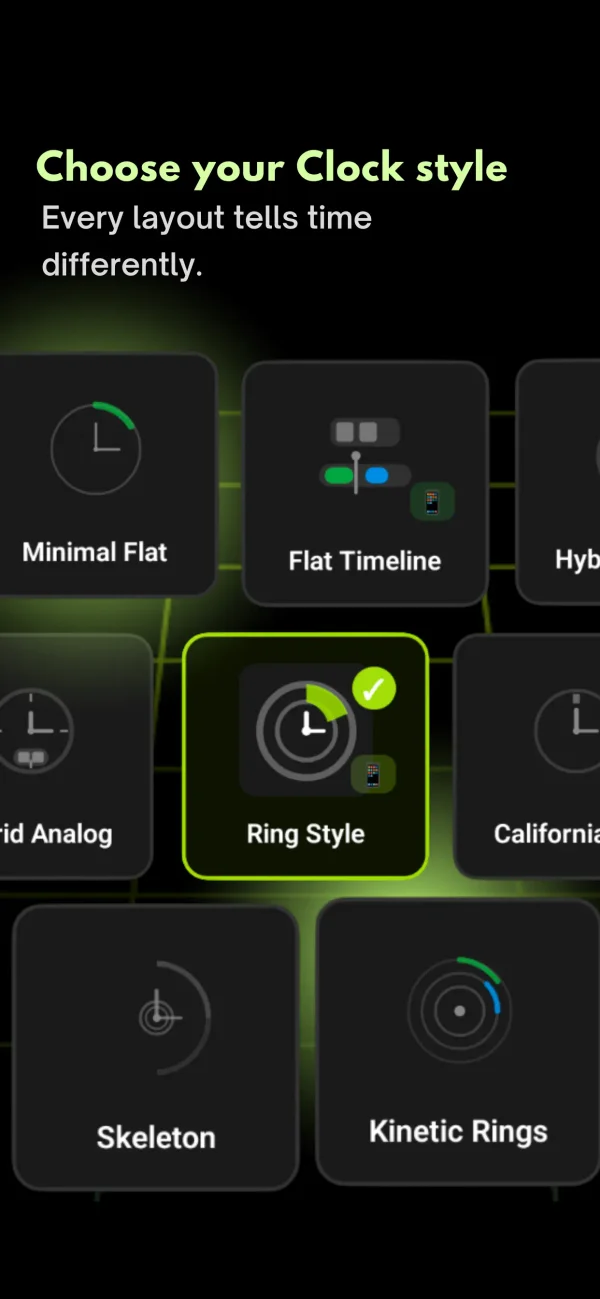
- Choose from layouts like Ring, Flat, Minimal, California Dial, Hybrid, Skeleton, Kinetic, and more
- Customize labels, ticks, size, 12/24-hour time, and themes
- Add interactive widgets and personalize colors, backgrounds, images, opacity, and glass effects
Stay clear and in control:
- Review your time by day, week, month, or year with Pro analytics
- Compare meetings and focus time over time
- Use world time zones to plan across cities
Built with accessibility in mind, with adjustable text size, high-contrast and dark themes,
color-vision-friendly appearance modes, a dyslexia mode with calmer text spacing,
and a simplified cognitive mode for a clearer, lower-clutter Home view.
For professionals, students, hybrid teams, and visual thinkers who want a calmer way to plan the day.
Nouveautés
Version 1.0.5 · 20/04/2026
What’s New
See your day more clearly and plan faster.
New clock labels (app + widgets) → quickly scan your schedule at a glance
Improved Clock Zoom → smoother, more focused view to plan your day with clarity
Better onboarding → get set up faster and reach value quicker
Faster, more stable experience → improved performance across key flows
If ProdoClock is helping you stay on top of your day, a quick rating really helps :)
Confidentialité de l’application
Ce que Danish Shaikh déclare sur l’App Store au sujet du traitement des données par cette application.
-
Données établissant un lien avec vous
Peuvent être collectées et liées à votre identité.
- Coordonnées
- Identifiants
- Données d’utilisation
Les pratiques en matière de confidentialité peuvent varier, notamment en fonction des fonctionnalités que vous utilisez ou de votre âge.
Informations
- Vendeur
- Danish Shaikh
- Catégorie
- Productivité
- Version
- 1.0.5
- Mis à jour
- 20/04/2026
- Publié
- 26/02/2026
- Taille
- 51,9 Mo
- Nécessite
- iOS 15.1 ou version ultérieure
- Classification d’âge
- 4+
- Prix
- Gratuit
- Achats intégrés
- Oui
- Langues
- Anglais
- Copyright
- © 2026 midni8 labs
Vous aimerez peut-être aussi
-
 TimeGuide - Daily PlannerProductivité
-
 Dialed: Radial Day PlannerProductivité
-
 Spanarc - Calendrier et tâchesCalendrier Apple, visualisé.
-
 Pala: TDAH Planning CalendrierRoutine Quotidienne et Focus
-
 Planote - Daily Planner TrackCalendrier. Emploi du temps
-
 Prism NotesProductivité
-
 CalUnityProductivité
-
 Frames: Photo CalendarProductivité
-
 TapCal : Calendrier et WidgetsVue mensuelle et rappels
-
 DayZen: Visual Time PlannerProductivité