Python Code Editor & IDE
Python 3 Compiler: Run & Learn
Entwickelt für iPhone, iPad, iPod touch
Kostenlos · In-App-Käufe
- Altersfreigabe4+
- KategorieEntwickler-Tools
- EntwicklerKODEREAD SOLUTIONS LLP
- SprachenEnglisch
- Größe385,3 MB
Verlinkt auf die offizielle App Store-Seite
Download.org hostet keine Datei von Python Code Editor & IDE. Die Schaltfläche öffnet die App-Seite bei App Store, wo KODEREAD SOLUTIONS LLP die App veröffentlicht. Eintrag zuletzt geprüft am 23.11.2026.
Screenshots
Info
Der Entwickler hat diesen Text nicht in Ihrer Sprache bereitgestellt.
Code, run, debug, and learn Python on your iPhone or iPad with a real Python 3 IDE.
Python Code Editor & IDE gives you a genuine embedded Python 3 interpreter, full standard library, local execution, offline coding, debugging, pip packages, projects, testing, data science tools, and Python lessons.
No server or account required to run your Python code.
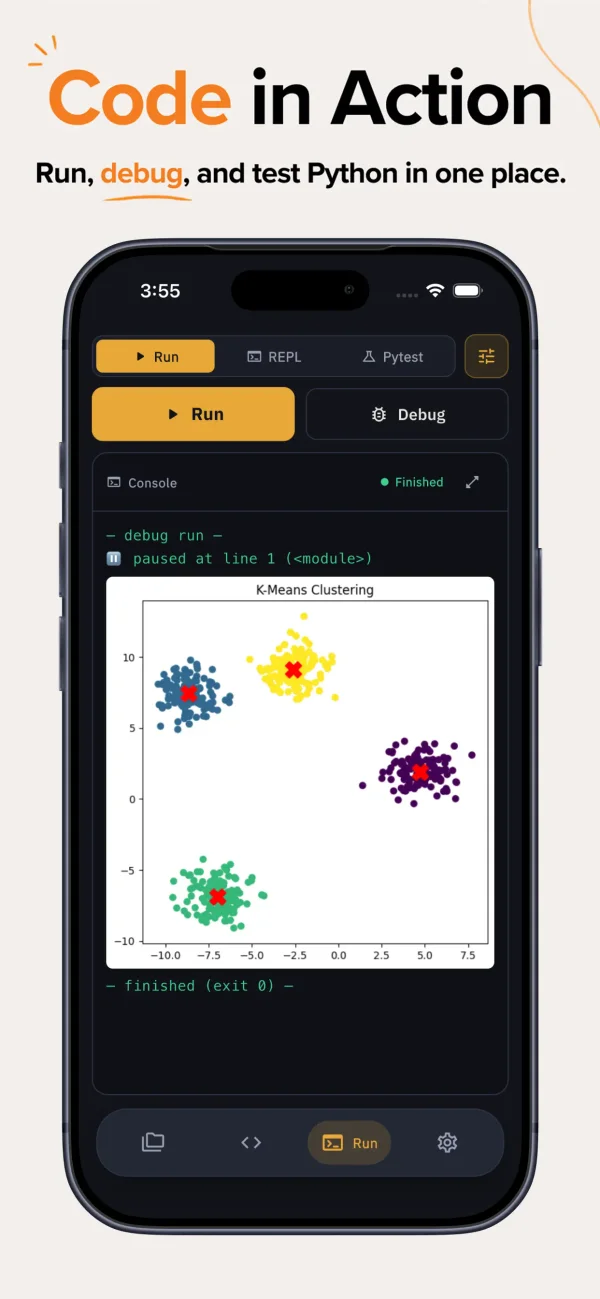
▸ REAL PYTHON 3 — RUN OFFLINE
• Embedded Python 3 interpreter and standard library
• Run Python locally and offline
• Live console output and interactive input()
• Inline Matplotlib charts
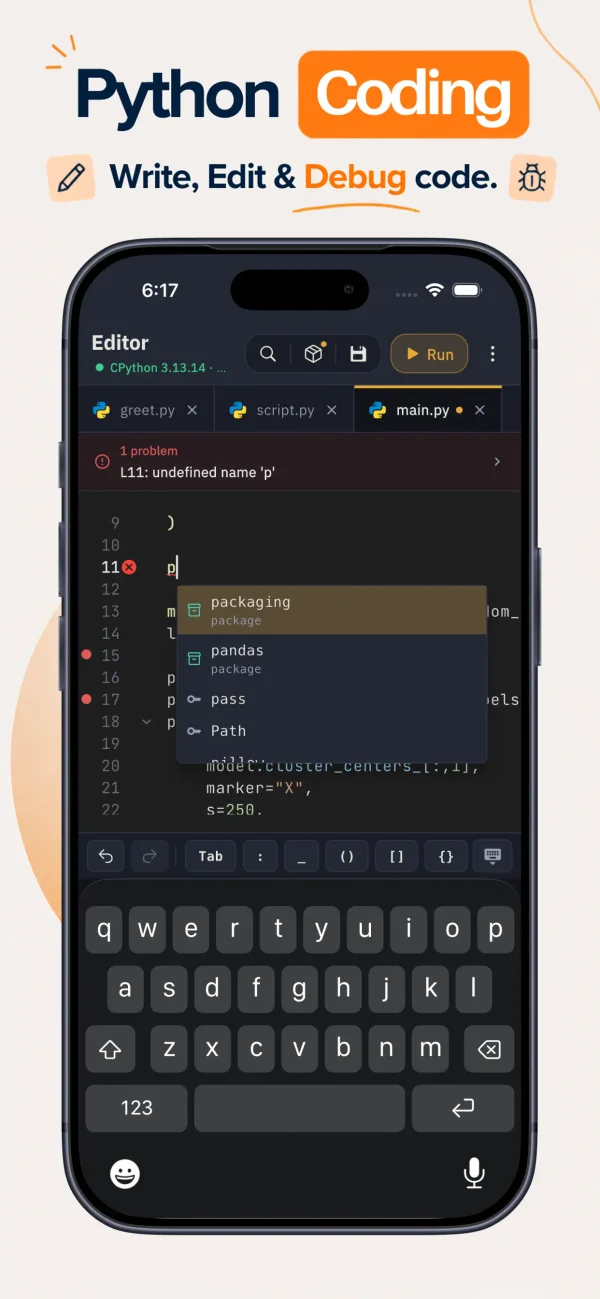
▸ DESKTOP-CLASS PYTHON CODE EDITOR
• Multi-tab editor and split view
• Python syntax highlighting
• Autocomplete and code completion
• Hover information and code insights
• Find and replace
• Outline and symbol search
• Go to definition
• Problems panel
• Code snippets
• Format and lint on save
• Keyboard shortcuts
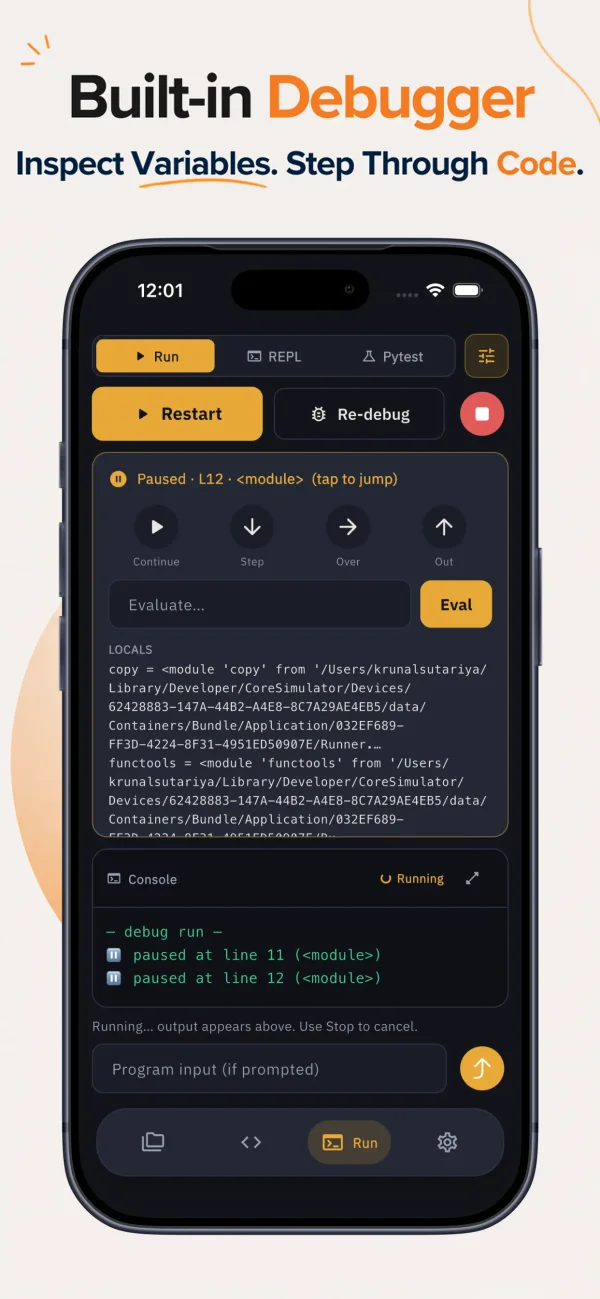
▸ PYTHON DEBUGGER
• Breakpoints and conditional breakpoints
• Step in, step over, step out
• Locals, watches, and call stack
• Expression evaluation
• Break on exception
▸ REPL & PYTEST
• Interactive Python REPL
• Resettable namespace
• Run pytest tests
• Support for test_*.py
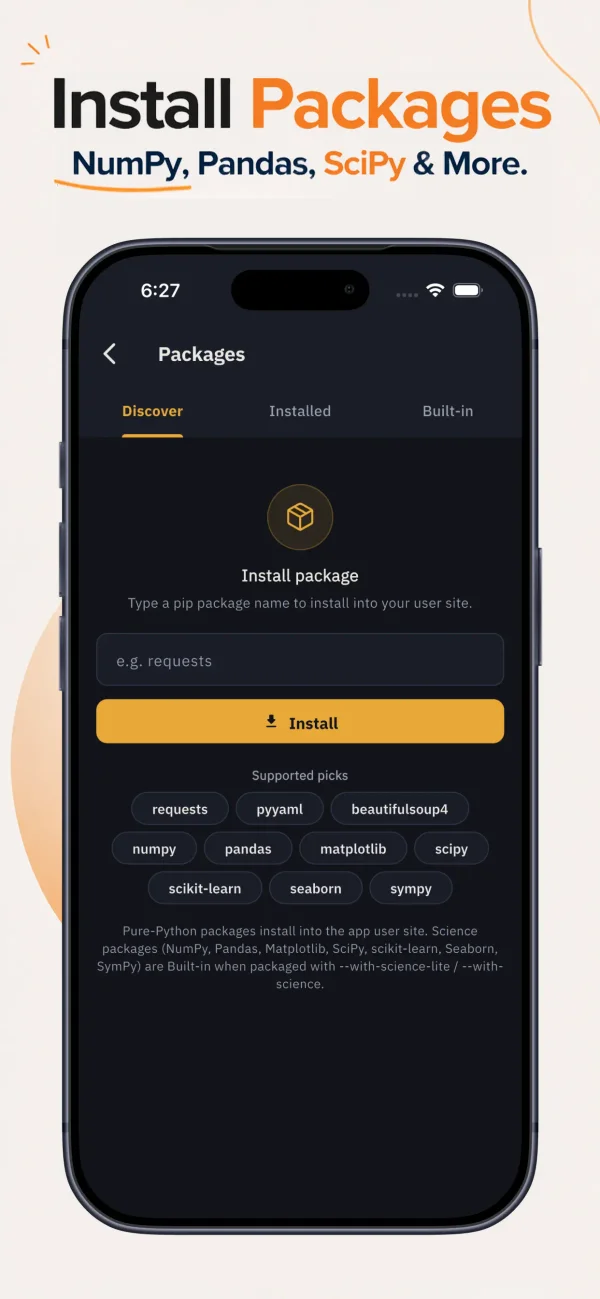
▸ PYTHON PACKAGES WITH PIP
Use popular Python libraries on iPhone and iPad:
• NumPy • pandas • Matplotlib
• SciPy • scikit-learn • SymPy
• seaborn • Requests • Flask
• BeautifulSoup • PyYAML • pytest
• autopep8
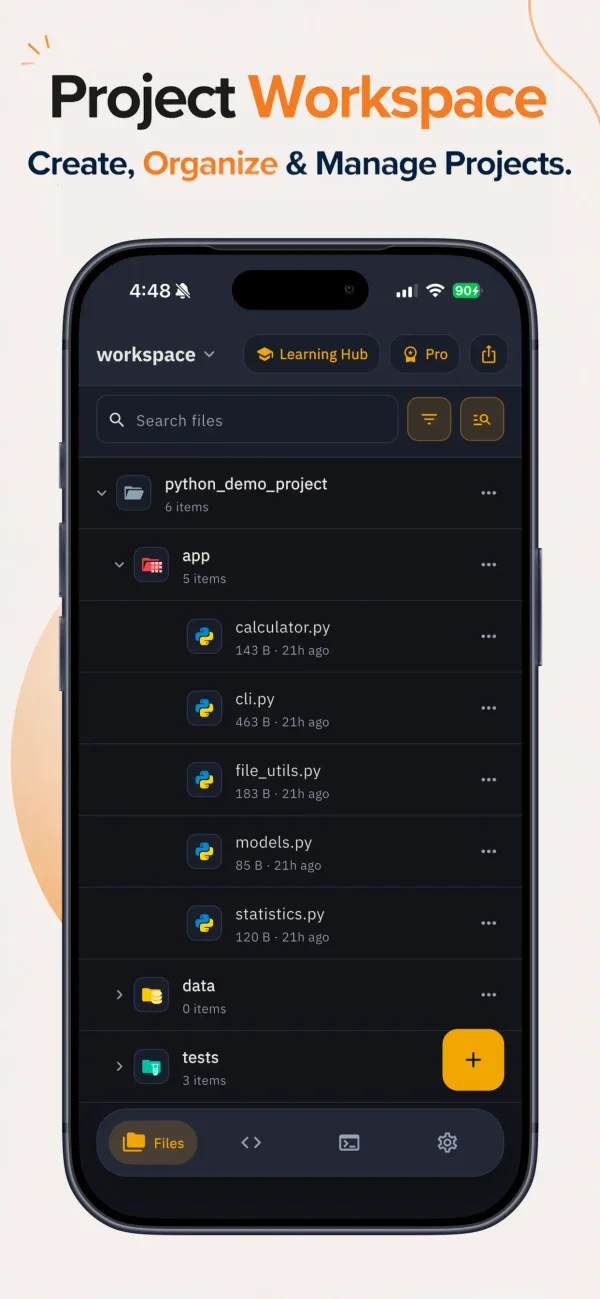
▸ REAL PYTHON PROJECTS
• Open folders as project roots
• Multi-file Python projects
• Import from Files, iCloud, or Drive
• Project search
• ZIP import and export
• Run configurations, arguments, and environment variables
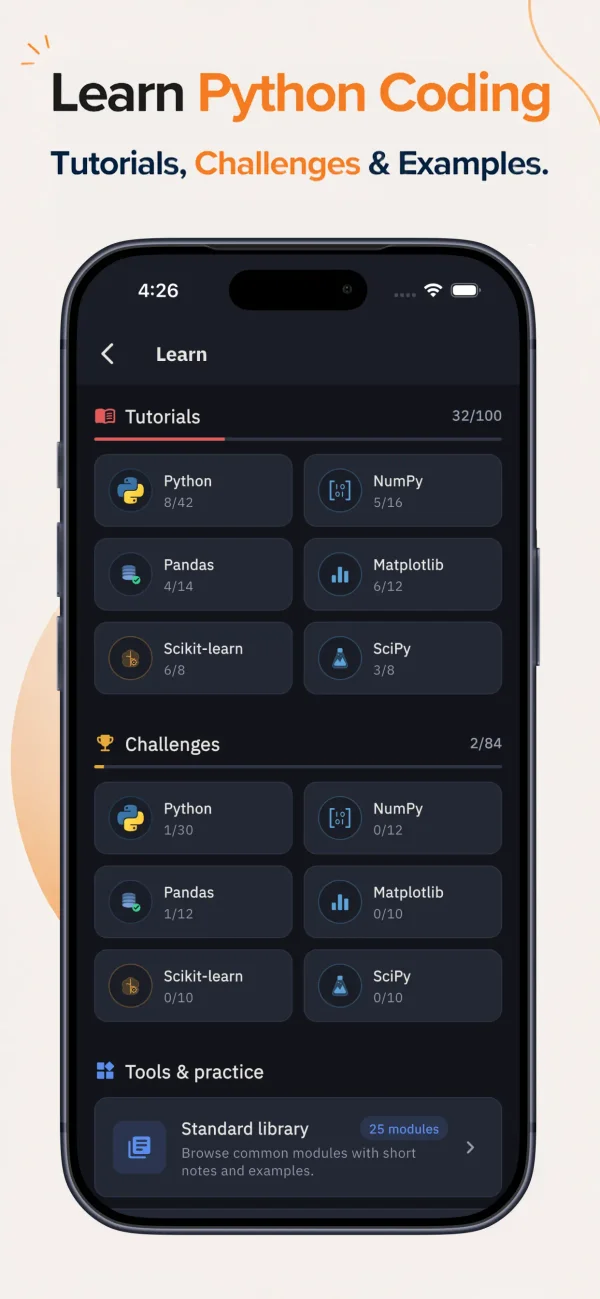
▸ LEARN PYTHON BY CODING
• 100 Python lessons
• 84 coding challenges
• Easy, Medium, and Hard
• Worked solutions and progress tracking
• 18 examples and 25 standard-library modules
• Learn Python, NumPy, pandas, Matplotlib, SciPy, and scikit-learn
▸ DATA SCIENCE
Use Python for data analysis, scientific computing, visualization, and machine learning with NumPy, pandas, Matplotlib, SciPy, seaborn, SymPy, and scikit-learn.
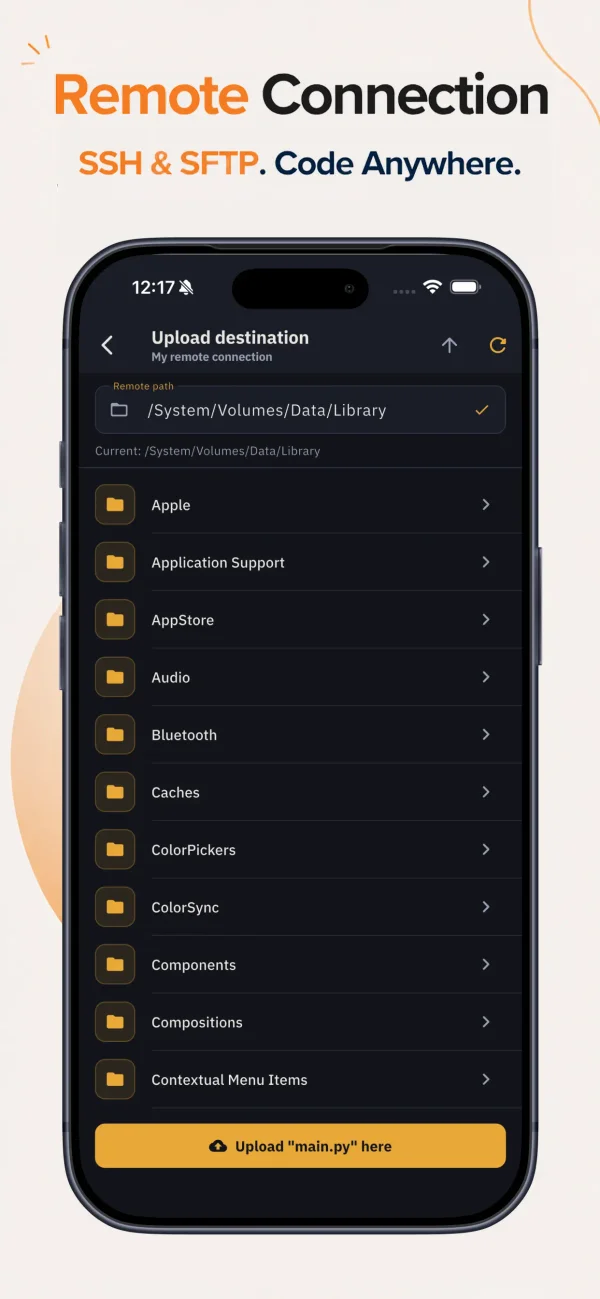
▸ SSH & SFTP
• Saved SSH profiles
• Password or key auth
• SFTP upload
• One-tap re-upload
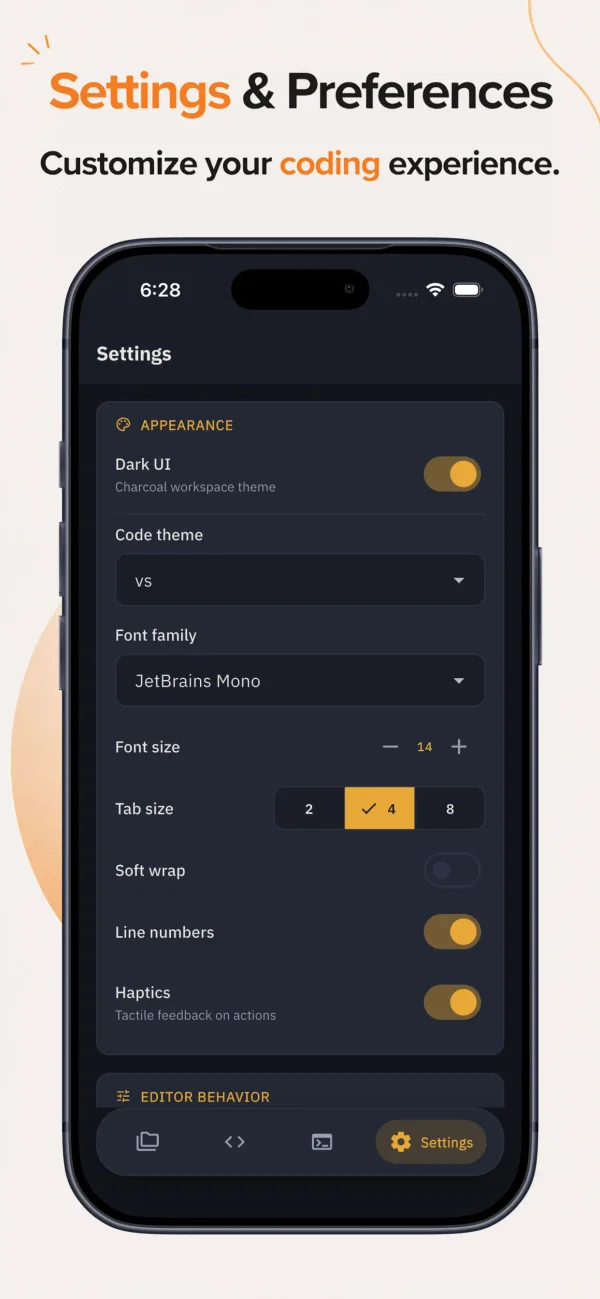
▸ PERSONALIZE YOUR EDITOR
• Dark and light themes
• 5 code themes
• Adjustable font and tab size
▸ FAQ
Q: Can I run Python offline?
A: Yes. The interpreter, editor, debugger, lessons, challenges, and examples run on your device. Internet is only needed for online features such as pip installation and SFTP uploads.
Q: Is this a real Python 3 interpreter?
A: Yes. It uses embedded CPython 3 with the standard library. Your code runs locally, not on a remote server.
Q: Can I run NumPy, pandas, and Matplotlib?
A: Yes. Supported scientific packages include NumPy, pandas, Matplotlib, SciPy, seaborn, SymPy, and scikit-learn.
Q: Can I install packages with pip?
A: Yes. Pro users can install compatible packages with pip. Pure-Python packages generally work; native packages require compatible mobile wheels.
Q: Does it include a Python debugger?
A: Yes. Use breakpoints, step debugging, locals, watches, call stack, expression evaluation, and exception handling.
Q: Can I build multi-file Python projects?
A: Yes. Open folders as projects, work with multiple Python files, search projects, import/export ZIP files, and configure how projects run.
Q: Can I learn Python from scratch?
A: Yes. The app includes 100 lessons, 84 coding challenges, examples, worked solutions, and progress tracking.
Q: Is my code private?
A: Your code runs locally and is not uploaded to our servers. Files leave your device only when you choose to share or upload them.
Q: What is free and what requires Pro?
A: Free includes a working Python environment, core coding, tutorials, challenges, and examples. Pro adds unlimited projects and files, unlimited packages, the debugger, and run configurations.
Write. Run. Debug. Learn Python anywhere — online or offline.
Privacy Policy: https://koderead.com/privacy-policy/
Terms of Use: https://www.apple.com/legal/internet-services/itunes/dev/stdeula/
Neue Funktionen
Version 1.3.0 · 22.10.2026
• Performance and stability improvements for a smoother Python IDE on iPhone and iPad
App-Datenschutz
Was KODEREAD SOLUTIONS LLP im App Store zum Umgang dieser App mit Daten angibt.
-
Daten, die zum Tracking Ihrer Person verwendet werden
Können verwendet werden, um Sie über Apps und Websites anderer Unternehmen hinweg zu verfolgen.
- Nutzungsdaten
-
Nicht mit Ihnen verknüpfte Daten
Können erfasst werden, sind aber nicht mit Ihrer Identität verknüpft.
- Nutzungsdaten
- Diagnose
Die Datenschutzpraktiken können variieren, zum Beispiel je nach den von Ihnen verwendeten Funktionen oder Ihrem Alter.
Informationen
- Anbieter
- KODEREAD SOLUTIONS LLP
- Kategorie
- Entwickler-Tools
- Version
- 1.3.0
- Aktualisiert
- 22.10.2026
- Veröffentlicht
- 22.08.2026
- Größe
- 385,3 MB
- Erfordert
- iOS 15.0 oder neuer
- Altersfreigabe
- 4+
- Preis
- Kostenlos
- In-App-Käufe
- Ja
- Sprachen
- Englisch
- Copyright
- © 2026 Koderead Solutions LLP. All rights reserved.
Das könnte Ihnen auch gefallen
-
 Pythona - Python 3 IDEOffline Python Compiler & KI
-
 PyStudio - Learn & Run PythonEntwickler-Tools
-
 AI Game Maker & Engine: Max2DEntwickler-Tools
-
 STL Viewer: 3D-Modell & 3MFOBJ- und GLB-Dateien in AR
-
 SITIN.ai: Post & EarnEntwickler-Tools
-
 Pytonic: Python Compiler & IDEEntwickler-Tools
-
 Code IDE: Python Java C++ HtmlEntwickler-Tools
-
 Visual Claude: Vibe CodeEntwickler-Tools
-
 Visual Code Editor - vCodeRun Node.js,Python,JS,C & more
-
 Pythonica: Code and DebugEntwickler-Tools