Python Code Editor & IDE
Python 3 Compiler: Run & Learn
iPhone, iPad, iPod touch向けに設計
無料 · アプリ内課金
- 対象年齢4+
- カテゴリ開発ツール
- 開発元KODEREAD SOLUTIONS LLP
- 言語英語
- サイズ385.3 MB
App Storeの公式ページにリンクしています
Download.orgはPython Code Editor & IDEのファイルを一切ホストしていません。ボタンを押すと、KODEREAD SOLUTIONS LLPが公開しているApp Storeのアプリページが開きます。ページの最終確認:2026/11/23。
スクリーンショット
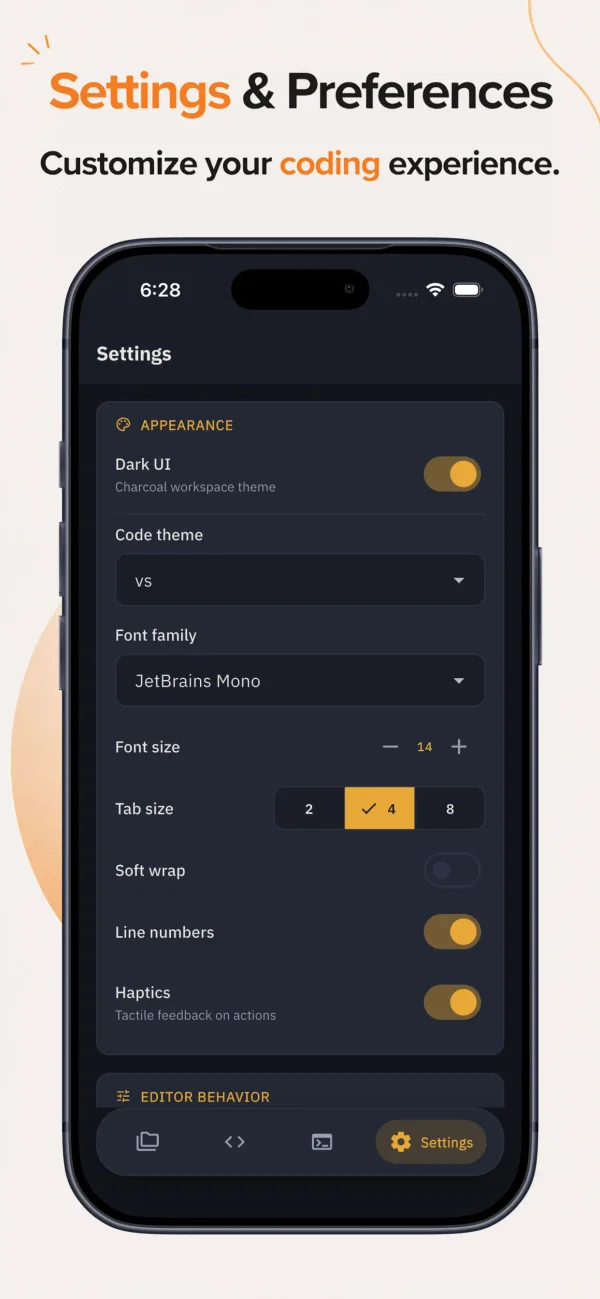
概要
開発元はこのテキストをお使いの言語で提供していません。
Code, run, debug, and learn Python on your iPhone or iPad with a real Python 3 IDE.
Python Code Editor & IDE gives you a genuine embedded Python 3 interpreter, full standard library, local execution, offline coding, debugging, pip packages, projects, testing, data science tools, and Python lessons.
No server or account required to run your Python code.
▸ REAL PYTHON 3 — RUN OFFLINE
• Embedded Python 3 interpreter and standard library
• Run Python locally and offline
• Live console output and interactive input()
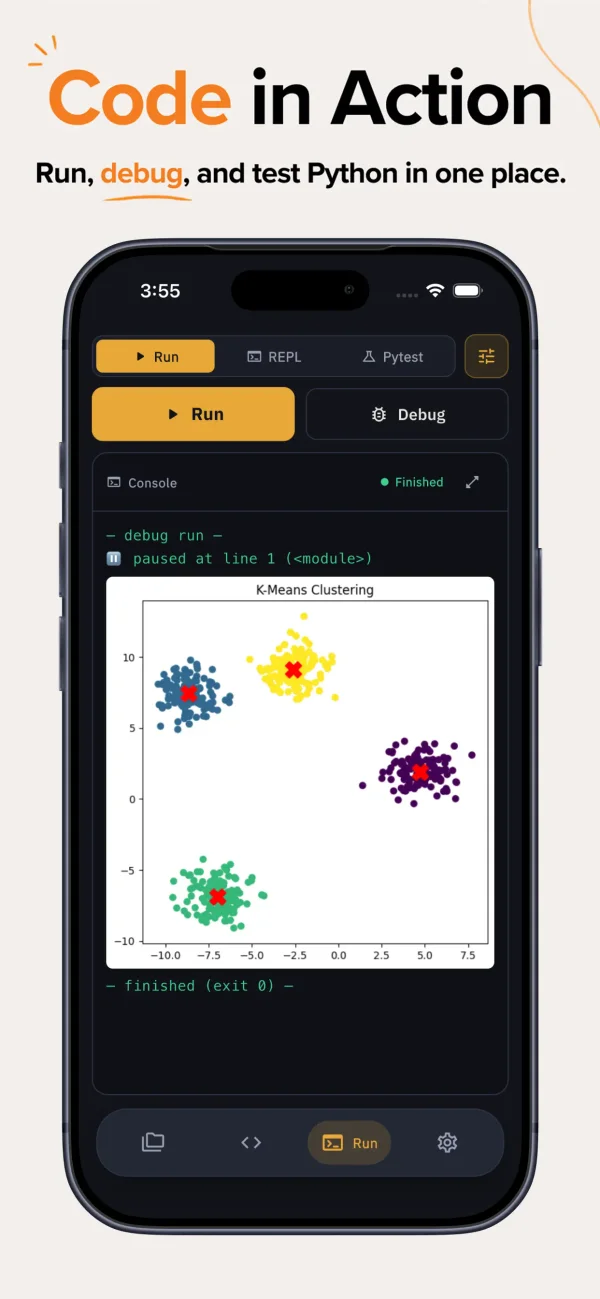
• Inline Matplotlib charts
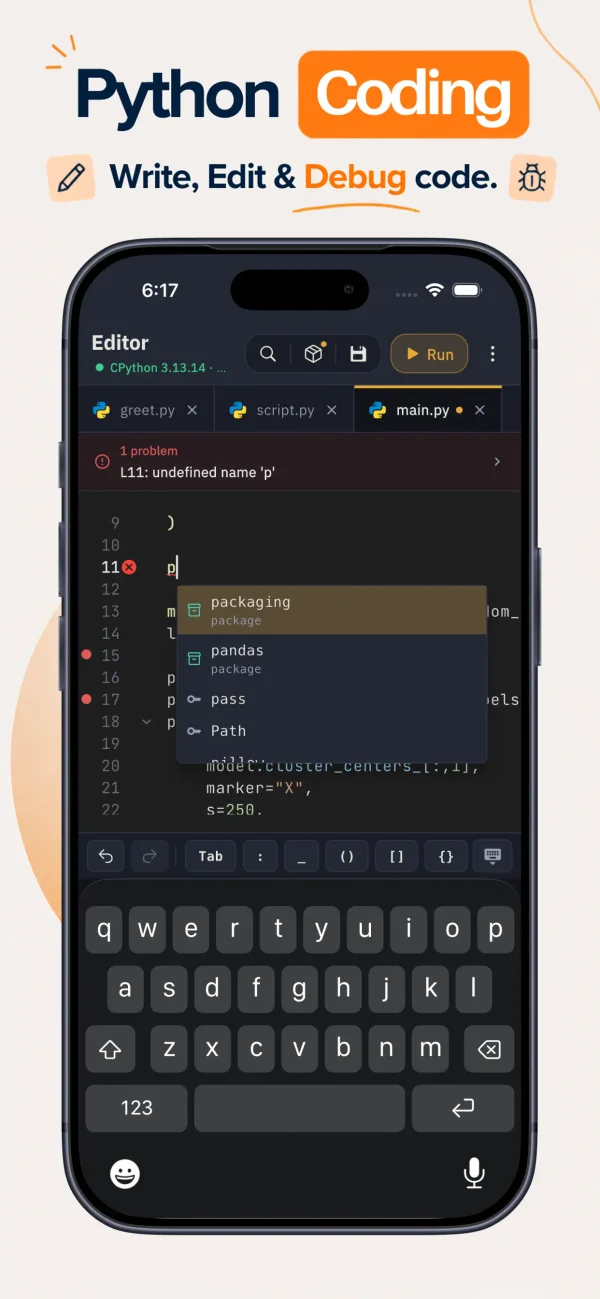
▸ DESKTOP-CLASS PYTHON CODE EDITOR
• Multi-tab editor and split view
• Python syntax highlighting
• Autocomplete and code completion
• Hover information and code insights
• Find and replace
• Outline and symbol search
• Go to definition
• Problems panel
• Code snippets
• Format and lint on save
• Keyboard shortcuts
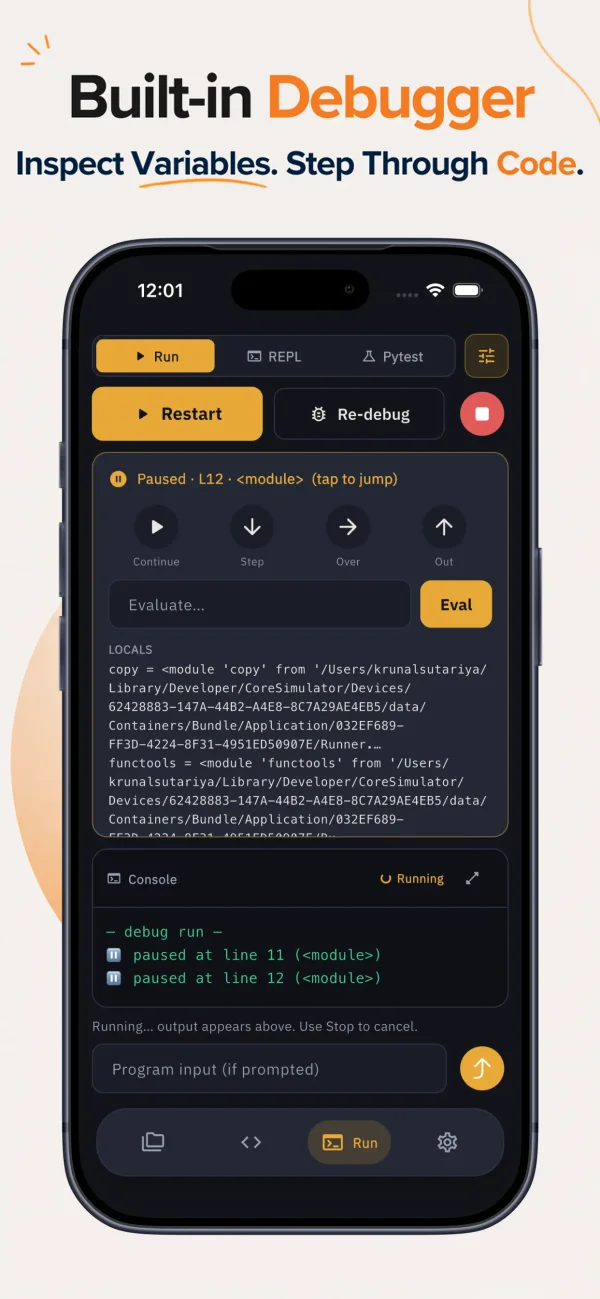
▸ PYTHON DEBUGGER
• Breakpoints and conditional breakpoints
• Step in, step over, step out
• Locals, watches, and call stack
• Expression evaluation
• Break on exception
▸ REPL & PYTEST
• Interactive Python REPL
• Resettable namespace
• Run pytest tests
• Support for test_*.py
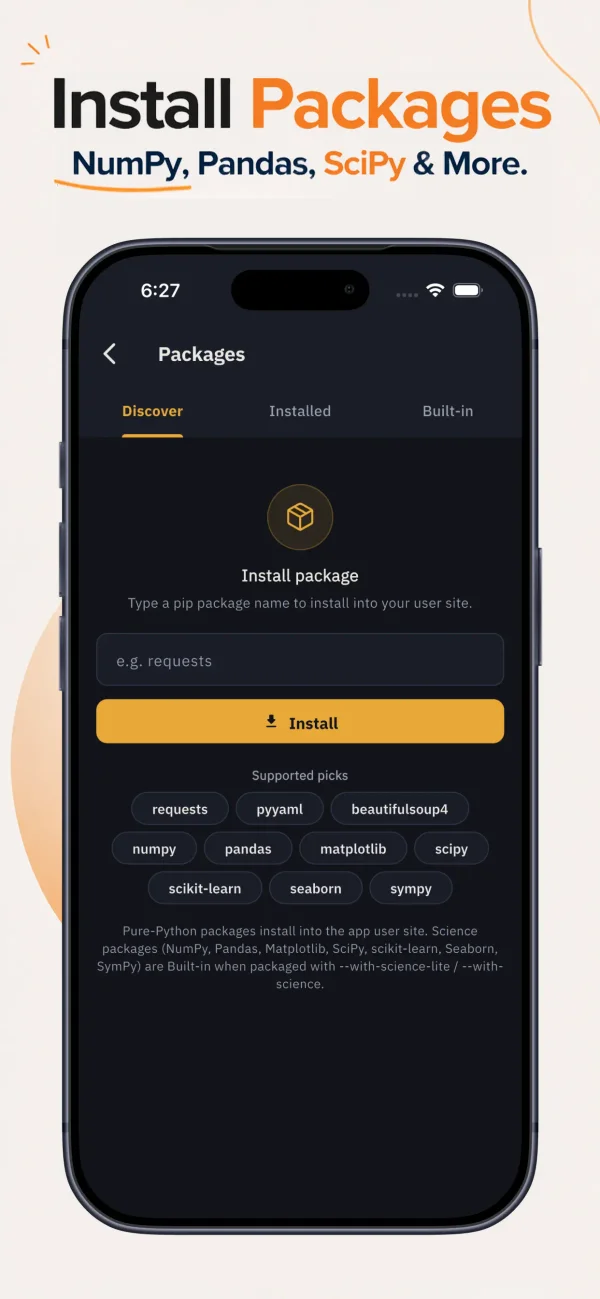
▸ PYTHON PACKAGES WITH PIP
Use popular Python libraries on iPhone and iPad:
• NumPy • pandas • Matplotlib
• SciPy • scikit-learn • SymPy
• seaborn • Requests • Flask
• BeautifulSoup • PyYAML • pytest
• autopep8
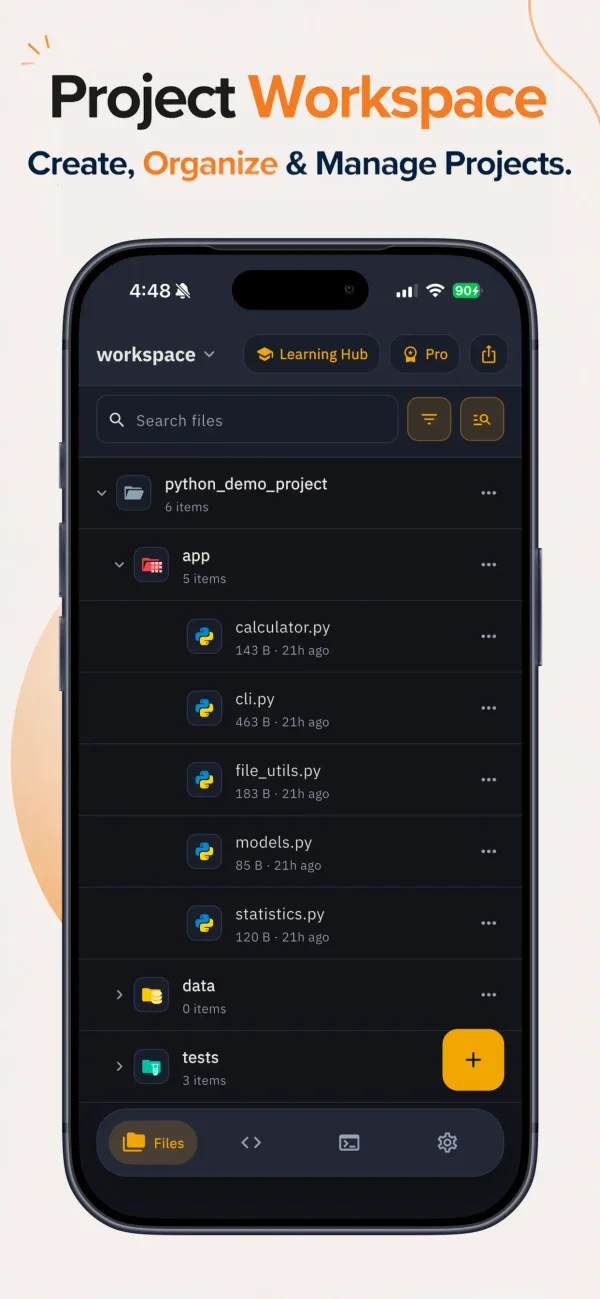
▸ REAL PYTHON PROJECTS
• Open folders as project roots
• Multi-file Python projects
• Import from Files, iCloud, or Drive
• Project search
• ZIP import and export
• Run configurations, arguments, and environment variables
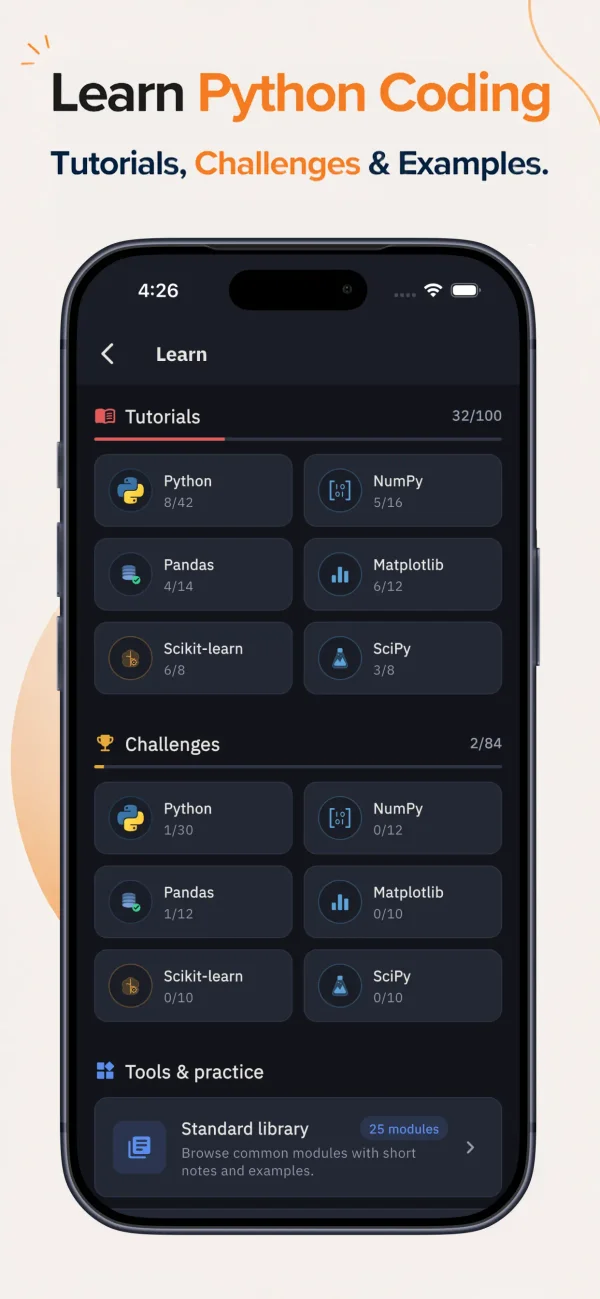
▸ LEARN PYTHON BY CODING
• 100 Python lessons
• 84 coding challenges
• Easy, Medium, and Hard
• Worked solutions and progress tracking
• 18 examples and 25 standard-library modules
• Learn Python, NumPy, pandas, Matplotlib, SciPy, and scikit-learn
▸ DATA SCIENCE
Use Python for data analysis, scientific computing, visualization, and machine learning with NumPy, pandas, Matplotlib, SciPy, seaborn, SymPy, and scikit-learn.
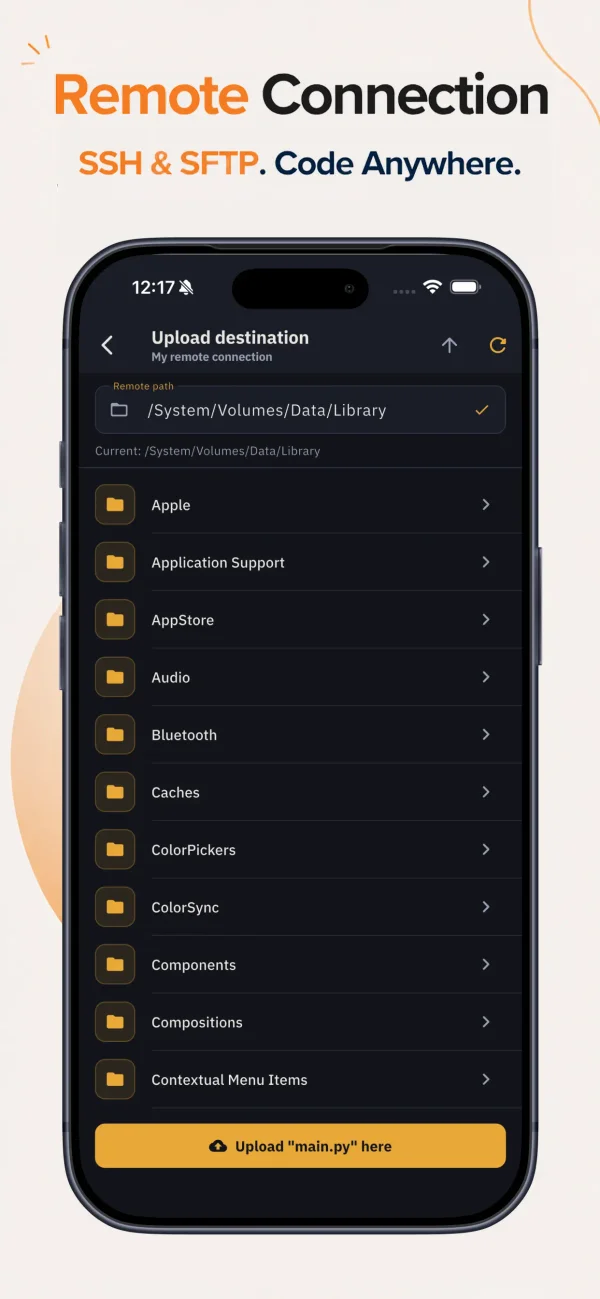
▸ SSH & SFTP
• Saved SSH profiles
• Password or key auth
• SFTP upload
• One-tap re-upload
▸ PERSONALIZE YOUR EDITOR
• Dark and light themes
• 5 code themes
• Adjustable font and tab size
▸ FAQ
Q: Can I run Python offline?
A: Yes. The interpreter, editor, debugger, lessons, challenges, and examples run on your device. Internet is only needed for online features such as pip installation and SFTP uploads.
Q: Is this a real Python 3 interpreter?
A: Yes. It uses embedded CPython 3 with the standard library. Your code runs locally, not on a remote server.
Q: Can I run NumPy, pandas, and Matplotlib?
A: Yes. Supported scientific packages include NumPy, pandas, Matplotlib, SciPy, seaborn, SymPy, and scikit-learn.
Q: Can I install packages with pip?
A: Yes. Pro users can install compatible packages with pip. Pure-Python packages generally work; native packages require compatible mobile wheels.
Q: Does it include a Python debugger?
A: Yes. Use breakpoints, step debugging, locals, watches, call stack, expression evaluation, and exception handling.
Q: Can I build multi-file Python projects?
A: Yes. Open folders as projects, work with multiple Python files, search projects, import/export ZIP files, and configure how projects run.
Q: Can I learn Python from scratch?
A: Yes. The app includes 100 lessons, 84 coding challenges, examples, worked solutions, and progress tracking.
Q: Is my code private?
A: Your code runs locally and is not uploaded to our servers. Files leave your device only when you choose to share or upload them.
Q: What is free and what requires Pro?
A: Free includes a working Python environment, core coding, tutorials, challenges, and examples. Pro adds unlimited projects and files, unlimited packages, the debugger, and run configurations.
Write. Run. Debug. Learn Python anywhere — online or offline.
Privacy Policy: https://koderead.com/privacy-policy/
Terms of Use: https://www.apple.com/legal/internet-services/itunes/dev/stdeula/
新機能
バージョン 1.3.0 · 2026/10/22
• Performance and stability improvements for a smoother Python IDE on iPhone and iPad
アプリのプライバシー
このアプリのデータの取り扱いについて、KODEREAD SOLUTIONS LLPがApp Storeで申告している内容です。
-
ユーザーのトラッキングに使用されるデータ
他社のアプリやウェブサイトを横断してユーザーをトラッキングする目的で使用される場合があります。
- 使用状況データ
-
ユーザーに関連付けられないデータ
収集される場合がありますが、ユーザーの識別情報には関連付けられません。
- 使用状況データ
- 診断
プライバシーの取り扱いは、ご利用の機能やお客様の年齢などに応じて異なる場合があります。
情報
- 販売元
- KODEREAD SOLUTIONS LLP
- カテゴリ
- 開発ツール
- バージョン
- 1.3.0
- 更新日
- 2026/10/22
- リリース
- 2026/8/22
- サイズ
- 385.3 MB
- 必要条件
- iOS 15.0以降
- 対象年齢
- 4+
- 価格
- 無料
- アプリ内課金
- あり
- 言語
- 英語
- 著作権
- © 2026 Koderead Solutions LLP. All rights reserved.
こちらもおすすめ
-
 Pythona - Python 3 IDEオフライン Python 開発環境&AI
-
 PyStudio - Learn & Run Python開発ツール
-
 AI Game Maker & Engine: Max2D開発ツール
-
 STL Viewer:3Dモデル&3MFOBJ・GLBファイルをARで開く
-
 SITIN.ai: Post & Earn開発ツール
-
 Pytonic: Python Compiler & IDE開発ツール
-
 Code IDE: Python Java C++ Html開発ツール
-
 Visual Claude: Vibe Code開発ツール
-
 Visual Code Editor - vCodeRun Node.js,Python,JS,C & more
-
 Pythonica: Code and Debug開発ツール