Quicks - Quick registration
Quickly jot and note smoothly.
Entwickelt für iPhone
- Altersfreigabe4+
- KategorieProduktivität
- EntwicklerRhinoapp.dev
- SprachenEnglisch+ 5 weitere
- Größe7,1 MB
Quicks - Quick registration ist bei App Store derzeit möglicherweise nicht verfügbar
Bei unserer letzten Prüfung war der Store-Eintrag nicht erreichbar. Der Link führt weiterhin zur offiziellen App Store-Seite.
Screenshots

Info
Der Entwickler hat diesen Text nicht in Ihrer Sprache bereitgestellt.
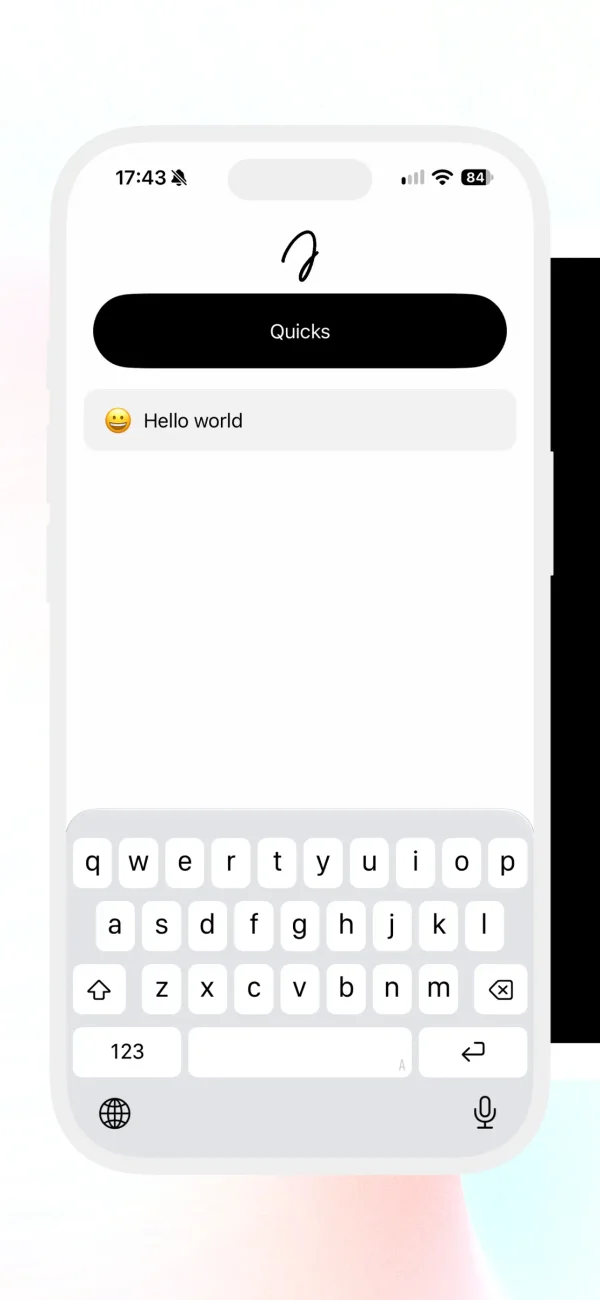
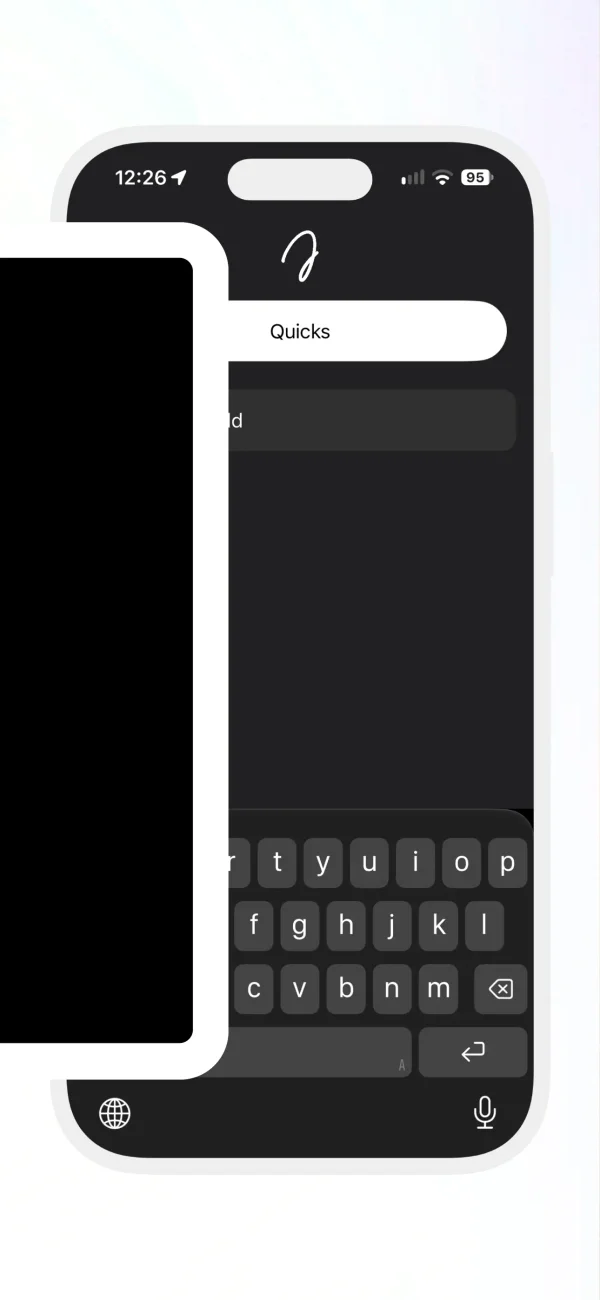
Quicks is an app built for one thing: writing down what comes to mind, right away.
You can start typing as soon as you open it, with no titles to add or folders to sort into.
It doesn't have many features, but that lets you focus on capturing.
Capture instantly:
You can start typing as soon as you launch the app, and pressing Return saves it. The input field clears when you save, so you can keep capturing as ideas keep coming.
Capture from Apple Watch:
Just speak to your Apple Watch to capture. There's no need to take out your iPhone.
Capture from Mac:
On Mac, press ⌘N to go to the input field and capture using only your keyboard. Hover over an item to show the edit and delete buttons.
iCloud sync:
Everything you capture syncs via iCloud, so you see the same list on your iPhone, iPad, and Mac.
Tap to copy:
Tap an item to copy its text. It's handy for searching a keyword that caught your attention or pasting text into a message.
Organize later:
You can add to your ideas later, or give them emoji icons so they're easy to tell apart. On iPhone, touch and hold to reorder and swipe to edit or delete, so you can keep what matters most at the top.
When to use it:
Capture ideas that come to you on a walk or after a shower, keywords that catch your attention in a conversation or a book, and plans or shopping items you suddenly remember. You can also keep text and contact details you use again and again.
Dark Mode and VoiceOver:
Both are supported.
Keyboard shortcuts on Mac:
⌘N: Go to the input field / Esc: Finish typing
In the edit screen: ⌘S: Save / Esc: Cancel
Neue Funktionen
Version 1.5.1 · 07.11.2026
Small improvements.
App-Datenschutz
Was Rhinoapp.dev im App Store zum Umgang dieser App mit Daten angibt.
-
Keine Daten erfasst
Der Entwickler erfasst keine Daten von dieser App.
Die Datenschutzpraktiken können variieren, zum Beispiel je nach den von Ihnen verwendeten Funktionen oder Ihrem Alter.
Informationen
- Anbieter
- DYMXN, K.K.
- Kategorie
- Produktivität
- Version
- 1.5.1
- Aktualisiert
- 07.11.2026
- Veröffentlicht
- 20.11.2024
- Größe
- 7,1 MB
- Erfordert
- iOS 17.6 oder neuer
- Altersfreigabe
- 4+
- Sprachen
- Englisch, Französisch, Japanisch, Koreanisch, Vereinf. Chinesisch, Spanisch
- Copyright
- © 2025 Rhinoapp