
Relevix: Shift Planner
Shifts, hours & invoices
Entwickelt für iPhone
Kostenlos · In-App-Käufe
- Altersfreigabe4+
- KategorieProduktivität
- EntwicklerOscar Rojas
- SprachenEnglisch+ 1 weitere
- Größe5,7 MB
Verlinkt auf die offizielle App Store-Seite
Download.org hostet keine Datei von Relevix: Shift Planner. Die Schaltfläche öffnet die App-Seite bei App Store, wo Oscar Rojas die App veröffentlicht. Eintrag zuletzt geprüft am 24.11.2026.
Screenshots

Info
Der Entwickler hat diesen Text nicht in Ihrer Sprache bereitgestellt.
Relevix is the shift, hours and task planner for professionals who work in shifts or bill by the hour at one or several places. Schedule your shifts, know what you'll earn, create your invoice in seconds and keep your to-dos in the same place.
Great for healthcare staff, adjunct teachers, therapists, consultants, technicians and freelancers.
ORGANIZED SHIFTS
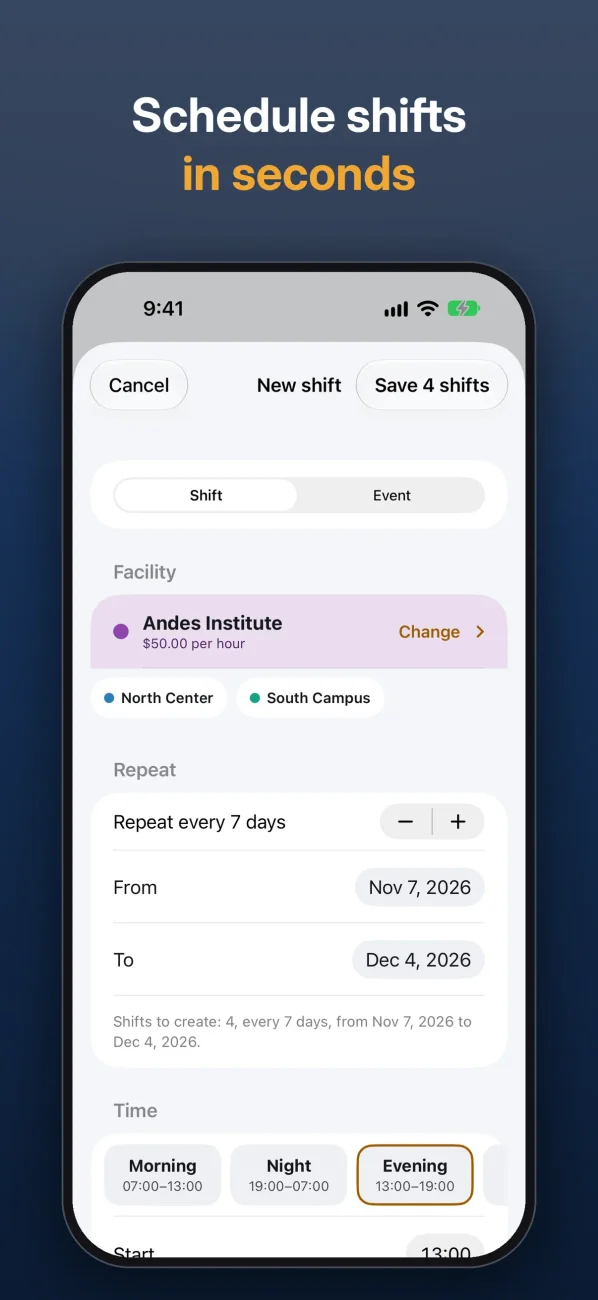
• Add your workplaces with their own color and hourly rate.
• Set up your shift types: morning, evening, night or whatever you use.
• Recurring shifts and shifts that end the next day.
• Relevix warns you when two shifts overlap.
• Your country's public holidays show on the calendar.
YOUR HOURS AND EARNINGS, CLEAR
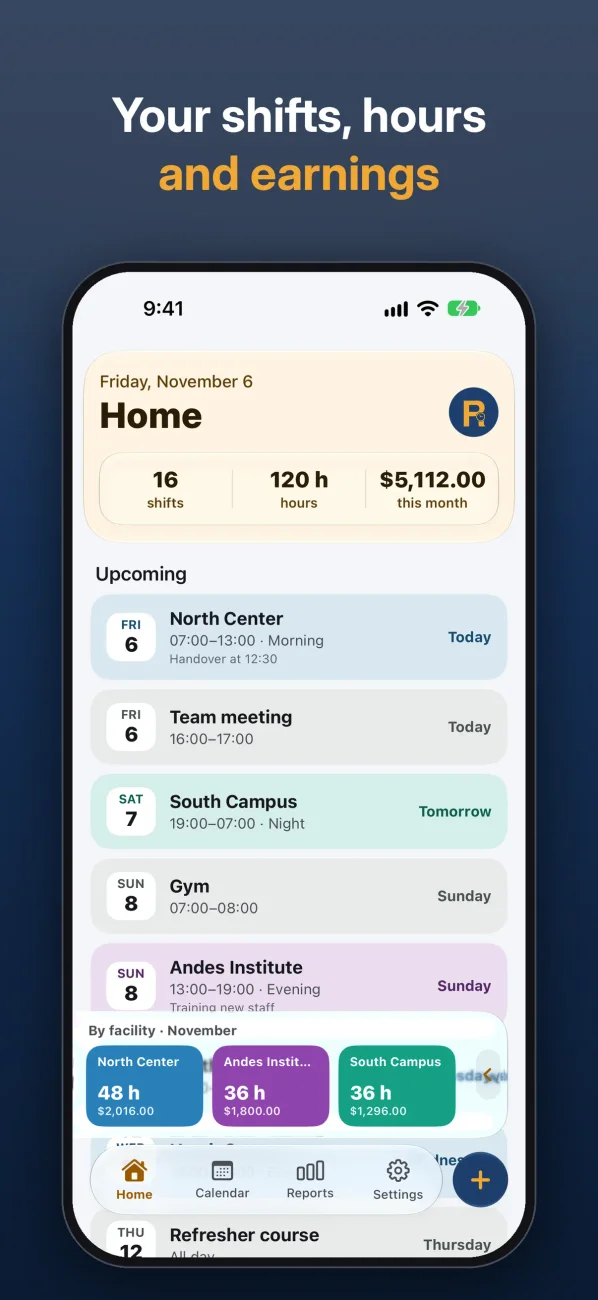
• Home shows your upcoming shifts plus this month's total shifts, hours and amount.
• Per-workplace summary so you know what each one owes you.
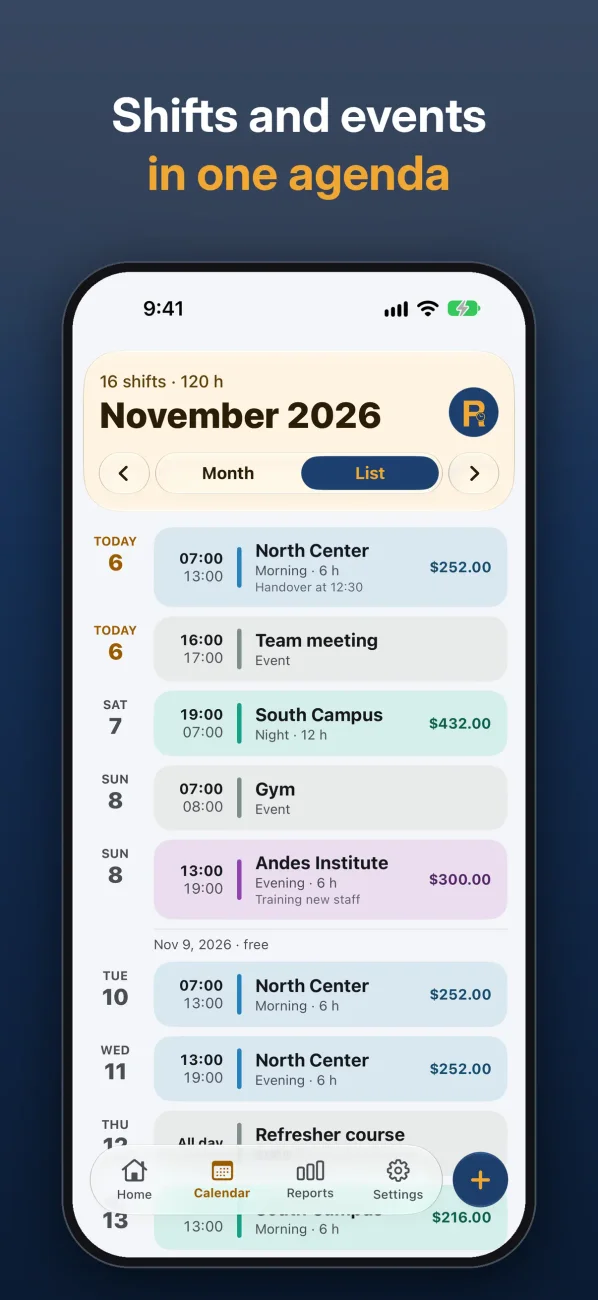
• Monthly calendar and list view with shifts, events and tasks.
TASKS AND SUBTASKS (NEW)
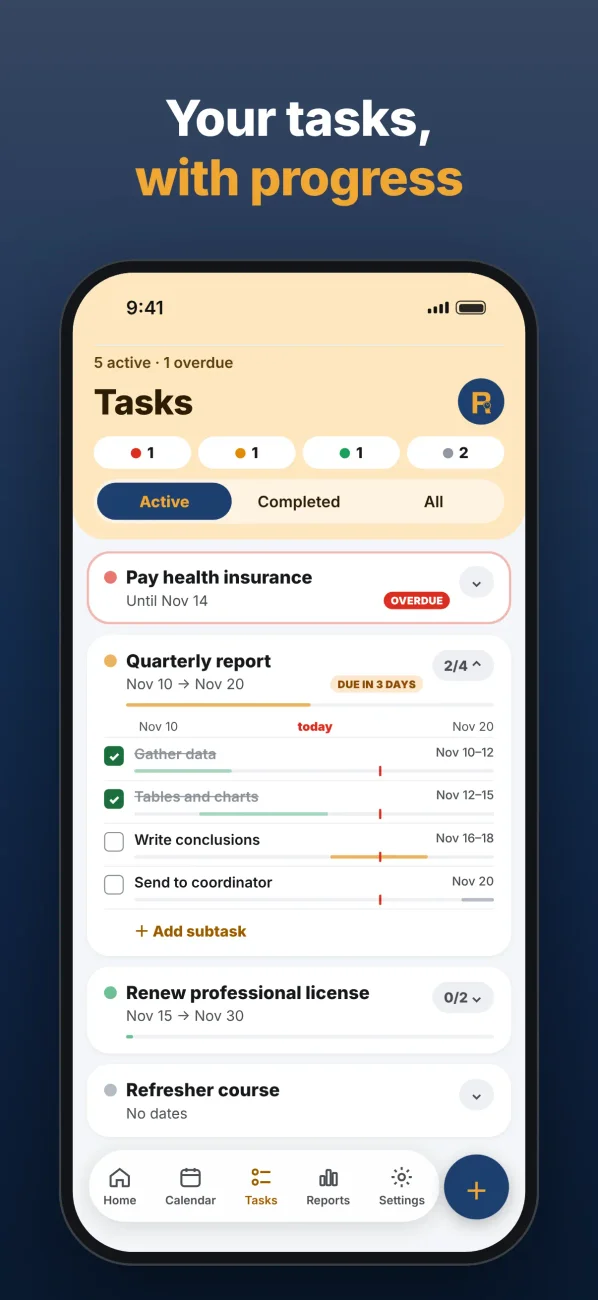
• Organize your to-dos with dates, status and a color that changes as the due date gets closer.
• Break each task into subtasks and follow its progress with date bars.
• Choose the Classic or Progress view.
• Task panel on Home and Calendar, with reminders before anything is due.
• Import tasks from Excel and create a task report.
INVOICES FROM YOUR OWN TEMPLATE
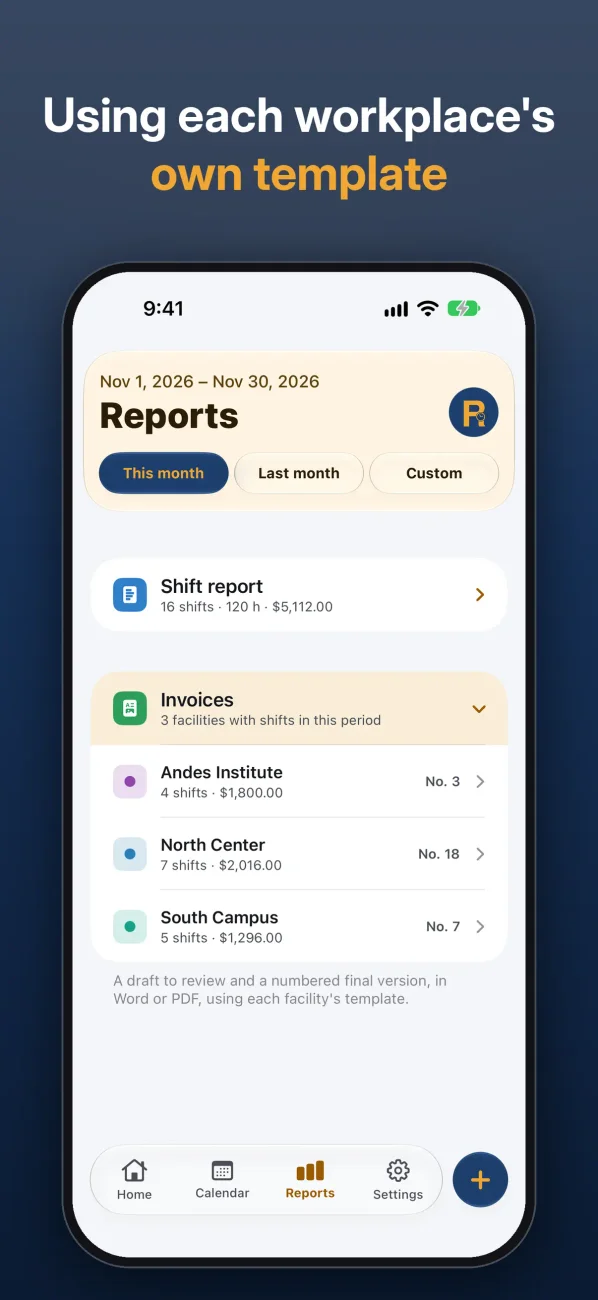
• Load the Word template each workplace asks for.
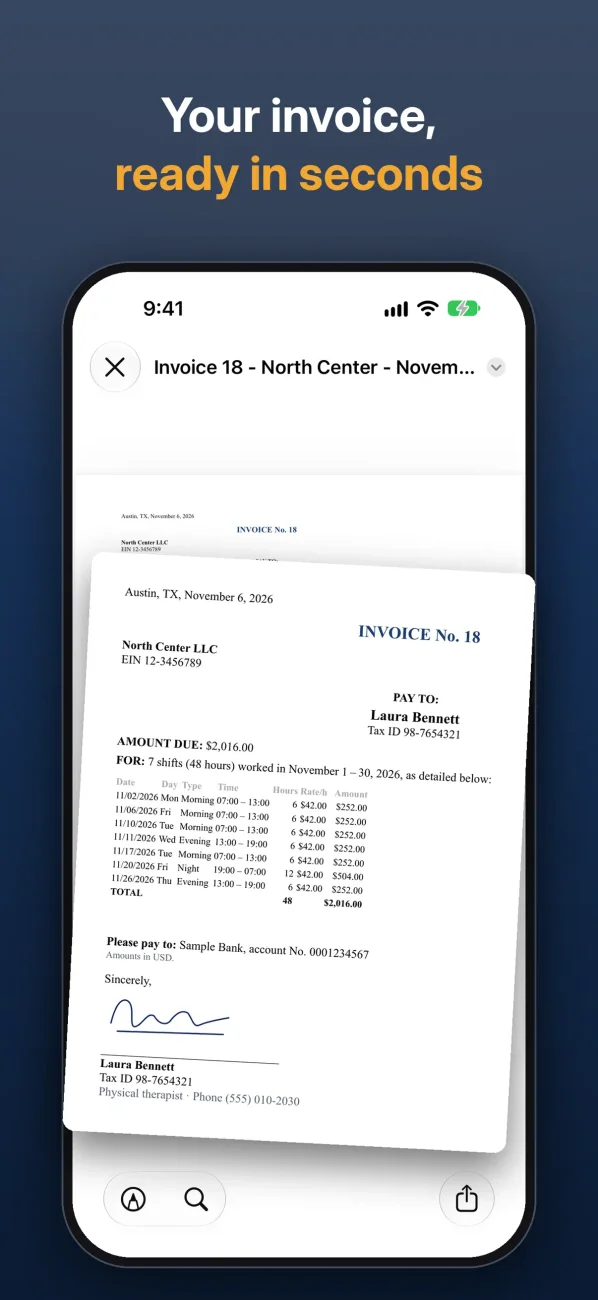
• Relevix fills it with your details and the period's shifts, with the total in numbers and words.
• Create the final version with its sequential number, in Word or PDF, and email it.
SIRI, WIDGETS AND CARPLAY
• Ask Siri for your next shift or your agenda, get a summary, and add, change or delete shifts and events by voice.
• With Apple Intelligence (iOS 27) you can say it all in one sentence.
• My Agenda and Next Shifts widgets for the Home Screen, StandBy and CarPlay, with the time left until each event.
REPORTS AND IMPORT
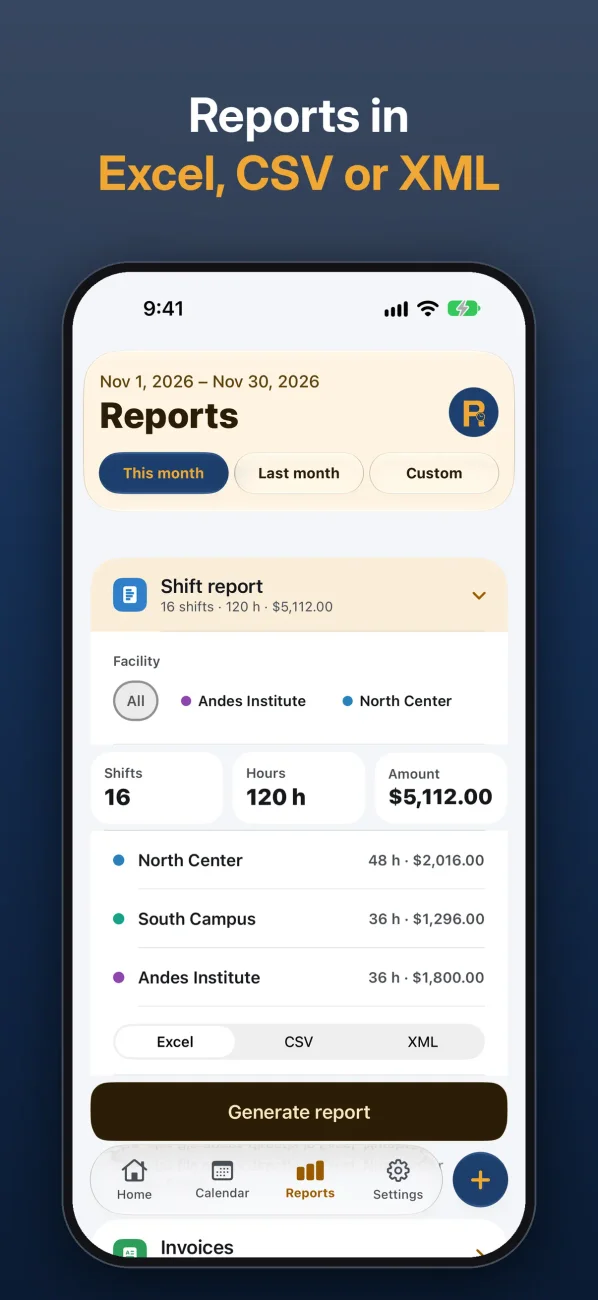
• Shift reports by period and workplace in CSV, Excel or XML.
• Import your shifts from Excel or CSV, with overlap checks before saving.
PERSONAL EVENTS
• Add appointments and meetings next to your shifts, without mixing them into your hours and earnings.
PRIVATE BY DESIGN
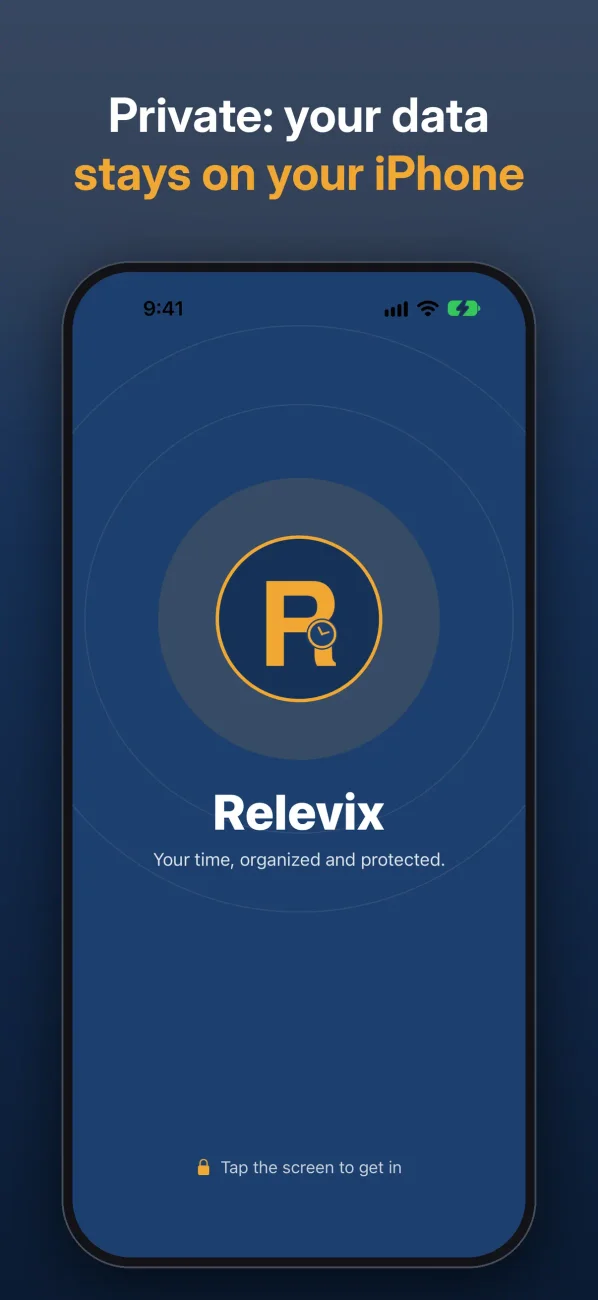
• Your data stays on your iPhone. No accounts, no ads.
• Face ID lock.
• Backup to a file, including your shifts, invoices and tasks.
FREE AND RELEVIX PRO
Relevix is free to start: 1 workplace, 2 shift types, scheduling up to 15 days ahead, 3 active tasks, CSV reports and invoice drafts.
Relevix Pro is a one-time purchase, no subscription: unlimited workplaces, shift types and tasks, unlimited planning, final invoices with email, Excel and XML reports, and Excel import.
If you bought Relevix before, you already have Relevix Pro at no extra cost.
Questions or ideas? Email us at soporte.relevix@gmail.com
Neue Funktionen
Version 1.4 · 23.11.2026
What’s new in Relevix 1.4:
• Surcharges per workplace: overtime, night, Sunday and holiday. Turn on only the ones you agreed on, each as a percentage or an amount per hour. Relevix splits each shift into segments and calculates its value.
• Invoices show one row per segment (day, night, overtime…) without changing your Word template, and reports add hour and surcharge columns.
• Recurring tasks: repeat a task every day, week, month or year, a number of times or until a date. Edit or delete just one, the following ones or the whole series.
• From a task reminder you can complete it or get reminded tomorrow, also on Apple Watch.
• Current shift on the Lock Screen, Dynamic Island and Apple Watch, with the time left.
• Importing shifts from Excel accepts “Overtime” and “No surcharges” columns; task reports and task import recognize series.
App-Datenschutz
Was Oscar Rojas im App Store zum Umgang dieser App mit Daten angibt.
-
Keine Daten erfasst
Der Entwickler erfasst keine Daten von dieser App.
Die Datenschutzpraktiken können variieren, zum Beispiel je nach den von Ihnen verwendeten Funktionen oder Ihrem Alter.
Informationen
- Anbieter
- Oscar Rojas
- Kategorie
- Produktivität
- Version
- 1.4
- Aktualisiert
- 23.11.2026
- Veröffentlicht
- 31.10.2026
- Größe
- 5,7 MB
- Erfordert
- iOS 17.0 oder neuer
- Altersfreigabe
- 4+
- Preis
- Kostenlos
- In-App-Käufe
- Ja
- Sprachen
- Englisch, Spanisch
- Copyright
- © 2026 Oscar Rojas.
Das könnte Ihnen auch gefallen
-
 Saves Library: Posts & LinksProduktivität
-
 Synca · Sync Your Aha MomentProduktivität
-
 Inky HabitsDeine täglichen Gewohnheiten
-
 OneVoice: Offline RecorderProduktivität
-
 Safety Note+ Pro: Notiz-TresorTäuschpasswort & Tagebuch
-
 Recording.:Voice Record&EditorProduktivität
-
 ProperixProduktivität
-
 Left - Zeit-WidgetsCountdown, Tage, Gewohnheiten
-
 Zapia: Dein KI-AssistentAgent für Chat, Mail, Kalender
-
 PenbookNotizen, ganz natürlich