RemindClock-Repeat Rules Clock
Custom Sounds & Repeat Rules
Entwickelt für iPhone, iPad
Kostenlos
- Altersfreigabe4+
- KategorieLifestyle
- EntwicklerWuchu Technology (haikou) Co., Ltd
- SprachenEnglisch+ 1 weitere
- Größe11,6 MB
Verlinkt auf die offizielle App Store-Seite
Download.org hostet keine Datei von RemindClock-Repeat Rules Clock. Die Schaltfläche öffnet die App-Seite bei App Store, wo Wuchu Technology (haikou) Co., Ltd die App veröffentlicht. Eintrag zuletzt geprüft am 13.11.2026.
Screenshots

Info
Der Entwickler hat diesen Text nicht in Ihrer Sprache bereitgestellt.
Tired of the same old system alarm sounds? Frustrated with only "Daily" or "Weekdays" repeat options?
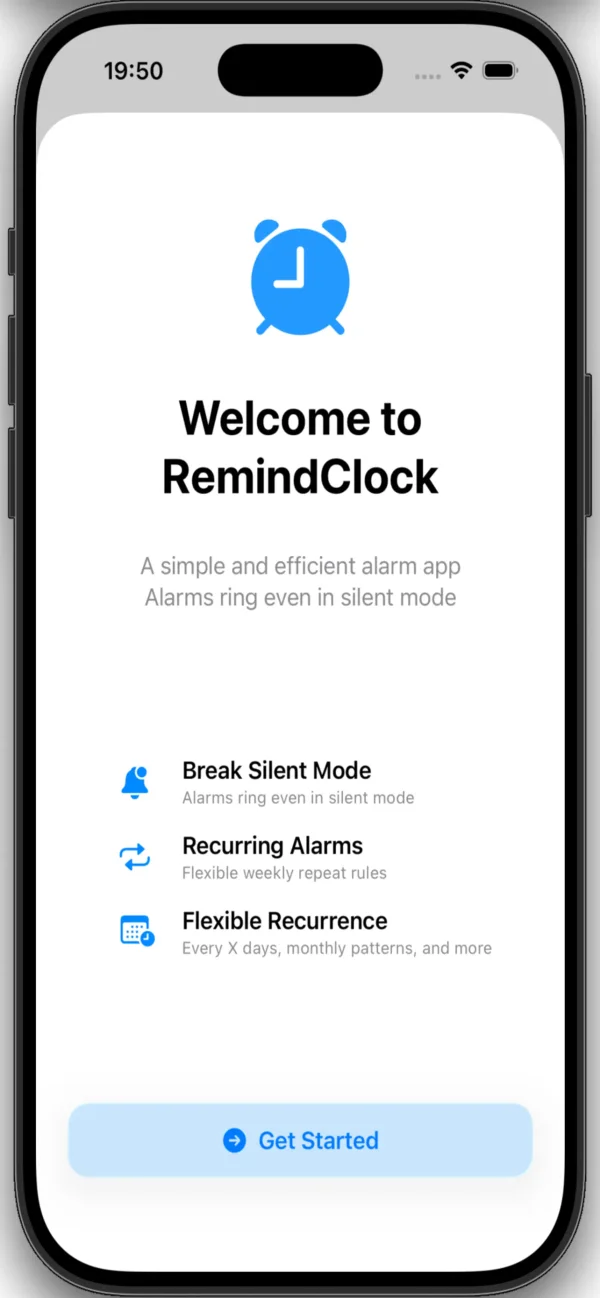
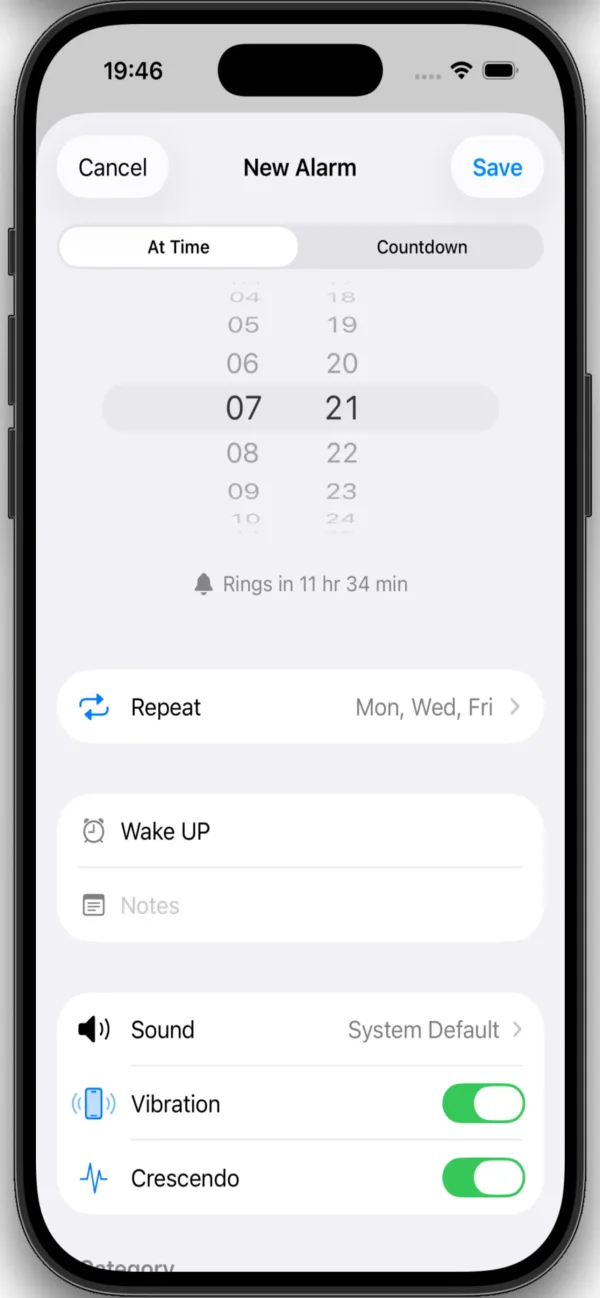
RemindClock brings you true customization—import any audio as your alarm sound, set any repeat pattern you need, and create your perfect smart alarm.
**Highlight 1: Custom Alarm Sounds**
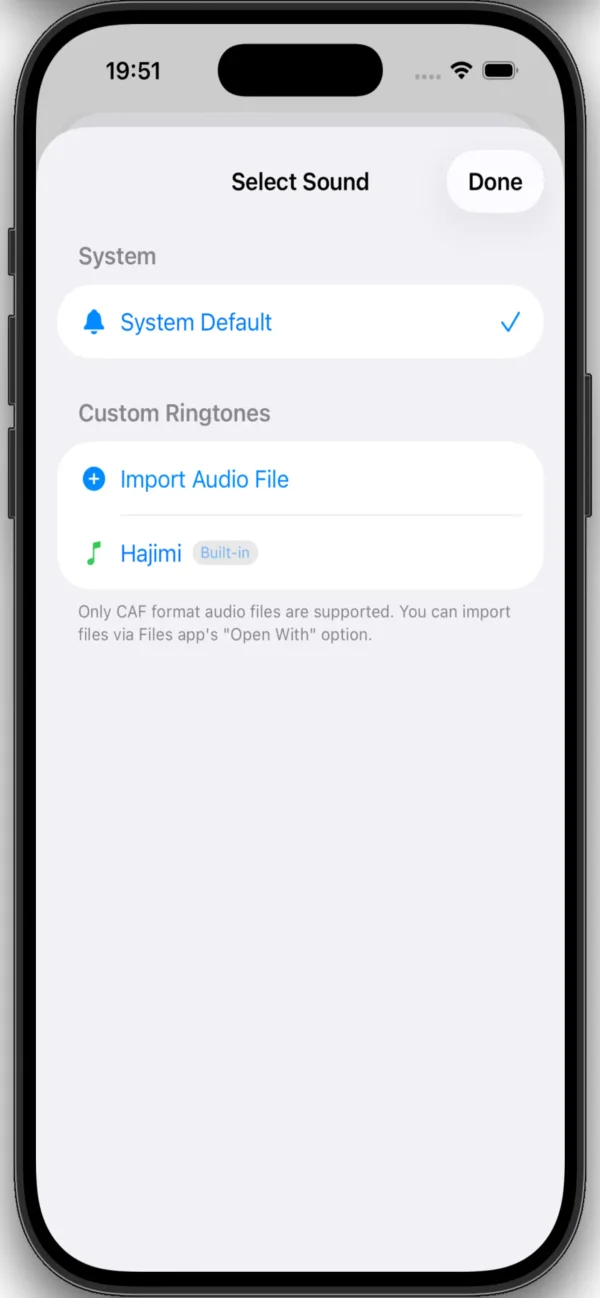
Say goodbye to boring system ringtones! RemindClock lets you import your favorite audio files:
• Supports CAF, WAV, AIFF formats
• Import directly from Files app or select within the app
• Set different sounds for each alarm
• Built-in curated sounds ready to use
Wake up every day to the music, voice, or sound effect you love!
**Highlight 2: Flexible Repeat Rules**
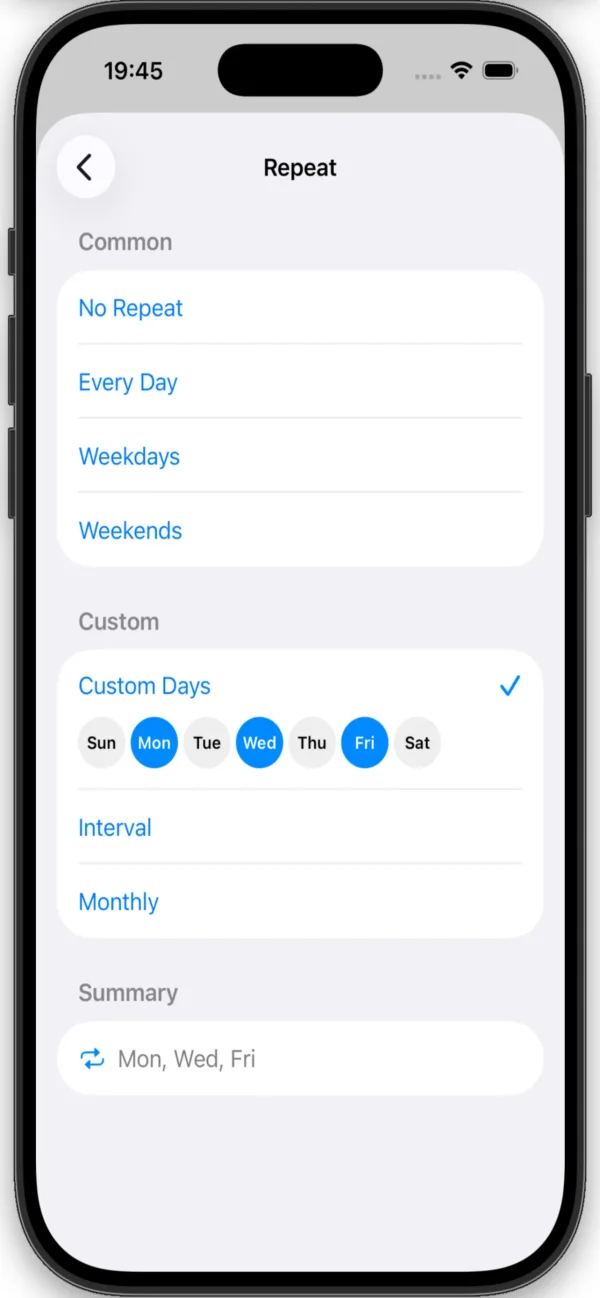
No longer limited to "Daily" or "Weekdays"—RemindClock offers 4 powerful repeat modes:
• One-Time - Precise single reminders down to the minute
• Weekly - Freely select any combination from Monday to Sunday
• Interval - Every 2 days? Every 3 weeks? Set it your way
• Monthly - The 15th of each month, or the second Friday monthly
Whether it's medication every other day, gym sessions three times a week, or monthly bill reminders—we've got you covered!
**Core Technology: Never Miss a Beat**
Powered by Apple's latest AlarmKit framework, RemindClock alarms can:
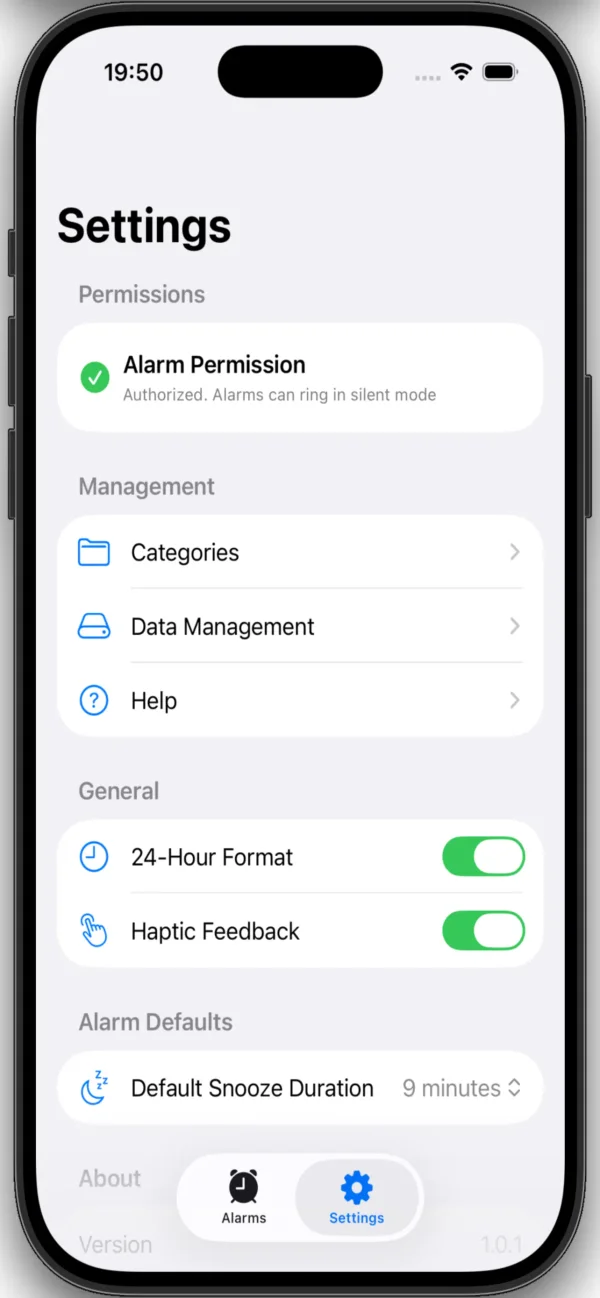
• Ring through Silent Mode
• Ring through Focus Mode
• Display full-screen on Lock Screen
• Support snooze functionality
Important moments, never missed.
**Smart Category Management**
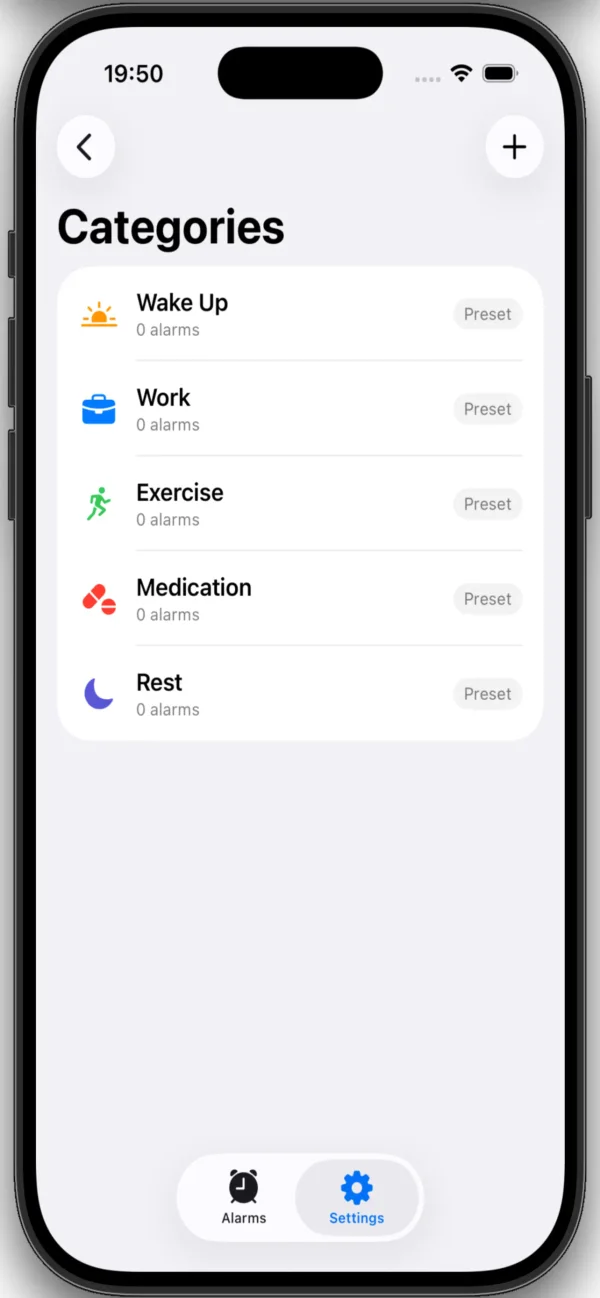
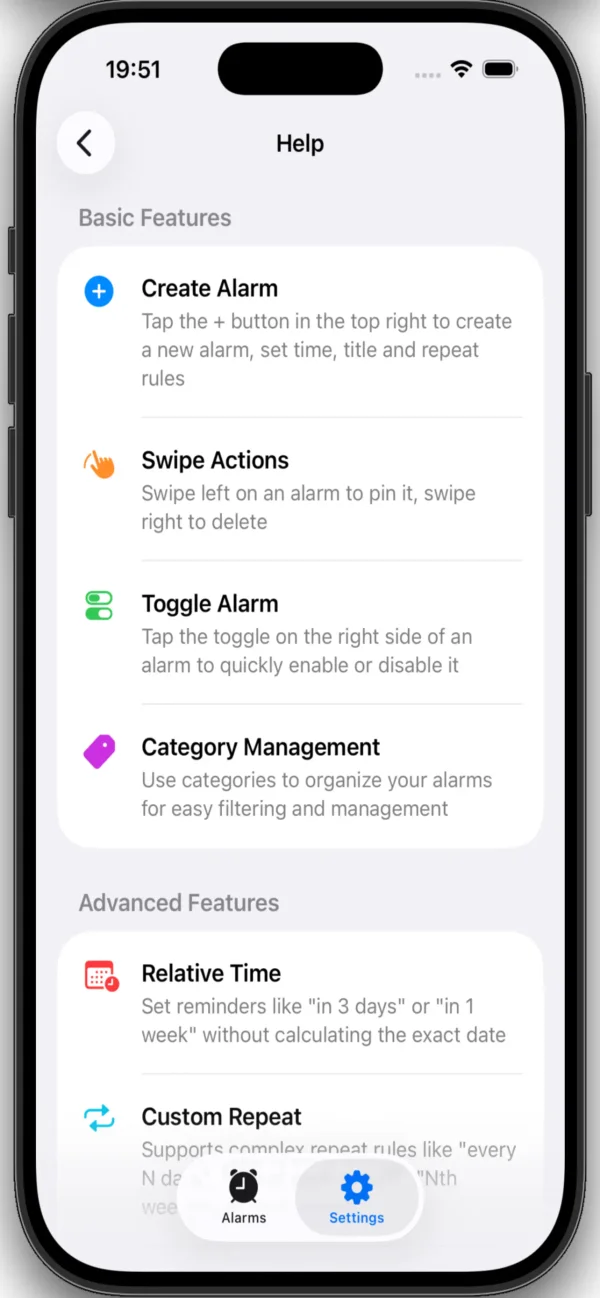
• 5 preset categories: Wake Up, Work, Exercise, Medication, Rest
• Create custom categories with your own colors and icons
• Filter by category to quickly find alarms
• Pin frequently used alarms for one-tap access
**Native iOS 26 Experience**
• Liquid Glass design—translucent and beautiful interface
• Large time picker with real-time countdown display
• Siri Shortcuts: "Set an alarm with RemindClock"
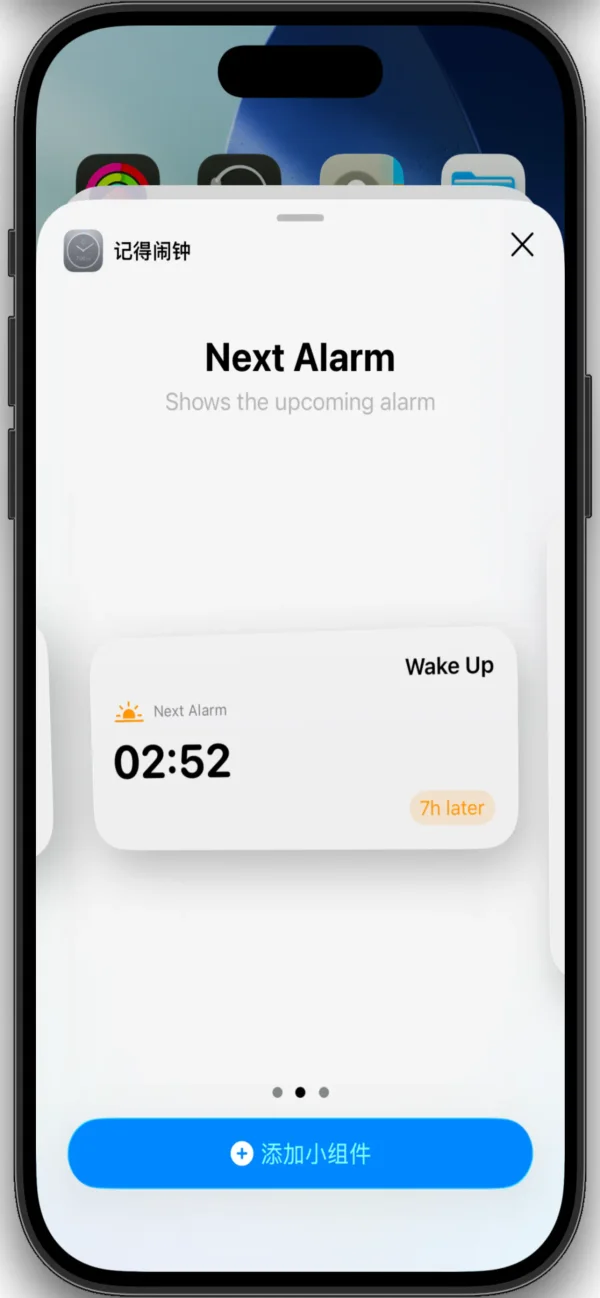
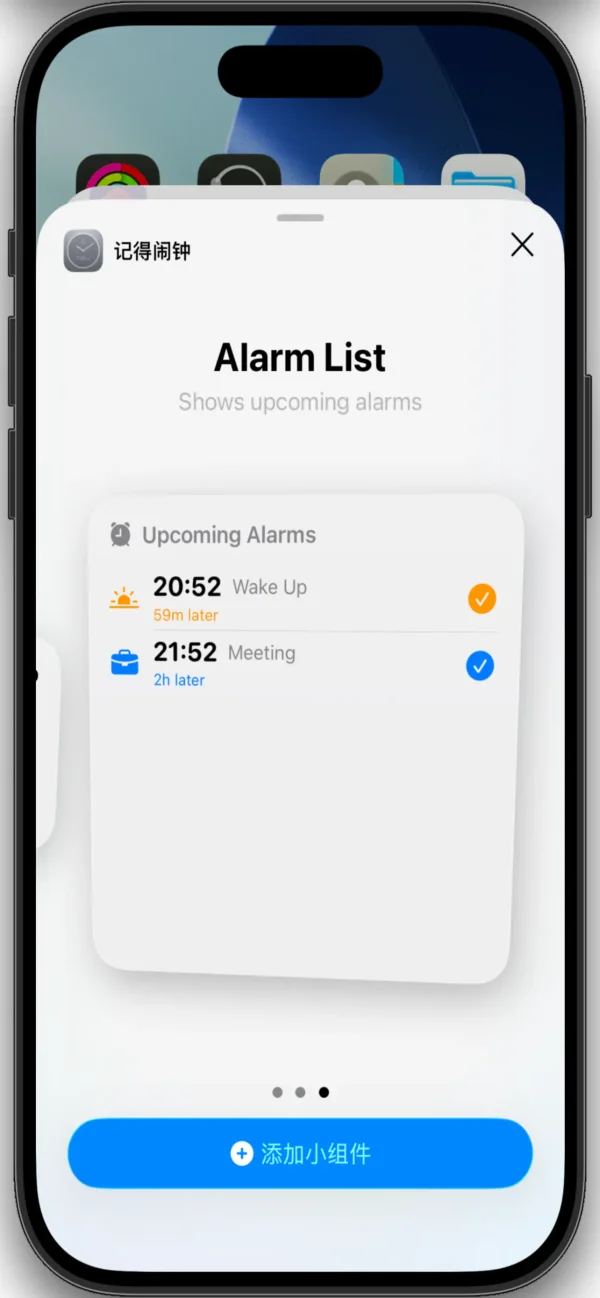
• Home Screen widgets (Small/Medium/Large)
• Lock Screen widgets (Circular/Rectangular/Inline)
• Dynamic Island Live Activity tracking
**Accessibility & Privacy**
• Full VoiceOver support
• Dynamic Type adaptation
• Reduced motion support
• Data stored locally, never uploaded
• No registration required, ready to use
Download now and define alarms your way!
Neue Funktionen
Version 1.5.1 · 28.01.2026
fixed some bug
App-Datenschutz
Was Wuchu Technology (haikou) Co., Ltd im App Store zum Umgang dieser App mit Daten angibt.
-
Keine Daten erfasst
Der Entwickler erfasst keine Daten von dieser App.
Die Datenschutzpraktiken können variieren, zum Beispiel je nach den von Ihnen verwendeten Funktionen oder Ihrem Alter.
Informationen
- Anbieter
- Wuchu Technology (haikou) Co., Ltd
- Kategorie
- Lifestyle
- Version
- 1.5.1
- Aktualisiert
- 28.01.2026
- Veröffentlicht
- 20.01.2026
- Größe
- 11,6 MB
- Erfordert
- iOS 26.0 oder neuer
- Altersfreigabe
- 4+
- Preis
- Kostenlos
- Sprachen
- Englisch, Vereinf. Chinesisch
- Copyright
- © RemindClock