RemindClock-Repeat Rules Clock
Custom Sounds & Repeat Rules
Designed for iPhone, iPad
Free
- Age rating4+
- CategoryLifestyle
- DeveloperWuchu Technology (haikou) Co., Ltd
- LanguagesEnglish+ 1 more
- Size11.6 MB
Links to the official App Store page
Download.org hosts no file of RemindClock-Repeat Rules Clock. The button opens its official App Store page, published by Wuchu Technology (haikou) Co., Ltd. Listing last checked on Nov 13, 2026.
Screenshots

About
Tired of the same old system alarm sounds? Frustrated with only "Daily" or "Weekdays" repeat options?
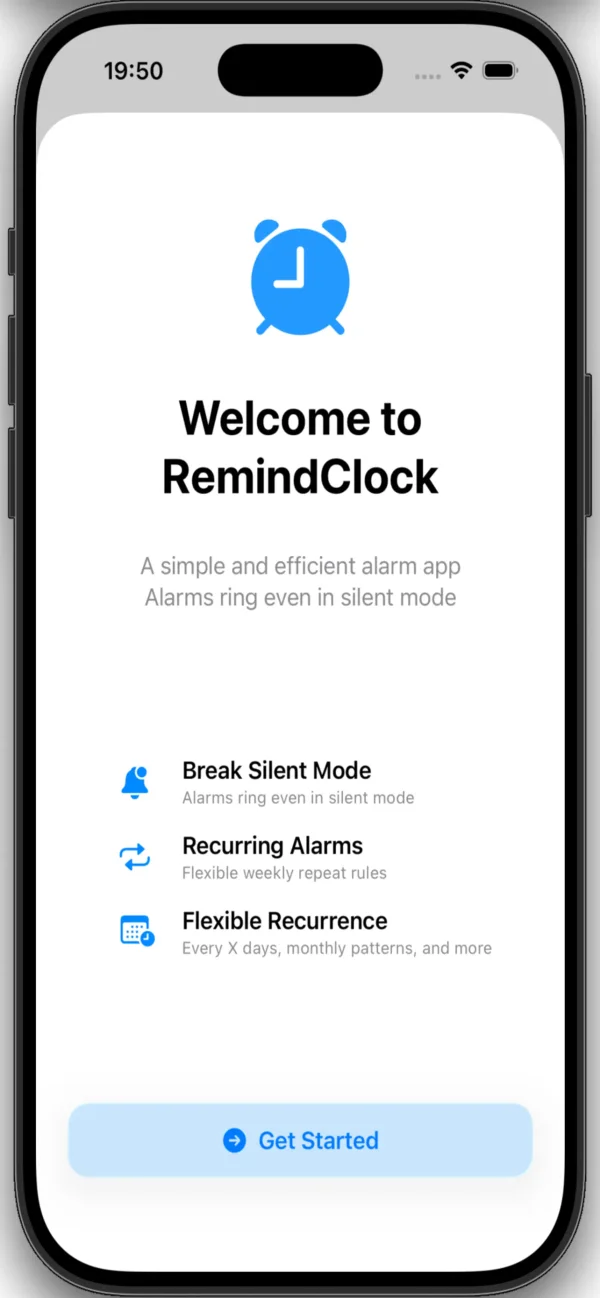
RemindClock brings you true customization—import any audio as your alarm sound, set any repeat pattern you need, and create your perfect smart alarm.
**Highlight 1: Custom Alarm Sounds**
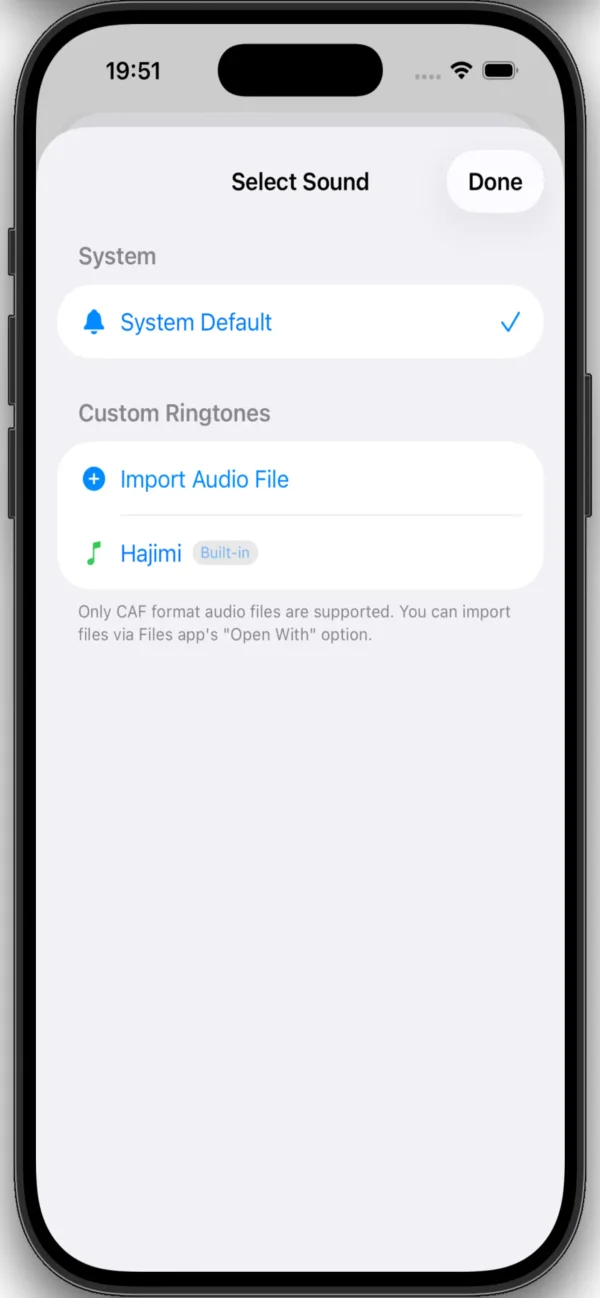
Say goodbye to boring system ringtones! RemindClock lets you import your favorite audio files:
• Supports CAF, WAV, AIFF formats
• Import directly from Files app or select within the app
• Set different sounds for each alarm
• Built-in curated sounds ready to use
Wake up every day to the music, voice, or sound effect you love!
**Highlight 2: Flexible Repeat Rules**
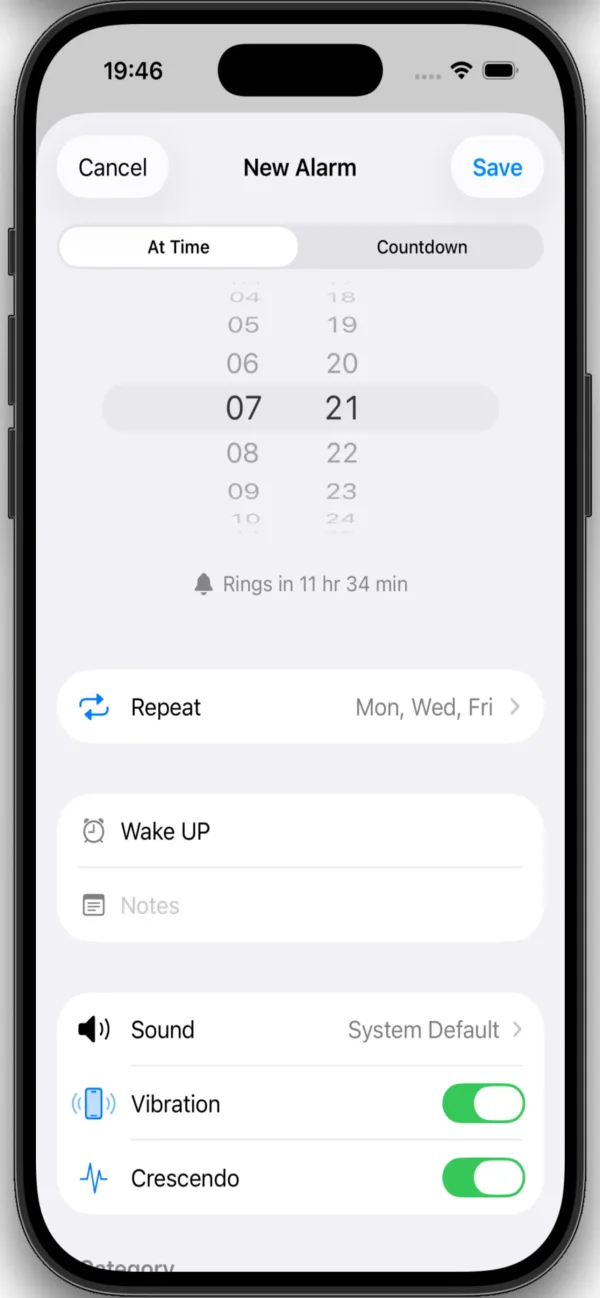
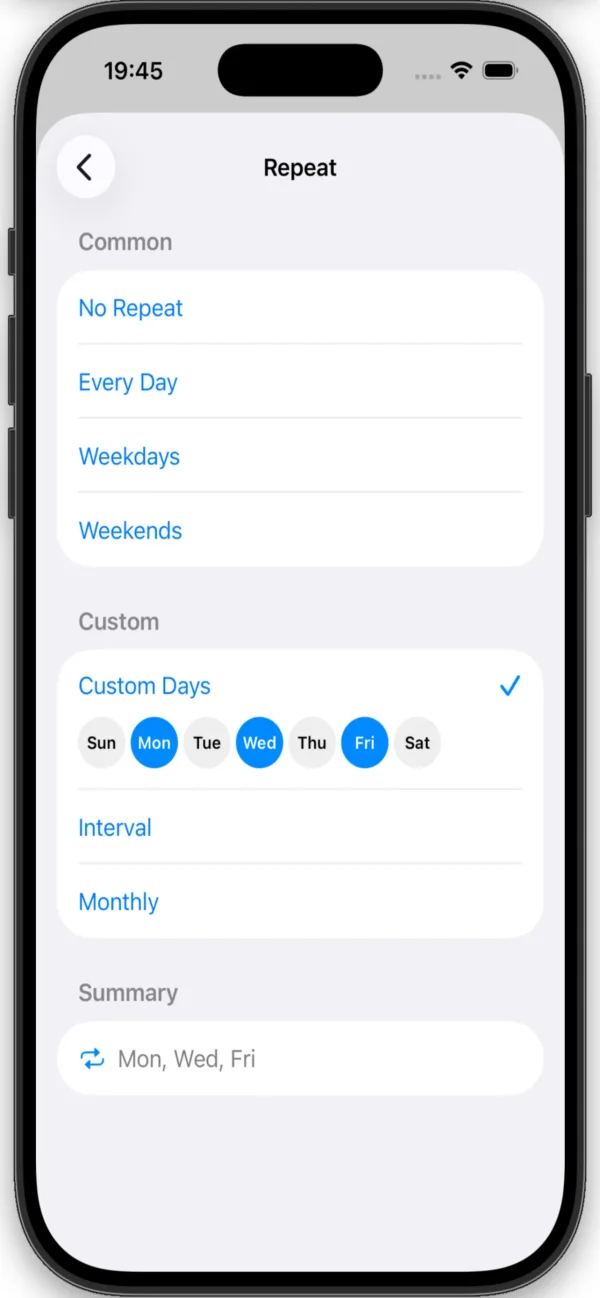
No longer limited to "Daily" or "Weekdays"—RemindClock offers 4 powerful repeat modes:
• One-Time - Precise single reminders down to the minute
• Weekly - Freely select any combination from Monday to Sunday
• Interval - Every 2 days? Every 3 weeks? Set it your way
• Monthly - The 15th of each month, or the second Friday monthly
Whether it's medication every other day, gym sessions three times a week, or monthly bill reminders—we've got you covered!
**Core Technology: Never Miss a Beat**
Powered by Apple's latest AlarmKit framework, RemindClock alarms can:
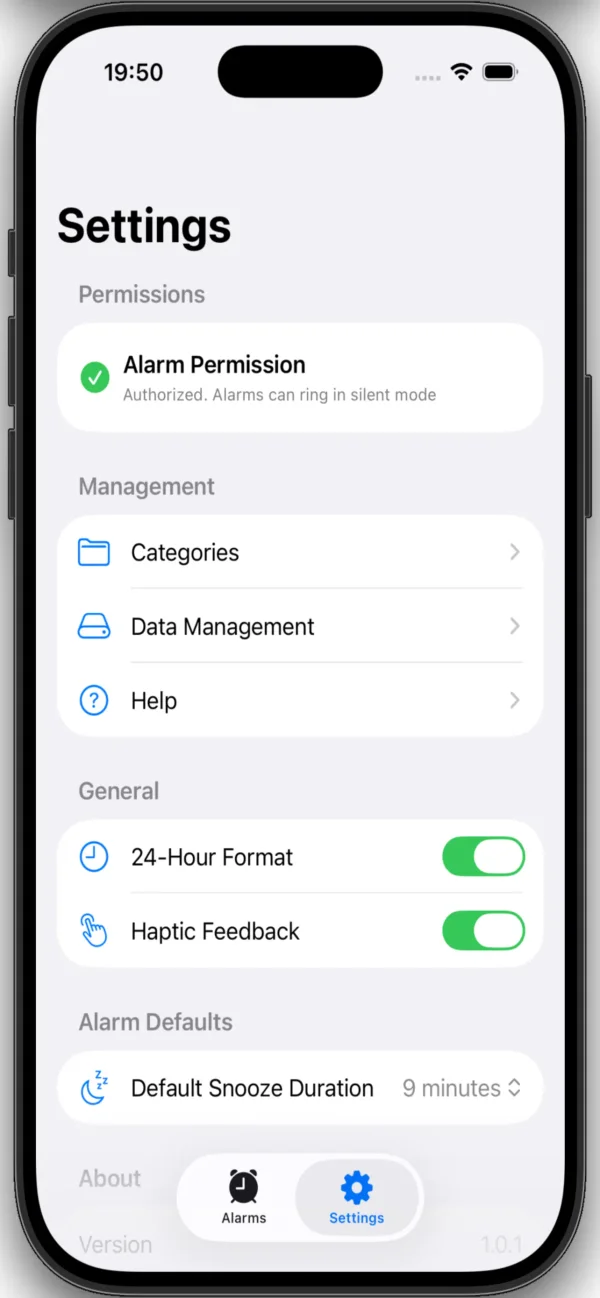
• Ring through Silent Mode
• Ring through Focus Mode
• Display full-screen on Lock Screen
• Support snooze functionality
Important moments, never missed.
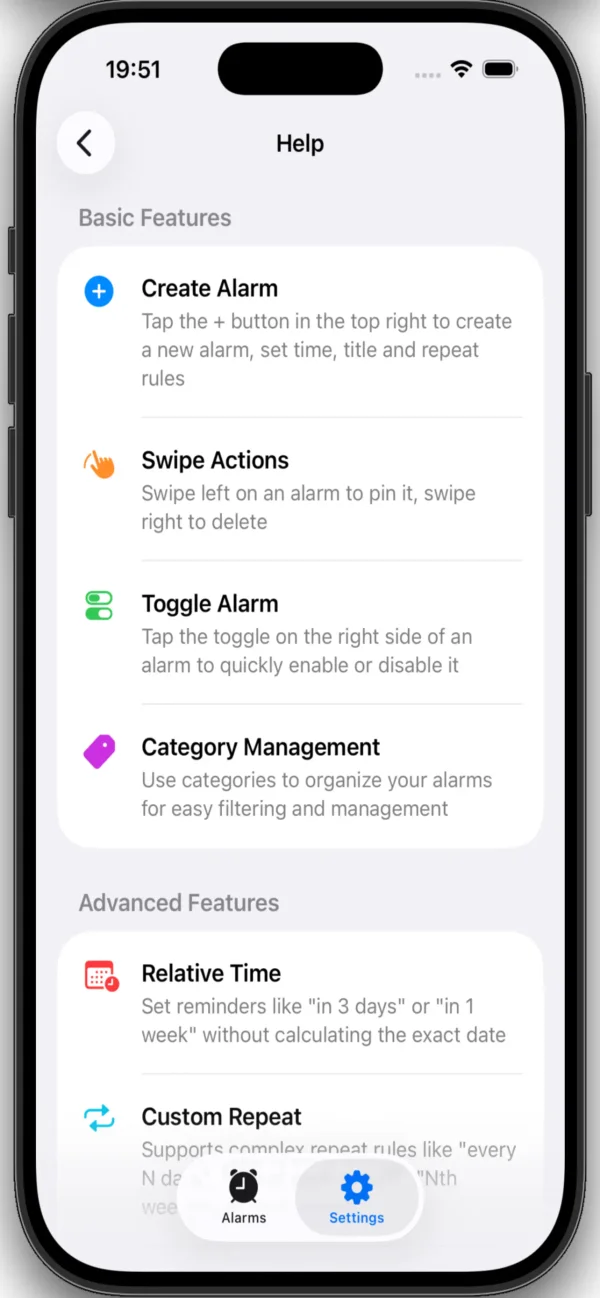
**Smart Category Management**
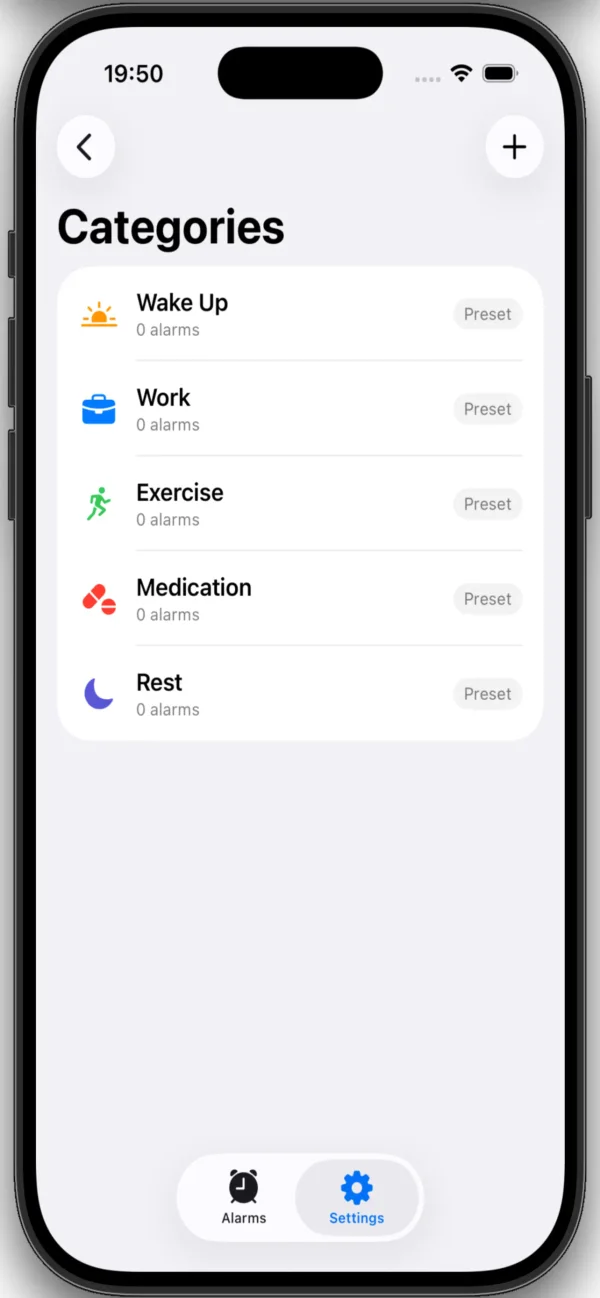
• 5 preset categories: Wake Up, Work, Exercise, Medication, Rest
• Create custom categories with your own colors and icons
• Filter by category to quickly find alarms
• Pin frequently used alarms for one-tap access
**Native iOS 26 Experience**
• Liquid Glass design—translucent and beautiful interface
• Large time picker with real-time countdown display
• Siri Shortcuts: "Set an alarm with RemindClock"
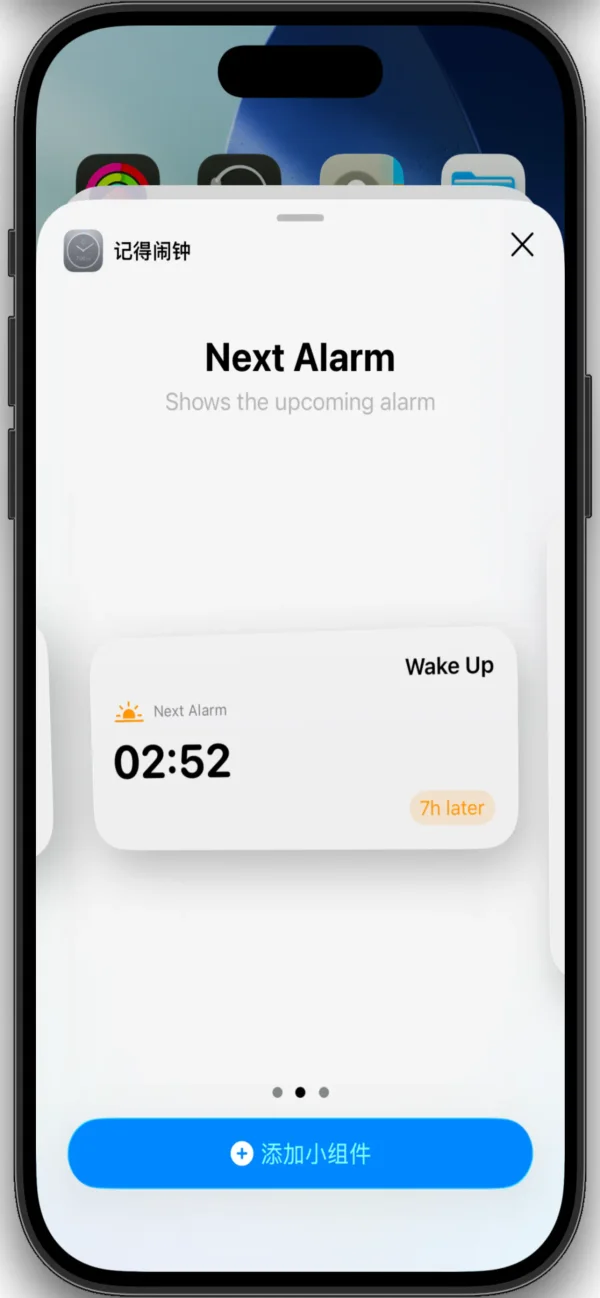
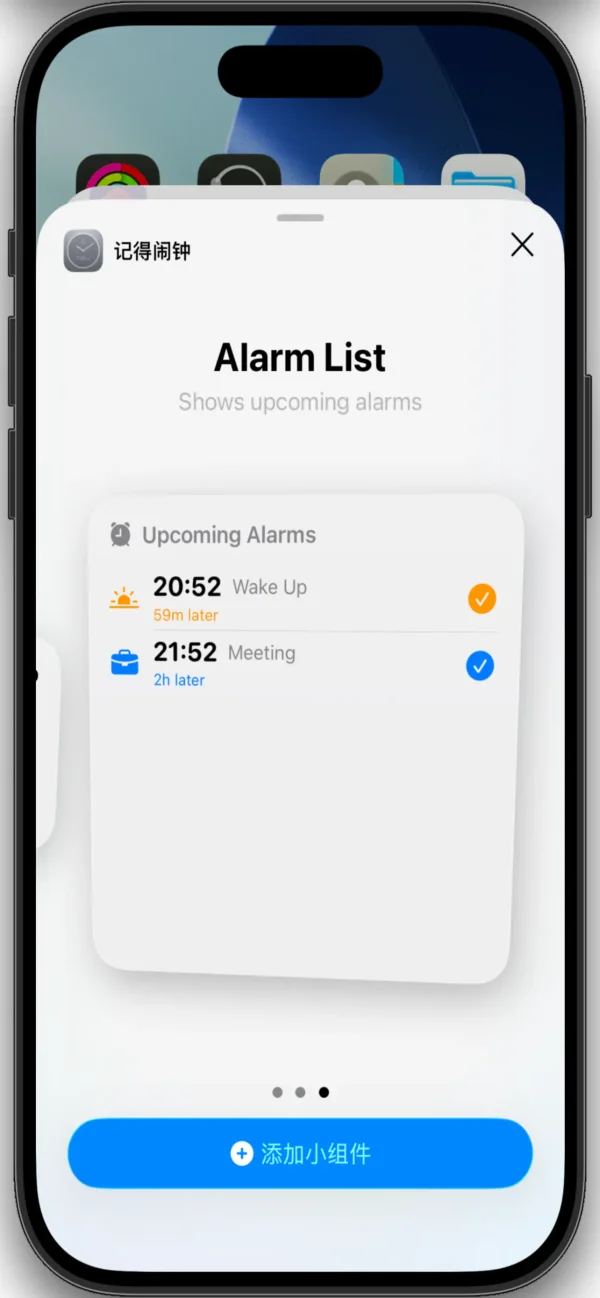
• Home Screen widgets (Small/Medium/Large)
• Lock Screen widgets (Circular/Rectangular/Inline)
• Dynamic Island Live Activity tracking
**Accessibility & Privacy**
• Full VoiceOver support
• Dynamic Type adaptation
• Reduced motion support
• Data stored locally, never uploaded
• No registration required, ready to use
Download now and define alarms your way!
What’s new
Version 1.5.1 · Jan 28, 2026
fixed some bug
App privacy
What Wuchu Technology (haikou) Co., Ltd declares on the App Store about how this app handles data.
-
Data not collected
The developer does not collect any data from this app.
Privacy practices may vary, for example with the features you use or your age.
Information
- Seller
- Wuchu Technology (haikou) Co., Ltd
- Category
- Lifestyle
- Version
- 1.5.1
- Updated
- Jan 28, 2026
- Released
- Jan 20, 2026
- Size
- 11.6 MB
- Requires
- iOS 26.0 or later
- Age rating
- 4+
- Price
- Free
- Languages
- English, Simplified Chinese
- Copyright
- © RemindClock
You might also like
-
 Alarmo - Alarm Clock & TimerRings on silent, customizable.
-
 LeavelySmart Leave & Time Off Tracker
-
 QuickMoveProFind Local Moving Help Fast
-
 SleepTapSun Exposure and Status Update
-
 Daybreak - Loud AlarmLoud alarm for heavy sleepers
-
 50 Jumps - Morning Wake UpAlarm you turn off by jumping
-
 LFCCNJLifestyle
-
 24Clock - AtomBoxLifestyle
-
 NowTime - to do list taskdaily planner fit calendar
-
 闹钟管家-智能调休闹&钟法定节假日轮班大小周Lifestyle