
Reverse Video - Rewind8
#1 Reverser App・Play Backwards
Entwickelt für iPhone, iPad
Kostenlos · In-App-Käufe
- Altersfreigabe4+
- KategorieUnterhaltung
- EntwicklerSS Media
- SprachenEnglisch
- Größe97,0 MB
Verlinkt auf die offizielle App Store-Seite
Download.org hostet keine Datei von Reverse Video - Rewind8. Die Schaltfläche öffnet die App-Seite bei App Store, wo SS Media die App veröffentlicht. Eintrag zuletzt geprüft am 25.11.2026.
Screenshots



Info
Der Entwickler hat diesen Text nicht in Ihrer Sprache bereitgestellt.
Looking for a simple way to reverse a video on iOS? Rewind8 is designed to do exactly that — no complicated editing tools, no clutter, just a clean app that reverses your videos quickly and reliably. It also has the option to enable/disable audio reversing. Isn’t it amazing?
A focused tool for one job
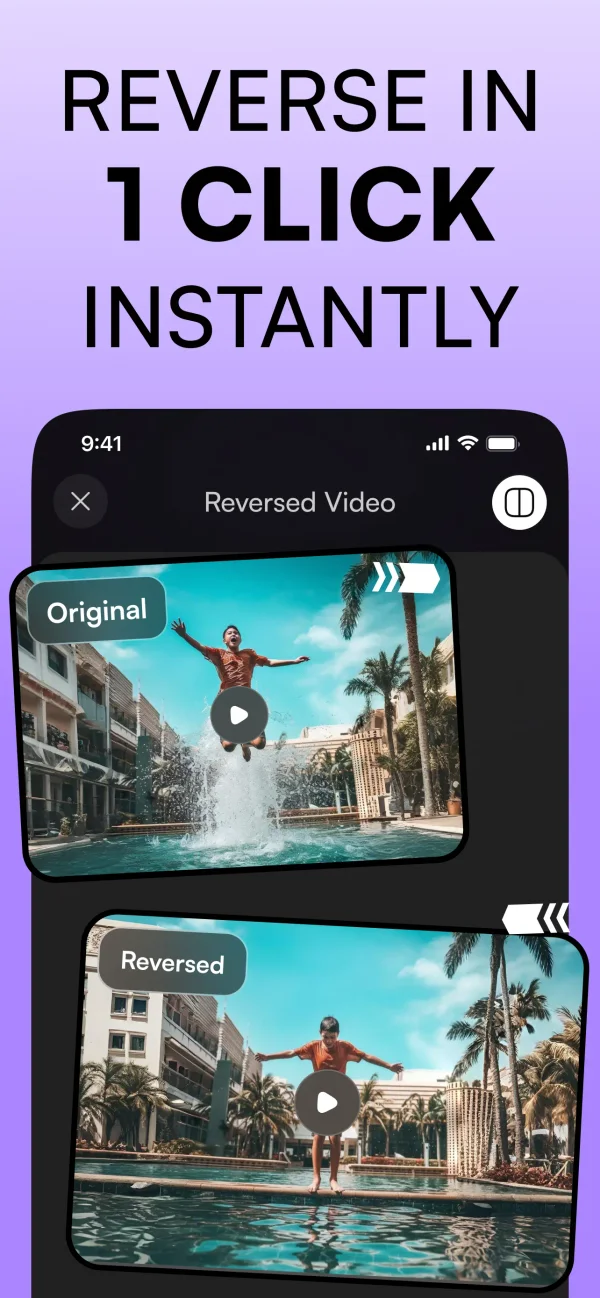
Most video editing apps bury the reverse feature three menus deep. Rewind8 puts it front and center. Open the app, pick your clip, tap reverse. That's the entire workflow. It's built for people who want results, not a learning curve.
Made for social content
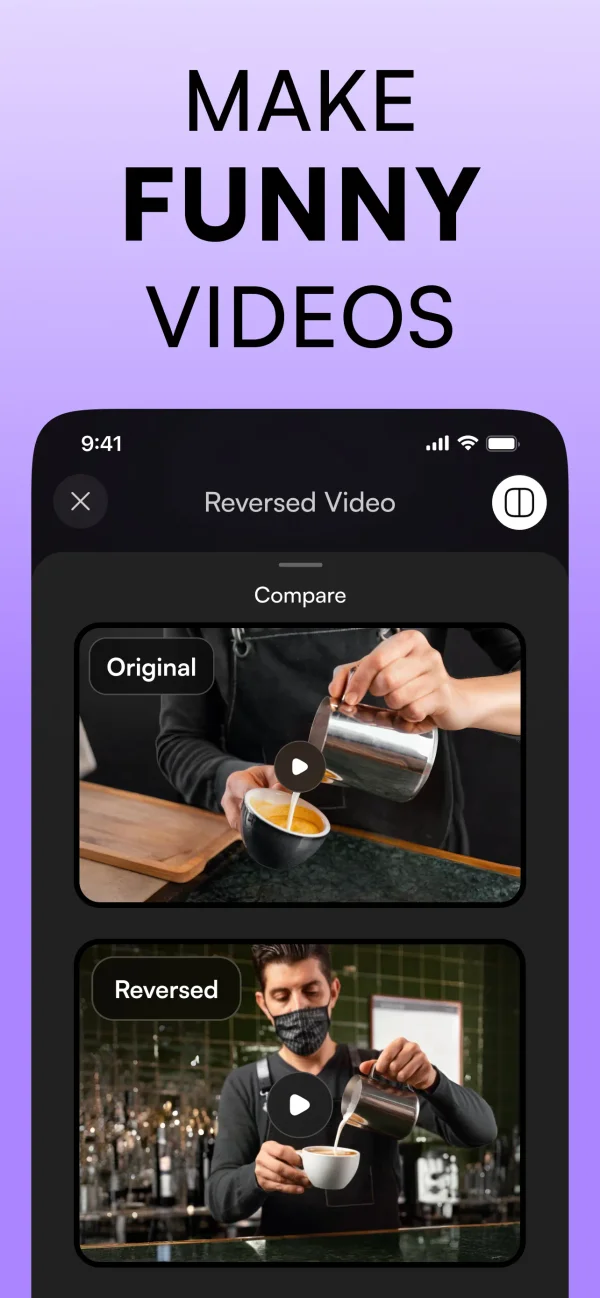
Reverse videos are everywhere on TikTok, Instagram Reels, and YouTube Shorts right now. Coffee pouring backwards. Water flowing uphill. Satisfying rewind moments that make people stop scrolling. Rewind8 makes it easy to create these clips directly on your iPhone and export them ready for posting.
Full control when you need it
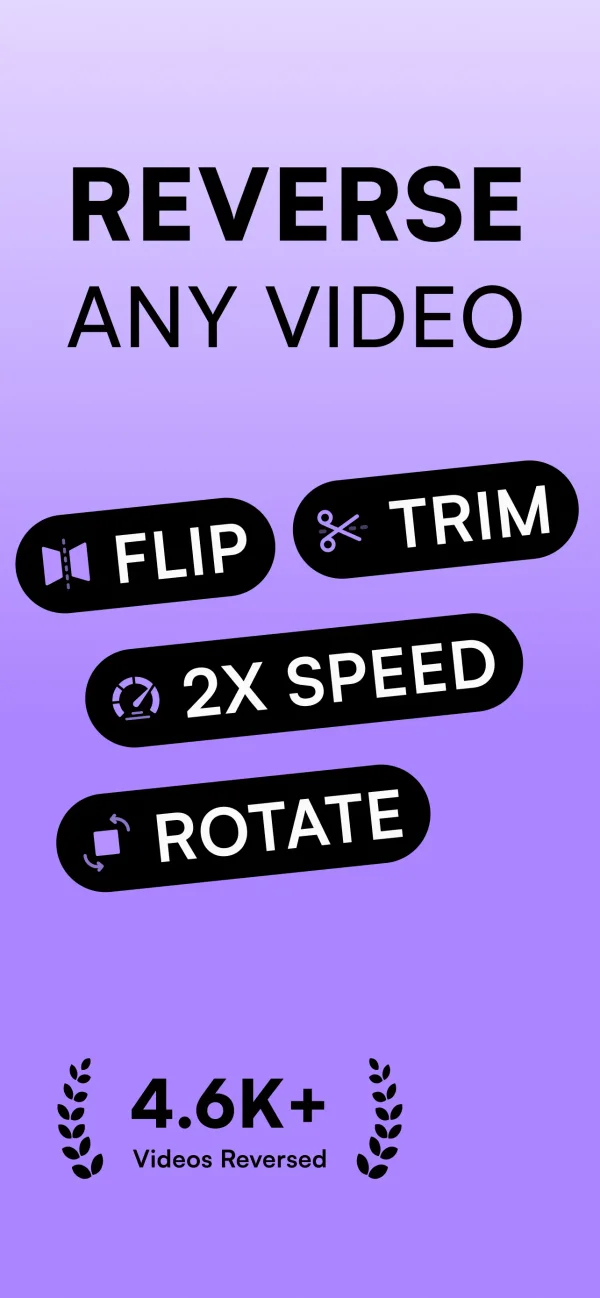
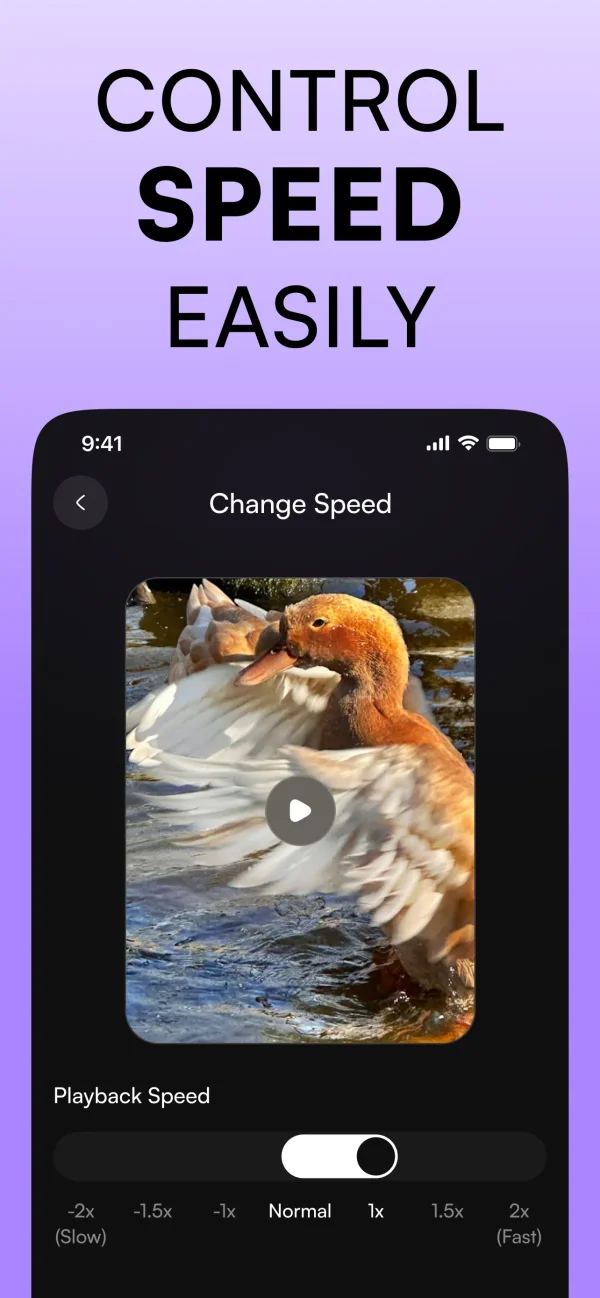
Reverse any video from your camera roll. Adjust playback speed — slow it down for dramatic effect or speed it up. Trim to the exact moment you want. Flip horizontally if needed. Keep the original audio, reverse it for that eerie effect, or mute it entirely.
How to reverse a video on iPhone
With Rewind8, it takes three steps: open the app, select a video, tap reverse. No account creation. No mandatory tutorials. The app is designed to get out of your way and let you create.
Besides Video Reverser, you also do the following on the app:
・Trim videos ・Adjust Playback speed (slow / fast) ・Flip videos ・Rotate Videos ・Video Compression ・Change Resolution (Upscale / Downscale) ・Reverse audio too!
What are you waiting for? Install Rewind8 now!!!
Privacy Policy: https://ss-media.co/privacy-policy/
Terms & Conditions: https://ss-media.co/terms-and-conditions/
Support: https://ss-media.co/contact/
Neue Funktionen
Version 1.1 · 13.02.2026
Welcome to v1.1, we’ve made the following changes:
- Faster reversing.
- Bug Fixes
- Reverse Audio
For any issues, please contact on support email.
App-Datenschutz
Was SS Media im App Store zum Umgang dieser App mit Daten angibt.
-
Keine Daten erfasst
Der Entwickler erfasst keine Daten von dieser App.
Die Datenschutzpraktiken können variieren, zum Beispiel je nach den von Ihnen verwendeten Funktionen oder Ihrem Alter.
Informationen
- Anbieter
- SS Media
- Kategorie
- Unterhaltung
- Version
- 1.1
- Aktualisiert
- 13.02.2026
- Veröffentlicht
- 05.02.2026
- Größe
- 97,0 MB
- Erfordert
- iOS 17.0 oder neuer
- Altersfreigabe
- 4+
- Preis
- Kostenlos
- In-App-Käufe
- Ja
- Sprachen
- Englisch
- Copyright
- © Rewind8
Das könnte Ihnen auch gefallen
-
 Reverso - Reverse Your AudioUnterhaltung
-
 Reverse play: Reverse singingUnterhaltung
-
 Mods for Melon HubUnterhaltung
-
 DeLoraen Time CircuitUnterhaltung
-
 Reverse Audio - Voice ChangerUnterhaltung
-
 Haiku: Poems & Short StoriesUnterhaltung
-
 Face Swaps Pro: AI Face ChangeUnterhaltung
-
 Walking Museum 2024Unterhaltung
-
 Rewind: VHS & Disc CollectionUnterhaltung
-
 Meme SoundBoard: Sound Fx 2025Unterhaltung