
Reverse Video - Rewind8
#1 Reverser App・Play Backwards
Diseñada para iPhone, iPad
Gratis · Compras en la aplicación
- Clasificación por edad4+
- CategoríaEntretenimiento
- DesarrolladorSS Media
- IdiomasInglés
- Tamaño97,0 MB
Enlaza a la página oficial de App Store
Download.org no aloja ningún archivo de Reverse Video - Rewind8. El botón abre la página de la aplicación en App Store, donde la publica SS Media. Ficha comprobada por última vez el 25/11/2026.
Capturas de pantalla



Acerca de
El desarrollador no ha proporcionado este texto en tu idioma.
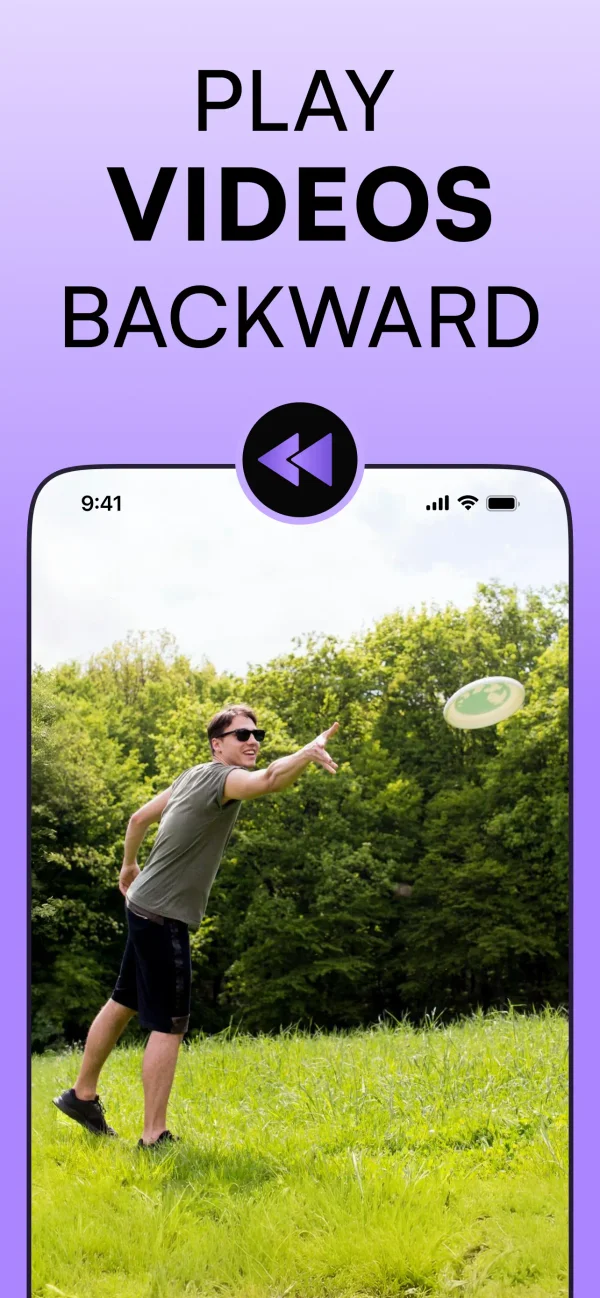
Looking for a simple way to reverse a video on iOS? Rewind8 is designed to do exactly that — no complicated editing tools, no clutter, just a clean app that reverses your videos quickly and reliably. It also has the option to enable/disable audio reversing. Isn’t it amazing?
A focused tool for one job
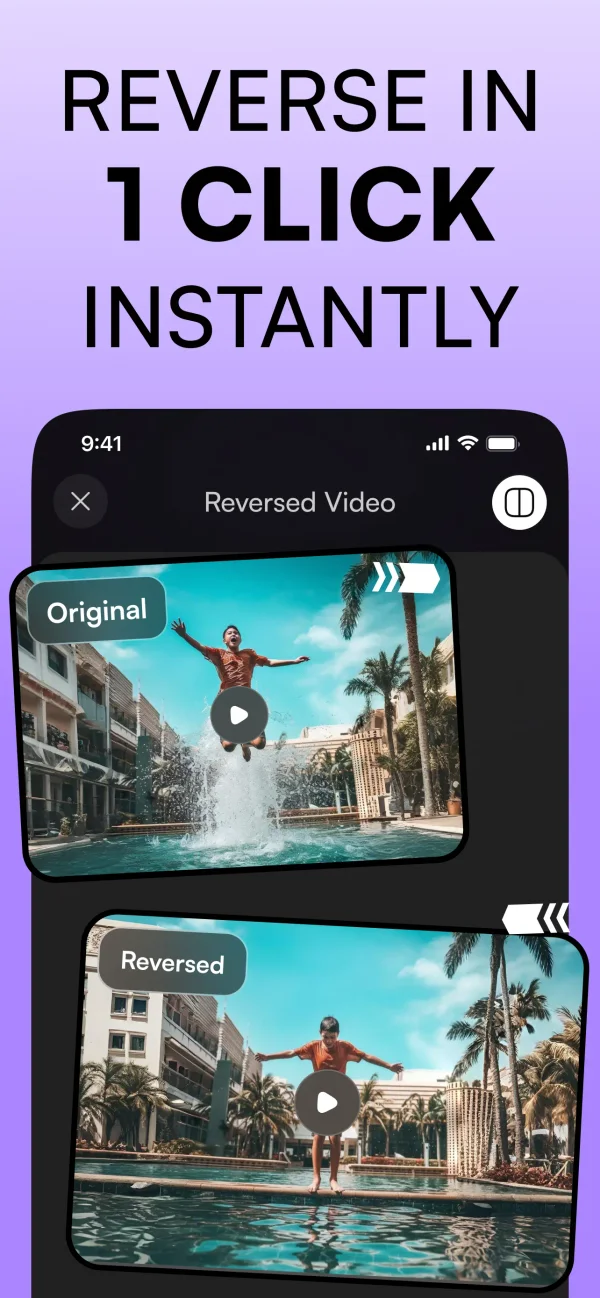
Most video editing apps bury the reverse feature three menus deep. Rewind8 puts it front and center. Open the app, pick your clip, tap reverse. That's the entire workflow. It's built for people who want results, not a learning curve.
Made for social content
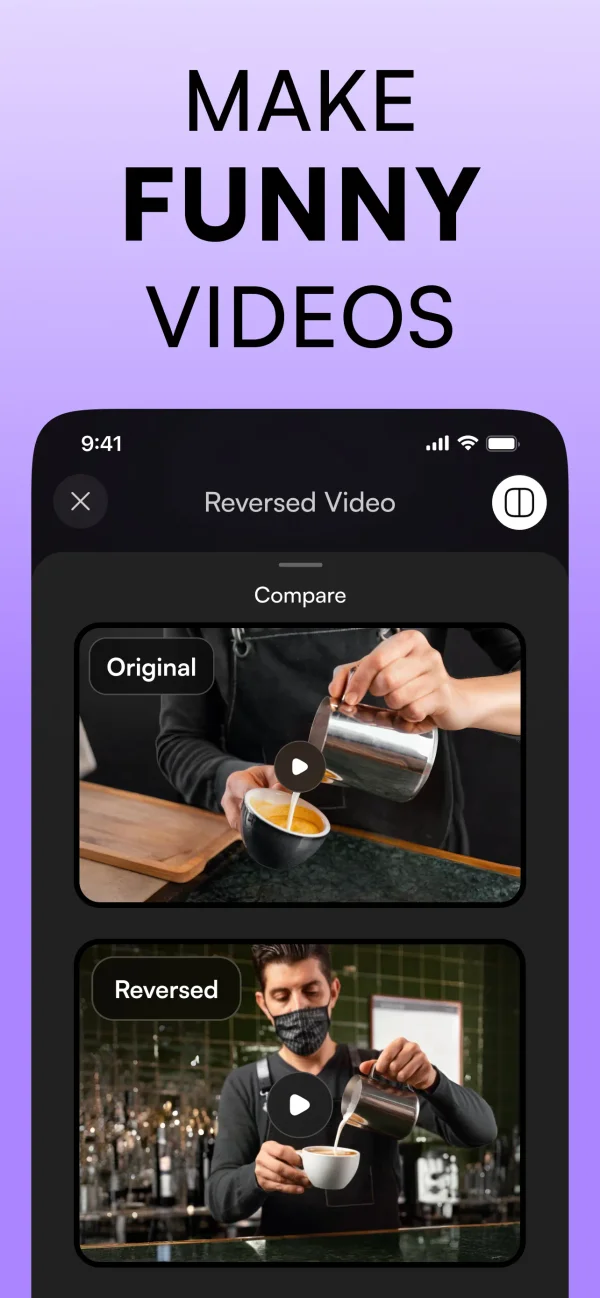
Reverse videos are everywhere on TikTok, Instagram Reels, and YouTube Shorts right now. Coffee pouring backwards. Water flowing uphill. Satisfying rewind moments that make people stop scrolling. Rewind8 makes it easy to create these clips directly on your iPhone and export them ready for posting.
Full control when you need it
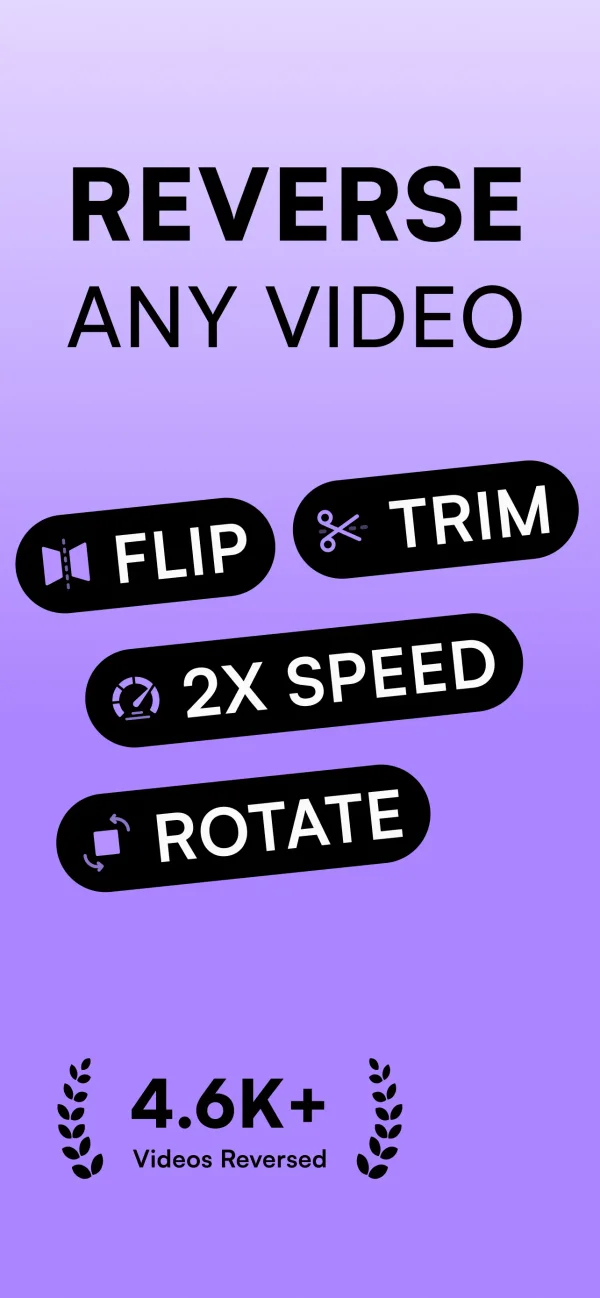
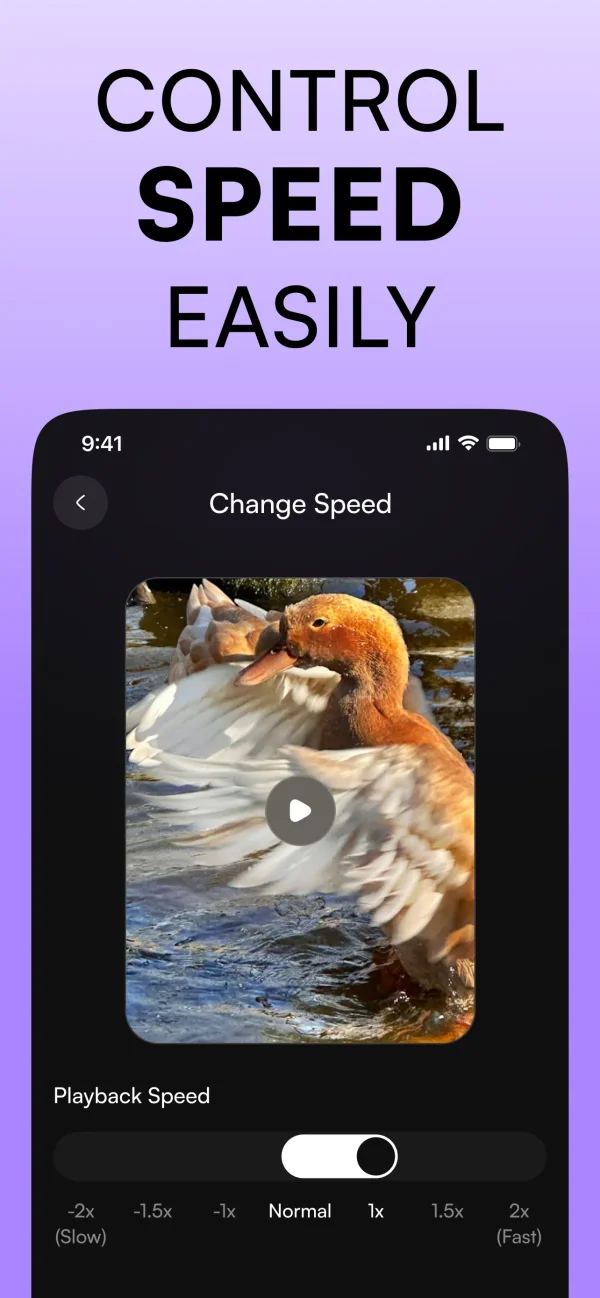
Reverse any video from your camera roll. Adjust playback speed — slow it down for dramatic effect or speed it up. Trim to the exact moment you want. Flip horizontally if needed. Keep the original audio, reverse it for that eerie effect, or mute it entirely.
How to reverse a video on iPhone
With Rewind8, it takes three steps: open the app, select a video, tap reverse. No account creation. No mandatory tutorials. The app is designed to get out of your way and let you create.
Besides Video Reverser, you also do the following on the app:
・Trim videos ・Adjust Playback speed (slow / fast) ・Flip videos ・Rotate Videos ・Video Compression ・Change Resolution (Upscale / Downscale) ・Reverse audio too!
What are you waiting for? Install Rewind8 now!!!
Privacy Policy: https://ss-media.co/privacy-policy/
Terms & Conditions: https://ss-media.co/terms-and-conditions/
Support: https://ss-media.co/contact/
Novedades
Versión 1.1 · 13/2/2026
Welcome to v1.1, we’ve made the following changes:
- Faster reversing.
- Bug Fixes
- Reverse Audio
For any issues, please contact on support email.
Privacidad de la aplicación
Lo que SS Media declara en App Store sobre cómo esta aplicación gestiona los datos.
-
No se recopilan datos
El desarrollador no recopila ningún dato de esta aplicación.
Las prácticas de privacidad pueden variar, por ejemplo, según las funciones que uses o tu edad.
Información
- Vendedor
- SS Media
- Categoría
- Entretenimiento
- Versión
- 1.1
- Actualizado
- 13/2/2026
- Publicado
- 5/2/2026
- Tamaño
- 97,0 MB
- Requiere
- iOS 17.0 o posterior
- Clasificación por edad
- 4+
- Precio
- Gratis
- Compras en la aplicación
- Sí
- Idiomas
- Inglés
- Copyright
- © Rewind8
Quizá también te guste
-
 Reverso - Reverse Your AudioEntretenimiento
-
 Reverse play: Reverse singingEntretenimiento
-
 Mods for Melon HubEntretenimiento
-
 DeLoraen Time CircuitEntretenimiento
-
 Voice Changer - Reverse AudioReverse your voice, fun effect
-
 Haiku: Poems & Short StoriesEntretenimiento
-
 Face Swaps Pro: AI Face ChangeEntretenimiento
-
 Walking Museum 2024Entretenimiento
-
 Rewind: VHS & Disc CollectionEntretenimiento
-
 Meme SoundBoard: Sound Fx 2025Entretenimiento