RightVideoEdit
Professional Audio Processing
Entwickelt für iPhone, iPad
Kostenlos
- Altersfreigabe+4
- KategorieFoto und Video
- EntwicklerRaffaele De Lorenzo
- SprachenEnglisch
- Größe1,9 MB
Verlinkt auf die offizielle App Store-Seite
Download.org hostet keine Datei von RightVideoEdit. Die Schaltfläche öffnet die App-Seite bei App Store, wo Raffaele De Lorenzo die App veröffentlicht. Eintrag zuletzt geprüft am 13.11.2026.
Screenshots
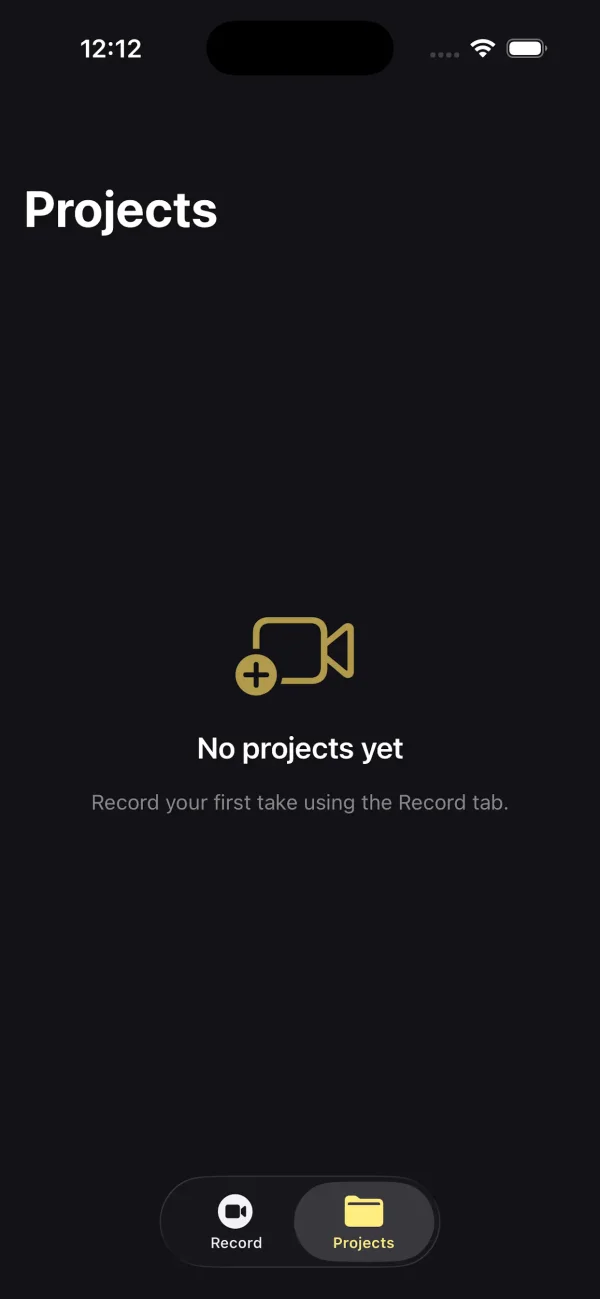
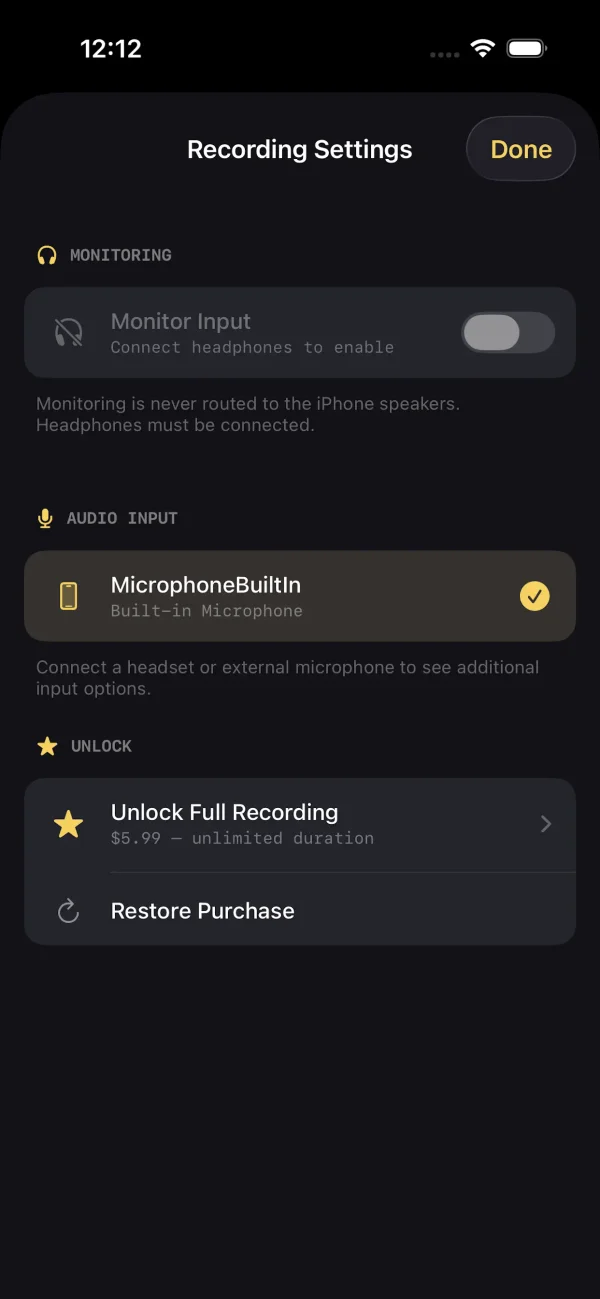
Info
Der Entwickler hat diesen Text nicht in Ihrer Sprache bereitgestellt.
RightVideoEdit is the recording studio in your pocket, built specifically for solo acoustic musicians who want to capture great performances without the complexity.
Record video and audio simultaneously with studio-quality DSP processing applied in real time. Whether you're sharing a quick take or preparing a polished performance video, RightVideoEdit gives you the tools to sound your best, right from your iPhone or iPad.
Even if you’re not a solo acoustic musician, you can still have fun recording video clips and applying funny audio effects. Then share them on your favourite social media with incredibly high quality!
PROFESSIONAL AUDIO PROCESSING
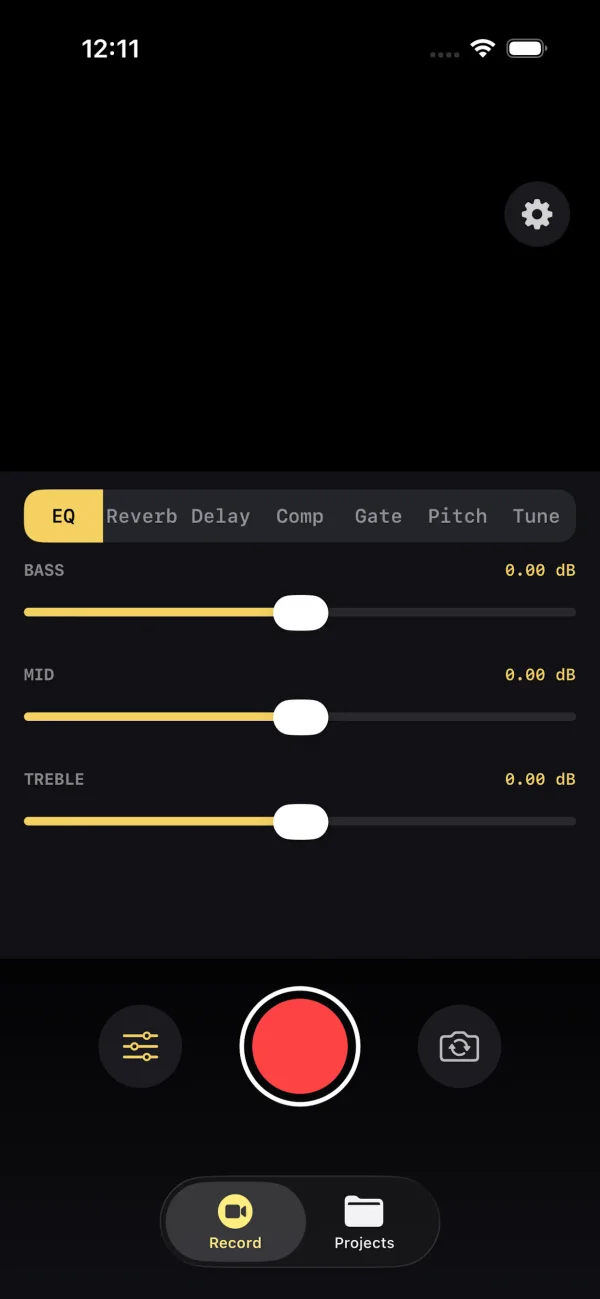
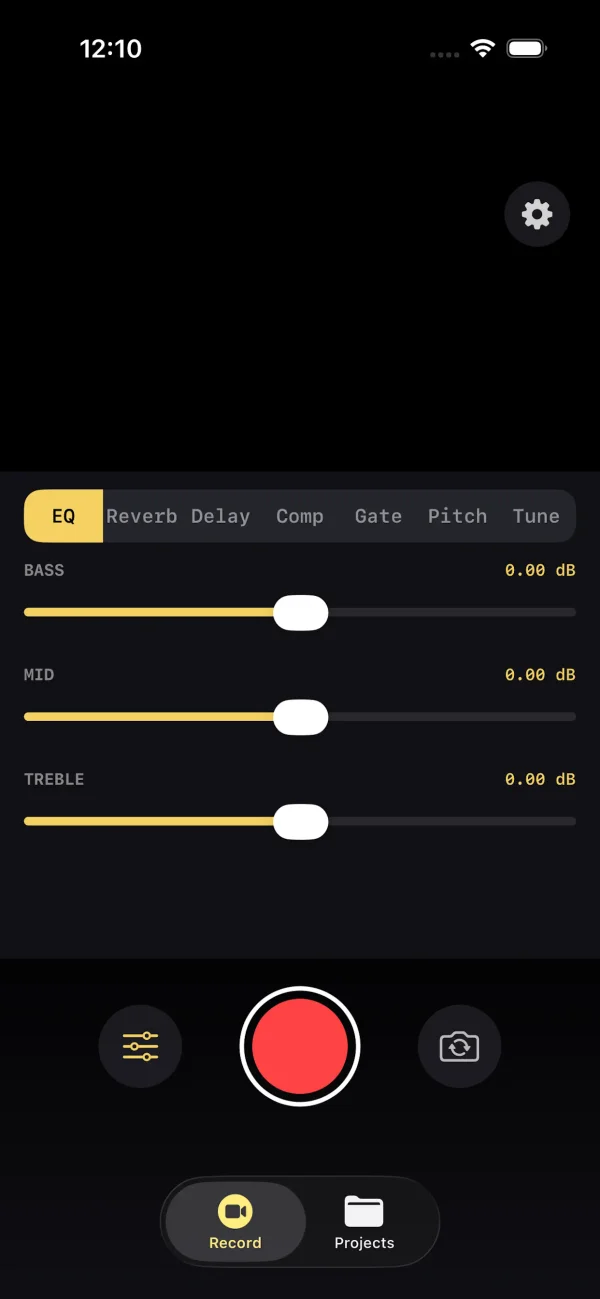
- 3-band EQ (bass, mid, treble) + presence (250Hz) to shape your tone
- Reverb with multiple room presets
- Delay with adjustable time and feedback
- Compression to control dynamics and even out your performance
- Noise Gate to silence unwanted background noise between phrases
- Pitch Shift to transpose your voice or instrument by up to two octaves
- Stereo widening even from a mono mic, you can synthesise a subtle stereo image. Acoustic instruments benefit enormously from this.
MULTI TRACK AUDIO RECORDINGS
- Easily record, layer, and manage multiple audio tracks simultaneously for complex projects, voiceovers, and soundtracks.
- Separate DSP Effects per Track: Apply unique Digital Signal Processing (DSP) effects independently to each track. Dial in the perfect EQ, compression, reverb, or echo without affecting your other audio layers.
- Pro-Level Sound Quality: Achieve crystal-clear, studio-quality mixes entirely within the app which now supporting Stereo Polar Pattern to engage multiple microphones in your Apple Device (iPhone >= 16)
AUTOTUNE
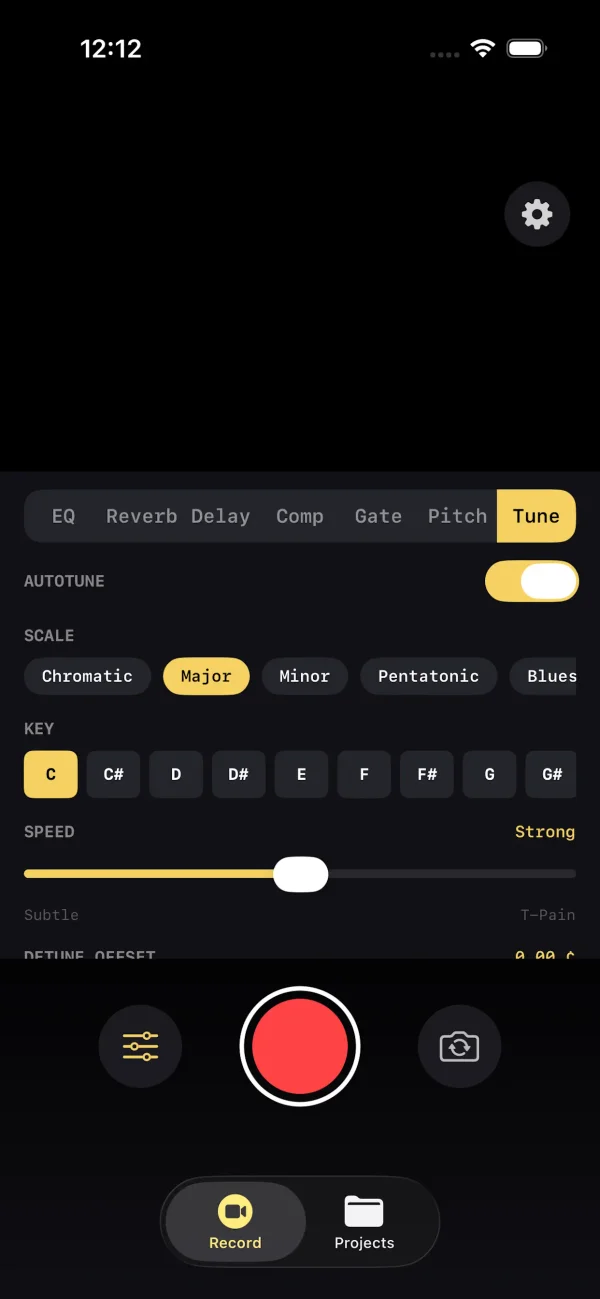
Real-time pitch correction with scale-aware quantization. Choose your key and scale (major, minor, pentatonic, blues, and more), dial in subtle correction or go full T-Pain. it's up to you. Autotune is applied during monitoring, playback, and export.
SEAMLESS WORKFLOW
Record directly to video with audio processed at export
Hear yourself through headphones with the full DSP chain live while recording
Scrub through your take with a precise video seek bar
Trim, review, and export your finished video with all effects baked in
READ WHILE YOU RECORD
Open any lyrics/script or chords webpage over your camera preview, set the scroll speed, and play along. Resize the panel to fit your setup, change the text size, and fade it so you can still see yourself. Works in portrait and landscape, and nothing from the overlay ends up in your recording.
UNLOCK FULL RECORDING
Free users can record up to 1 minute per take, perfect for trying the app. Upgrade once to unlock unlimited recording length forever.
Neue Funktionen
Version 2.1 · 07.11.2026
Lyrics and/or Chords Overlay. Open any lyrics (AKA your script for your video) or chord web page on top of your camera preview and play along while you record. Auto-scroll at your own speed, resize the panel, adjust text size and transparency. The overlay is for your eyes only and never appears in your video.
App-Datenschutz
Was Raffaele De Lorenzo im App Store zum Umgang dieser App mit Daten angibt.
-
Keine Daten erfasst
Der Entwickler erfasst keine Daten von dieser App.
Die Datenschutzpraktiken können variieren, zum Beispiel je nach den von Ihnen verwendeten Funktionen oder Ihrem Alter.
Informationen
- Anbieter
- Raffaele De Lorenzo
- Kategorie
- Foto und Video
- Version
- 2.1
- Aktualisiert
- 07.11.2026
- Veröffentlicht
- 16.03.2026
- Größe
- 1,9 MB
- Erfordert
- iOS 18.6 oder neuer
- Altersfreigabe
- +4
- Preis
- Kostenlos
- Sprachen
- Englisch
- Copyright
- © Raffaele De Lorenzo
Das könnte Ihnen auch gefallen
-
 ReverbVid: Pro Audio for VideoFoto und Video
-
 Video Tonbearbeitung: StudioLautstärke, Hall & Equalizer
-
 SimplphotoFoto und Video
-
 GaussCam – 3D-Kamera & Fotos2D-Foto zu 3D-Gaussian-Splat
-
 Griddr. - Raster-KameraFotos mit Rastervorlagen
-
 VHS Camera: Retro CamcorderLive-Analog-Kameraeffekte
-
 Video in Audiospuren aufteilenGesang & Instrumente isolieren
-
 Dance AI : Video GeneratorKI-Fotogenerator
-
 Face Swap AI: Head SwapFoto und Video
-
 VideoVerb: Hall & Echo VideoPro Echo, Delay & Audioeffekte