- 対象年齢+4
- カテゴリ写真/ビデオ
- 開発元Raffaele De Lorenzo
- 言語英語
- サイズ1.9 MB
App Storeの公式ページにリンクしています
Download.orgはRightVideoEditのファイルを一切ホストしていません。ボタンを押すと、Raffaele De Lorenzoが公開しているApp Storeのアプリページが開きます。ページの最終確認:2026/11/13。
スクリーンショット
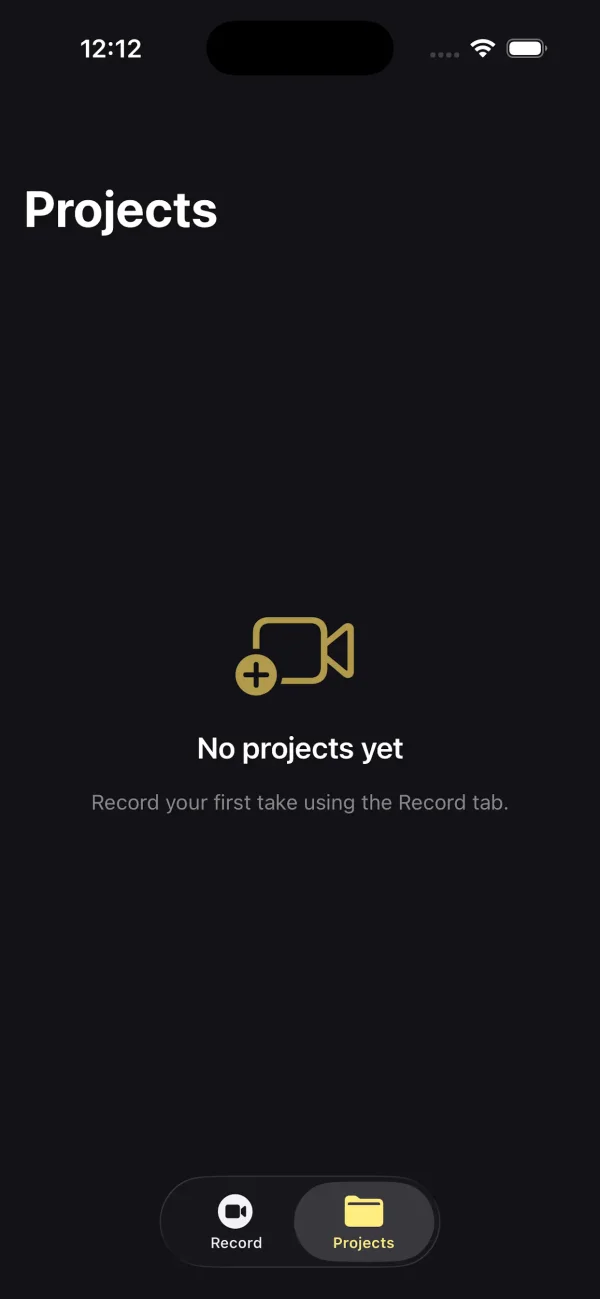
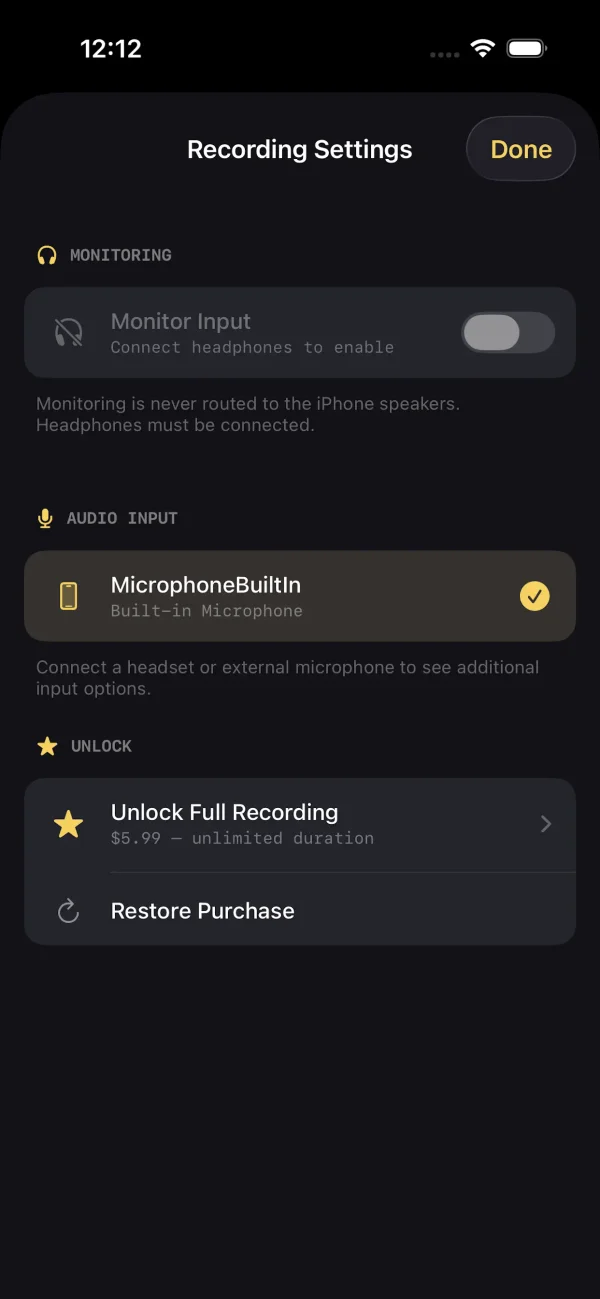
概要
開発元はこのテキストをお使いの言語で提供していません。
RightVideoEdit is the recording studio in your pocket, built specifically for solo acoustic musicians who want to capture great performances without the complexity.
Record video and audio simultaneously with studio-quality DSP processing applied in real time. Whether you're sharing a quick take or preparing a polished performance video, RightVideoEdit gives you the tools to sound your best, right from your iPhone or iPad.
Even if you’re not a solo acoustic musician, you can still have fun recording video clips and applying funny audio effects. Then share them on your favourite social media with incredibly high quality!
PROFESSIONAL AUDIO PROCESSING
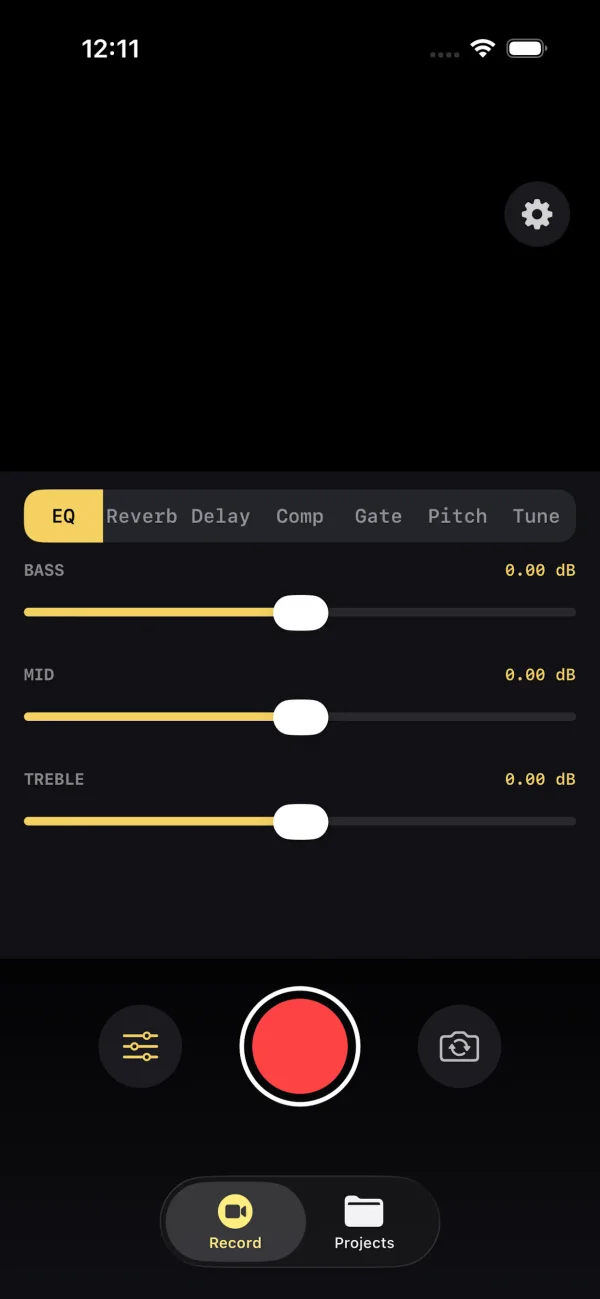
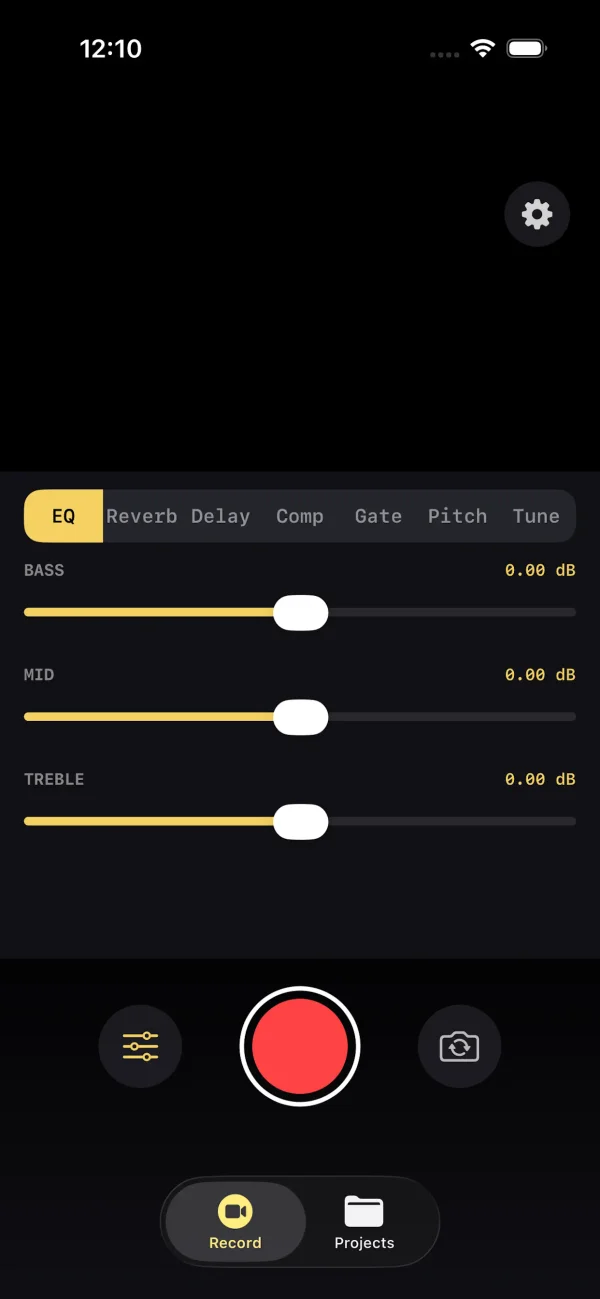
- 3-band EQ (bass, mid, treble) + presence (250Hz) to shape your tone
- Reverb with multiple room presets
- Delay with adjustable time and feedback
- Compression to control dynamics and even out your performance
- Noise Gate to silence unwanted background noise between phrases
- Pitch Shift to transpose your voice or instrument by up to two octaves
- Stereo widening even from a mono mic, you can synthesise a subtle stereo image. Acoustic instruments benefit enormously from this.
MULTI TRACK AUDIO RECORDINGS
- Easily record, layer, and manage multiple audio tracks simultaneously for complex projects, voiceovers, and soundtracks.
- Separate DSP Effects per Track: Apply unique Digital Signal Processing (DSP) effects independently to each track. Dial in the perfect EQ, compression, reverb, or echo without affecting your other audio layers.
- Pro-Level Sound Quality: Achieve crystal-clear, studio-quality mixes entirely within the app which now supporting Stereo Polar Pattern to engage multiple microphones in your Apple Device (iPhone >= 16)
AUTOTUNE
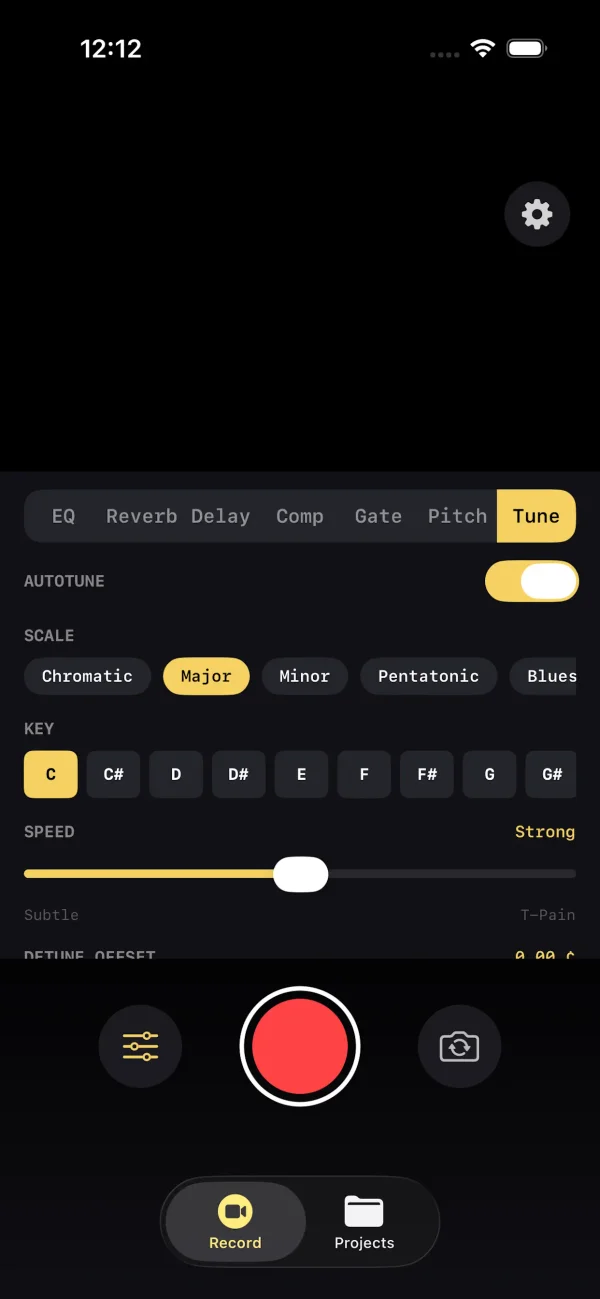
Real-time pitch correction with scale-aware quantization. Choose your key and scale (major, minor, pentatonic, blues, and more), dial in subtle correction or go full T-Pain. it's up to you. Autotune is applied during monitoring, playback, and export.
SEAMLESS WORKFLOW
Record directly to video with audio processed at export
Hear yourself through headphones with the full DSP chain live while recording
Scrub through your take with a precise video seek bar
Trim, review, and export your finished video with all effects baked in
READ WHILE YOU RECORD
Open any lyrics/script or chords webpage over your camera preview, set the scroll speed, and play along. Resize the panel to fit your setup, change the text size, and fade it so you can still see yourself. Works in portrait and landscape, and nothing from the overlay ends up in your recording.
UNLOCK FULL RECORDING
Free users can record up to 1 minute per take, perfect for trying the app. Upgrade once to unlock unlimited recording length forever.
新機能
バージョン 2.1 · 2026/11/7
Lyrics and/or Chords Overlay. Open any lyrics (AKA your script for your video) or chord web page on top of your camera preview and play along while you record. Auto-scroll at your own speed, resize the panel, adjust text size and transparency. The overlay is for your eyes only and never appears in your video.
アプリのプライバシー
このアプリのデータの取り扱いについて、Raffaele De LorenzoがApp Storeで申告している内容です。
-
データの収集なし
開発元はこのアプリからデータを収集しません。
プライバシーの取り扱いは、ご利用の機能やお客様の年齢などに応じて異なる場合があります。
情報
- 販売元
- Raffaele De Lorenzo
- カテゴリ
- 写真/ビデオ
- バージョン
- 2.1
- 更新日
- 2026/11/7
- リリース
- 2026/3/16
- サイズ
- 1.9 MB
- 必要条件
- iOS 18.6以降
- 対象年齢
- +4
- 価格
- 無料
- 言語
- 英語
- 著作権
- © Raffaele De Lorenzo
こちらもおすすめ
-
 ReverbVid: Pro Audio for Video写真/ビデオ
-
 Video Sound Editor動画の音量 リバーブ EQ
-
 Simplphoto写真/ビデオ
-
 LuxBox - 3Dカメラ&フォト3D空間写真を簡単作成 · AI
-
 Griddr. - グリッドカメラアプリグリッドテンプレートで撮影
-
 VHS Camera: Retro Camcorderライブアナログカメラエフェクト
-
 動画音声分離:ボーカル抽出・楽器別トラック編集・録音アプリギター・ベース・ドラム・ピアノを個別調整して伴奏やリミックス
-
 Dance AI : Video Generator App写真/ビデオ
-
 Face Swap AI: Head Swap写真/ビデオ
-
 VideoVerb: 動画リバーブ編集 動画音声編集エコー・ディレイ・EQ・音質改善, ボーカル, 高音質化