- Altersfreigabe4+
- KategorieDienstprogramme
- EntwicklerRISO KAGAKU CORPORATION
- SprachenJapanisch+ 1 weitere
- Größe93,0 MB
Verlinkt auf die offizielle App Store-Seite
Download.org hostet keine Datei von RISO PRINT-D. Die Schaltfläche öffnet die App-Seite bei App Store, wo RISO KAGAKU CORPORATION die App veröffentlicht. Eintrag zuletzt geprüft am 12.11.2026.
Screenshots


Info
Der Entwickler hat diesen Text nicht in Ihrer Sprache bereitgestellt.
[Major changes from v4.1]
・Added "Program" function on the print setting screen.
[Features]
RISO PRINT-D allows you to print in the following ways.
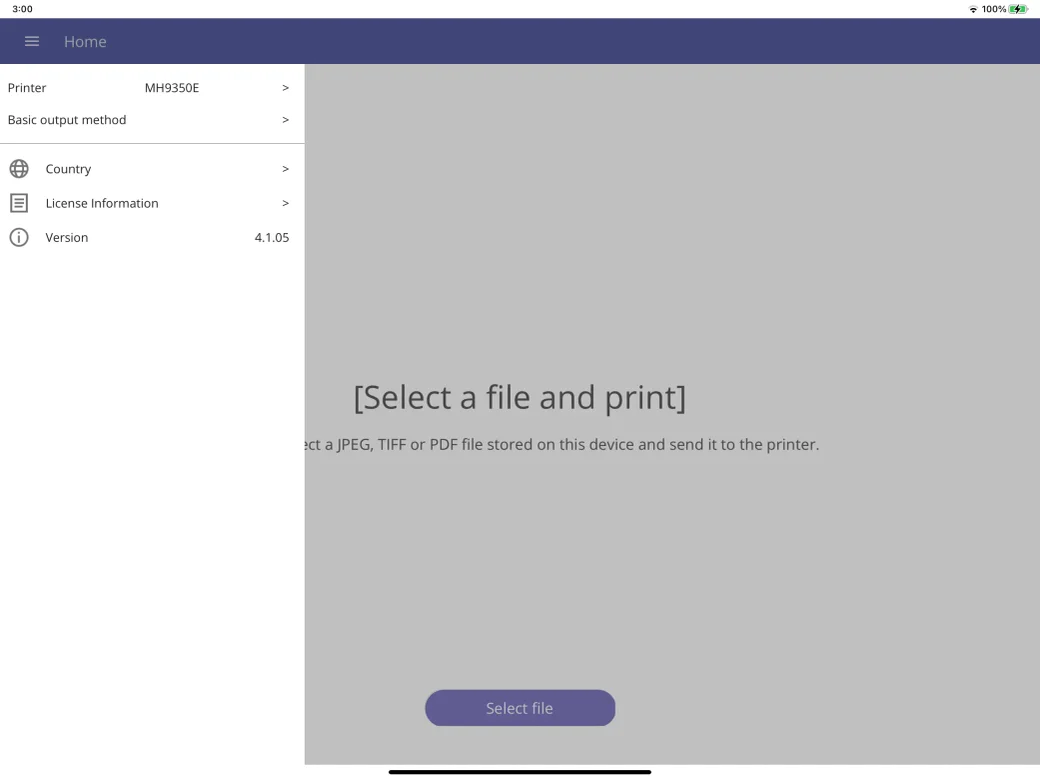
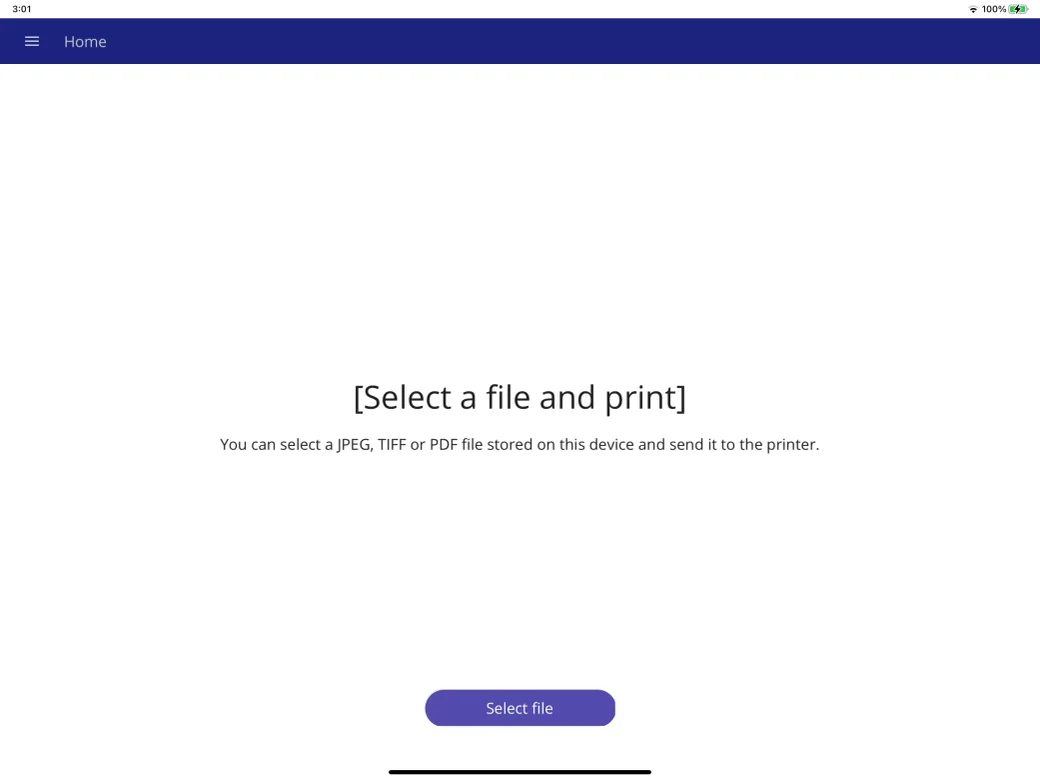
・Select a file and print
Tap "Select File" on the RISO PRINT-D home screen to select a file (image or document) on the tablet to print.
・Print from other apps by sharing files
Open a file (image or document) in any app (e.g. web browser or image viewing app). Select RISO PRINT-D in the app's share function to print the file.
[Print settings]
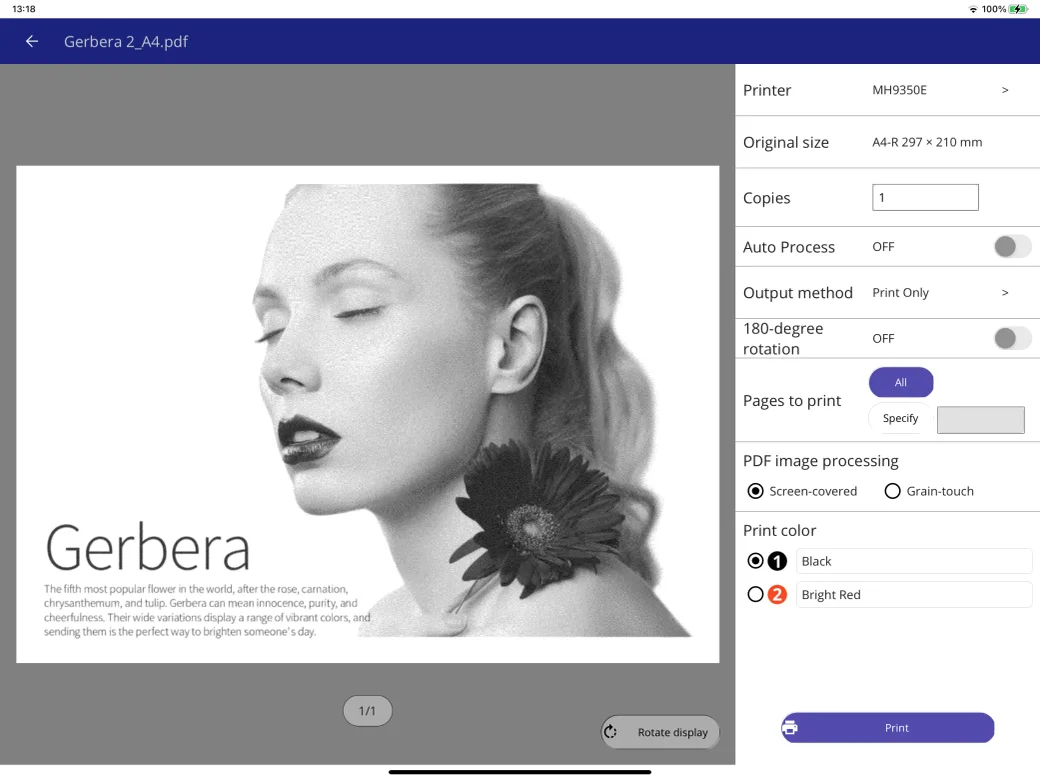
The following settings are available.
・Copies
・Program
・Auto process
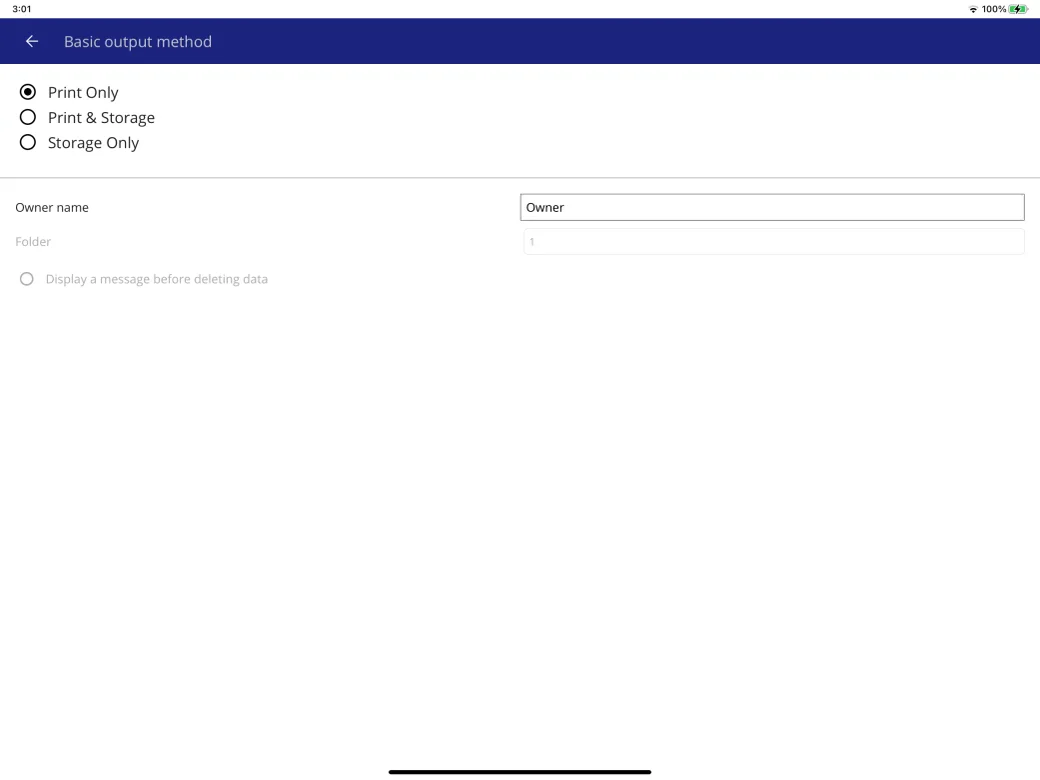
・Output method (Print Only, Print & Storage, Storage Only)
・Rotation
・Pages to print (for multi-page documents)
・Print color (for two drum machine only. Two color printing is not possible but single color printing is available with either drum 1 or 2.)
・PDF image processing (for PDF documents)
[Printable file format]
JPEG、TIFF*1、PDF
*1: Multi-page TIFF is not supported.
[Required items to use RISO PRINT-D]
・iPad
OS: iPadOS 15, 16, 17 ,18
Screen size: 8.4 inches or larger is recommended
Screen resolution: 1600x2560 or higher is recommended.
(If the screen size and resolution are not enough, it may not be displayed properly.)
Free internal storage space: 200MB or more is recommended.
(If there is not enough free space in the internal storage, it may not work properly.)
・Supported duplicator
RISO SF series
RISO SF EⅡ series
RISO MH series
[Supported languages]
English, French, Simplified Chinese, Traditional Chinese (Taiwan), Traditional Chinese (Hong Kong)*1, Japanese
When the OS language is other than the above languages, it will be displayed in English.
*1: Depending on the OS languages of your device, it is not possible to select.
[Before Use]
・It is necessary to set an IP address on your digital duplicator so that it can communicate wirelessly.
・Prepare a wireless LAN (Wi-Fi) connection environment in advance. For details on wireless LAN (Wi-Fi) connection and settings, refer to the user's manual of your wireless LAN.
Neue Funktionen
Version 5.2.01 · 02.12.2025
Added "Program" function on the print setting screen.
App-Datenschutz
Was RISO KAGAKU CORPORATION im App Store zum Umgang dieser App mit Daten angibt.
-
Keine Daten erfasst
Der Entwickler erfasst keine Daten von dieser App.
Die Datenschutzpraktiken können variieren, zum Beispiel je nach den von Ihnen verwendeten Funktionen oder Ihrem Alter.
Informationen
- Anbieter
- RISO KAGAKU CORPORATION
- Kategorie
- Dienstprogramme
- Version
- 5.2.01
- Aktualisiert
- 02.12.2025
- Veröffentlicht
- 30.10.2023
- Größe
- 93,0 MB
- Erfordert
- iOS 14.2 oder neuer
- Altersfreigabe
- 4+
- Preis
- Kostenlos
- Sprachen
- Japanisch, Englisch
- Copyright
- © 2025 RISO KAGAKU CORPORATION
Das könnte Ihnen auch gefallen
-
 ALCore-Pose DetectionDienstprogramme
-
 ALCore-Human DetectionDienstprogramme
-
 Sentiment-AnalysisDienstprogramme
-
 Plasta - ゲーム風な能力表示アプリ -Dienstprogramme
-
 Blitz-NummerenziehungEinfaches und leichtes Los-App
-
 Prime Print LiteDienstprogramme
-
 PDF to ePUB - ConvertereBook Reader
-
 BIXOLON Network UtilityDienstprogramme
-
 SpectroliteDienstprogramme
-
 hourglass alarm timerDienstprogramme