- Age rating4+
- CategoryUtilities
- DeveloperRISO KAGAKU CORPORATION
- LanguagesJapanese+ 1 more
- Size93.0 MB
Links to the official App Store page
Download.org hosts no file of RISO PRINT-D. The button opens its official App Store page, published by RISO KAGAKU CORPORATION. Listing last checked on Nov 12, 2026.
Screenshots


About
[Major changes from v4.1]
・Added "Program" function on the print setting screen.
[Features]
RISO PRINT-D allows you to print in the following ways.
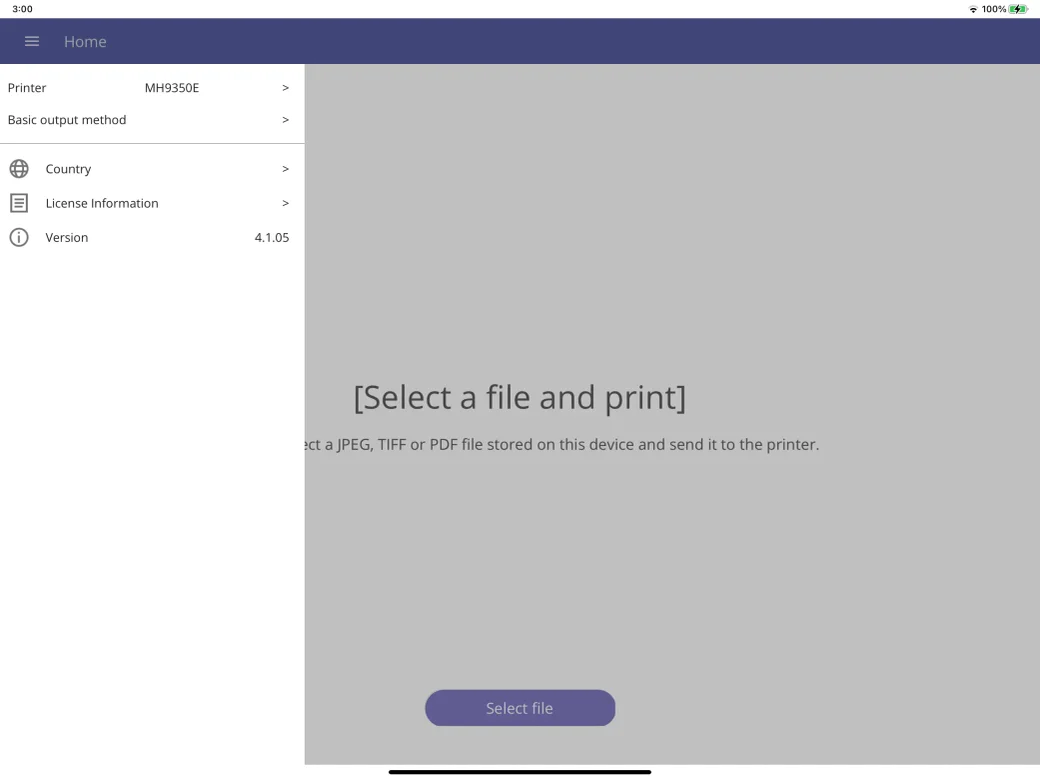
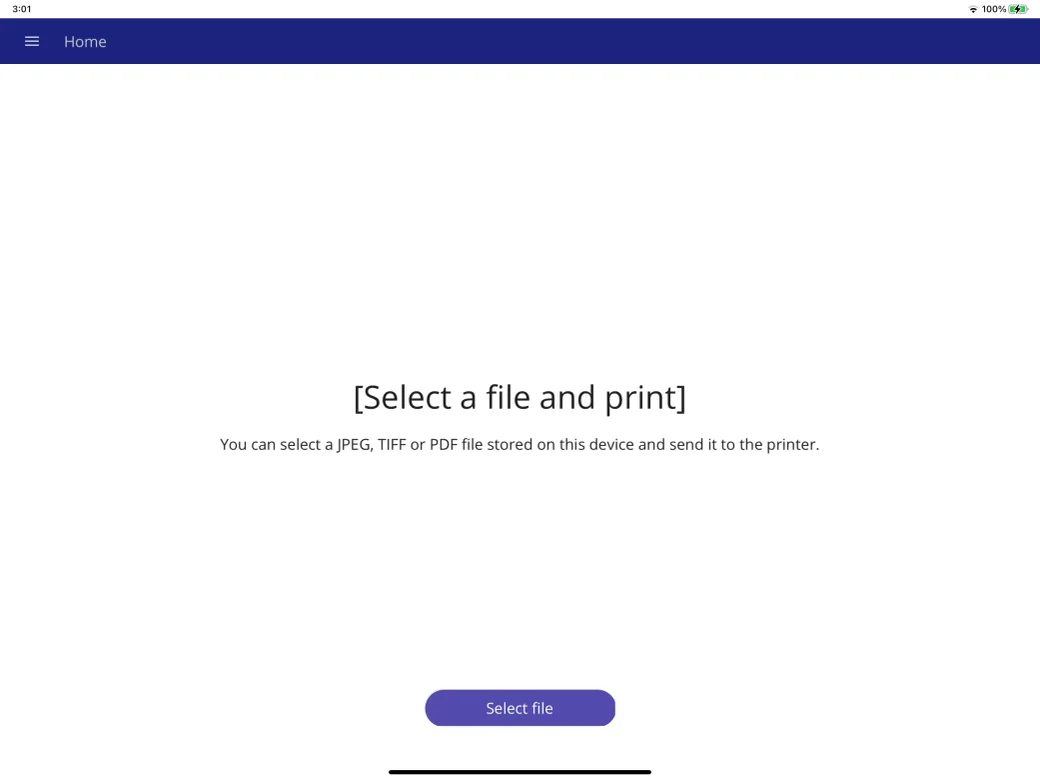
・Select a file and print
Tap "Select File" on the RISO PRINT-D home screen to select a file (image or document) on the tablet to print.
・Print from other apps by sharing files
Open a file (image or document) in any app (e.g. web browser or image viewing app). Select RISO PRINT-D in the app's share function to print the file.
[Print settings]
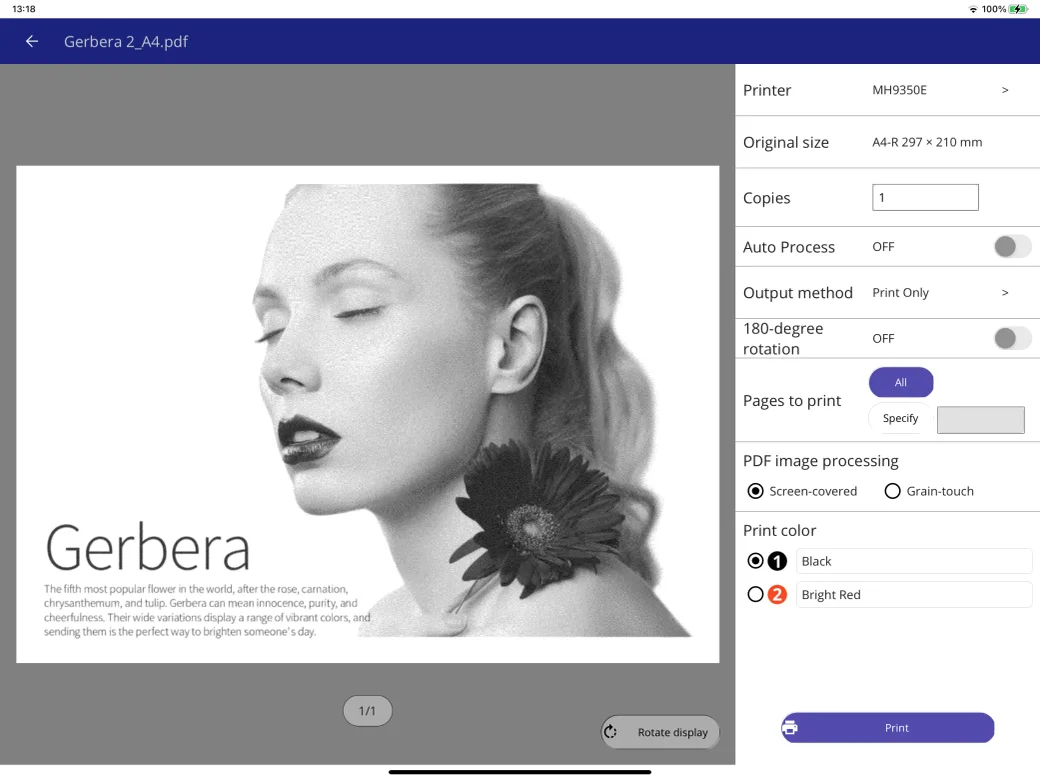
The following settings are available.
・Copies
・Program
・Auto process
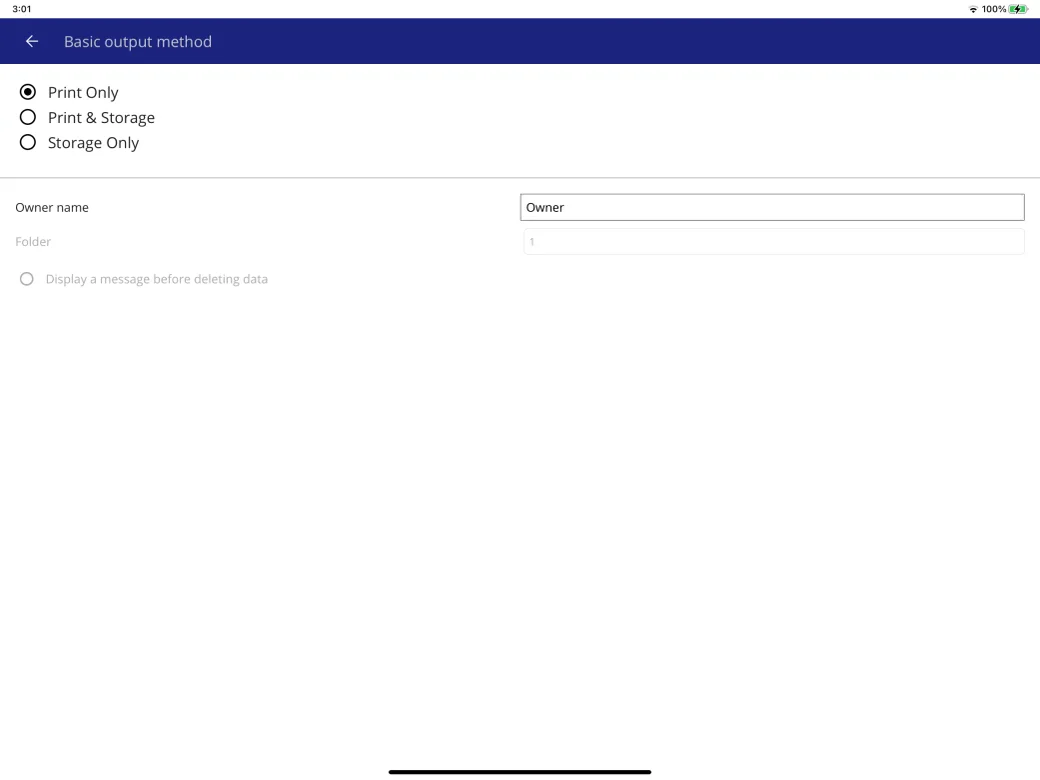
・Output method (Print Only, Print & Storage, Storage Only)
・Rotation
・Pages to print (for multi-page documents)
・Print color (for two drum machine only. Two color printing is not possible but single color printing is available with either drum 1 or 2.)
・PDF image processing (for PDF documents)
[Printable file format]
JPEG、TIFF*1、PDF
*1: Multi-page TIFF is not supported.
[Required items to use RISO PRINT-D]
・iPad
OS: iPadOS 15, 16, 17 ,18
Screen size: 8.4 inches or larger is recommended
Screen resolution: 1600x2560 or higher is recommended.
(If the screen size and resolution are not enough, it may not be displayed properly.)
Free internal storage space: 200MB or more is recommended.
(If there is not enough free space in the internal storage, it may not work properly.)
・Supported duplicator
RISO SF series
RISO SF EⅡ series
RISO MH series
[Supported languages]
English, French, Simplified Chinese, Traditional Chinese (Taiwan), Traditional Chinese (Hong Kong)*1, Japanese
When the OS language is other than the above languages, it will be displayed in English.
*1: Depending on the OS languages of your device, it is not possible to select.
[Before Use]
・It is necessary to set an IP address on your digital duplicator so that it can communicate wirelessly.
・Prepare a wireless LAN (Wi-Fi) connection environment in advance. For details on wireless LAN (Wi-Fi) connection and settings, refer to the user's manual of your wireless LAN.
What’s new
Version 5.2.01 · Dec 2, 2025
Added "Program" function on the print setting screen.
App privacy
What RISO KAGAKU CORPORATION declares on the App Store about how this app handles data.
-
Data not collected
The developer does not collect any data from this app.
Privacy practices may vary, for example with the features you use or your age.
Information
- Seller
- RISO KAGAKU CORPORATION
- Category
- Utilities
- Version
- 5.2.01
- Updated
- Dec 2, 2025
- Released
- Oct 30, 2023
- Size
- 93.0 MB
- Requires
- iOS 14.2 or later
- Age rating
- 4+
- Languages
- Japanese, English
- Copyright
- © 2025 RISO KAGAKU CORPORATION
You might also like
-
 ALCore-Pose DetectionUtilities
-
 ALCore-Human DetectionUtilities
-
 Sentiment-AnalysisUtilities
-
 Plasta - ゲーム風な能力表示アプリ -Utilities
-
 Ultra-Fast Number DrawSimple & Easy Lottery App
-
 Prime Print LiteUtilities
-
 PDF to ePUB - ConvertereBook Reader
-
 BIXOLON Network UtilityUtilities
-
 SpectroliteSmooth real-time spectrograms
-
 hourglass alarm timerIt's a normal hourglass.