
- Altersfreigabe4+
- KategorieNavigation
- EntwicklerKazuhiko Oda
- SprachenEnglisch+ 2 weitere
- Größe28,7 MB
RouteHistory ist bei App Store derzeit möglicherweise nicht verfügbar
Bei unserer letzten Prüfung war der Store-Eintrag nicht erreichbar. Der Link führt weiterhin zur offiziellen App Store-Seite.
Screenshots


Info
Der Entwickler hat diesen Text nicht in Ihrer Sprache bereitgestellt.
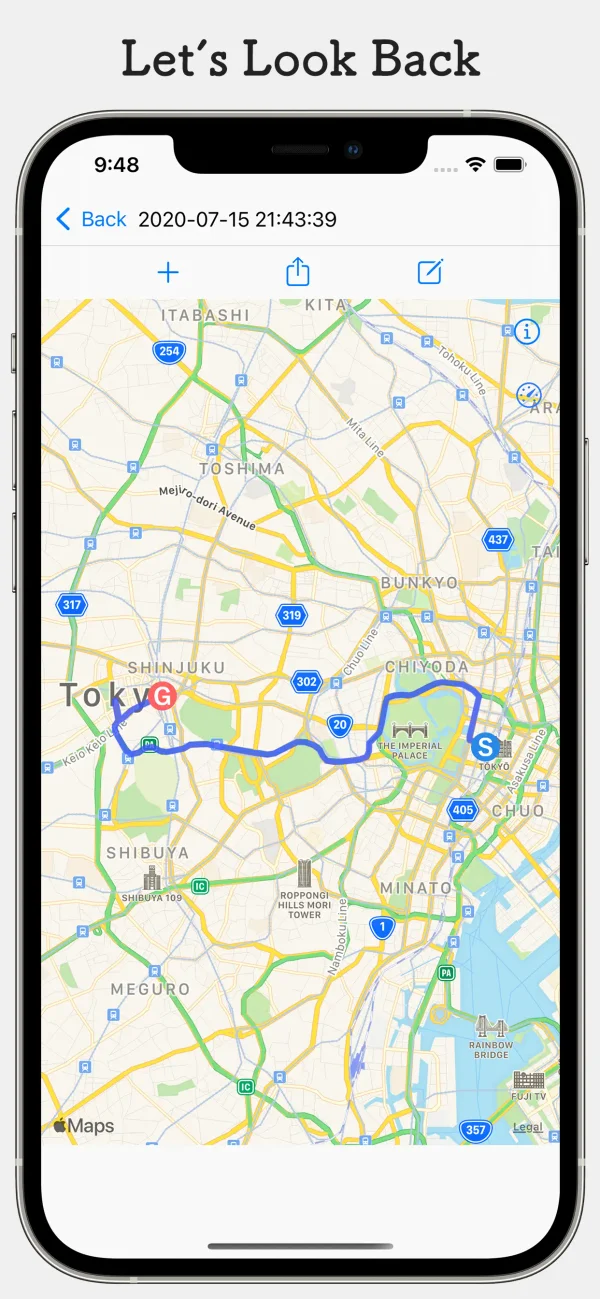
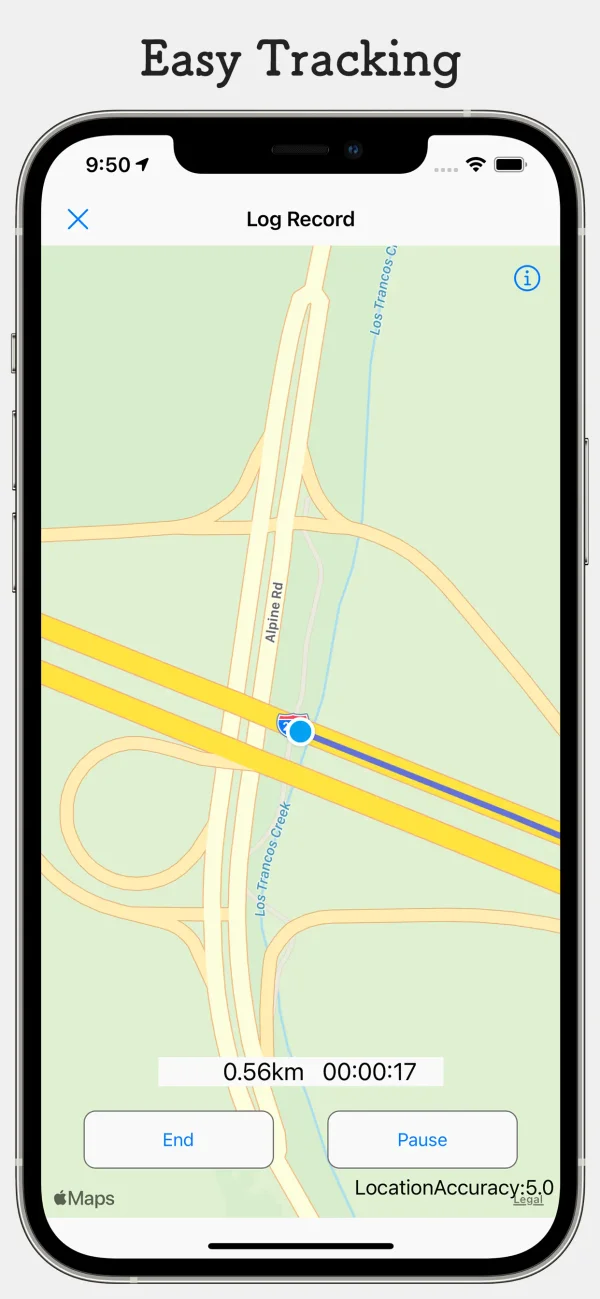
"RouteHistory" is a GPS Tracker Application.
It specializes in showing you the route you have traveled and can show you all your past GPS logs at once.
It can be used in a variety of situations such as driving, traveling, and running.
Output to GPX files is supported by default.
Once you've started logging, you can use another app or even lock the screen to log.
Function
- Record GPS logs
- Set waypoints to log
- Suspend Records
- Additions to the existing log
- View Log
- Tag function
- Output to a GPX file
- Importing GPX files
- View all logs at once
- Batch display of logs for specified conditions
- Deleting the log
- Syncing data with iCloud
- Recording while displaying the past log
- Corresponds to units of km and mi
- Backup Function
- Log join function (requires viewing of reward ads)
- Delete log location (requires viewing of reward ads)
The iCloud sync feature is available by enabling the settings.
The iCloud sync feature is also available on iOS 13 and above.
The GPX file that can be imported is basically a GPX file output from this application, but it is also possible to import a GPX file created by another application, etc., if it is a GPX file with the same configuration as this application.
Premium Add-on
1. Select and display multiple logs
- You can select and display multiple logs.
- You can change the color displayed for each selected log.
2. Playback of recorded routes
- Detailed information such as time of day, distance, and elapsed time of a location recorded at a certain point can be displayed.
3. Display a portion fo the log in a specified range.
- Output a specified range to a GPX file.
4. Displaying route color settings for each group
- All log display screens can be set to display the route color for each group.
5. Hide Ads
You can purchase Premium Add-on from the settings screen.
Unlimited use with a single purchase.
*Please note that prices are subject to change without notice.
RouteHistoryPlus function (cloud function)
1.Personal folders in the cloud can be used.
- Logs can be saved in the cloud.
2.Group folders can be created in the cloud.
- Share logs with multiple users.
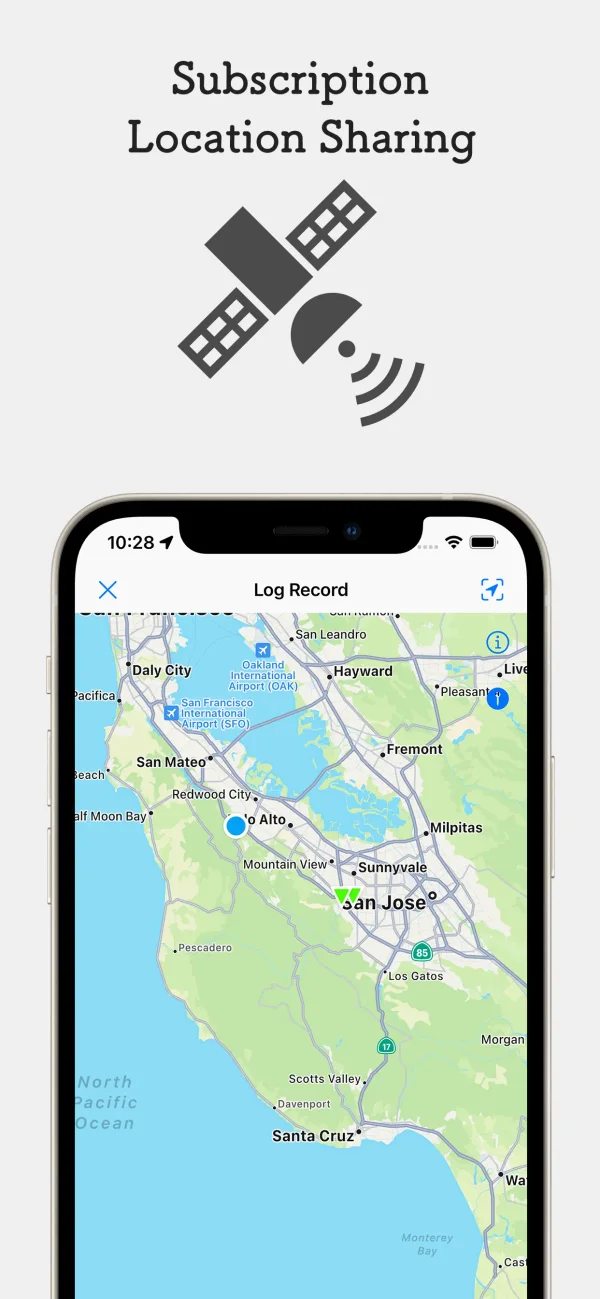
3.Share location information
- Share your location with other users on the logging screen.
* Some functions are available for free.
Frequently Asked Questions
Q. GPX files cannot be loaded in some applications
A. Please try it with the file that you selected [GPX Export] when you output GPX file.
Note
Since it uses the iPhone's built-in GPS for logging, power consumption is high during logging.
Depending on the reception of the GPS signal, it may not be possible to record the position correctly.
(When it is difficult or impossible to receive a GPS signal, such as in a building or tunnel)
Please do not operate the vehicle while walking or driving, as it is very dangerous.
The developer assumes no responsibility for any damage caused by the use of this application.
Terms of Use: https://www.apple.com/legal/internet-services/itunes/dev/stdeula/
Neue Funktionen
Version 6.36 · 12.11.2026
iPhone Duo Support
Library Update
App-Datenschutz
Was Kazuhiko Oda im App Store zum Umgang dieser App mit Daten angibt.
-
Daten, die zum Tracking Ihrer Person verwendet werden
Können verwendet werden, um Sie über Apps und Websites anderer Unternehmen hinweg zu verfolgen.
- Standort
- Kennungen
- Nutzungsdaten
-
Mit Ihnen verknüpfte Daten
Können erfasst und mit Ihrer Identität verknüpft werden.
- Standort
- Kennungen
- Nutzungsdaten
-
Nicht mit Ihnen verknüpfte Daten
Können erfasst werden, sind aber nicht mit Ihrer Identität verknüpft.
- Nutzungsdaten
Die Datenschutzpraktiken können variieren, zum Beispiel je nach den von Ihnen verwendeten Funktionen oder Ihrem Alter.
Informationen
- Anbieter
- Kazuhiko Oda
- Kategorie
- Navigation
- Version
- 6.36
- Aktualisiert
- 12.11.2026
- Veröffentlicht
- 28.07.2019
- Größe
- 28,7 MB
- Erfordert
- iOS 16.6 oder neuer
- Altersfreigabe
- 4+
- In-App-Käufe
- Ja
- Sprachen
- Englisch, Japanisch, Vereinf. Chinesisch
- Copyright
- © 2019-2026 Kazuhiko Oda
Das könnte Ihnen auch gefallen
-
 Track My Journey - Route LogNavigation
-
 WayLog - GPS-TrackerRouten GPS + Apple Watch
-
 myTracks - Der GPS-LoggerNavigation
-
 GPS-Routenrekorder & TrackerRouten aufnehmen & navigieren
-
 LogMyPlace-GPS location loggerNavigation
-
 Open GPX TrackerNo ads, no in-app purchases
-
 RouteNoteNavigation
-
 TrackMyTourTravel Sharing & Books
-
 Geo Tracker - GPS TrackerZeichne auf, analysiere, teile
-
 TraceMyTrackReisen