
RouteHistory
Record and display routes
Designed for iPhone, iPad
Free · In-app purchases
- Age rating4+
- CategoryNavigation
- DeveloperKazuhiko Oda
- LanguagesEnglish+ 2 more
- Size28.7 MB
Links to the official App Store page
Download.org hosts no file of RouteHistory. The button opens its official App Store page, published by Kazuhiko Oda. Listing last checked on Nov 25, 2026.
Screenshots


About
"RouteHistory" is a GPS Tracker Application.
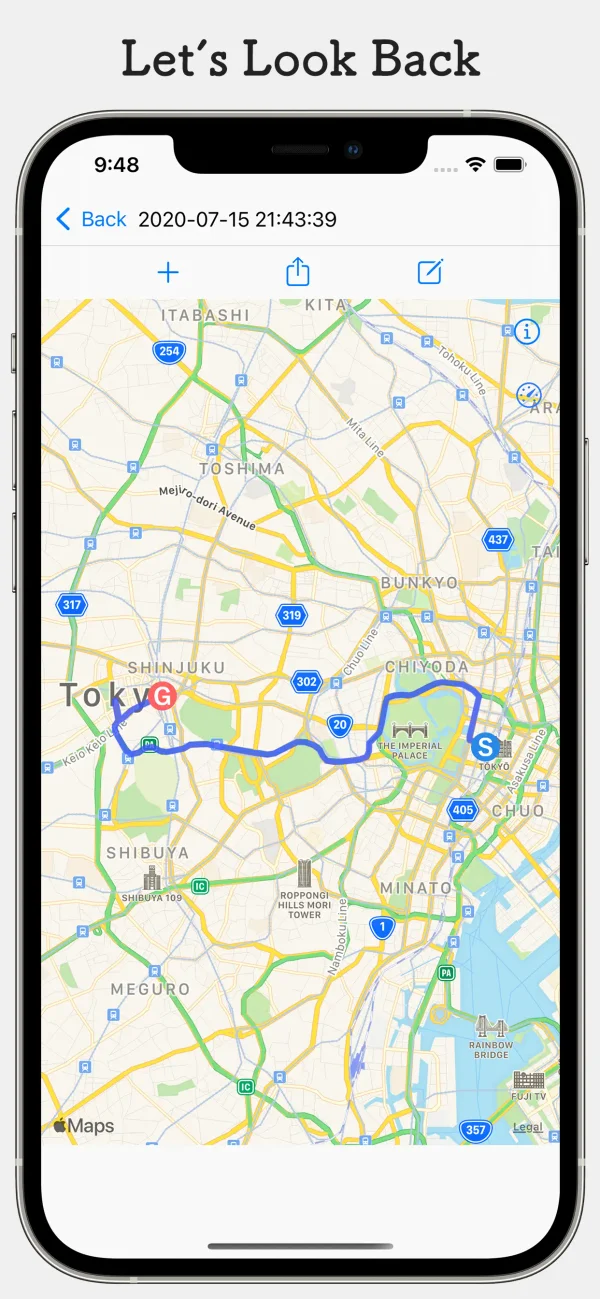
It specializes in showing you the route you have traveled and can show you all your past GPS logs at once.
It can be used in a variety of situations such as driving, traveling, and running.
Output to GPX files is supported by default.
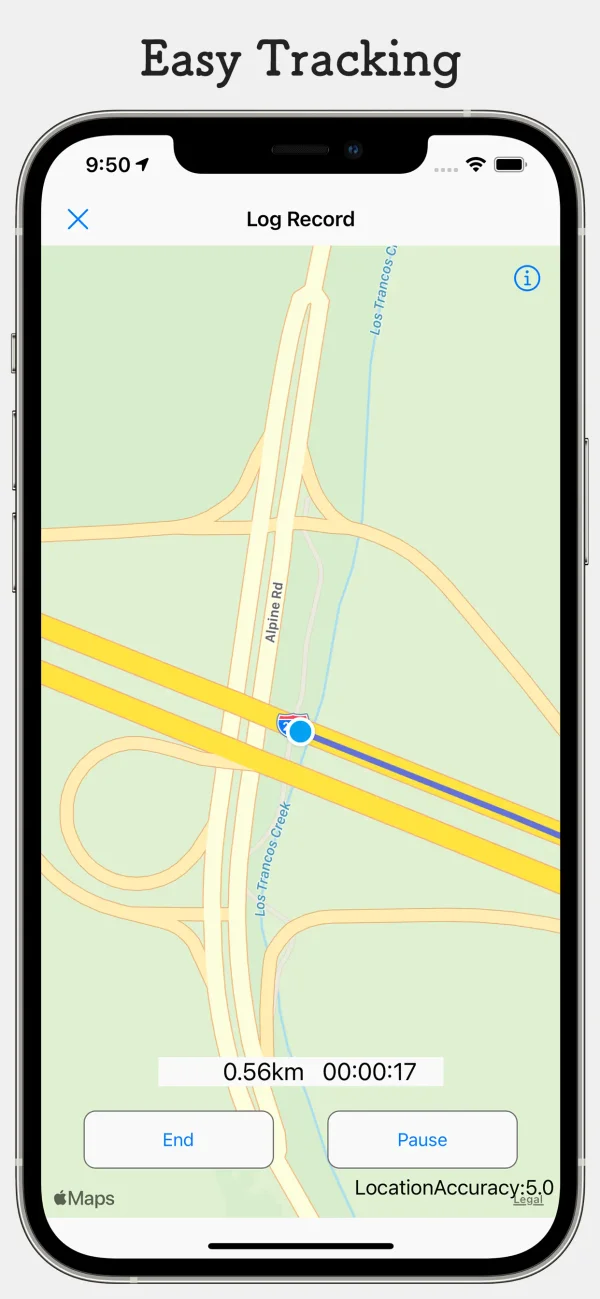
Once you've started logging, you can use another app or even lock the screen to log.
Function
- Record GPS logs
- Set waypoints to log
- Suspend Records
- Additions to the existing log
- View Log
- Tag function
- Output to a GPX file
- Importing GPX files
- View all logs at once
- Batch display of logs for specified conditions
- Deleting the log
- Syncing data with iCloud
- Recording while displaying the past log
- Corresponds to units of km and mi
- Backup Function
- Log join function (requires viewing of reward ads)
- Delete log location (requires viewing of reward ads)
The iCloud sync feature is available by enabling the settings.
The iCloud sync feature is also available on iOS 13 and above.
The GPX file that can be imported is basically a GPX file output from this application, but it is also possible to import a GPX file created by another application, etc., if it is a GPX file with the same configuration as this application.
Premium Add-on
1. Select and display multiple logs
- You can select and display multiple logs.
- You can change the color displayed for each selected log.
2. Playback of recorded routes
- Detailed information such as time of day, distance, and elapsed time of a location recorded at a certain point can be displayed.
3. Display a portion fo the log in a specified range.
- Output a specified range to a GPX file.
4. Displaying route color settings for each group
- All log display screens can be set to display the route color for each group.
5. Hide Ads
You can purchase Premium Add-on from the settings screen.
Unlimited use with a single purchase.
*Please note that prices are subject to change without notice.
RouteHistoryPlus function (cloud function)
1.Personal folders in the cloud can be used.
- Logs can be saved in the cloud.
2.Group folders can be created in the cloud.
- Share logs with multiple users.
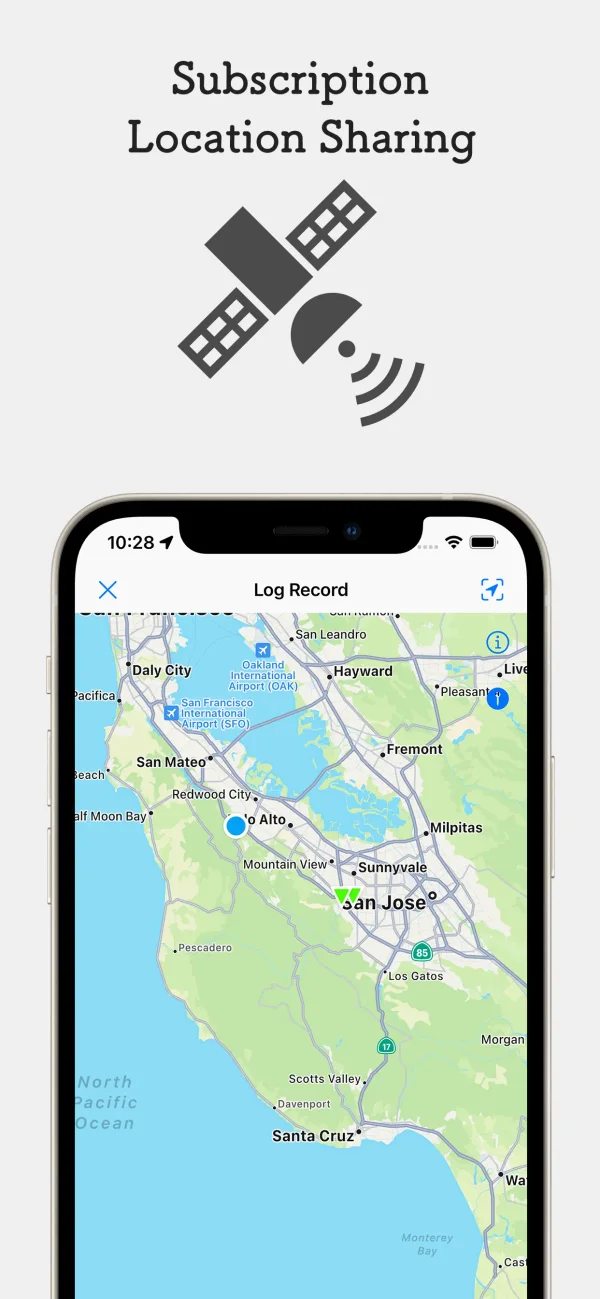
3.Share location information
- Share your location with other users on the logging screen.
* Some functions are available for free.
Frequently Asked Questions
Q. GPX files cannot be loaded in some applications
A. Please try it with the file that you selected [GPX Export] when you output GPX file.
Note
Since it uses the iPhone's built-in GPS for logging, power consumption is high during logging.
Depending on the reception of the GPS signal, it may not be possible to record the position correctly.
(When it is difficult or impossible to receive a GPS signal, such as in a building or tunnel)
Please do not operate the vehicle while walking or driving, as it is very dangerous.
The developer assumes no responsibility for any damage caused by the use of this application.
Terms of Use: https://www.apple.com/legal/internet-services/itunes/dev/stdeula/
What’s new
Version 6.36 · Nov 12, 2026
iPhone Duo Support
Library Update
App privacy
What Kazuhiko Oda declares on the App Store about how this app handles data.
-
Data used to track you
May be used to track you across apps and websites owned by other companies.
- Location
- Identifiers
- Usage data
-
Data linked to you
May be collected and linked to your identity.
- Location
- Identifiers
- Usage data
-
Data not linked to you
May be collected but is not linked to your identity.
- Usage data
Privacy practices may vary, for example with the features you use or your age.
Information
- Seller
- Kazuhiko Oda
- Category
- Navigation
- Version
- 6.36
- Updated
- Nov 12, 2026
- Released
- Jul 28, 2019
- Size
- 28.7 MB
- Requires
- iOS 16.6 or later
- Age rating
- 4+
- Price
- Free
- In-app purchases
- Yes
- Languages
- English, Japanese, Simplified Chinese
- Copyright
- © 2019-2026 Kazuhiko Oda
You might also like
-
 Track My Journey - Travel LogRoute Recorder & Trip Tracker
-
 WayLog - Simple GPS TrackerRecord and trace your route.
-
 myTracks - The GPS-LoggerNavigation
-
 Route Recorder GPS TrackerRecord, Replay & Navigate
-
 LogMyPlace-GPS location loggerDaily activity at a glance!
-
 Open GPX TrackerNo ads, no in-app purchases
-
 RouteNoteFor recording delivery, sales
-
 TrackMyTourTravel Sharing & Books
-
 Geo Tracker - GPS TrackerRecord, analyze and share
-
 TraceMyTrackTravel