- Altersfreigabe4+
- KategorieLifestyle
- EntwicklerPanasonic Appliances R&D Center Singapore
- SprachenEnglisch+ 4 weitere
- Größe26,0 MB
S.iCITY-VIC ist bei App Store derzeit möglicherweise nicht verfügbar
Bei unserer letzten Prüfung war der Store-Eintrag nicht erreichbar. Der Link führt weiterhin zur offiziellen App Store-Seite.
Screenshots

Info
Der Entwickler hat diesen Text nicht in Ihrer Sprache bereitgestellt.
[Overview]
This application is designed to be used in conjunction with Panasonic's IP Video Intercom system. You
can communicate with visitors in real-time through your smartphone from anywhere. Additionally, if
an electric lock is connected, you can remotely unlock it even when you're away from home.
[Supported Models]
IP Video Intercom for Community:
Support for MC3000, MC3030, VC3500, VC3530, GC3700, VC3900, VC3930, VC3931
IP Video Intercom for Single House:
Support for MC3035, VC3535, SC3235
[Major features]
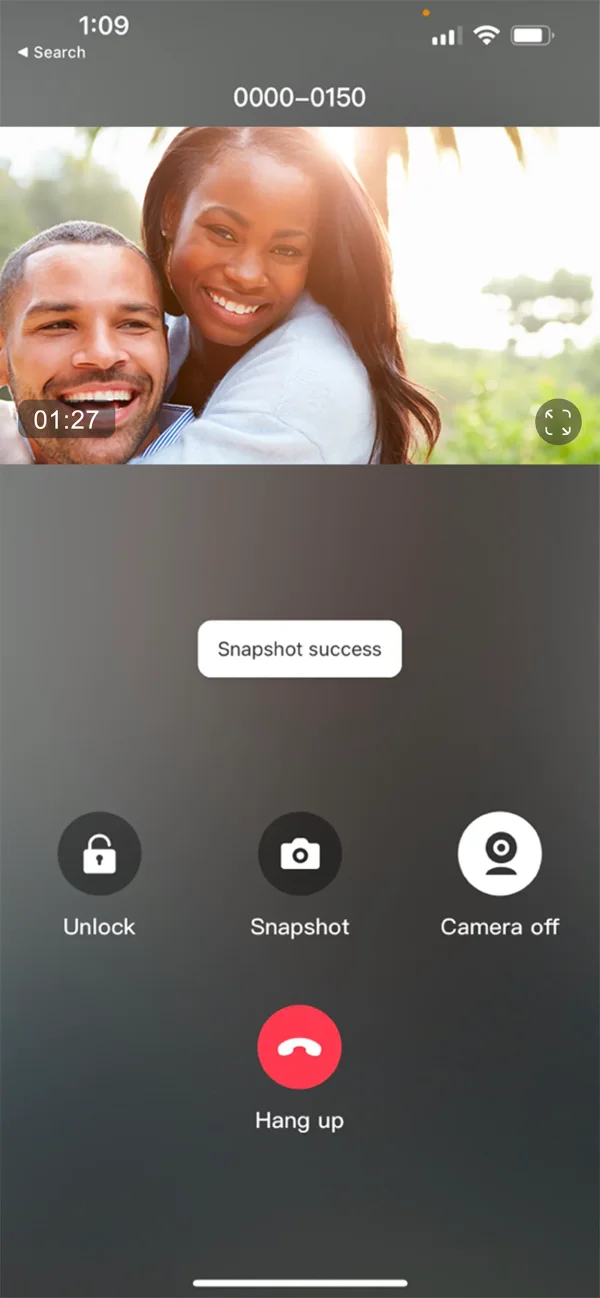
- Preview visitors' images before answering.
- Answer visitors using your smartphone.
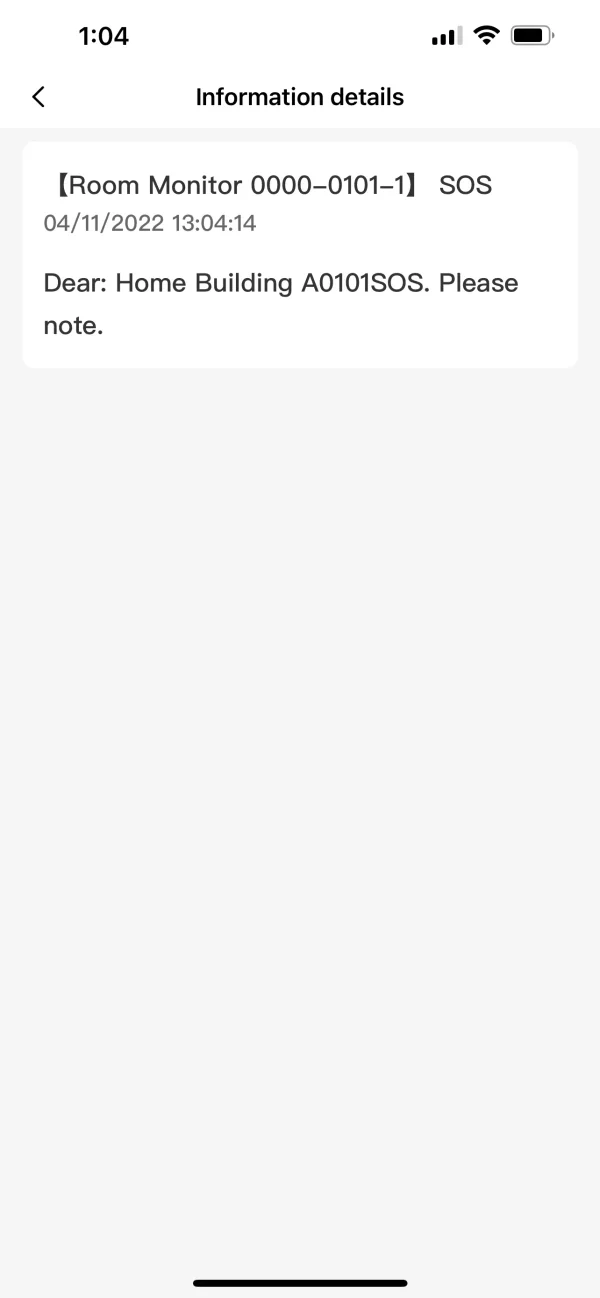
- Receive SOS notifications from the Room Monitor on your smartphone.
- Remotely unlock the electric lock with your smartphone.
- View callers’ logs with images.
- Receive messages from management software. *1
- Make and receive calls to/from the Guard Station. *1
- Switch the arm mode of the Room Monitor and receive notifications of alarm zones (sensors,
emergency buttons, etc.) connected to the Room Monitor on your smartphone. *1
- Unlock the electric lock with a QR code using your smartphone. *1
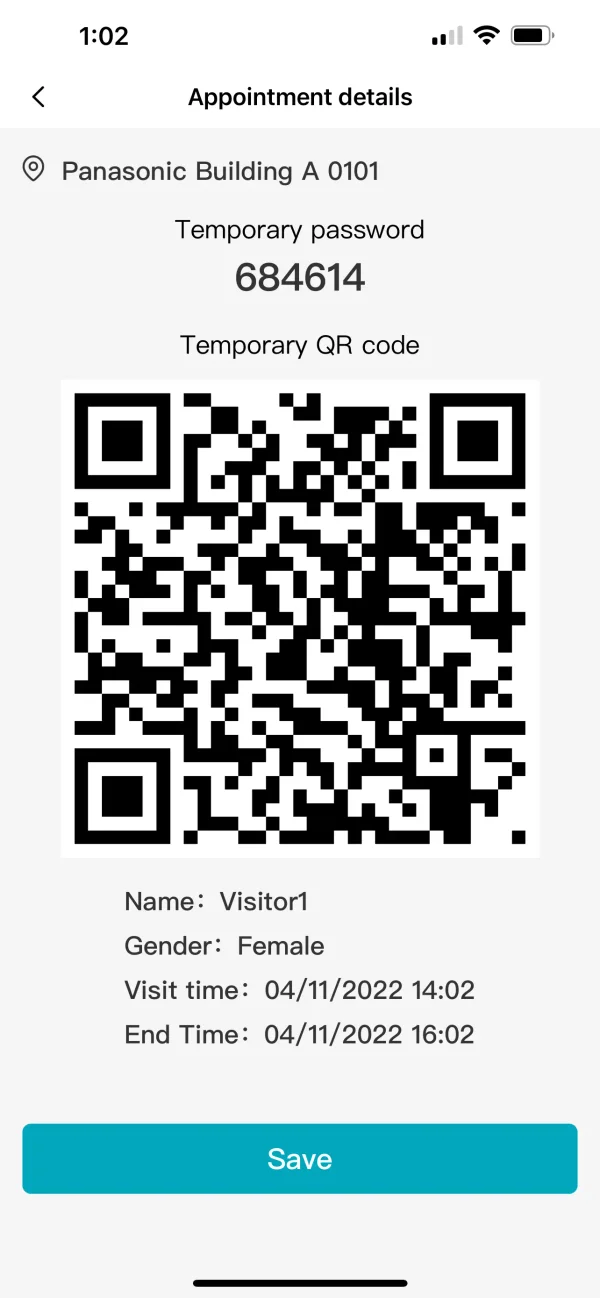
- Generate temporary QR codes with passcodes using your smartphone and send them to your
visitors. *1
- Monitor Lobby Station, Door Station, and IP Camera. *1
(Note: Features marked with *1 are only applicable for "IP Video Intercom for Community" and
may not be available depending on your facility's system configuration.)
[Preparation before use]
To use this application, you must reside in a property equipped with a mobile phone-compatible IP
Video Intercom system produced by Panasonic.
Step 1: Download the S.iCITY-VIC app.
Step 2: Sign up for an account using your email address.
Step 3: Log in to the app.
Step 4: For IP Video Intercom for Single House, add a new home and bind devices according to
the instructions provided with your devices; or
Step 4: For IP Video Intercom for Community, register your account (email address) with your
property management office.
[Attention]
- This application can only be used when your smartphone is connected to Wi-Fi or a mobile
network.
- This application can only be used if your residence is equipped with a mobile phone-compatible
IP Video Intercom system produced by Panasonic.
Neue Funktionen
Version iOS App Version 1.4.01 · 13.10.2026
1. Improve app stability
2. Update logo
App-Datenschutz
Was Panasonic Appliances R&D Center Singapore im App Store zum Umgang dieser App mit Daten angibt.
-
Mit Ihnen verknüpfte Daten
Können erfasst und mit Ihrer Identität verknüpft werden.
- Kontaktinformationen
- Benutzerinhalte
- Kennungen
Die Datenschutzpraktiken können variieren, zum Beispiel je nach den von Ihnen verwendeten Funktionen oder Ihrem Alter.
Informationen
- Anbieter
- Panasonic Appliances R&D Center Singapore
- Kategorie
- Lifestyle
- Version
- iOS App Version 1.4.01
- Aktualisiert
- 13.10.2026
- Veröffentlicht
- 23.11.2022
- Größe
- 26,0 MB
- Erfordert
- iOS 15.0 oder neuer
- Altersfreigabe
- 4+
- Sprachen
- Englisch, Indonesisch, Vereinf. Chinesisch, Thai, Vietnamesisch
- Copyright
- © Panasonic Appliances R&D Center Singapore