- Yaş sınırı4+
- KategoriYaşam Tarzı
- GeliştiriciPanasonic Appliances R&D Center Singapore
- Dillerİngilizce+ 4 dil daha
- Boyut26,0 MB
S.iCITY-VIC şu anda App Store üzerinde mevcut olmayabilir
Son kontrolümüzde mağaza sayfasına ulaşılamadı. Bağlantı yine de resmi App Store sayfasına gider.
Ekran görüntüleri

Hakkında
Geliştirici bu metni dilinizde sunmamış.
[Overview]
This application is designed to be used in conjunction with Panasonic's IP Video Intercom system. You
can communicate with visitors in real-time through your smartphone from anywhere. Additionally, if
an electric lock is connected, you can remotely unlock it even when you're away from home.
[Supported Models]
IP Video Intercom for Community:
Support for MC3000, MC3030, VC3500, VC3530, GC3700, VC3900, VC3930, VC3931
IP Video Intercom for Single House:
Support for MC3035, VC3535, SC3235
[Major features]
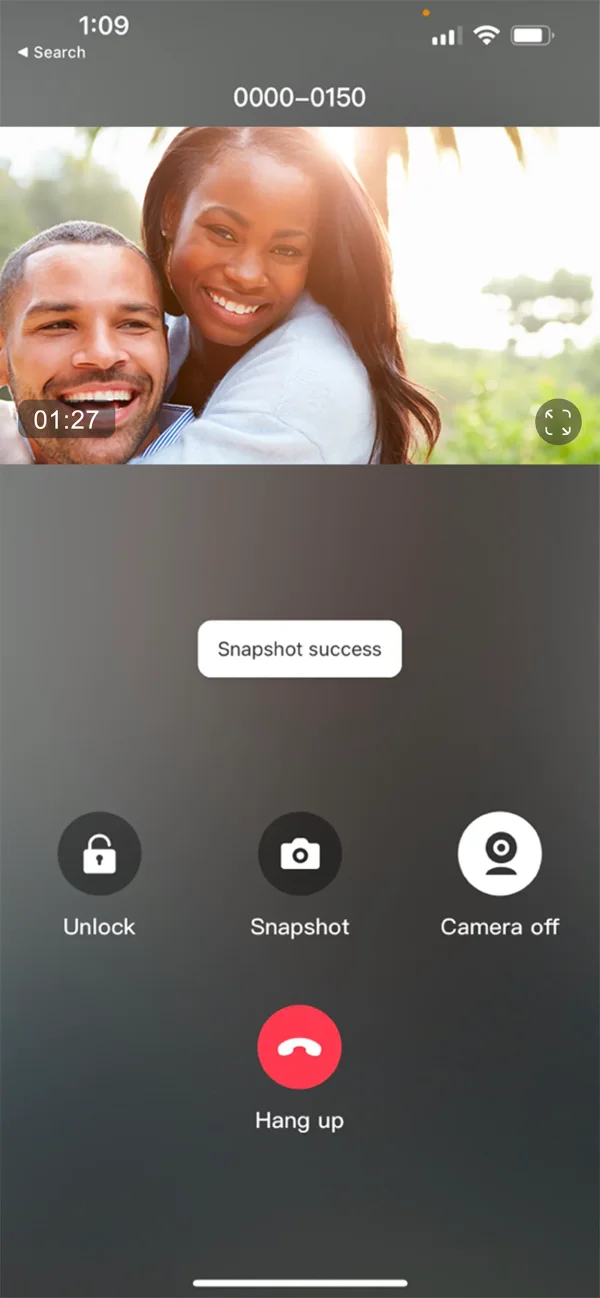
- Preview visitors' images before answering.
- Answer visitors using your smartphone.
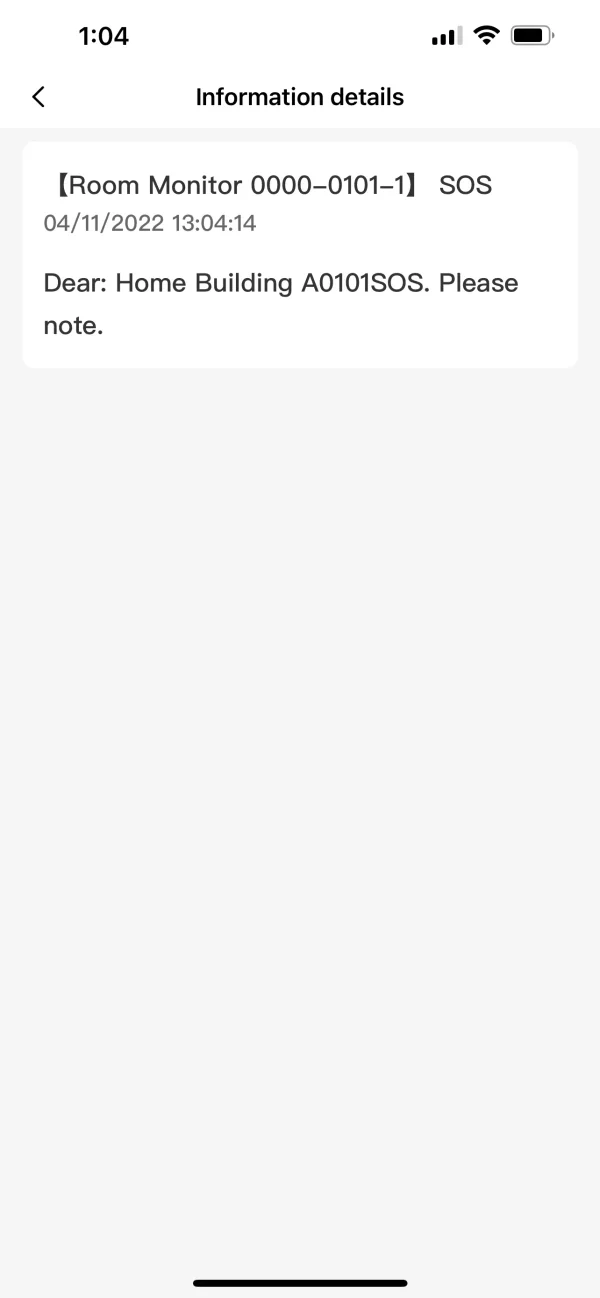
- Receive SOS notifications from the Room Monitor on your smartphone.
- Remotely unlock the electric lock with your smartphone.
- View callers’ logs with images.
- Receive messages from management software. *1
- Make and receive calls to/from the Guard Station. *1
- Switch the arm mode of the Room Monitor and receive notifications of alarm zones (sensors,
emergency buttons, etc.) connected to the Room Monitor on your smartphone. *1
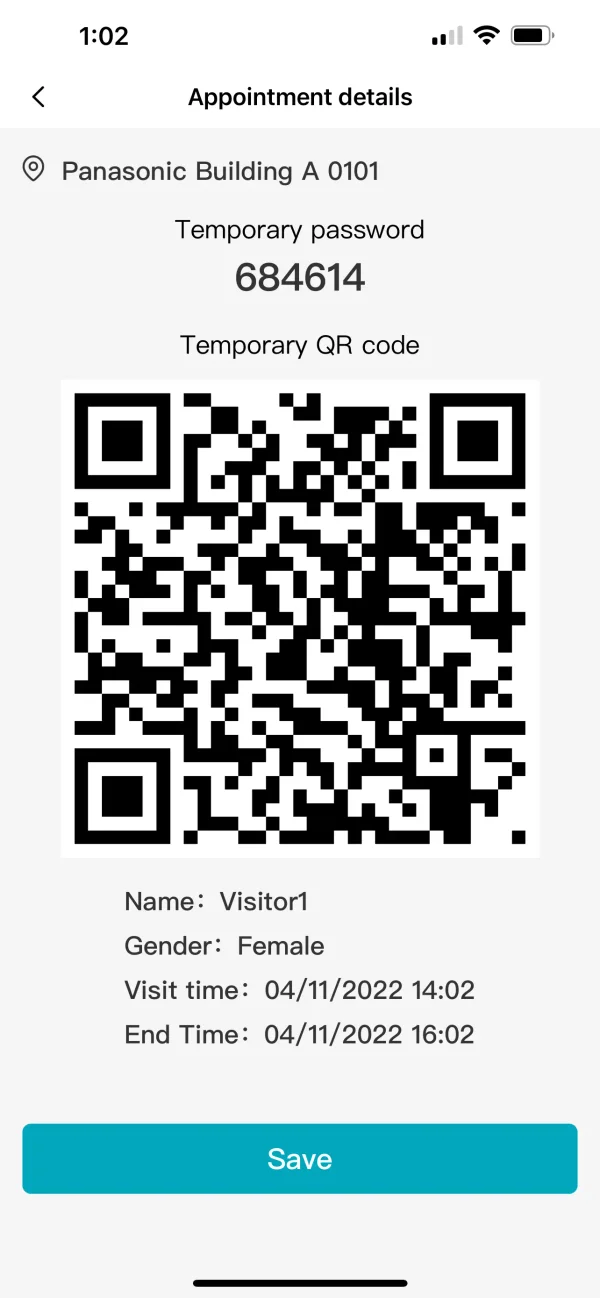
- Unlock the electric lock with a QR code using your smartphone. *1
- Generate temporary QR codes with passcodes using your smartphone and send them to your
visitors. *1
- Monitor Lobby Station, Door Station, and IP Camera. *1
(Note: Features marked with *1 are only applicable for "IP Video Intercom for Community" and
may not be available depending on your facility's system configuration.)
[Preparation before use]
To use this application, you must reside in a property equipped with a mobile phone-compatible IP
Video Intercom system produced by Panasonic.
Step 1: Download the S.iCITY-VIC app.
Step 2: Sign up for an account using your email address.
Step 3: Log in to the app.
Step 4: For IP Video Intercom for Single House, add a new home and bind devices according to
the instructions provided with your devices; or
Step 4: For IP Video Intercom for Community, register your account (email address) with your
property management office.
[Attention]
- This application can only be used when your smartphone is connected to Wi-Fi or a mobile
network.
- This application can only be used if your residence is equipped with a mobile phone-compatible
IP Video Intercom system produced by Panasonic.
Yenilikler
Sürüm iOS App Version 1.4.01 · 13.10.2026
1. Improve app stability
2. Update logo
Uygulama gizliliği
Bu uygulamanın verileri nasıl işlediği hakkında Panasonic Appliances R&D Center Singapore tarafından App Store üzerinde yapılan beyan.
-
Sizinle ilişkilendirilen veriler
Toplanabilir ve kimliğinizle ilişkilendirilebilir.
- İletişim bilgileri
- Kullanıcı içeriği
- Tanımlayıcılar
Gizlilik uygulamaları, örneğin kullandığınız özelliklere veya yaşınıza göre değişiklik gösterebilir.
Bilgiler
- Satıcı
- Panasonic Appliances R&D Center Singapore
- Kategori
- Yaşam Tarzı
- Sürüm
- iOS App Version 1.4.01
- Güncellendi
- 13.10.2026
- Yayın tarihi
- 23.11.2022
- Boyut
- 26,0 MB
- Gereksinim
- iOS 15.0 veya sonrası
- Yaş sınırı
- 4+
- Diller
- İngilizce, Endonezce, Basitleştirilmiş Çince, Tayca, Vietnamese
- Telif hakkı
- © Panasonic Appliances R&D Center Singapore