
- Altersfreigabe12+
- KategorieProduktivität
- Entwickler梦 肖
- SprachenEnglisch+ 2 weitere
- Größe9,4 MB
Verlinkt auf die offizielle App Store-Seite
Download.org hostet keine Datei von ScanMate-PDF. Die Schaltfläche öffnet die App-Seite bei App Store, wo 梦 肖 die App veröffentlicht. Eintrag zuletzt geprüft am 16.11.2026.
Screenshots

Info
Der Entwickler hat diesen Text nicht in Ihrer Sprache bereitgestellt.
Turn your iPhone into a powerful document scanner — free, fast, and no sign-up needed.
Scan any document in seconds
Auto edge detection for perfect crops
Merge multiple pages into one PDF
Share instantly via WhatsApp, Gmail & more
PDF Scanner - Doc Scan & Save is the simplest way to digitize your documents on iPhone. Whether you're scanning contracts, invoices, ID cards, receipts, or handwritten notes — get a clean, professional PDF in seconds.
FEATURES:
• Smart Auto-Crop — Automatically detects document edges for precise cropping
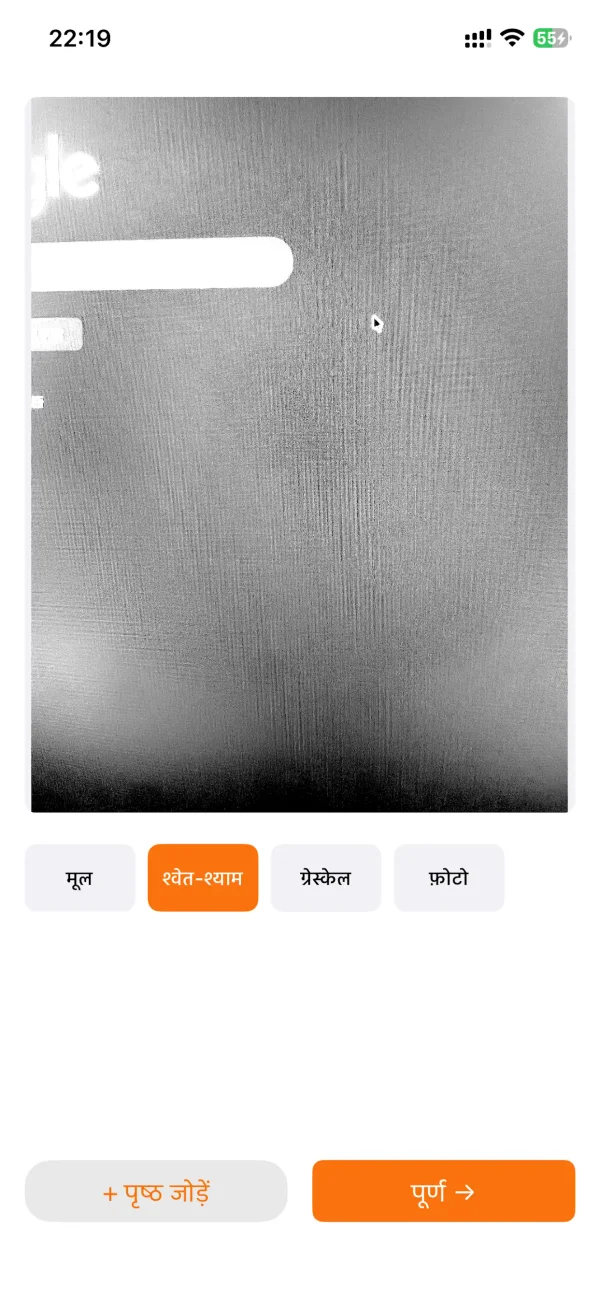
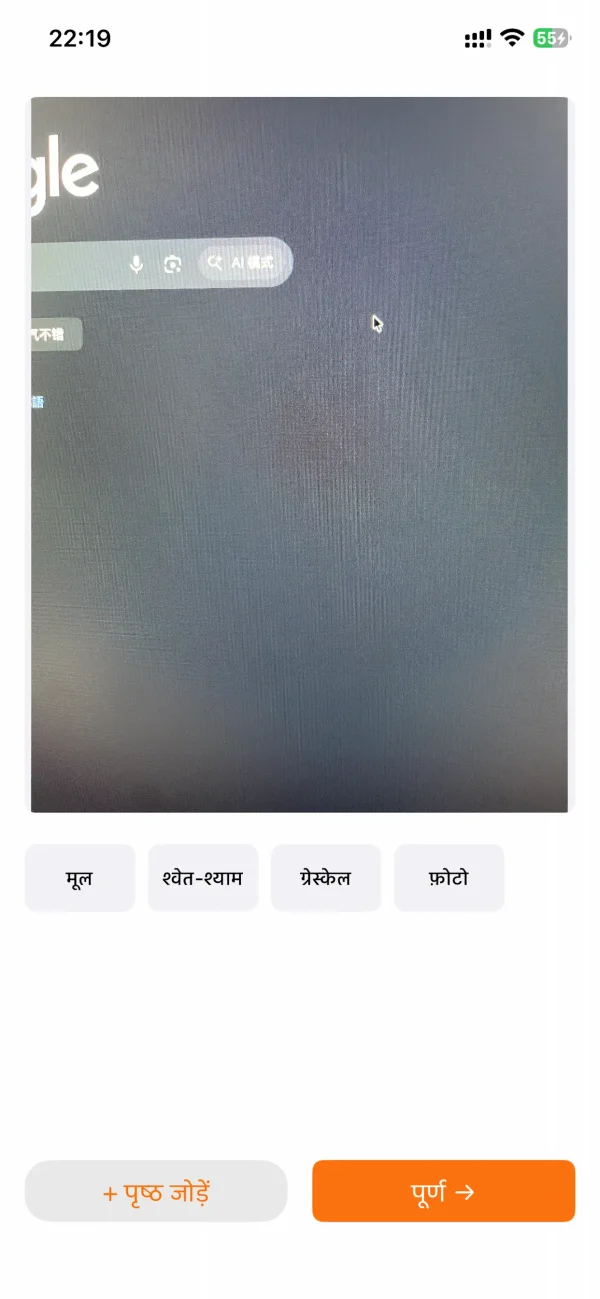
• 4 Filter Modes — Original, Black & White, Grayscale, and Photo mode
• Multi-Page PDF — Combine multiple scans into a single PDF file
• Import from Gallery — Convert existing photos to PDF instantly
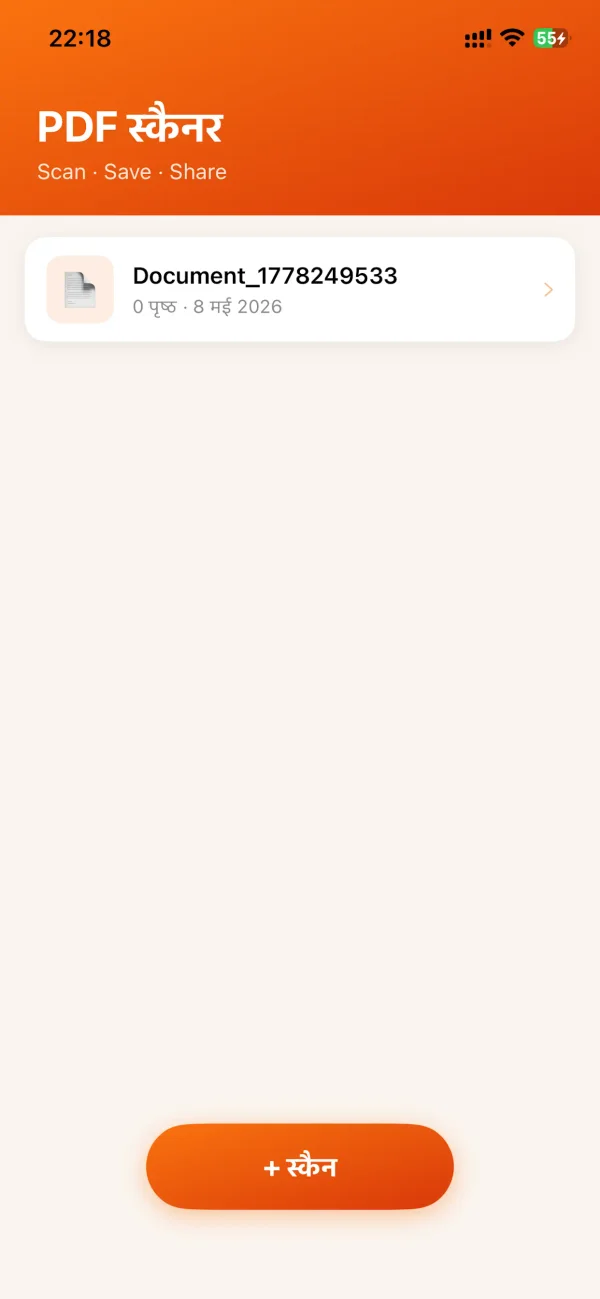
• File Manager — Organize, search, and manage all your scanned documents
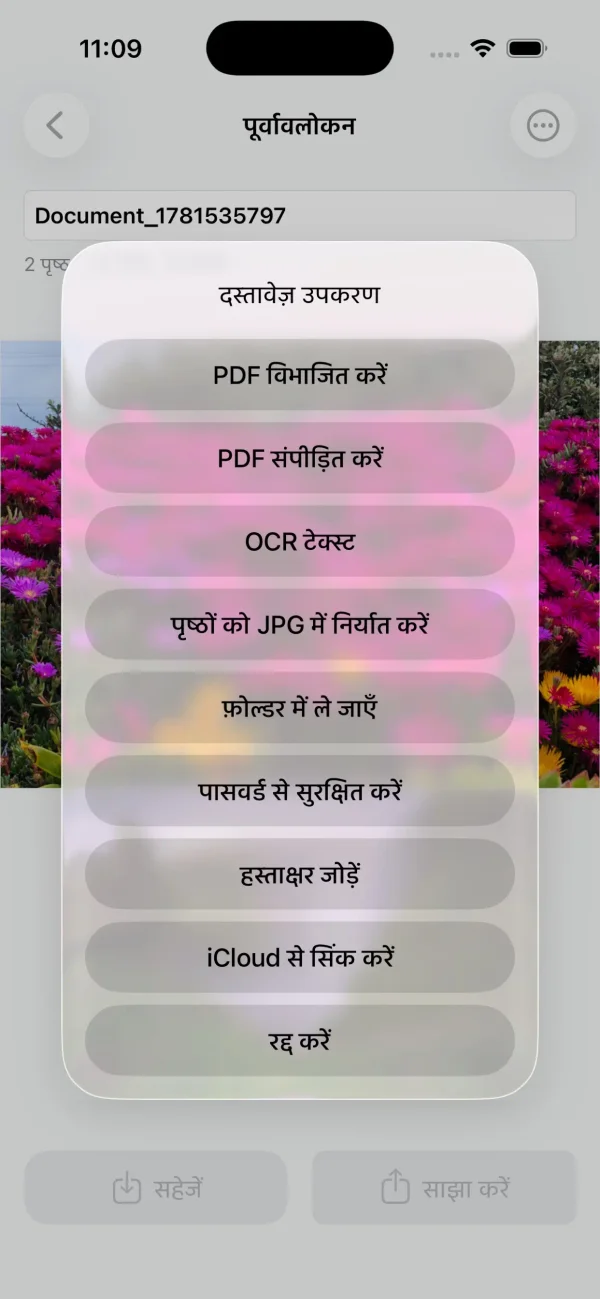
• Instant Share — Send via WhatsApp, Gmail, Google Drive, AirDrop, and more
• No Account Needed — Works completely offline, no sign-up required
HOW TO USE:
1. Tap the Scan button on the home screen
2. Point your camera at any document
3. The app auto-detects edges — adjust corners if needed
4. Choose a filter to enhance clarity
5. Add more pages or tap Done to generate your PDF
6. Save to your device or share instantly
Your documents, digitized in seconds. PDF Scanner — scan smarter, not harder.
Neue Funktionen
Version 1.0.6 · 09.09.2026
Fix some known issues
App-Datenschutz
Was 梦 肖 im App Store zum Umgang dieser App mit Daten angibt.
-
Nicht mit Ihnen verknüpfte Daten
Können erfasst werden, sind aber nicht mit Ihrer Identität verknüpft.
- Nutzungsdaten
Die Datenschutzpraktiken können variieren, zum Beispiel je nach den von Ihnen verwendeten Funktionen oder Ihrem Alter.
Informationen
- Anbieter
- 梦 肖
- Kategorie
- Produktivität
- Version
- 1.0.6
- Aktualisiert
- 09.09.2026
- Veröffentlicht
- 12.05.2026
- Größe
- 9,4 MB
- Erfordert
- iOS 15.6 oder neuer
- Altersfreigabe
- 12+
- Preis
- Kostenlos
- Sprachen
- Englisch, Hindi, Vereinf. Chinesisch
- Copyright
- © xiaomeng
Das könnte Ihnen auch gefallen
-
 PasteVault : Copy SmarterProduktivität
-
 Prompt StockProduktivität
-
 Playground For LMProduktivität
-
 Texty Copy: Felder & OCRFelder erfassen, nicht Text
-
 HIKE.SH - Hike and Trail LogProduktivität
-
 Handwritten Quick Notes: JotProduktivität
-
 PDF MergerTeilen, Komprimieren, Scan
-
 UnTask – Eins nach dem andrenMinimalistische To-do-App.
-
 KI-Notizen & Diktiergerät GoOffline-Transkription