
- Age rating12+
- CategoryProductivity
- Developer梦 肖
- LanguagesEnglish+ 2 more
- Size9.4 MB
Links to the official App Store page
Download.org hosts no file of ScanMate-PDF. The button opens its official App Store page, published by 梦 肖. Listing last checked on Nov 16, 2026.
Screenshots

About
Turn your iPhone into a powerful document scanner — free, fast, and no sign-up needed.
Scan any document in seconds
Auto edge detection for perfect crops
Merge multiple pages into one PDF
Share instantly via WhatsApp, Gmail & more
PDF Scanner - Doc Scan & Save is the simplest way to digitize your documents on iPhone. Whether you're scanning contracts, invoices, ID cards, receipts, or handwritten notes — get a clean, professional PDF in seconds.
FEATURES:
• Smart Auto-Crop — Automatically detects document edges for precise cropping
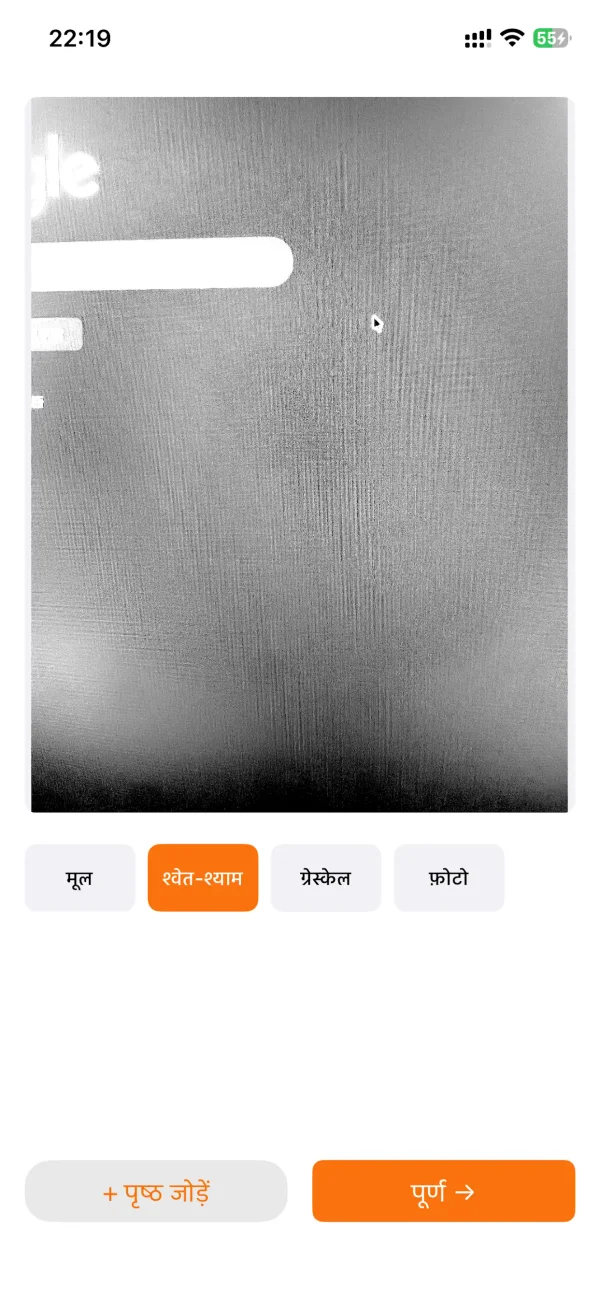
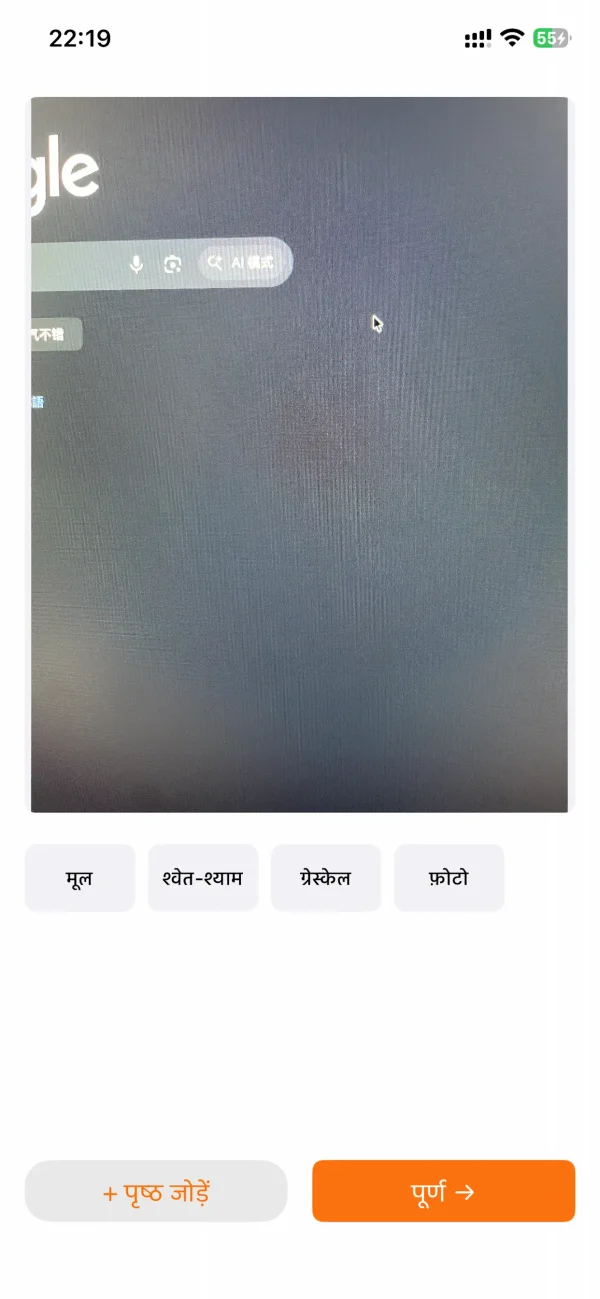
• 4 Filter Modes — Original, Black & White, Grayscale, and Photo mode
• Multi-Page PDF — Combine multiple scans into a single PDF file
• Import from Gallery — Convert existing photos to PDF instantly
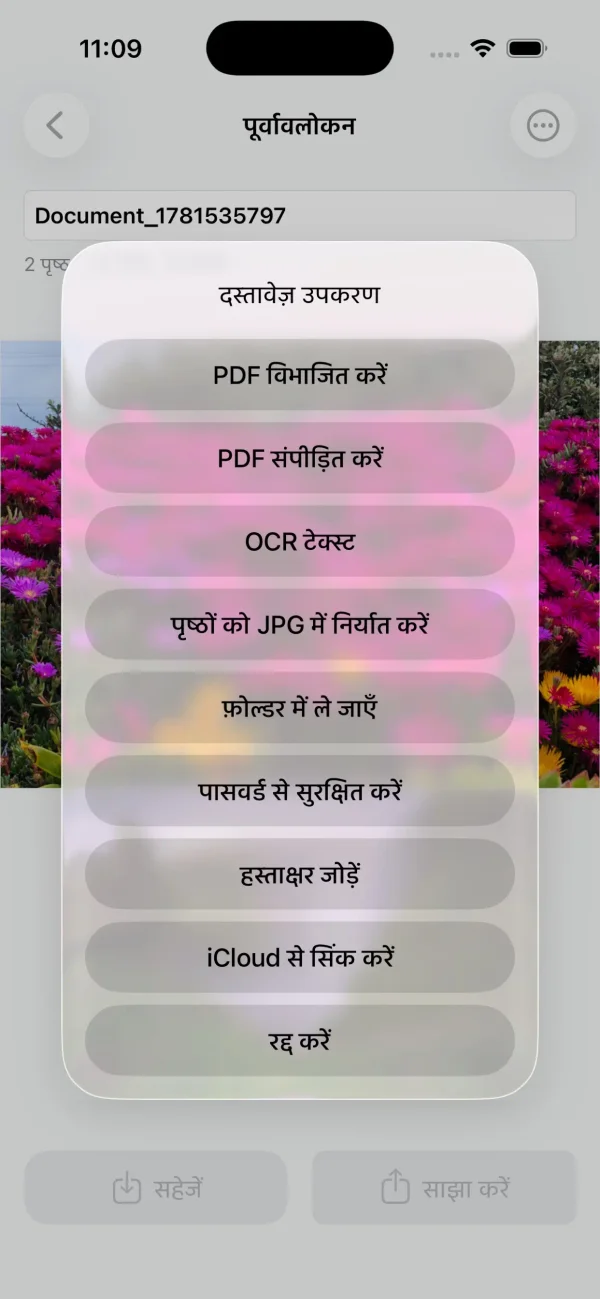
• File Manager — Organize, search, and manage all your scanned documents
• Instant Share — Send via WhatsApp, Gmail, Google Drive, AirDrop, and more
• No Account Needed — Works completely offline, no sign-up required
HOW TO USE:
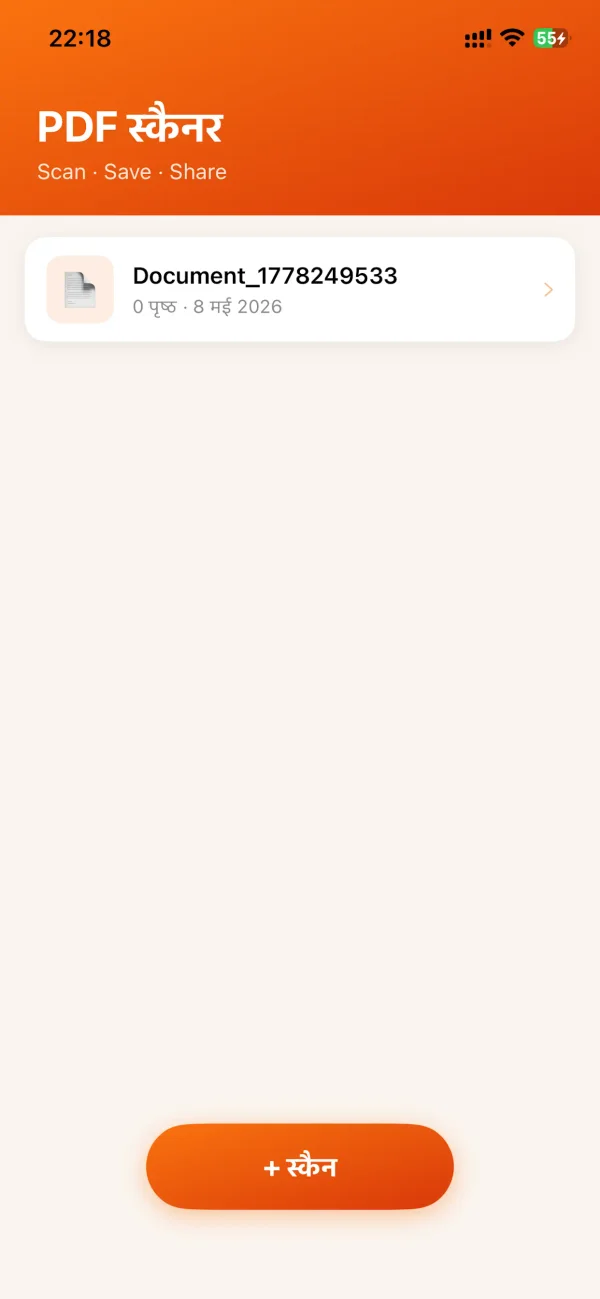
1. Tap the Scan button on the home screen
2. Point your camera at any document
3. The app auto-detects edges — adjust corners if needed
4. Choose a filter to enhance clarity
5. Add more pages or tap Done to generate your PDF
6. Save to your device or share instantly
Your documents, digitized in seconds. PDF Scanner — scan smarter, not harder.
What’s new
Version 1.0.6 · Sep 9, 2026
Fix some known issues
App privacy
What 梦 肖 declares on the App Store about how this app handles data.
-
Data not linked to you
May be collected but is not linked to your identity.
- Usage data
Privacy practices may vary, for example with the features you use or your age.
Information
- Seller
- 梦 肖
- Category
- Productivity
- Version
- 1.0.6
- Updated
- Sep 9, 2026
- Released
- May 12, 2026
- Size
- 9.4 MB
- Requires
- iOS 15.6 or later
- Age rating
- 12+
- Price
- Free
- Languages
- English, Hindi, Simplified Chinese
- Copyright
- © xiaomeng
You might also like
-
 PasteVault : Copy SmarterClipboard History & Snippets
-
 Prompt StockCopy AI prompts instantly
-
 Playground For LMRun AI Models On Your Device
-
 Texty Copy: Fields & OCRCapture fields, not just text
-
 HIKE.SH - Hike and Trail LogLog Every Hike & Summit
-
 Handwritten Quick Notes: JotSketch, Drawing, Whiteboard
-
 PDF Merger: Combine & SplitAI PDF Editor, Scan & Compress
-
 UnTask - One at a timeMinimalist TODO app.
-
 AI Notes & Voice Recorder GoOffline Speech to Text