Scanner App: Scan PDF Document
Scan, edit & sign in one app
Entwickelt für iPhone, iPod touch
In-App-Käufe
- Altersfreigabe4+
- KategorieProduktivität
- Entwickler勇翰 倪
- SprachenEnglisch+ 13 weitere
- Größe70,8 MB
Scanner App: Scan PDF Document ist bei App Store derzeit möglicherweise nicht verfügbar
Bei unserer letzten Prüfung war der Store-Eintrag nicht erreichbar. Der Link führt weiterhin zur offiziellen App Store-Seite.
Screenshots
Info
Der Entwickler hat diesen Text nicht in Ihrer Sprache bereitgestellt.
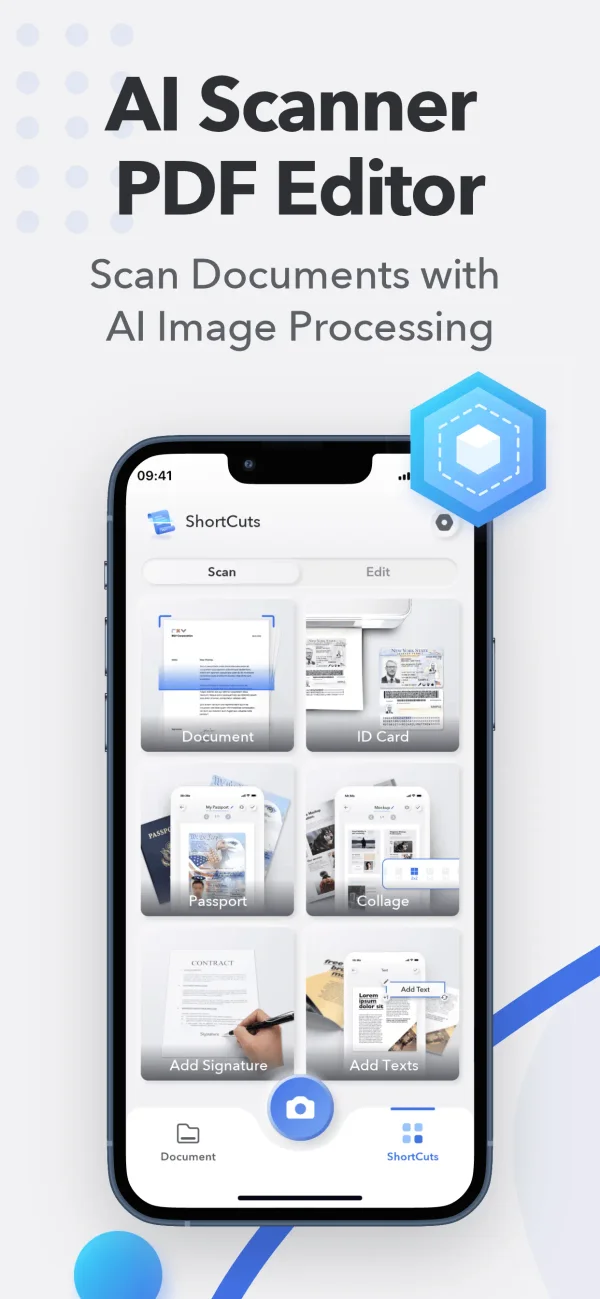
This is the best Document Scanner and Document organizer for iPhone!
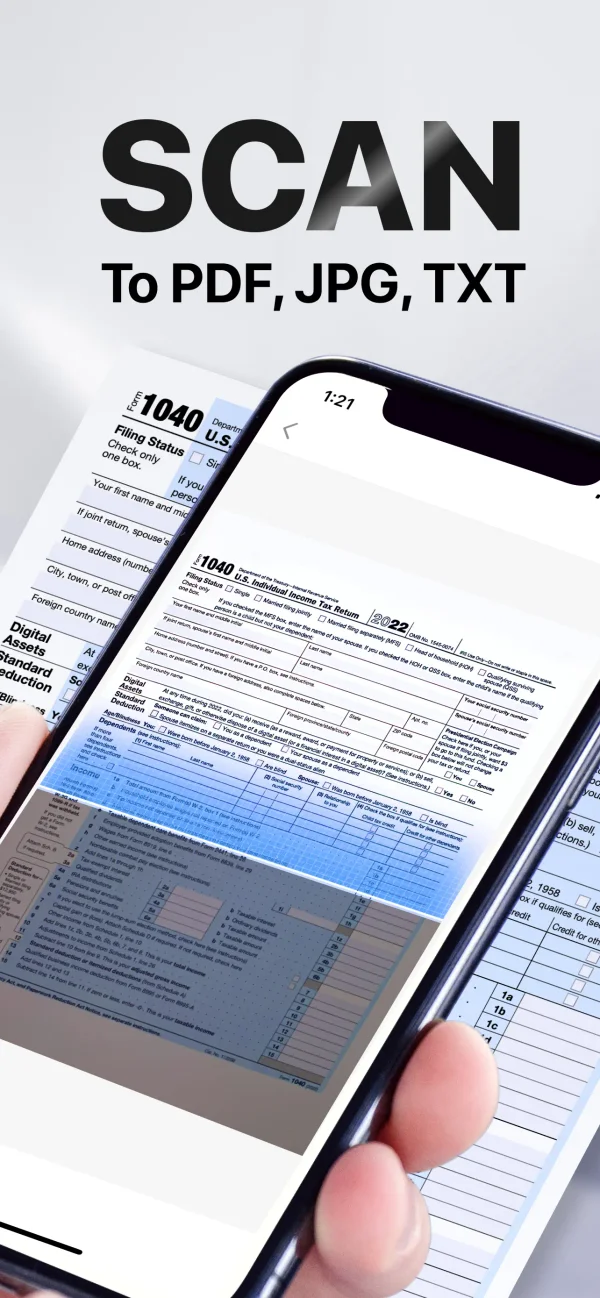
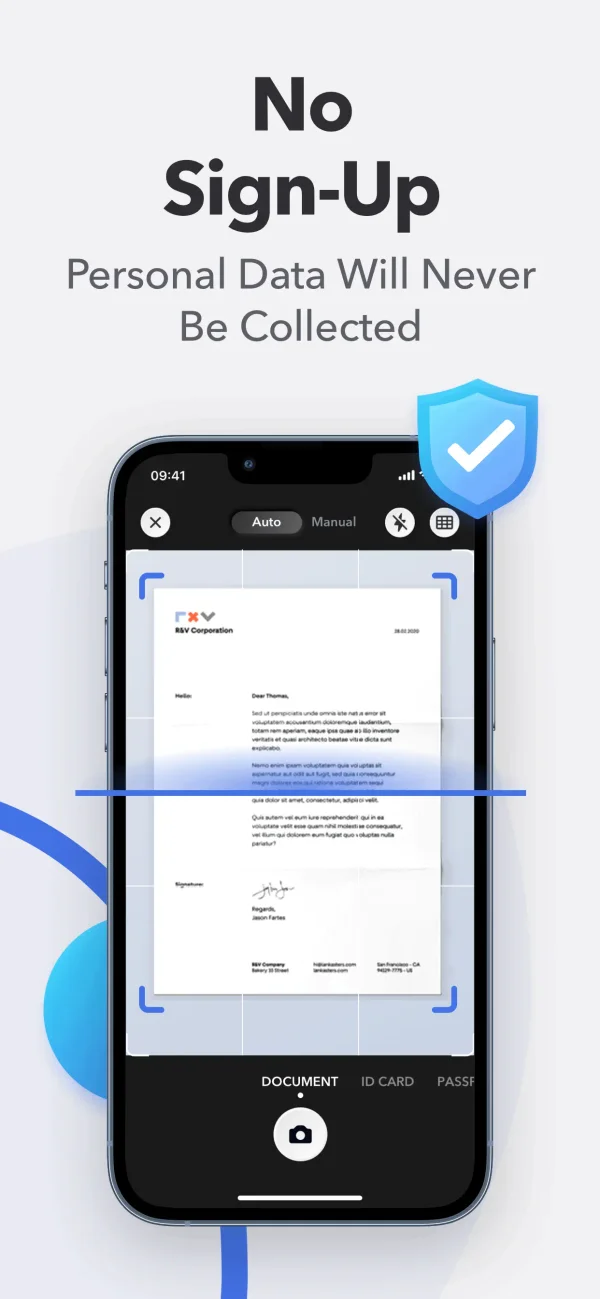
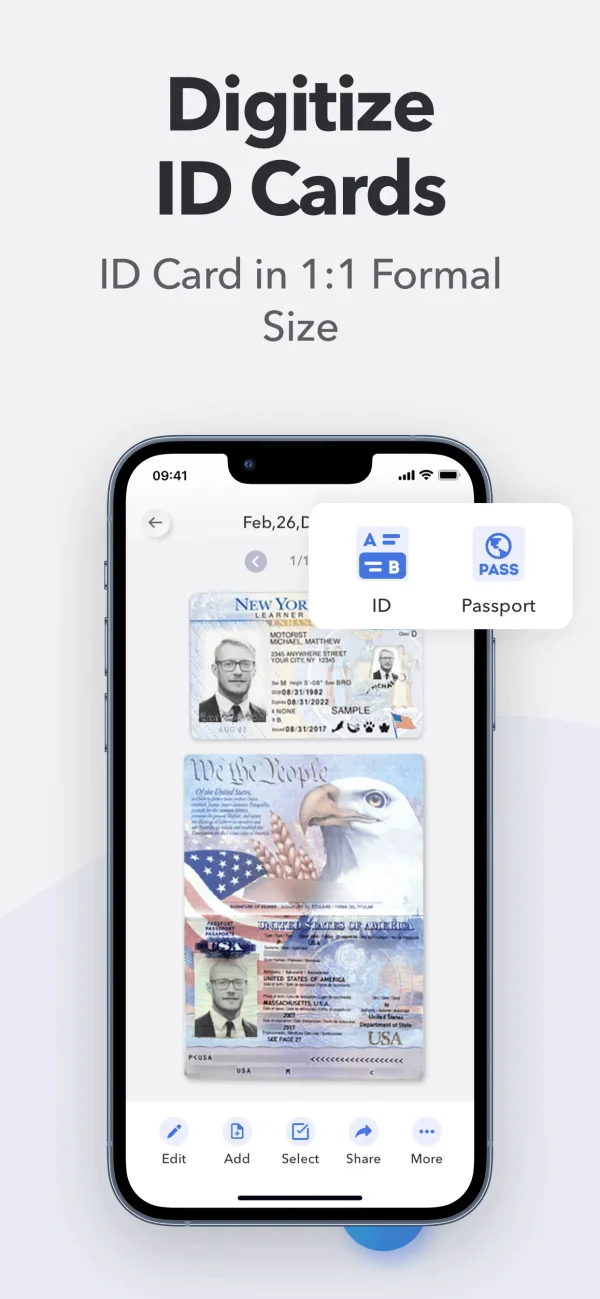
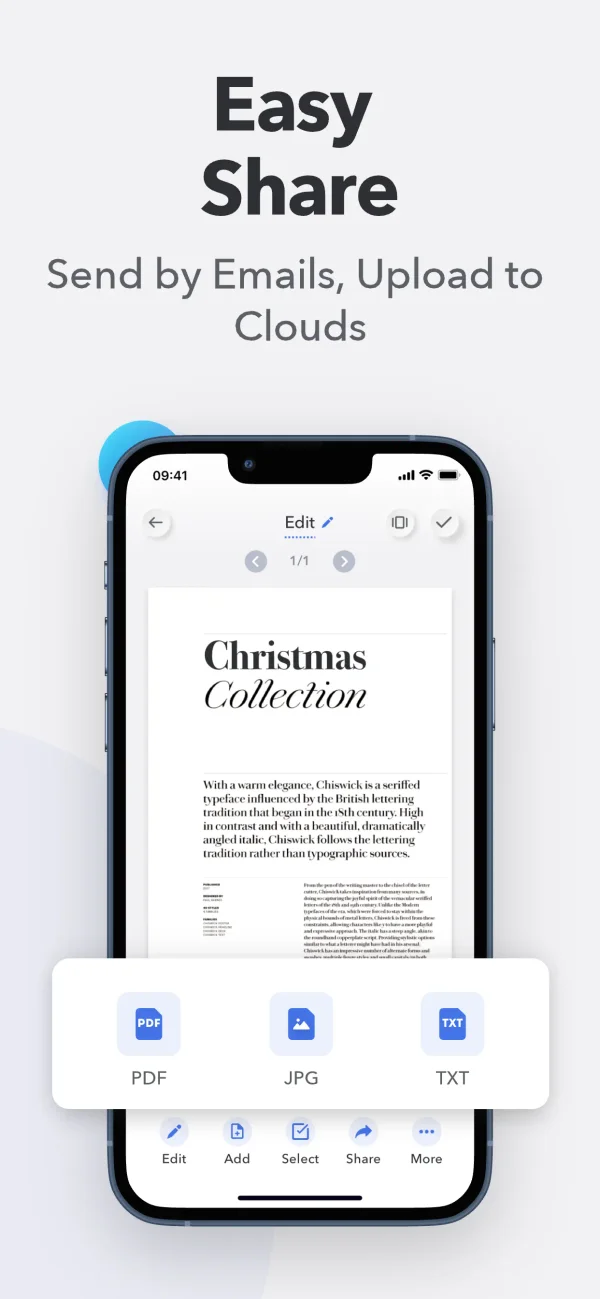
It is super simple to use. Just take a photo of a document, invoice, business card, bill, contract or memo and save it.
This scanner app will do the rest. It detects edges and converts photos to a searchable PDF document.
You can send documents by email or print them anytime you want.
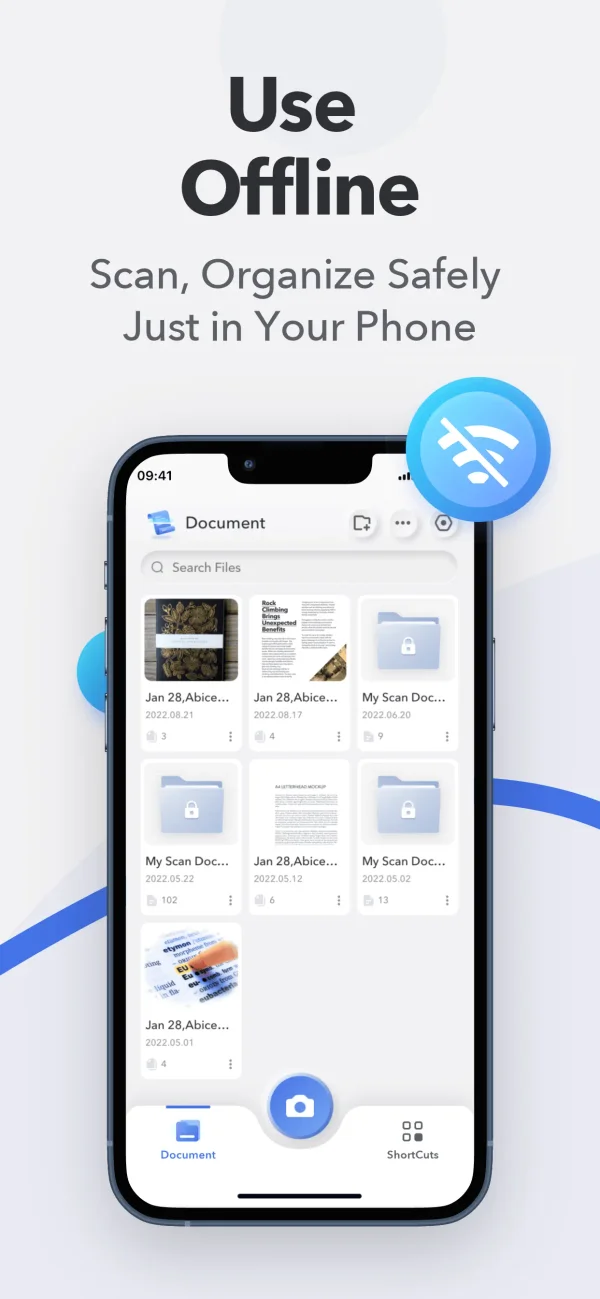
This app could be used offline and as it does not require users to signup, it never collects any user information.
From now on you will have all the documents you always need in your pocket!
Main features:
- Automatic document edge detection and crop
- Create searchable PDF document
- Multiple pages in a single document
- Amazing file and folder organizer
- Share your documents as Images / PDFs
- Print documents from the device
- Secure Cloud backup for your choice
PRO Features:
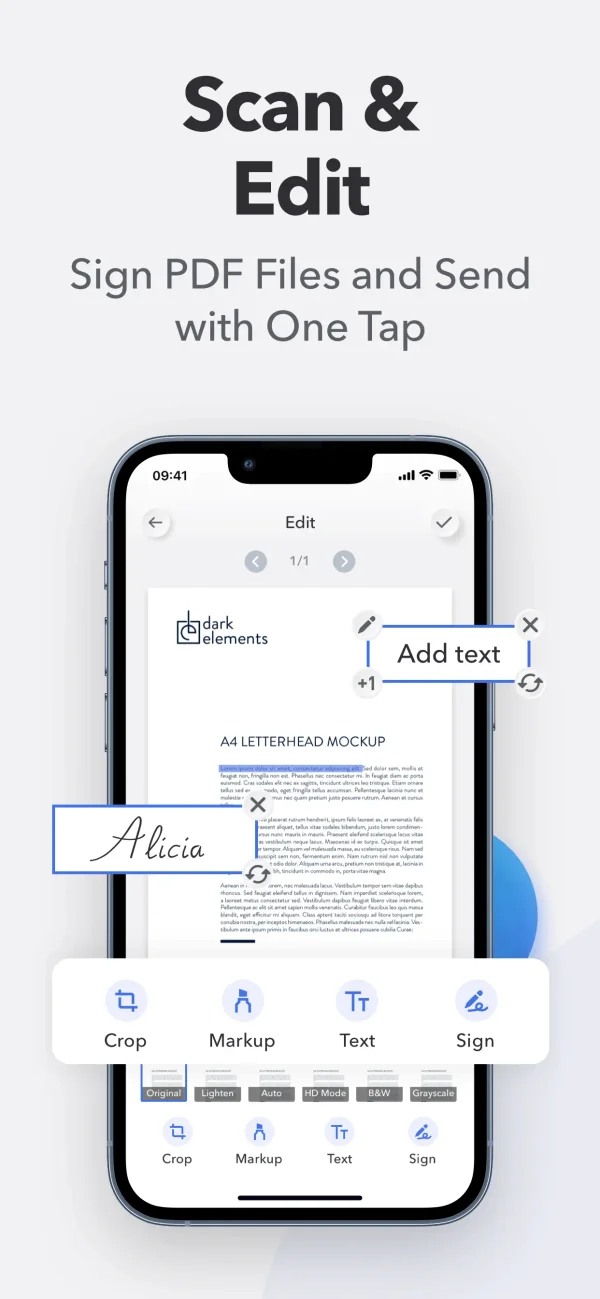
– Subscribe to get Pro access to all features of the scanner app. These features contains unlimited scans & exports, OCR, all-in-one PDF editor, etc.
– Subscriptions auto-renew 24 hours before the expiration date. You can manage your subscriptions in account Settings on the App Store.
For Terms of Use, please visit
http://www.cedaraiapps.com/index.php/terms-of-use/
For Privacy Policy, please visit
http://www.cedaraiapps.com/index.php/privacy-policy/
Neue Funktionen
Version 2.3.3 · 02.03.2025
- Brand new filter HD Clear is released. Remove shades and moire from your documents!
- User experience improvement.
App-Datenschutz
Was 勇翰 倪 im App Store zum Umgang dieser App mit Daten angibt.
-
Keine Daten erfasst
Der Entwickler erfasst keine Daten von dieser App.
Die Datenschutzpraktiken können variieren, zum Beispiel je nach den von Ihnen verwendeten Funktionen oder Ihrem Alter.
Informationen
- Anbieter
- 勇翰 倪
- Kategorie
- Produktivität
- Version
- 2.3.3
- Aktualisiert
- 02.03.2025
- Veröffentlicht
- 05.08.2022
- Größe
- 70,8 MB
- Erfordert
- iOS 15.0 oder neuer
- Altersfreigabe
- 4+
- In-App-Käufe
- Ja
- Sprachen
- Englisch, Dänisch, Niederländisch, Französisch, Deutsch, Italienisch, Japanisch, Koreanisch, Norwegisch (Bokmål), Portugiesisch, Vereinf. Chinesisch, Spanisch + 2 weitere
- Copyright
- © Cedar AI
Das könnte Ihnen auch gefallen
-
 PDF Editor:Scanner & Converterpdf,bearbeiten,umwandeln
-
 AI Note Taker: Audio ConverterProduktivität
-
 Authenticator App: 2FA・MFA・OTPProduktivität
-
 Call Recorder – Aufnahme AppTelefon Anruf aufnehmen
-
 PDF Converter: Scan & ConvertProduktivität
-
 PDF Konverter・Dokumenten ScanDokumente Scannen & Umwandeln
-
 PDF Scanner| Document ScanningScan Documents & Photo
-
 Scanner App Scannen von PDFPDF Dokumenten Scanner
-
 Scanner App - Scan PDF & OCRProduktivität
-
 Cam Scan - PDF Scanner & OCRProduktivität