
Scanner App - Scan PDF & OCR
PDF Docs & OCR, Scan Photos
Entwickelt für iPhone, iPod touch
Kostenlos · In-App-Käufe
- Altersfreigabe4+
- KategorieProduktivität
- EntwicklerMital Malaviya
- SprachenEnglisch
- Größe47,8 MB
Verlinkt auf die offizielle App Store-Seite
Download.org hostet keine Datei von Scanner App - Scan PDF & OCR. Die Schaltfläche öffnet die App-Seite bei App Store, wo Mital Malaviya die App veröffentlicht. Eintrag zuletzt geprüft am 22.11.2026.
Screenshots


Info
Der Entwickler hat diesen Text nicht in Ihrer Sprache bereitgestellt.
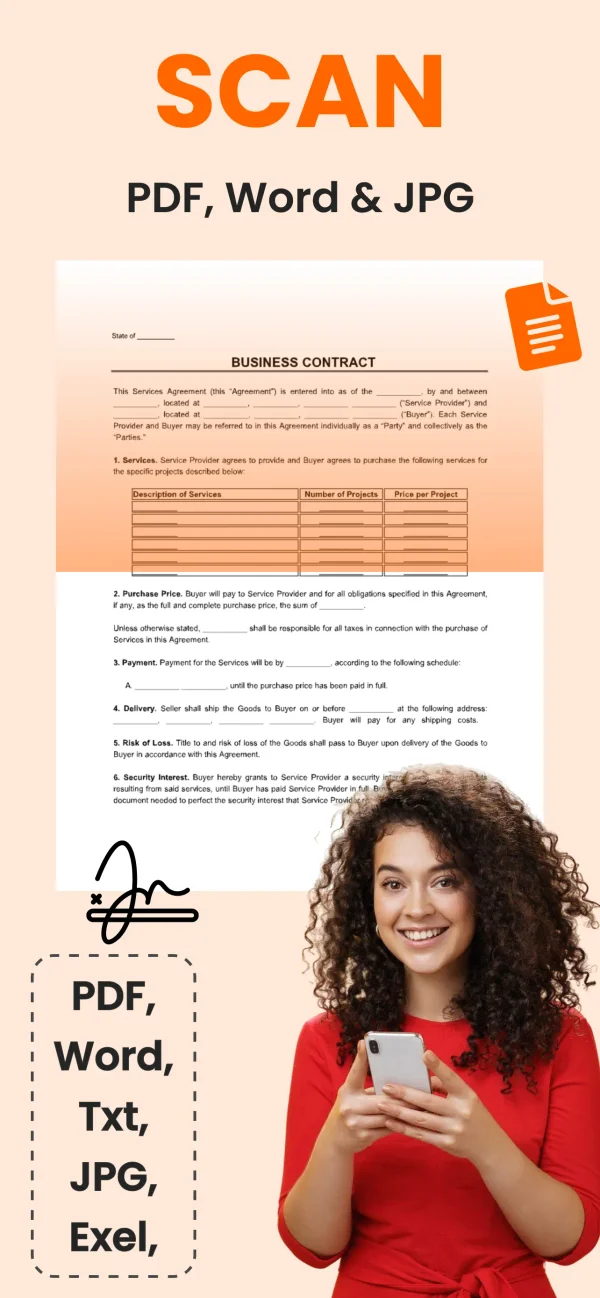
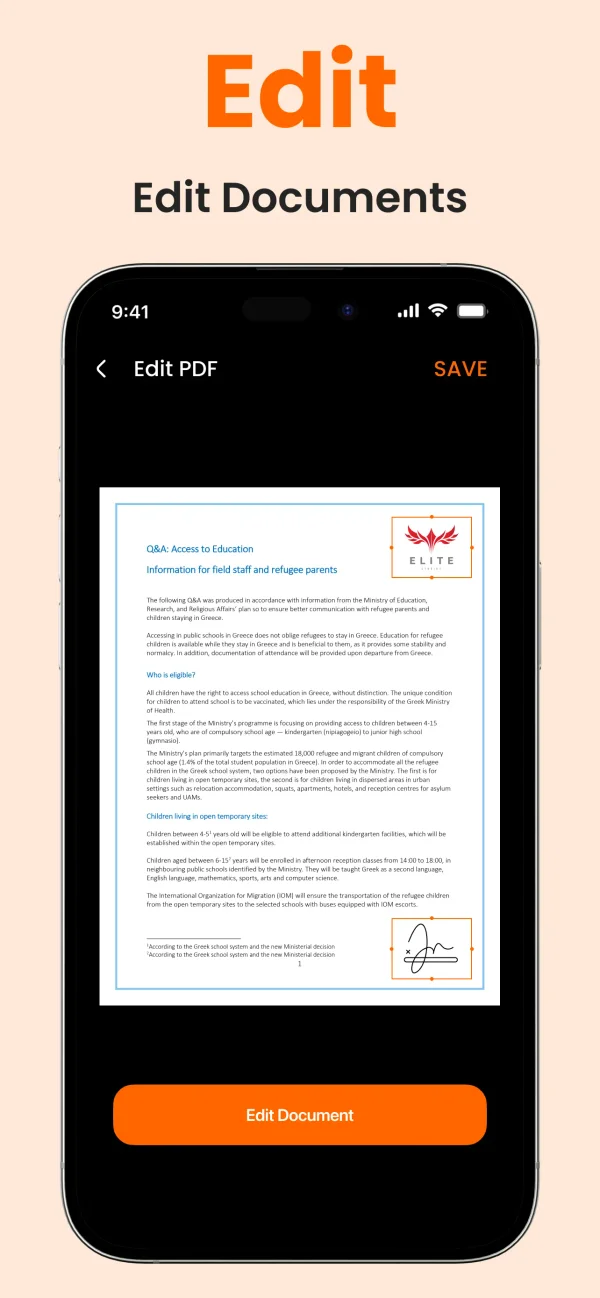
Scan and manage your documents directly from your device. Capture documents, receipts, notes, and photos and convert them into clear PDF files in just a few steps.
The app is designed to make document scanning simple and convenient, helping you organize and share your files whenever you need them.
Features
Document Scanning
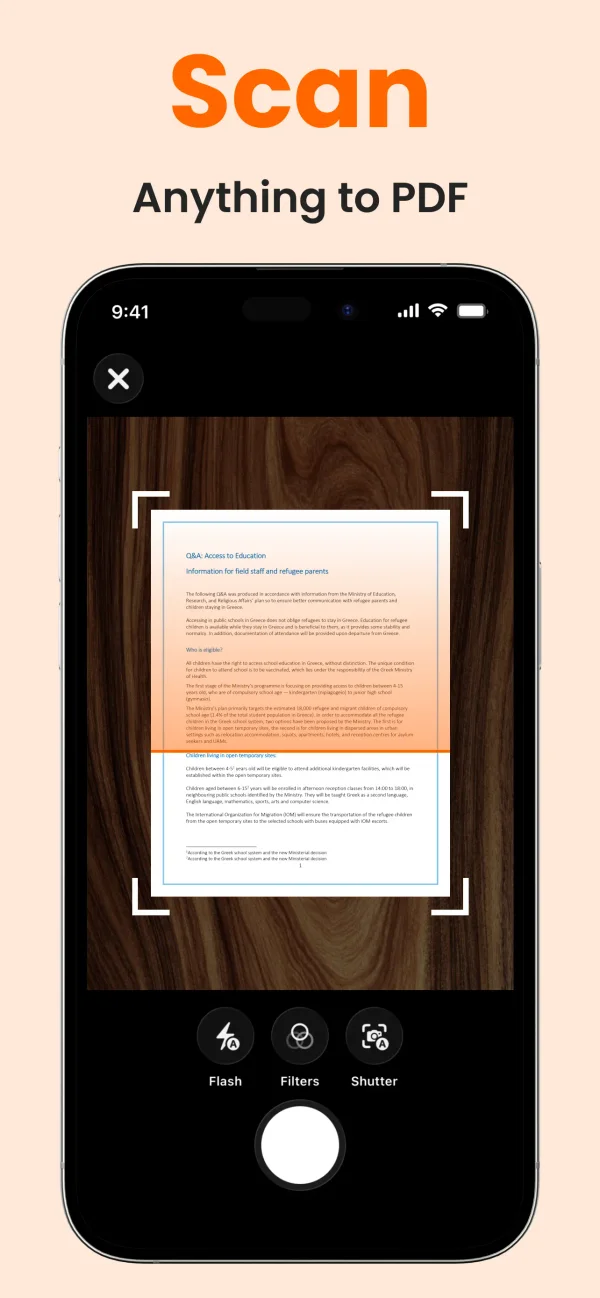
Capture documents using your device camera and convert them into PDF files.
Smart Edge Detection
Automatically detects document edges and adjusts scans for better clarity.
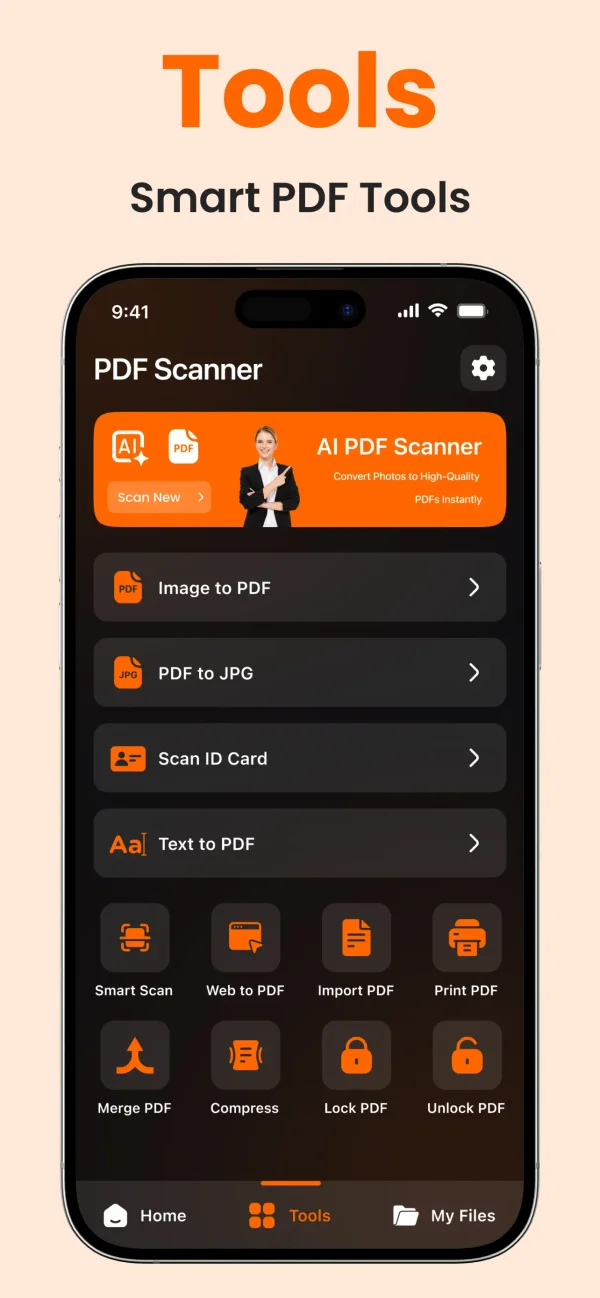
PDF Creation & Export
Create PDF documents and easily share or export them when needed.
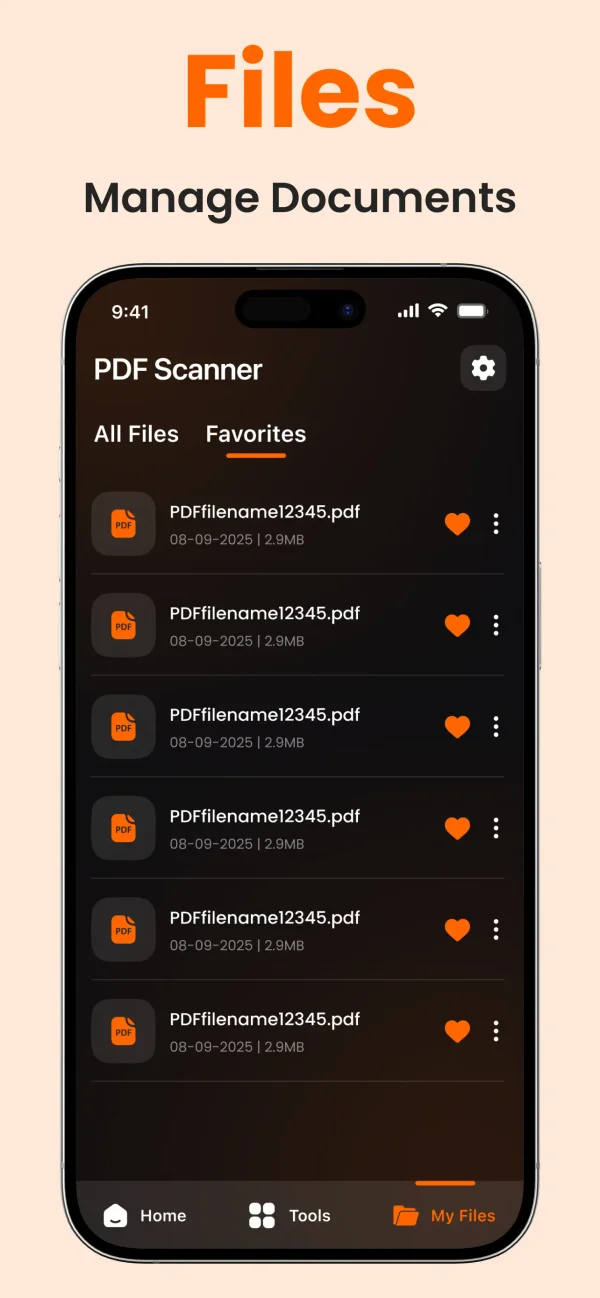
Document Management
Save and organize scanned documents so they can be accessed later.
Fast Processing
Process scanned documents quickly for smooth and efficient use.
Use Cases
This application can be useful for:
• Students scanning notes
• Professionals organizing documents
• Small businesses managing paperwork
• Everyday document scanning needs
Premium Subscription
The application offers optional auto-renewable subscriptions that provide additional features, including:
• Unlimited document scans
• Access to advanced PDF tools
• Faster processing
• High-quality export
• Ad-free experience
Payment will be charged to your Apple ID account at confirmation of purchase.
Subscriptions automatically renew unless auto-renew is turned off at least 24 hours before the end of the current period.
Users can manage or cancel subscriptions through their Apple ID account settings after purchase.
Easy to Use
Open the camera, scan a document, and save it as a PDF. Documents can then be stored, organized, or shared as needed.
privacy policy : https://doczeno.blogspot.com/2026/03/privacy-policy.html
terms and conditions: https://doczeno.blogspot.com/2026/03/terms-and-conditions.html
eula: https://doczeno.blogspot.com/2026/03/eula.html
Neue Funktionen
Version 1.7 · 28.05.2026
bug fixes and performance improvements
App-Datenschutz
Was Mital Malaviya im App Store zum Umgang dieser App mit Daten angibt.
-
Daten, die zum Tracking Ihrer Person verwendet werden
Können verwendet werden, um Sie über Apps und Websites anderer Unternehmen hinweg zu verfolgen.
- Kennungen
-
Mit Ihnen verknüpfte Daten
Können erfasst und mit Ihrer Identität verknüpft werden.
- Standort
- Benutzerinhalte
- Kennungen
- Nutzungsdaten
-
Nicht mit Ihnen verknüpfte Daten
Können erfasst werden, sind aber nicht mit Ihrer Identität verknüpft.
- Diagnose
Die Datenschutzpraktiken können variieren, zum Beispiel je nach den von Ihnen verwendeten Funktionen oder Ihrem Alter.
Informationen
- Anbieter
- Mital Malaviya
- Kategorie
- Produktivität
- Version
- 1.7
- Aktualisiert
- 28.05.2026
- Veröffentlicht
- 21.03.2026
- Größe
- 47,8 MB
- Erfordert
- iOS 15.0 oder neuer
- Altersfreigabe
- 4+
- Preis
- Kostenlos
- In-App-Käufe
- Ja
- Sprachen
- Englisch
- Copyright
- © mitalmalaviya
Das könnte Ihnen auch gefallen
-
 Scanner App: Scan PDF DocumentProduktivität
-
 Image to PDF: PDF MakerProduktivität
-
 Safe Haven SecurityProduktivität
-
 Scanner App Scannen von PDFPDF Dokumenten Scanner
-
 UniformityProduktivität
-
 Send Fax App: Fax From iPhoneProduktivität
-
 Jotform Sign: eSign PDF & DocsProduktivität
-
 BluebeamPDF-Abläufe auf der Baustelle
-
 FoxNote: Sprache zu TextTranskription, Sprachmemos