Scanner: PDF OCR Document Scan
PDF OCR & QR Scanner
Entwickelt für iPhone, iPad
Kostenlos · In-App-Käufe
- Altersfreigabe4+
- KategorieProduktivität
- Entwickler国青 闫
- SprachenEnglisch+ 4 weitere
- Größe14,1 MB
Verlinkt auf die offizielle App Store-Seite
Download.org hostet keine Datei von Scanner: PDF OCR Document Scan. Die Schaltfläche öffnet die App-Seite bei App Store, wo 国青 闫 die App veröffentlicht. Eintrag zuletzt geprüft am 18.11.2026.
Screenshots
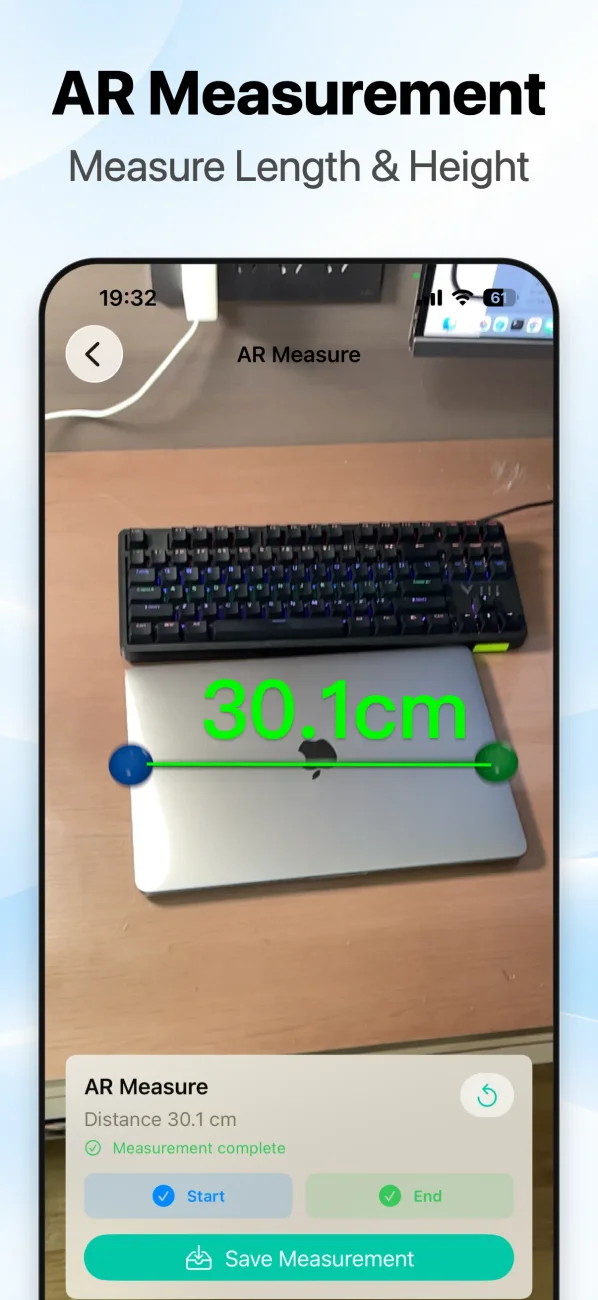
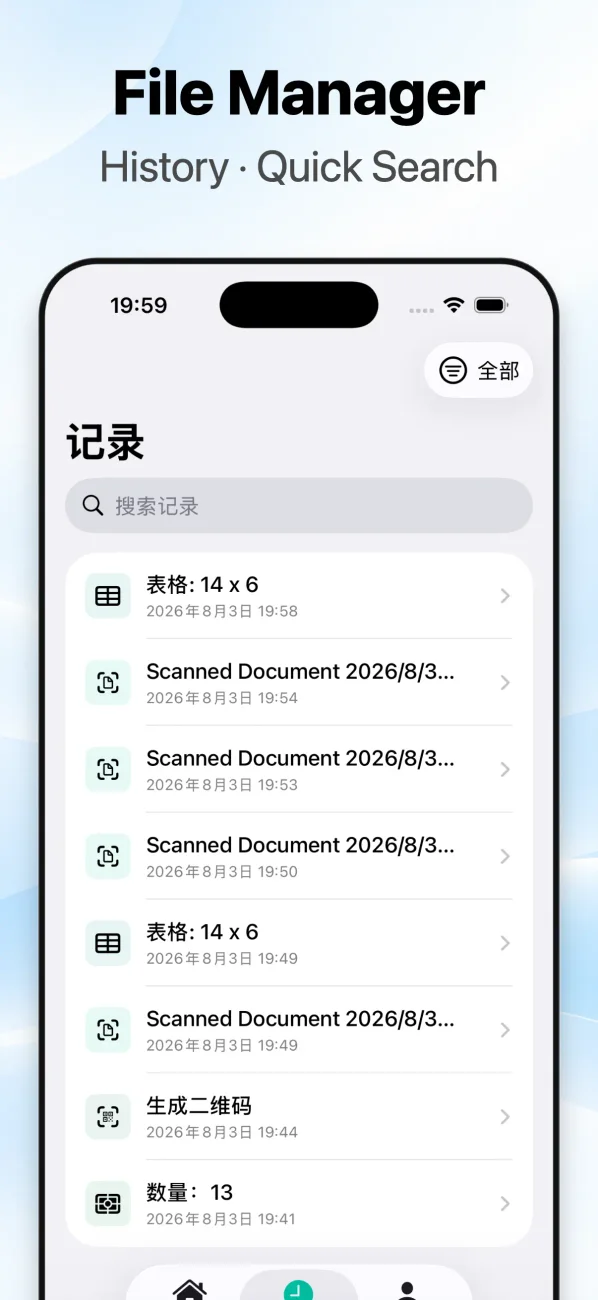
Info
Der Entwickler hat diesen Text nicht in Ihrer Sprache bereitgestellt.
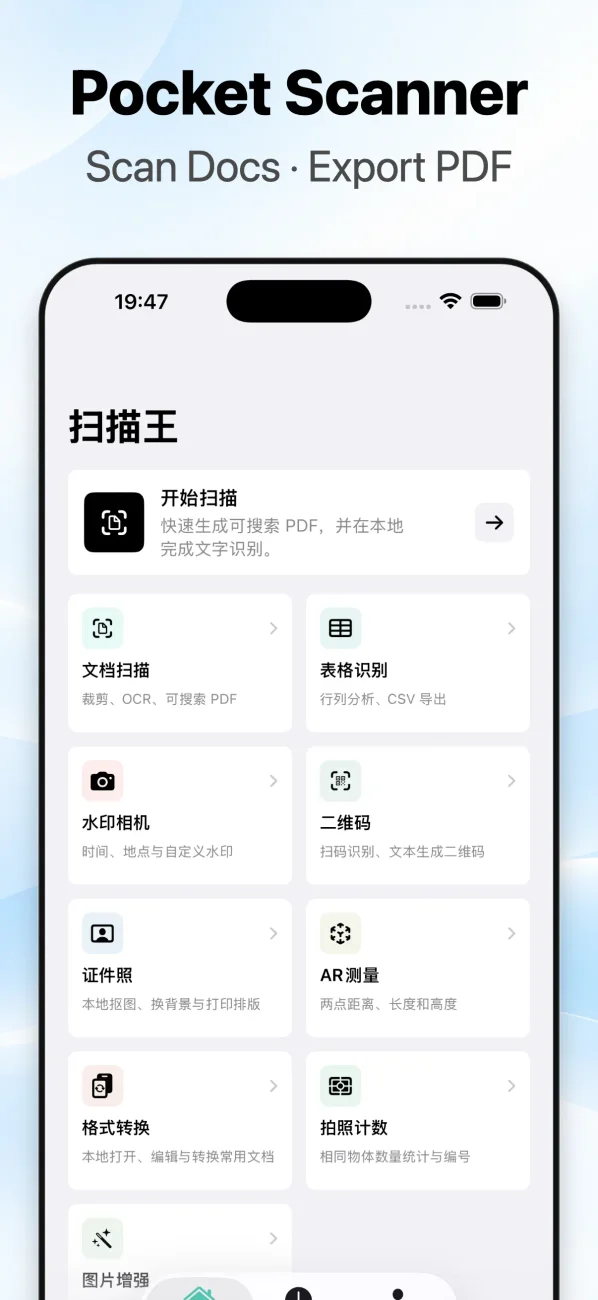
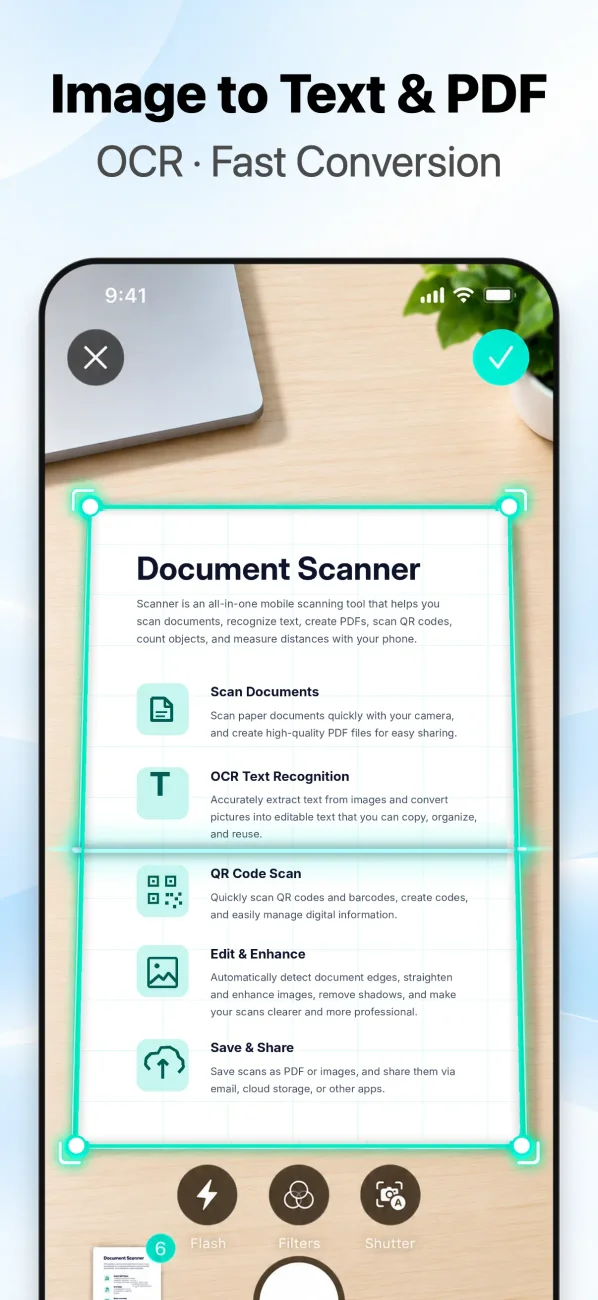
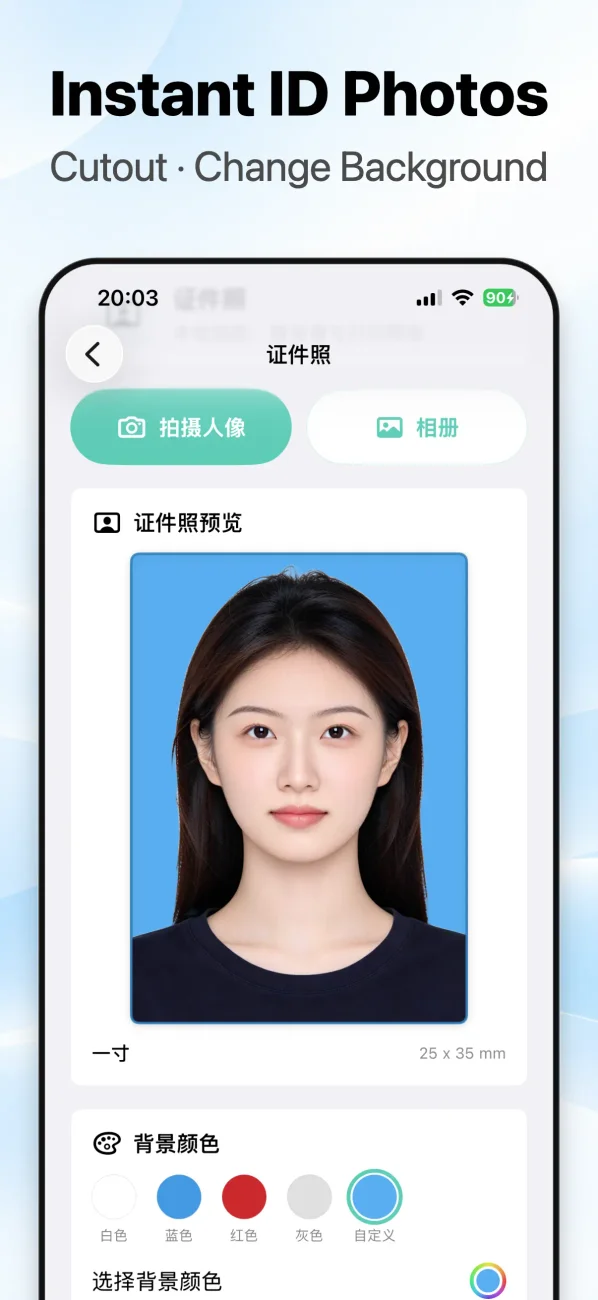
Scanner is a simple and practical smart scanning tool that supports document scanning, OCR text recognition, PDF export, QR code scanning and generation, table recognition, photo counting, AR measurement, and image enhancement.
You can quickly scan contracts, notes, receipts, study materials, and paper documents. Scanner automatically enhances image quality, extracts text from images, and creates clear PDF files that are easy to save and share. Whether you are organizing study materials, archiving office documents, or saving everyday paper information, Scanner helps you complete tasks more efficiently.
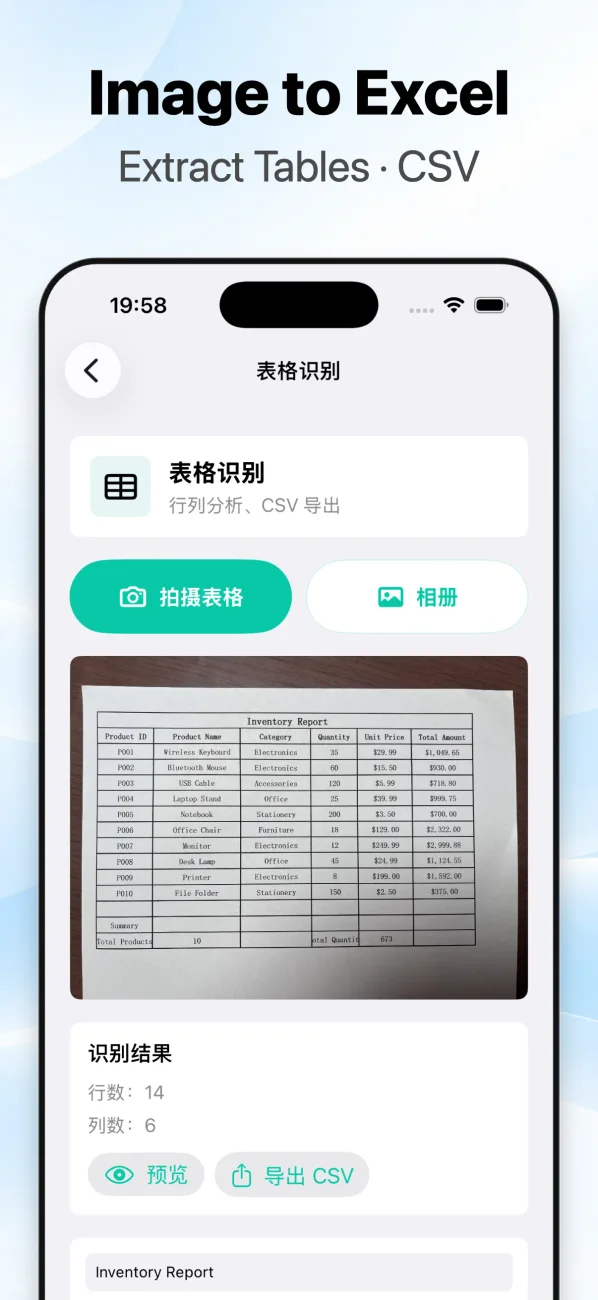
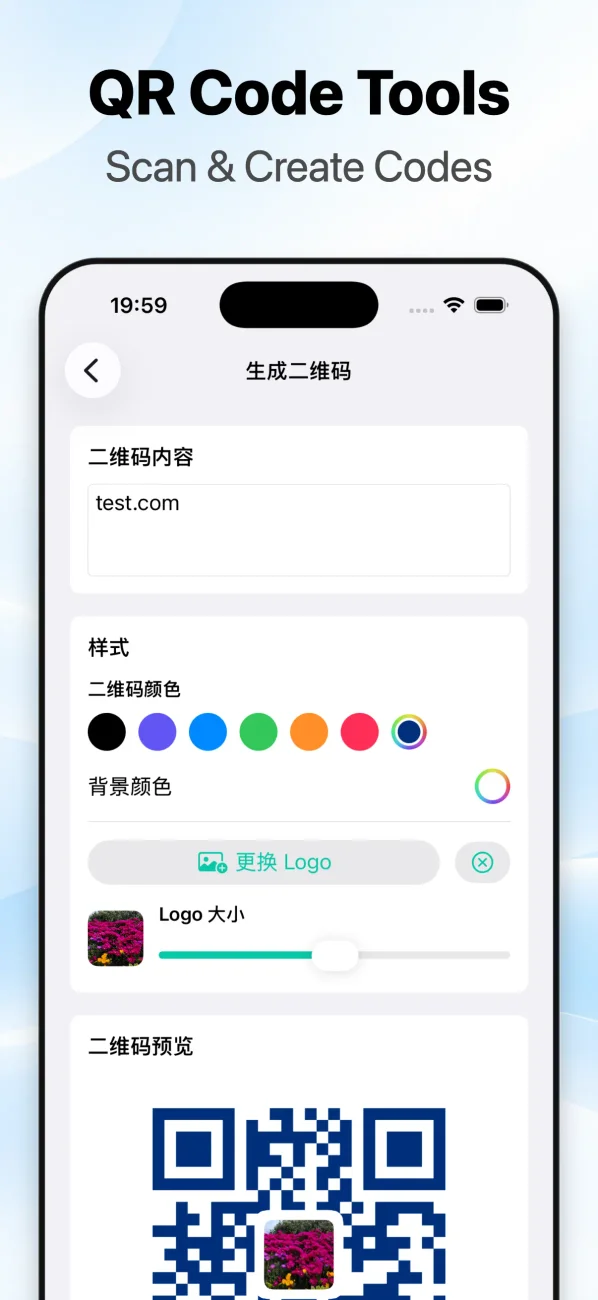
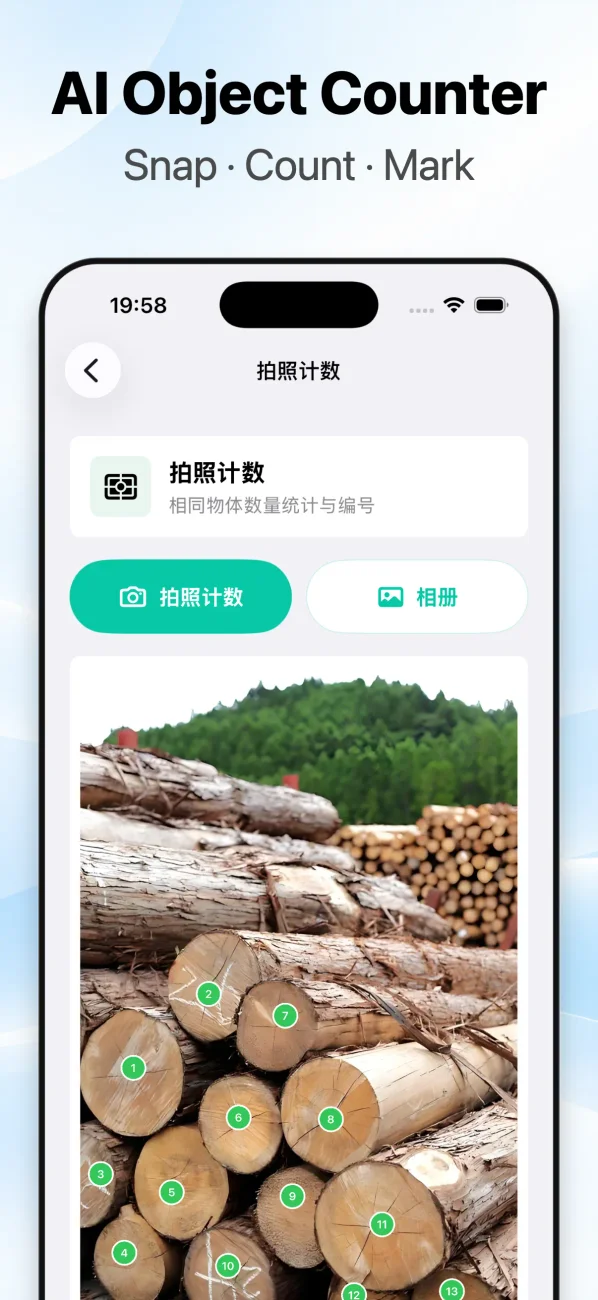
Scanner also supports table structure recognition and CSV export, making it easier to organize paper tables and screenshot data. It supports QR code scanning and recognition, and allows you to generate QR codes from text or links. The photo counting feature can detect similar objects in images, mark them with numbers, and count them. You can also use the AR camera for simple distance measurements.
Core scanning, recognition, measurement, and image processing features are performed locally on your device by default. Scanned files, recognition results, and history records are stored on your device, allowing you to preview, search, export, share, or delete them anytime.
Scanner is suitable for studying, office work, document organization, file archiving, object counting, simple measurement, and daily record keeping, turning your iPhone into a portable scanner.
Privacy Policy: https://jingyan365.cn/scanner/privacy.html
Terms of Use: https://jingyan365.cn/scanner/terms.html
Neue Funktionen
Version 1.2.0 · 01.11.2026
Fix known bugs and optimize user experience
App-Datenschutz
Was 国青 闫 im App Store zum Umgang dieser App mit Daten angibt.
-
Keine Daten erfasst
Der Entwickler erfasst keine Daten von dieser App.
Die Datenschutzpraktiken können variieren, zum Beispiel je nach den von Ihnen verwendeten Funktionen oder Ihrem Alter.
Informationen
- Anbieter
- 国青 闫
- Kategorie
- Produktivität
- Version
- 1.2.0
- Aktualisiert
- 01.11.2026
- Veröffentlicht
- 17.08.2026
- Größe
- 14,1 MB
- Erfordert
- iOS 17.0 oder neuer
- Altersfreigabe
- 4+
- Preis
- Kostenlos
- In-App-Käufe
- Ja
- Sprachen
- Englisch, Japanisch, Koreanisch, Vereinf. Chinesisch, Tradit. Chinesisch
- Copyright
- ©2026 jingyan.scanner
Das könnte Ihnen auch gefallen
-
 QRat - QR-Code-GeneratorErstelle attraktive QR-Codes
-
 QRwebProduktivität
-
 QR-Code-Leser: FastQR-Code- und Barcode-Scanner
-
 Click Counter – Multi CounterProduktivität
-
 Tally, KlickzählerZählen, Punkte, Export
-
 计分器-计数器Produktivität
-
 JianBox - Local Document ToolProduktivität
-
 Recording.:Voice Record&EditorProduktivität
-
 FlashScan - Simple doc scannerProduktivität
-
 AllleistungsscannerPDF-Konvertierung & Datei-Scan