ScoreLibrary
Read · Write · Listen · Learn
Entwickelt für iPhone, iPad
Kostenlos · In-App-Käufe
- Altersfreigabe4+
- KategorieMusik
- EntwicklerDaisaku Seto
- SprachenEnglisch
- Größe20,1 MB
Verlinkt auf die offizielle App Store-Seite
Download.org hostet keine Datei von ScoreLibrary. Die Schaltfläche öffnet die App-Seite bei App Store, wo Daisaku Seto die App veröffentlicht. Eintrag zuletzt geprüft am 12.11.2026.
Screenshots


Info
Der Entwickler hat diesen Text nicht in Ihrer Sprache bereitgestellt.
ScoreLibrary is a music score reader built for daily practice rather than
the concert stage. It's the first score app with a real time-machine view
of your annotations.
【Time Machine】
Every pen stroke is auto-snapshotted hourly. The vertical slider in the
PDF viewer lets you scrub the timeline:
- See only what you wrote this morning
- See only the conductor's notes from last week's rehearsal
- "Pin this as current" promotes a past state without losing
the future snapshots
This is unique among score reading apps.
【Smart Japanese Instrument Detection】
When you import PDFs, on-device OCR picks out the instrument and part
number, automatically renaming "15_Trumpet3.pdf" to "Murdoch's Last
Letter_Tp_3rd.pdf" or your localized equivalent.
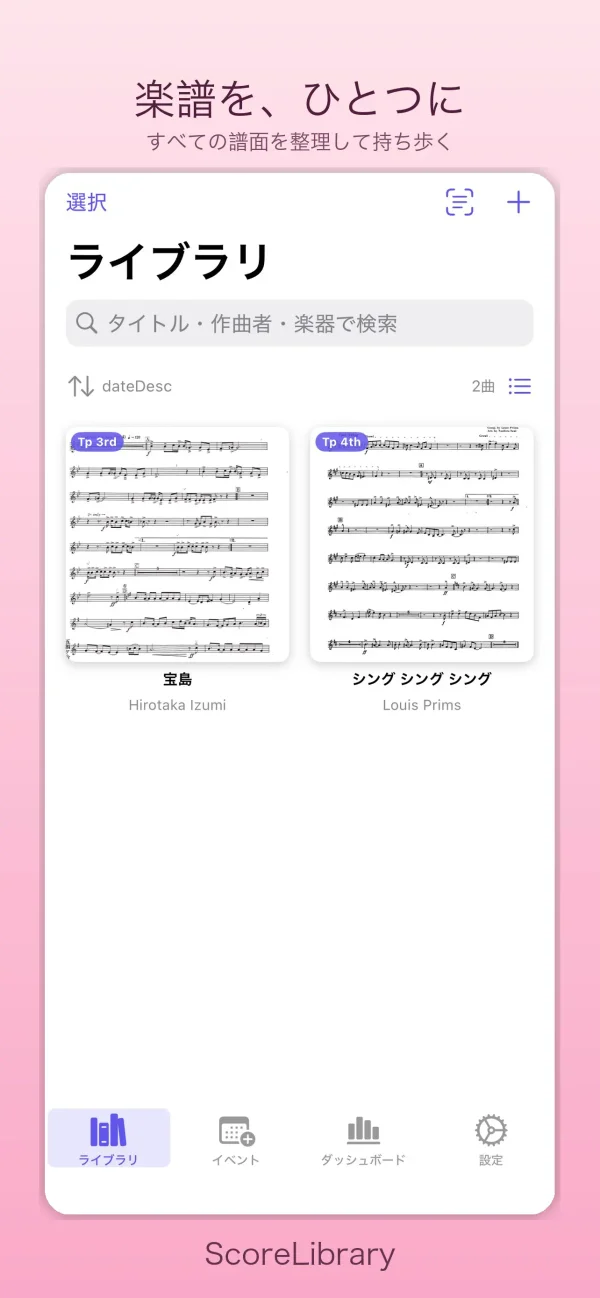
- 90+ instrument patterns (Western and Japanese)
- Composer / arranger detection
- Both vertical and horizontal text
【Multiple Import Paths】
- Multi-PDF picker with batched import
- Whole-folder import
- Camera scan to high-quality PDF
- "Open in ScoreLibrary" from Google Drive, OneDrive, Dropbox
- Files app, Mail, LINE share sheet support
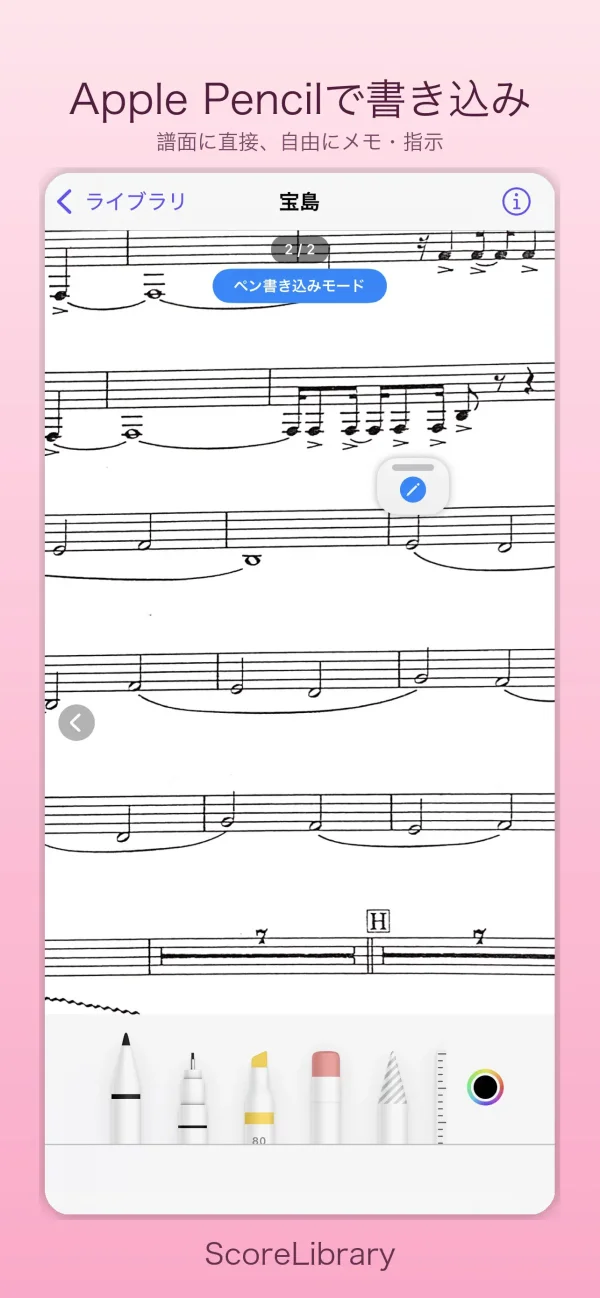
【Annotations】
- Apple Pencil pen input
- Two page-turn modes: paper Page Curl and smooth Slide
- Attach photos anywhere on the page
【Concert / Event Management】
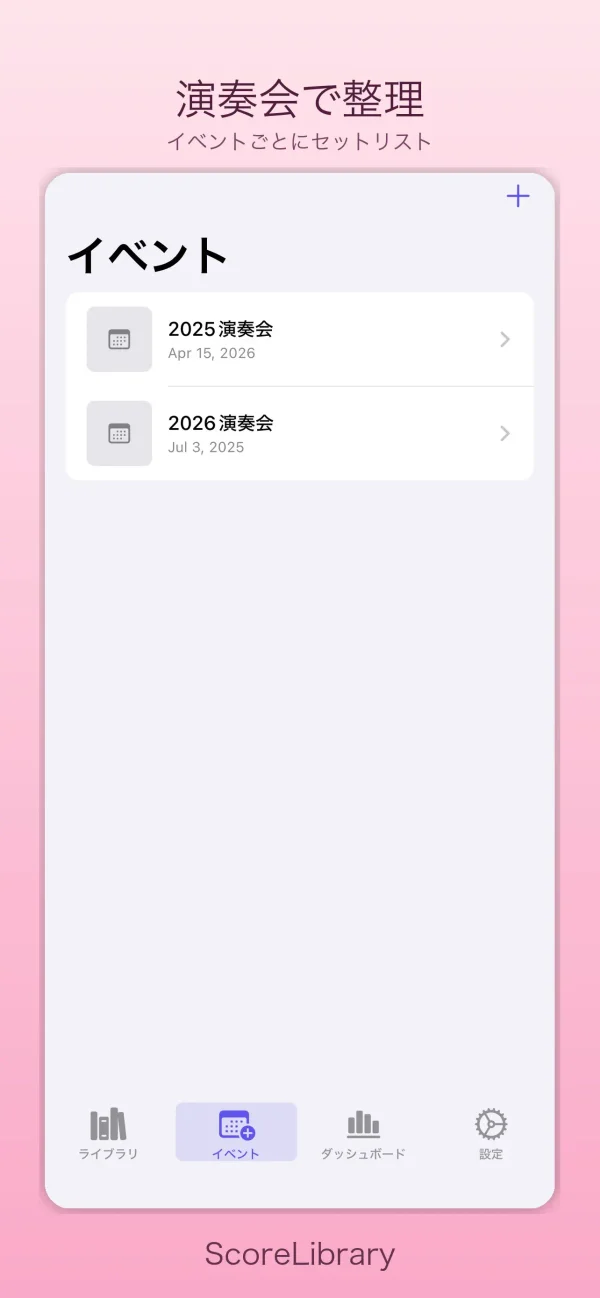
- Per-event annotations (your notes for Concert A don't bleed into
Concert B even on the same score)
- Setlists with reordering
- Add multiple flyer images per event (front, back, handouts),
viewable full screen
- Auto-generated mute lists for what to bring
【Practice Tools】
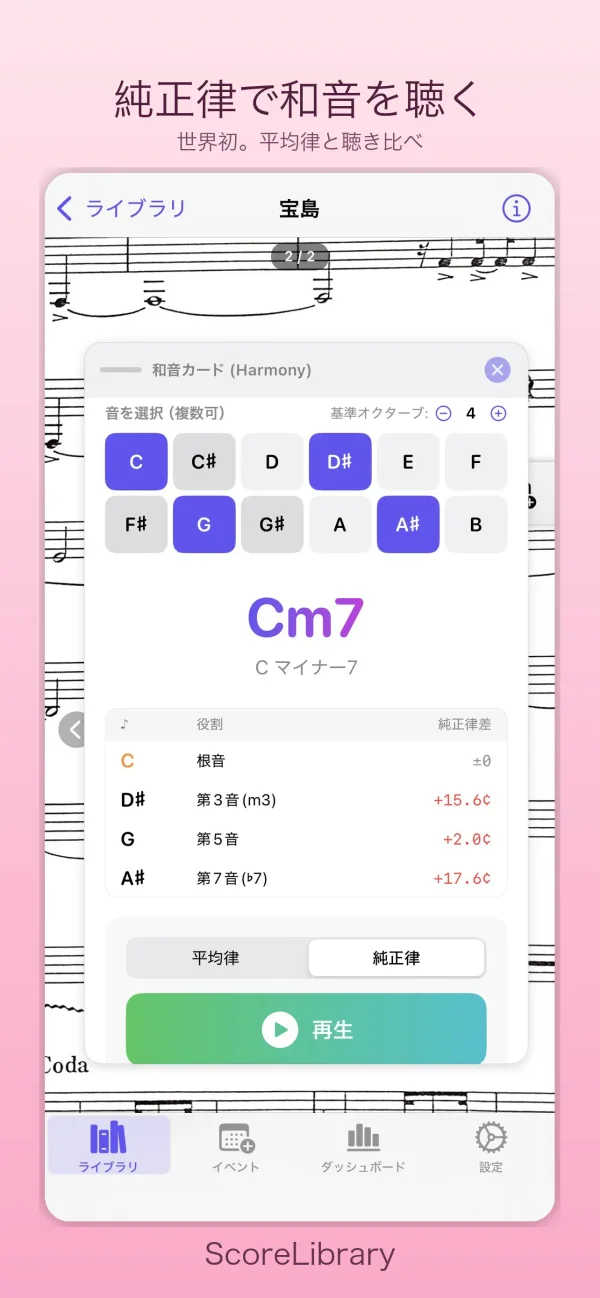
- Chord card with audible chord lookup
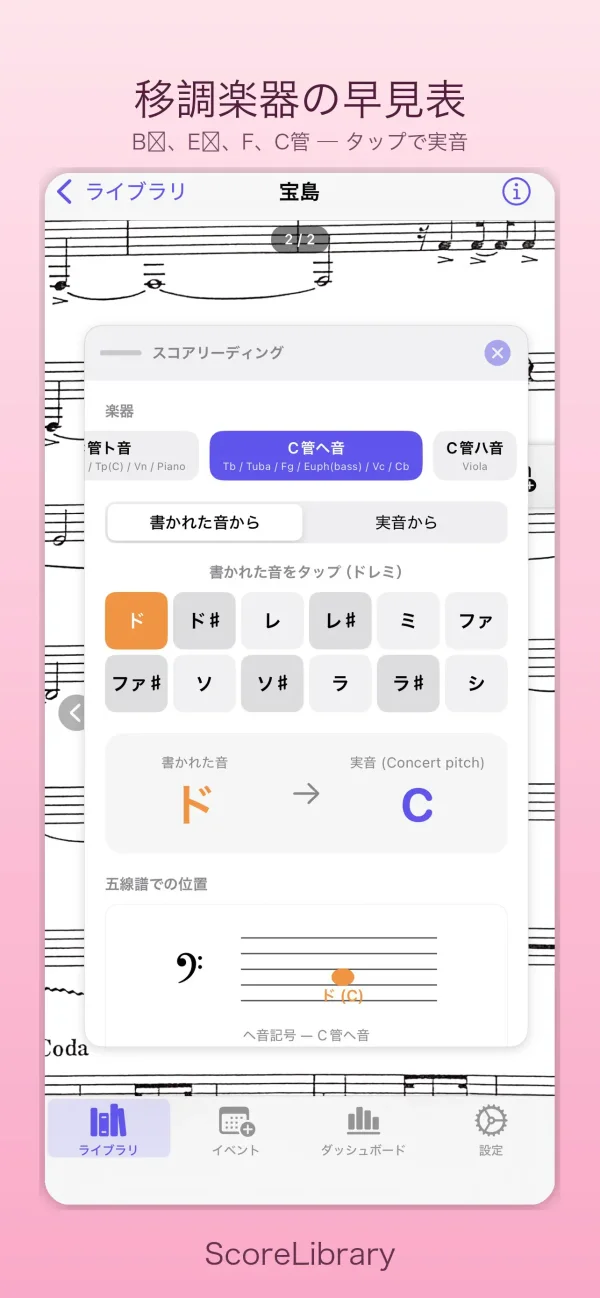
- Score reading card for note name / interval reference
- Built-in metronome with compound-meter support (6/8, 9/8, 12/8)
【Trilingual】
Japanese / English / 简体中文 with instant in-app switching.
【Pro Tier (one-time $4.99)】
Unlocks Time Machine slider operation, "Pin this as current," paw-
shaped slider thumbs, an alternate paw-stamped app icon, and a faint
paw-print decoration across the tab backgrounds.
Snapshots are recorded in the background for everyone, so Pro can be
purchased anytime later without losing your past practice history.
One-time purchase. No subscription.
Neue Funktionen
Version 2.3 · 30.09.2026
v2.3 — Add a time schedule to your concerts.
【Time Schedule】
A new "Time Schedule" section appears in each concert's detail page.
Add entries like "13:00 / Assembly" or "13:30 / Rehearsal Start",
reorder them with drag-and-drop, and delete with a swipe.
You can also attach photos (assembly point map, venue shots) or PDFs
(hall guide, flyer back) directly to the schedule. They appear as a
horizontal scroll row of thumbnails; tap any one for full-screen view.
Everything you need on the day — set list, flyers, and now the
schedule — lives in one concert page.
【Easier Concert Editing】
A pencil button now sits right on the detail page so you can jump
into editing without hunting for a hidden control. The setlist header
also gained an "Edit" button for one-tap drag-reorder mode.
【Cleaner Score Deletion】
Deleting a score now removes all associated data — annotations,
snapshots, memos, attached images, and setlist entries — in one go.
Orphaned records left by older versions are cleaned up on next launch.
App-Datenschutz
Was Daisaku Seto im App Store zum Umgang dieser App mit Daten angibt.
-
Keine Daten erfasst
Der Entwickler erfasst keine Daten von dieser App.
Die Datenschutzpraktiken können variieren, zum Beispiel je nach den von Ihnen verwendeten Funktionen oder Ihrem Alter.
Informationen
- Anbieter
- Daisaku Seto
- Kategorie
- Musik
- Version
- 2.3
- Aktualisiert
- 30.09.2026
- Veröffentlicht
- 20.04.2026
- Größe
- 20,1 MB
- Erfordert
- iOS 18.4 oder neuer
- Altersfreigabe
- 4+
- Preis
- Kostenlos
- In-App-Käufe
- Ja
- Sprachen
- Englisch
- Copyright
- © 2026 Daisaku Seto