
ScoreLibrary
Read · Write · Listen · Learn
Được thiết kế cho iPhone, iPad
Miễn phí · Mua hàng trong ứng dụng
- Độ tuổi4+
- Danh mụcNhạc
- Nhà phát triểnDaisaku Seto
- Ngôn ngữTiếng Anh
- Kích thước20,1 MB
Liên kết đến trang App Store chính thức
Download.org không lưu trữ tệp nào của ScoreLibrary. Nút này mở trang ứng dụng trên App Store, nơi Daisaku Seto phát hành ứng dụng. Trang được kiểm tra lần cuối: 12/11/2026.
Ảnh chụp màn hình


Giới thiệu
Nhà phát triển chưa cung cấp nội dung này bằng ngôn ngữ của bạn.
ScoreLibrary is a music score reader built for daily practice rather than
the concert stage. It's the first score app with a real time-machine view
of your annotations.
【Time Machine】
Every pen stroke is auto-snapshotted hourly. The vertical slider in the
PDF viewer lets you scrub the timeline:
- See only what you wrote this morning
- See only the conductor's notes from last week's rehearsal
- "Pin this as current" promotes a past state without losing
the future snapshots
This is unique among score reading apps.
【Smart Japanese Instrument Detection】
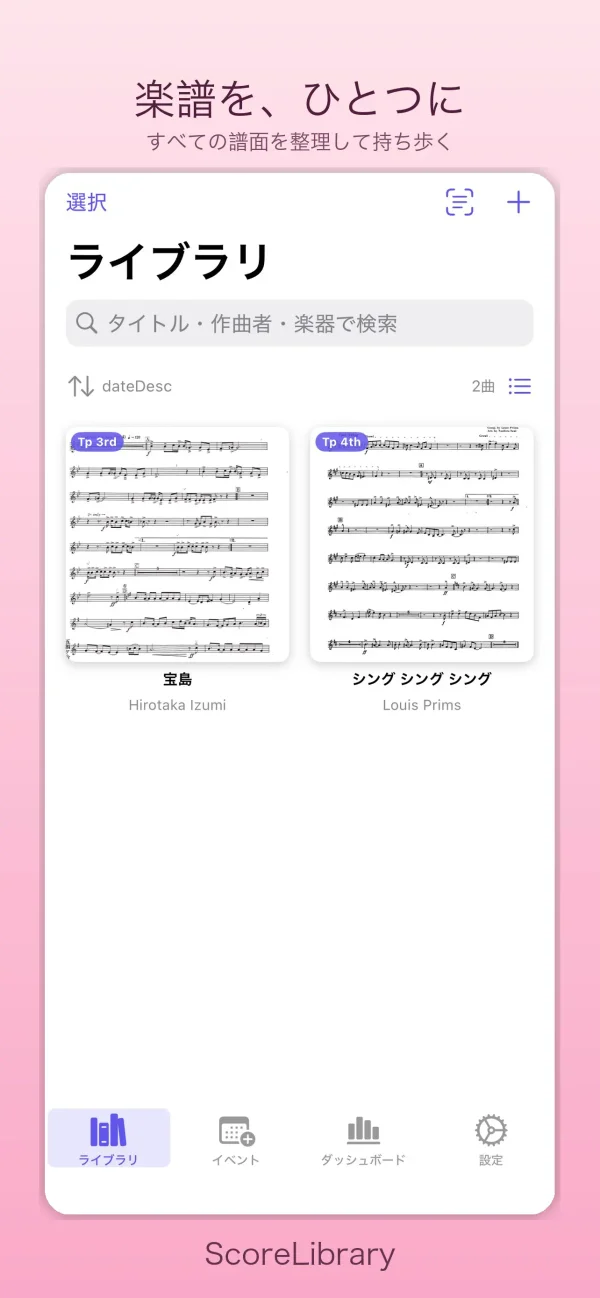
When you import PDFs, on-device OCR picks out the instrument and part
number, automatically renaming "15_Trumpet3.pdf" to "Murdoch's Last
Letter_Tp_3rd.pdf" or your localized equivalent.
- 90+ instrument patterns (Western and Japanese)
- Composer / arranger detection
- Both vertical and horizontal text
【Multiple Import Paths】
- Multi-PDF picker with batched import
- Whole-folder import
- Camera scan to high-quality PDF
- "Open in ScoreLibrary" from Google Drive, OneDrive, Dropbox
- Files app, Mail, LINE share sheet support
【Annotations】
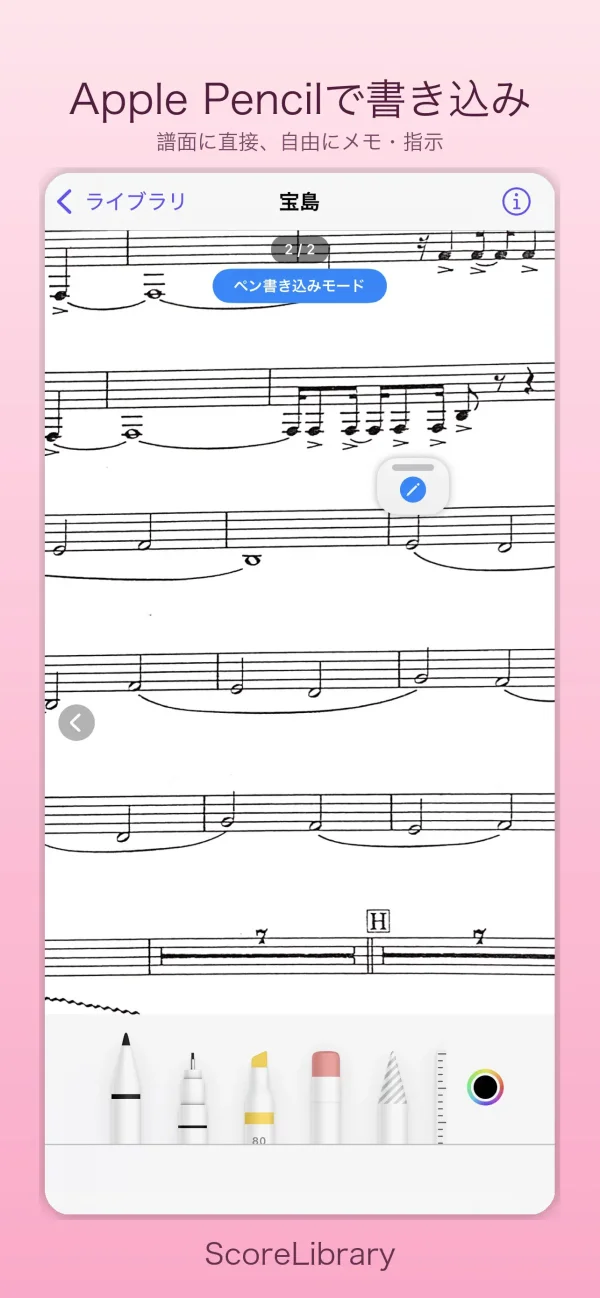
- Apple Pencil pen input
- Two page-turn modes: paper Page Curl and smooth Slide
- Attach photos anywhere on the page
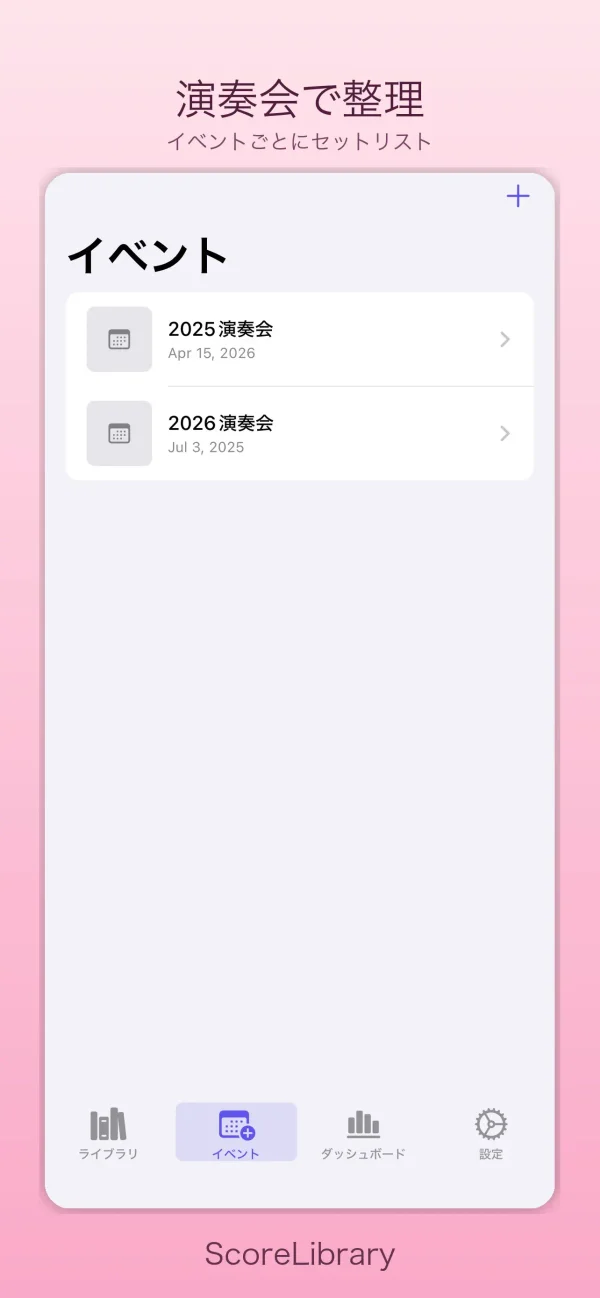
【Concert / Event Management】
- Per-event annotations (your notes for Concert A don't bleed into
Concert B even on the same score)
- Setlists with reordering
- Add multiple flyer images per event (front, back, handouts),
viewable full screen
- Auto-generated mute lists for what to bring
【Practice Tools】
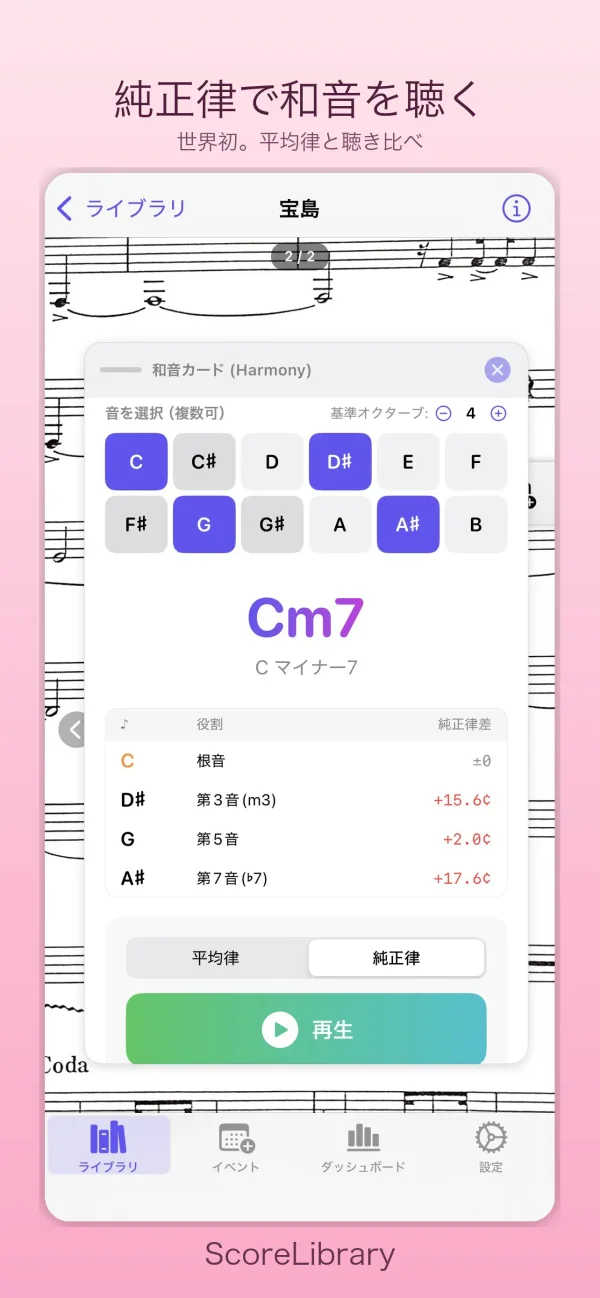
- Chord card with audible chord lookup
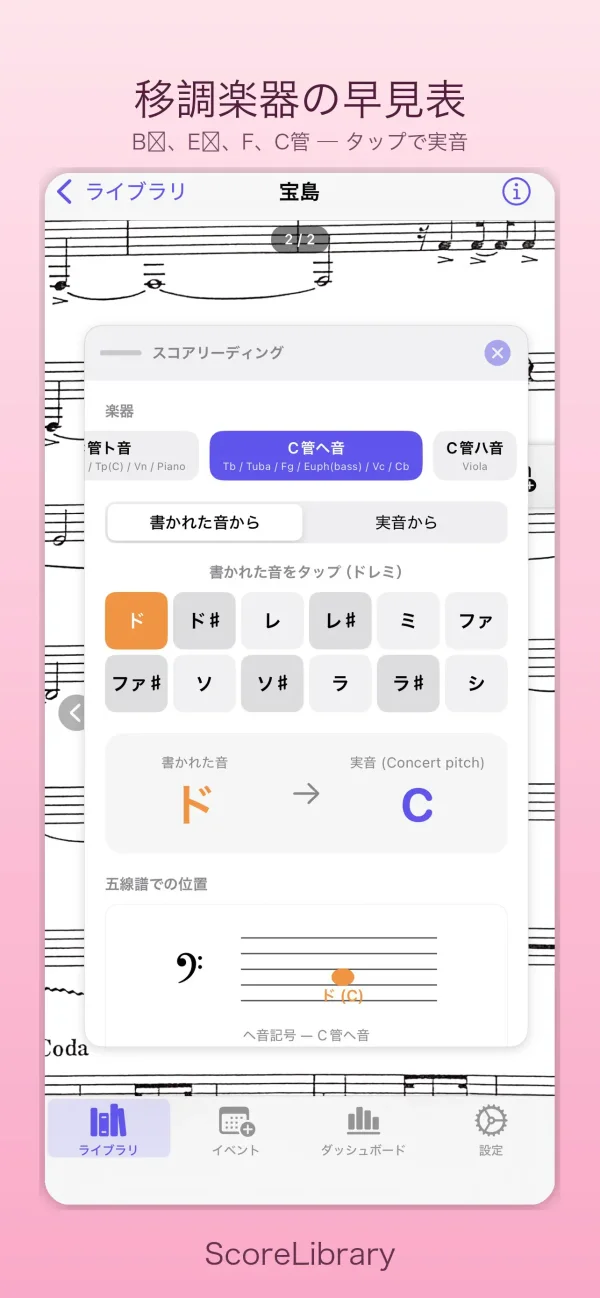
- Score reading card for note name / interval reference
- Built-in metronome with compound-meter support (6/8, 9/8, 12/8)
【Trilingual】
Japanese / English / 简体中文 with instant in-app switching.
【Pro Tier (one-time $4.99)】
Unlocks Time Machine slider operation, "Pin this as current," paw-
shaped slider thumbs, an alternate paw-stamped app icon, and a faint
paw-print decoration across the tab backgrounds.
Snapshots are recorded in the background for everyone, so Pro can be
purchased anytime later without losing your past practice history.
One-time purchase. No subscription.
Có gì mới
Phiên bản 2.3 · 30/09/2026
v2.3 — Add a time schedule to your concerts.
【Time Schedule】
A new "Time Schedule" section appears in each concert's detail page.
Add entries like "13:00 / Assembly" or "13:30 / Rehearsal Start",
reorder them with drag-and-drop, and delete with a swipe.
You can also attach photos (assembly point map, venue shots) or PDFs
(hall guide, flyer back) directly to the schedule. They appear as a
horizontal scroll row of thumbnails; tap any one for full-screen view.
Everything you need on the day — set list, flyers, and now the
schedule — lives in one concert page.
【Easier Concert Editing】
A pencil button now sits right on the detail page so you can jump
into editing without hunting for a hidden control. The setlist header
also gained an "Edit" button for one-tap drag-reorder mode.
【Cleaner Score Deletion】
Deleting a score now removes all associated data — annotations,
snapshots, memos, attached images, and setlist entries — in one go.
Orphaned records left by older versions are cleaned up on next launch.
Quyền riêng tư của ứng dụng
Những gì Daisaku Seto khai báo trên App Store về cách ứng dụng này xử lý dữ liệu.
-
Dữ liệu không được thu thập
Nhà phát triển không thu thập bất kỳ dữ liệu nào từ ứng dụng này.
Phương thức đảm bảo quyền riêng tư có thể khác nhau, chẳng hạn như tuỳ theo các tính năng bạn sử dụng hoặc độ tuổi của bạn.
Thông tin
- Người bán
- Daisaku Seto
- Danh mục
- Nhạc
- Phiên bản
- 2.3
- Cập nhật
- 30/09/2026
- Phát hành
- 20/04/2026
- Kích thước
- 20,1 MB
- Yêu cầu
- iOS 18.4 trở lên
- Độ tuổi
- 4+
- Giá
- Miễn phí
- Mua hàng trong ứng dụng
- Có
- Ngôn ngữ
- Tiếng Anh
- Bản quyền
- © 2026 Daisaku Seto