
Screen Time Master
Limit kids screen time
Entwickelt für iPhone, iPad
Kostenlos · In-App-Käufe
- Altersfreigabe4+
- KategorieBildung
- EntwicklerScreen Time Challenge Pty. Ltd.
- SprachenEnglisch+ 1 weitere
- Größe34,1 MB
Verlinkt auf die offizielle App Store-Seite
Download.org hostet keine Datei von Screen Time Master. Die Schaltfläche öffnet die App-Seite bei App Store, wo Screen Time Challenge Pty. Ltd. die App veröffentlicht. Eintrag zuletzt geprüft am 13.11.2026.
Screenshots
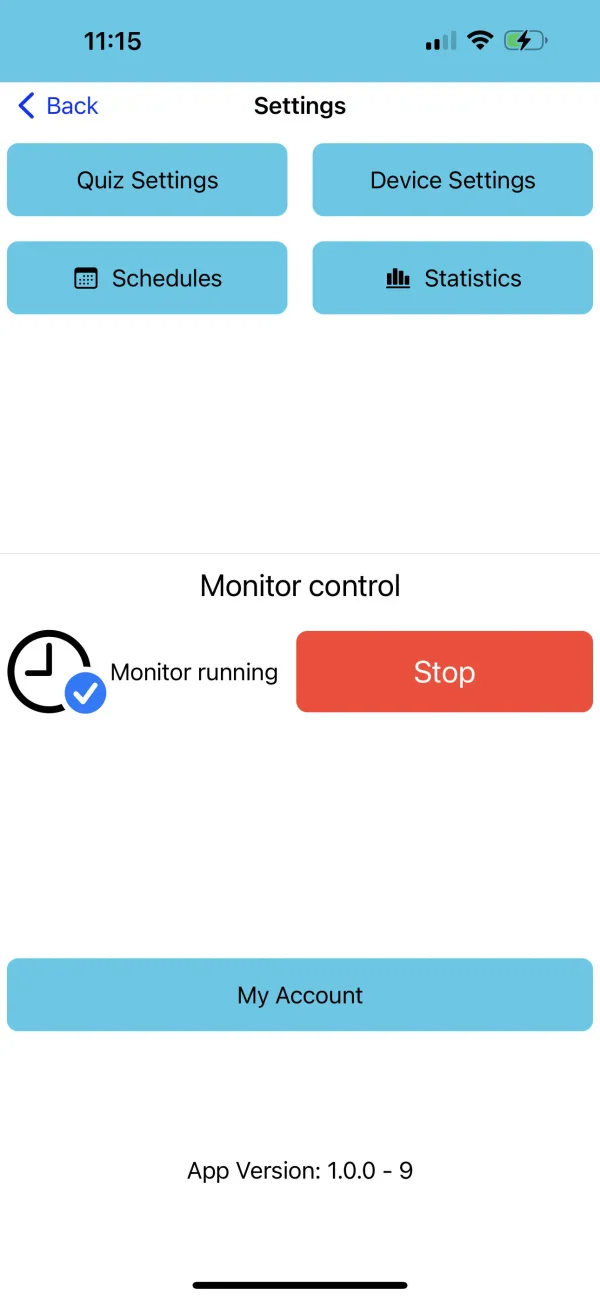
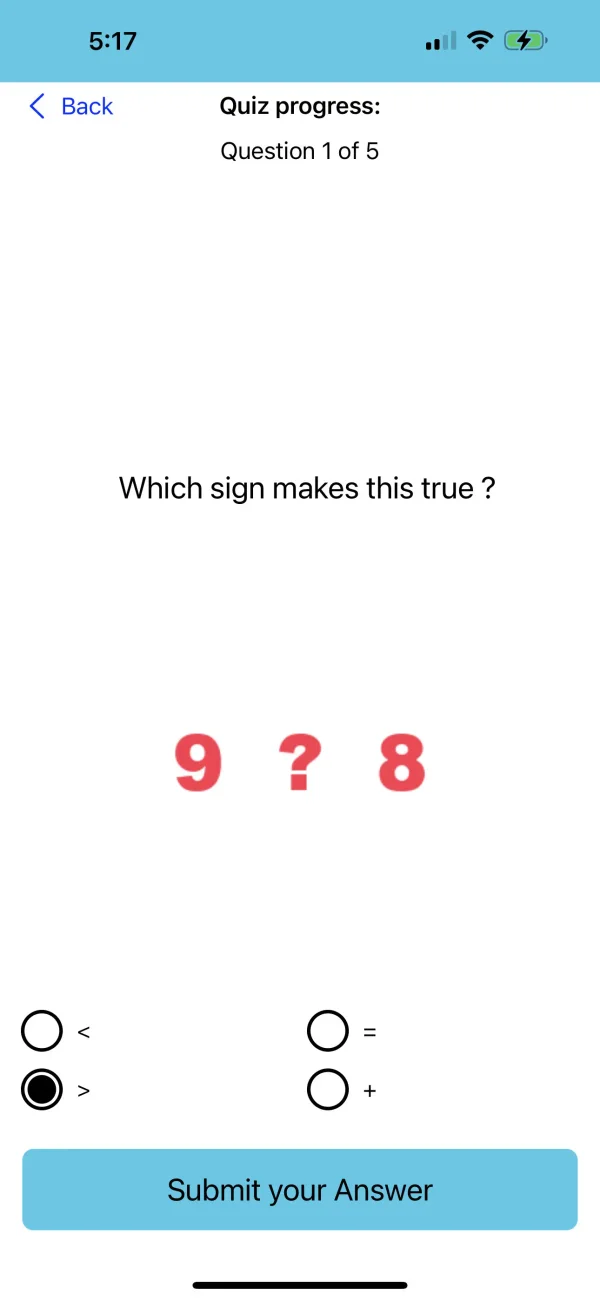
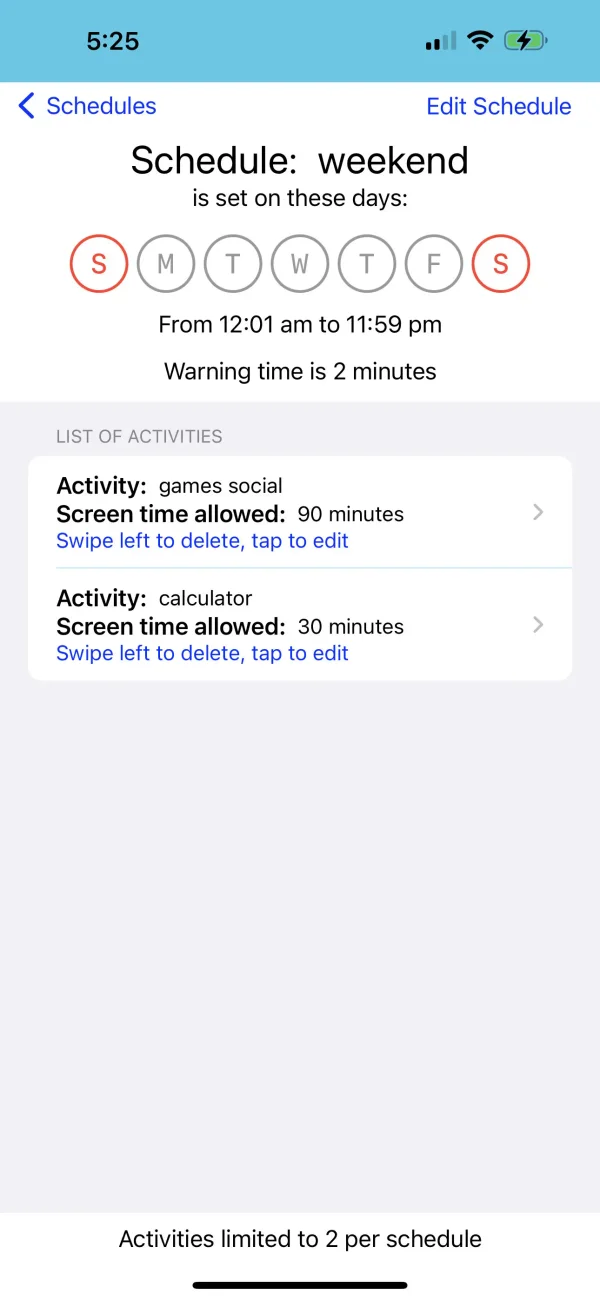
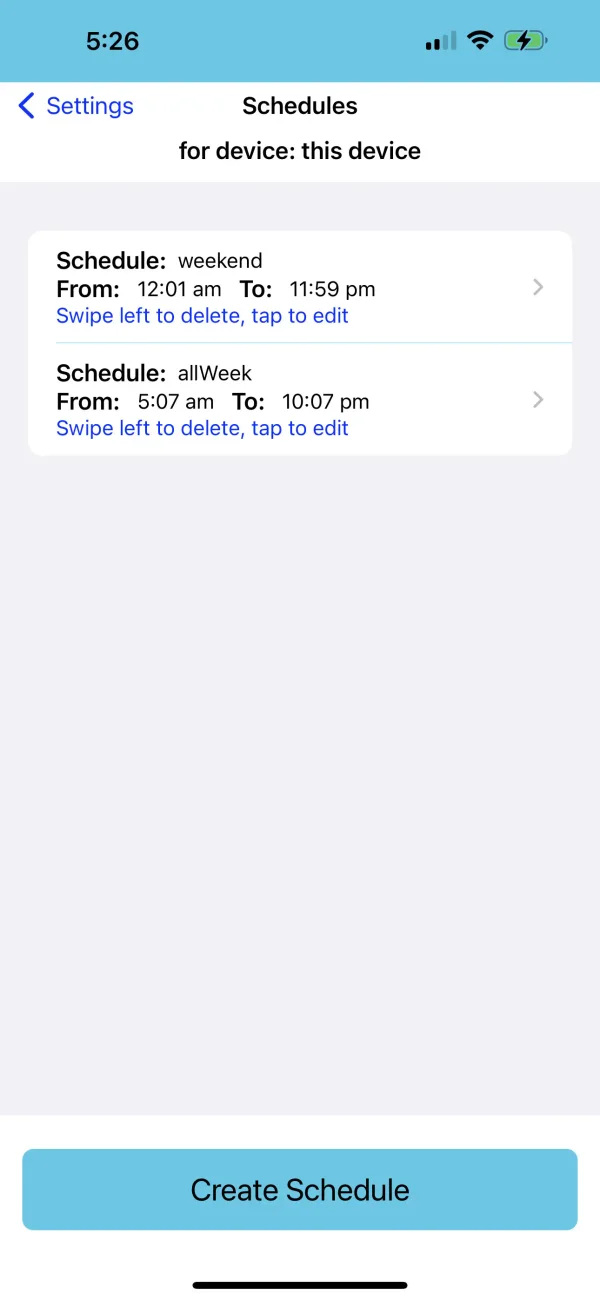
Info
Der Entwickler hat diesen Text nicht in Ihrer Sprache bereitgestellt.
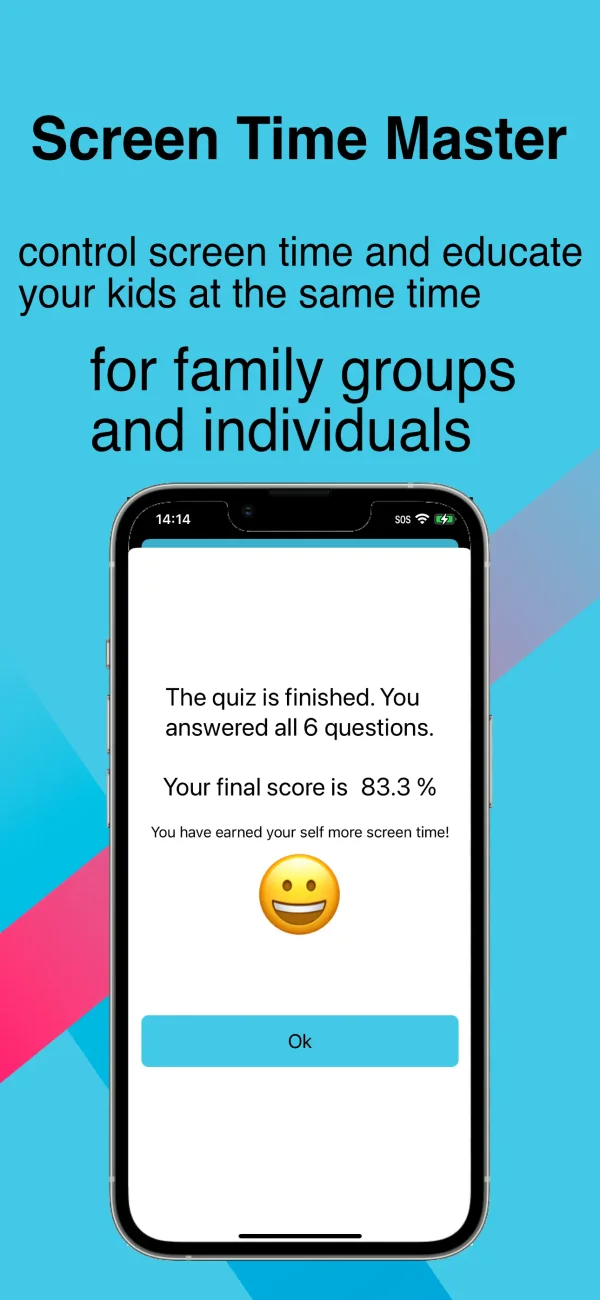
Parents never worry about your child’s screen time again. Screen Time Master is for children of all ages, it allows parents to set screen time limits, which can be automatically extended by your children, but only if they successfully pass educational quizzes which are tailored to their age and ability. Screen time just became useful. Brilliant.
80% of children have screen time habits of up to 20 hours a week, Screen Time Master creates an amazing opportunity for parents and children to engage in their child’s education and help them improve their grades.
Screen Time Master is installed on both the parents and their children’s devices and allows parents to take the following positive actions:
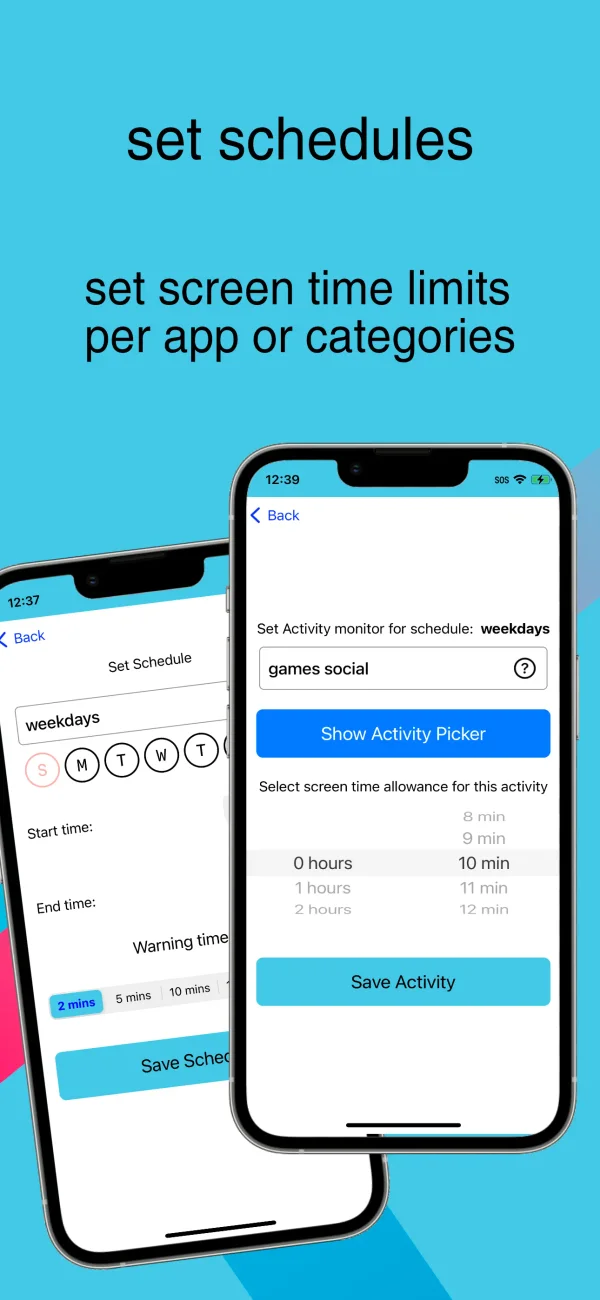
- Select the amount of screentime before the child’s phone is paused (can still make phone calls and use phone expect for blocked apps).
- Select the categories of apps that will be paused. For example social media and games could be paused but educational apps remain unpaused.
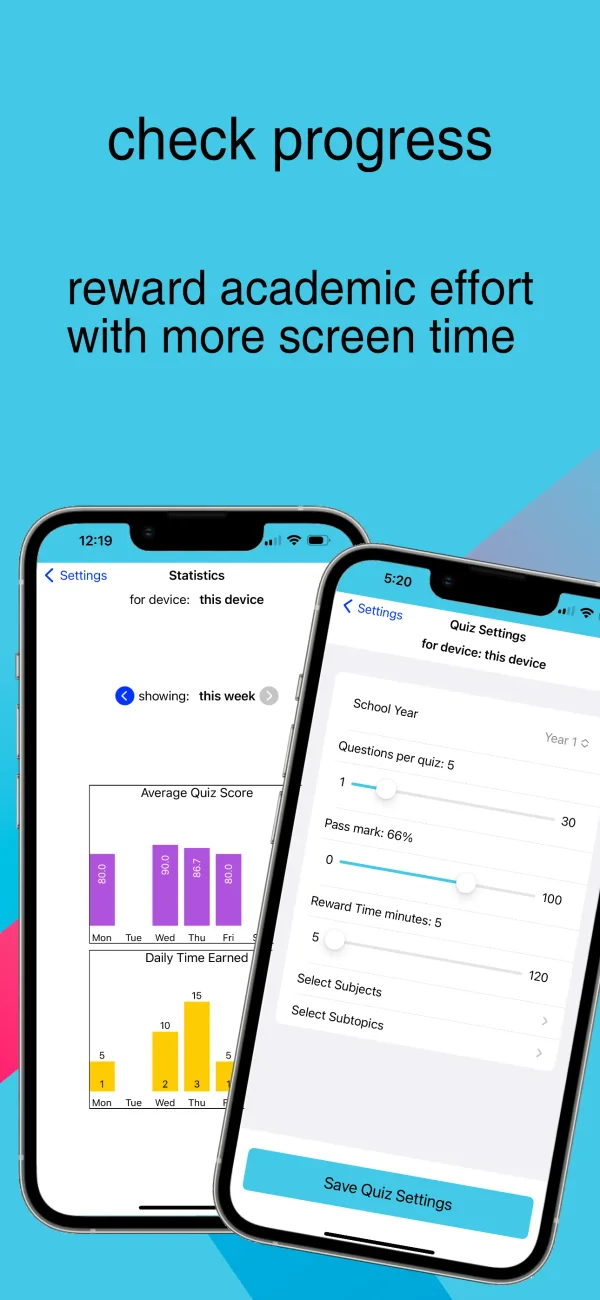
- Select quizzes that are appropriate to your child’s age and skill level.
- Select the types of quizzes, for example maths, spelling, or a combination of both.
- Select a core topic to focus on such as multiplication or spelling.
- If your child is successful in passing the quiz, select how long the screen time extension will last before screentime is blocked again.
- Set up daily/weekly schedules to suit each individual child’s needs, for example you may not want to pause your child’s phone on weekends or certain hours of the day.
- Review reports of your child’s progress.
- Relax and let Screen Time Master educate your child.
Katie Parent 46 years old
I have an 11 year old son and a 17 year old daughter that both spend way too much time on their devices. The problem with other screen time controls is that my 11 year old son has to come to me to get me to extend screen time, it is not automatic so he is always hassling me to extend his screentime. I also see my son and daughter on their devices a lot each day. With Screen Time Master once the screen time limit is reached my son needs to pass a quiz and screentime is automatically extended, no need for me to get involved. With my daughter at least I know if she is using her device she is also doing revision and learning. Thank you Screen Time Master you have stopped my son hassling me and given me peace of mind my children are learning.
Developed by parents who have experienced first-hand the problem of excessive screen time and how difficult it has become for children to put down their devices and revise. Screen Time Master solves this problem for you.
Screen Time Master requires a monthly subscription, beginning with a 2 week free trial period.
- Up to 3 devices: AUD $14.99 per month
- 4 or more devices: AUD $24.99 per month
Above prices are for Australian customers, pricing in other locations/currencies are determined according to App Store policy.
The payment will be charged to your iTunes account when the purchase is confirmed.
Your subscription renews automatically every month unless auto-renew is turned off in your account settings at least 24 hours before the end of the current subscription period.
Your account will be charged for renewal within 24 hours prior to the end of the current subscription period, and identify the cost of the renewal.
Terms of use: https://www.apple.com/legal/internet-services/itunes/dev/stdeula/
Privacy Policy: https://screentimemaster.com/Home/Privacy#privacy
Neue Funktionen
Version 1.2.0 · 09.05.2025
Now includes setup for individuals as well as family groups.
App-Datenschutz
Was Screen Time Challenge Pty. Ltd. im App Store zum Umgang dieser App mit Daten angibt.
-
Mit Ihnen verknüpfte Daten
Können erfasst und mit Ihrer Identität verknüpft werden.
- Kontaktinformationen
- Kennungen
- Nutzungsdaten
Die Datenschutzpraktiken können variieren, zum Beispiel je nach den von Ihnen verwendeten Funktionen oder Ihrem Alter.
Informationen
- Anbieter
- Screen Time Challenge Pty. Ltd.
- Kategorie
- Bildung
- Version
- 1.2.0
- Aktualisiert
- 09.05.2025
- Veröffentlicht
- 02.10.2023
- Größe
- 34,1 MB
- Erfordert
- iOS 16.6 oder neuer
- Altersfreigabe
- 4+
- Preis
- Kostenlos
- In-App-Käufe
- Ja
- Sprachen
- Englisch, Deutsch
- Copyright
- © 2025 Screen Time Challenge Pty Ltd
Das könnte Ihnen auch gefallen
-
 Your Spelling Grade 3/4Bildung
-
 Länder Ozeaniens - QuizLerne die Länder
-
 PE GamesSportunterricht planen mit KI
-
 Länder Nordamerikas - QuizLerne die Länder
-
 Länder Südamerikas - QuizLerne die Länder
-
 Stundenpläne - LernenTrainiere dein Gehirn!
-
 Länder Asiens - QuizLerne die asiatischen Länder
-
 Al Quran - Read Qur'an OfflineNachschlagewerke
-
 Kidos - Safe SearchSichere Suche & Lernspiele
-
 Deutschen Bundesländer QuizLerne die Deutschen Länder