
Screen Time Master
Limit kids screen time
Được thiết kế cho iPhone, iPad
Miễn phí · Mua hàng trong ứng dụng
- Độ tuổi4+
- Danh mụcGiáo Dục
- Nhà phát triểnScreen Time Challenge Pty. Ltd.
- Ngôn ngữTiếng Anh+ 1 ngôn ngữ khác
- Kích thước34,1 MB
Liên kết đến trang App Store chính thức
Download.org không lưu trữ tệp nào của Screen Time Master. Nút này mở trang ứng dụng trên App Store, nơi Screen Time Challenge Pty. Ltd. phát hành ứng dụng. Trang được kiểm tra lần cuối: 13/11/2026.
Ảnh chụp màn hình
Giới thiệu
Nhà phát triển chưa cung cấp nội dung này bằng ngôn ngữ của bạn.
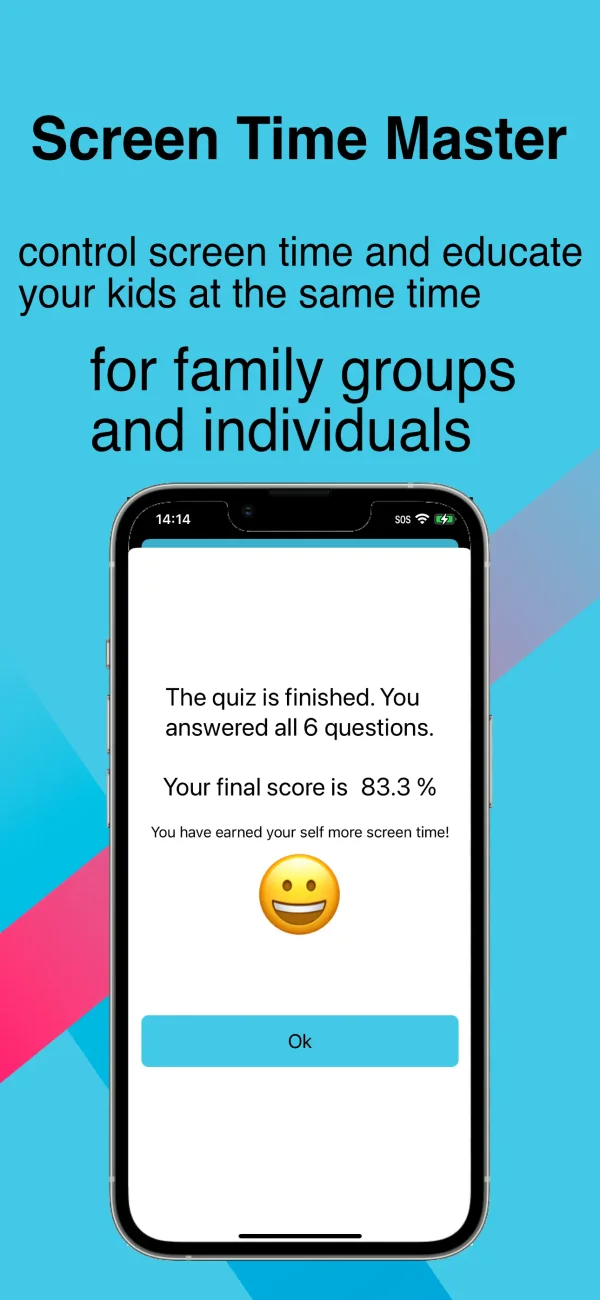
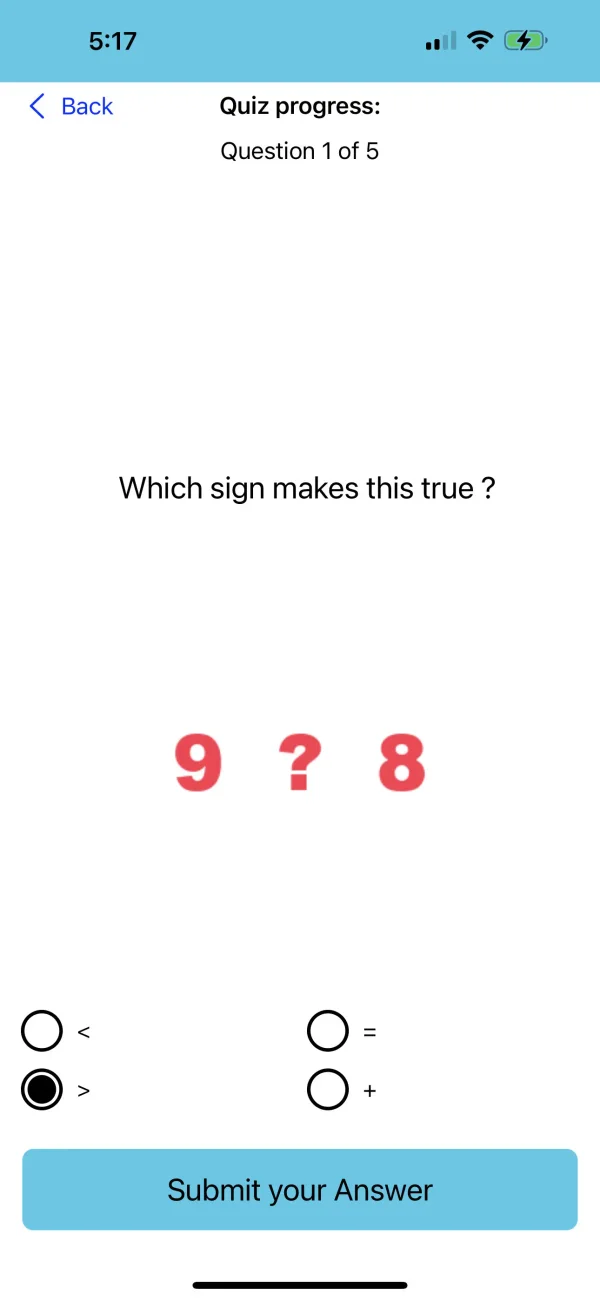
Parents never worry about your child’s screen time again. Screen Time Master is for children of all ages, it allows parents to set screen time limits, which can be automatically extended by your children, but only if they successfully pass educational quizzes which are tailored to their age and ability. Screen time just became useful. Brilliant.
80% of children have screen time habits of up to 20 hours a week, Screen Time Master creates an amazing opportunity for parents and children to engage in their child’s education and help them improve their grades.
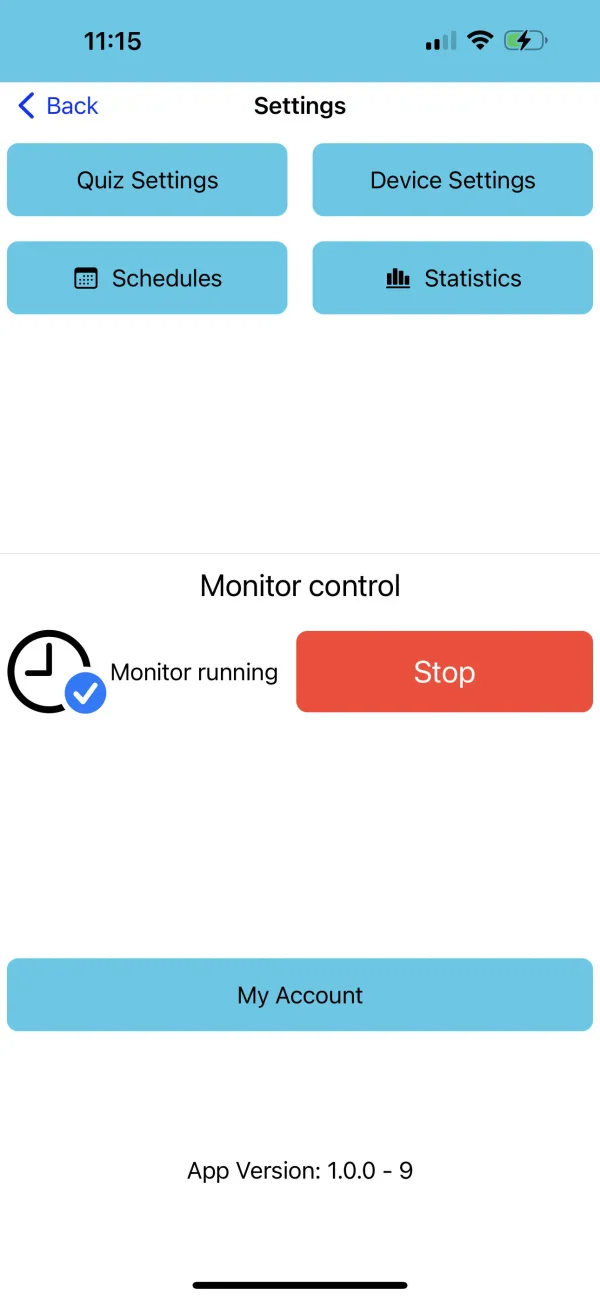
Screen Time Master is installed on both the parents and their children’s devices and allows parents to take the following positive actions:
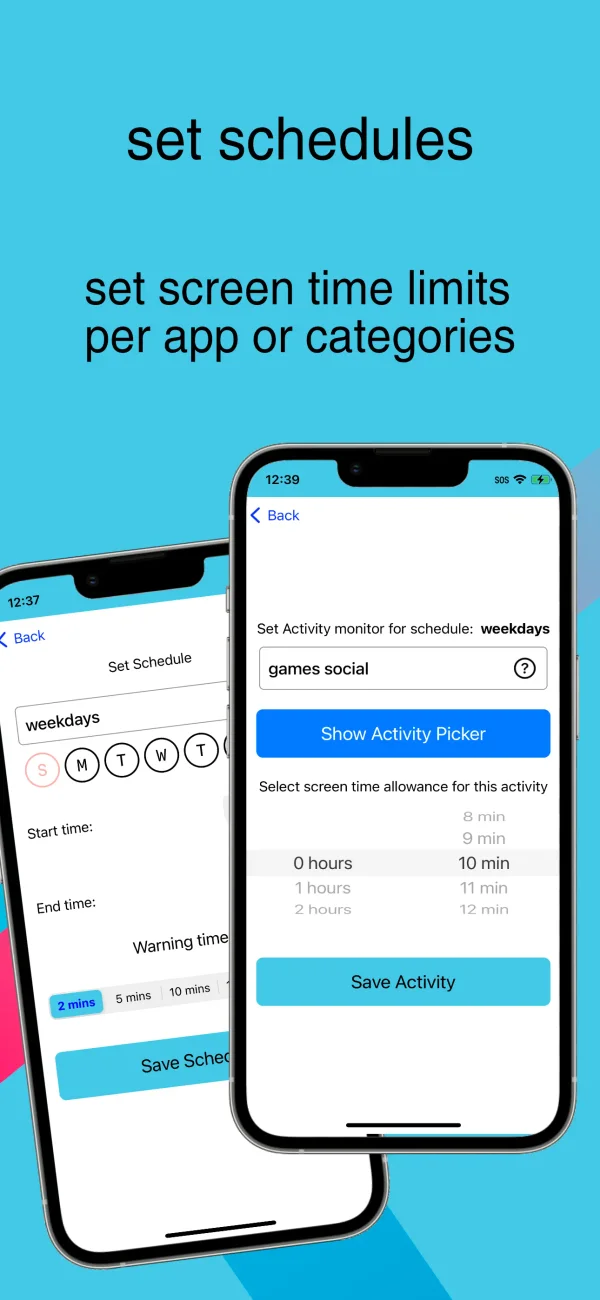
- Select the amount of screentime before the child’s phone is paused (can still make phone calls and use phone expect for blocked apps).
- Select the categories of apps that will be paused. For example social media and games could be paused but educational apps remain unpaused.
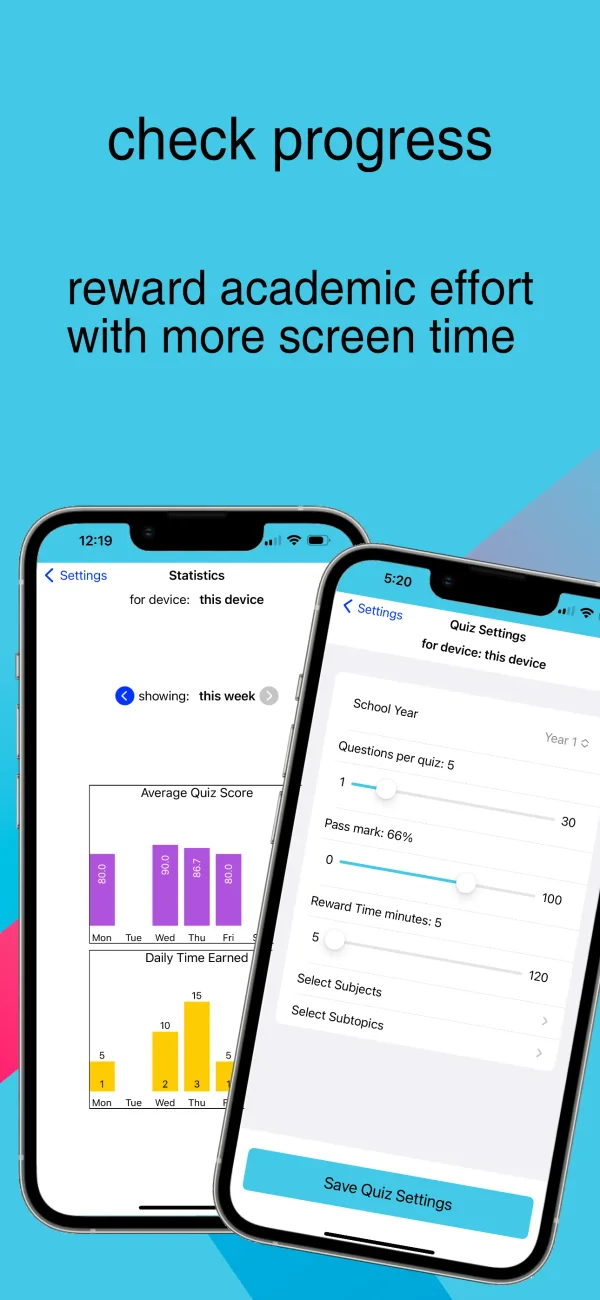
- Select quizzes that are appropriate to your child’s age and skill level.
- Select the types of quizzes, for example maths, spelling, or a combination of both.
- Select a core topic to focus on such as multiplication or spelling.
- If your child is successful in passing the quiz, select how long the screen time extension will last before screentime is blocked again.
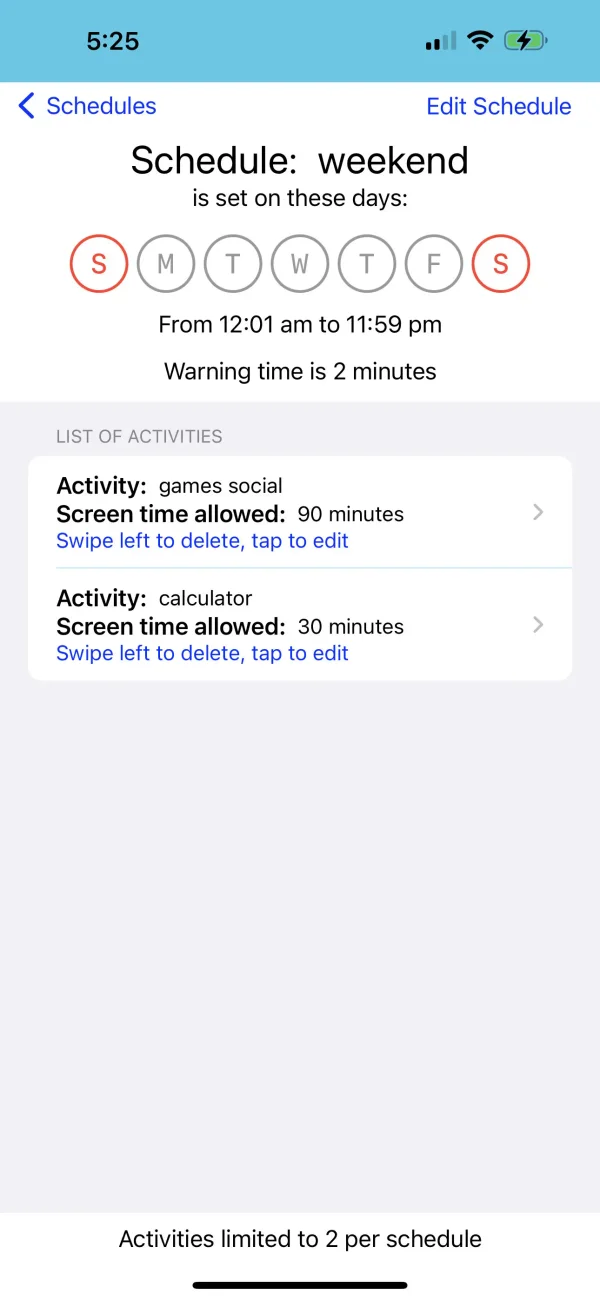
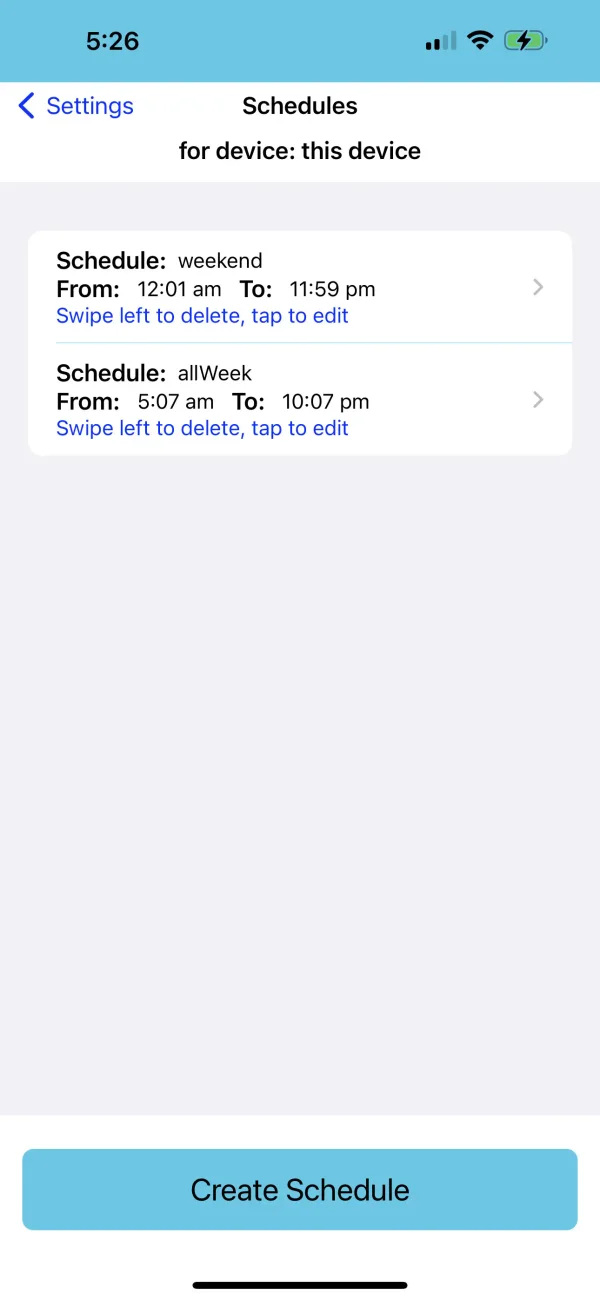
- Set up daily/weekly schedules to suit each individual child’s needs, for example you may not want to pause your child’s phone on weekends or certain hours of the day.
- Review reports of your child’s progress.
- Relax and let Screen Time Master educate your child.
Katie Parent 46 years old
I have an 11 year old son and a 17 year old daughter that both spend way too much time on their devices. The problem with other screen time controls is that my 11 year old son has to come to me to get me to extend screen time, it is not automatic so he is always hassling me to extend his screentime. I also see my son and daughter on their devices a lot each day. With Screen Time Master once the screen time limit is reached my son needs to pass a quiz and screentime is automatically extended, no need for me to get involved. With my daughter at least I know if she is using her device she is also doing revision and learning. Thank you Screen Time Master you have stopped my son hassling me and given me peace of mind my children are learning.
Developed by parents who have experienced first-hand the problem of excessive screen time and how difficult it has become for children to put down their devices and revise. Screen Time Master solves this problem for you.
Screen Time Master requires a monthly subscription, beginning with a 2 week free trial period.
- Up to 3 devices: AUD $14.99 per month
- 4 or more devices: AUD $24.99 per month
Above prices are for Australian customers, pricing in other locations/currencies are determined according to App Store policy.
The payment will be charged to your iTunes account when the purchase is confirmed.
Your subscription renews automatically every month unless auto-renew is turned off in your account settings at least 24 hours before the end of the current subscription period.
Your account will be charged for renewal within 24 hours prior to the end of the current subscription period, and identify the cost of the renewal.
Terms of use: https://www.apple.com/legal/internet-services/itunes/dev/stdeula/
Privacy Policy: https://screentimemaster.com/Home/Privacy#privacy
Có gì mới
Phiên bản 1.2.0 · 09/05/2025
Now includes setup for individuals as well as family groups.
Quyền riêng tư của ứng dụng
Những gì Screen Time Challenge Pty. Ltd. khai báo trên App Store về cách ứng dụng này xử lý dữ liệu.
-
Dữ liệu liên kết với bạn
Có thể được thu thập và liên kết với danh tính của bạn.
- Thông tin liên hệ
- Mã định danh
- Dữ liệu sử dụng
Phương thức đảm bảo quyền riêng tư có thể khác nhau, chẳng hạn như tuỳ theo các tính năng bạn sử dụng hoặc độ tuổi của bạn.
Thông tin
- Người bán
- Screen Time Challenge Pty. Ltd.
- Danh mục
- Giáo Dục
- Phiên bản
- 1.2.0
- Cập nhật
- 09/05/2025
- Phát hành
- 02/10/2023
- Kích thước
- 34,1 MB
- Yêu cầu
- iOS 16.6 trở lên
- Độ tuổi
- 4+
- Giá
- Miễn phí
- Mua hàng trong ứng dụng
- Có
- Ngôn ngữ
- Tiếng Anh, Tiếng Đức
- Bản quyền
- © 2025 Screen Time Challenge Pty Ltd
Có thể bạn cũng thích
-
 Your Spelling Grade 3/4Giáo Dục
-
 Countries of Oceania QuizGiáo Dục
-
 PE GamesGiáo Dục
-
 North American Countries QuizGiáo Dục
-
 South American Countries QuizGiáo Dục
-
 Bảng thời gianRèn luyện tri thức!
-
 Countries of Asia QuizGiáo Dục
-
 Al Quran - Read Qur'an OfflineTham Khảo
-
 Kidos - Safe SearchTìm kiếm an toàn, học
-
 German States QuizGiáo Dục