
ScreenPal Screen Recorder
Video Editor & Maker
Entwickelt für iPhone, iPad, iPod touch
Kostenlos · In-App-Käufe
- Altersfreigabe12+
- KategorieFoto und Video
- EntwicklerBig Nerd Software, LLC
- SprachenEnglisch+ 7 weitere
- Größe70,7 MB
Verlinkt auf die offizielle App Store-Seite
Download.org hostet keine Datei von ScreenPal Screen Recorder. Die Schaltfläche öffnet die App-Seite bei App Store, wo Big Nerd Software, LLC die App veröffentlicht. Eintrag zuletzt geprüft am 27.11.2026.
Screenshots
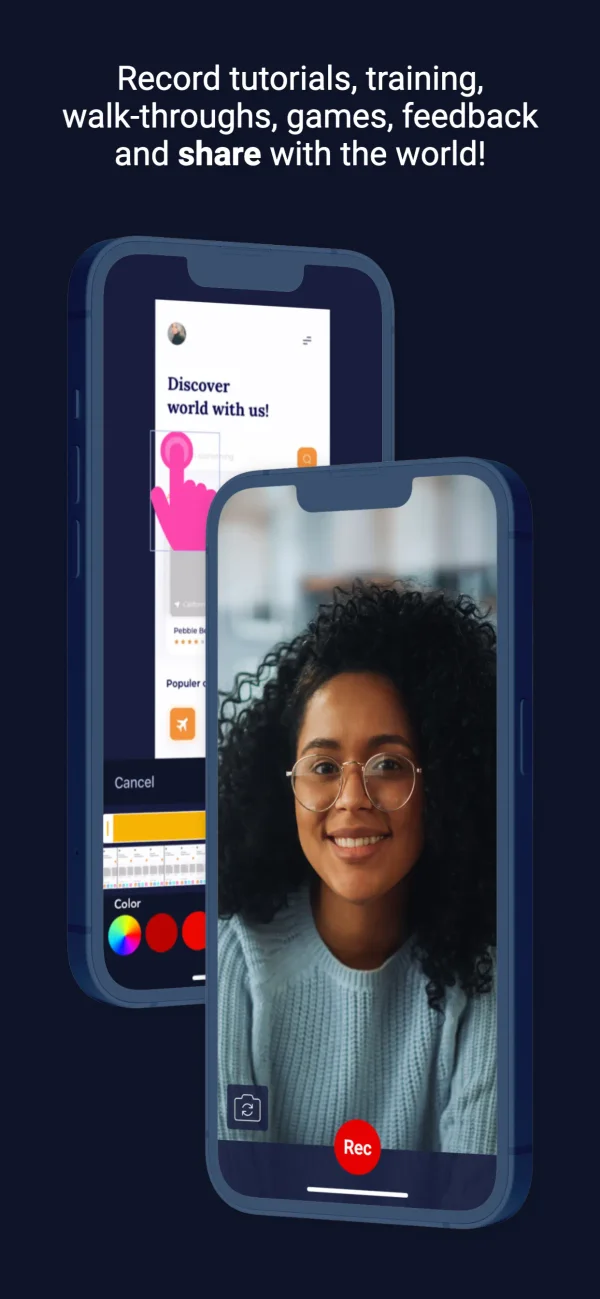
Info
Der Entwickler hat diesen Text nicht in Ihrer Sprache bereitgestellt.
Recommended by PC Magazine: “ScreenPal is an excellent, free screen-capture utility that boasts a subscription option that offers even more powerful features.”
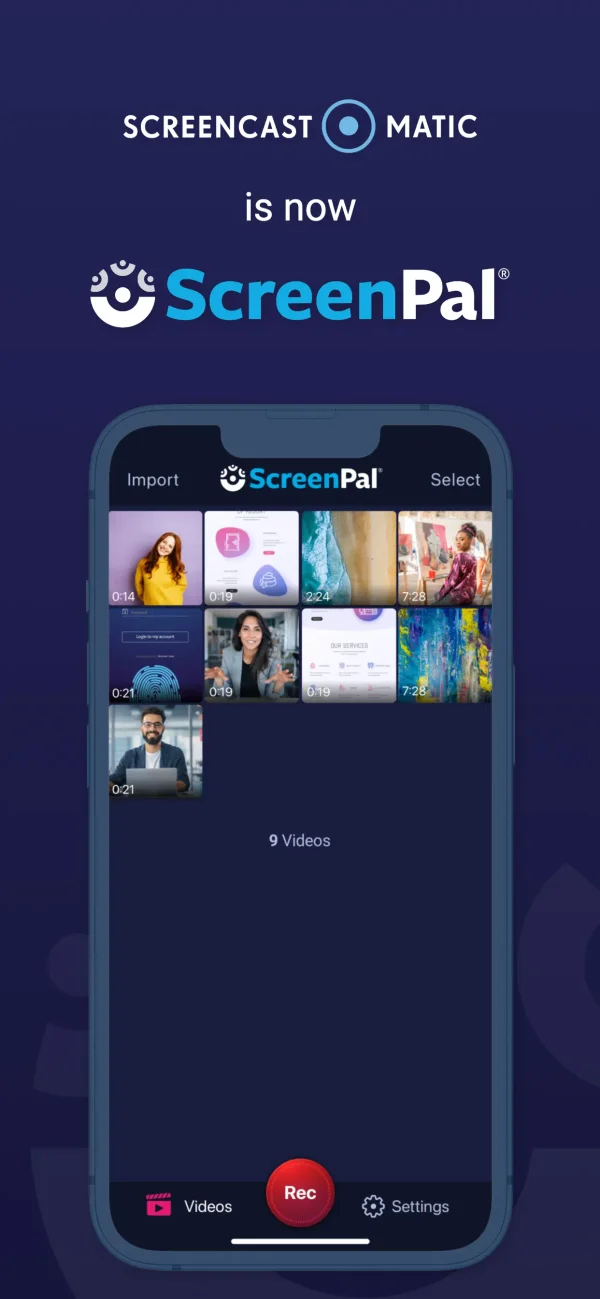
ScreenPal for iOS
Free screen recorder with face cam and audio + video editor – unlimited recording time, ad-free and no watermarks! Have a paid plan? One plan unlocks editing and sharing on all of your devices!
ScreenPal (formerly Screencast-O-Matic), the original and #1 ranked desktop screen recorder, facecam recorder and video editor, is also available on your iPhone and iPad. Our free, easy-to-use mobile app allows you to capture your screen and create high-quality videos quickly. The powerful, intuitive video editor gives you all the tools you need to personalize your videos.
Key features:
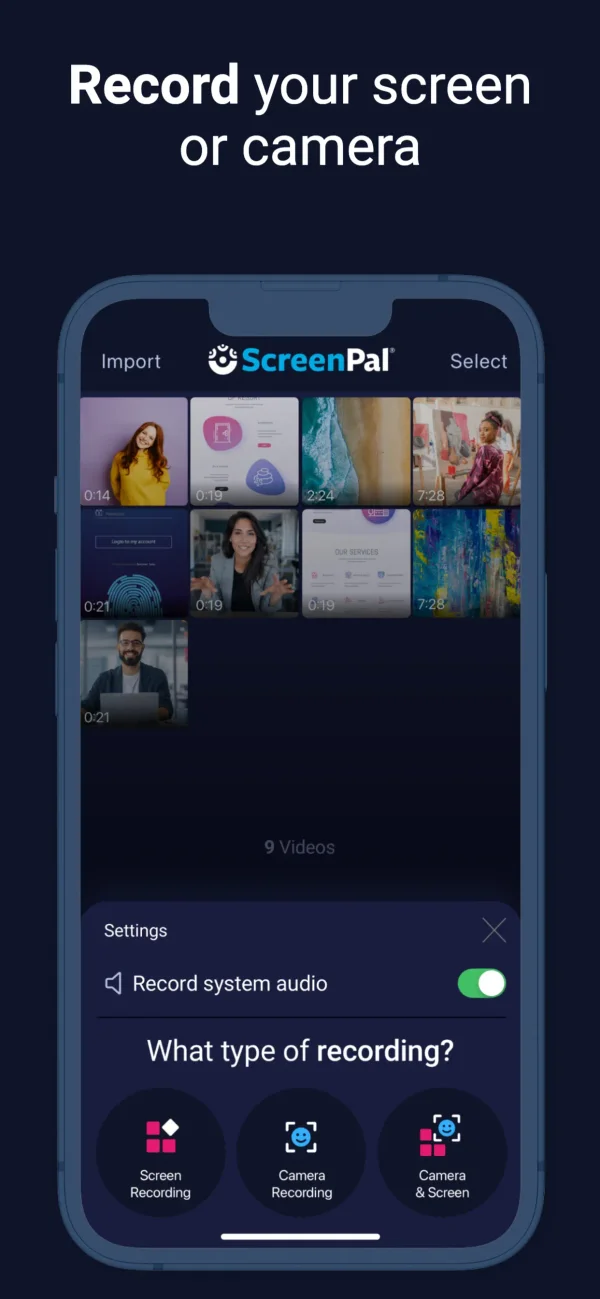
• Record your screen, camera, microphone, and internal audio.
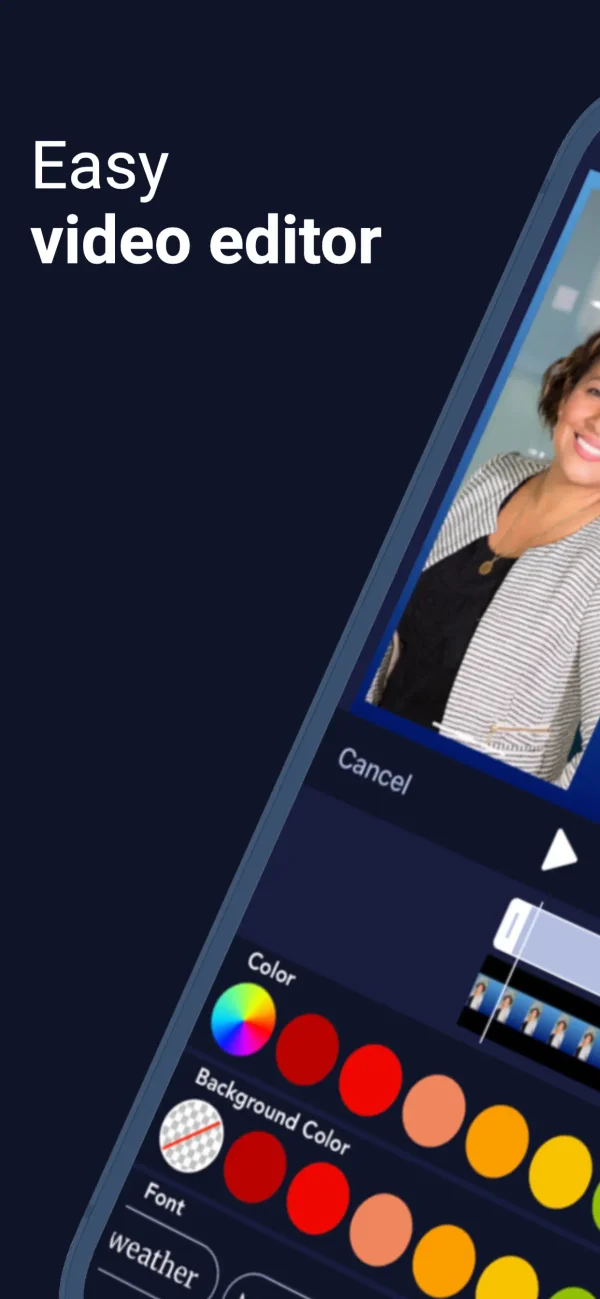
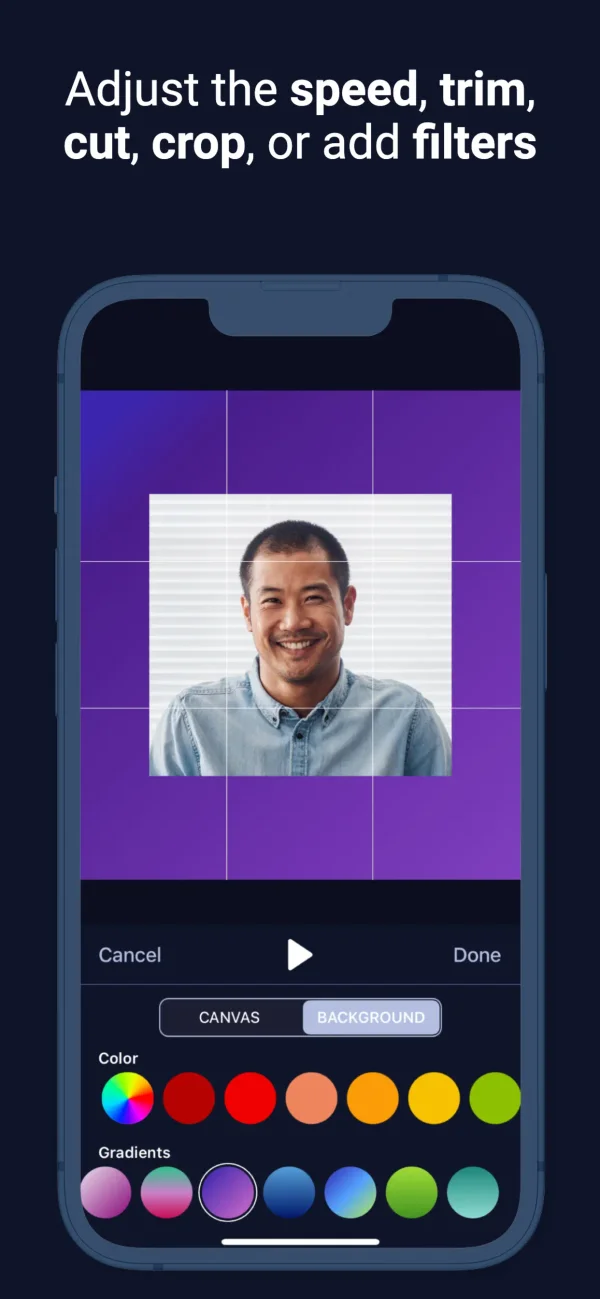
• Crop, trim or adjust the speed of your video.
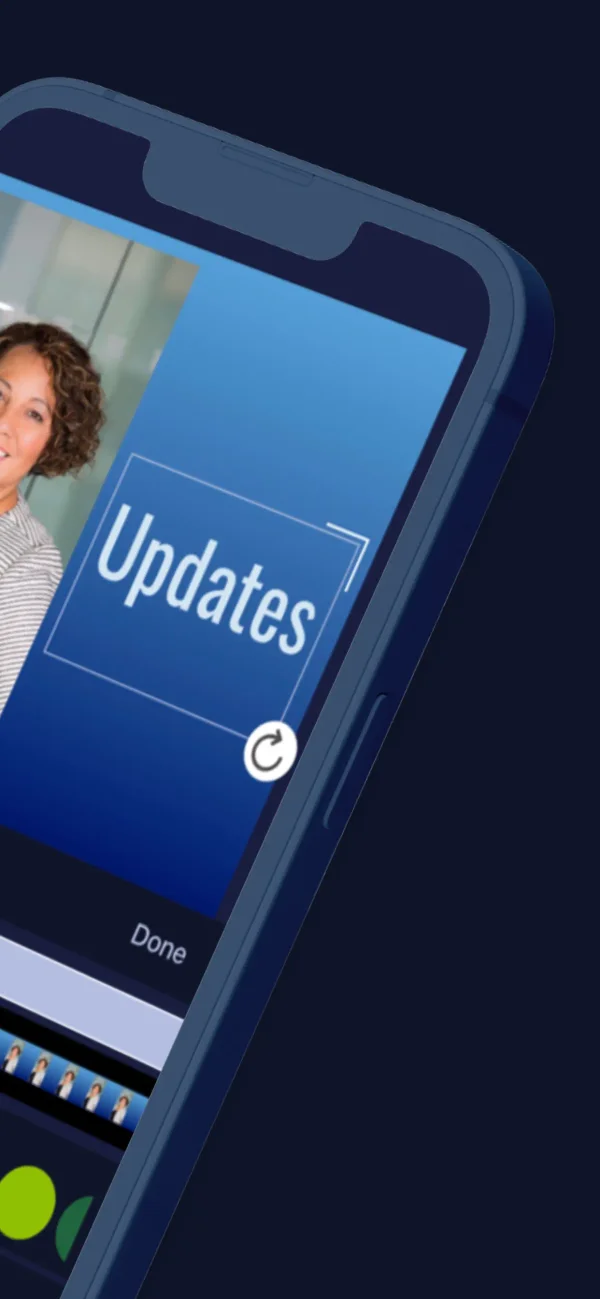
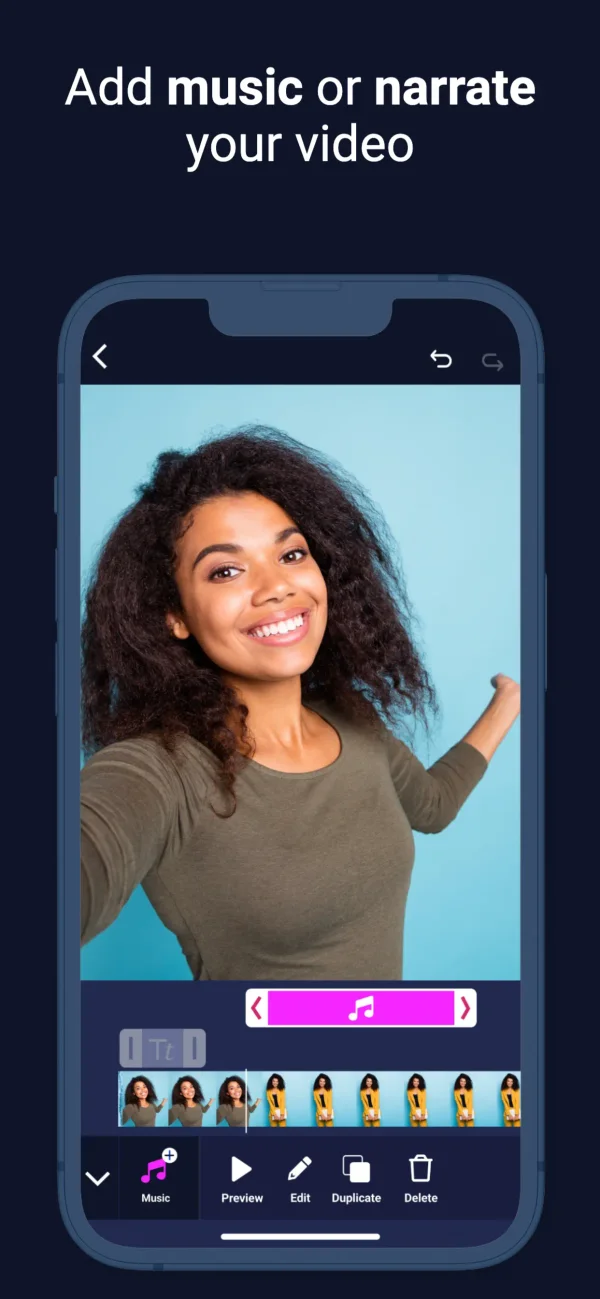
• Enhance your videos with rich text, filters, effects, and music.
• Add image, shape and sticker overlays.
• Use the blur tool to hide sensitive information.
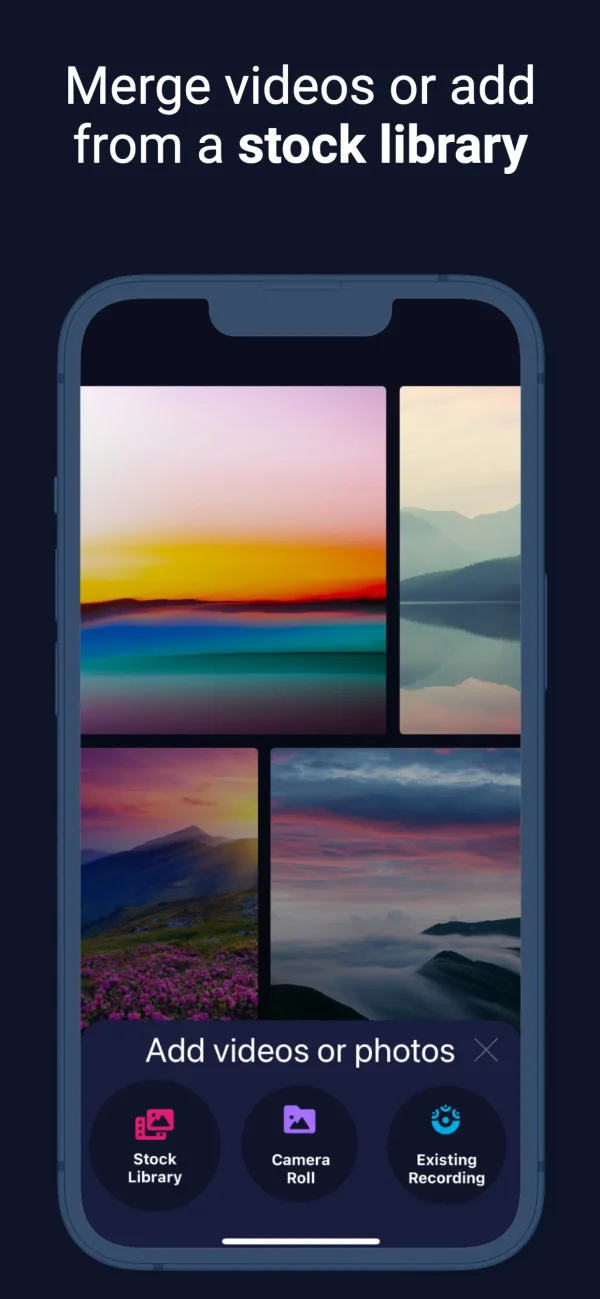
• Import existing clips to edit, combine and more.
• Explore a stock library with over 15 million pieces of content.
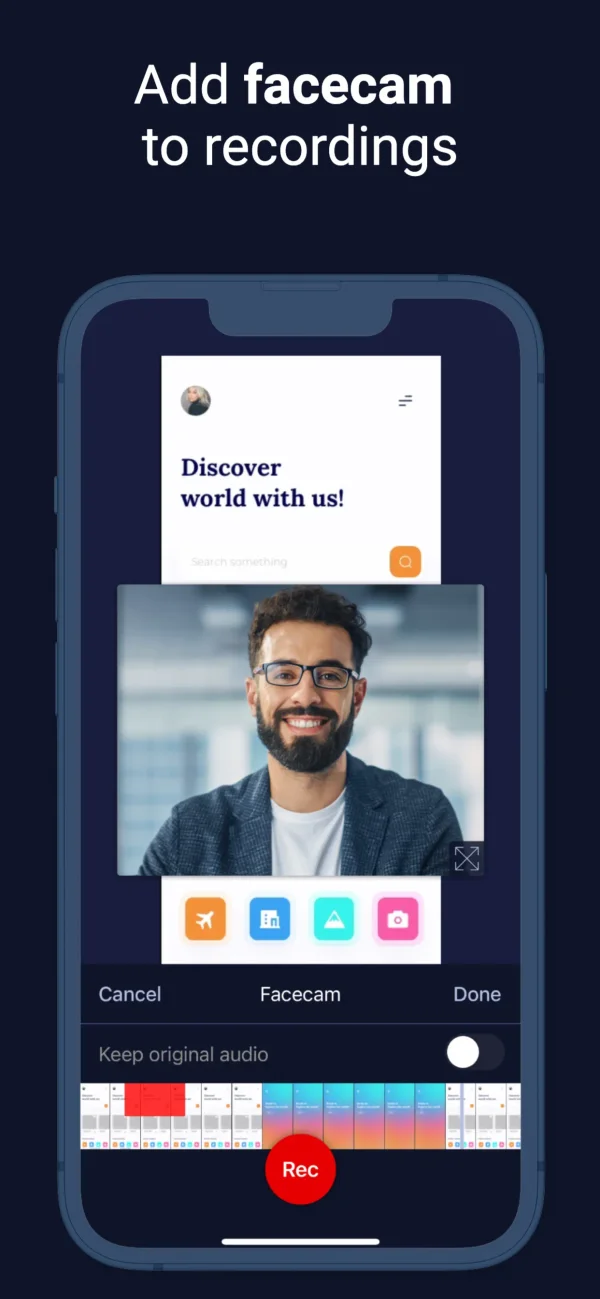
• Insert video reactions with audio narrations and facecam.
• Videos saved on your camera roll – share when and where you want!
• Upload to ScreenPal to get a share link, add comments, and more.
• Easily connect with our intuitive desktop video editor to work across devices.
Perfect for recording:
• App demos
• Lessons
• Tutorials
• Reviews
• Training
• Video react and more.
Trusted:
ScreenPal has been trusted by millions of users in our global community. Used by Fortune 100 companies school districts, and 98 of the top 100 universities in the US. 100,000,000+ videos captured (and counting) since 2006.
Easily share or connect with our intuitive desktop video editor to work across devices. Start making amazing videos today!
Terms of Service: https://screenpal.com/tos
Neue Funktionen
Version 3.0.13 · 09.07.2026
Accessibility Improvements
App-Datenschutz
Was Big Nerd Software, LLC im App Store zum Umgang dieser App mit Daten angibt.
-
Mit Ihnen verknüpfte Daten
Können erfasst und mit Ihrer Identität verknüpft werden.
- Kontaktinformationen
- Benutzerinhalte
- Kennungen
- Nutzungsdaten
-
Nicht mit Ihnen verknüpfte Daten
Können erfasst werden, sind aber nicht mit Ihrer Identität verknüpft.
- Diagnose
Die Datenschutzpraktiken können variieren, zum Beispiel je nach den von Ihnen verwendeten Funktionen oder Ihrem Alter.
Informationen
- Anbieter
- Big Nerd Software, LLC
- Kategorie
- Foto und Video
- Version
- 3.0.13
- Aktualisiert
- 09.07.2026
- Veröffentlicht
- 23.06.2019
- Größe
- 70,7 MB
- Erfordert
- iOS 12.0 oder neuer
- Altersfreigabe
- 12+
- Preis
- Kostenlos
- In-App-Käufe
- Ja
- Sprachen
- Englisch, Französisch, Deutsch, Italienisch, Japanisch, Portugiesisch, Vereinf. Chinesisch, Spanisch
- Copyright
- © 2025 ScreenPal
Das könnte Ihnen auch gefallen
-
 Screen Rekorder: Create & EditRecord Game Play and Tutorials
-
 Screen Recorder & Record VideoFoto und Video
-
 Screen Recorder ™ Record ShotFoto und Video
-
 Screen Recorder.Bildschirm Aufnahme Pro
-
 WeVideo - Video Editor & MakerFoto und Video
-
 Bildschirmrekorder mit AudioLive recording + video & sound
-
 Bildschirmaufnahme: Record nowBildschirm recorder, Facecam
-
 Record In - BildschirmrekorderVID bearbeiten, Gesichtskamera
-
 Bildschirmaufnahme mit KameraFacecam, Reaktionen & Gameplay
-
 Greenscreen Live VideoaufnahmeChroma Key Hintergrund ändern